





What is this?
 PM2 is a production process manager for Node.js and Bun applications that keeps them running forever, reloads them without downtime, and includes a built-in load balancer.
PM2 is a production process manager for Node.js and Bun applications that keeps them running forever, reloads them without downtime, and includes a built-in load balancer.Is this a library I import, or a standalone CLI tool?It's a standalone CLI tool you run alongside your app, not a library you import into code. You install it globally and use commands like pm2 start to manage your processes.
It's a standalone CLI tool you run alongside your app, not a library you import into code. You install it globally and use commands like pm2 start to manage your processes.How do I get an app running under PM2?Install it with npm, then run pm2 start on your app's entry file (Node.js, Bun, Python, Ruby, or any binary in $PATH); it immediately daemonizes and keeps the app alive.
Install it with npm, then run pm2 start on your app's entry file (Node.js, Bun, Python, Ruby, or any binary in $PATH); it immediately daemonizes and keeps the app alive.Do I need Node.js or can I run it with just Bun?PM2 requires Node.js 18+ or Bun 1+; if you only have Bun installed, you need to symlink node to bun so PM2's node shebang resolves correctly.
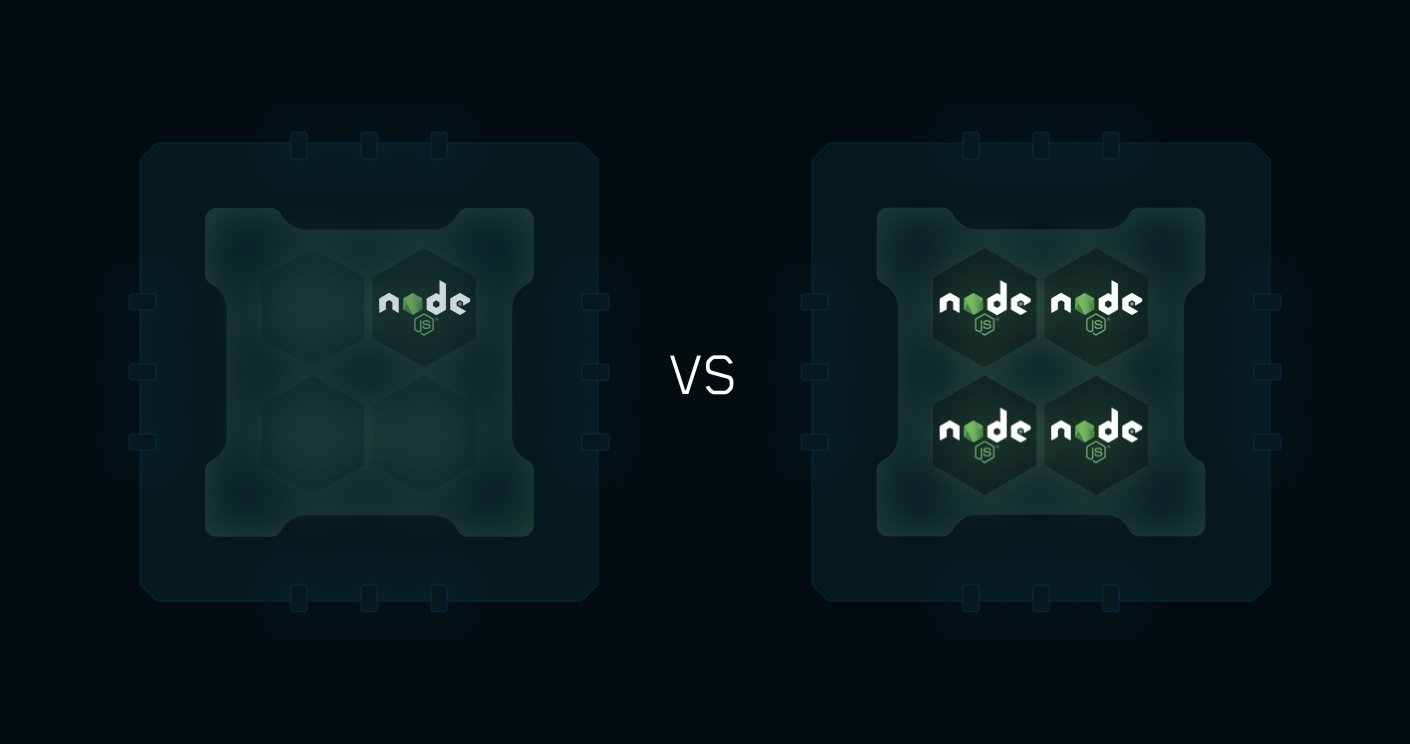
PM2 requires Node.js 18+ or Bun 1+; if you only have Bun installed, you need to symlink node to bun so PM2's node shebang resolves correctly.Does cluster mode work for any kind of app?Cluster mode is specifically for Node.js apps and load-balances HTTP/TCP/UDP across multiple processes using all CPUs; apps in other languages run as regular single-process managed apps instead.
Cluster mode is specifically for Node.js apps and load-balances HTTP/TCP/UDP across multiple processes using all CPUs; apps in other languages run as regular single-process managed apps instead.Which operating systems does it run on?PM2 works on Linux, macOS, and Windows.
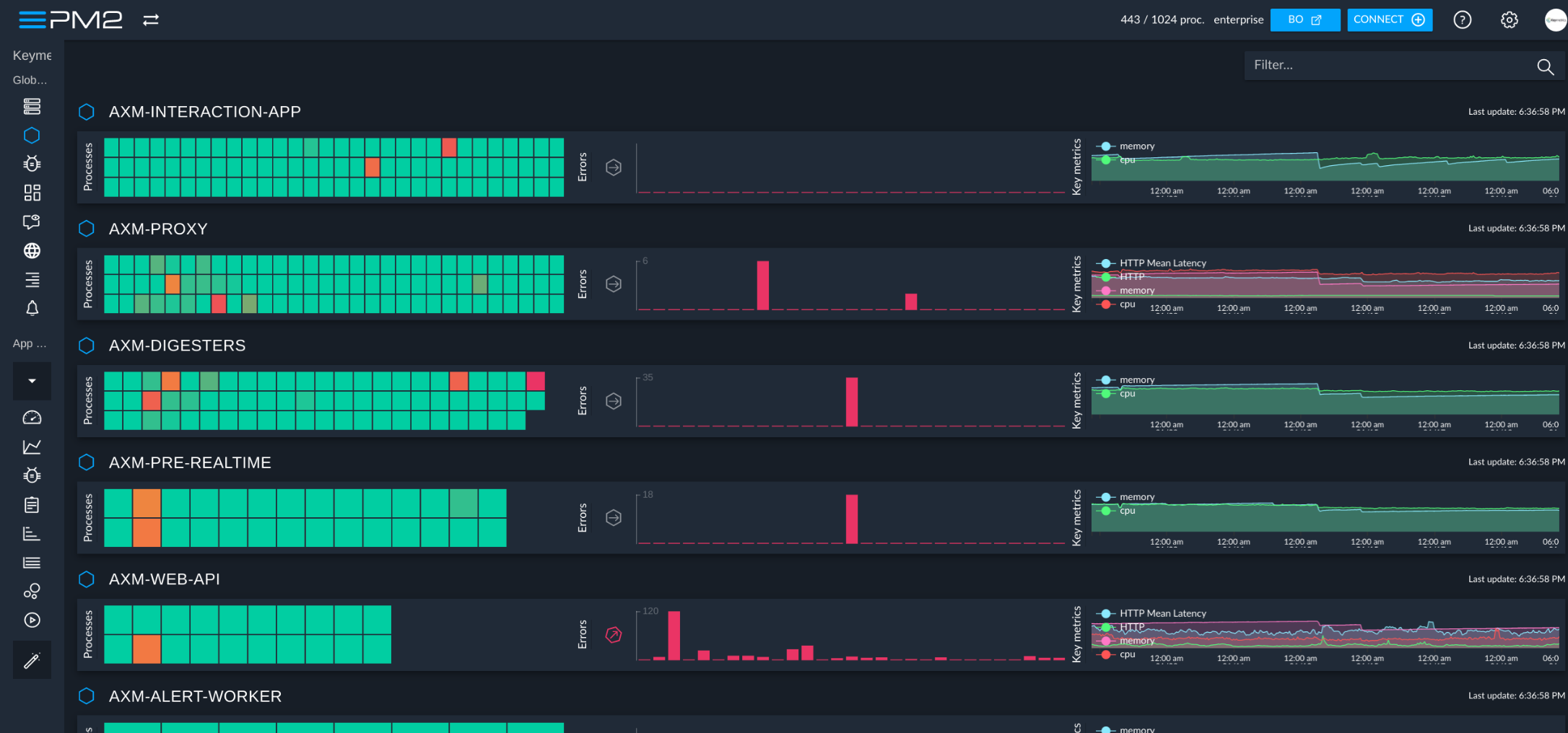
PM2 works on Linux, macOS, and Windows.What is the PM2+ hosted dashboard, and is it optional?PM2+ is a separate hosted monitoring and management dashboard for apps run with PM2 across servers; it's an optional add-on, not required to use PM2 itself.
PM2+ is a separate hosted monitoring and management dashboard for apps run with PM2 across servers; it's an optional add-on, not required to use PM2 itself.Can PM2 restart my apps automatically after a server reboot?Yes, it can generate a Startup Script for systemd, upstart, systemv, openrc, launchd, and other init systems so PM2 and your processes relaunch on every server restart.
Yes, it can generate a Startup Script for systemd, upstart, systemv, openrc, launchd, and other init systems so PM2 and your processes relaunch on every server restart.How do I monitor logs and CPU/memory from the terminal?PM2 includes a built-in terminal-based monitoring view and log commands that support standard, raw, JSON, and formatted log output.
PM2 includes a built-in terminal-based monitoring view and log commands that support standard, raw, JSON, and formatted log output.Can PM2 be used inside Docker containers?Yes, PM2 provides a drop-in replacement command for node called pm2-runtime designed to run Node.js apps in a hardened container production environment.
Yes, PM2 provides a drop-in replacement command for node called pm2-runtime designed to run Node.js apps in a hardened container production environment.What does zero-downtime reload mean in PM2?In cluster mode, PM2 can hot-reload an updated app by restarting its worker processes one at a time, so the app keeps serving requests without any downtime.
In cluster mode, PM2 can hot-reload an updated app by restarting its worker processes one at a time, so the app keeps serving requests without any downtime.Which topics is it in?process-manager, production, deploy, load-balancer, node, sysadmin, agpl, monitoring, command-line, devops, command-line-tool, terminal
process-manager, production, deploy, load-balancer, node, sysadmin, agpl, monitoring, command-line, devops, command-line-tool, terminal