





Что это такое?
 BlockNote — это редактор с блочной структурой и форматированием текста для React с открытым исходным кодом, похожий по работе на Notion. В его основе лежат ProseMirror и Tiptap. Вы встраиваете его в своё приложение.
BlockNote — это редактор с блочной структурой и форматированием текста для React с открытым исходным кодом, похожий по работе на Notion. В его основе лежат ProseMirror и Tiptap. Вы встраиваете его в своё приложение.Это отдельное приложение вроде Notion или то, что я добавляю в свой код?Это библиотека, а не готовый сервис: вы устанавливаете @blocknote/react из npm и встраиваете компонент редактора в своё React-приложение. Интерфейс уже полностью оформлен, поэтому всё выглядит аккуратно без лишних усилий.
Это библиотека, а не готовый сервис: вы устанавливаете @blocknote/react из npm и встраиваете компонент редактора в своё React-приложение. Интерфейс уже полностью оформлен, поэтому всё выглядит аккуратно без лишних усилий.Как попробовать и потом добавить в свой проект?Начните с живого демо на главной странице или посмотрите примеры. Когда будете готовы, добавьте npm-пакет @blocknote/react и подключите компонент редактора в своём React-приложении.
Начните с живого демо на главной странице или посмотрите примеры. Когда будете готовы, добавьте npm-пакет @blocknote/react и подключите компонент редактора в своём React-приложении.Нужно ли разбираться в редакторских движках, на которых он построен?BlockNote построен напрямую на ProseMirror и Tiptap, а совместное редактирование в реальном времени работает на Yjs — но всё это поставляется в составе пакета, так что подключать их вручную не придётся.
BlockNote построен напрямую на ProseMirror и Tiptap, а совместное редактирование в реальном времени работает на Yjs — но всё это поставляется в составе пакета, так что подключать их вручную не придётся.Можно ли использовать в коммерческом продукте с закрытым кодом?Да, для большей части проекта: основная часть BlockNote распространяется по лицензии MPL-2.0, которая разрешает коммерческое использование и закрытый код, но с ожиданием, что изменения в исходных файлах самого BlockNote будут опубликованы. Пакеты XL — под GPL-3.0: если вы не можете соблюдать её условия, потребуется коммерческая лицензия.
Да, для большей части проекта: основная часть BlockNote распространяется по лицензии MPL-2.0, которая разрешает коммерческое использование и закрытый код, но с ожиданием, что изменения в исходных файлах самого BlockNote будут опубликованы. Пакеты XL — под GPL-3.0: если вы не можете соблюдать её условия, потребуется коммерческая лицензия.Что редактор умеет сразу после установки?Из коробки есть меню по слэшу (/) для вставки блоков, меню форматирования, перетаскивание блоков, вложенность и отступы через Tab и Shift+Tab, полезные подсказки-заглушки и анимации.
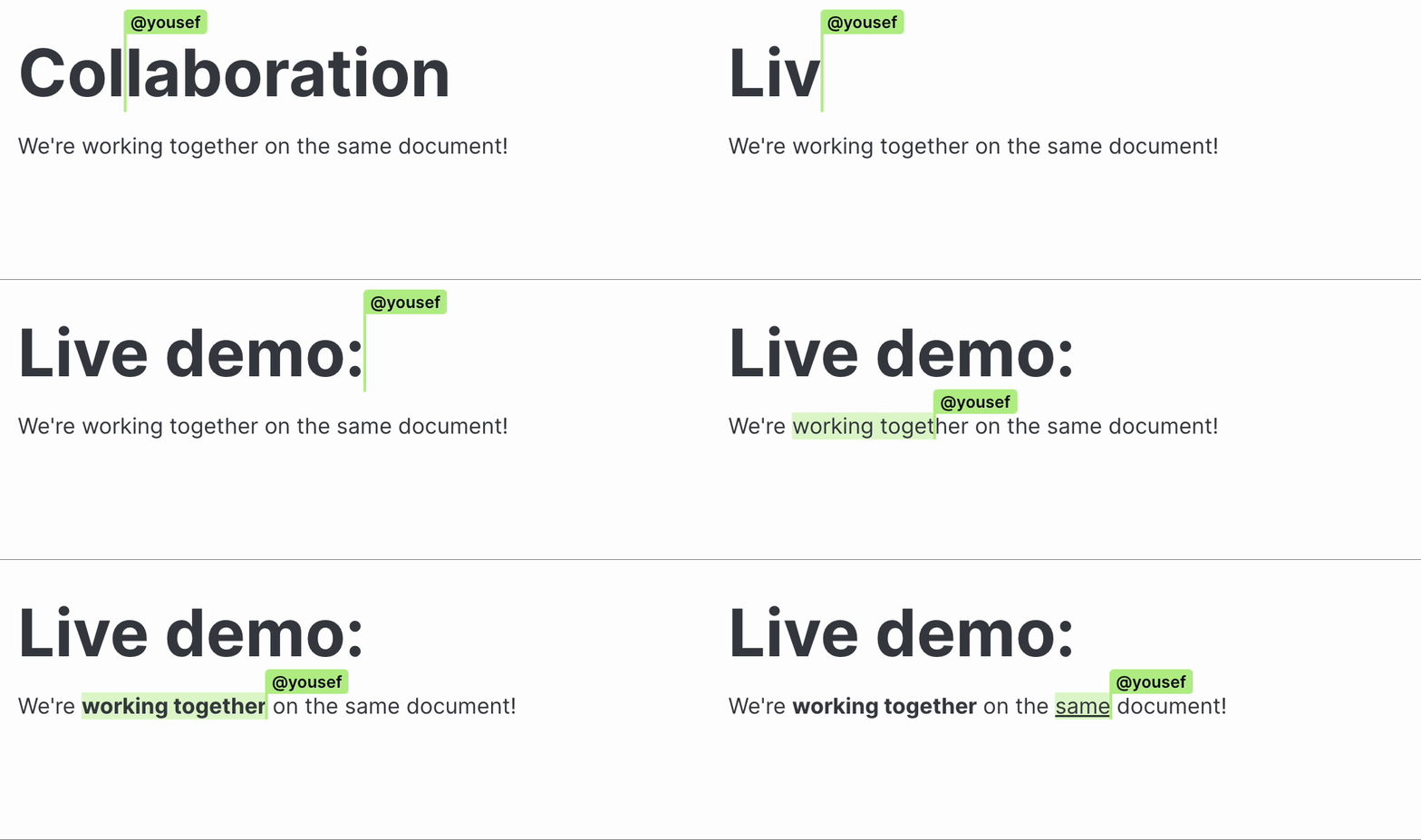
Из коробки есть меню по слэшу (/) для вставки блоков, меню форматирования, перетаскивание блоков, вложенность и отступы через Tab и Shift+Tab, полезные подсказки-заглушки и анимации.Поддерживается ли совместная работа в реальном времени?Да — совместное редактирование в реальном времени встроено с самого начала, под капотом используется Yjs.
Да — совместное редактирование в реальном времени встроено с самого начала, под капотом используется Yjs.Which topics is it in?notion, rich-text-editor, wysiwyg, drag-and-drop, text-editor, collaboration, editor, component-library, real-time, ui-components, ui, gplv3
notion, rich-text-editor, wysiwyg, drag-and-drop, text-editor, collaboration, editor, component-library, real-time, ui-components, ui, gplv3