ToolJet is an open-source platform for building internal tools: admin panels, dashboards, and operational apps that run on your existing databases, APIs, and SaaS systems.
Build them by prompting. ToolJet AI turns a description into pages, queries, and components, and the coding agent you already use can do the same through ToolJet's MCP server. Agents build against ToolJet's real component and data contracts rather than emitting free-form code, so what you get is an actual ToolJet app: one your team keeps editing in the visual builder, under the same permissions, environments, and version history as everything else.
Self-host it, or use ToolJet Cloud.
:star: If you find ToolJet useful, please consider giving us a star on GitHub! Your support helps us continue to innovate and deliver exciting features.











Build with your coding agent
ToolJet ships a Model Context Protocol server, so the coding agent you already use can build ToolJet apps directly: generating pages, queries, and components from a prompt, and modifying existing apps in place.
Works with Claude Code, Codex, and Grok Build as plugins that bundle ToolJet's app-builder skill, and with Cursor or any other MCP-compatible client over the MCP server alone. Agents build against ToolJet's governed first-party contracts, so they work from the platform's real schemas instead of guessing at them, and operations run on your own model subscription rather than drawing down ToolJet AI credits.
ToolJet MCP is currently in beta. See the ToolJet MCP guide to set it up.
Quickstart
The easiest way to get started with ToolJet is by creating a ToolJet Cloud account. ToolJet Cloud offers a hosted solution of ToolJet. If you want to self-host ToolJet, kindly proceed to deployment documentation.
Try using Docker
Want to give ToolJet a quick spin on your local machine? You can run the following command from your terminal to have ToolJet up and running right away.
docker run \
  --name tooljet \
  --restart unless-stopped \
  -p 80:80 \
  --platform linux/amd64 \
  -v tooljet_data:/var/lib/postgresql/13/main \
  tooljet/try:ee-lts-latest
For users upgrading their ToolJet version, we recommend choosing the LTS version over the latest version. The LTS version ensures stability with production bug fixes, security patches, and performance enhancements.
Features
- Visual App Builder: 80+ responsive components (Tables, Charts, Forms, Lists, Progress Bars, and more).
- ToolJet Database: Built-in no-code database.
- Multi-page Apps & Multiplayer Editing: Build complex apps collaboratively.
- 90+ Data Sources: Connect to databases, APIs, cloud storage, and SaaS tools.
- Flexible Deployment: Self-host with Docker, Kubernetes, AWS, GCP, Azure, and more.
- Collaboration Tools: Inline comments, mentions, and granular access control.
- Extensibility: Create plugins and connectors with the ToolJet CLI.
- Code Anywhere: Run JavaScript and Python inside your apps.
- Secure by Design: AES-256-GCM encryption, proxy-only data flow, SSO support.
Everything in CE, plus:
- AI App Generation: Create apps instantly from natural language prompts.
- AI Query Builder: Generate and transform queries with AI assistance.
- AI Debugging: Identify and fix issues with one click.
- Agent Builder: Create intelligent agents to automate workflows and orchestrate processes.
- Workflows: Automate multi-step processes with branching logic, on a schedule or triggered by webhook.
- Modules: Build reusable units of UI and logic once, then use them across multiple apps.
- Enterprise-grade Security & Compliance: SOC 2 and GDPR readiness, audit logs, and advanced access control.
- User Management: Role-based access (RBAC), custom groups, SCIM provisioning, and granular app/data permissions.
- Multi-environment Management: Seamless dev/stage/prod environments.
- GitSync & CI/CD: Integrate with GitHub/GitLab for version control, app version history, and streamlined deployments.
- Branding & Customization: White-labeling, custom domains, and custom theming for organizational branding.
- Fine-Grained Access Control: Secure data and actions at the row, component, page, and query levels.
- Embedded Apps: Embed ToolJet apps securely within other applications or portals.
- Enterprise Support: SLAs, priority bug fixes, and onboarding assistance.
Tutorials and examples
Time Tracker Application
Build your own CMS using low-code
AWS S3 Browser
Documentation
Documentation is available at https://docs.tooljet.com.
Self-hosted
You can use ToolJet Cloud for a fully managed solution. If you want to self-host ToolJet, we have guides on deploying ToolJet on Kubernetes, AWS EC2, Docker, and more.
| Provider |
Documentation |
| Digital Ocean |
Link |
| Docker |
Link |
| AWS EC2 |
Link |
| AWS ECS |
Link |
| OpenShift |
Link |
| Helm |
Link |
| AWS EKS (Kubernetes) |
Link |
| GCP GKE (Kubernetes) |
Link |
| Azure AKS (Kubernetes) |
Link |
| Azure Container |
Link |
| Google Cloud Run |
Link |
| Deploying ToolJet client |
Link |
| Deploying ToolJet on a Subpath |
Link |
Marketplace
ToolJet can now be found on both AWS and Azure Marketplaces, making it simpler than ever to access and deploy our app-building platform.
Find ToolJet on AWS Marketplace here and explore seamless integration on Azure Marketplace here.
For general help using ToolJet, please refer to the official documentation. For additional help, you can use one of these channels to ask a question:
- Slack - Discussions with the community and the team.
- GitHub - For bug reports and feature requests.
- 𝕏 (Twitter) - Get the product updates quickly.
Roadmap
Check out our roadmap to stay updated on recently released features and learn about what's coming next.
Branching model
We use the git-flow branching model. The base branch is develop. If you are looking for a stable version, please use the main branch or tags labeled as v1.x.x.
Contributing
Kindly read our Contributing Guide to familiarize yourself with ToolJet's development process, how to suggest bug fixes and improvements, and the steps for building and testing your changes.
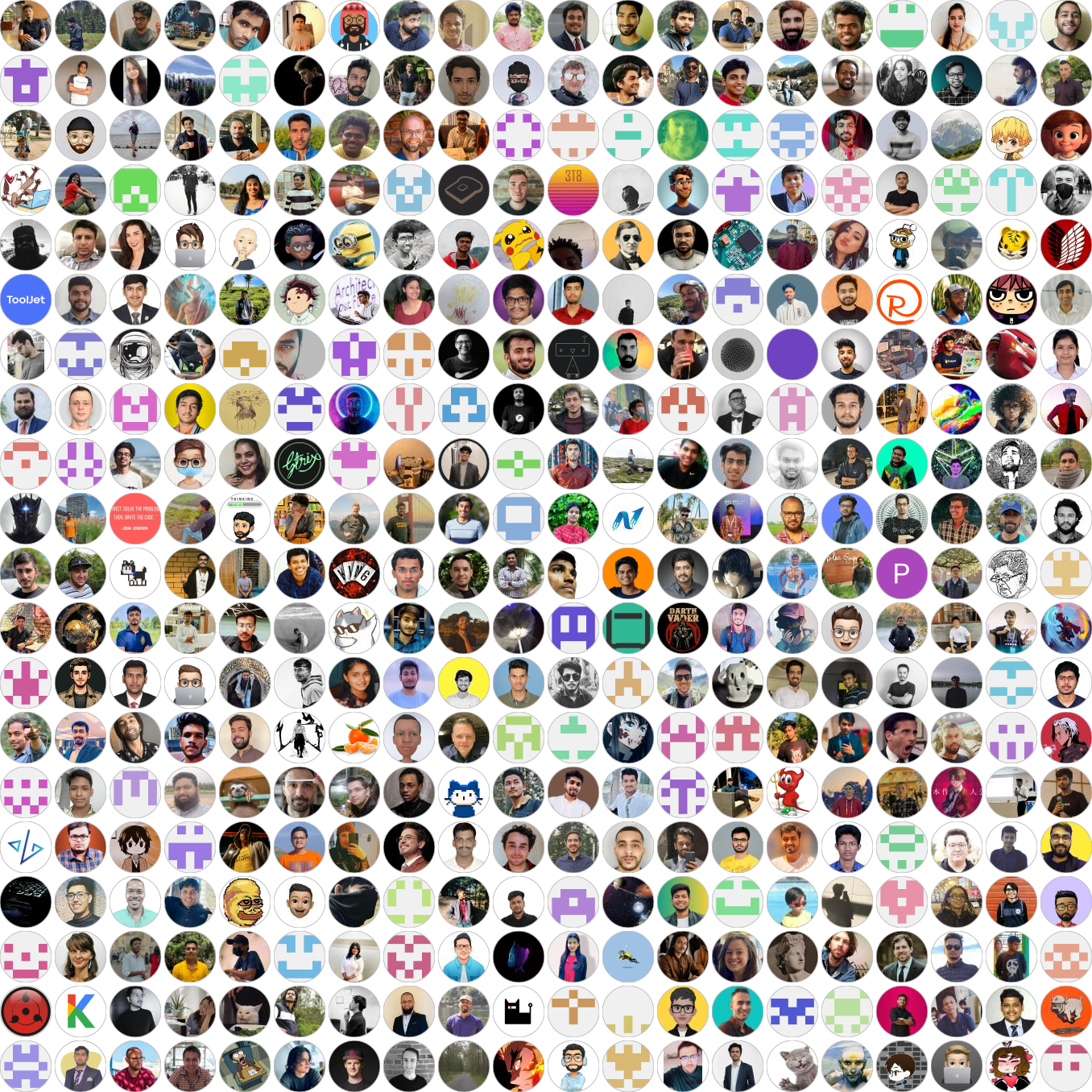
Contributors

License
ToolJet © 2023, ToolJet Solutions Inc - Released under the GNU Affero General Public License v3.0.

 ToolJet 是一个开源平台,可在你现有的数据库、API 和 SaaS 系统之上,搭建内部工具、管理后台、仪表盘和业务应用。你可以通过可视化方式搭建应用,也可以用文字提示生成,或通过其 MCP 服务器,借助编程智能体(Claude Code、Codex、Cursor)来搭建。