





这是什么?
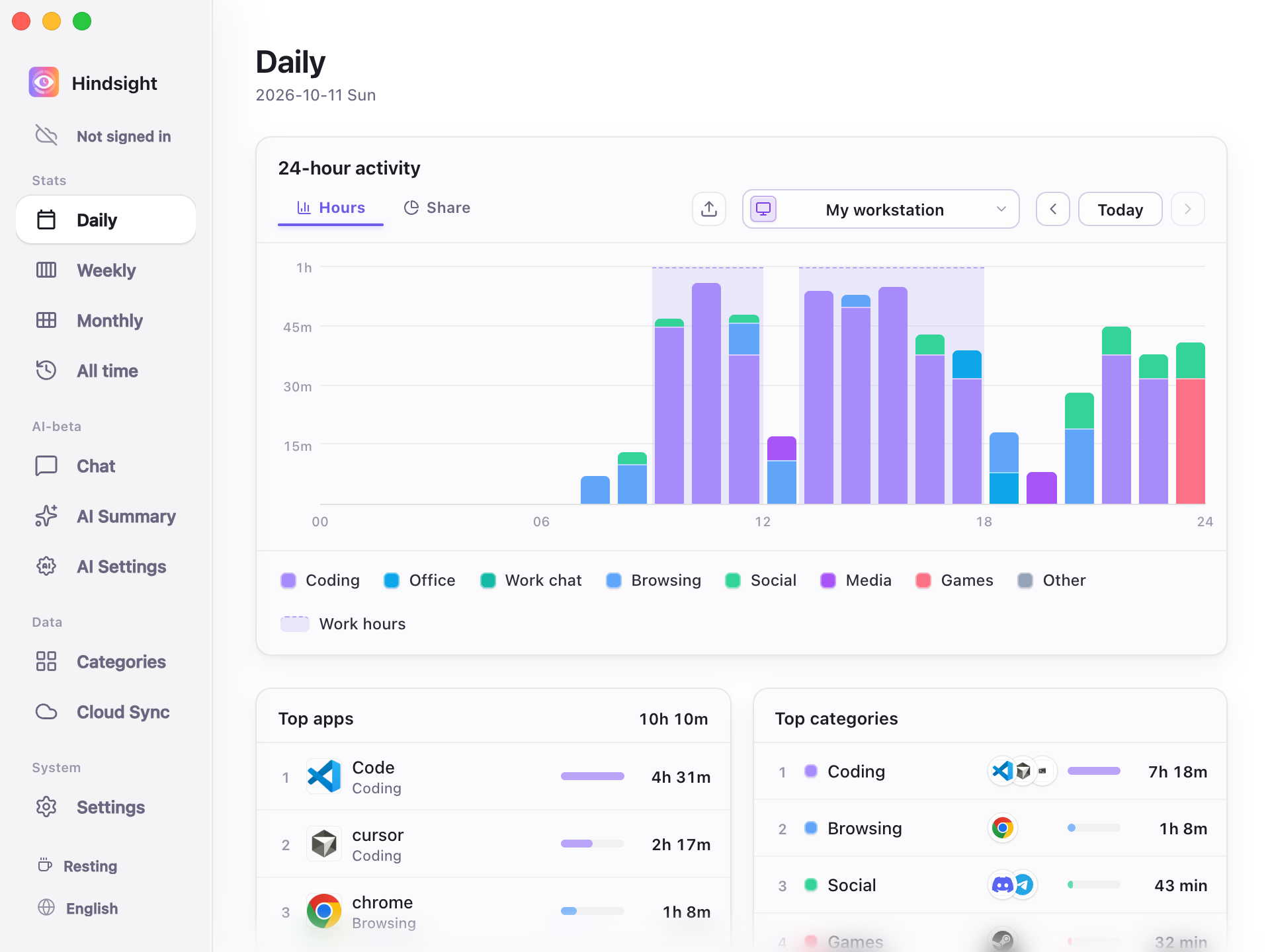
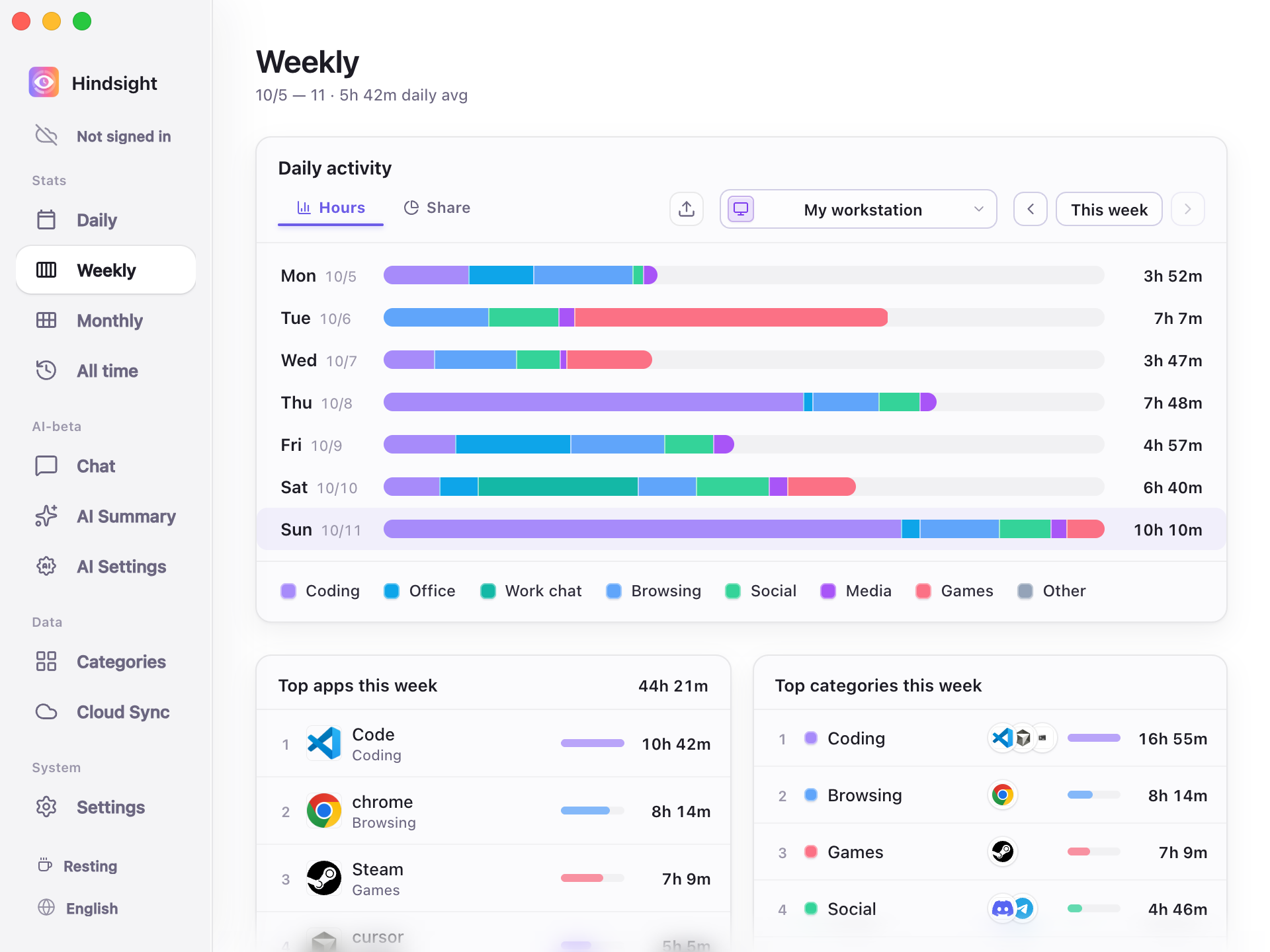
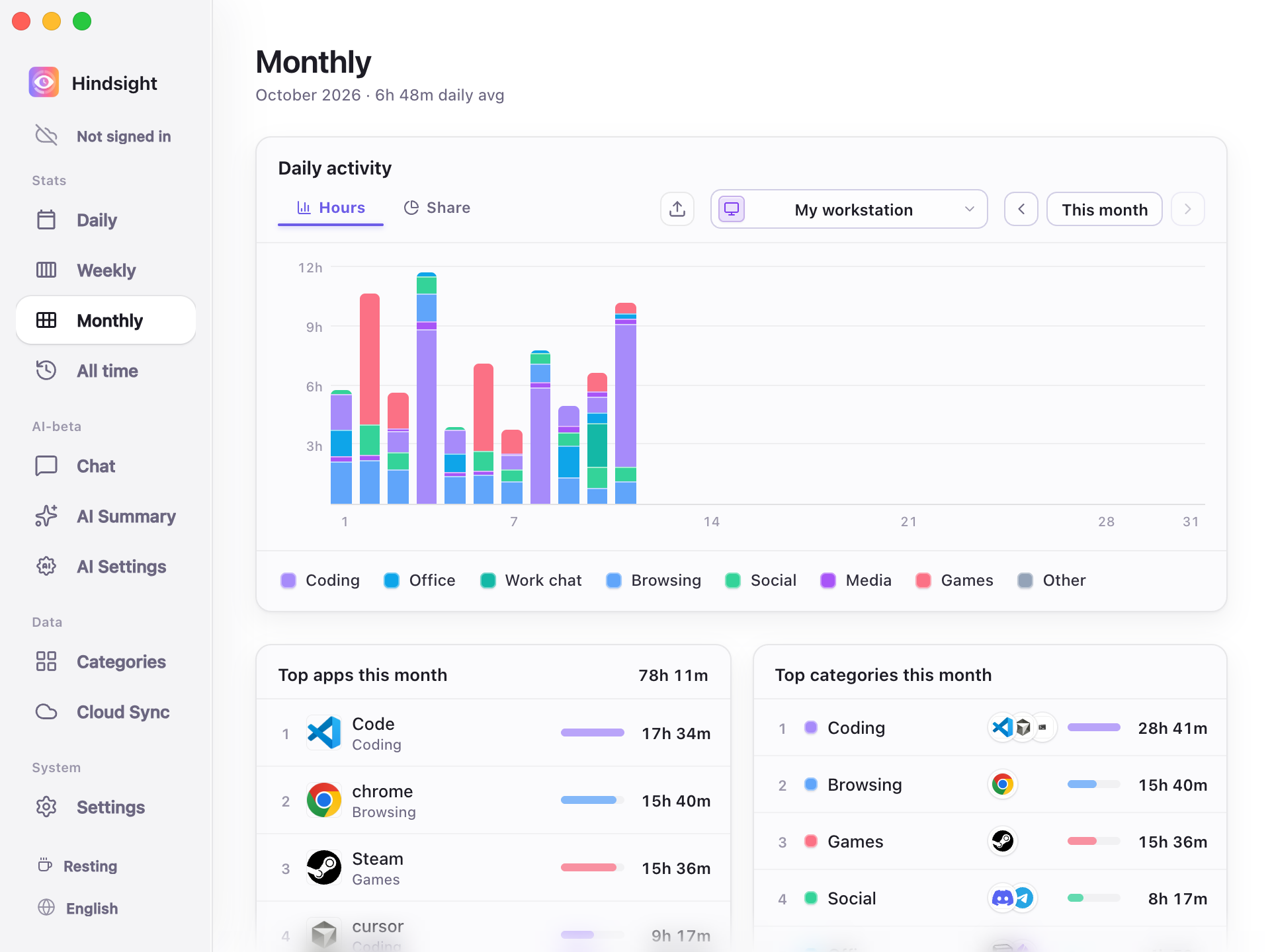
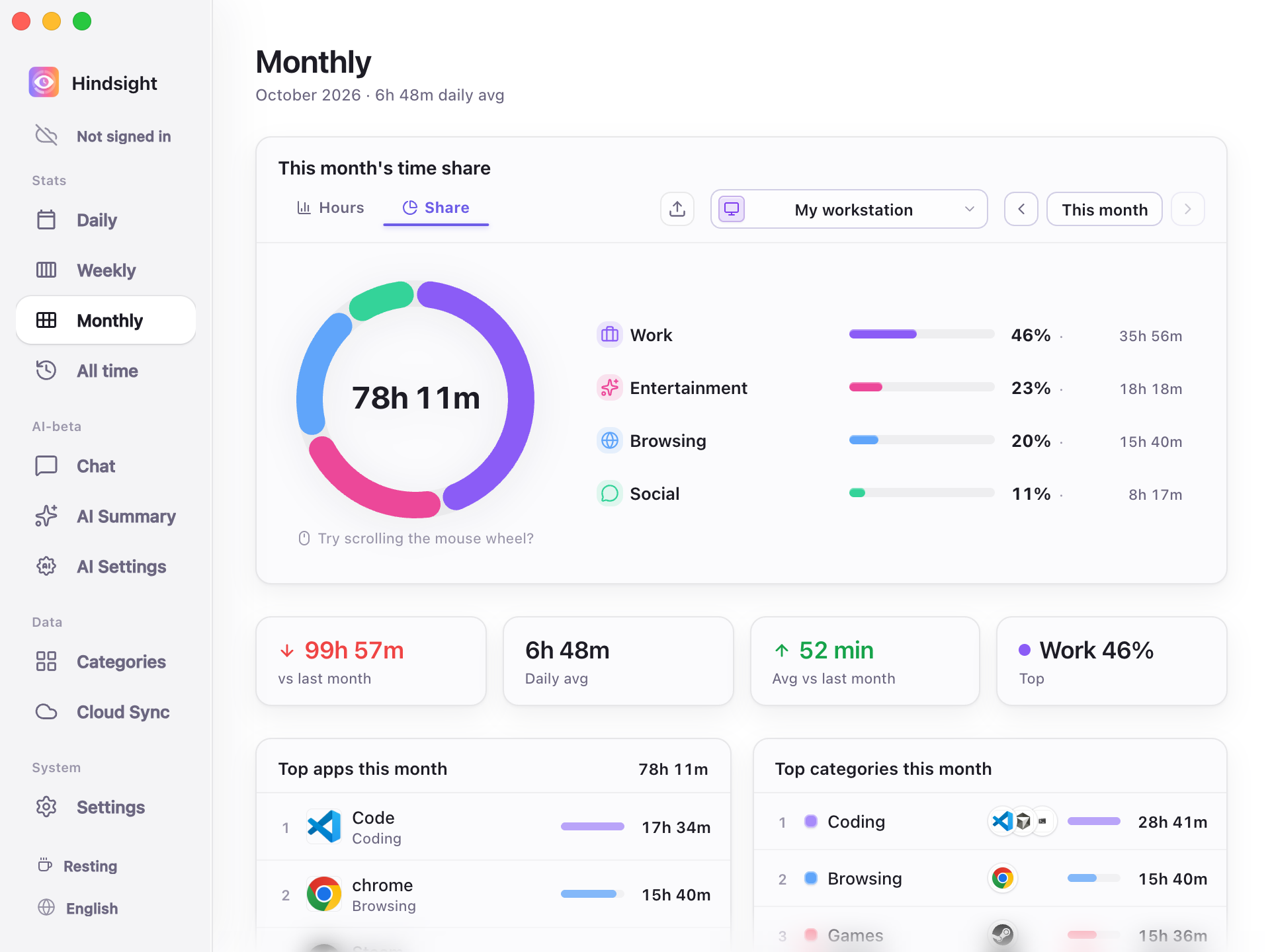
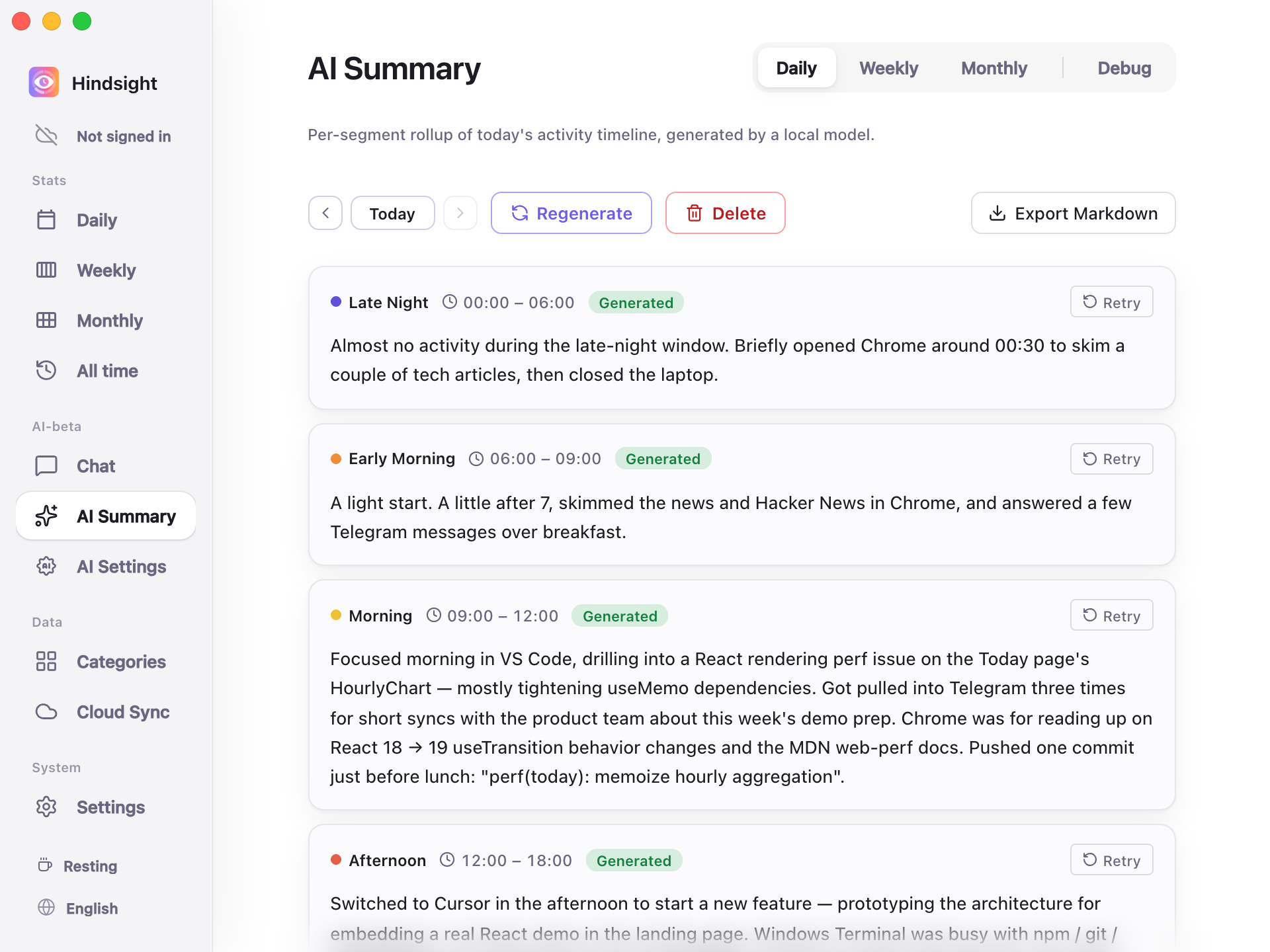
 Hindsight 是一款本地优先的桌面应用,会自动记录你使用过的应用和窗口,并按天、周、月展示时间都花在了哪里;设备上的 AI 还会生成每日文字总结。
这是后台记录工具,还是需要我手动记录自己的活动?它在后台静默运行,自动记录你的电脑使用情况,无需手动计时,也不用维护项目标签。
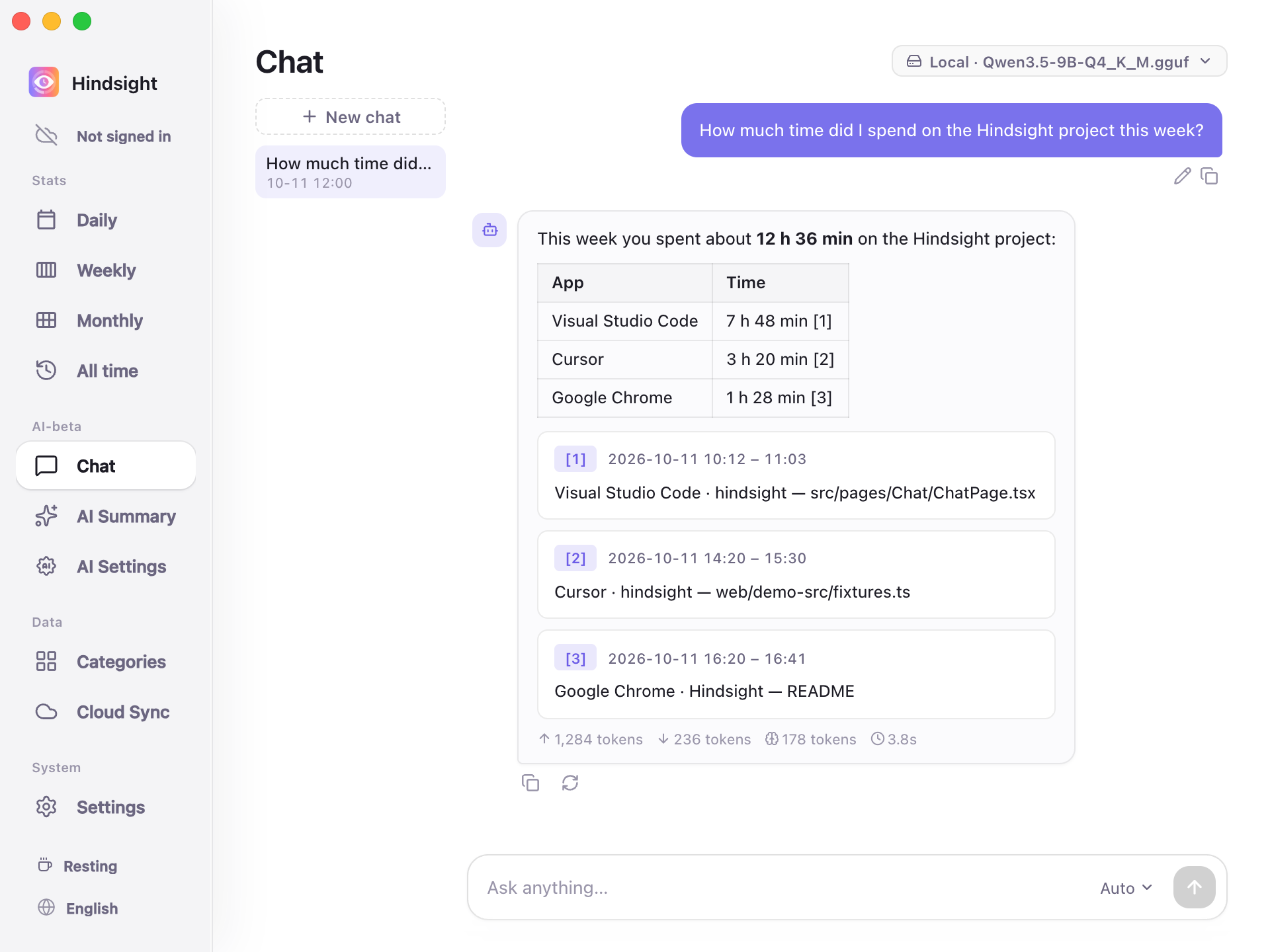
它在后台静默运行,自动记录你的电脑使用情况,无需手动计时,也不用维护项目标签。AI 报告需要云端 API 密钥吗?不需要。本地模型无需额外设置就能生成 AI 每日报告,你也可以选择连接云端模型。
不需要。本地模型无需额外设置就能生成 AI 每日报告,你也可以选择连接云端模型。在 Windows 上安装有什么需要注意的吗?Windows 安装包目前还没有使用 EV 代码签名证书签名,所以首次启动时 SmartScreen 会发出警告。你需要点击“更多信息”,然后选择“仍要运行”才能继续。
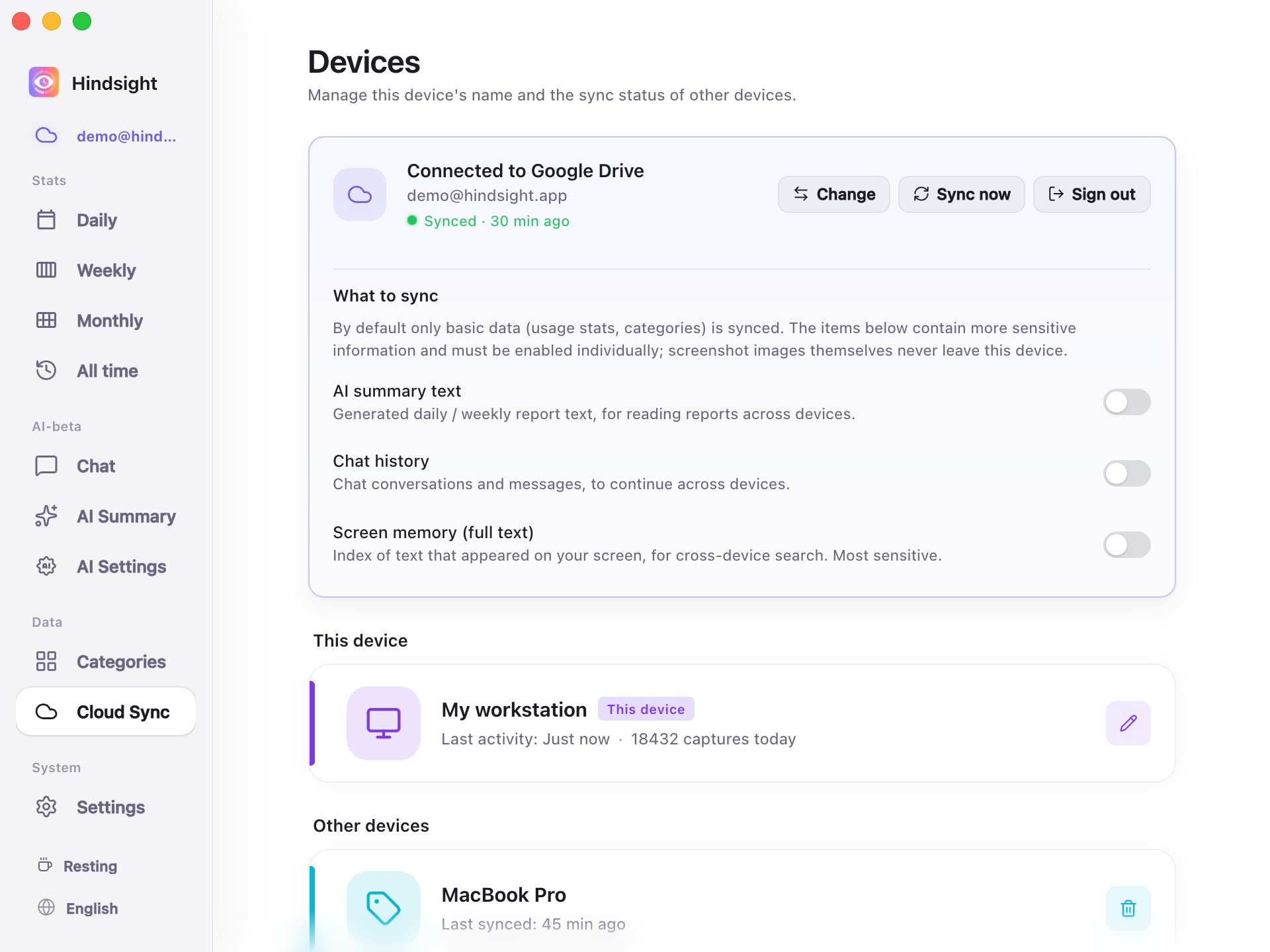
Windows 安装包目前还没有使用 EV 代码签名证书签名,所以首次启动时 SmartScreen 会发出警告。你需要点击“更多信息”,然后选择“仍要运行”才能继续。我的活动数据会传到哪里?默认情况下,所有被记录的活动都只保存在你的设备上;通过 Google Drive 或 WebDAV 同步到其他设备是可选的,除非你手动开启,否则默认关闭。
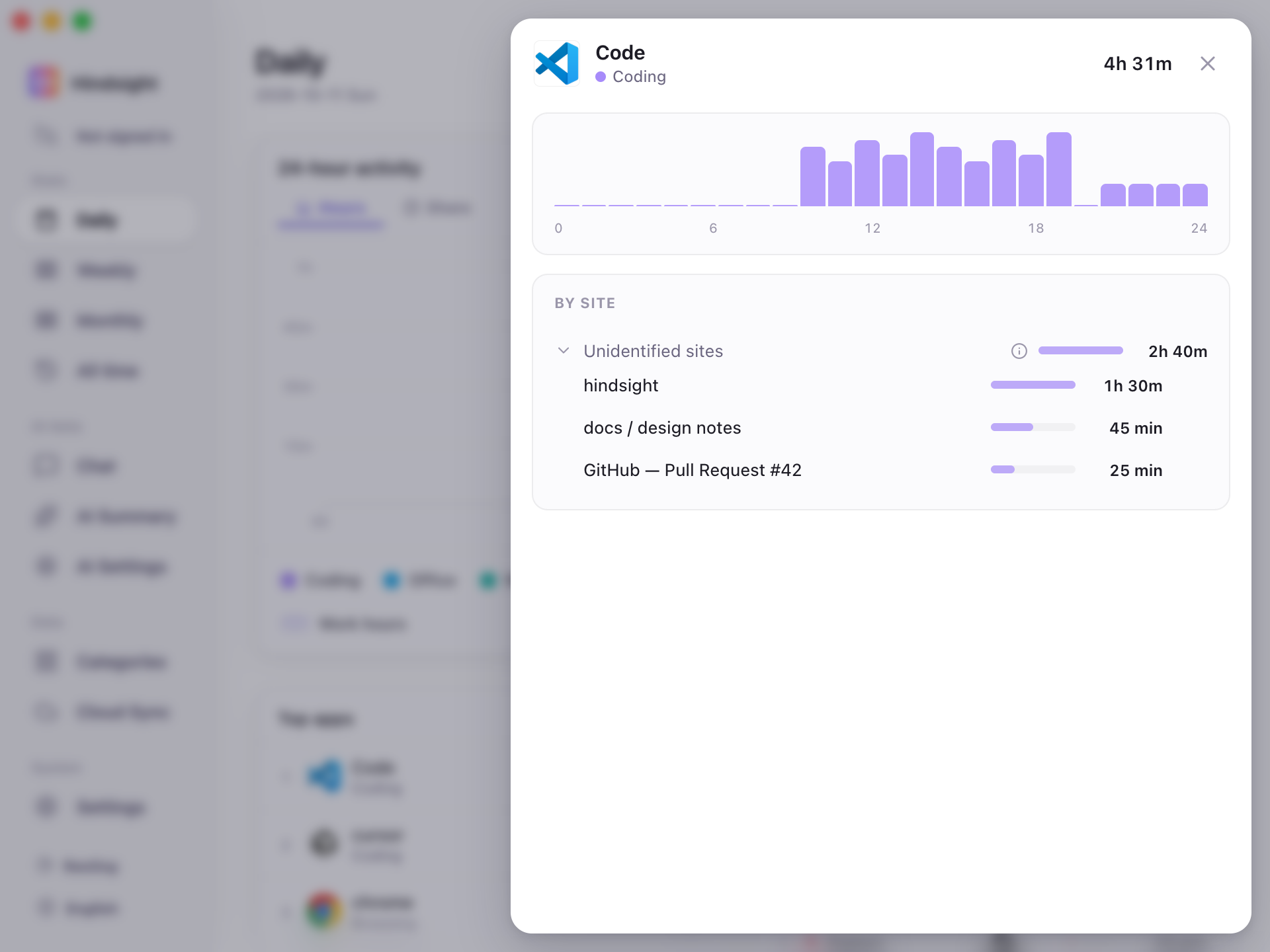
默认情况下,所有被记录的活动都只保存在你的设备上;通过 Google Drive 或 WebDAV 同步到其他设备是可选的,除非你手动开启,否则默认关闭。它能记录我在每个应用里具体在做什么,还是只记录打开了哪个应用?点击任意应用即可打开应用详情页,查看你在其中实际做了什么,而不只是应用名称和使用时长。
点击任意应用即可打开应用详情页,查看你在其中实际做了什么,而不只是应用名称和使用时长。我能搜索之前在屏幕上看到过的内容吗?可以。屏幕记忆搜索功能可以查找曾经出现在屏幕上的文字,并直接跳转到对应的截图和时间点;截图和 OCR 功能默认关闭,需要手动开启。
可以。屏幕记忆搜索功能可以查找曾经出现在屏幕上的文字,并直接跳转到对应的截图和时间点;截图和 OCR 功能默认关闭,需要手动开启。我能合并多台电脑的活动记录吗?可以。你可以选择通过 Google Drive 或 WebDAV 同步数据,把多台设备的活动合并到同一份分析中。
可以。你可以选择通过 Google Drive 或 WebDAV 同步数据,把多台设备的活动合并到同一份分析中。我能自定义应用的外观吗?可以。你可以在设置中导入主题文件,修改颜色、切换浅色或深色模式,并调整页面布局。
可以。你可以在设置中导入主题文件,修改颜色、切换浅色或深色模式,并调整页面布局。有哪些类似的项目?rubick, gyotaku, ZTools, screenpipe, SCM, qiaomu-book-reader-legacy, activitywatch, spacedrive
rubick, gyotaku, ZTools, screenpipe, SCM, qiaomu-book-reader-legacy, activitywatch, spacedrive它属于哪些主题?time-tracker, google-drive, plugin-marketplace, webdav, screenshot, sync, local-ai, themes, ocr, search, plugin-system, privacy-first
time-tracker, google-drive, plugin-marketplace, webdav, screenshot, sync, local-ai, themes, ocr, search, plugin-system, privacy-first