Turns Codebase into Easy Tutorial with AI


Ever stared at a new codebase written by others feeling completely lost? This tutorial shows you how to build an AI agent that analyzes GitHub repositories and creates beginner-friendly tutorials explaining exactly how the code works.
This is a tutorial project of Pocket Flow, a 100-line LLM framework. It crawls GitHub repositories and builds a knowledge base from the code. It analyzes entire codebases to identify core abstractions and how they interact, and transforms complex code into beginner-friendly tutorials with clear visualizations.
🔸 🎉 Reached Hacker News Front Page (April 2025) with >900 up‑votes: Discussion »
⭐ Example Results for Popular GitHub Repositories!
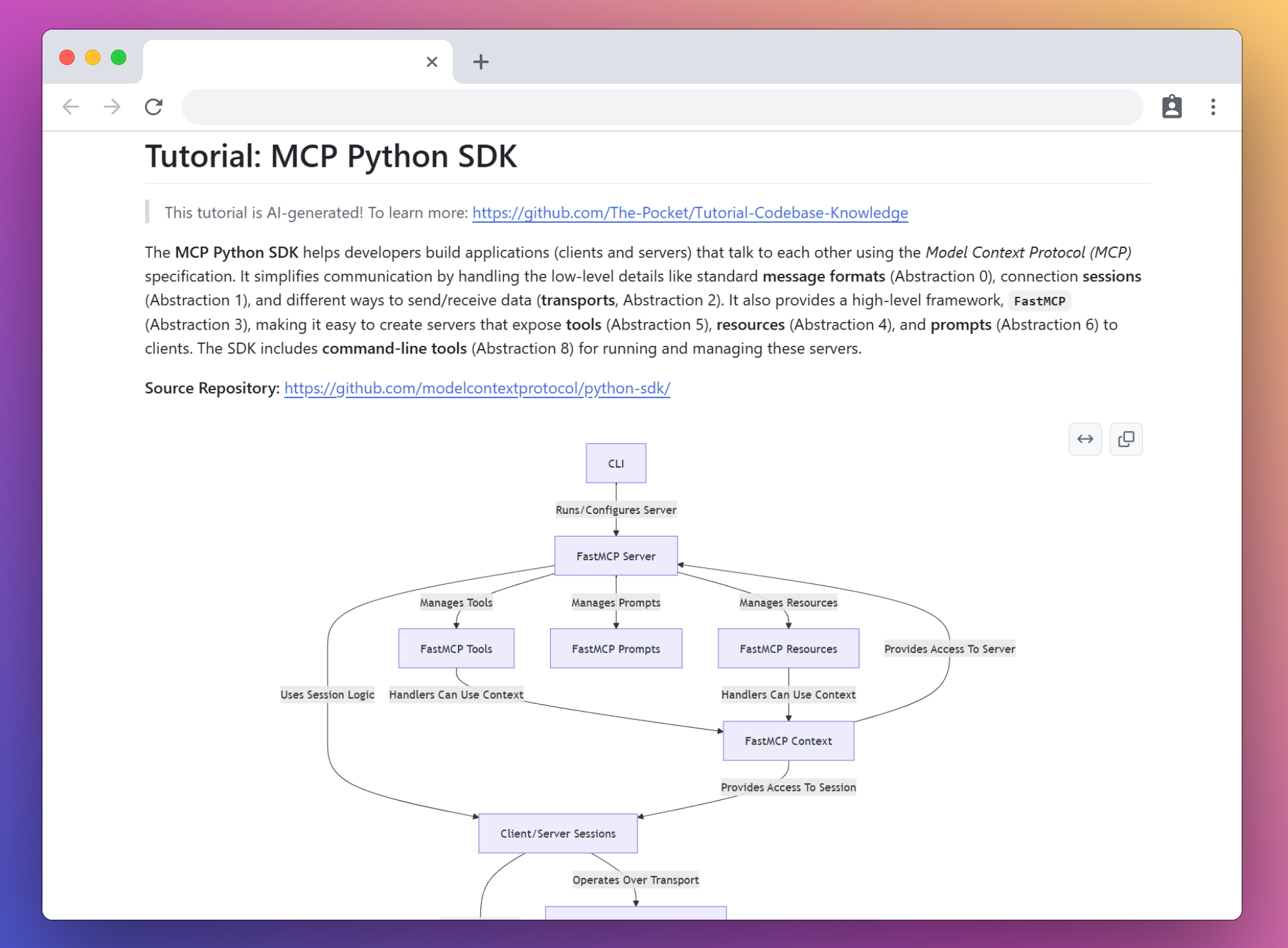
🤯 All these tutorials are generated entirely by AI by crawling the GitHub repo!
AutoGen Core - Build AI teams that talk, think, and solve problems together like coworkers!
Browser Use - Let AI surf the web for you, clicking buttons and filling forms like a digital assistant!
Celery - Supercharge your app with background tasks that run while you sleep!
Click - Turn Python functions into slick command-line tools with just a decorator!
Codex - Turn plain English into working code with this AI terminal wizard!
Crawl4AI - Train your AI to extract exactly what matters from any website!
CrewAI - Assemble a dream team of AI specialists to tackle impossible problems!
DSPy - Build LLM apps like Lego blocks that optimize themselves!
FastAPI - Create APIs at lightning speed with automatic docs that clients will love!
Flask - Craft web apps with minimal code that scales from prototype to production!
Google A2A - The universal language that lets AI agents collaborate across borders!
LangGraph - Design AI agents as flowcharts where each step remembers what happened before!
LevelDB - Store data at warp speed with Google's engine that powers blockchains!
MCP Python SDK - Build powerful apps that communicate through an elegant protocol without sweating the details!
NumPy Core - Master the engine behind data science that makes Python as fast as C!
OpenManus - Build AI agents with digital brains that think, learn, and use tools just like humans do!
PocketFlow - 100-line LLM framework. Let Agents build Agents!
Pydantic Core - Validate data at rocket speed with just Python type hints!
Requests - Talk to the internet in Python with code so simple it feels like cheating!
SmolaAgents - Build tiny AI agents that punch way above their weight class!
Showcase Your AI-Generated Tutorials in Discussions!
🚀 Getting Started
Clone this repository
git clone https://github.com/The-Pocket/PocketFlow-Tutorial-Codebase-Knowledge
Install dependencies:
pip install -r requirements.txt
Set up LLM in utils/call_llm.py by providing credentials. To do so, you can put the values in a .env file. By default, you can use the AI Studio key with this client for Gemini Pro 2.5 by setting the GEMINI_API_KEY environment variable. If you want to use another LLM, you can set the LLM_PROVIDER environment variable (e.g. XAI), and then set the model, url, and API key (e.g. XAI_MODEL, XAI_URL,XAI_API_KEY). If using Ollama, the url is http://localhost:11434/ and the API key can be omitted.
You can use your own models. We highly recommend the latest models with thinking capabilities (Claude 3.7 with thinking, O1). You can verify that it is correctly set up by running:
python utils/call_llm.py
Generate a complete codebase tutorial by running the main script:
# Analyze a GitHub repository
python main.py --repo https://github.com/username/repo --include "*.py" "*.js" --exclude "tests/*" --max-size 50000

# Or, analyze a local directory
python main.py --dir /path/to/your/codebase --include "*.py" --exclude "*test*"

# Or, generate a tutorial in Chinese
python main.py --repo https://github.com/username/repo --language "Chinese"
--repo or --dir - Specify either a GitHub repo URL or a local directory path (required, mutually exclusive)-n, --name - Project name (optional, derived from URL/directory if omitted)-t, --token - GitHub token (or set GITHUB_TOKEN environment variable)-o, --output - Output directory (default: ./output)-i, --include - Files to include (e.g., "*.py" "*.js")-e, --exclude - Files to exclude (e.g., "tests/*" "docs/*")-s, --max-size - Maximum file size in bytes (default: 100KB)--language - Language for the generated tutorial (default: "english")--max-abstractions - Maximum number of abstractions to identify (default: 10)--no-cache - Disable LLM response caching (default: caching enabled)
The application will crawl the repository, analyze the codebase structure, generate tutorial content in the specified language, and save the output in the specified directory (default: ./output).
🐳 Running with Docker
To run this project in a Docker container, you'll need to pass your API keys as environment variables.
Build the Docker image
docker build -t pocketflow-app .
Run the container
You'll need to provide your GEMINI_API_KEY for the LLM to function. If you're analyzing private GitHub repositories or want to avoid rate limits, also provide your GITHUB_TOKEN.
Mount a local directory to /app/output inside the container to access the generated tutorials on your host machine.
Example for analyzing a public GitHub repository:
docker run -it --rm \
  -e GEMINI_API_KEY="YOUR_GEMINI_API_KEY_HERE" \
  -v "$(pwd)/output_tutorials":/app/output \
  pocketflow-app --repo https://github.com/username/repo
Example for analyzing a local directory:
docker run -it --rm \
  -e GEMINI_API_KEY="YOUR_GEMINI_API_KEY_HERE" \
  -v "/path/to/your/local_codebase":/app/code_to_analyze \
  -v "$(pwd)/output_tutorials":/app/output \
  pocketflow-app --dir /app/code_to_analyze
💡 Development Tutorial
I built using Agentic Coding, the fastest development paradigm, where humans simply design and agents code.
The secret weapon is Pocket Flow, a 100-line LLM framework that lets Agents (e.g., Cursor AI) build for you
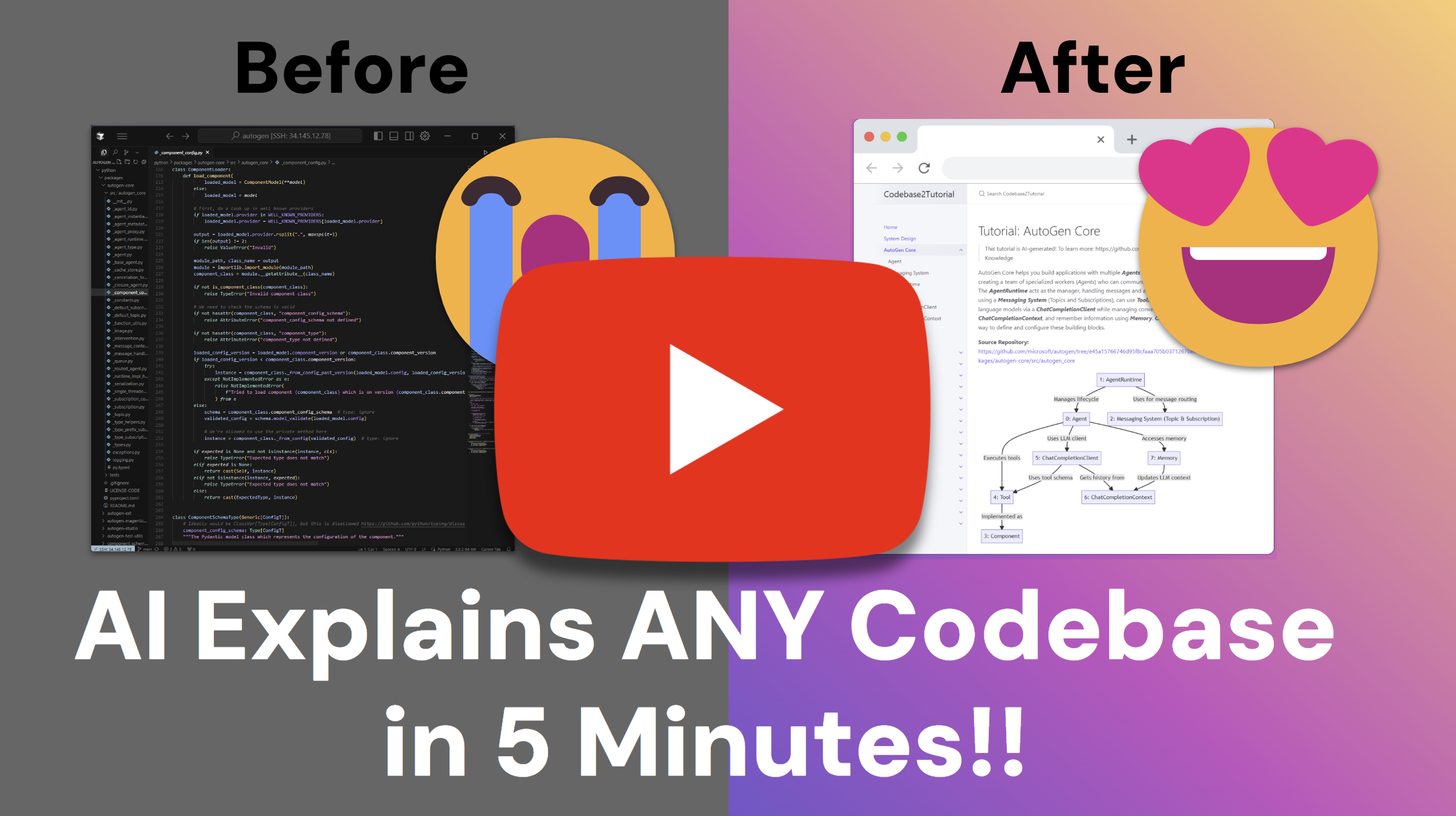
Check out the Step-by-step YouTube development tutorial:

 一个工具,它会抓取 GitHub 仓库(或本地目录),用 LLM 分析代码库,找出核心抽象以及它们之间的交互方式,并把分析结果整理成适合新手阅读、带可视化图示的教程。