

What is this?
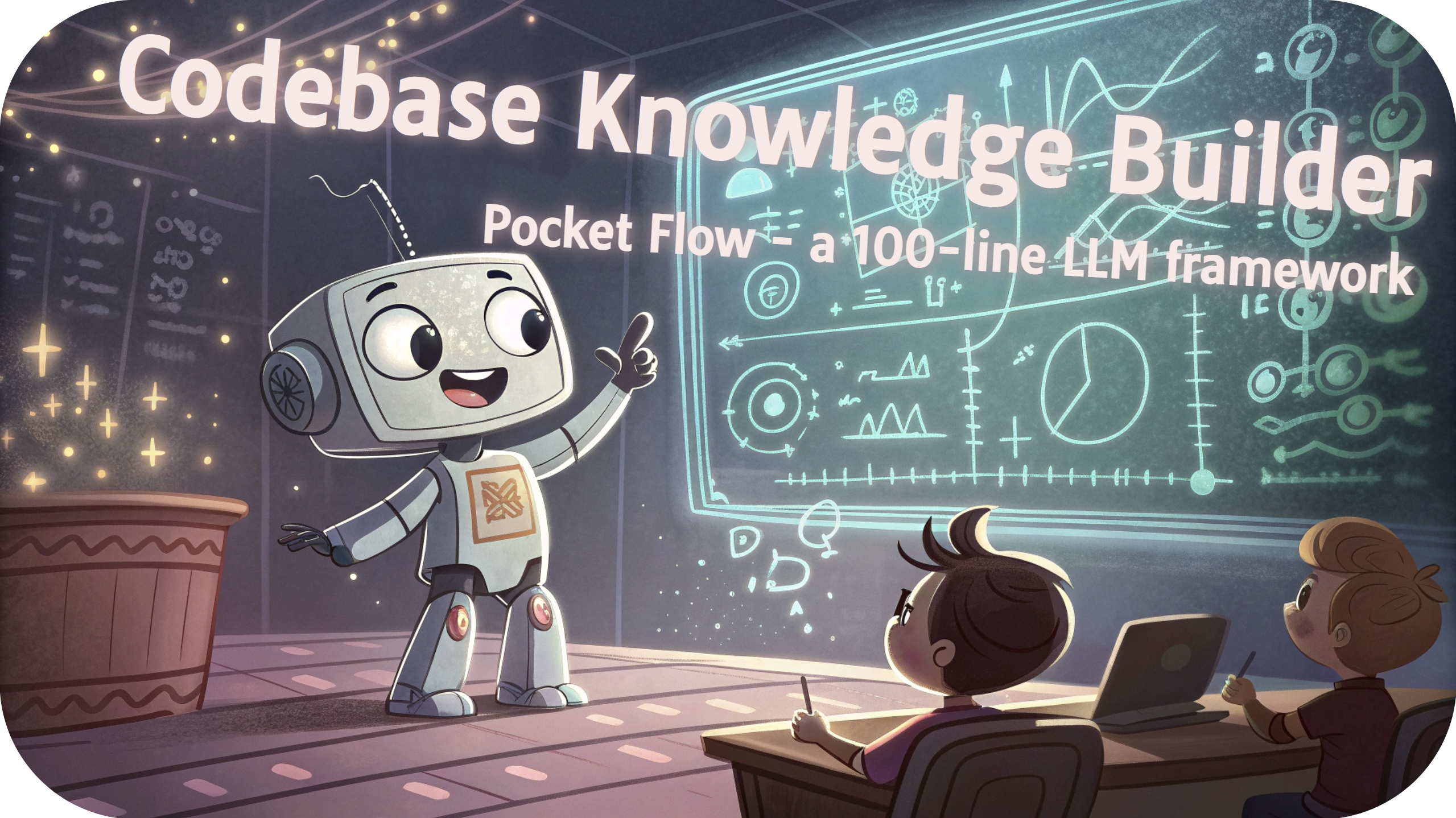
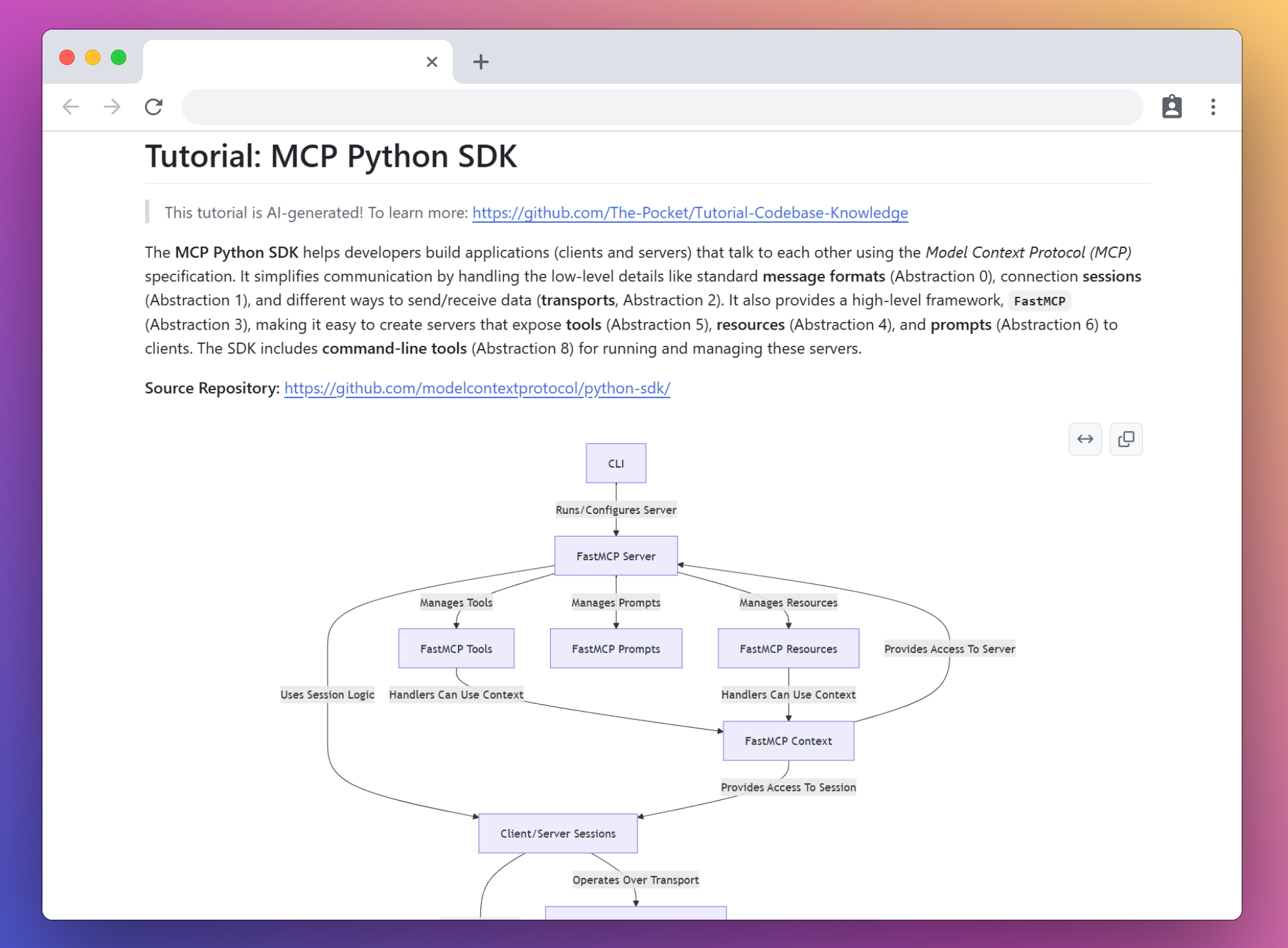
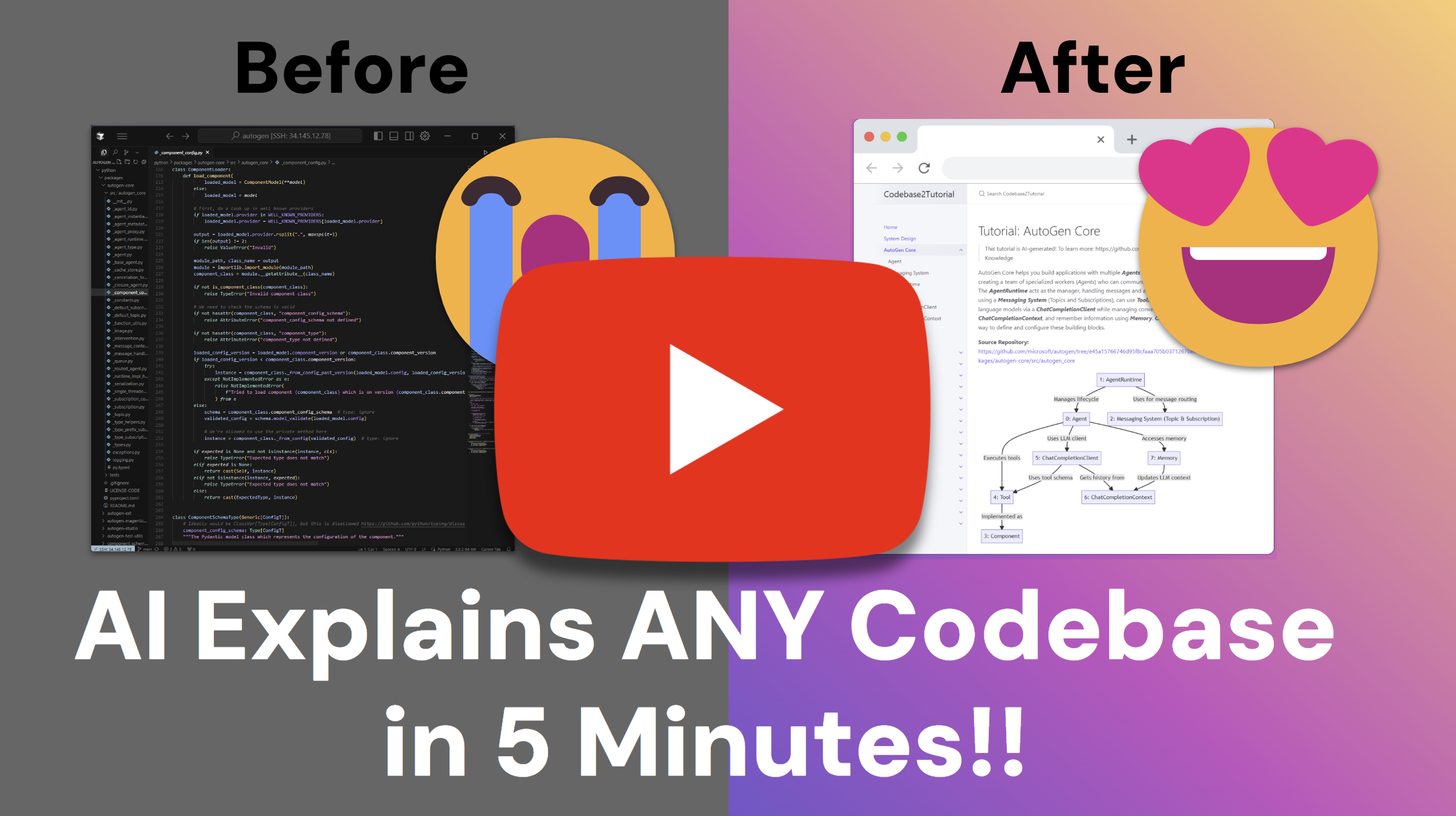
 A tool that crawls a GitHub repository (or local directory), analyzes the codebase with an LLM to find core abstractions and how they interact, and turns that analysis into a beginner-friendly tutorial with visualizations.
A tool that crawls a GitHub repository (or local directory), analyzes the codebase with an LLM to find core abstractions and how they interact, and turns that analysis into a beginner-friendly tutorial with visualizations.Is this a library I import, or a script I run?It's a command-line script (main.py) you run directly, built on Pocket Flow, the author's own 100-line LLM framework for chaining agent steps.
It's a command-line script (main.py) you run directly, built on Pocket Flow, the author's own 100-line LLM framework for chaining agent steps.How do I generate a tutorial for a repo?Clone the repo, install dependencies, configure LLM credentials in utils/call_llm.py (or a .env file), then run the main script with --repo or --dir . Output goes to ./output by default.
Clone the repo, install dependencies, configure LLM credentials in utils/call_llm.py (or a .env file), then run the main script with --repo or --dir . Output goes to ./output by default.Do I need an API key before I can use it?Yes, you need an LLM API key. By default it uses Google AI Studio's GEMINI_API_KEY for Gemini Pro 2.5, but you can switch providers (e.g. set LLM_PROVIDER=XAI) or point it at a local Ollama server without an API key.
Yes, you need an LLM API key. By default it uses Google AI Studio's GEMINI_API_KEY for Gemini Pro 2.5, but you can switch providers (e.g. set LLM_PROVIDER=XAI) or point it at a local Ollama server without an API key.Does it work well with any LLM?No — the authors recommend using the latest reasoning/thinking-capable models (Claude 3.7 with thinking, O1) since weaker models struggle to correctly identify codebase abstractions.
No — the authors recommend using the latest reasoning/thinking-capable models (Claude 3.7 with thinking, O1) since weaker models struggle to correctly identify codebase abstractions.Who is this useful for?Developers who need to quickly understand an unfamiliar codebase instead of reading it line by line from scratch.
Developers who need to quickly understand an unfamiliar codebase instead of reading it line by line from scratch.Can it analyze my private repos?Yes, pass a GitHub token via --token or the GITHUB_TOKEN environment variable to access private repositories or avoid rate limits.
Yes, pass a GitHub token via --token or the GITHUB_TOKEN environment variable to access private repositories or avoid rate limits.Can I run it in Docker instead of installing Python dependencies locally?Yes, there's a Dockerfile — build the image, pass your GEMINI_API_KEY (and optionally GITHUB_TOKEN) as environment variables, and mount a local folder to /app/output to retrieve the generated tutorial.
Yes, there's a Dockerfile — build the image, pass your GEMINI_API_KEY (and optionally GITHUB_TOKEN) as environment variables, and mount a local folder to /app/output to retrieve the generated tutorial.Can the tutorial be generated in a language other than English?Yes, the --language flag lets you choose the output language for the generated tutorial; English is the default.
Yes, the --language flag lets you choose the output language for the generated tutorial; English is the default.What is Pocket Flow?It's the author's minimalist 100-line LLM framework used to build this tutorial-generating agent, designed so agents can build other agents.
It's the author's minimalist 100-line LLM framework used to build this tutorial-generating agent, designed so agents can build other agents.Are there example tutorials I can look at first?Yes, the README links AI-generated tutorials for popular repos like FastAPI, Flask, Requests, CrewAI, LangGraph, and NumPy Core, all produced by crawling those repos with this tool.
Yes, the README links AI-generated tutorials for popular repos like FastAPI, Flask, Requests, CrewAI, LangGraph, and NumPy Core, all produced by crawling those repos with this tool.What are similar projects?PocketFlow, Raven, ai-agent-book, DeepCode, ai-system-design, minimind, wikiskill, Prompt-Engineering-Guide
PocketFlow, Raven, ai-agent-book, DeepCode, ai-system-design, minimind, wikiskill, Prompt-Engineering-GuideWhich topics is it in?llm-framework, large-language-model, llm-agent, coding, llms, llm-agents, large-language-models, knowledge-base, documentation, tutorial, agent, education
llm-framework, large-language-model, llm-agent, coding, llms, llm-agents, large-language-models, knowledge-base, documentation, tutorial, agent, education