




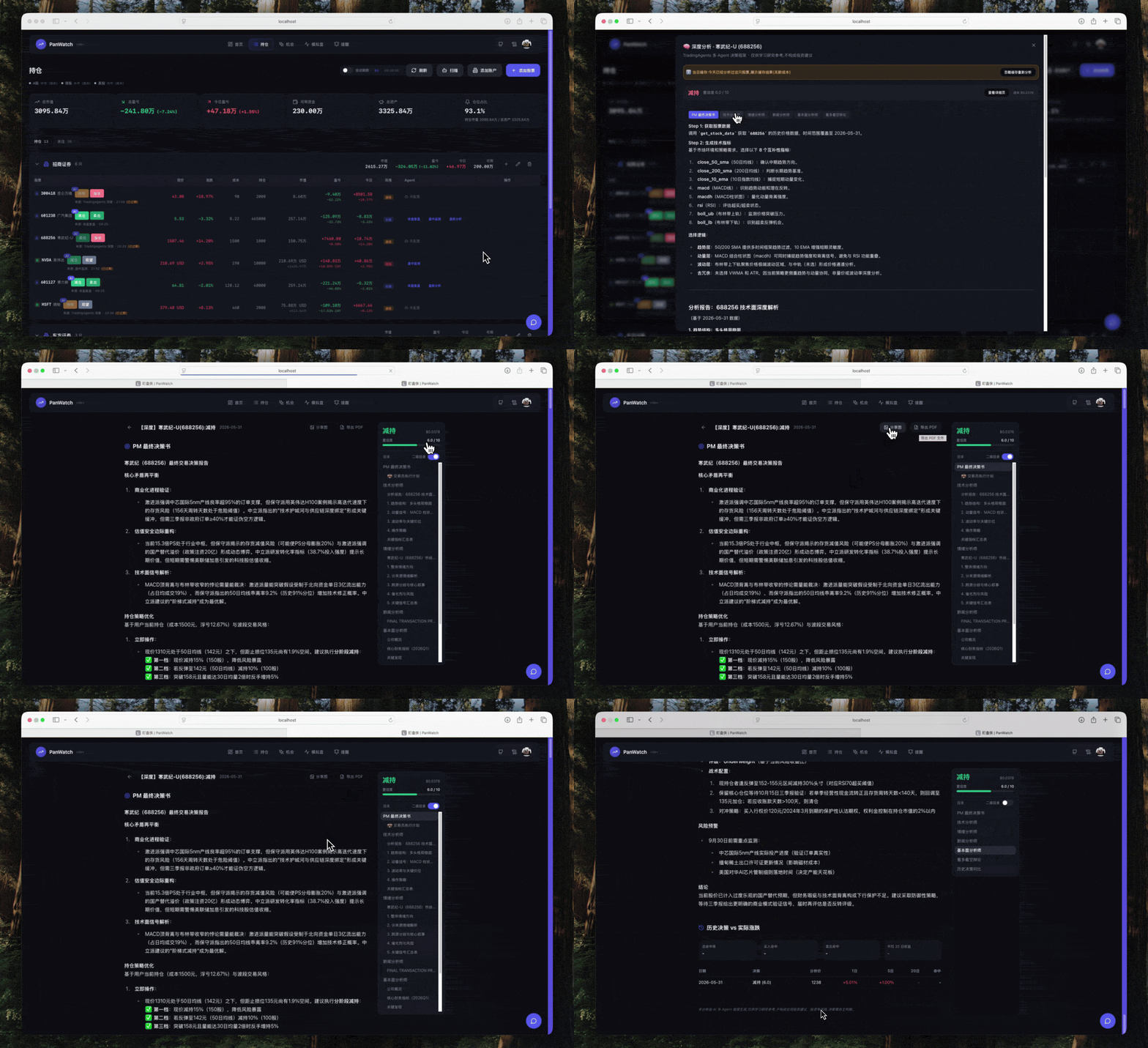
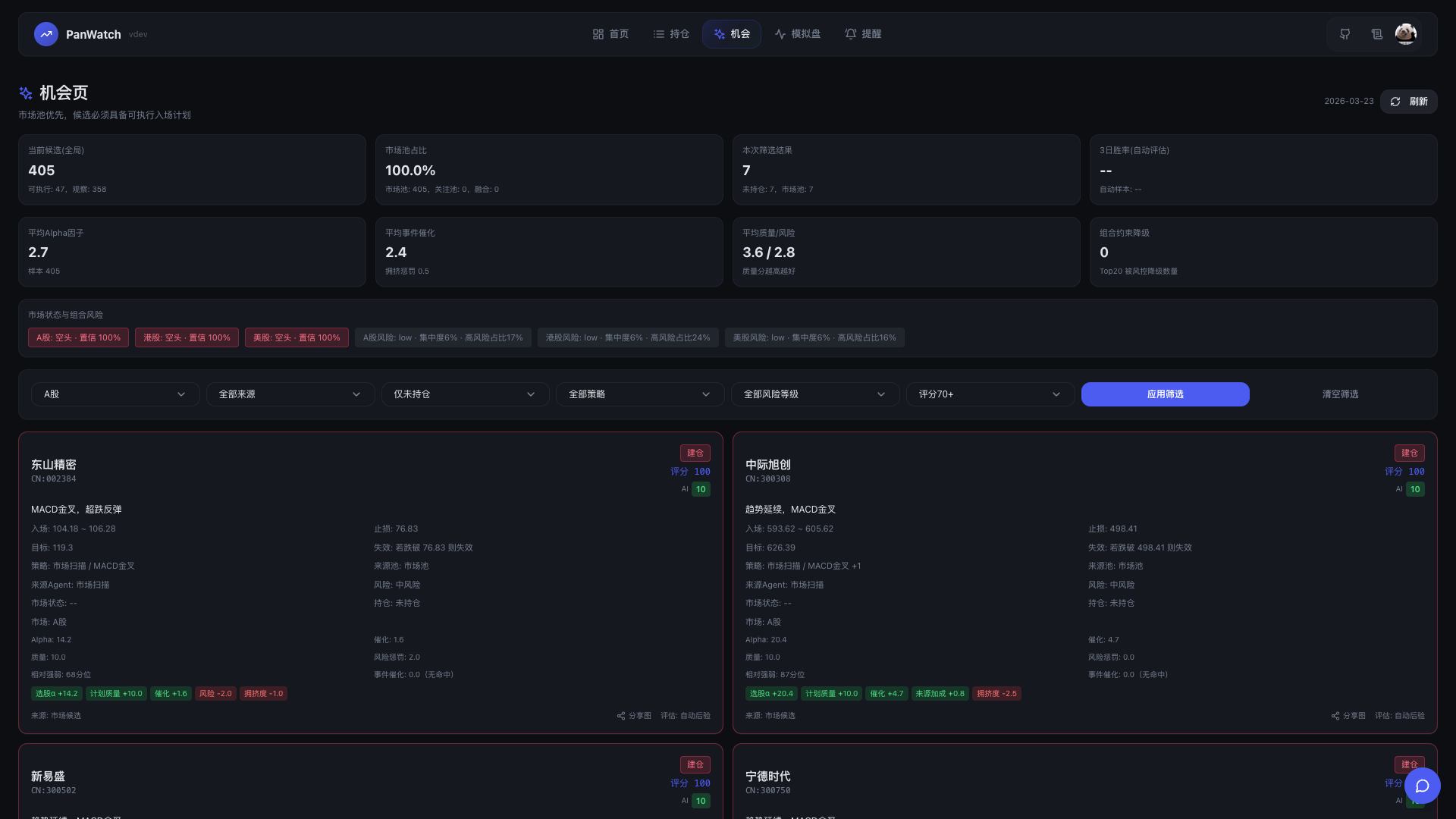
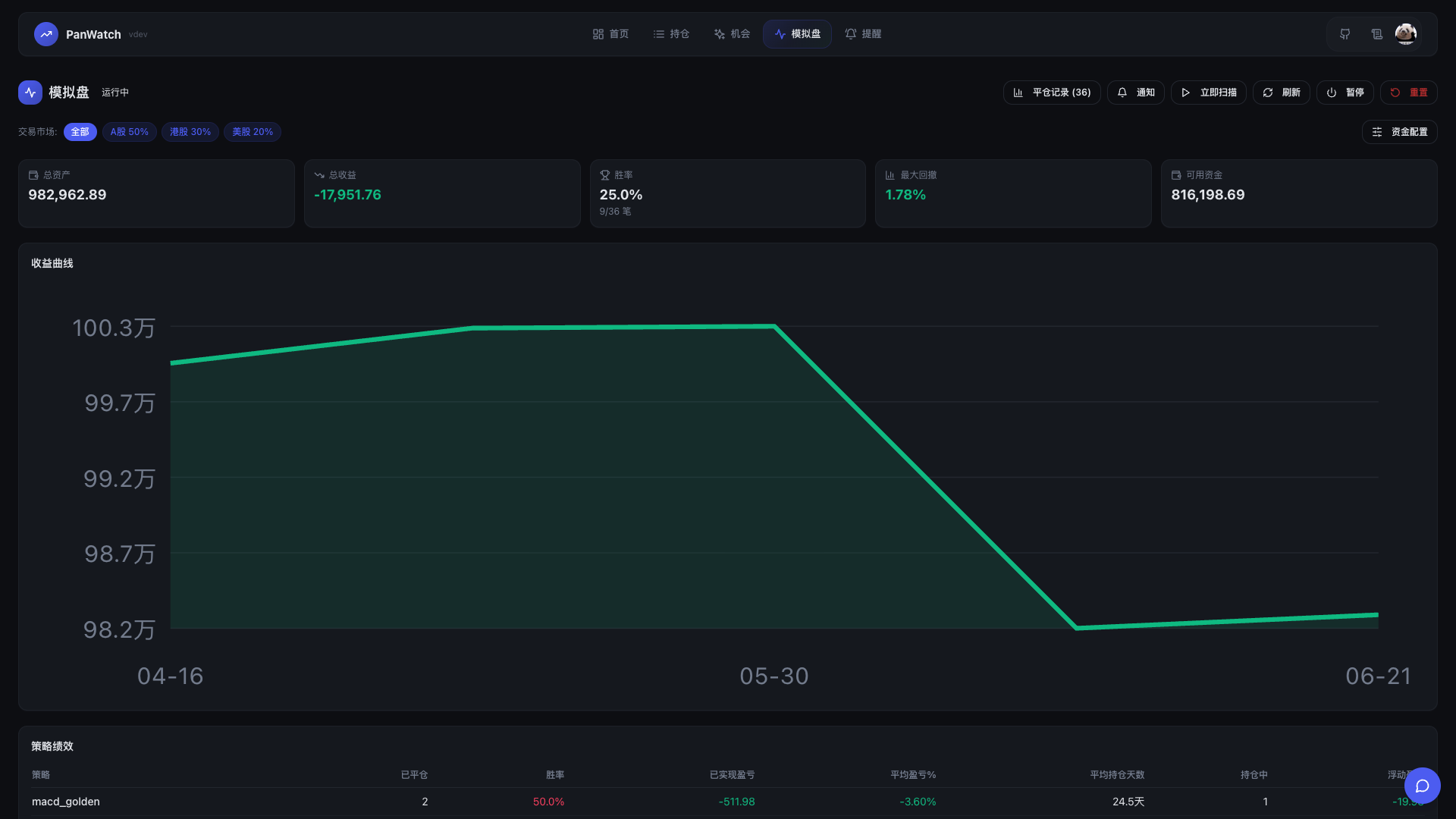
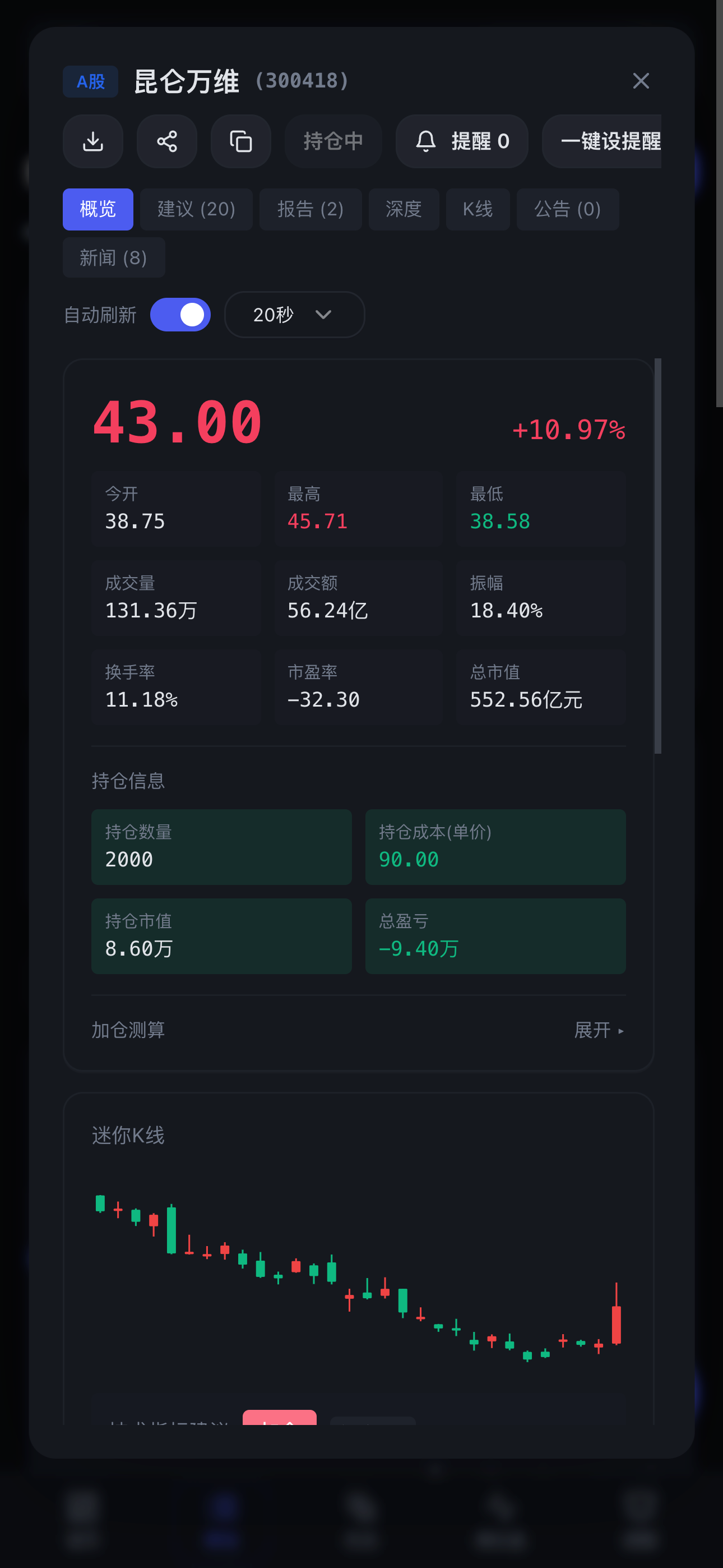

What is this?
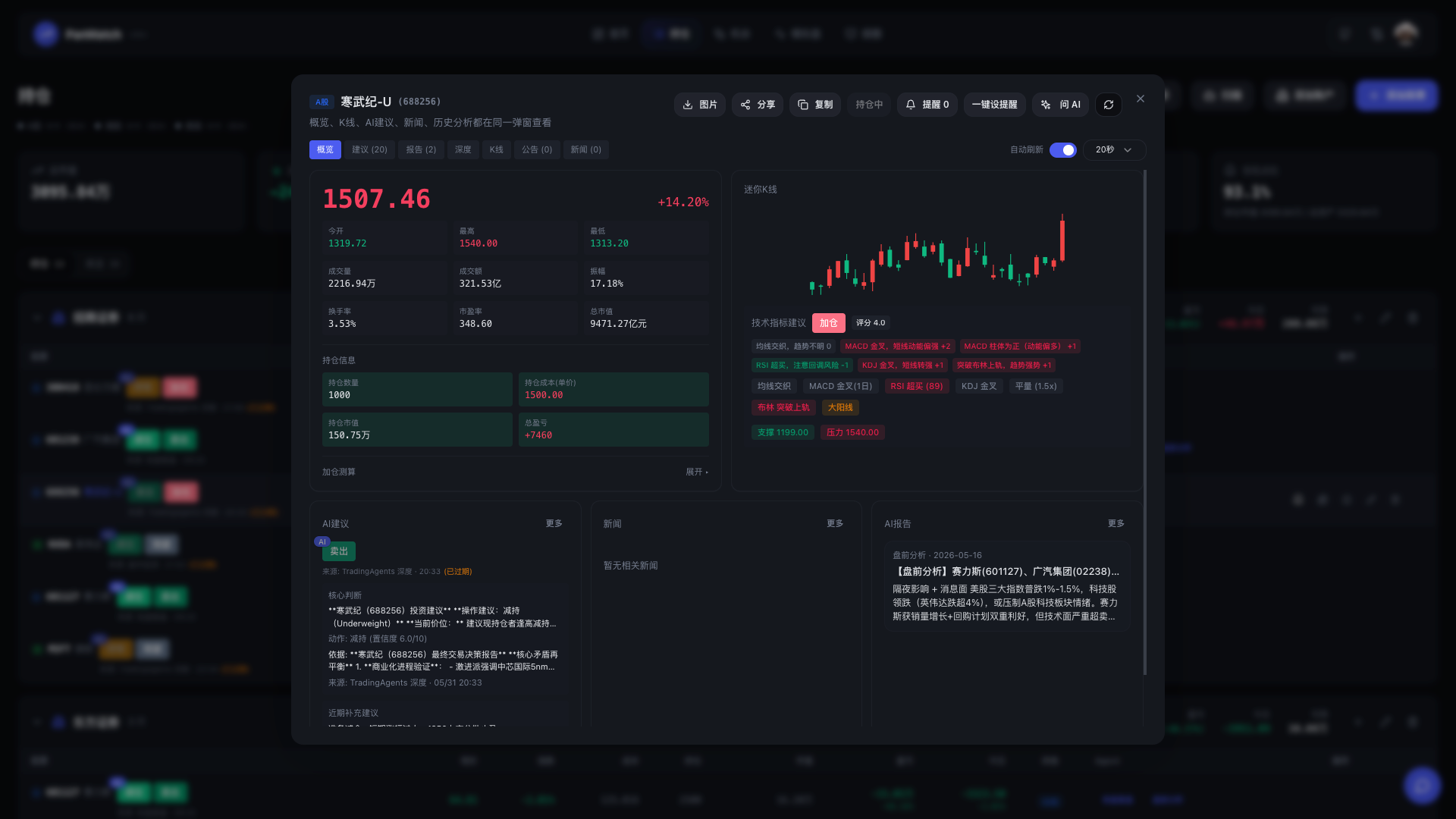
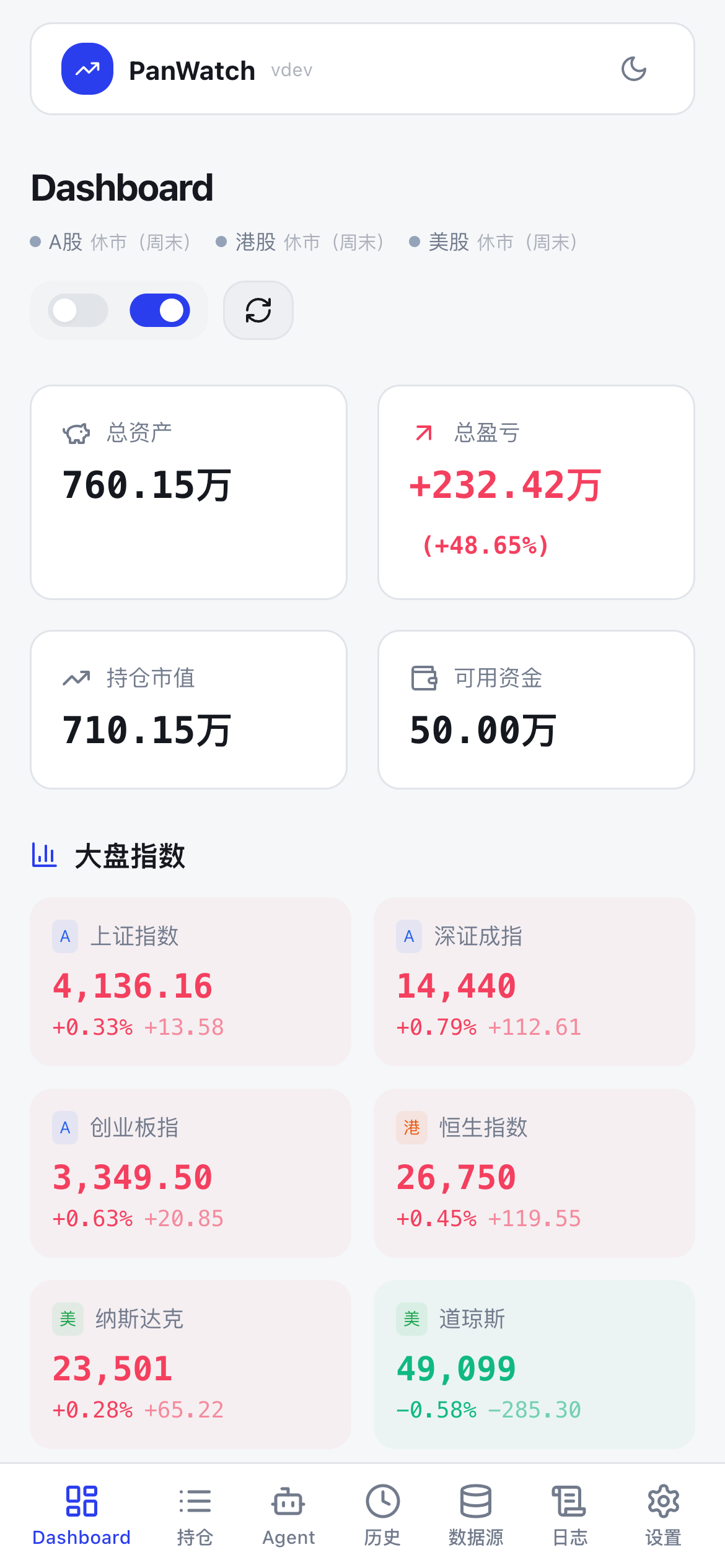
 PanWatch (盯盘侠) is a self-hosted AI stock-monitoring assistant covering A-share, Hong Kong and US markets: portfolio tracking, real-time alerts and automated reports, with multi-agent analysis powered by the TradingAgents framework.
PanWatch (盯盘侠) is a self-hosted AI stock-monitoring assistant covering A-share, Hong Kong and US markets: portfolio tracking, real-time alerts and automated reports, with multi-agent analysis powered by the TradingAgents framework.Is this a hosted service I sign up for, or something I run myself?You run it yourself — deploy it via Docker Compose and use it in a browser; on mobile you can add it to the home screen as a PWA. Nothing is hosted for you.
You run it yourself — deploy it via Docker Compose and use it in a browser; on mobile you can add it to the home screen as a PWA. Nothing is hosted for you.How do I get it running?Deploy the Docker Compose stack (image sunxiao0721/panwatch), open the web UI to set a login, then in Settings pick an AI provider and a notification channel and add stocks. The README promises a 5-minute setup.
Deploy the Docker Compose stack (image sunxiao0721/panwatch), open the web UI to set a login, then in Settings pick an AI provider and a notification channel and add stocks. The README promises a 5-minute setup.Do I need any API keys to use it?You need an OpenAI-compatible API key (OpenAI, Zhipu, DeepSeek, Ollama and more are supported) set in Settings; deepseek-chat is the default, at roughly $0.05 per analysis. For push you add a channel like Telegram, WeChat Work or DingTalk.
You need an OpenAI-compatible API key (OpenAI, Zhipu, DeepSeek, Ollama and more are supported) set in Settings; deepseek-chat is the default, at roughly $0.05 per analysis. For push you add a channel like Telegram, WeChat Work or DingTalk.Anything to watch out for on the first launch?On first start the container downloads Chromium into its data volume for screenshot features, which can take a few minutes and needs network access. Set PLAYWRIGHTSKIPBROWSERINSTALL=1 if you don't need screenshots.
On first start the container downloads Chromium into its data volume for screenshot features, which can take a few minutes and needs network access. Set PLAYWRIGHTSKIPBROWSERINSTALL=1 if you don't need screenshots.What happens when I trigger an AI analysis on a holding?A 9-agent TradingAgents pipeline runs: four analysts (technical, sentiment, news, fundamentals) feed a bull-vs-bear debate, then a risk-control review, then a PM decision memo. The full reasoning chain takes 3-5 minutes and the conclusion is pushed to your messenger.
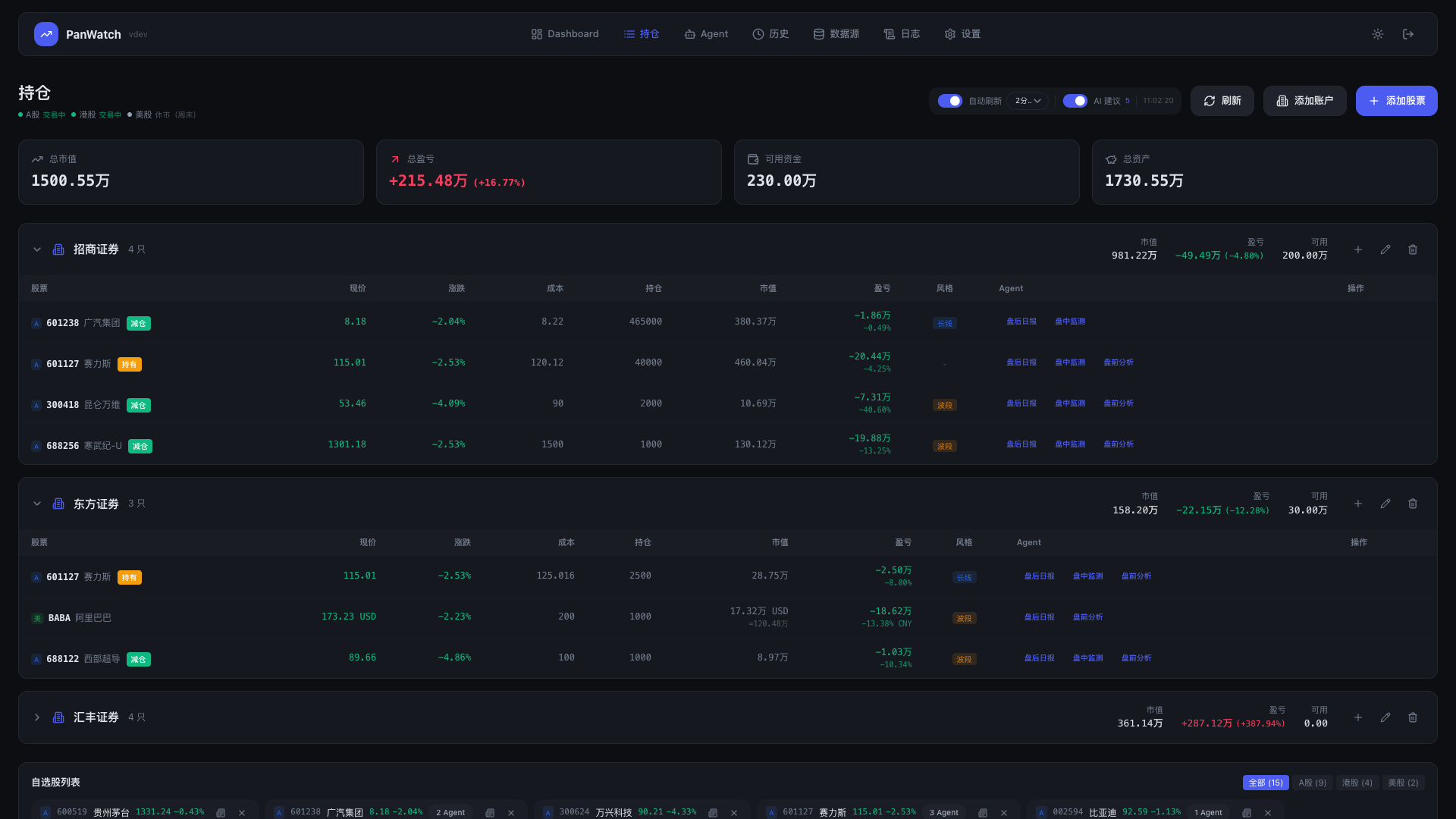
A 9-agent TradingAgents pipeline runs: four analysts (technical, sentiment, news, fundamentals) feed a bull-vs-bear debate, then a risk-control review, then a PM decision memo. The full reasoning chain takes 3-5 minutes and the conclusion is pushed to your messenger.Which markets and accounts does it cover?Real-time quotes for A-shares, Hong Kong and US stocks. Several broker accounts can be managed independently with combined total assets, and you can set short-term, swing or long-term trading styles so the AI advice fits your horizon.
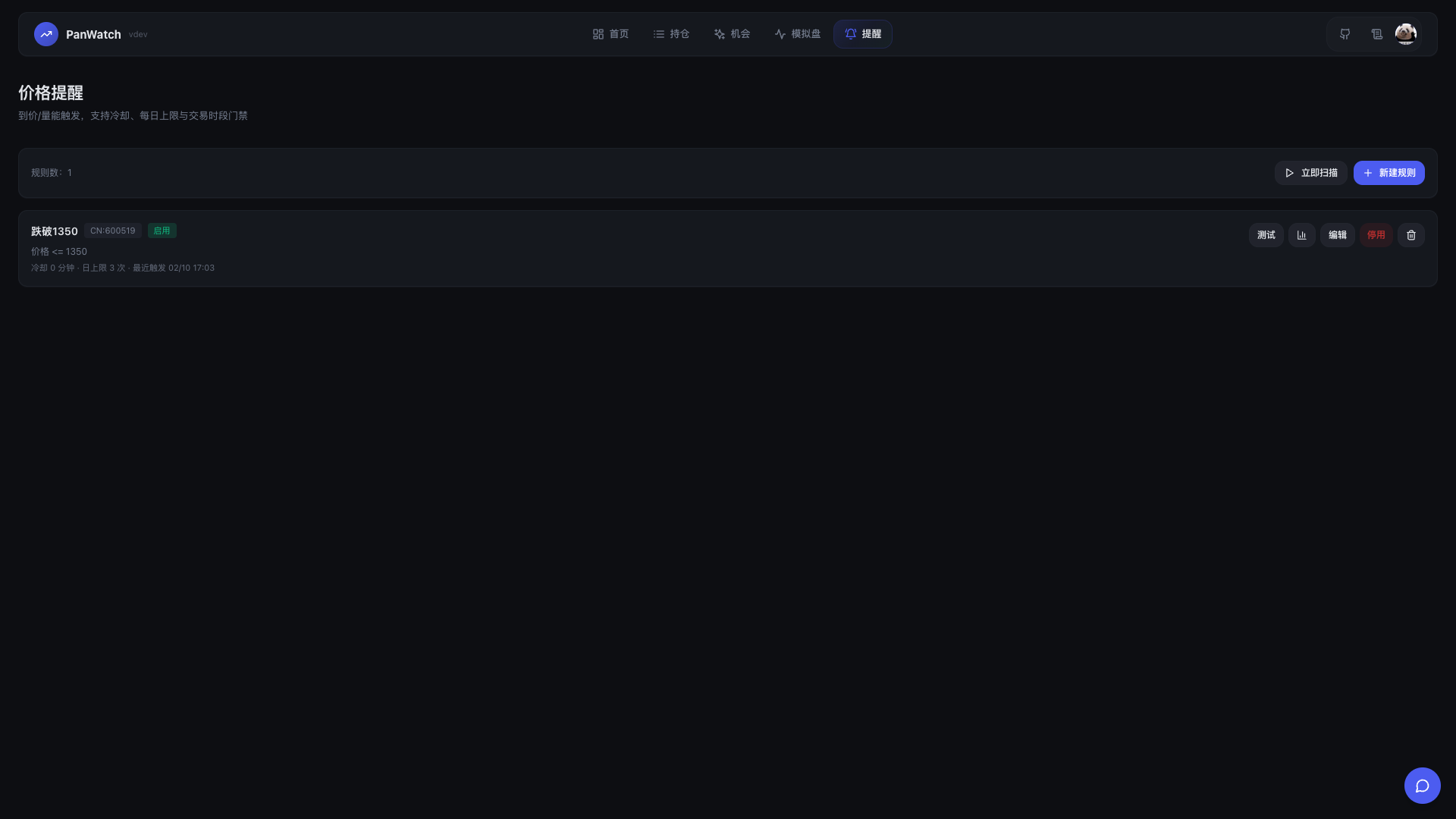
Real-time quotes for A-shares, Hong Kong and US stocks. Several broker accounts can be managed independently with combined total assets, and you can set short-term, swing or long-term trading styles so the AI advice fits your horizon.How do price alerts work?You combine conditions (price, change %, turnover, volume ratio) with AND/OR logic, plus active hours, cooldown, daily trigger caps and optional expiry. Each rule can pick its own channel - Telegram, WeChat Work, DingTalk, Feishu, Bark or a custom webhook - or use the default one.
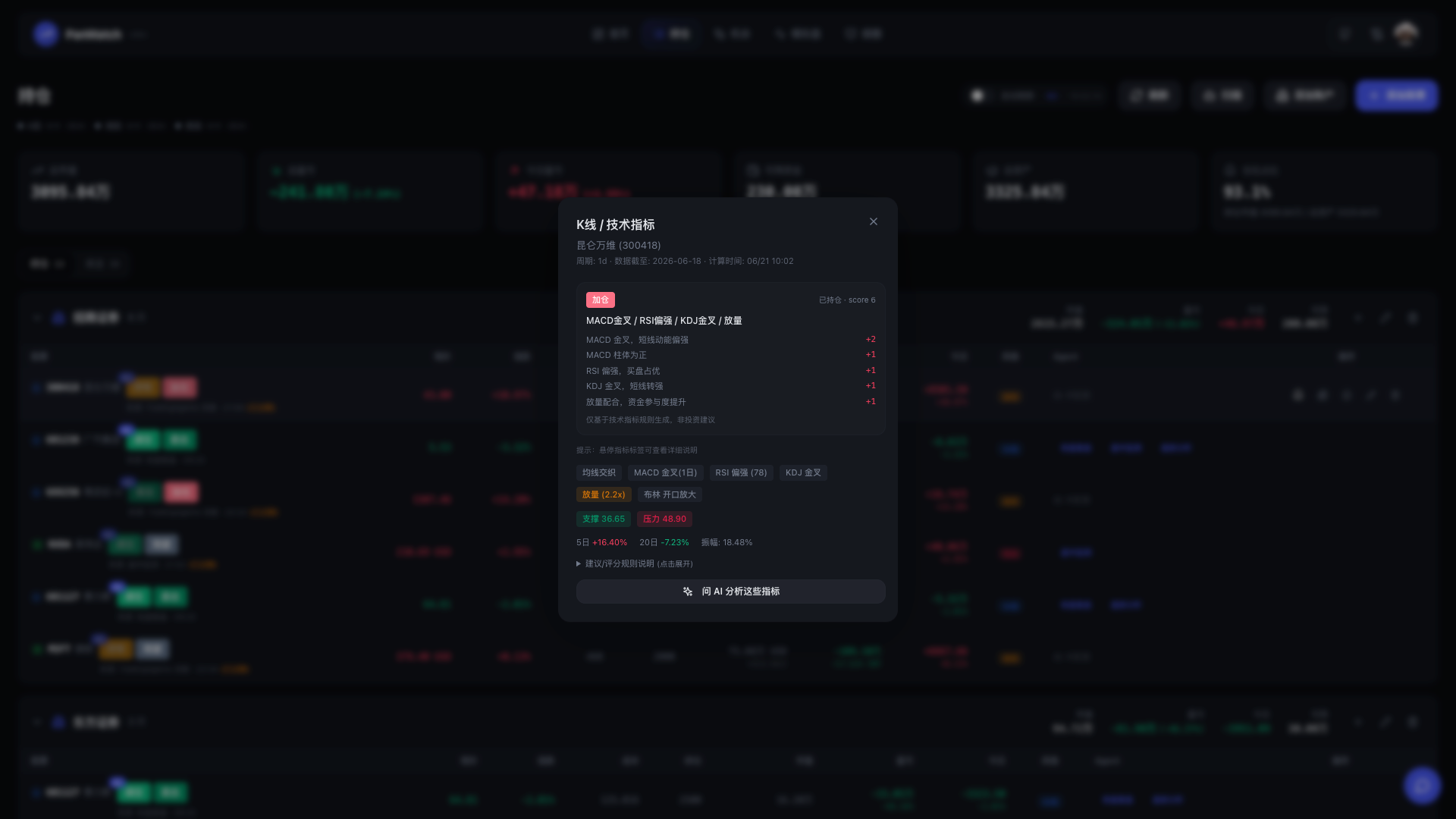
You combine conditions (price, change %, turnover, volume ratio) with AND/OR logic, plus active hours, cooldown, daily trigger caps and optional expiry. Each rule can pick its own channel - Telegram, WeChat Work, DingTalk, Feishu, Bark or a custom webhook - or use the default one.What does it do on its own every trading day?Four scheduled agents: pre-market analysis with a strategy before the open, intraday monitoring that alerts on RSI/KDJ/MACD resonance during the session, a post-market report reviewing the day and money flows, and an AI-filtered news feed relevant to your holdings.
Four scheduled agents: pre-market analysis with a strategy before the open, intraday monitoring that alerts on RSI/KDJ/MACD resonance during the session, a post-market report reviewing the day and money flows, and an AI-filtered news feed relevant to your holdings.What are similar projects?easy-stock, tick-stock-panel, easytrader, daily_stock_analysis, akshare, valuecell, TradingAgents-CN, QuantDinger
easy-stock, tick-stock-panel, easytrader, daily_stock_analysis, akshare, valuecell, TradingAgents-CN, QuantDingerWhich topics is it in?a-share, stock, stock-analysis, technical-analysis, investment, langgraph, trading-bot, quant, stock-market, fintech, trading, pwa
a-share, stock, stock-analysis, technical-analysis, investment, langgraph, trading-bot, quant, stock-market, fintech, trading, pwa