






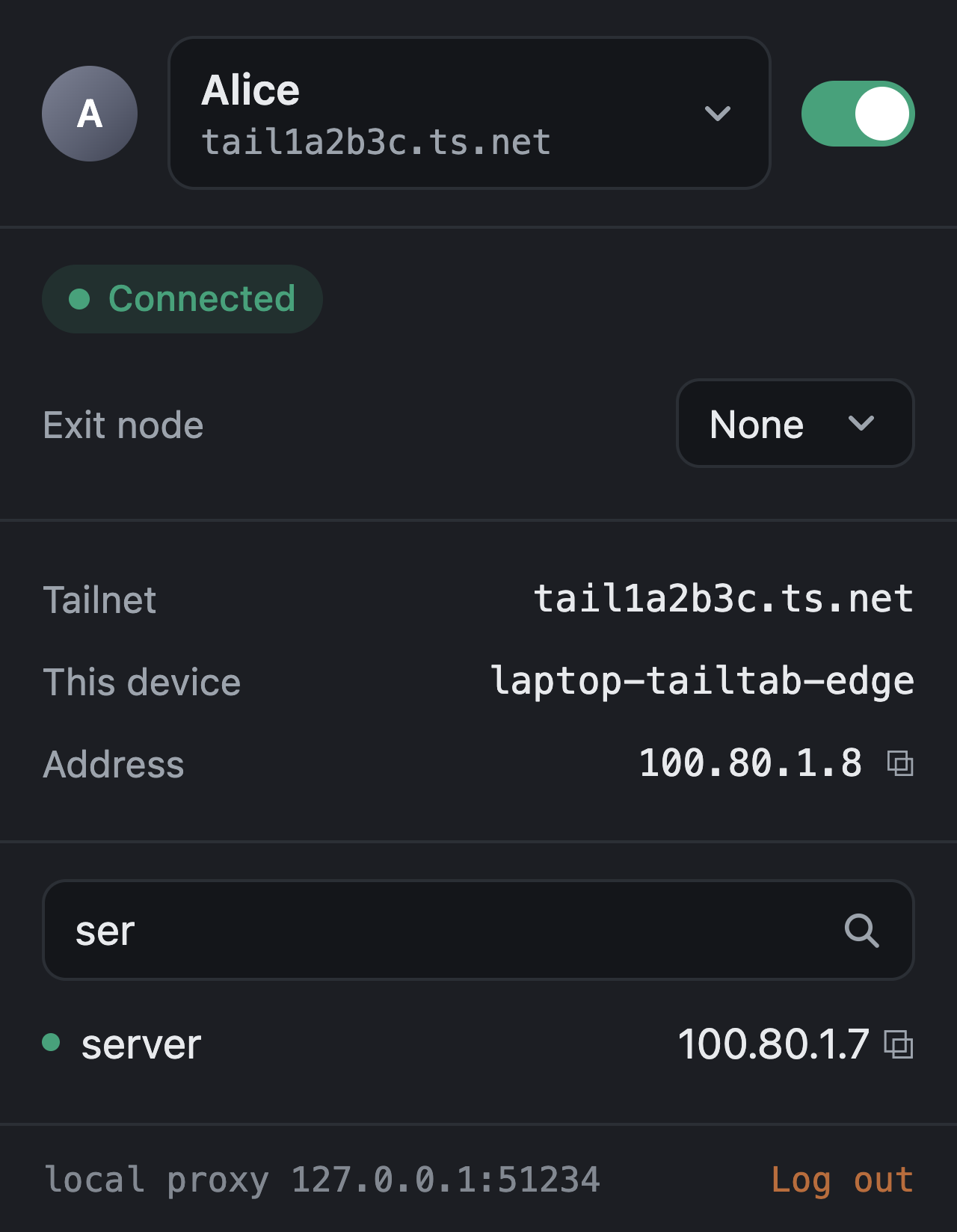
Что это?
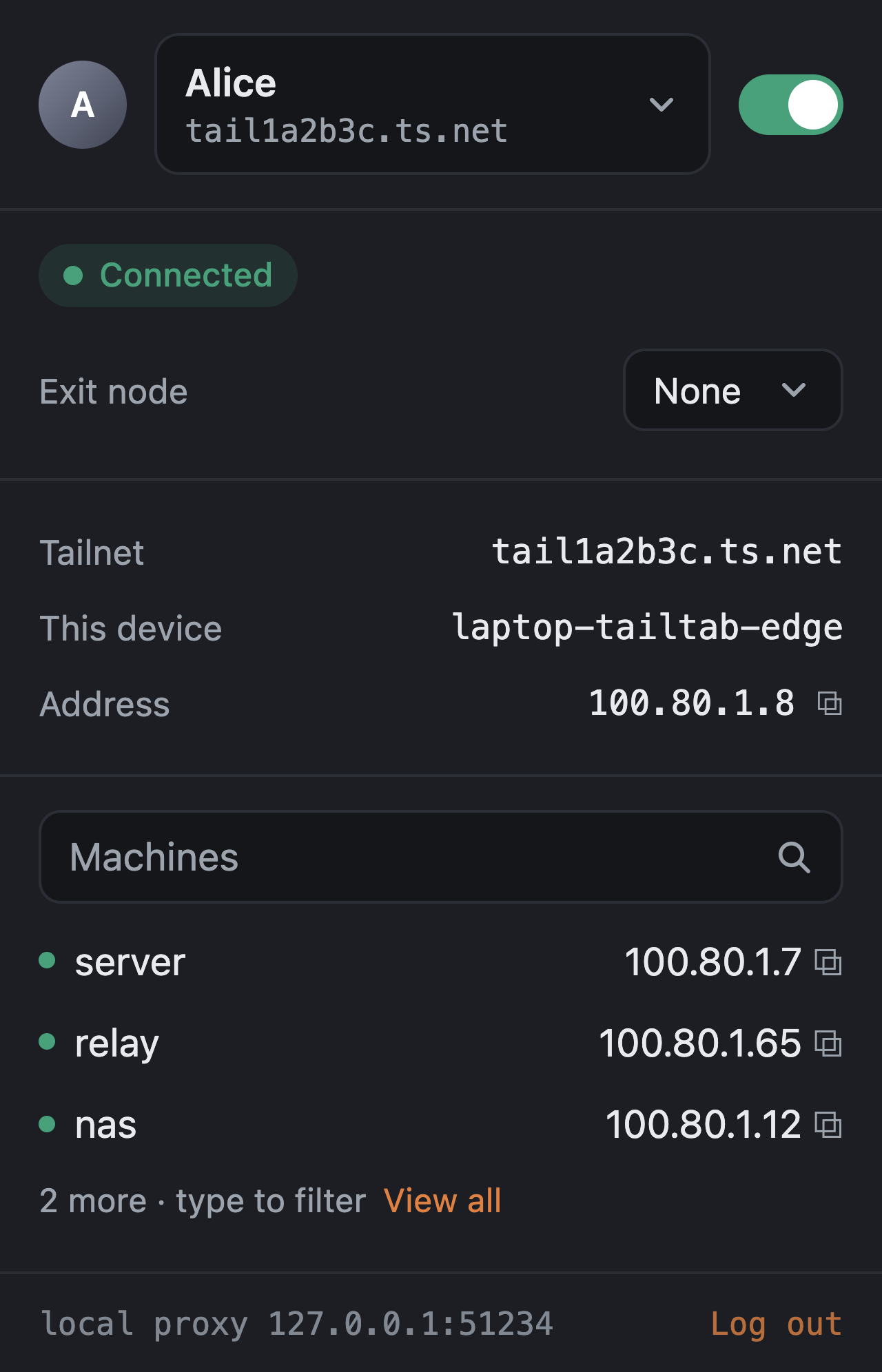
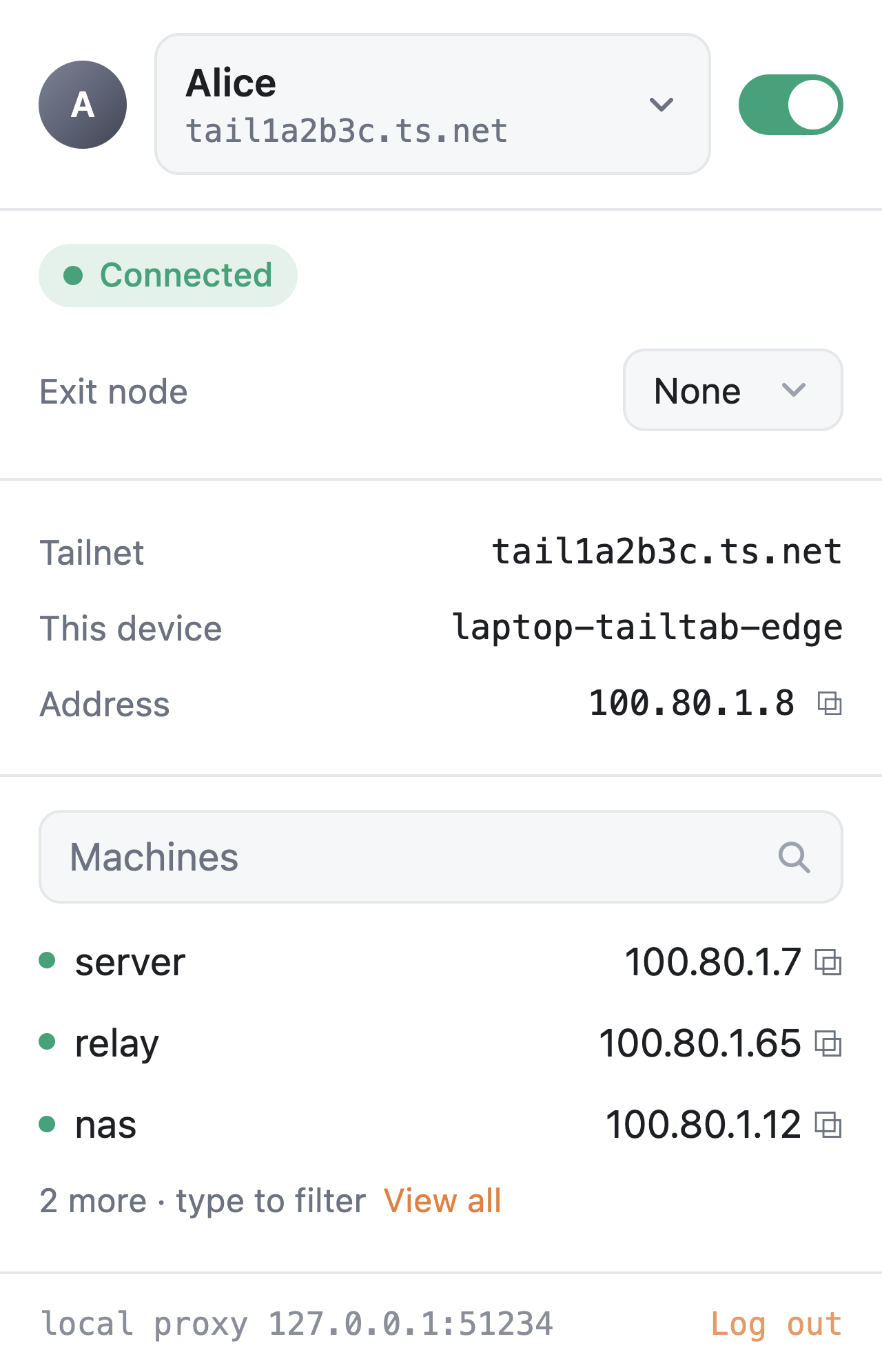
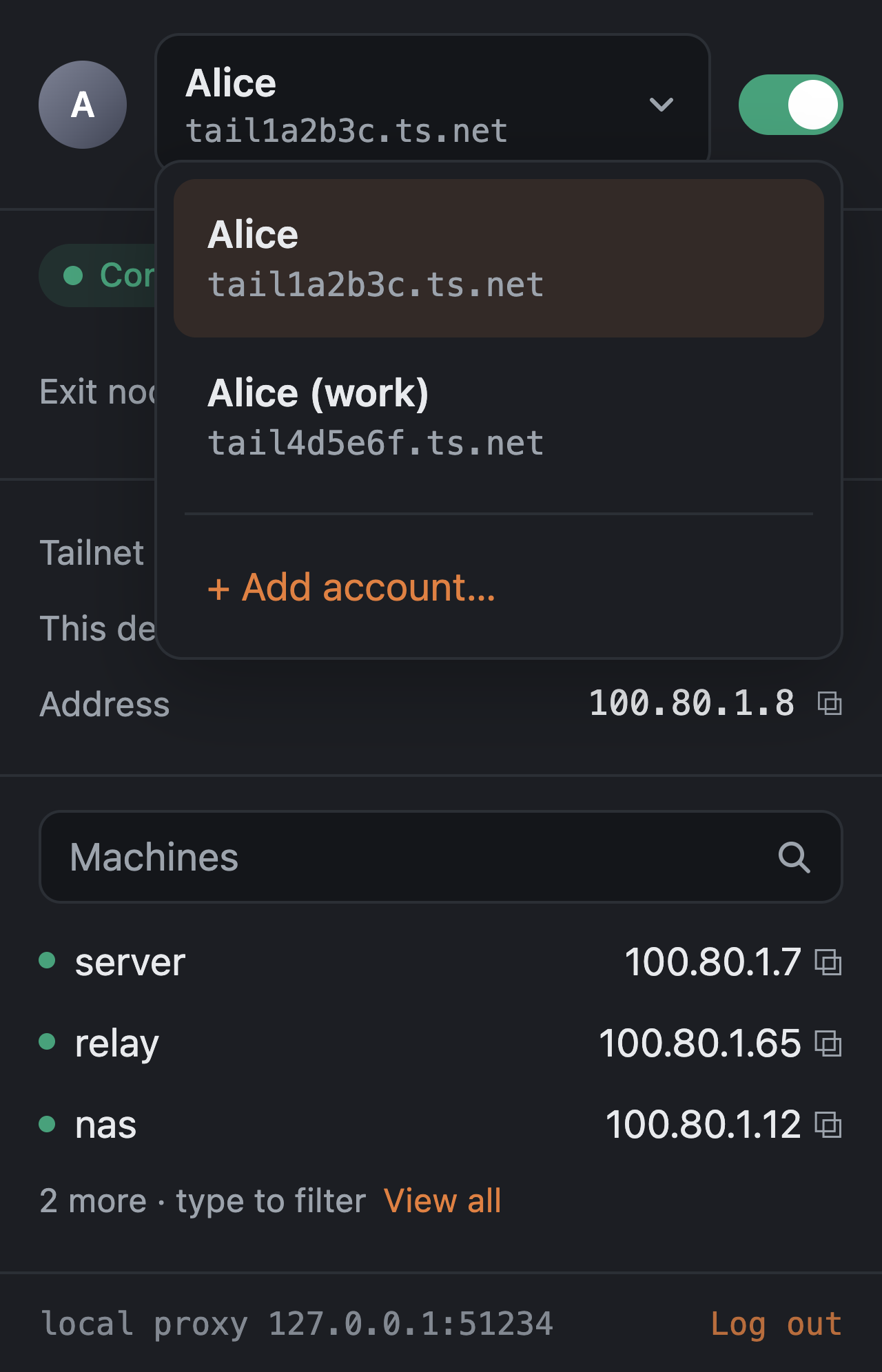
 Tailtab даёт каждому профилю браузера собственный узел Tailscale, так что разные профили (или даже разные аккаунты Tailscale/Headscale) могут одновременно находиться в совершенно отдельных tailnet, тогда как остальная часть машины остаётся нетронутой.
Tailtab даёт каждому профилю браузера собственный узел Tailscale, так что разные профили (или даже разные аккаунты Tailscale/Headscale) могут одновременно находиться в совершенно отдельных tailnet, тогда как остальная часть машины остаётся нетронутой.Это расширение для браузера или отдельное приложение?Это пара: небольшое расширение для браузера Chrome, Edge, Firefox или Zen плюс крошечный фоновый хост на Go, устанавливаемый на вашу машину. Хост встраивает библиотеку tsnet из Tailscale и становится настоящим узлом tailnet; расширение просто общается с ним через native messaging.
Это пара: небольшое расширение для браузера Chrome, Edge, Firefox или Zen плюс крошечный фоновый хост на Go, устанавливаемый на вашу машину. Хост встраивает библиотеку tsnet из Tailscale и становится настоящим узлом tailnet; расширение просто общается с ним через native messaging.Как это запустить?Запустите однострочный установщик (shell-скрипт на macOS/Linux, PowerShell на Windows), который скачивает хост, сверяет его с SHA256SUMS и регистрирует манифесты native messaging без root и прав администратора, затем загрузите соответствующее расширение: подписанный .xpi для Firefox/Zen или распакованный zip для Chrome/Edge через режим разработчика.
Запустите однострочный установщик (shell-скрипт на macOS/Linux, PowerShell на Windows), который скачивает хост, сверяет его с SHA256SUMS и регистрирует манифесты native messaging без root и прав администратора, затем загрузите соответствующее расширение: подписанный .xpi для Firefox/Zen или распакованный zip для Chrome/Edge через режим разработчика.Нужно ли что-то ещё, кроме установщика, например аккаунт Tailscale?Нужен аккаунт Tailscale (или Headscale/другой координационный сервер, который вы укажете), чтобы войти из всплывающего окна; сборка из исходников вместо бинарников из релизов дополнительно требует Go 1.27 и Node 22.
Нужен аккаунт Tailscale (или Headscale/другой координационный сервер, который вы укажете), чтобы войти из всплывающего окна; сборка из исходников вместо бинарников из релизов дополнительно требует Go 1.27 и Node 22.Есть ли подводные камни установки или шероховатости?Бинарник хоста пока не нотаризован и не подписан, поэтому на macOS при первом запуске нужно открыть его через правый клик, а Windows показывает предупреждение SmartScreen; Chrome и Firefox протестированы не так тщательно, как macOS/Edge, а Chrome Flatpak на Linux требует отдельного пути установки с учётом песочницы.
Бинарник хоста пока не нотаризован и не подписан, поэтому на macOS при первом запуске нужно открыть его через правый клик, а Windows показывает предупреждение SmartScreen; Chrome и Firefox протестированы не так тщательно, как macOS/Edge, а Chrome Flatpak на Linux требует отдельного пути установки с учётом песочницы.Уходят ли какие-то из этих данных с моей машины способами, которые я не контролирую?Да, одна часть: встроенная библиотека tsnet загружает свои логи в Tailscale, и сейчас нет поддерживаемого способа это отключить.
Да, одна часть: встроенная библиотека tsnet загружает свои логи в Tailscale, и сейчас нет поддерживаемого способа это отключить.Что здесь реально означает split tunneling по умолчанию?Через Tailtab идёт только трафик, предназначенный для вашего tailnet (имена MagicDNS, .ts.net, CGNAT-диапазоны tailnet и маршруты, анонсируемые пирами); любой другой запрос из этого профиля браузера уходит с машины обычным путём, так что обычный сёрфинг никогда не зависит от подключённого Tailtab.
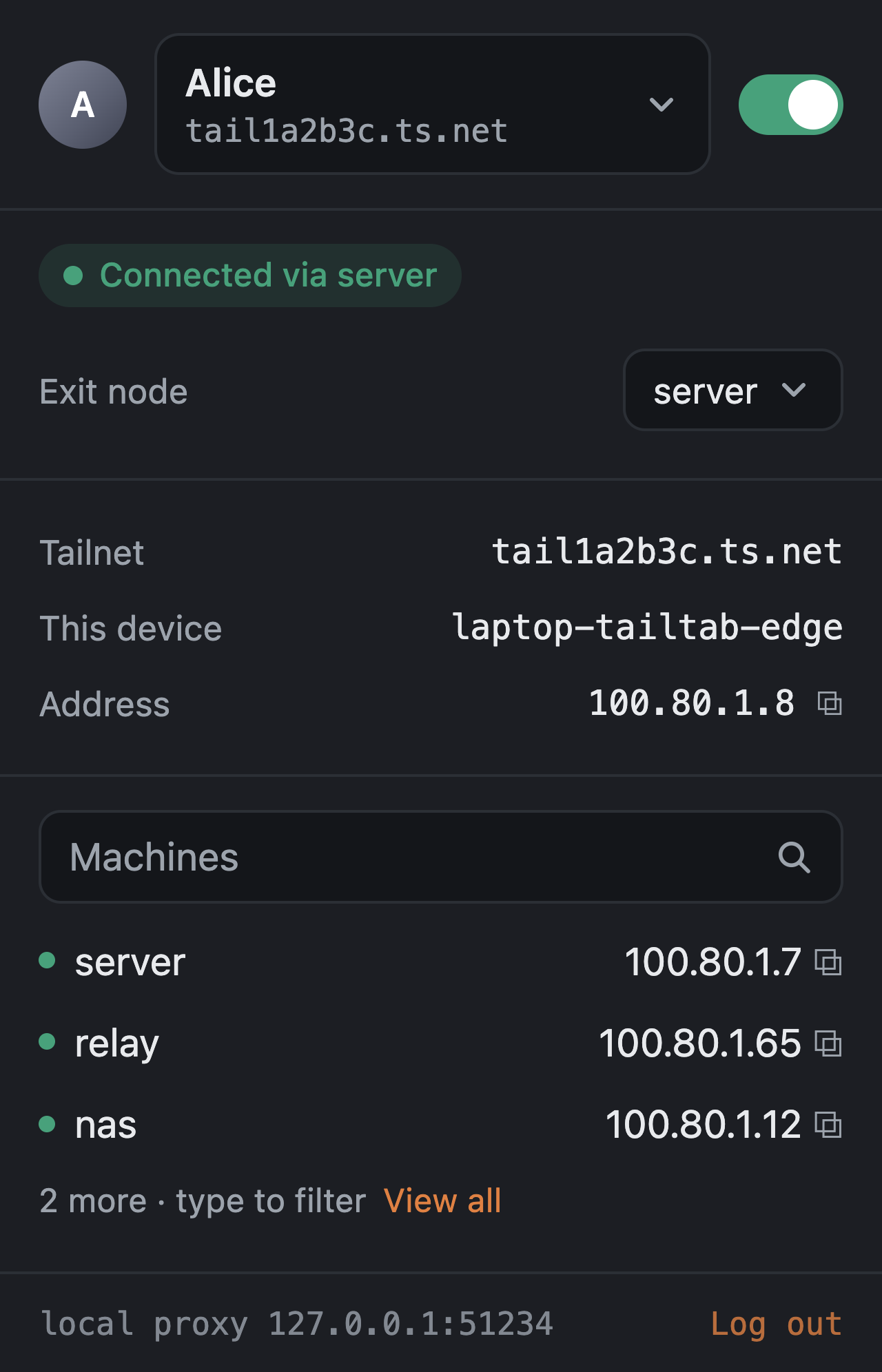
Через Tailtab идёт только трафик, предназначенный для вашего tailnet (имена MagicDNS, .ts.net, CGNAT-диапазоны tailnet и маршруты, анонсируемые пирами); любой другой запрос из этого профиля браузера уходит с машины обычным путём, так что обычный сёрфинг никогда не зависит от подключённого Tailtab.Как работают exit-узлы для каждого профиля?Вы выбираете exit-узел для одного профиля браузера во всплывающем окне, и публичный веб-трафик этого профиля идёт через него, а приватные диапазоны остаются локальными. Если exit-узел исчезает, Tailtab блокирует трафик, а не даёт ему утечь напрямую.
Вы выбираете exit-узел для одного профиля браузера во всплывающем окне, и публичный веб-трафик этого профиля идёт через него, а приватные диапазоны остаются локальными. Если exit-узел исчезает, Tailtab блокирует трафик, а не даёт ему утечь напрямую.Почему бы просто не использовать обычное приложение Tailscale?Стандартный клиент Tailscale даёт всей машине одну идентичность. Tailtab позволяет каждому профилю браузера нести собственные ключ узла, состояние и tailnet, так что можно запускать несколько аккаунтов или tailnet бок о бок, не трогая ничего остального на компьютере.
Стандартный клиент Tailscale даёт всей машине одну идентичность. Tailtab позволяет каждому профилю браузера нести собственные ключ узла, состояние и tailnet, так что можно запускать несколько аккаунтов или tailnet бок о бок, не трогая ничего остального на компьютере.Можно ли использовать свой контрольный сервер вместо серверов Tailscale?Да, страница настроек позволяет направить Tailtab на координационный сервер Headscale (или любой совместимый), и следующий вход уже пойдёт через него.
Да, страница настроек позволяет направить Tailtab на координационный сервер Headscale (или любой совместимый), и следующий вход уже пойдёт через него.What are similar projects?streamfirefly, tailscale, EasyTier, algo, wireguard-go, wireguard-install, brook, headscale
streamfirefly, tailscale, EasyTier, algo, wireguard-go, wireguard-install, brook, headscaleWhich topics is it in?edge-extension, firefox-addon, tailscale, vpn-client, wireguard, firefox-extension, chrome-extension, browser-extension, vpn, encryption, bsd, proxy
edge-extension, firefox-addon, tailscale, vpn-client, wireguard, firefox-extension, chrome-extension, browser-extension, vpn, encryption, bsd, proxy