











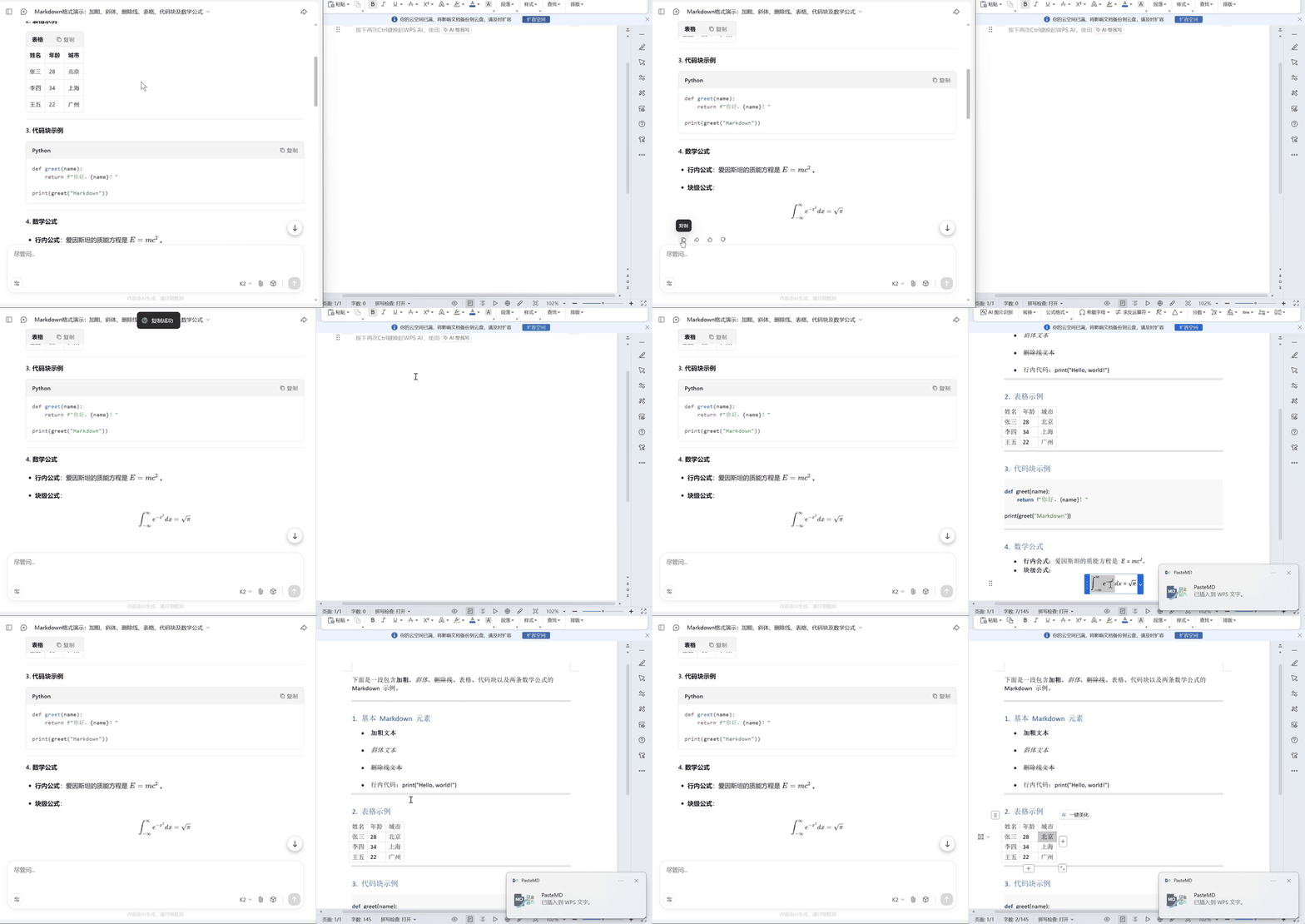
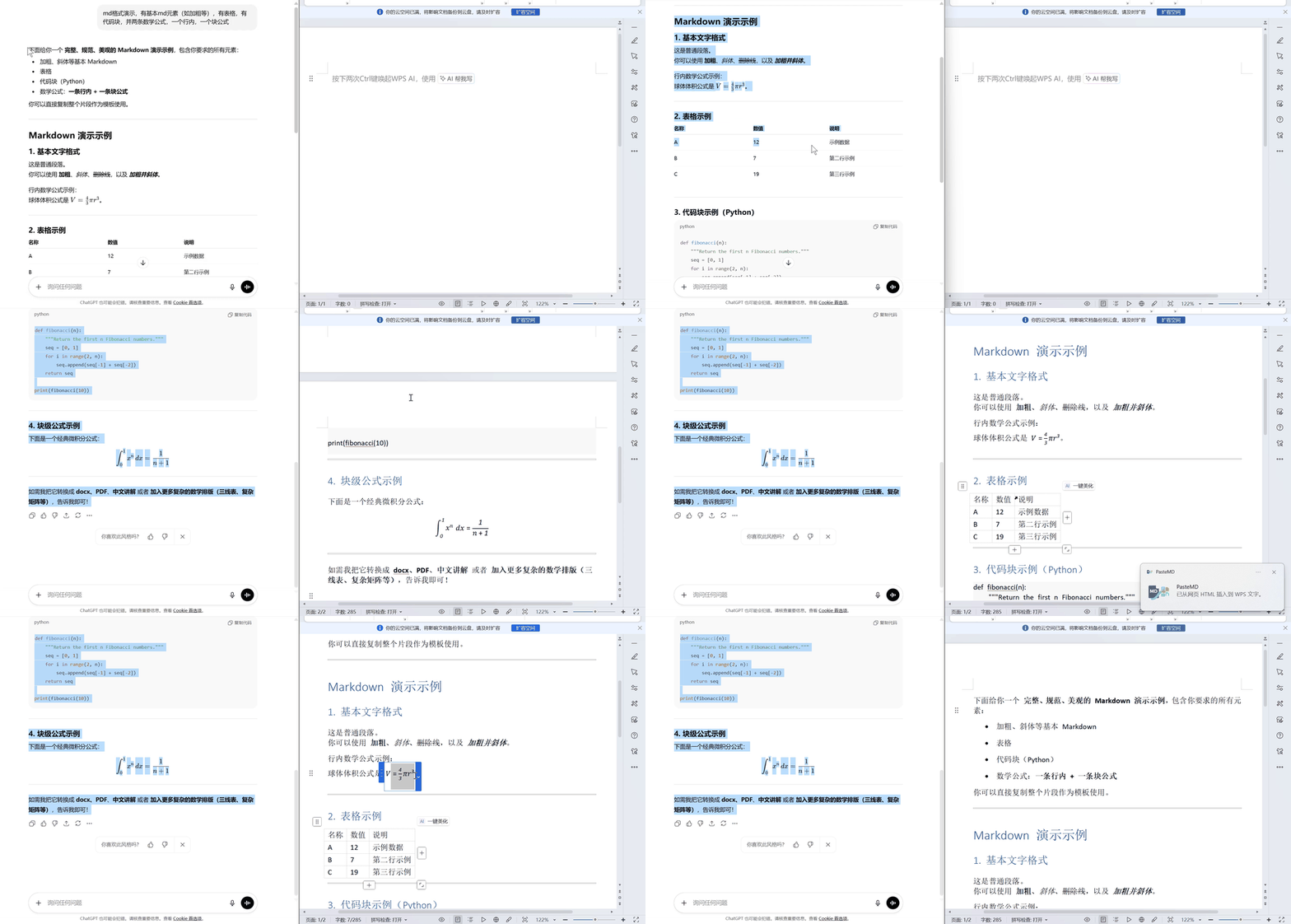
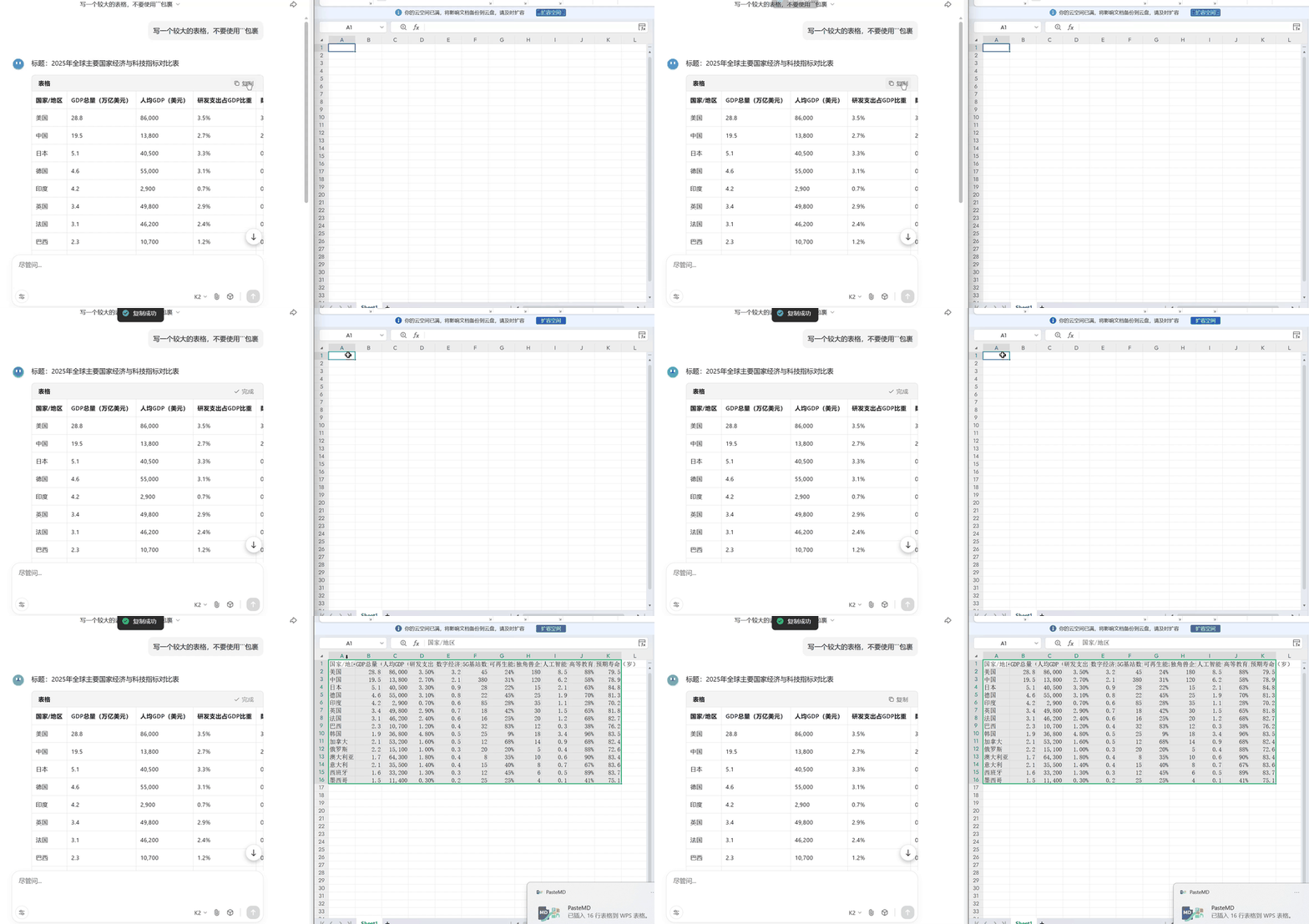
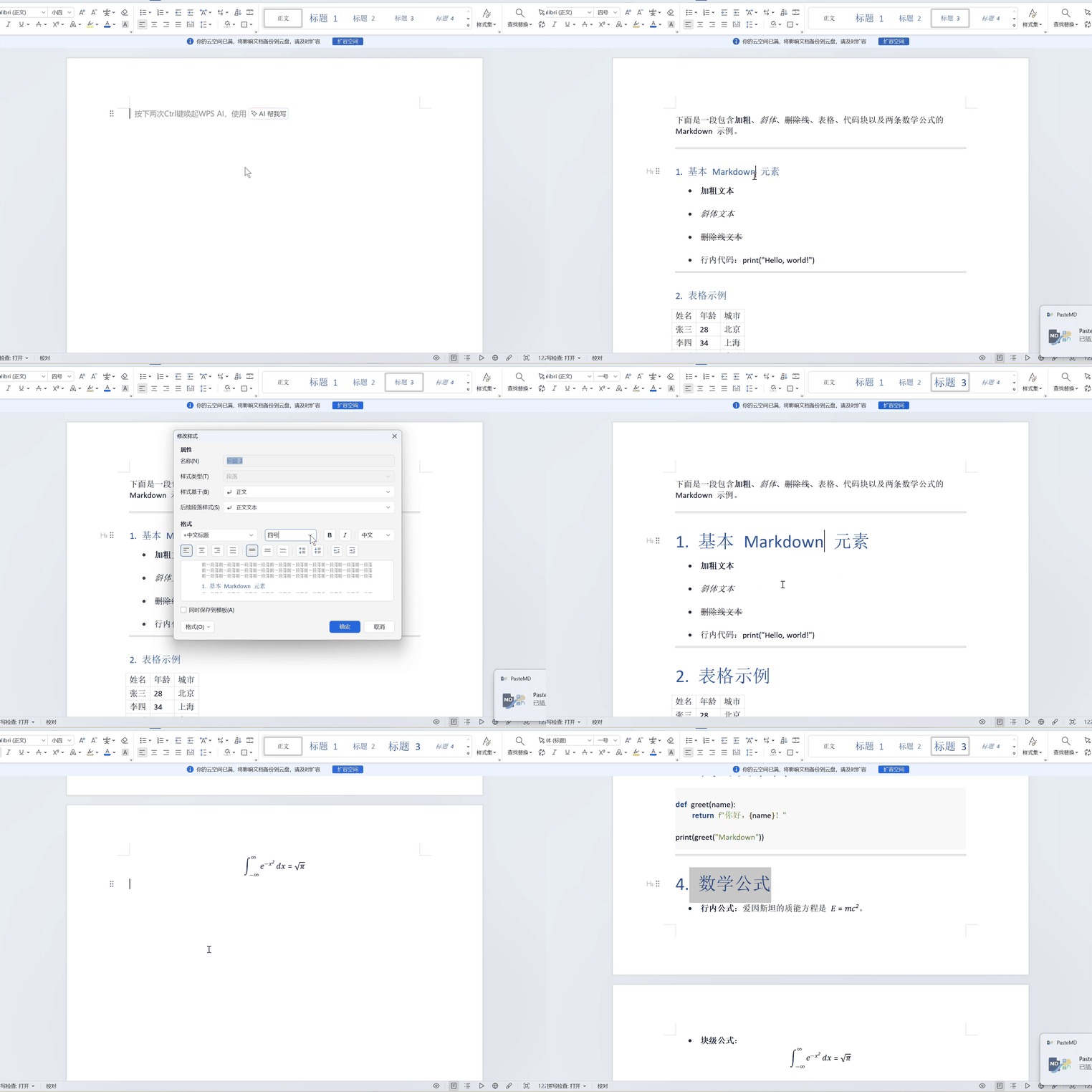

What is this?
 PasteMD is a system-tray utility that lets you copy Markdown or an AI chat response (ChatGPT, DeepSeek, Claude, etc.) and paste it perfectly formatted into Word, WPS, or Excel with one hotkey, converting the content via Pandoc.
PasteMD is a system-tray utility that lets you copy Markdown or an AI chat response (ChatGPT, DeepSeek, Claude, etc.) and paste it perfectly formatted into Word, WPS, or Excel with one hotkey, converting the content via Pandoc.Is this a Word add-in or a standalone background app?It is a standalone desktop app that sits in the system tray; it is not a Word/WPS plugin. It reads the clipboard, converts it with Pandoc, and inserts the result at the cursor position in whichever app is in front.
It is a standalone desktop app that sits in the system tray; it is not a Word/WPS plugin. It reads the clipboard, converts it with Pandoc, and inserts the result at the cursor position in whichever app is in front.How do I start using it?Download the all-in-one installer (pandoc-Setup.exe) from the Releases page, open Word/WPS/Excel and place the cursor where you want content, then copy Markdown or a web AI reply and press Ctrl+Shift+B to paste the converted result.
Download the all-in-one installer (pandoc-Setup.exe) from the Releases page, open Word/WPS/Excel and place the cursor where you want content, then copy Markdown or a web AI reply and press Ctrl+Shift+B to paste the converted result.Do I need Pandoc installed separately?No if you use the bundled installer, since pandoc-Setup.exe ships with Pandoc already included; the old portable exe required you to install Pandoc yourself, but that build is no longer provided.
No if you use the bundled installer, since pandoc-Setup.exe ships with Pandoc already included; the old portable exe required you to install Pandoc yourself, but that build is no longer provided.Does math formula pasting always work?No, it depends on the AI site: some sites like Kimi and 通义千问 lose formulas when you copy the web reply, and ChatGPT shows formulas as raw LaTeX code instead of rendered equations, requiring manual fixing in Word.
No, it depends on the AI site: some sites like Kimi and 通义千问 lose formulas when you copy the web reply, and ChatGPT shows formulas as raw LaTeX code instead of rendered equations, requiring manual fixing in Word.Does it run on both Windows and macOS?Yes, the config file location is documented for both: %APPDATA%\PasteMD\config.json on Windows and ~/Library/Application Support/PasteMD/config.json on macOS.
Yes, the config file location is documented for both: %APPDATA%\PasteMD\config.json on Windows and ~/Library/Application Support/PasteMD/config.json on macOS.What happens if Word, WPS, or Excel isn't already open when I paste?A configurable 'noAppAction' setting decides the fallback: open the app automatically, just save the DOCX, copy it to the clipboard as a file, or do nothing, with 'open' as the default.
A configurable 'noAppAction' setting decides the fallback: open the app automatically, just save the DOCX, copy it to the clipboard as a file, or do nothing, with 'open' as the default.Can I customize how content gets converted, e.g. for Mermaid diagrams?Yes, you can chain custom Pandoc Filters (Lua scripts or executables) per conversion type; the README walks through adding mermaid-filter so Mermaid diagrams render as images inside the pasted Word document.
Yes, you can chain custom Pandoc Filters (Lua scripts or executables) per conversion type; the README walks through adding mermaid-filter so Mermaid diagrams render as images inside the pasted Word document.Can different apps get different paste behaviors?Yes, the 'Application Extensions' settings let you match an app by its executable path or window title (regex) and choose a paste mode per app, such as Markdown for note apps, LaTeX for Overleaf, or file-attachment mode for QQ/WeChat.
Yes, the 'Application Extensions' settings let you match an app by its executable path or window title (regex) and choose a paste mode per app, such as Markdown for note apps, LaTeX for Overleaf, or file-attachment mode for QQ/WeChat.What languages does the interface support?The UI language is configurable between Simplified Chinese (zh-CN), English (en-US), and Japanese (ja-JP).
The UI language is configurable between Simplified Chinese (zh-CN), English (en-US), and Japanese (ja-JP).What are similar projects?flyingmouse-format, MiniPdf, pandoc, OfficeCLI, LKY_OfficeTools, Zettlr, gpt_academic, dsh-univer-office
flyingmouse-format, MiniPdf, pandoc, OfficeCLI, LKY_OfficeTools, Zettlr, gpt_academic, dsh-univer-office