Claude Code System Prompts

[!tip]
NEW (June 12, 2026): We've greatly expanded this list with many more of Claude Code's prompts—from 350 to 515 (+165)—our most complete coverage yet.
This repository contains an up-to-date list of all Claude Code's various system prompts and their associated token counts as of Claude Code v2.1.267 (September 9th, 2026). It also contains a CHANGELOG.md for the system prompts across 284 versions since v2.0.14. From the team behind  Piebald.
This repository is updated within minutes of each Claude Code release. See the changelog, and follow @PiebaldAI on X for a summary of the system prompt changes in each release.
[!note]
⭐ Star this repository to get notified about new Claude Code versions. For each new Claude Code version, we create a release on GitHub, which will notify all users who've starred the repository.
Why multiple "system prompts?"
Claude Code doesn't just have one single string for its system prompt.
Instead, there are:
- Large portions conditionally added depending on the environment and various configs.
- Descriptions for builtin tools like
Write, Bash, and TodoWrite, and some are fairly large.
- Separate system prompts for builtin agents like Explore and Plan.
- Numerous AI-powered utility functions, such as conversation compaction,
CLAUDE.md generation, session title generation, etc. featuring their own systems prompts.
The result—500+ strings that are constantly changing and moving within a very large minified JS file.
[!important]
Want to modify a particular piece of the system prompt in your own Claude Code installation? Use tweakcc. It—
- lets you customize the individual pieces of the system prompt as markdown files, and then
- patches your npm-based or native (binary) Claude Code installation with them, and also
- provides diffing and conflict management for when both you and Anthropic have conflicting modifications to the same prompt file.
This repository contains the system prompts extracted using a script from the latest npm version of Claude Code. As they're extracted directly from Claude Code's compiled source code, they're guaranteed to be exactly what Claude Code uses. If you use tweakcc to customize the system prompts, it works in a similar way—it patches the exact same strings in your local installation as are extracted into this repository.
Prompts
Note that some prompts contain interpolated bits such as builtin tool name references, lists of available sub agents, and various other context-specific variables, so the actual counts in a particular Claude Code session will differ slightly—likely not beyond ±20 tokens, however.
Agent Prompts
Sub-agents and utilities.
Sub-agents
Creation Assistants
Slash Commands
- Agent Prompt: /batch slash command (1106 tks) - Instructions for orchestrating a large, parallelizable change across a codebase.
- Agent Prompt: /code-review GitLab comment posting (312 tks) - Directs code review findings to a general GitLab merge request note when the comment flag is enabled.
- Agent Prompt: /code-review inline gap sweep phase (105 tks) - Adds a final same-context sweep for defects missed by an inline code review when subagents are unavailable.
- Agent Prompt: /code-review minimal mode (536 tks) - Minimal /code-review prompt that performs one careful diff pass and reports up to fifteen concrete correctness findings.
- Agent Prompt: /code-review part 1 base finder angles (145 tks) - Line-by-line diff scan instructions for the /code-review slash command's finder-angle phase.
- Agent Prompt: /code-review part 10 ReportFindings output format (345 tks) - Output-format instructions for /code-review runs that report verified findings once through the ReportFindings tool with capped, severity-ranked findings.
- Agent Prompt: /code-review part 2 low effort minimum findings mode (740 tks) - Low-effort /code-review prompt that reads the diff once, targets at least min(files_changed, 4) hunk-visible runtime correctness findings, and performs one extra pass when short.
- Agent Prompt: /code-review part 2 low effort mode (676 tks) - Low-effort /code-review prompt that reads the diff once and returns up to four hunk-visible runtime correctness findings.
- Agent Prompt: /code-review part 3 extra-high and maximum effort modes (510 tks) - Extra-high and maximum-effort /code-review prompt that runs five finder angles, one-vote verification, a gap sweep, and capped JSON findings.
- Agent Prompt: /code-review part 4 three-state verification phase (98 tks) - Verification phase for /code-review that asks one agent verifier to classify each candidate as confirmed, plausible, or refuted.
- Agent Prompt: /code-review part 5 recall-biased verification phase (175 tks) - Recall-biased /code-review verification phase that treats realistic uncertain findings as plausible unless code refutes them.
- Agent Prompt: /code-review part 6 medium effort mode (423 tks) - Medium-effort /code-review prompt that favors precision with three finder angles, one-vote verification, and up to eight JSON findings.
- Agent Prompt: /code-review part 7 high effort mode (468 tks) - High-effort /code-review prompt that favors recall with three finder angles, recall-biased verification, and up to ten JSON findings.
- Agent Prompt: /code-review part 8 GitHub comment posting (152 tks) - Optional /code-review instructions for posting findings as GitHub inline PR comments when --comment is passed.
- Agent Prompt: /code-review part 9 fix application (250 tks) - Optional /code-review instructions for applying findings to the working tree when --fix is passed.
- Agent Prompt: /code-review unavailable-agent inline mode (403 tks) - Builds a single-pass inline code-review prompt that gathers a diff, evaluates configured angles, deduplicates findings, optionally sweeps gaps, and reports capped results when the Agent tool is unavailable.
- Agent Prompt: /rename auto-generate session name (80 tks) - Prompt used by /rename (no args) to auto-generate a kebab-case session name from conversation context.
- Agent Prompt: /schedule slash command (4497 tks) - Guides the user through scheduling, updating, listing, or running remote Claude Code agents on cron triggers via the Anthropic cloud API.
- Agent Prompt: /security-review slash command (2521 tks) - Comprehensive security review prompt for analyzing code changes with focus on exploitable vulnerabilities.
- Agent Prompt: /simplify slash command (362 tks) - Instructions for the /simplify slash command that reviews changed code for reuse, simplification, efficiency, and altitude cleanups, then applies the fixes.
- Agent Prompt: /simplify unavailable-agent inline mode (621 tks) - Runs the /simplify cleanup workflow inline across reuse, simplification, efficiency, and altitude angles when the Agent tool is unavailable.
- Agent Prompt: /ultrareview GitHub comment poster (894 tks) - Instructs the /ultrareview posting step to publish exactly one plain GitHub pull request comment from a routine payload, with a run deduplication marker and no other writes.
- Agent Prompt: Artifact type creation slash command (347 tks) - Directs an Artifact creation slash command to discover the named published Artifact type, create from its type URL, and follow the returned type instructions.
Utilities
- Agent Prompt: Agent Hook (234 tks) - Evaluates agent hook conditions against the codebase and, when available, the conversation transcript, then returns a structured pass/fail result.
- Agent Prompt: Artifact comment thread analyst (750 tks) - Instructs a read-only agent to analyze one Artifact comment thread and return a constrained analysis brief for a separate composer.
- Agent Prompt: Artifact editor thread follow-up (328 tks) - Delivers a tagged Artifact thread message to the active editor worker, requiring page-scoped edits and republishing for relevant requests and no changes for unrelated ones.
- Agent Prompt: Auto mode rule reviewer (292 tks) - Reviews and critiques user-defined auto mode classifier rules for clarity, completeness, conflicts, and actionability.
- Agent Prompt: Away summary generation (73 tks) - Prompts a no-tools away-summary generation run to recap the goal, current task, and next action when the user returns.
- Agent Prompt: Background agent state classifier (6237 tks) - Classifies the tail of a background agent transcript as working, blocked, done, or failed and returns concise state JSON.
- Agent Prompt: Background job agent instructions (559 tks) - Instructs the built-in background job agent to narrate progress, restate tool results, and emit explicit result, needs input, or failed status signals.
- Agent Prompt: Claude Code guide (415 tks) - Describes when to use the Claude Code guide agent for Claude Code, Agent SDK, Claude API, and Claude Tag questions.
- Agent Prompt: Claude guide agent (3008 tks) - Instructs the Claude guide agent to answer documentation-based questions about Claude Code, the Claude Agent SDK, the Claude API, Claude Tag, plugin evaluation, and skill diagnostics.
- Agent Prompt: Coding session title generator (898 tks) - Generates a short noun-phrase title for a coding session from untrusted session content.
- Agent Prompt: Conversation summarization (1795 tks) - System prompt for creating detailed conversation summaries.
- Agent Prompt: Coordinator worker instructions (830 tks) - Instructions for worker agents executing coordinator-assigned tasks, covering scope control, concurrent branch changes, resumption, failure handling, and coordinator-facing output.
- Agent Prompt: Determine which memory files to attach (354 tks) - Agent for determining which memory files to attach for the main agent.
- Agent Prompt: Dream memory consolidation (1573 tks) - Instructs an agent to perform a multi-phase memory consolidation pass — orienting on existing memories, gathering recent signal from logs and transcripts, merging updates into topic files, and pruning the index.
- Agent Prompt: General purpose agent (63 tks) - Defines a general-purpose agent for researching complex questions, searching code, and executing multi-step tasks.
- Agent Prompt: General purpose (446 tks) - System prompt for the general-purpose subagent that searches, analyzes, and edits code across a codebase while reporting findings concisely to the caller.
- Agent Prompt: General task agent (99 tks) - Instructs a Claude Code task agent to complete the user's request fully and report the essential outcome.
- Agent Prompt: Hook condition evaluator (stop) (319 tks) - System prompt for evaluating hook conditions, specifically stop conditions, in Claude Code.
- Agent Prompt: Hook condition evaluator (88 tks) - Instructs an agent to judge whether a user-provided hook condition is met.
- Agent Prompt: Inherited context for worktree sub-agent (121 tks) - Briefs a sub-agent that it has inherited a parent session's context and is now working in its own isolated git worktree.
- Agent Prompt: Onboarding guide draft share link workflow (323 tks) - Adds instructions for sharing the draft ONBOARDING.md before review, then updating the same ShareOnboardingGuide link after the user answers the review questions.
- Agent Prompt: Onboarding guide generator (1135 tks) - Co-authors a team onboarding guide (ONBOARDING.md) for new Claude Code users by analyzing the creator's usage data, classifying session types, and iterating on the draft collaboratively.
- Agent Prompt: PR follow-up cron (172 tks) - Cron prompt for checking a pull request created in the session and fixing failures, comments, or conflicts.
- Agent Prompt: Project thread status card classifier (4085 tks) - Classifies a Project thread as needing a reply, needing approval, done, failed, or working and emits concise owner-facing status-card JSON.
- Agent Prompt: Prompt Suggestion Generator v2 (344 tks) - V2 instructions for generating prompt suggestions for Claude Code.
- Agent Prompt: Pull request creation (1165 tks) - Prompt for creating a single GitHub pull request from existing commits with branch, template, attribution, shell-formatting, and git-safety guidance.
- Agent Prompt: Quick PR creation (1626 tks) - Streamlined prompt for creating a commit and pull request with pre-populated context.
- Agent Prompt: Quick git commit (1335 tks) - Streamlined prompt for creating a single git commit with pre-populated context.
- Agent Prompt: Read-only search agent (93 tks) - Defines a read-only search agent for broad fan-out code searches that returns conclusions instead of file dumps.
- Agent Prompt: Recent Message Summarization (1272 tks) - Agent prompt used for summarizing recent messages.
- Agent Prompt: Remote machine auto mode rules (228 tks) - Adds host-declared deny, allow, and environment rules to the security monitor prompt for commands that will run on another machine.
- Agent Prompt: Schedule action selection (114 tks) - Instructs the cloud scheduling agent to ask the user which schedule action to perform first.
- Agent Prompt: Schedule local MCP server limitation (1145 tks) - Explains that local Claude Code MCP servers cannot be attached to cloud routines and tailors Claude.ai connector guidance to why the connector list was unavailable.
- Agent Prompt: Security monitor Claude Tag connector writes (527 tks) - Allows the autonomous-action security monitor to accept delegated writes through exact Claude Tag connector tool prefixes while preserving all other safety boundaries.
- [Agent Prompt: Security monitor for auto



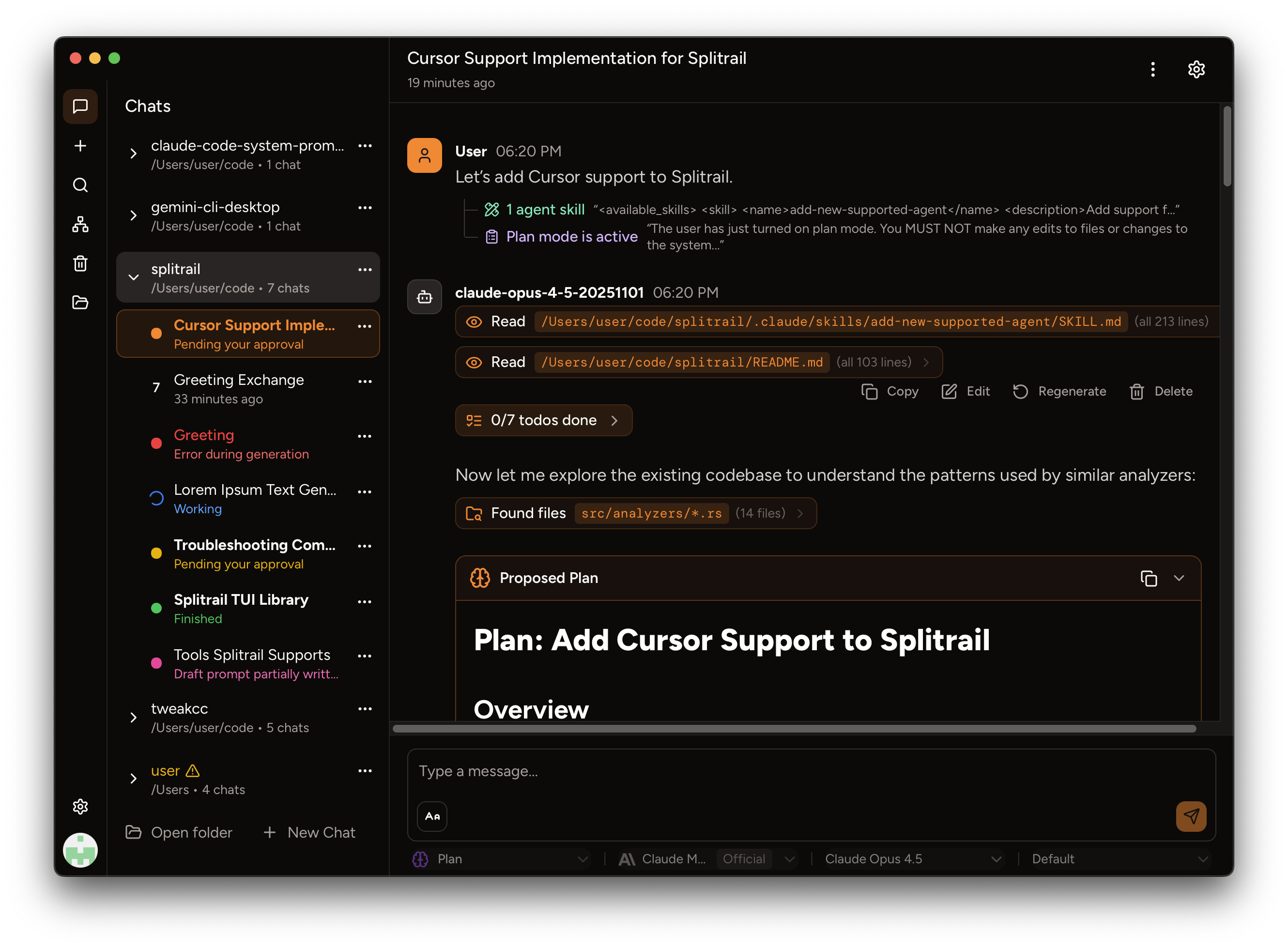

 This is a repository that extracts and publishes every part of Claude Code's system prompt: its core instructions, 27 builtin tool descriptions, sub-agent prompts (Explore, Plan, Task), and utility prompts (CLAUDE.md generation, conversation compaction, statusline setup, WebFetch, Bash commands, security review, agent creation, and more).