












What is this?
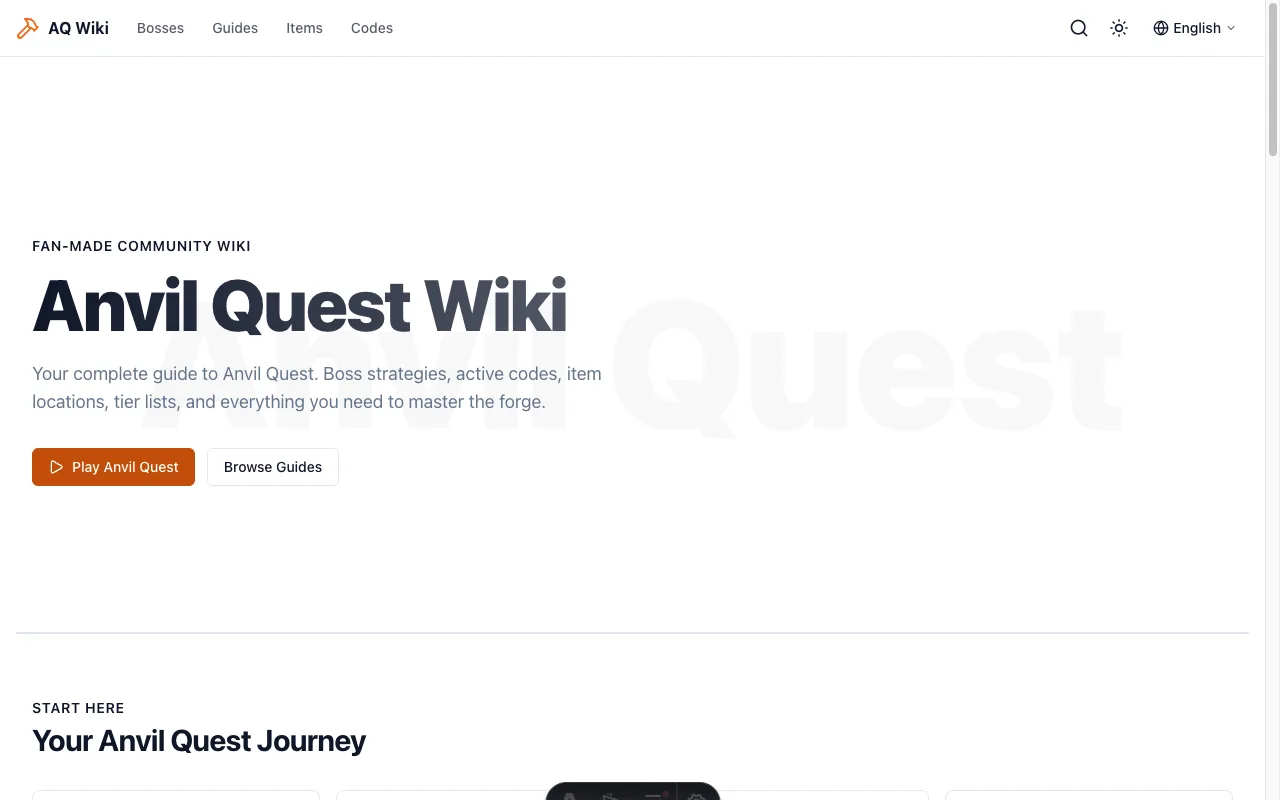
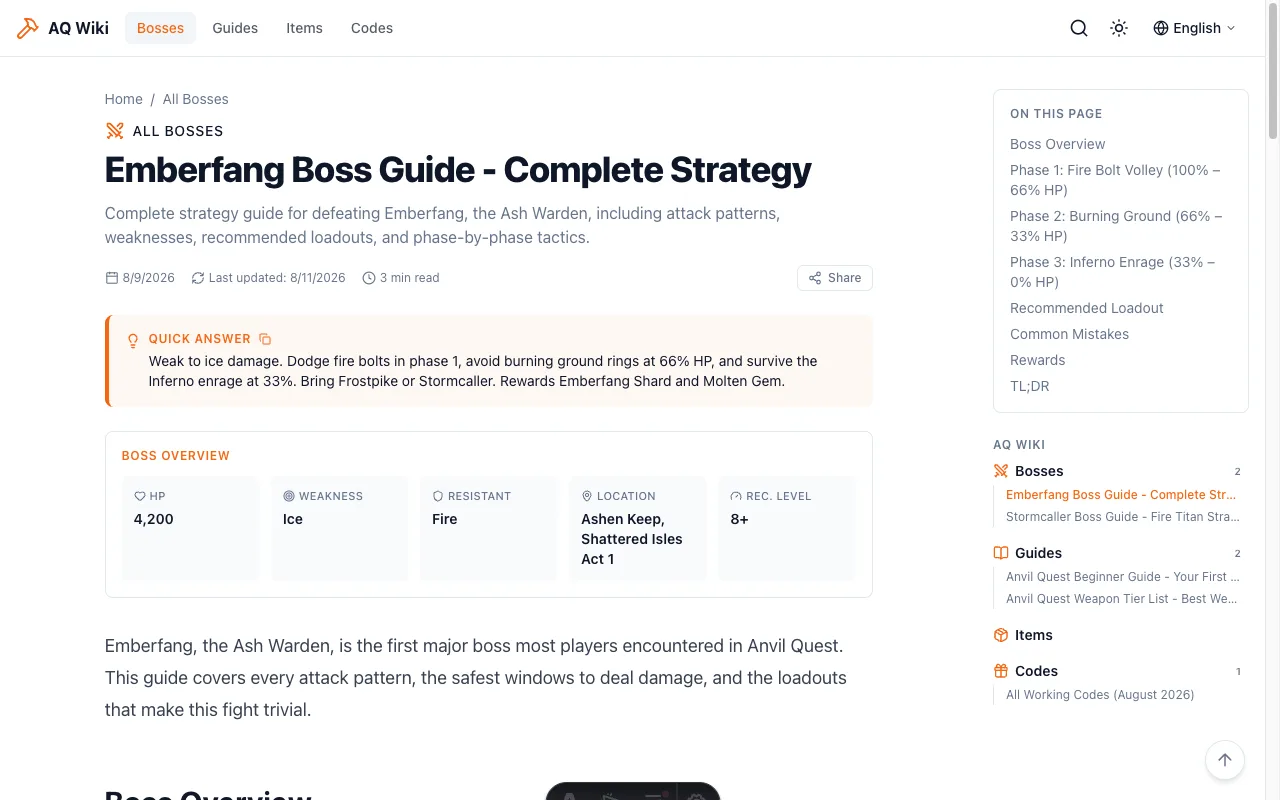
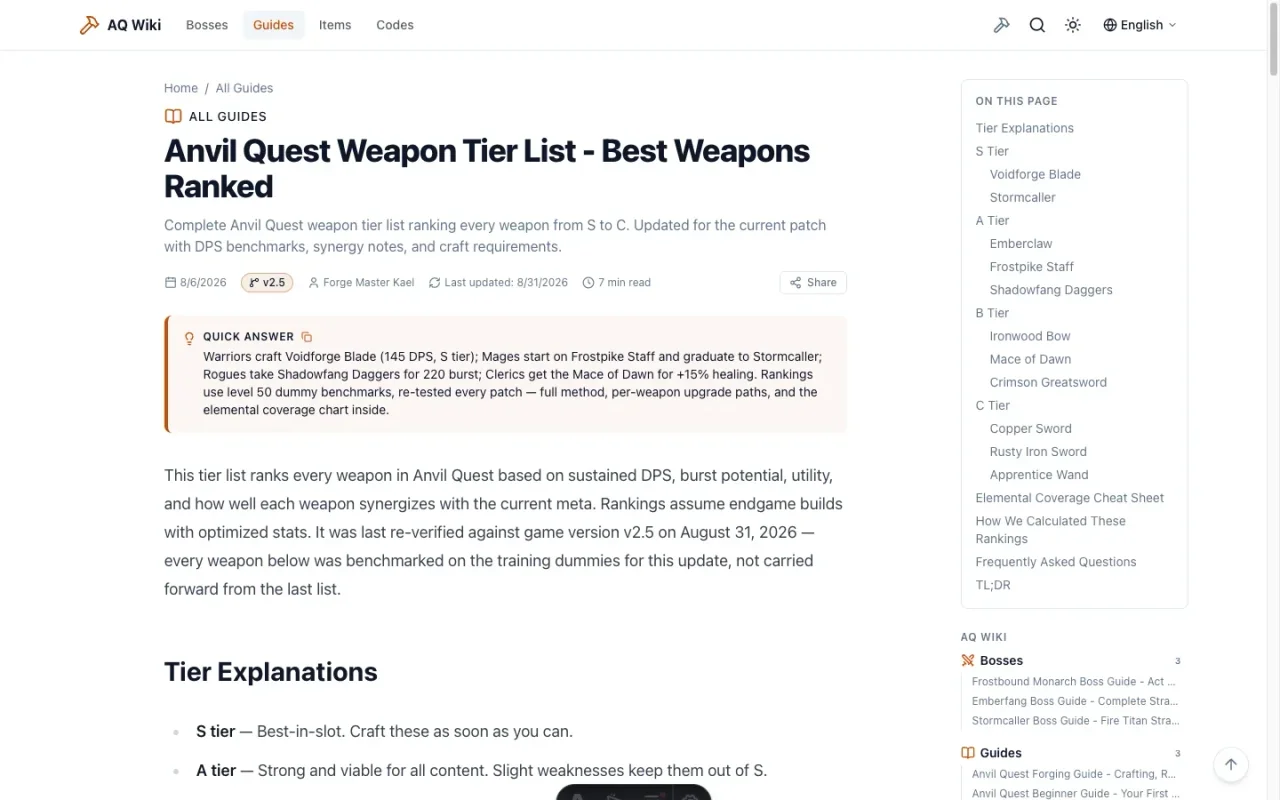
 AnvilWiki is an open-source template for building a game wiki or SEO content site around a specific game (Roblox, Steam titles, etc.), built with Astro and deployed to Cloudflare Pages. It drives traffic through SEO and monetizes with ads, and 100% of the ad revenue goes to you.
AnvilWiki is an open-source template for building a game wiki or SEO content site around a specific game (Roblox, Steam titles, etc.), built with Astro and deployed to Cloudflare Pages. It drives traffic through SEO and monetizes with ads, and 100% of the ad revenue goes to you.Is this a hosted wiki service or a template I run myself?It's a template repository you fork and deploy to your own Cloudflare Pages account, not a managed platform like Fandom. The output is a pure static, zero-JS-first Astro site.
It's a template repository you fork and deploy to your own Cloudflare Pages account, not a managed platform like Fandom. The output is a pure static, zero-JS-first Astro site.How do I get my own wiki site live?Fork the repo and run the 5-command quick start to deploy to Cloudflare Pages' free tier. There's also a no-terminal path: open the fork's Actions tab, run the 'Initialize AnvilWiki' workflow with your domain, and merge the PR it opens.
Fork the repo and run the 5-command quick start to deploy to Cloudflare Pages' free tier. There's also a no-terminal path: open the fork's Actions tab, run the 'Initialize AnvilWiki' workflow with your domain, and merge the PR it opens.What do I need installed before starting?You need Node.js 22+ and pnpm (installable via npm install -g pnpm); the Learning Manual also walks complete beginners through installing a terminal, Git and an AI assistant.
You need Node.js 22+ and pnpm (installable via npm install -g pnpm); the Learning Manual also walks complete beginners through installing a terminal, Git and an AI assistant.Any catches before I count on this for income?The site ships with demo content you must swap out, and zero income in the first 1-2 weeks is normal — the realistic revenue window is 2-8 weeks after a game spikes in popularity.
The site ships with demo content you must swap out, and zero income in the first 1-2 weeks is normal — the realistic revenue window is 2-8 weeks after a game spikes in popularity.Who is this built for?People who want to run a game content site as a side income without coding skills (the Learning Manual is written for complete beginners), as well as content creators who want an AI-accelerated writing workflow.
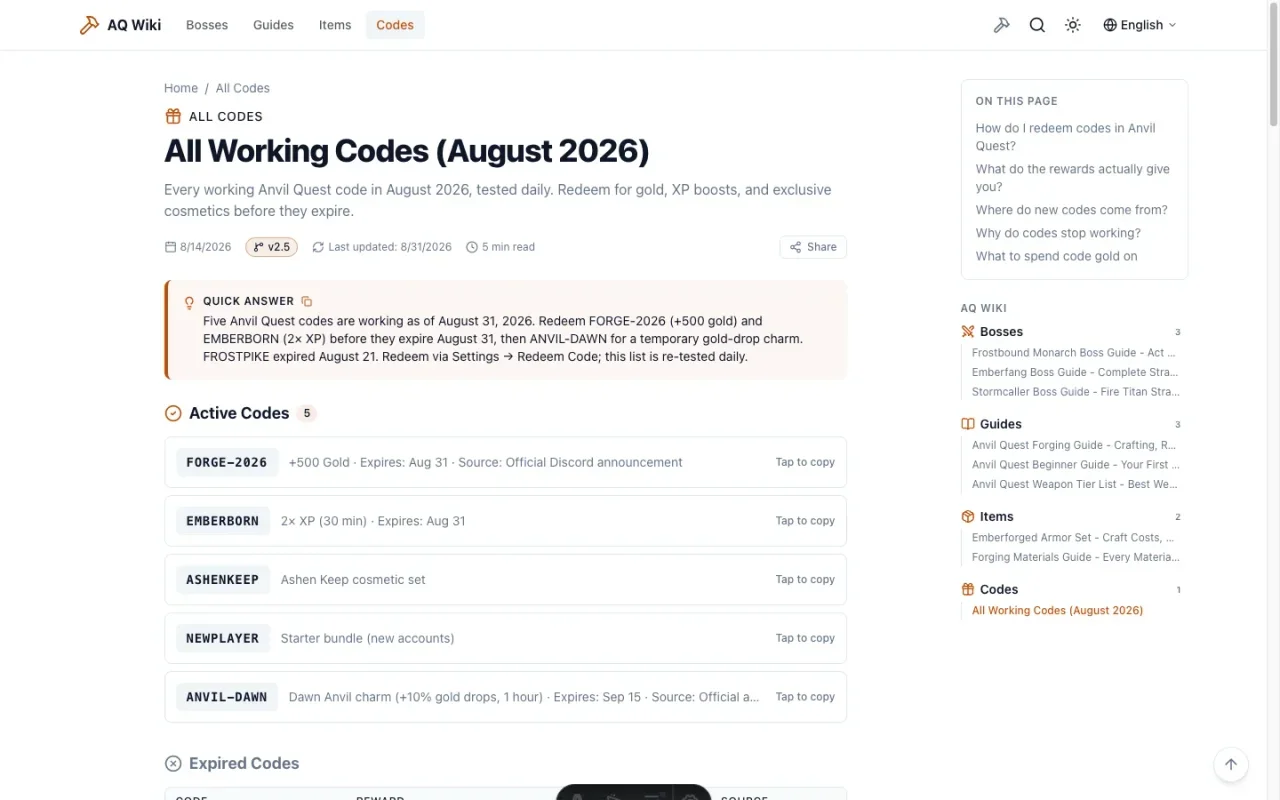
People who want to run a game content site as a side income without coding skills (the Learning Manual is written for complete beginners), as well as content creators who want an AI-accelerated writing workflow.What AI skills come built into the repo?AnvilWiki ships six agent skills under .agent/skills/: anvil-find-keywords for keyword research, anvil-new-article to turn notes or video into a guide, anvil-batch-articles for bulk page generation, anvil-update-codes to refresh redemption codes, anvil-refresh to flag stale content, and anvil-adsense-audit to check AdSense policy compliance.
AnvilWiki ships six agent skills under .agent/skills/: anvil-find-keywords for keyword research, anvil-new-article to turn notes or video into a guide, anvil-batch-articles for bulk page generation, anvil-update-codes to refresh redemption codes, anvil-refresh to flag stale content, and anvil-adsense-audit to check AdSense policy compliance.How does AnvilWiki compare to Fandom or building a custom Next.js wiki?Unlike Fandom, you keep 100% of ad revenue instead of giving the platform a cut; unlike a custom Next.js build, AnvilWiki gives you Lighthouse 4x100 performance and AI-driven page generation out of the box instead of weeks of manual setup.
Unlike Fandom, you keep 100% of ad revenue instead of giving the platform a cut; unlike a custom Next.js build, AnvilWiki gives you Lighthouse 4x100 performance and AI-driven page generation out of the box instead of weeks of manual setup.Can I manage more than one wiki site at once?Yes — the anvilwiki-ops toolkit (usable via npx or as an MCP server) lets your AI assistant pull Google Search Console and Cloudflare data across multiple sites and generate optimization checklists.
Yes — the anvilwiki-ops toolkit (usable via npx or as an MCP server) lets your AI assistant pull Google Search Console and Cloudflare data across multiple sites and generate optimization checklists.How do I actually make money with it?The template includes three off-by-default monetization pieces — AdSense ad slots, an affiliate link component, and end-of-article suggestion cards — gated by env/config so you enable them once your site is ready, with all revenue going to you.
The template includes three off-by-default monetization pieces — AdSense ad slots, an affiliate link component, and end-of-article suggestion cards — gated by env/config so you enable them once your site is ready, with all revenue going to you.What are similar projects?tailwind-nextjs-starter-blog, astro, nextra, rankme.fast, fumadocs, dshfind, Front-End-Checklist, emdash
tailwind-nextjs-starter-blog, astro, nextra, rankme.fast, fumadocs, dshfind, Front-End-Checklist, emdashWhich topics is it in?game-dev, cloudflare-pages, astro, mdx, static-site, seo, pnpm, tailwindcss, i18n, beginner-friendly, cloud, framework
game-dev, cloudflare-pages, astro, mdx, static-site, seo, pnpm, tailwindcss, i18n, beginner-friendly, cloud, framework