






What is this?
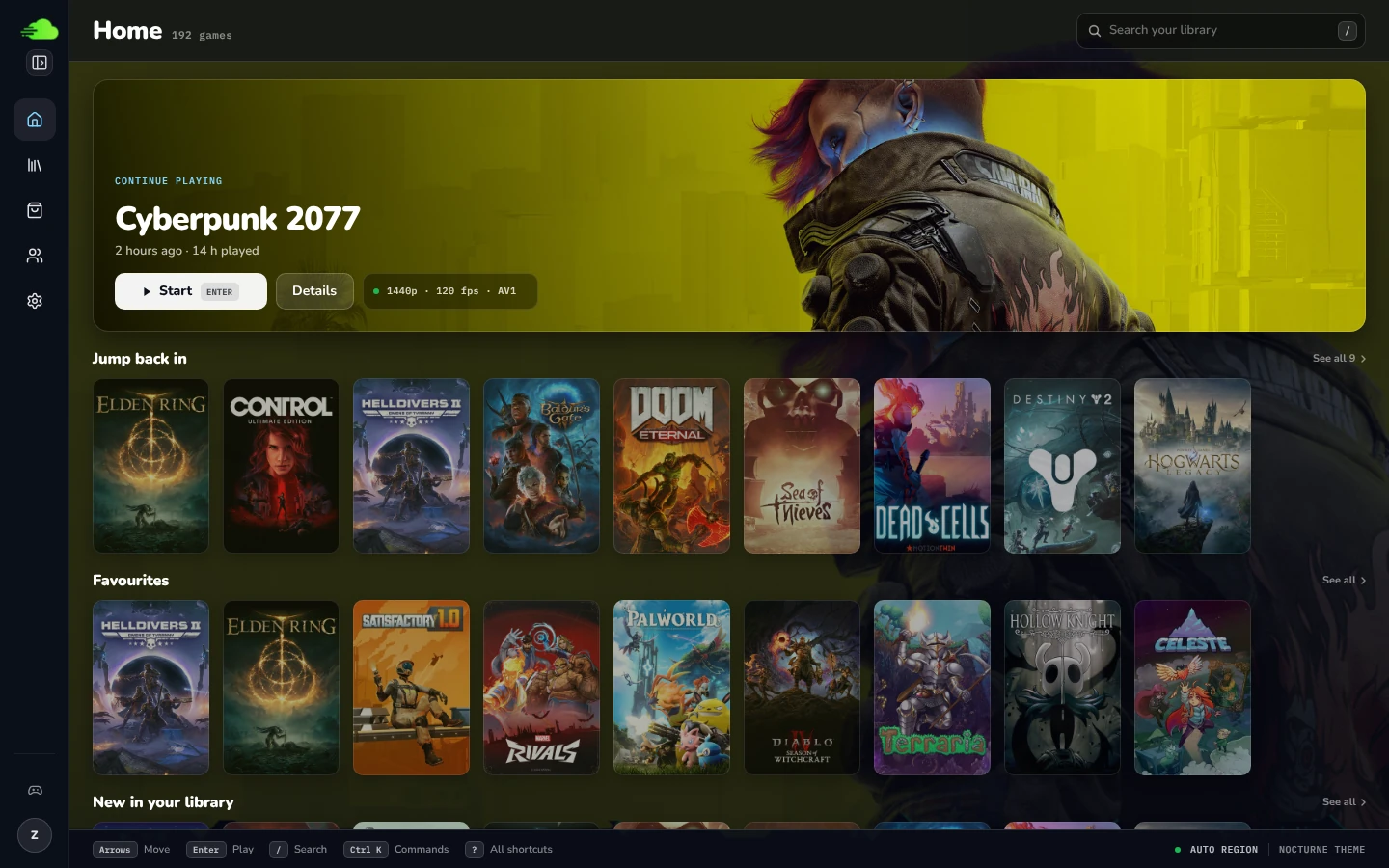
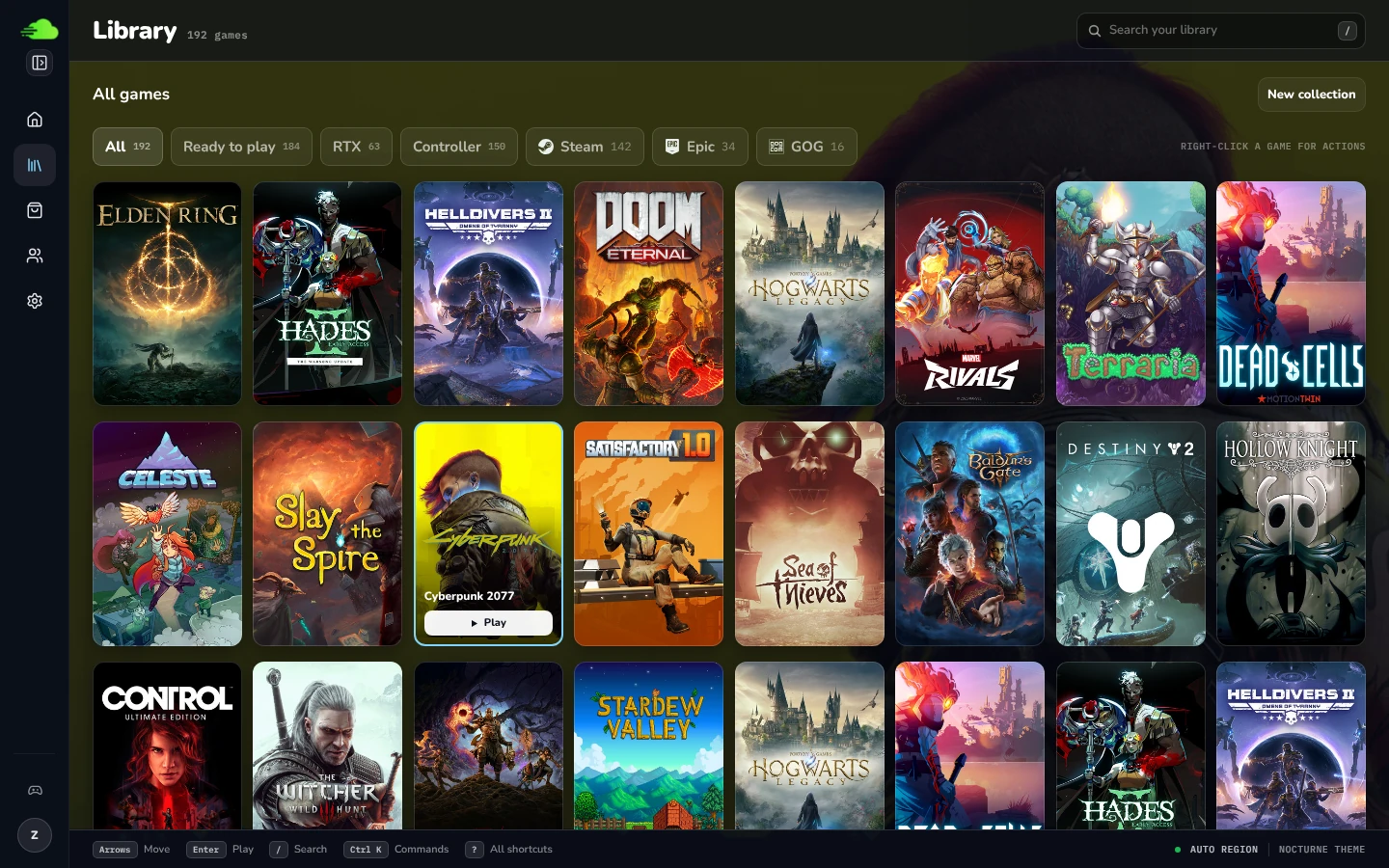
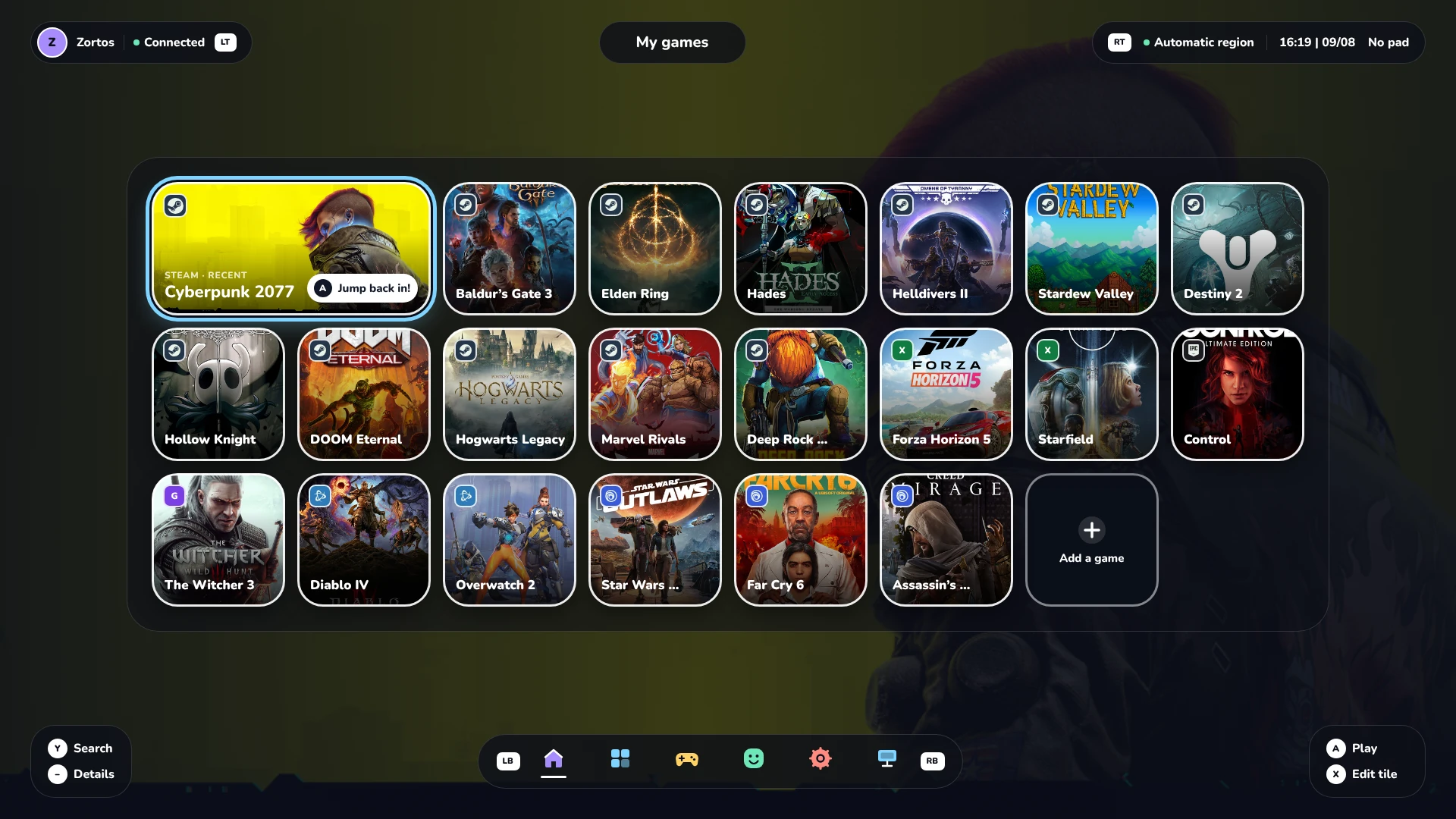
 OpenNOW is a community-built, open-source desktop client for GeForce NOW cloud gaming. It uses Qt Quick for the interface and a native Rust engine for account services and streaming.
OpenNOW is a community-built, open-source desktop client for GeForce NOW cloud gaming. It uses Qt Quick for the interface and a native Rust engine for account services and streaming.Is this a native app or does it just embed a browser to stream games?It's a fully native desktop app: Qt draws the UI while a separate Rust process handles the NVST streaming transport, decoding, and input. There's no embedded browser and no Chromium/WebRTC fallback.
It's a fully native desktop app: Qt draws the UI while a separate Rust process handles the NVST streaming transport, decoding, and input. There's no embedded browser and no Chromium/WebRTC fallback.How do I install OpenNOW?Grab the OpenNOW-Qt build for your OS from GitHub Releases: install the .msi or run the portable .zip on Windows, use the AppImage (recommended) or .deb on Linux, or drag the app out of the .dmg into Applications on macOS.
Grab the OpenNOW-Qt build for your OS from GitHub Releases: install the .msi or run the portable .zip on Windows, use the AppImage (recommended) or .deb on Linux, or drag the app out of the .dmg into Applications on macOS.Do I need a GeForce NOW subscription to use it?Yes — you need your own GeForce NOW account, and your subscription, region, and hardware determine which games and stream settings you can access.
Yes — you need your own GeForce NOW account, and your subscription, region, and hardware determine which games and stream settings you can access.Is the Qt app stable enough for daily use?Not yet — it's still under active development with expected bugs, including platform-specific streaming and GPU issues, and nightly builds are unsigned (Windows shows an unknown-publisher warning, and the macOS build isn't notarized).
Not yet — it's still under active development with expected bugs, including platform-specific streaming and GPU issues, and nightly builds are unsigned (Windows shows an unknown-publisher warning, and the macOS build isn't notarized).Which operating systems does the desktop client run on?Windows x64/ARM64, Linux x64/ARM64 (AppImage or .deb requiring Qt 6.8+ and SDL3), and macOS on Apple Silicon running macOS 13+. Intel Macs aren't supported by this build.
Windows x64/ARM64, Linux x64/ARM64 (AppImage or .deb requiring Qt 6.8+ and SDL3), and macOS on Apple Silicon running macOS 13+. Intel Macs aren't supported by this build.Does my PC need a powerful GPU to run OpenNOW?Not really — the actual games run on NVIDIA's cloud servers, so your machine mainly needs to decode the incoming video stream; the rendered video stays on your GPU while Qt draws menus over it.
Not really — the actual games run on NVIDIA's cloud servers, so your machine mainly needs to decode the incoming video stream; the rendered video stays on your GPU while Qt draws menus over it.Can I use OpenNOW on mobile or consoles too?Yes, but as separate projects: there's an iOS beta via TestFlight (with a SwiftUI prototype branch), an Android app on Google Play, and OpenNOW-Switch for modded Nintendo Switch homebrew.
Yes, but as separate projects: there's an iOS beta via TestFlight (with a SwiftUI prototype branch), an Android app on Google Play, and OpenNOW-Switch for modded Nintendo Switch homebrew.Why did the project move from Electron to Qt and Rust?Version 1.0.0 rebuilt the client with Qt Quick and a native Rust streaming engine to replace the retired Electron app, aiming for a more native, performant streaming pipeline.
Version 1.0.0 rebuilt the client with Qt Quick and a native Rust streaming engine to replace the retired Electron app, aiming for a more native, performant streaming pipeline.What can I do inside the app besides just streaming a game?You can browse the catalog, save favorites into collections, adjust resolution/frame rate/bitrate/codec, open stream stats without leaving the video, take screenshots, record the stream to Matroska files, and export diagnostic reports for bug reports.
You can browse the catalog, save favorites into collections, adjust resolution/frame rate/bitrate/codec, open stream stats without leaving the video, take screenshots, record the stream to Matroska files, and export diagnostic reports for bug reports.What are similar projects?moonlight-qt, KytyPS5, pyrowave, Yakumo, Sunshine, stop-stutter, vlc, pt-pc
moonlight-qt, KytyPS5, pyrowave, Yakumo, Sunshine, stop-stutter, vlc, pt-pc