


Что это?
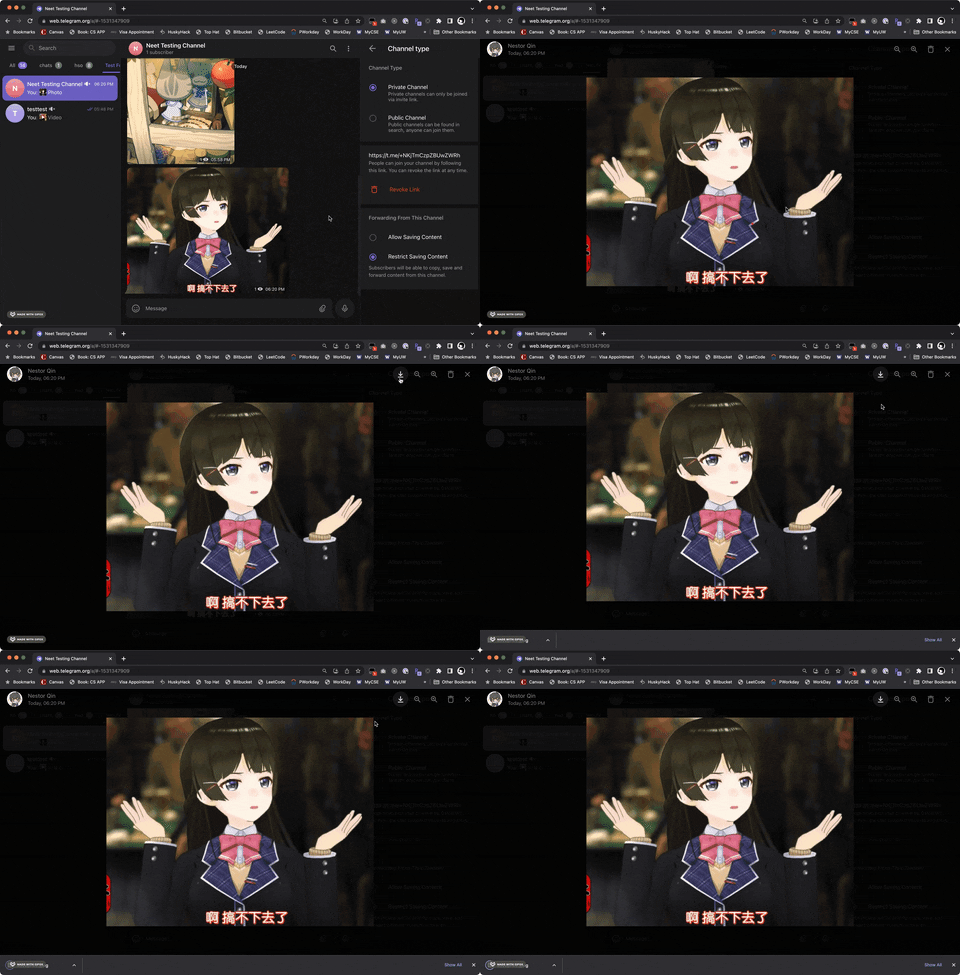
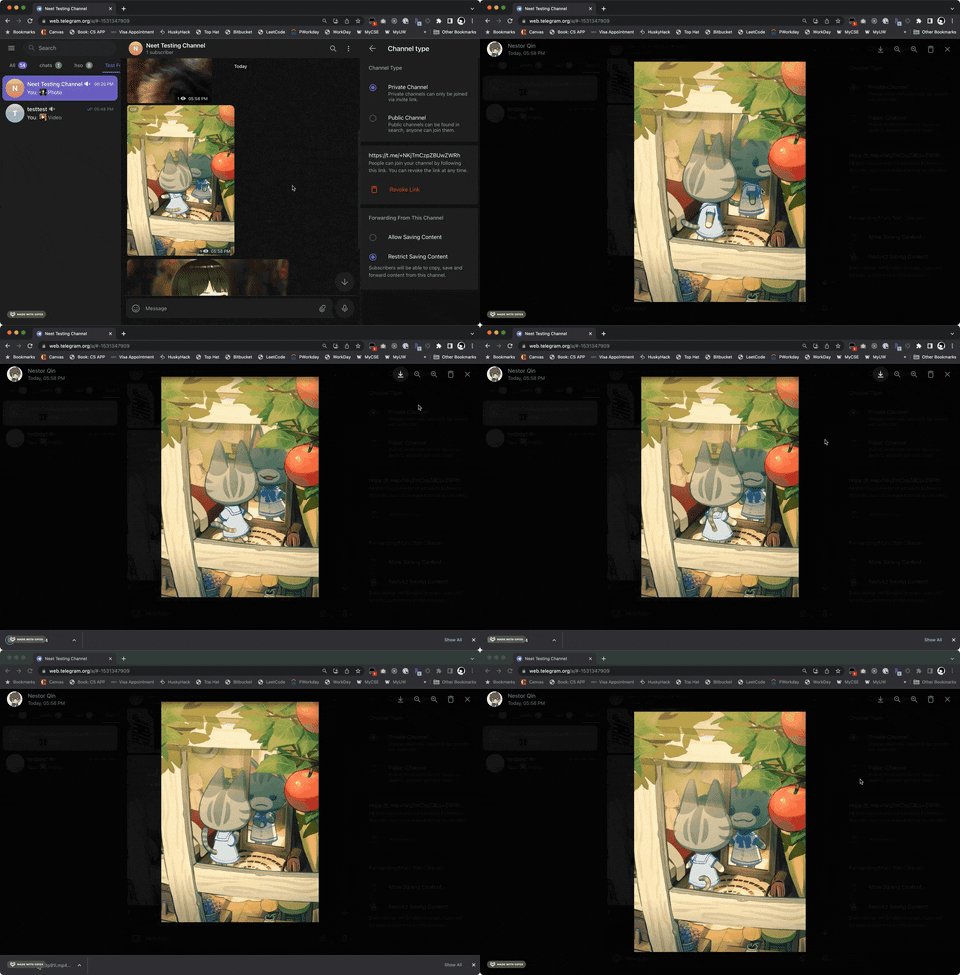
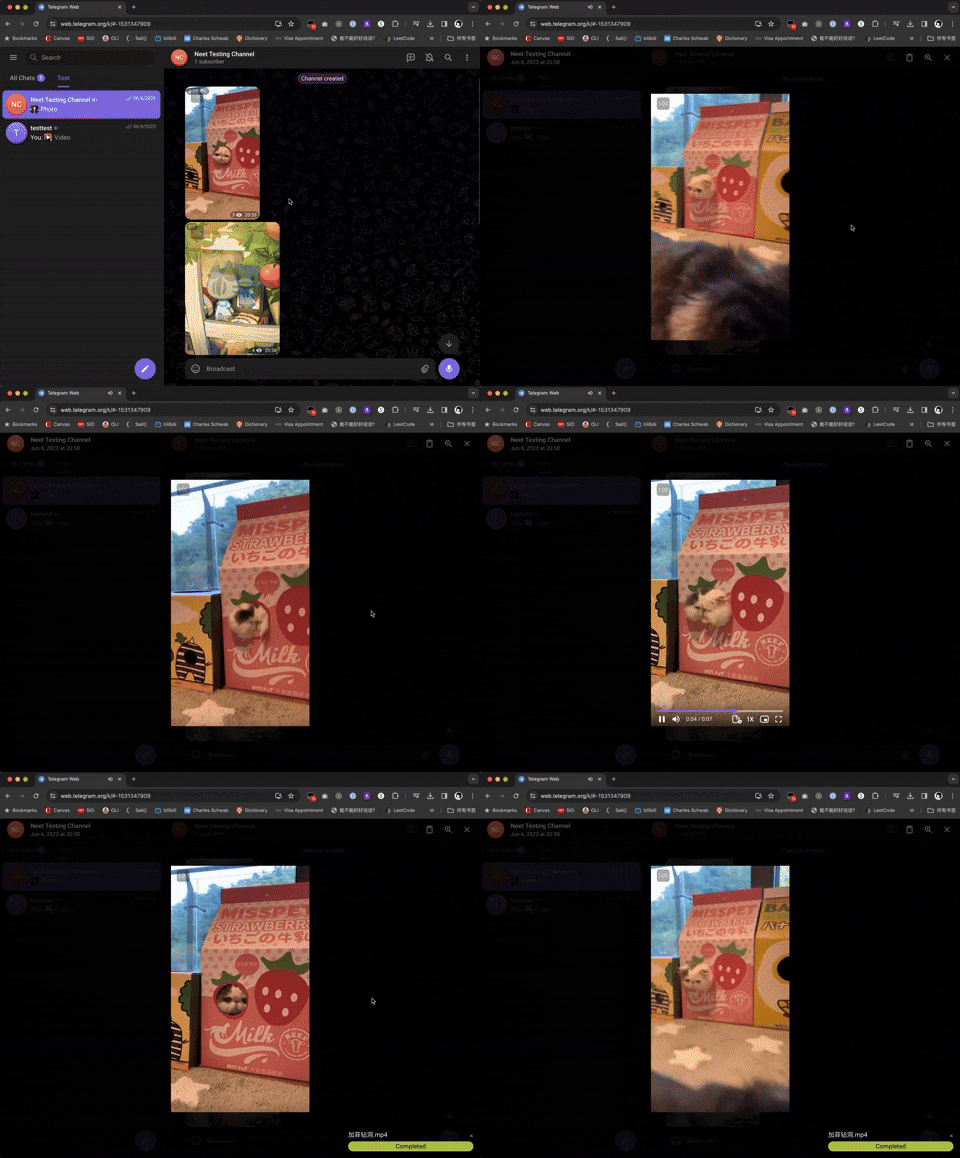
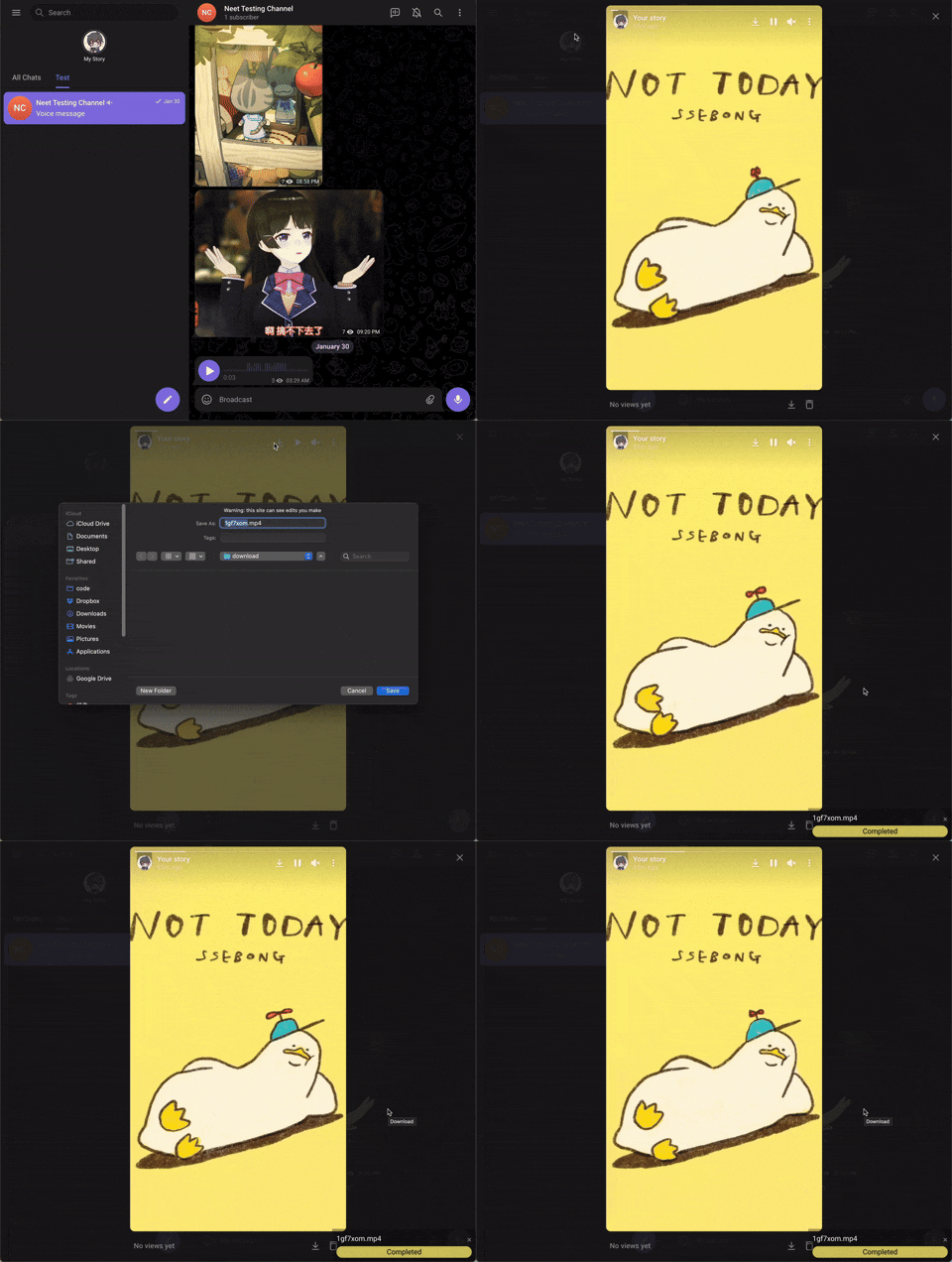
 Юзерскрипт, который возвращает кнопку скачивания для картинок, GIF, аудио и видео в Telegram Web, когда в чате или канале отключено сохранение контента.
Юзерскрипт, который возвращает кнопку скачивания для картинок, GIF, аудио и видео в Telegram Web, когда в чате или канале отключено сохранение контента.Это расширение для браузера или юзерскрипт, запускаемый внутри него?Это юзерскрипт (не самостоятельное расширение): нужен установленный в браузере менеджер пользовательских скриптов вроде Tampermonkey, Violentmonkey или Greasemonkey, в который устанавливается этот скрипт.
Это юзерскрипт (не самостоятельное расширение): нужен установленный в браузере менеджер пользовательских скриптов вроде Tampermonkey, Violentmonkey или Greasemonkey, в который устанавливается этот скрипт.Как установить и настроить?Установите менеджер пользовательских скриптов (Tampermonkey/Violentmonkey/Greasemonkey в зависимости от браузера), затем установите скрипт со страницы Greasy Fork или вручную перетащите src/teldownload.js в панель Tampermonkey и нажмите «Установить».
Установите менеджер пользовательских скриптов (Tampermonkey/Violentmonkey/Greasemonkey в зависимости от браузера), затем установите скрипт со страницы Greasy Fork или вручную перетащите src/teldownload.js в панель Tampermonkey и нажмите «Установить».Какие браузеры и менеджеры скриптов поддерживаются?Работает с Chrome, Firefox, Safari, Microsoft Edge, Opera и Maxthon, к каждому подбирается совместимый менеджер: Tampermonkey или Violentmonkey (плюс Greasemonkey/Userscripts в некоторых браузерах).
Работает с Chrome, Firefox, Safari, Microsoft Edge, Opera и Maxthon, к каждому подбирается совместимый менеджер: Tampermonkey или Violentmonkey (плюс Greasemonkey/Userscripts в некоторых браузерах).Работает ли он в каждом чате Telegram и со всеми функциями?Он лишь возвращает кнопку скачивания там, где сохранение ограничено; чаты, где скачивание уже разрешено, не затрагиваются, а некоторые функции вроде скачивания голосовых сообщений работают только в веб-версии «K».
Он лишь возвращает кнопку скачивания там, где сохранение ограничено; чаты, где скачивание уже разрешено, не затрагиваются, а некоторые функции вроде скачивания голосовых сообщений работают только в веб-версии «K».Работает ли он в настольном приложении Telegram или только в веб-версии?Работает только в Telegram Web (веб-приложение в браузере), но не в нативных приложениях для ПК или мобильных.
Работает только в Telegram Web (веб-приложение в браузере), но не в нативных приложениях для ПК или мобильных.Как понять, что скачивание видео идёт?Во время скачивания видео в правом нижнем углу экрана появляется полоса прогресса, также можно смотреть логи в консоли DevTools.
Во время скачивания видео в правом нижнем углу экрана появляется полоса прогресса, также можно смотреть логи в консоли DevTools.Что делать, если не работает что-то вроде скачивания голосовых сообщений?Переключитесь с дефолтной версии Telegram-вебприложения на версию /k/, так как некоторые функции, например скачивание голосовых сообщений, доступны только там.
Переключитесь с дефолтной версии Telegram-вебприложения на версию /k/, так как некоторые функции, например скачивание голосовых сообщений, доступны только там.Можно ли вместо этого использовать официальную кнопку скачивания Telegram?Да, если чат или канал уже разрешает сохранение контента, этот скрипт ничего не делает — просто пользуйтесь встроенной кнопкой скачивания Telegram.
Да, если чат или канал уже разрешает сохранение контента, этот скрипт ничего не делает — просто пользуйтесь встроенной кнопкой скачивания Telegram.What are similar projects?cat-catch, maxurl, video_vip, UserScript, desktop_gifs, streamfirefly, TwitchAdSolutions, return-youtube-dislike
cat-catch, maxurl, video_vip, UserScript, desktop_gifs, streamfirefly, TwitchAdSolutions, return-youtube-dislikeWhich topics is it in?greasyfork, multi-platform, userscript, gif, video-downloader, firefox, scripting, script, firefox-extension, chrome, downloader, telegram
greasyfork, multi-platform, userscript, gif, video-downloader, firefox, scripting, script, firefox-extension, chrome, downloader, telegram