














What is this?
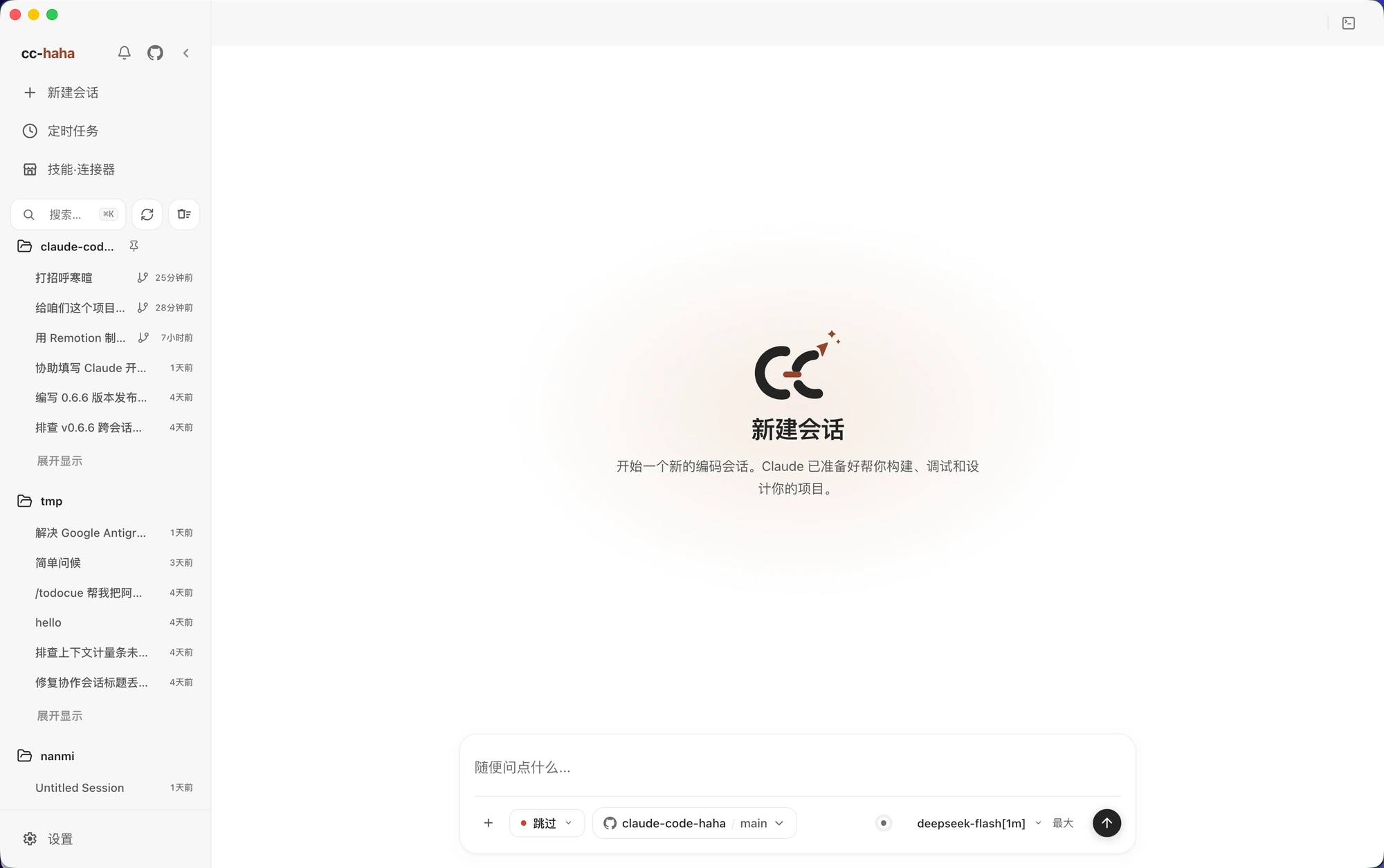
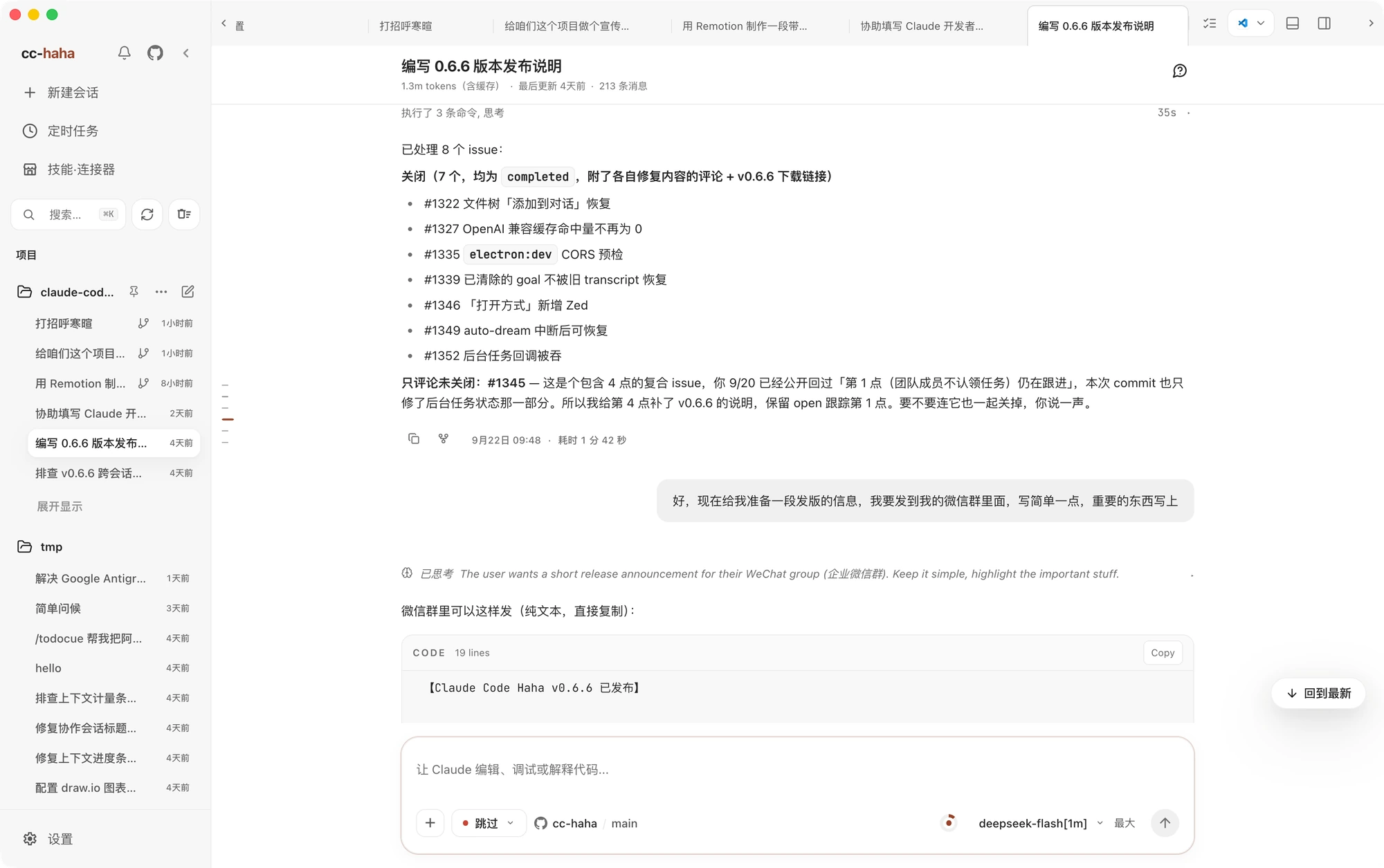
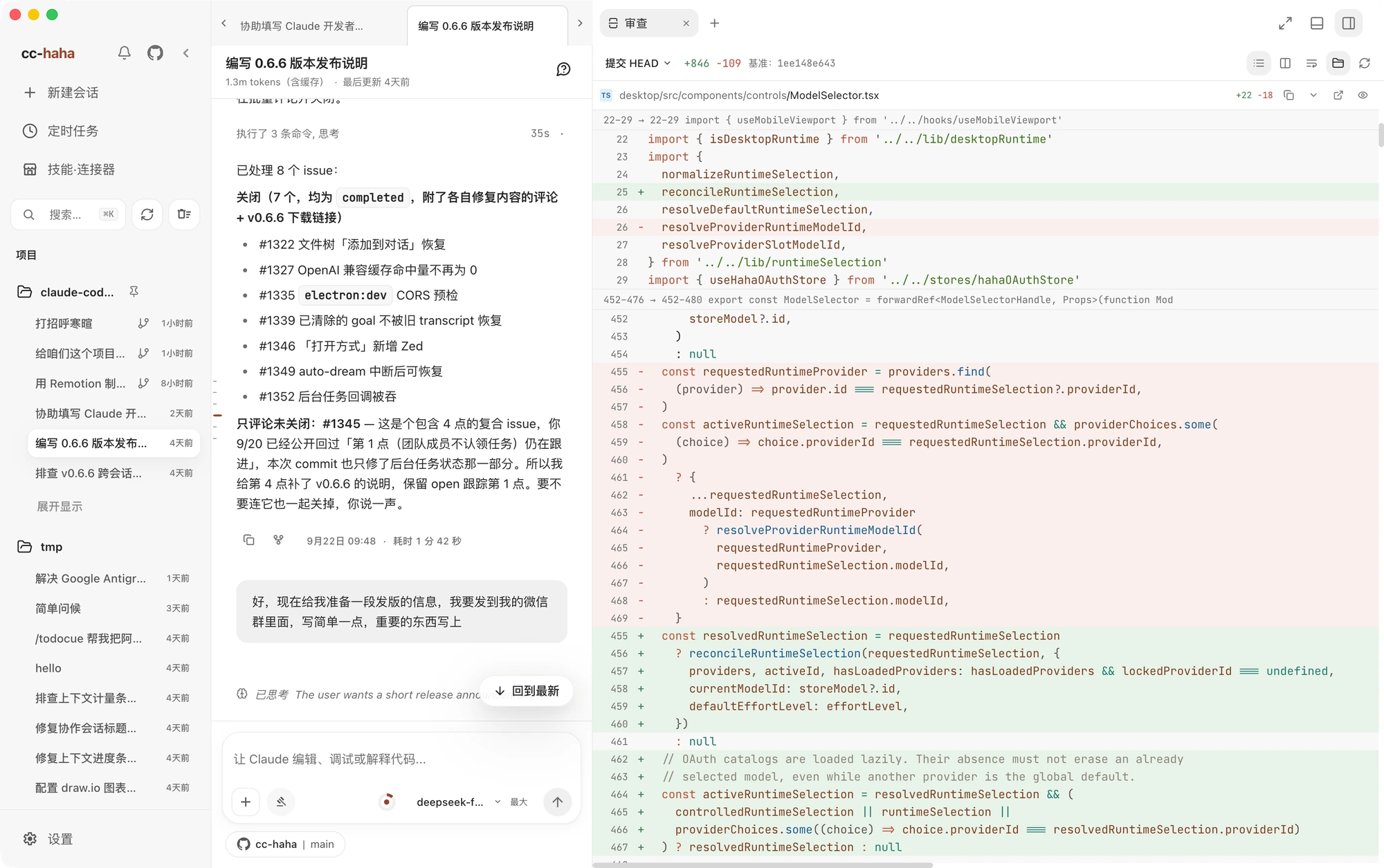
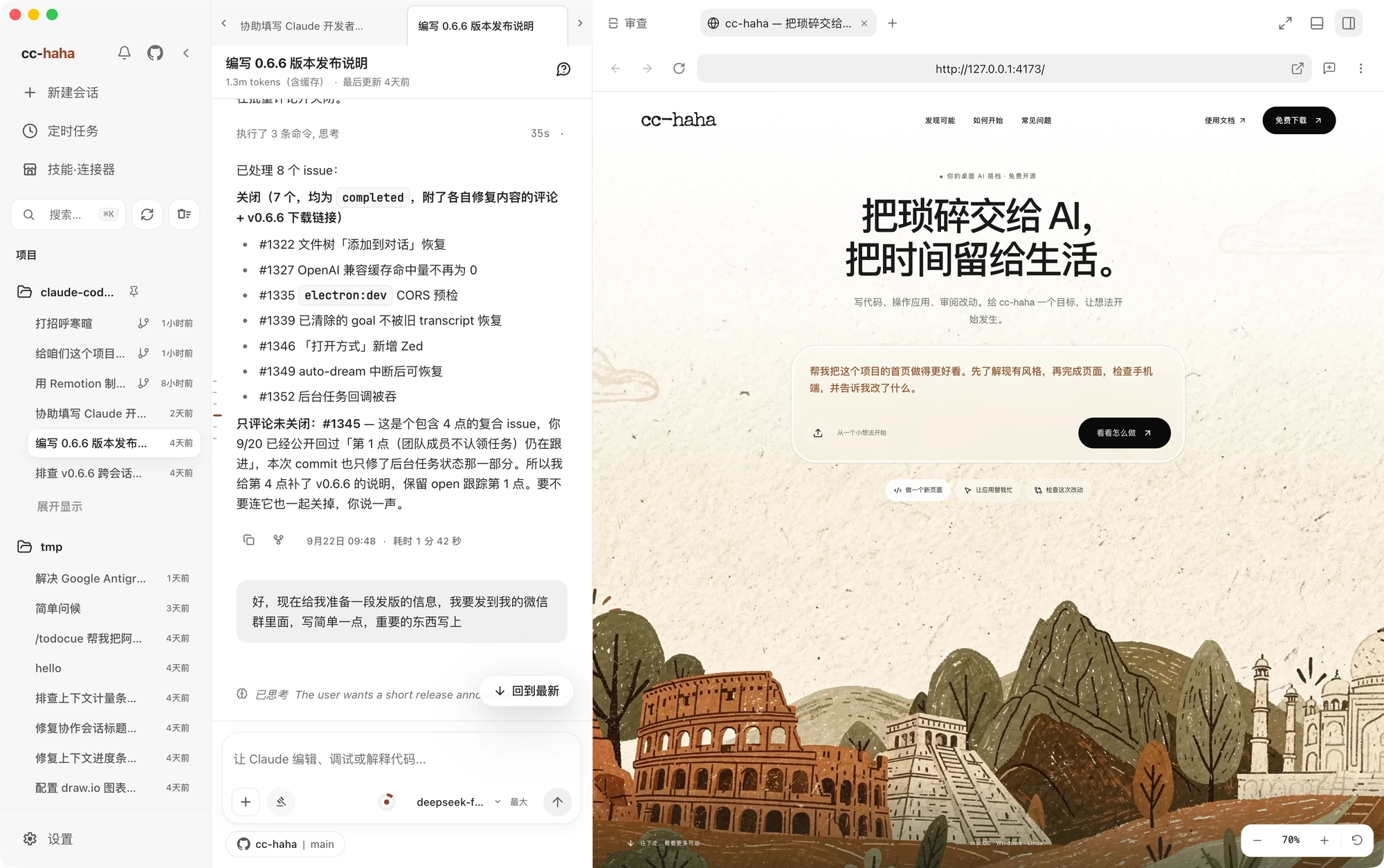
 Claude Code Haha is a local-first desktop workbench for Claude Code and other coding agents, bundling multi-session chat, git worktree launches, diff review, an in-app browser, model switching, MCP management, Computer Use, a skill marketplace, and remote access via chat apps into one macOS/Windows/Linux app.
Claude Code Haha is a local-first desktop workbench for Claude Code and other coding agents, bundling multi-session chat, git worktree launches, diff review, an in-app browser, model switching, MCP management, Computer Use, a skill marketplace, and remote access via chat apps into one macOS/Windows/Linux app.Is this a desktop app, or can I run it from the CLI too?It is primarily an Electron desktop app for macOS/Windows/Linux, but it also has a separate CLI/server you can run from source if you want to debug the underlying engine yourself.
It is primarily an Electron desktop app for macOS/Windows/Linux, but it also has a separate CLI/server you can run from source if you want to debug the underlying engine yourself.Which model providers do I need an account or API key for?You can log in directly with Claude, ChatGPT or Grok accounts, use preset third-party API keys (DeepSeek, Kimi, Zhipu GLM, etc.), or point it at a local endpoint like LM Studio or Ollama — no single provider is mandatory.
You can log in directly with Claude, ChatGPT or Grok accounts, use preset third-party API keys (DeepSeek, Kimi, Zhipu GLM, etc.), or point it at a local endpoint like LM Studio or Ollama — no single provider is mandatory.Any install pitfalls on macOS or Windows?Signed/notarized macOS releases install normally, but draft/unsigned builds may still need manual approval on first open; unsigned Windows installers can trigger a SmartScreen warning that you click through via 'More info' then 'Run anyway'.
Signed/notarized macOS releases install normally, but draft/unsigned builds may still need manual approval on first open; unsigned Windows installers can trigger a SmartScreen warning that you click through via 'More info' then 'Run anyway'.Which operating systems does it run on?It ships as a single app for macOS, Windows and Linux.
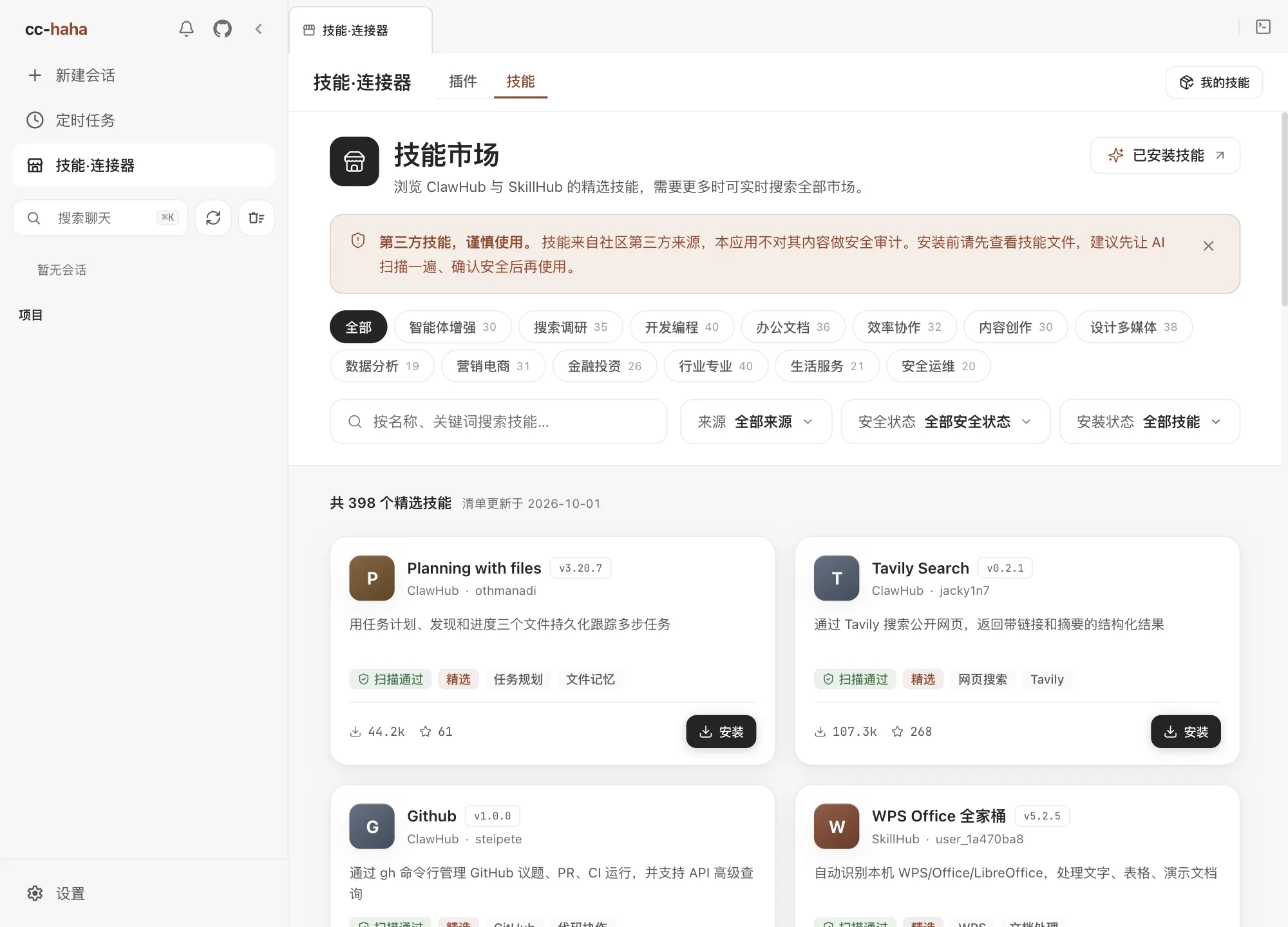
It ships as a single app for macOS, Windows and Linux.What is the skill marketplace?It lets you discover, preview and install third-party agent skills from ClawHub/SkillHub, with each skill's source and security status shown clearly before install.
It lets you discover, preview and install third-party agent skills from ClawHub/SkillHub, with each skill's source and security status shown clearly before install.What can Computer Use do?Once authorized, the agent can take screenshots, click, type and otherwise control desktop applications directly, not just the terminal.
Once authorized, the agent can take screenshots, click, type and otherwise control desktop applications directly, not just the terminal.What are the desktop pets?They are optional on-screen mascots (named characters like 搭搭 and 弧弧) that change animation based on the current task's status; the feature is off by default.
They are optional on-screen mascots (named characters like 搭搭 and 弧弧) that change animation based on the current task's status; the feature is off by default.Can I control sessions from my phone or chat apps?Yes — you can connect via Telegram, Feishu, WeChat, DingTalk or WhatsApp to chat remotely, switch projects and approve permissions, or scan a QR code for H5 mobile browser access that keeps running in the background.
Yes — you can connect via Telegram, Feishu, WeChat, DingTalk or WhatsApp to chat remotely, switch projects and approve permissions, or scan a QR code for H5 mobile browser access that keeps running in the background.What are similar projects?claude-code, evenfire, qwen-code, LobsterAI, CodePilot, pstack-claude, open-pstack, oh-my-pi
claude-code, evenfire, qwen-code, LobsterAI, CodePilot, pstack-claude, open-pstack, oh-my-piWhich topics is it in?computer-use, bun, wechat, telegram, workflow, chatgpt, agent-orchestration, electron, skill, anthropic, multi-agent, mcp-server
computer-use, bun, wechat, telegram, workflow, chatgpt, agent-orchestration, electron, skill, anthropic, multi-agent, mcp-server