




What is this?
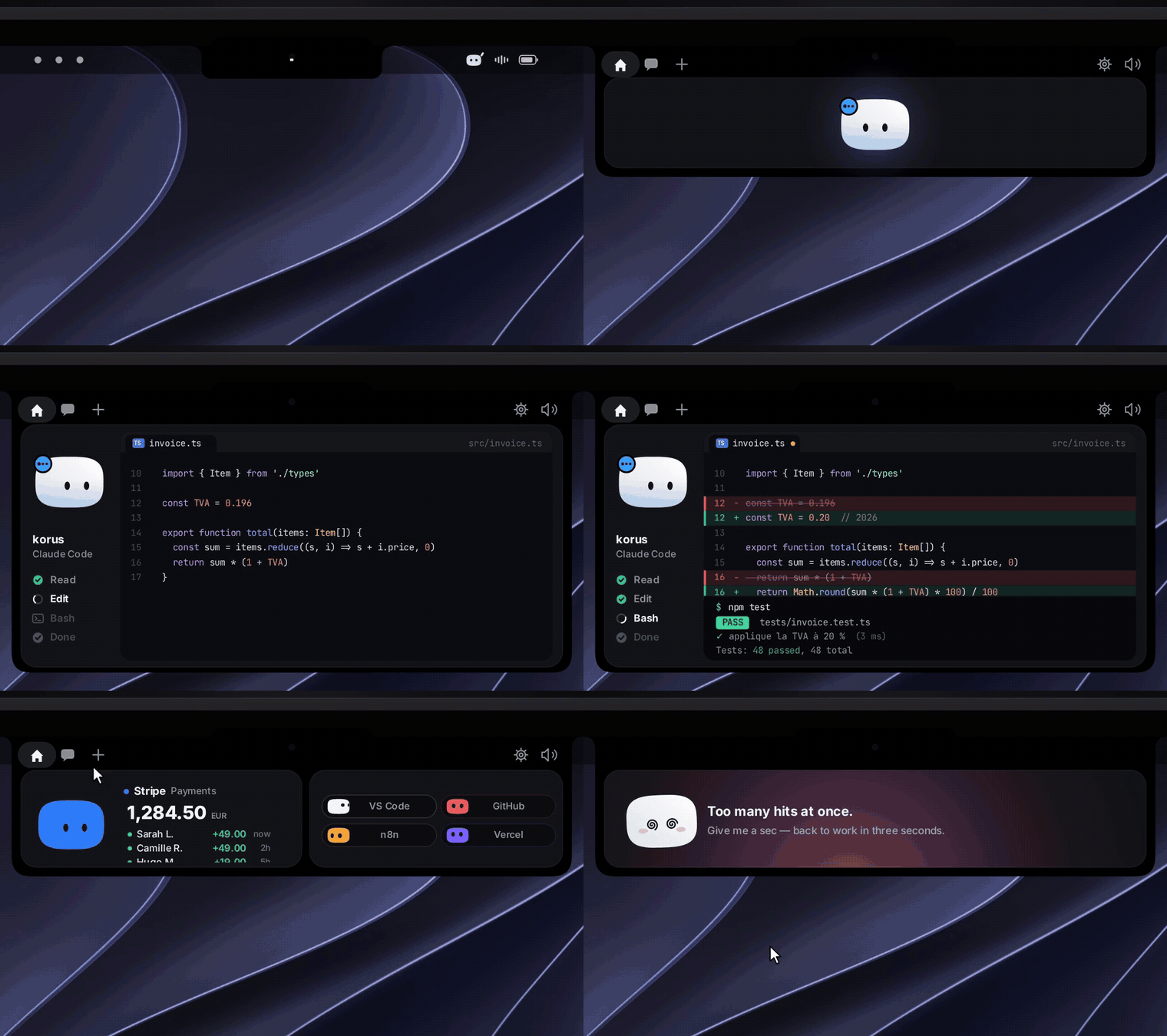
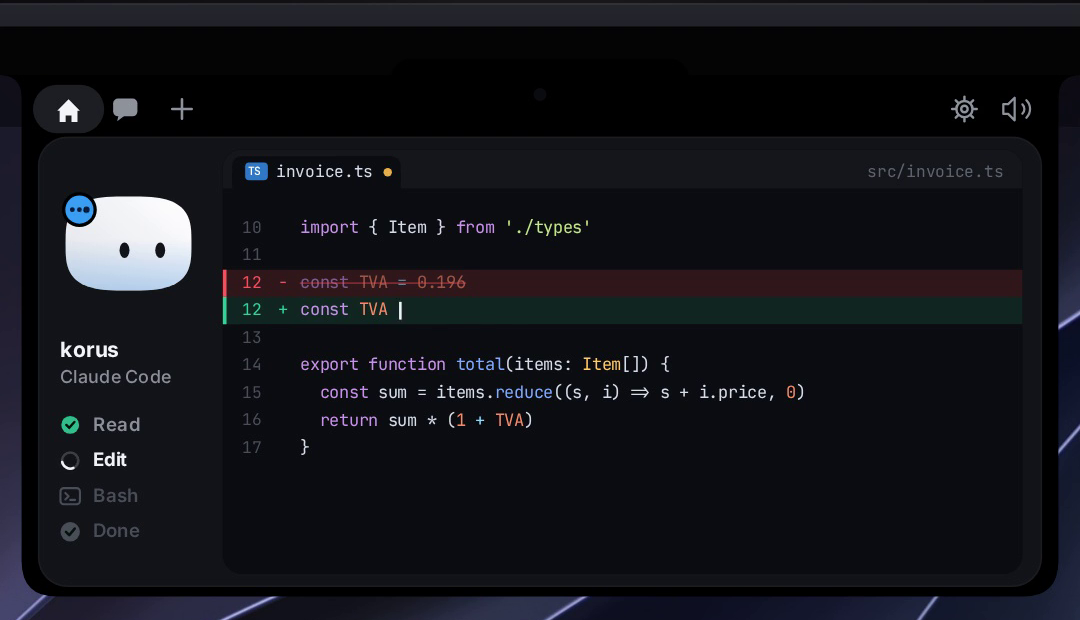
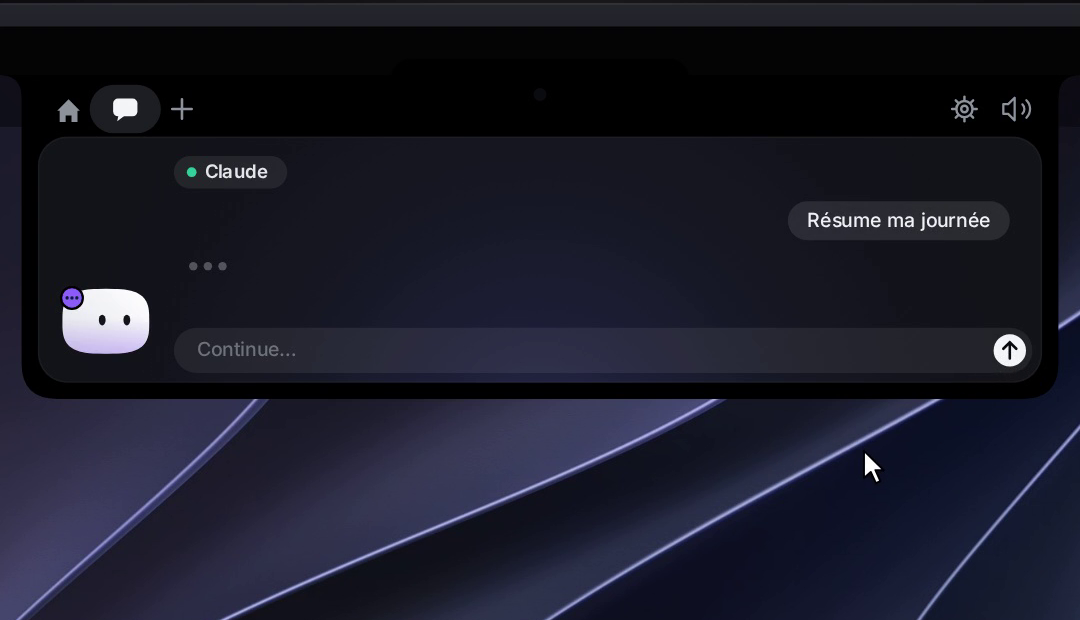
 Coucou is a small animated character named Mochi that lives in your Mac's notch (or the top edge of the screen on Windows) and watches your AI coding agent sessions — Claude Code, Codex, Cursor, Gemini CLI and Antigravity — so you can approve permission requests and chat with Claude right from there.
Coucou is a small animated character named Mochi that lives in your Mac's notch (or the top edge of the screen on Windows) and watches your AI coding agent sessions — Claude Code, Codex, Cursor, Gemini CLI and Antigravity — so you can approve permission requests and chat with Claude right from there.Is this a menu bar app or something bigger?It is a native desktop app: a Swift/SwiftUI app on macOS with zero third-party dependencies, and a Tauri 2 (Rust + TypeScript) port on Windows, both controlled from a menu bar icon or system tray and showing the Mochi character floating near the notch or screen edge.
It is a native desktop app: a Swift/SwiftUI app on macOS with zero third-party dependencies, and a Tauri 2 (Rust + TypeScript) port on Windows, both controlled from a menu bar icon or system tray and showing the Mochi character floating near the notch or screen edge.Is the Windows installer ready to use right now?No — Microsoft Defender currently flags the unsigned Windows installer as malware (a false positive under review), so it's pulled until it's signed; until then you have to build it from source. The macOS build also isn't notarized yet, so Gatekeeper warns on first launch and you need to click 'Open Anyway' in Privacy & Security.
No — Microsoft Defender currently flags the unsigned Windows installer as malware (a false positive under review), so it's pulled until it's signed; until then you have to build it from source. The macOS build also isn't notarized yet, so Gatekeeper warns on first launch and you need to click 'Open Anyway' in Privacy & Security.Does Coucou send my data or keys anywhere?No — it has no telemetry and no account, and API keys and integration credentials are stored locally in the macOS Keychain or Windows Credential Manager; it only talks to the services you explicitly plug in.
No — it has no telemetry and no account, and API keys and integration credentials are stored locally in the macOS Keychain or Windows Credential Manager; it only talks to the services you explicitly plug in.Can I fork it and rebrand it as my own?The code is MIT, so you can use, fork and remix it, but the Coucou name, the Mochi character, icon, sounds and media are all rights reserved — the README asks forks to use their own name and character.
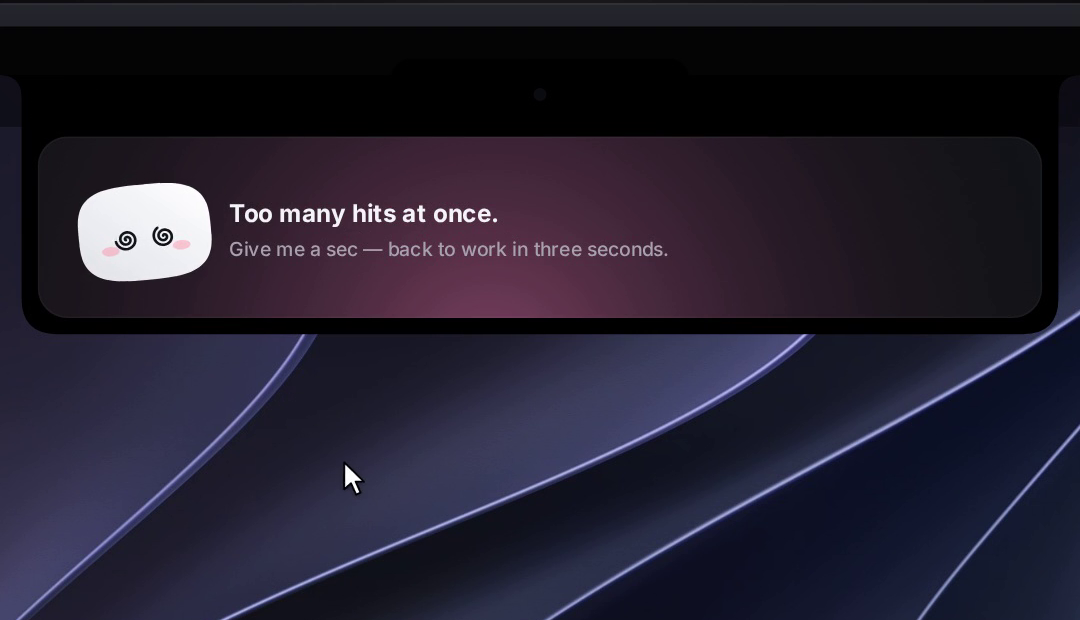
The code is MIT, so you can use, fork and remix it, but the Coucou name, the Mochi character, icon, sounds and media are all rights reserved — the README asks forks to use their own name and character.What is Mochi exactly?Mochi is Coucou's animated character: a soft squircle with eyes that follow your cursor, blinks and breathes while idle, gets annoyed or dizzy if you poke it too much, and jumps happily when a Claude Code session finishes.
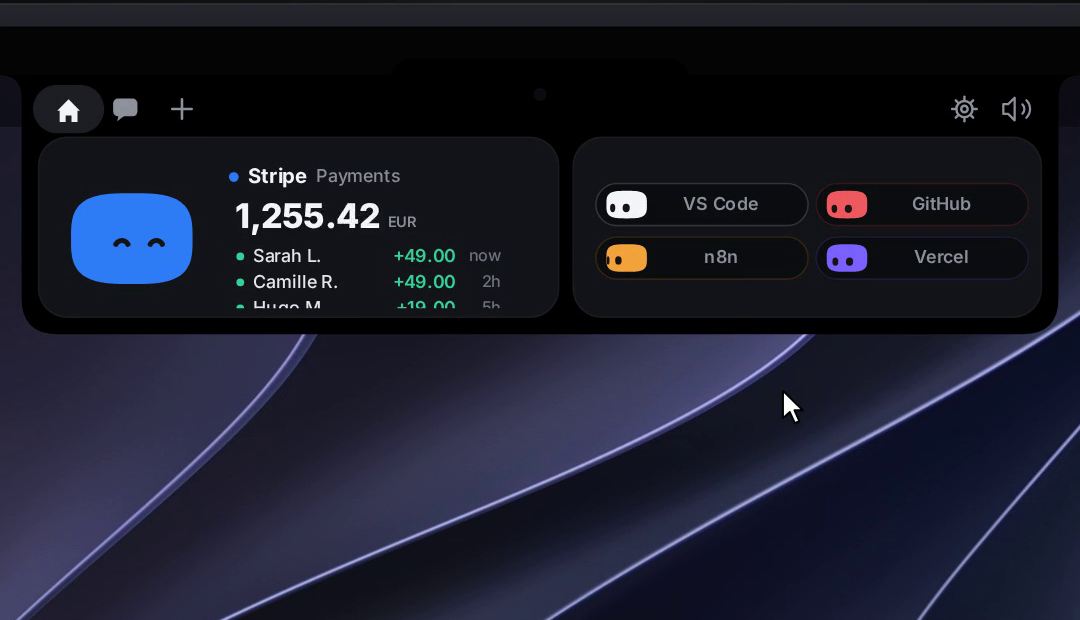
Mochi is Coucou's animated character: a soft squircle with eyes that follow your cursor, blinks and breathes while idle, gets annoyed or dizzy if you poke it too much, and jumps happily when a Claude Code session finishes.What integrations does Coucou support besides Claude Code?It has optional integrations with Stripe payments, n8n workflows, GitHub, Vercel deployments, Resend emails, Notion and Cal.com, each shown as its own colored Mochi in the notch.
It has optional integrations with Stripe payments, n8n workflows, GitHub, Vercel deployments, Resend emails, Notion and Cal.com, each shown as its own colored Mochi in the notch.What happens if Coucou isn't running when a Claude Code hook fires?The hook script simply exits immediately, so Claude Code is never blocked waiting for the app.
The hook script simply exits immediately, so Claude Code is never blocked waiting for the app.How does Coucou see what Claude Code is doing?A small nb-hook script receives Claude Code's hook events and forwards them over a Unix socket (named pipe on Windows) to the app, which waits for your click on approval requests before answering the hook.
A small nb-hook script receives Claude Code's hook events and forwards them over a Unix socket (named pipe on Windows) to the app, which waits for your click on approval requests before answering the hook.What are similar projects?SwiftUI-Agent-Skill, Codync, OpenYoink, ai-manager, awesome-claude-skills, opcode, coral, codenotch
SwiftUI-Agent-Skill, Codync, OpenYoink, ai-manager, awesome-claude-skills, opcode, coral, codenotchWhich topics is it in?menubar-app, antigravity, swiftui, gemini-cli, tauri, macos-app, github, windows-app, cursor, swift, anthropic, claude
menubar-app, antigravity, swiftui, gemini-cli, tauri, macos-app, github, windows-app, cursor, swift, anthropic, claude