Henge
macOS on your iPhone and iPad.
Install
·
How it works
·
Website
·
Releases


Download macOS, install it on the device, and use it.
- Own emulator — iOS gives apps no hypervisor, so Henge runs the Mac's arm64 code through its own JIT, with its own MMU and devices. It doesn't use QEMU or Virtualization.framework.
- Installs on the device — Henge downloads Apple's restore image and restores it the way a Mac does. No Mac needed, and nothing is decrypted or patched.
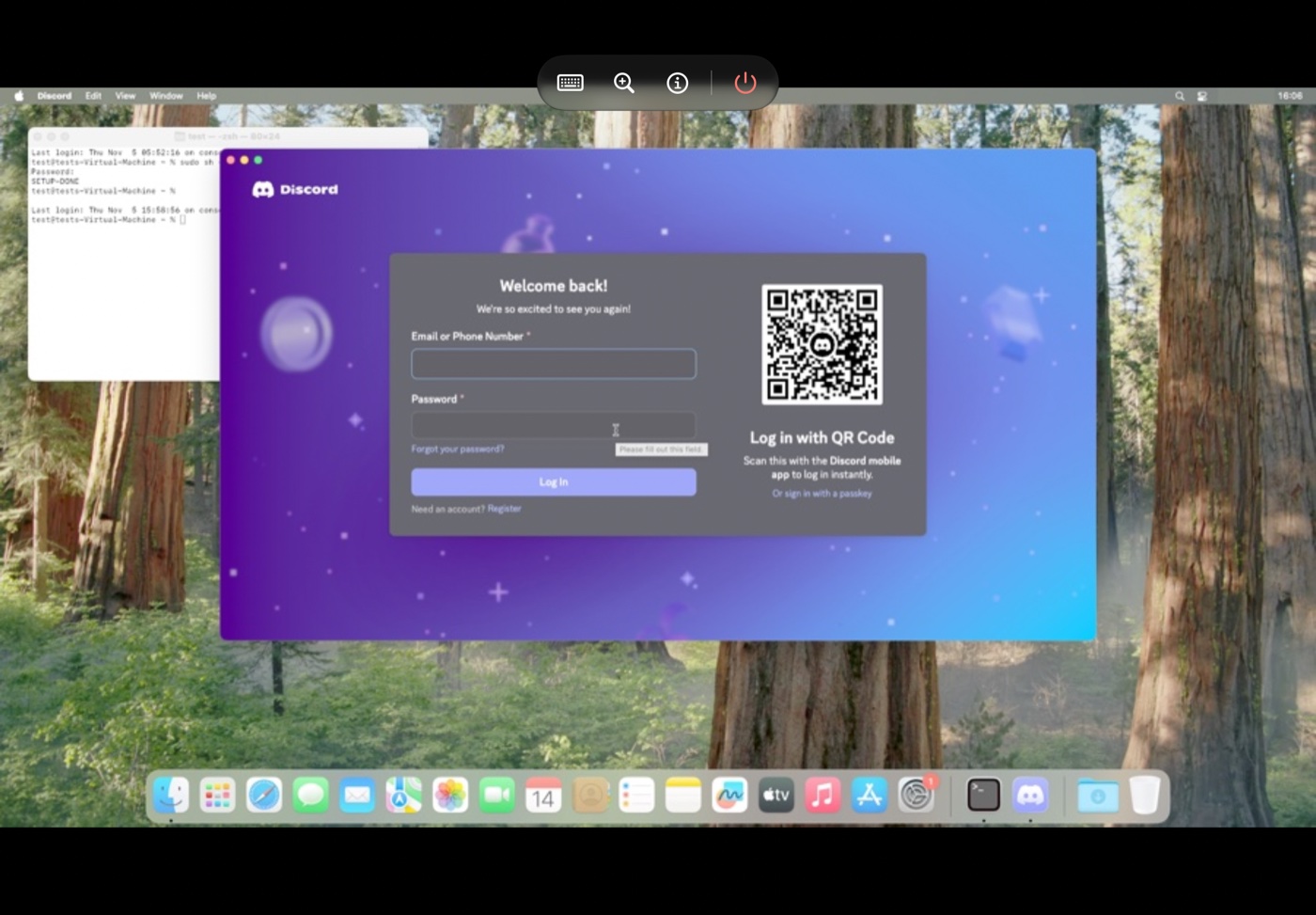
- Graphics — macOS draws through a virtual GPU, and Henge replays its commands with Metal. Safari and Electron apps like Discord draw on it.
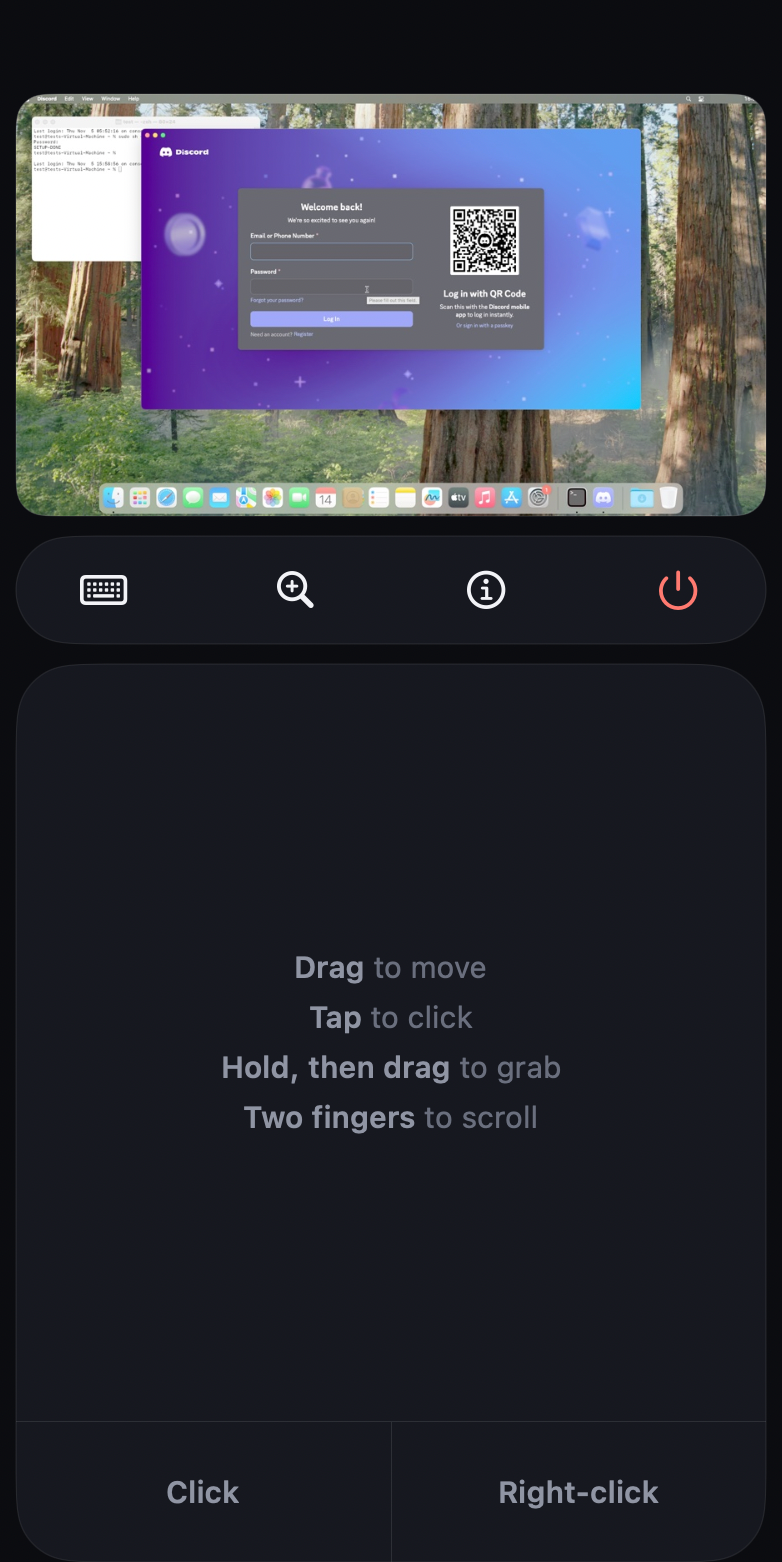
- Touch — The screen is a Magic Trackpad 2: two fingers to scroll, and the Mac's own gestures work on it — three-finger swipes for Spaces and Mission Control and more. The volume buttons are its buttons: up clicks, down right-clicks, hold to drag. Esc, Tab, Control, Option and Command sit above the keyboard.
- Keyboard and mouse — On iPad, a Magic Keyboard or a Bluetooth keyboard and mouse drive the Mac directly.
- External display — During a Mac session, connect a display with a video-capable USB-C cable or a USB-C/HDMI dock. The mode activates automatically: the monitor shows the Mac, while the iPhone or iPad keeps its trackpad and keyboard controls. Disconnect to return the image to the device. The existing guest resolution is preserved. On iOS 17–26 the same happens through an older iOS route, not yet tried on hardware; outside a Mac session the display mirrors the device. USB-C video is user-confirmed on an iPhone 17 Pro running iOS 27 (development build 0.1/2).
- Sharing — Copy and paste between macOS and the device, and a shared folder that shows up in Files and on the Mac.
- Fits the screen — On iPad, a new Mac gets a screen the shape of the iPad's, so there are no black bars.
On an iPhone 17 Pro, macOS reaches the lock screen in about 15 seconds. Discord installs, opens in about 15 seconds, logs in and sends messages.
Install
Sideload Henge.ipa from Releases with SideStore or AltStore, or install Henge.tipa with TrollStore or TrollStore Lite. To get updates in SideStore or AltStore, add Henge's source, https://raw.githubusercontent.com/Leviidev/Henge/main/repo.json, or https://itslevii.dev/repo.json for all of Leviidev's apps. iOS or iPadOS 17 or later, on an A14 or M1 chip or newer. So far it's tested only on an iPhone 17 Pro: iPad support is new and hasn't run on a real iPad yet.
- JIT is required: StikDebug, TrollStore (which stops at iOS 17.0), TrollStore Lite (which needs a jailbreak), a jailbreak on its own, or the StikJIT helper built into Henge (iOS 26 or later).
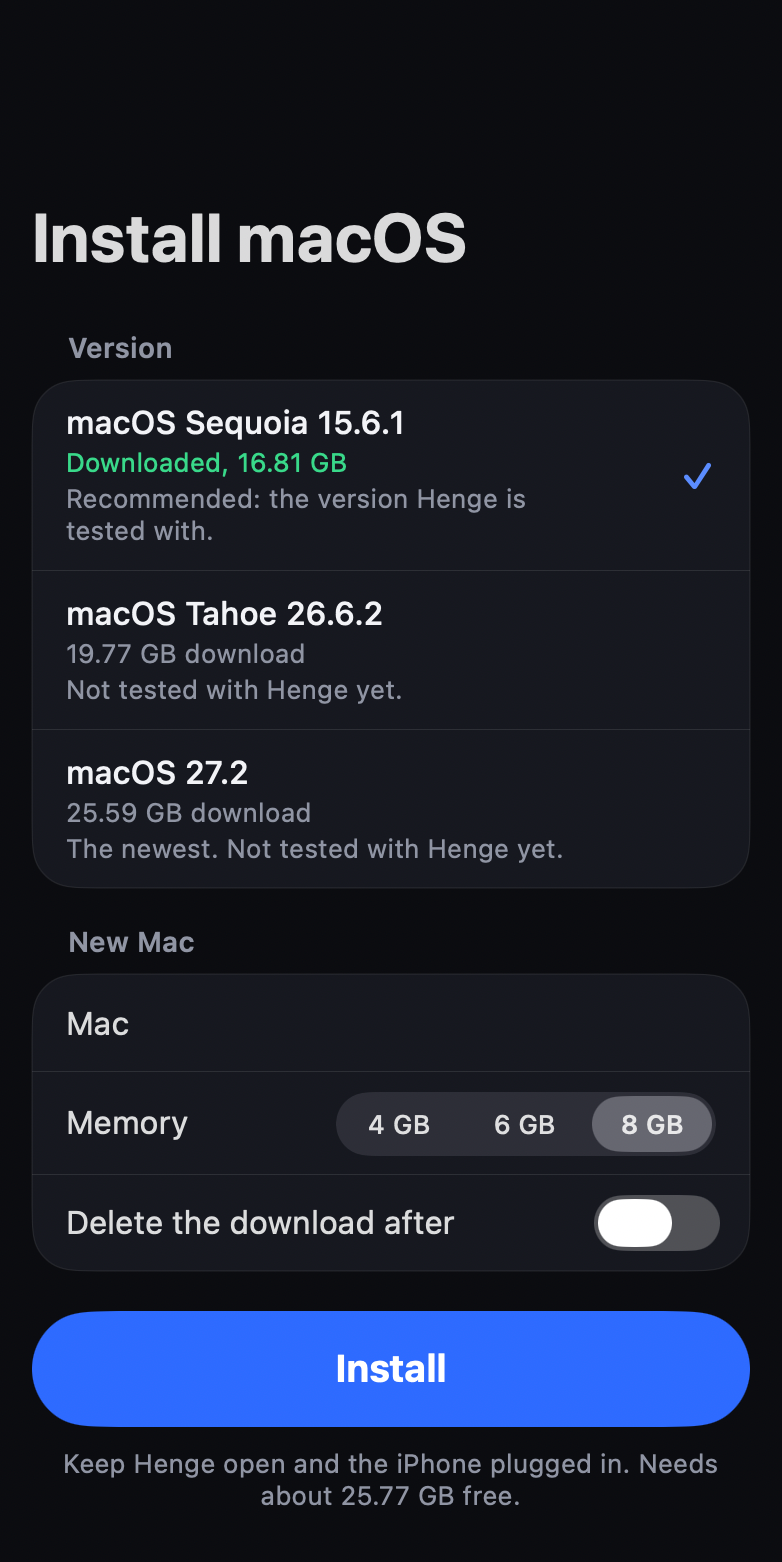
- Storage: about 43 GB free for macOS Sequoia. That's 17 GB for the download, which you can delete afterwards, and 26 GB for the Mac.
- Memory: a Mac gets 4, 6 or 8 GB. Sign Henge with the increased memory limit entitlement if your certificate has it.
Then open the Install tab, pick macOS Sequoia 15.6.1, and keep Henge open with the device plugged in. Tahoe 26.6.2 and macOS 27.2 are offered too: both install and run on an iPhone 17 Pro, though Tahoe's first setup is slow and macOS 27 is the slowest (Safari's pages may stay blank on it). Sonoma 14.6.1 and Ventura 13.6 are smaller downloads (14.1 and 12.3 GB) for devices short on storage: they install, set up, and run Safari (both tested on an iPhone 17 Pro). Monterey isn't offered yet: it installs, but its desktop never appears.
Sharing with the Mac
Do this once for each Mac: open Terminal on the Mac, then in Henge open Details and tap Type the Set Up Command. Press Return on the Mac, and choose Allow when macOS asks about henge-agent and local networks. It needs the Mac's keyboard layout to be U.S.
Then a Henge folder in the Mac's home folder is the same folder as Files › Henge › Shared. What you copy on the Mac is copied on the device too, and the paste button pastes from the device into the Mac.
Known limits
- Signing in to an Apple Account inside macOS fails with a verification error.
- Graphics are tested on macOS's own apps, Chrome, Firefox, VS Code and Discord. Other apps may draw wrongly.
- On macOS Sonoma, switching to a dynamic wallpaper (such as Sonoma) can stop the screen updating; opening any app brings it back. On Ventura, the Calendar icon in the Dock is missing its date.
- For the first few minutes after you log in, macOS is busy starting up in the background, so apps open more slowly.
- Only one Mac can start per launch. Quit Henge and open it again to start another, and to start one again after restarting or shutting down macOS.
- iPadOS keeps some keyboard shortcuts for itself, such as Command-Tab.
- It's emulation, so it runs slower than a real Mac.
Screenshots
iPad |
Macs |
Trackpad |
Install macOS |
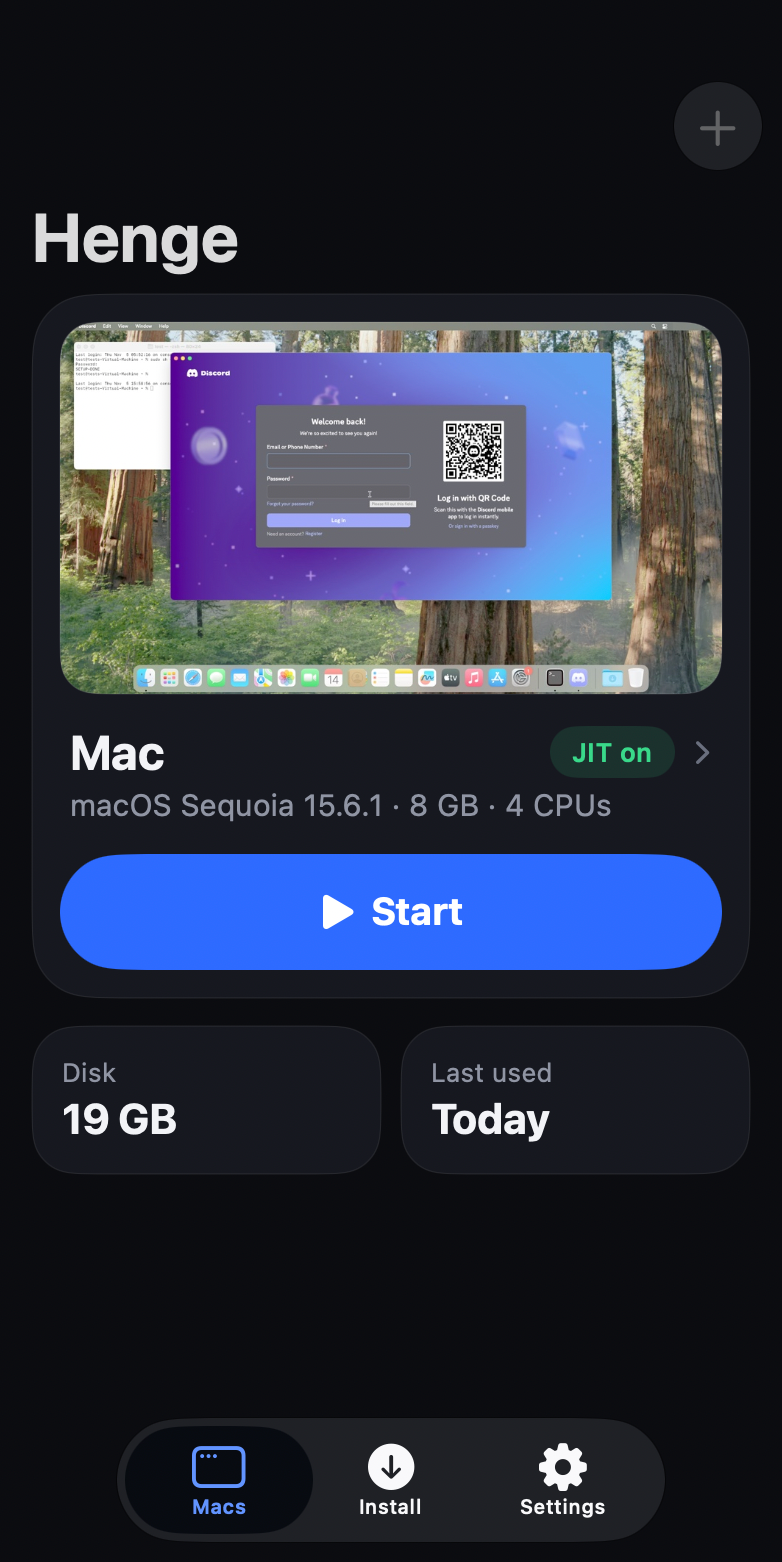
Captured on a Mac: the app's own screens with sample data, at iPad and iPhone sizes, showing a frame from Henge's renderer.
Building
To use Henge, install the latest release. Every change lands on main as it's made, so main can be unfinished between releases.
On a Mac with Xcode 27 or later and xcodegen. Henge takes StikJIT, on-device pairing, libslirp and glib from a built Husk checkout at ~/Documents/Coding/Husk (set HUSK to use another path):
ios/scripts/fetch_deps.sh
tools/build_ios_restore.sh
make ios-lib
ios/scripts/package_ipa.sh
That produces ~/Desktop/Henge.ipa, and package_ipa.sh --trollstore writes Henge.tipa.
make builds the engine for the Mac, build/hengevm, and make test runs its tests.
Licence
GPL-2.0-or-later. Henge compiles in usbmuxd (GPLv2 or GPLv3) and code from Husk (GPL-2.0-or-later), so the shipped binary is a combined GPL work. It cannot go on the App Store. See docs/licensing.md.
macOS and the Mac's boot ROM are Apple's and aren't part of Henge. Henge downloads both from Apple when you install.

 Henge 可以在 iPhone 或 iPad 上运行 macOS。它是独立的模拟器,拥有自己的 JIT、MMU 和设备模拟,并直接在设备上从 Apple 的恢复镜像安装 macOS。