







Что это такое?
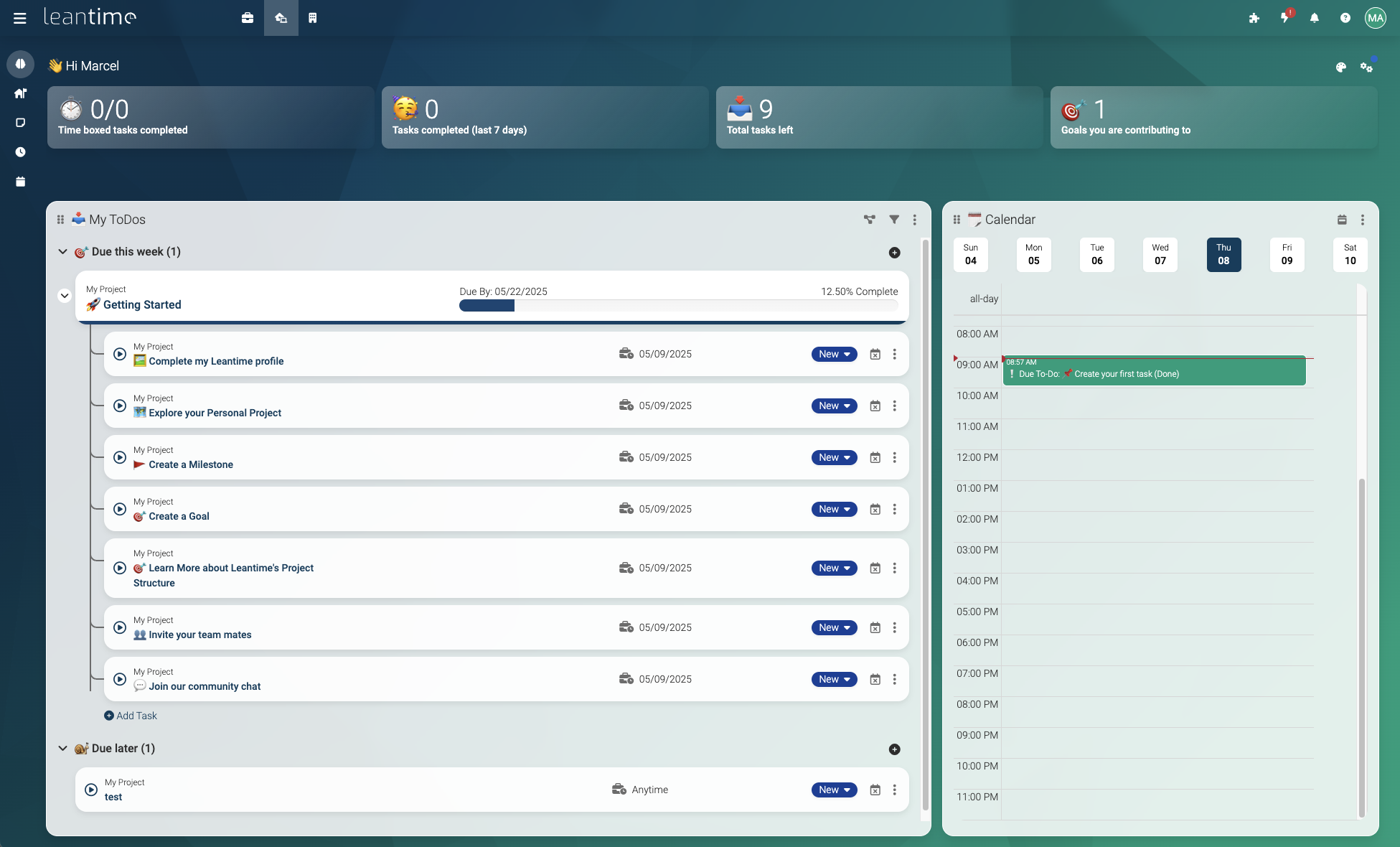
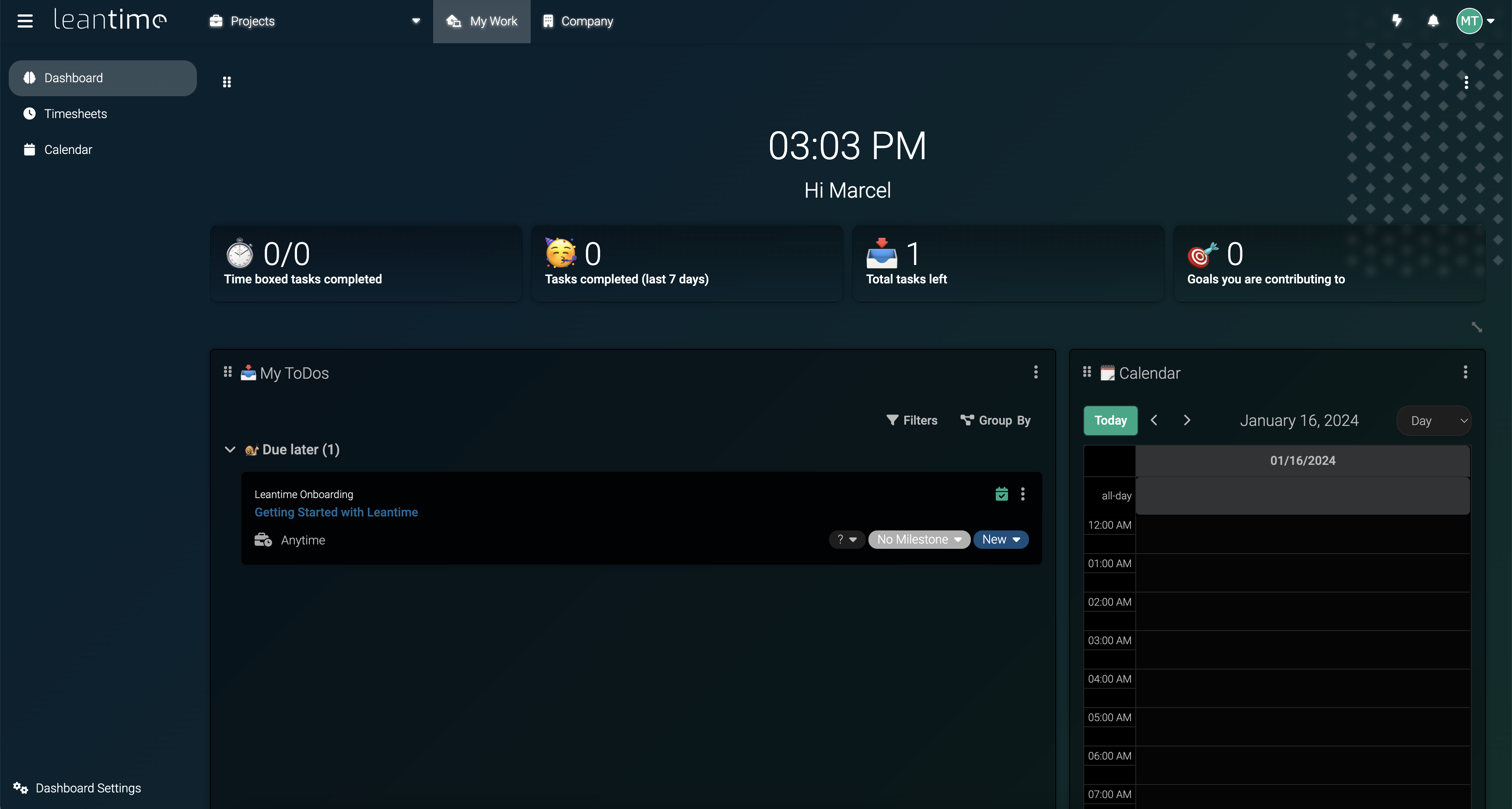
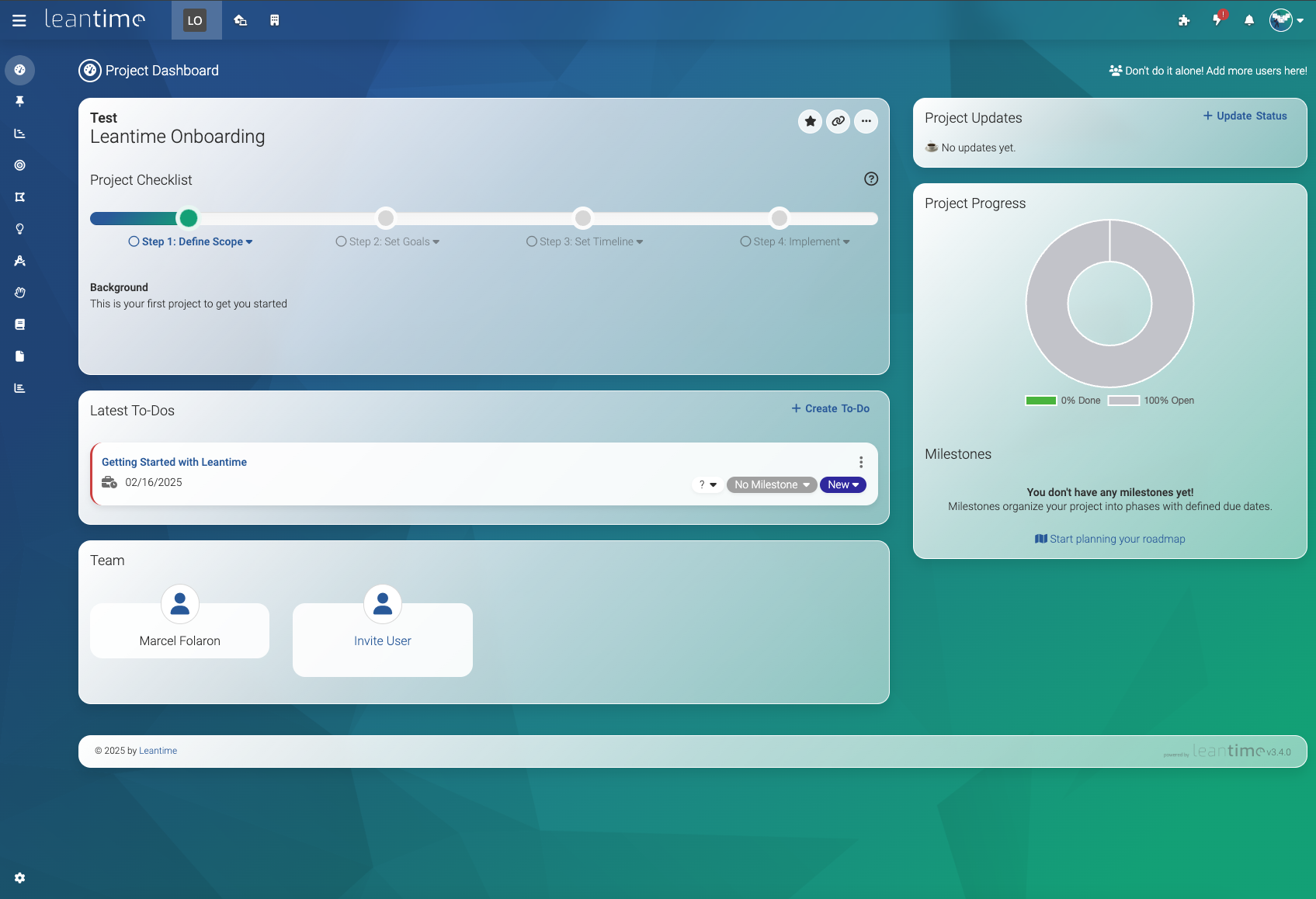
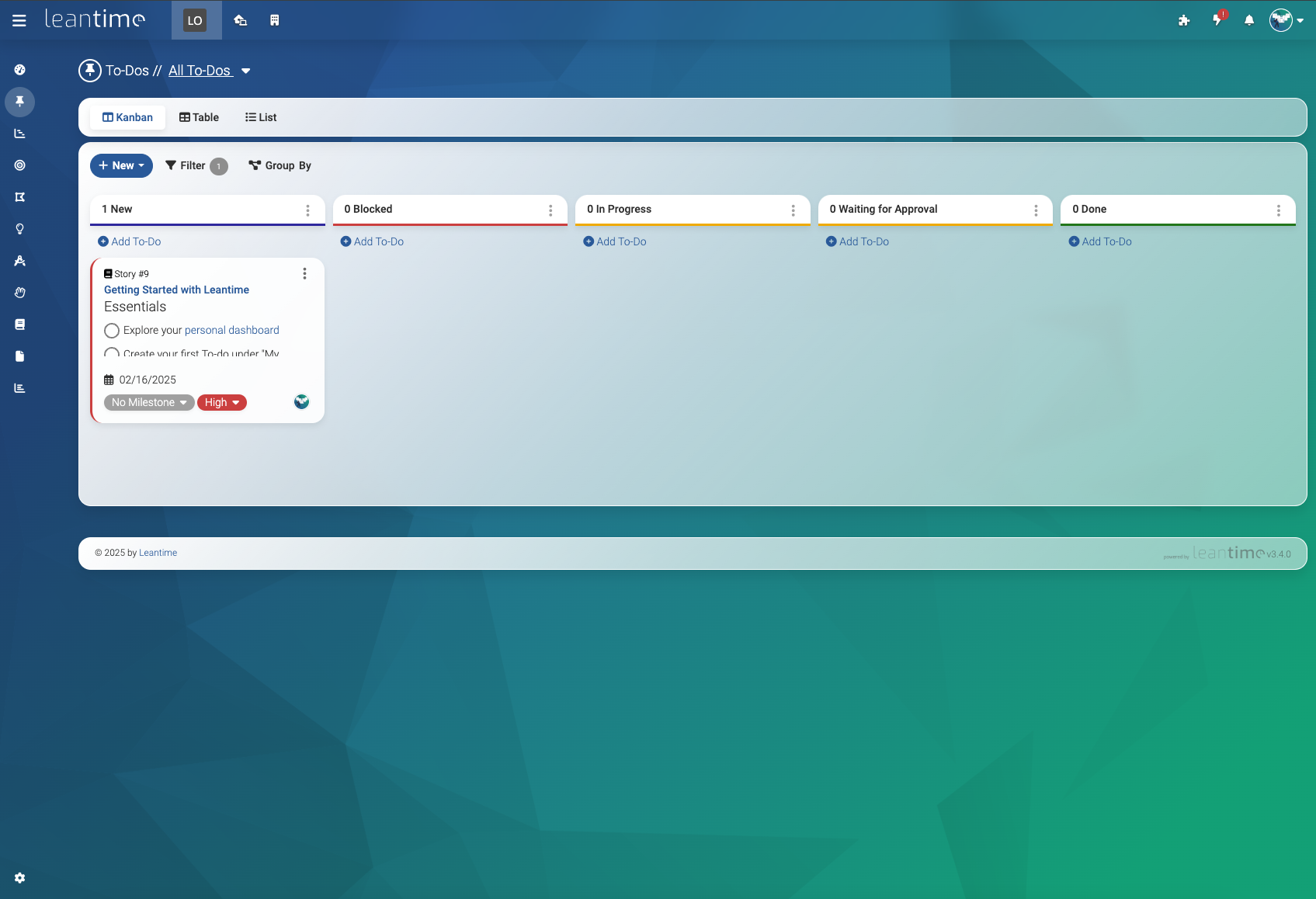
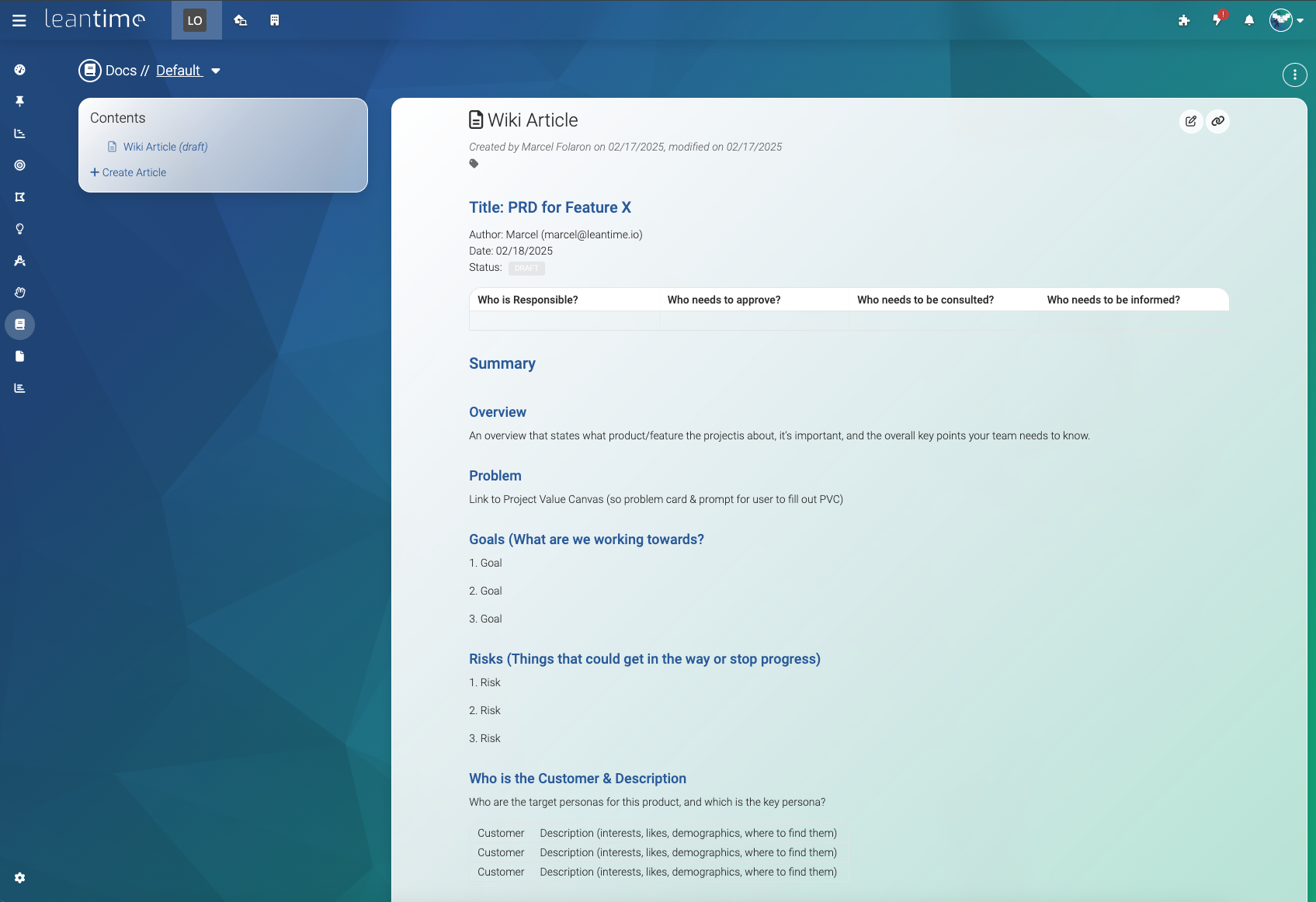
 Leantime — это система управления проектами с открытым исходным кодом, рассчитанная на тех, кто не является профессиональным руководителем проектов. Она объединяет управление задачами, планирование и инструменты для работы со знаниями в одном месте. Система позиционирует себя как такая же простая, как Trello, но с такими же богатыми возможностями, как Jira, и прямо разработана с учётом СДВГ, дислексии и аутизма.
Leantime — это система управления проектами с открытым исходным кодом, рассчитанная на тех, кто не является профессиональным руководителем проектов. Она объединяет управление задачами, планирование и инструменты для работы со знаниями в одном месте. Система позиционирует себя как такая же простая, как Trello, но с такими же богатыми возможностями, как Jira, и прямо разработана с учётом СДВГ, дислексии и аутизма.Это приложение, которое я устанавливаю на свой сервер, или облачный SaaS-сервис?И то и другое: можно развернуть его на своём сервере с помощью локального установщика или официального образа Docker либо вообще не заниматься хостингом и использовать управляемый хостинг и тарифы SaaS от Leantime через leantime.io.
И то и другое: можно развернуть его на своём сервере с помощью локального установщика или официального образа Docker либо вообще не заниматься хостингом и использовать управляемый хостинг и тарифы SaaS от Leantime через leantime.io.Как его запустить?Для продакшена скачайте архив релиза, создайте базу данных MySQL, загрузите файлы, направьте домен на public/, заполните config/.env учётными данными БД и откройте /install. Либо используйте официальный образ Docker с docker-compose и тем же шагом /install.
Для продакшена скачайте архив релиза, создайте базу данных MySQL, загрузите файлы, направьте домен на public/, заполните config/.env учётными данными БД и откройте /install. Либо используйте официальный образ Docker с docker-compose и тем же шагом /install.Какой стек на сервере мне нужен?Вам нужны PHP 8.2+, MySQL 8.0+ или MariaDB 10.6+, Apache или Nginx, а также набор расширений PHP, например bcmath, cURL, GD, LDAP, mbstring и OpenSSL.
Вам нужны PHP 8.2+, MySQL 8.0+ или MariaDB 10.6+, Apache или Nginx, а также набор расширений PHP, например bcmath, cURL, GD, LDAP, mbstring и OpenSSL.Есть ли подводные камни при установке, о которых стоит знать?При использовании Docker нужно подключить папку plugins и выдать пользователю www-data доступ к ней, иначе установка может сорваться, а плагины будут стираться при перезапуске. Кроме того, официальная поддержка охватывает только стандартную настройку через Docker или установщик, но не сторонние переупакованные сборки.
При использовании Docker нужно подключить папку plugins и выдать пользователю www-data доступ к ней, иначе установка может сорваться, а плагины будут стираться при перезапуске. Кроме того, официальная поддержка охватывает только стандартную настройку через Docker или установщик, но не сторонние переупакованные сборки.Работает ли оно на серверах Windows, а не только на Linux?Да. Помимо Apache и Nginx на Linux, Leantime официально поддерживает IIS на Windows, однако для IIS требуется дополнительный ручной шаг, чтобы разрешить HTTP-метод PATCH.
Да. Помимо Apache и Nginx на Linux, Leantime официально поддерживает IIS на Windows, однако для IIS требуется дополнительный ручной шаг, чтобы разрешить HTTP-метод PATCH.Почему Leantime создавали с учётом СДВГ, дислексии и аутизма?Команда проектировала интерфейс и рабочие процессы так, чтобы снизить когнитивную перегрузку для нейроотличных пользователей. Цель — сделать управление проектами доступным для тех, кому трудны жёсткие, линейные процессы традиционных инструментов управления проектами.
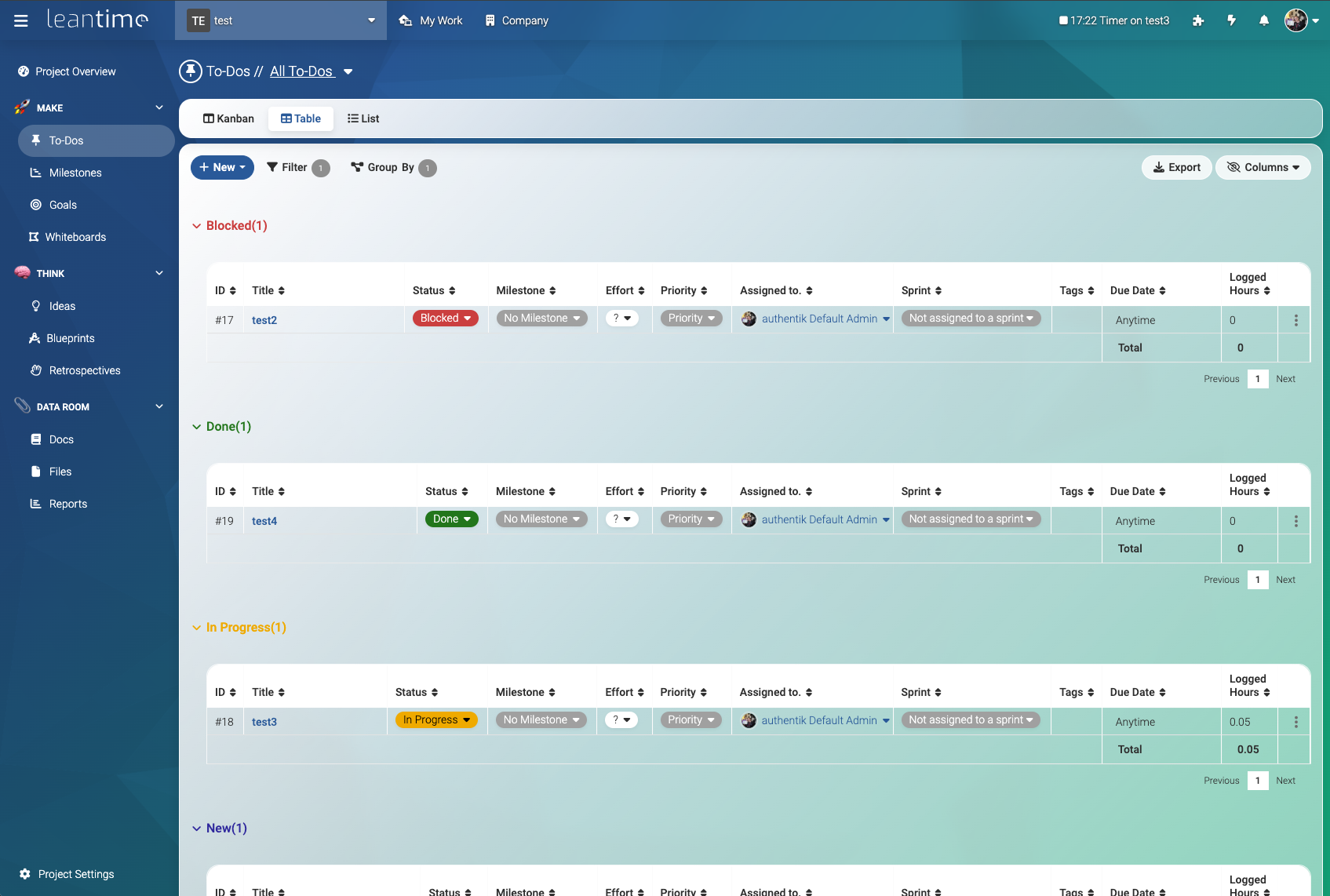
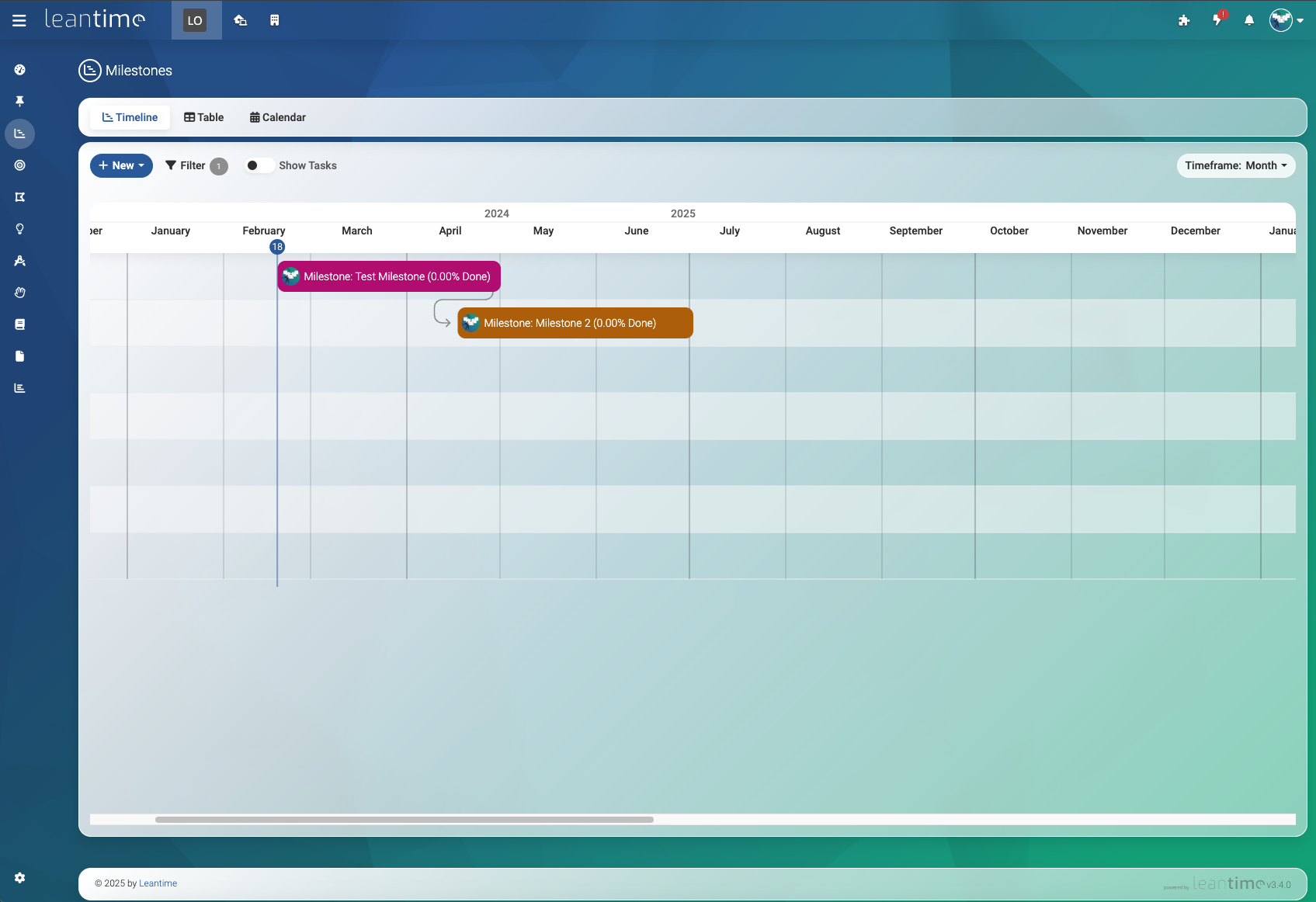
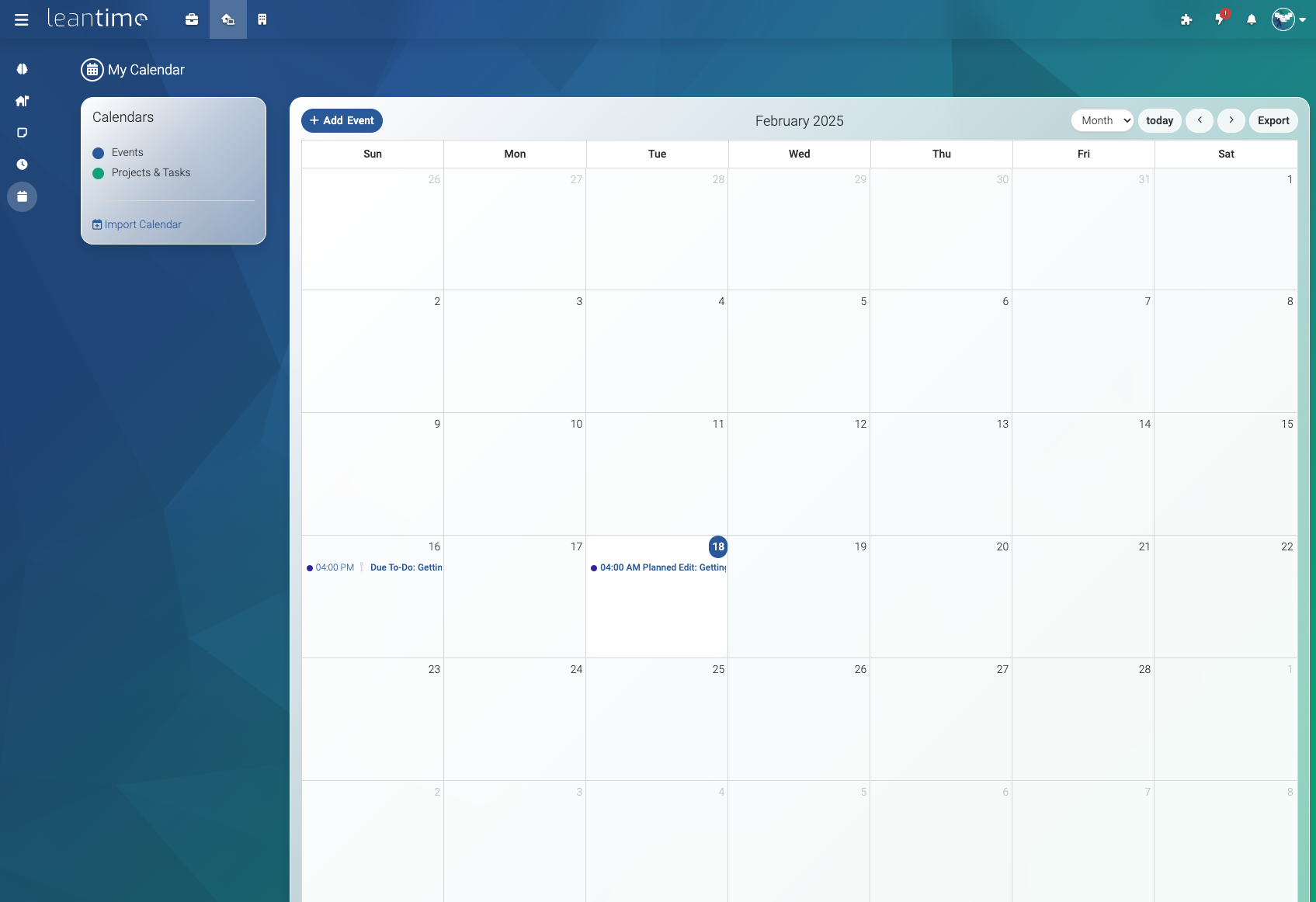
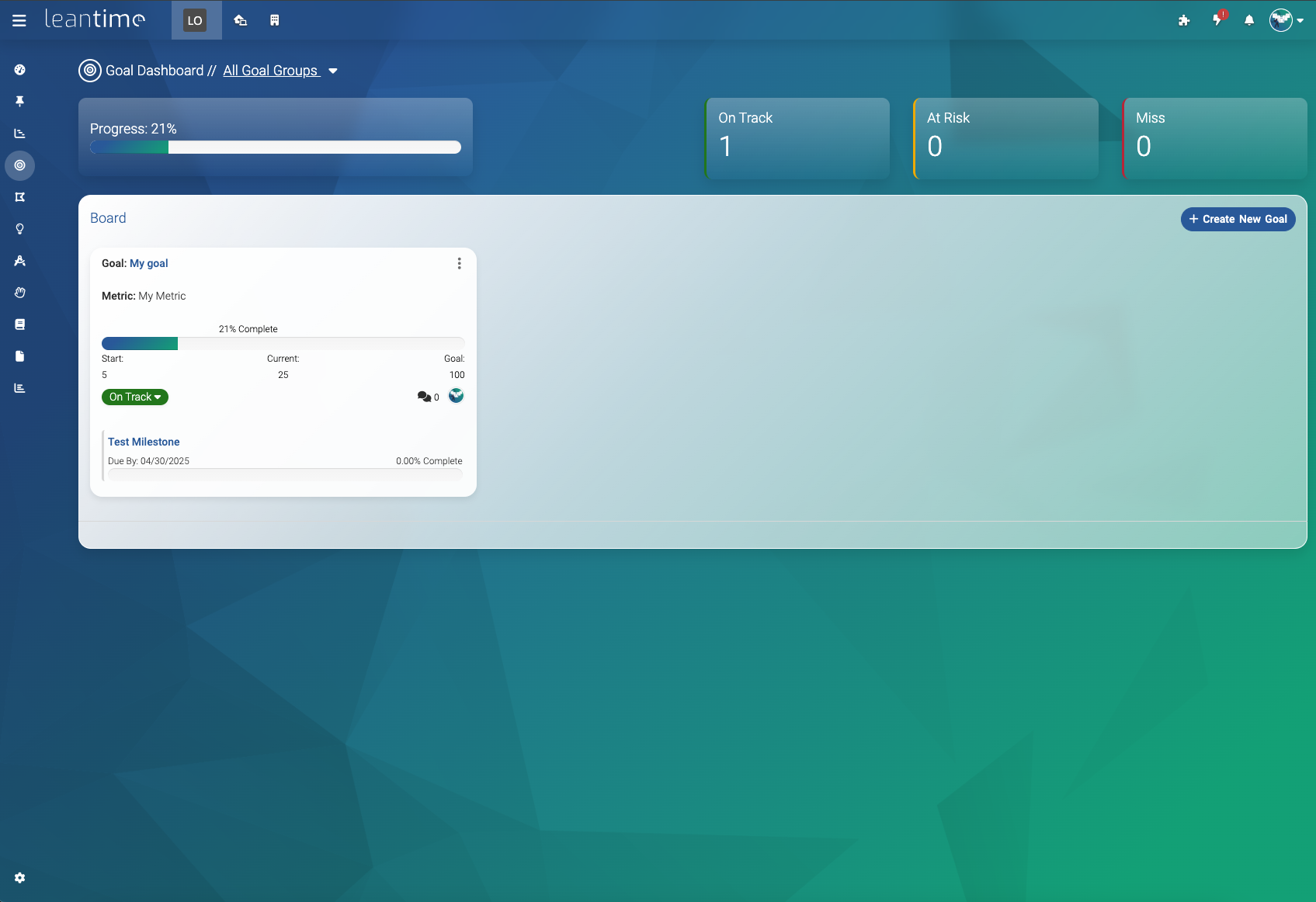
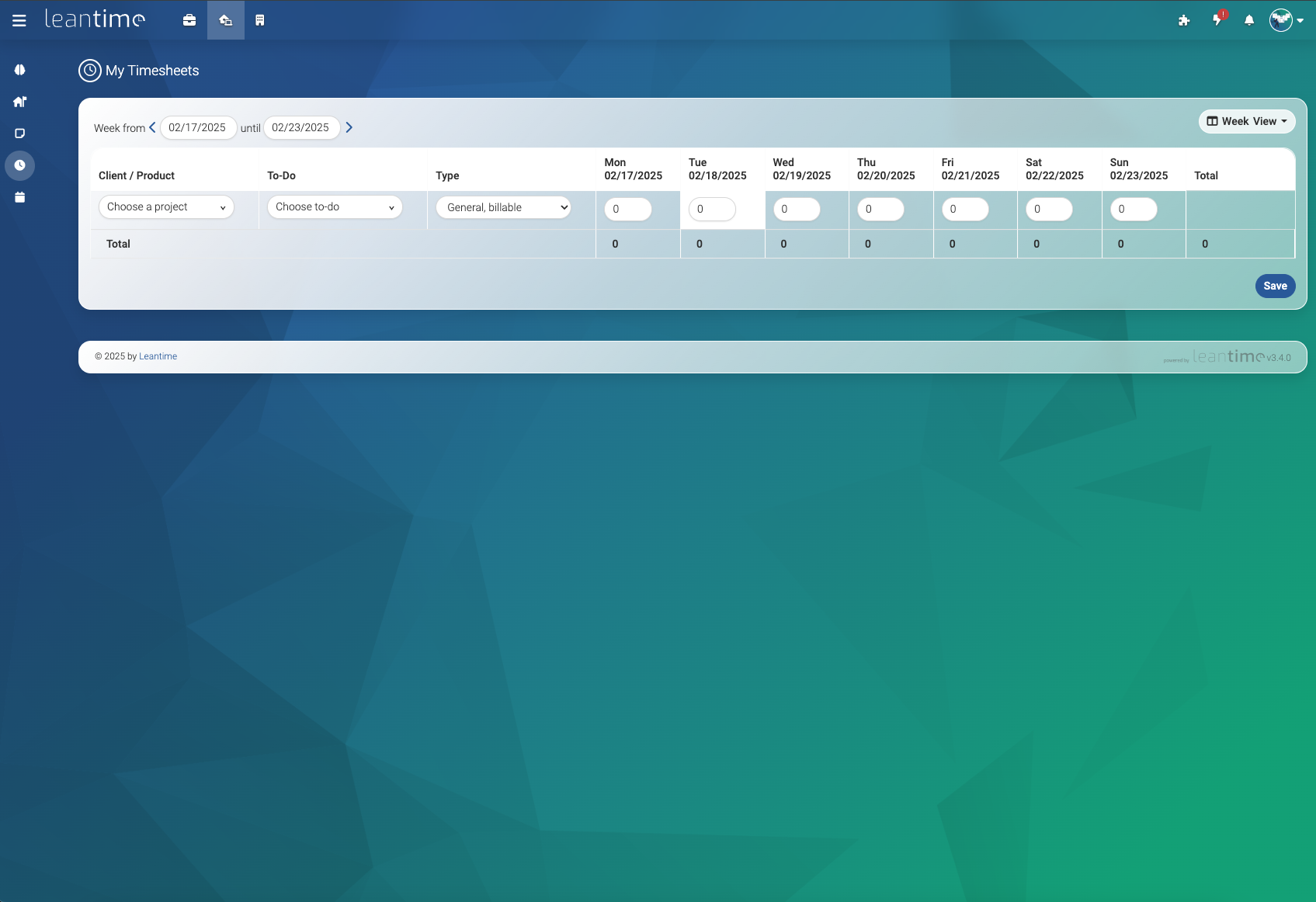
Команда проектировала интерфейс и рабочие процессы так, чтобы снизить когнитивную перегрузку для нейроотличных пользователей. Цель — сделать управление проектами доступным для тех, кому трудны жёсткие, линейные процессы традиционных инструментов управления проектами.Какие функции входят в бесплатную версию с открытым исходным кодом?Все основные функции доступны бесплатно: режимы просмотра (канбан, диаграмма Ганта, таблица, календарь), спринты, контрольные точки, табели учёта времени, вики, доски идей, ретроспективы, SWOT-анализ и анализ рисков, хранение файлов в S3 или локально, двухфакторная аутентификация, LDAP/OIDC, а также расширяемость через плагины и API.
Все основные функции доступны бесплатно: режимы просмотра (канбан, диаграмма Ганта, таблица, календарь), спринты, контрольные точки, табели учёта времени, вики, доски идей, ретроспективы, SWOT-анализ и анализ рисков, хранение файлов в S3 или локально, двухфакторная аутентификация, LDAP/OIDC, а также расширяемость через плагины и API.Можно ли интегрировать его с инструментами, которые уже использует моя команда?Да. Оно интегрируется со Slack, Mattermost и Discord для уведомлений, поддерживает LDAP/OIDC для аутентификации и предоставляет JSON-RPC API и систему плагинов для пользовательских расширений.
Да. Оно интегрируется со Slack, Mattermost и Discord для уведомлений, поддерживает LDAP/OIDC для аутентификации и предоставляет JSON-RPC API и систему плагинов для пользовательских расширений.На скольких языках оно доступно?Leantime поставляется с переводами более чем на 20 языков. Языковые файлы хранятся в app/Language/, и сообщество может вносить в них свой вклад через пул-реквесты.
Leantime поставляется с переводами более чем на 20 языков. Языковые файлы хранятся в app/Language/, и сообщество может вносить в них свой вклад через пул-реквесты.What are similar projects?openproject, focalboard, plane, planka, itsaplan, invoiceninja, zitadel, laravel-crm
openproject, focalboard, plane, planka, itsaplan, invoiceninja, zitadel, laravel-crmWhich topics is it in?gantt, strategy, jira, lean, openid-connect, two-factor-authentication, notion, ldap, kanban, calendar, project-management, mariadb
gantt, strategy, jira, lean, openid-connect, two-factor-authentication, notion, ldap, kanban, calendar, project-management, mariadb