



Что это такое?
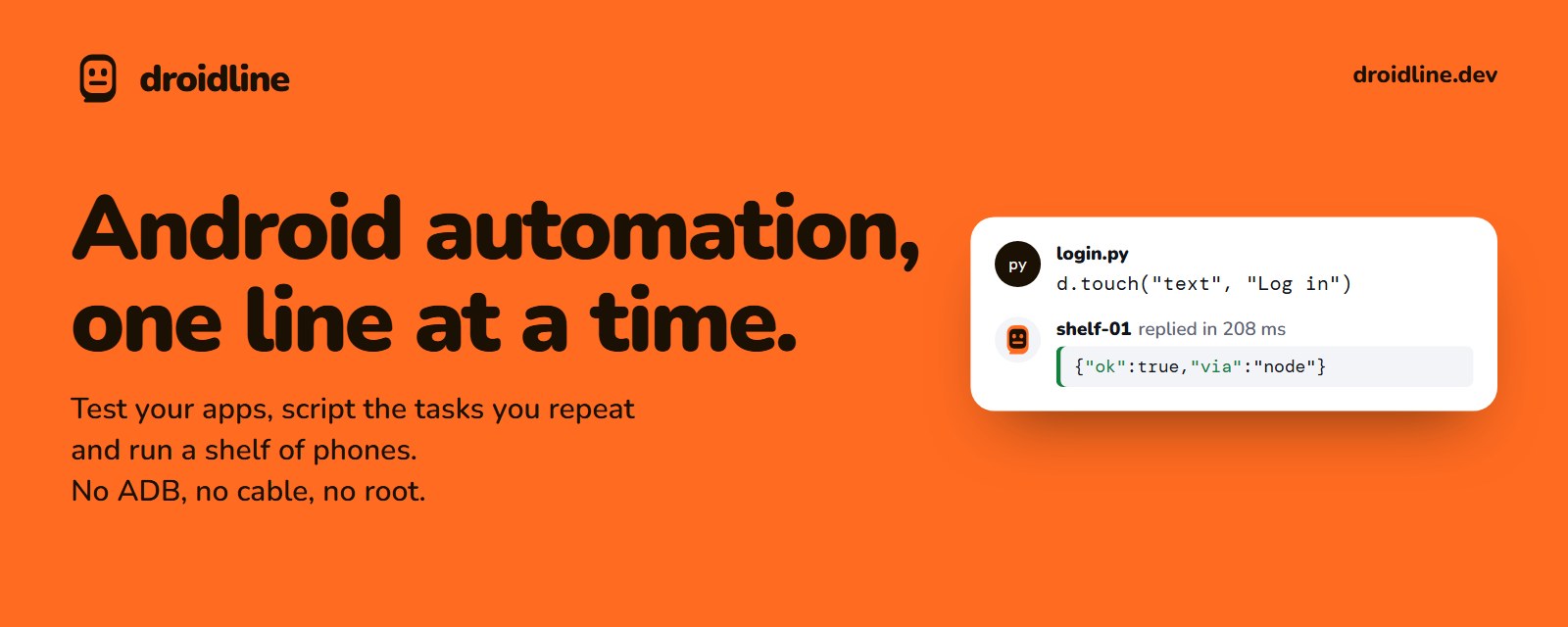
 Droidline позволяет автоматизировать реальные Android-телефоны из вашего собственного кода: пишите скрипты на Python, Node.js, C#, через CLI, HTTP или как инструмент MCP, чтобы нажимать, вводить текст, считывать и отслеживать экран телефона. Не нужны кабель ADB, отладка по USB и root-доступ.
Это библиотека или отдельный сервер?Это небольшой сервер на Go (droidline serve), который вы запускаете на своём ПК в паре с приложением-агентом на телефоне. Интерфейсы Python, Node.js, C#, CLI и HTTP — это лишь клиенты, которые общаются с тем же сервером. Кроме того, сервер предоставляет инструмент MCP для ИИ-агентов.
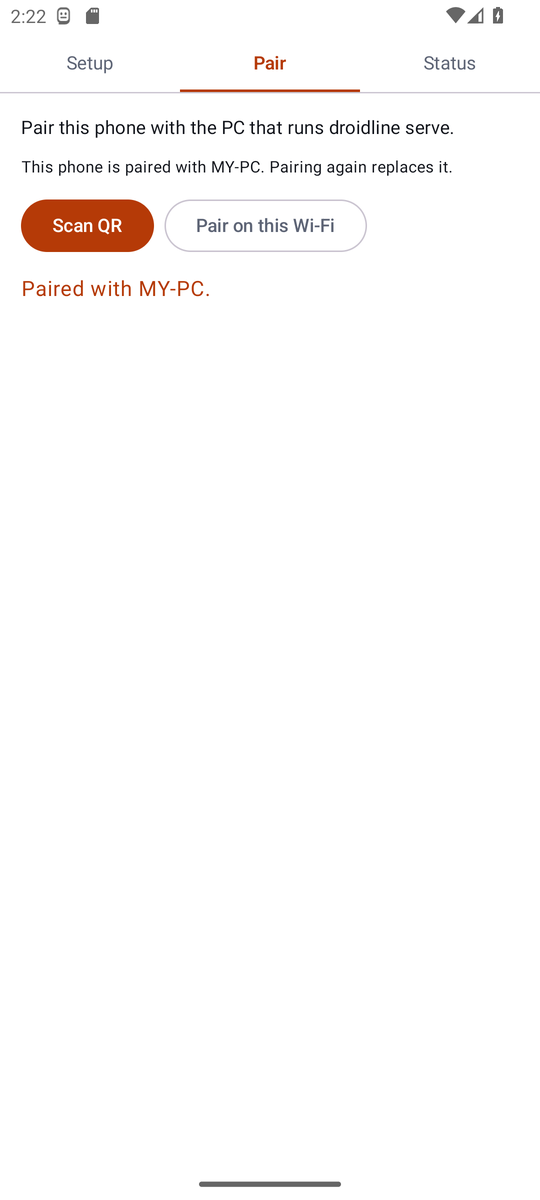
Это небольшой сервер на Go (droidline serve), который вы запускаете на своём ПК в паре с приложением-агентом на телефоне. Интерфейсы Python, Node.js, C#, CLI и HTTP — это лишь клиенты, которые общаются с тем же сервером. Кроме того, сервер предоставляет инструмент MCP для ИИ-агентов.Как его запустить?Запустите исполняемый файл сервера droidline из Releases на ПК, установите droidline-agent.apk на телефон и включите на нём службу специальных возможностей и нужные разрешения. Затем свяжите их, отсканировав QR-код или введя 6-значный код, и начинайте отправлять команды.
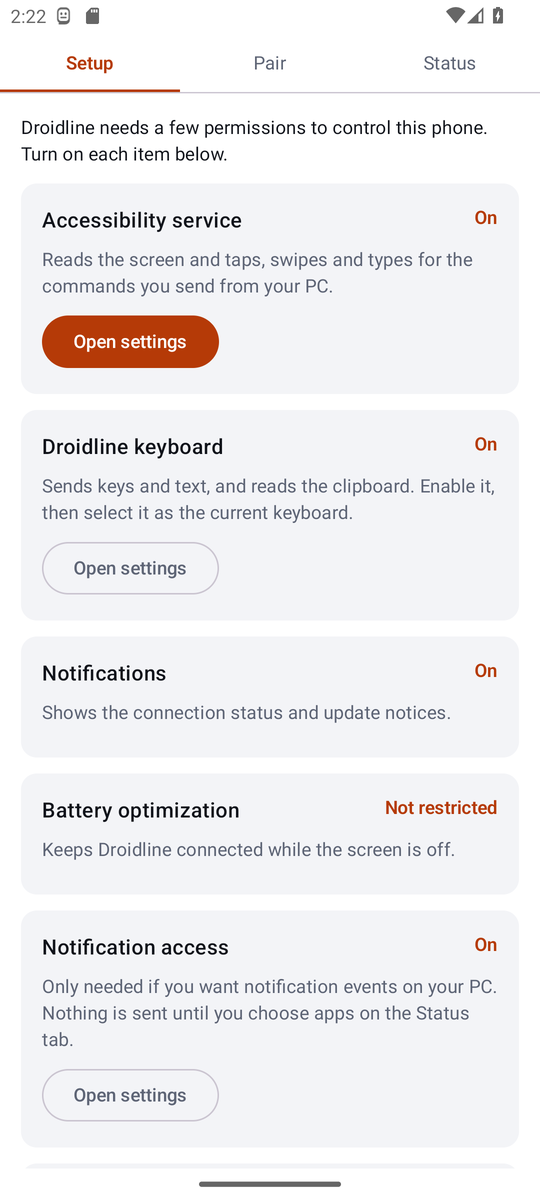
Запустите исполняемый файл сервера droidline из Releases на ПК, установите droidline-agent.apk на телефон и включите на нём службу специальных возможностей и нужные разрешения. Затем свяжите их, отсканировав QR-код или введя 6-значный код, и начинайте отправлять команды.Что нужно на самом телефоне?Только приложение Droidline на телефоне с Android 9+ с включёнными службой специальных возможностей, клавиатурой и доступом к уведомлениям. Параметры разработчика и отладка по USB не нужны.
Только приложение Droidline на телефоне с Android 9+ с включёнными службой специальных возможностей, клавиатурой и доступом к уведомлениям. Параметры разработчика и отладка по USB не нужны.Что он не умеет?Он не может разблокировать экран блокировки, открыть закрытые для других приложений экраны или принудительно остановить приложение, очистить его данные либо переключить сеть одной встроенной командой. Эти действия выполняются нажатием кнопок в «Настройках» через рецепты. Игры с интерфейсом, нарисованным самой игрой, требуют нажатий по координатам.
Он не может разблокировать экран блокировки, открыть закрытые для других приложений экраны или принудительно остановить приложение, очистить его данные либо переключить сеть одной встроенной командой. Эти действия выполняются нажатием кнопок в «Настройках» через рецепты. Игры с интерфейсом, нарисованным самой игрой, требуют нажатий по координатам.Работает ли сервер на любом компьютере и с любым телефоном?Исполняемый файл сервера работает на Windows, macOS или Linux. Он управляет Android-телефонами версии 9 и новее, доступными по той же Wi-Fi сети, через туннель или через ретранслятор, который вы развёртываете самостоятельно.
Исполняемый файл сервера работает на Windows, macOS или Linux. Он управляет Android-телефонами версии 9 и новее, доступными по той же Wi-Fi сети, через туннель или через ретранслятор, который вы развёртываете самостоятельно.Шифруется ли соединение между ПК и телефоном и отправляет ли Droidline данные о себе?Каждая строка после сопряжения шифруется сквозным шифрованием с помощью P-256 и AES-256-GCM. Droidline не собирает данные об использовании и телеметрию, а лишь раз в день проверяет на GitHub наличие новой версии.
Каждая строка после сопряжения шифруется сквозным шифрованием с помощью P-256 и AES-256-GCM. Droidline не собирает данные об использовании и телеметрию, а лишь раз в день проверяет на GitHub наличие новой версии.Может ли ИИ-агент реально управлять телефоном через это?Да, Droidline поставляется с инструментом MCP, чтобы такие агенты, как Claude, ChatGPT или Cursor, могли считывать экран в виде дерева элементов через dump() и действовать на его основе. Можно ограничить их возможности флагами, например --tools или --read-only.
Да, Droidline поставляется с инструментом MCP, чтобы такие агенты, как Claude, ChatGPT или Cursor, могли считывать экран в виде дерева элементов через dump() и действовать на его основе. Можно ограничить их возможности флагами, например --tools или --read-only.Могу ли я запустить сразу целый парк телефонов?Да, один ПК может управлять «полкой с телефонами»: команды для одного телефона выполняются по порядку, а разные телефоны работают параллельно. У каждого есть своё имя и, если нужно, отдельный прокси для каждого приложения.
Да, один ПК может управлять «полкой с телефонами»: команды для одного телефона выполняются по порядку, а разные телефоны работают параллельно. У каждого есть своё имя и, если нужно, отдельный прокси для каждого приложения.Как подключиться к телефону, который не в моей Wi-Fi сети?Телефон всегда сам инициирует соединение, поэтому всё работает через проброшенный порт, туннель вроде cloudflared или ngrok либо ретранслятор, который вы развёртываете самостоятельно на Cloudflare Workers или VPS. Если доступен Wi-Fi, соединение переходит на него.
Телефон всегда сам инициирует соединение, поэтому всё работает через проброшенный порт, туннель вроде cloudflared или ngrok либо ретранслятор, который вы развёртываете самостоятельно на Cloudflare Workers или VPS. Если доступен Wi-Fi, соединение переходит на него.Что будет, если телефон потеряет сеть во время команды?Телефон продолжит работу ровно с того места, где остановился, а выполнявшаяся команда получит ответ из кэша вместо повторного запуска. Благодаря этому многошаговое действие, например переключение режима полёта, работает как один надёжный вызов.
Телефон продолжит работу ровно с того места, где остановился, а выполнявшаяся команда получит ответ из кэша вместо повторного запуска. Благодаря этому многошаговое действие, например переключение режима полёта, работает как один надёжный вызов.Какие есть похожие проекты?prod-FARM-IOS-Core, mobile-mcp, appium, artemis, andee, buddy-android, dsh-ios, dsh-android
prod-FARM-IOS-Core, mobile-mcp, appium, artemis, andee, buddy-android, dsh-ios, dsh-androidВ каких он темах?android-automation, ui-automation, webdriver, no-root, rpa, mobile-automation, test-automation, dotnet, kotlin, encryption, sdk, mcp-server
android-automation, ui-automation, webdriver, no-root, rpa, mobile-automation, test-automation, dotnet, kotlin, encryption, sdk, mcp-server- Автор
- KnifeLemon
- Размер
- 2.8 MB
- Звёзды
- 550
- Обновлён
- КоммитNov 03Релизv0.1.13Nov 03
- Возраст
- 1 мес
- Коммиты · 90 дней