






Что это такое?
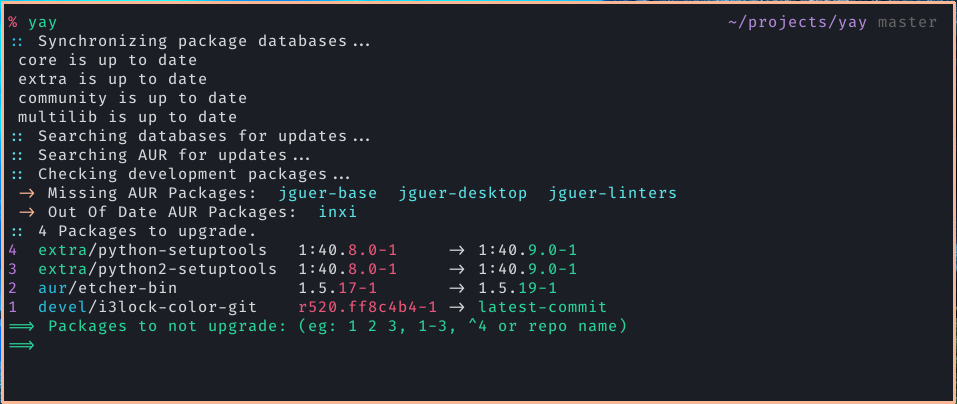
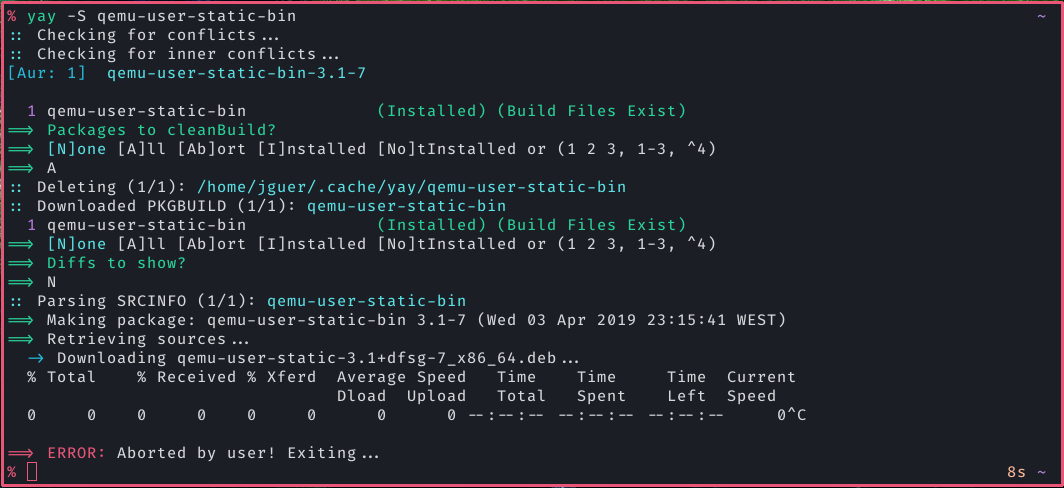
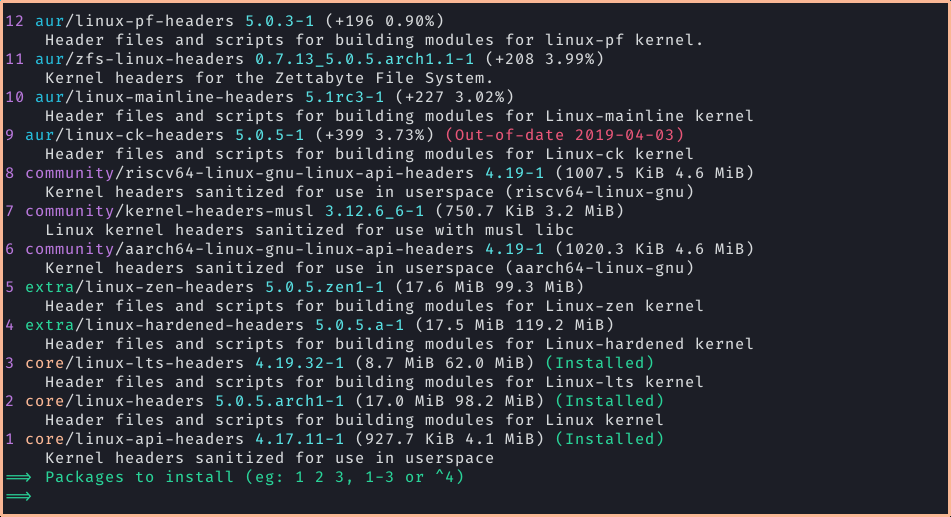
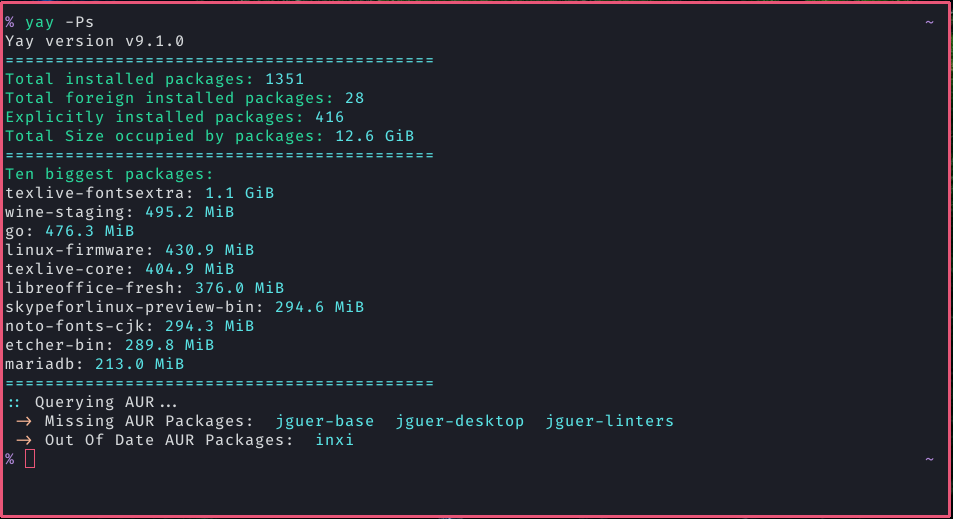
 yay — это помощник для AUR (Arch User Repository), написанный на Go. Он оборачивает pacman и позволяет одной командой искать, устанавливать и обновлять как пакеты из официальных репозиториев, так и пакеты из AUR.
yay — это помощник для AUR (Arch User Repository), написанный на Go. Он оборачивает pacman и позволяет одной командой искать, устанавливать и обновлять как пакеты из официальных репозиториев, так и пакеты из AUR.Это замена pacman или обёртка над ним?Это CLI-обёртка над pacman и makepkg: она добавляет поддержку AUR, разрешение зависимостей и загрузку PKGBUILD поверх обычной работы с pacman.
Это CLI-обёртка над pacman и makepkg: она добавляет поддержку AUR, разрешение зависимостей и загрузку PKGBUILD поверх обычной работы с pacman.Как установить yay?Склонируйте PKGBUILD и соберите его через makepkg (после установки группы base-devel), используйте готовый бинарный файл из GitHub Actions или, если вы на Manjaro или другом дистрибутиве, который его пакетирует, просто установите его через pacman.
Склонируйте PKGBUILD и соберите его через makepkg (после установки группы base-devel), используйте готовый бинарный файл из GitHub Actions или, если вы на Manjaro или другом дистрибутиве, который его пакетирует, просто установите его через pacman.Нужно ли что-то установить перед сборкой yay?Нужна установленная группа пакетов base-devel, так как сборка идёт через makepkg. Кроме того, при установке и работе понадобится sudo (или другой инструмент повышения привилегий).
Нужна установленная группа пакетов base-devel, так как сборка идёт через makepkg. Кроме того, при установке и работе понадобится sudo (или другой инструмент повышения привилегий).Будет ли yay всегда находить обновления пакетов AUR для -git?Нет. Для пакетов разработки (-git) yay использует кеш хешей. Если пакет никогда не устанавливался через отслеживание devel-пакетов в yay, он не будет предлагать обновление, пока вы не выполните yay -Y --gendb.
Нет. Для пакетов разработки (-git) yay использует кеш хешей. Если пакет никогда не устанавливался через отслеживание devel-пакетов в yay, он не будет предлагать обновление, пока вы не выполните yay -Y --gendb.Работает ли это только на Arch Linux?Да, оно создано специально для Arch Linux и дистрибутивов на его основе (например, Manjaro), так как зависит от pacman и AUR.
Да, оно создано специально для Arch Linux и дистрибутивов на его основе (например, Manjaro), так как зависит от pacman и AUR.Как заставить yay проверять обновления пакетов разработки?Выполните yay -Y --gendb один раз, чтобы построить базу данных пакетов разработки, затем используйте yay -Syu --devel для проверки обновлений или yay -Y --devel --save, чтобы сделать это постоянным.
Выполните yay -Y --gendb один раз, чтобы построить базу данных пакетов разработки, затем используйте yay -Syu --devel для проверки обновлений или yay -Y --devel --save, чтобы сделать это постоянным.Можно ли голосовать за пакеты AUR или отменять голос через yay?Да, с помощью yay -Wv можно проголосовать, а yay -Wu — отменить голос. Для этого нужно задать переменные окружения AURUSERNAME и AURPASSWORD.
Да, с помощью yay -Wv можно проголосовать, а yay -Wu — отменить голос. Для этого нужно задать переменные окружения AURUSERNAME и AURPASSWORD.Где получить поддержку, если что-то сломалось?Поддержка осуществляется только через GitHub issues, так как yay официально не поддерживается Arch Linux. О сломанных пакетах AUR нужно сообщать на странице комментариев к самому пакету в AUR.
Поддержка осуществляется только через GitHub issues, так как yay официально не поддерживается Arch Linux. О сломанных пакетах AUR нужно сообщать на странице комментариев к самому пакету в AUR.Какие другие помощники AUR похожи на yay?В README перечислены paru, aurutils и pikaur как родственные помощники и инструменты для AUR.
В README перечислены paru, aurutils и pikaur как родственные помощники и инструменты для AUR.Which topics is it in?aur, archlinux, gpl, package-manager, command-line, go, terminal, cli, developer-tools, linux, open-source
aur, archlinux, gpl, package-manager, command-line, go, terminal, cli, developer-tools, linux, open-source