






What is this?
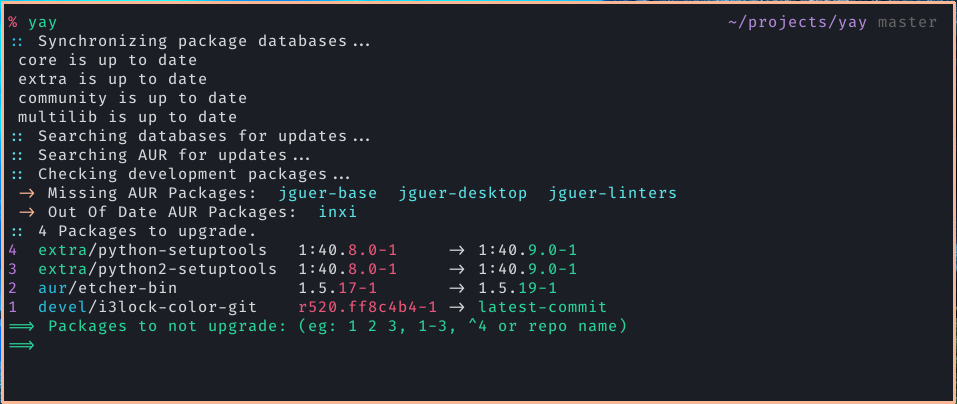
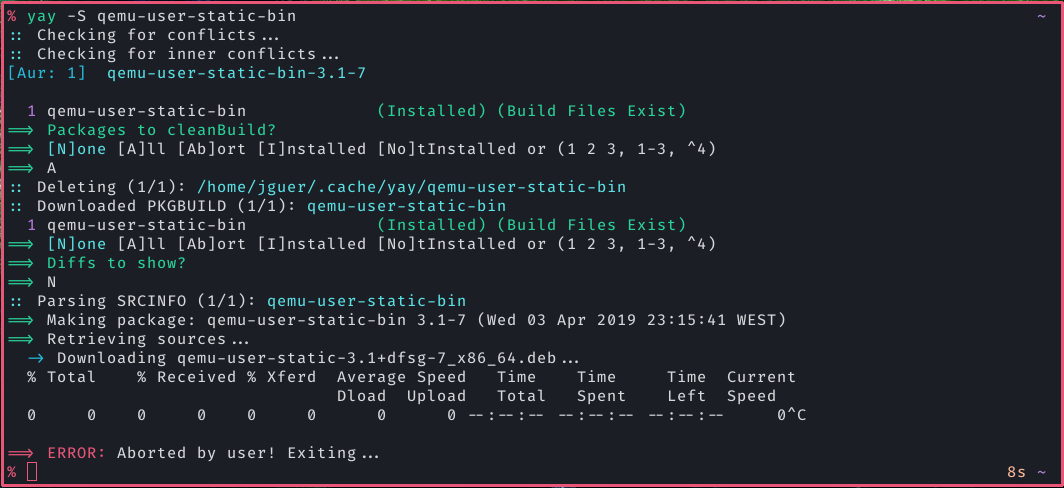
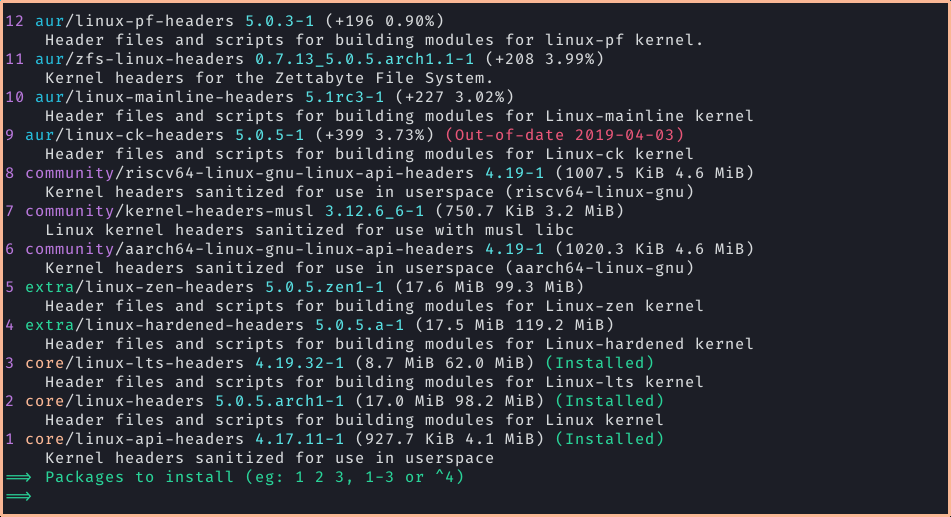
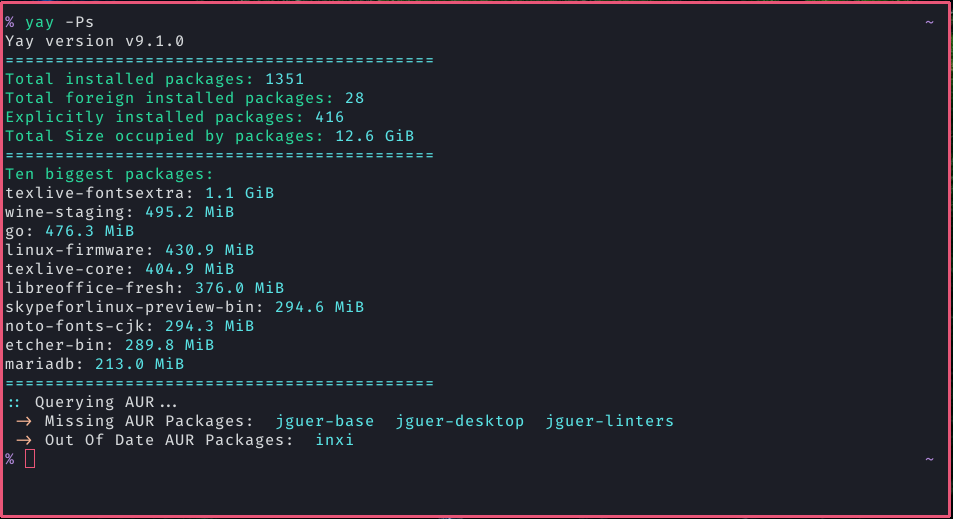
 yay is an AUR (Arch User Repository) helper written in Go. It wraps pacman so you can search, install, and upgrade both official repo packages and AUR packages with one command.
yay is an AUR (Arch User Repository) helper written in Go. It wraps pacman so you can search, install, and upgrade both official repo packages and AUR packages with one command.Is this a replacement for pacman or a wrapper around it?It's a CLI wrapper/front-end for pacman and makepkg: it adds AUR support, dependency solving, and PKGBUILD downloading on top of the normal pacman workflow.
It's a CLI wrapper/front-end for pacman and makepkg: it adds AUR support, dependency solving, and PKGBUILD downloading on top of the normal pacman workflow.How do I install yay?Clone the PKGBUILD and build it with makepkg (after installing the base-devel group), use a prebuilt binary from GitHub Actions, or if you're on Manjaro or another distro that packages it, just install it with pacman.
Clone the PKGBUILD and build it with makepkg (after installing the base-devel group), use a prebuilt binary from GitHub Actions, or if you're on Manjaro or another distro that packages it, just install it with pacman.Do I need anything installed before building yay?You need the base-devel package group installed since it builds via makepkg, and you'll be using sudo (or another privilege escalation tool) during install and operations.
You need the base-devel package group installed since it builds via makepkg, and you'll be using sudo (or another privilege escalation tool) during install and operations.Will yay always catch AUR package updates for -git packages?No — yay relies on a hash cache for development (-git) packages, so if a package was never installed via yay's devel tracking, it won't know to offer an update until you run yay -Y --gendb.
No — yay relies on a hash cache for development (-git) packages, so if a package was never installed via yay's devel tracking, it won't know to offer an update until you run yay -Y --gendb.Does this only work on Arch Linux?Yes, it's built specifically for Arch Linux and Arch-based distros (like Manjaro) since it depends on pacman and the AUR.
Yes, it's built specifically for Arch Linux and Arch-based distros (like Manjaro) since it depends on pacman and the AUR.How do I get yay to check for development package updates?Run yay -Y --gendb once to build a devel package database, then use yay -Syu --devel to check for updates, or yay -Y --devel --save to make that permanent.
Run yay -Y --gendb once to build a devel package database, then use yay -Syu --devel to check for updates, or yay -Y --devel --save to make that permanent.Can I vote for or unvote AUR packages with yay?Yes, using yay -Wv to vote and yay -Wu to unvote, but this requires setting the AURUSERNAME and AURPASSWORD environment variables.
Yes, using yay -Wv to vote and yay -Wu to unvote, but this requires setting the AURUSERNAME and AURPASSWORD environment variables.Where do I get support if something breaks?Support is handled via GitHub issues only, since yay isn't officially supported by Arch Linux; broken AUR packages themselves should be reported on the package's AUR comment page instead.
Support is handled via GitHub issues only, since yay isn't officially supported by Arch Linux; broken AUR packages themselves should be reported on the package's AUR comment page instead.What other AUR helpers are similar to yay?The README lists paru, aurutils, and pikaur as related AUR helpers/tools.
The README lists paru, aurutils, and pikaur as related AUR helpers/tools.Which topics is it in?aur, archlinux, gpl, package-manager, command-line, go, terminal, cli, developer-tools, linux, open-source
aur, archlinux, gpl, package-manager, command-line, go, terminal, cli, developer-tools, linux, open-source