
22.3K ·GitHub
这是干什么的?
 Homebrew Cask 扩展了 Homebrew,让你可以用简短的终端命令安装和管理厂商提供的预编译软件——图形界面应用、命令行工具、字体、插件等——不用再手动把图标拖进“应用程序”文件夹。
Homebrew Cask 扩展了 Homebrew,让你可以用简短的终端命令安装和管理厂商提供的预编译软件——图形界面应用、命令行工具、字体、插件等——不用再手动把图标拖进“应用程序”文件夹。那它是一个独立的软件,还是 Homebrew 的一部分?它不是独立的软件,而是插入 Homebrew 使用的,这个仓库存放的是默认的 cask(针对打包软件的安装配方)。所有操作都通过常用的 brew 命令行完成。
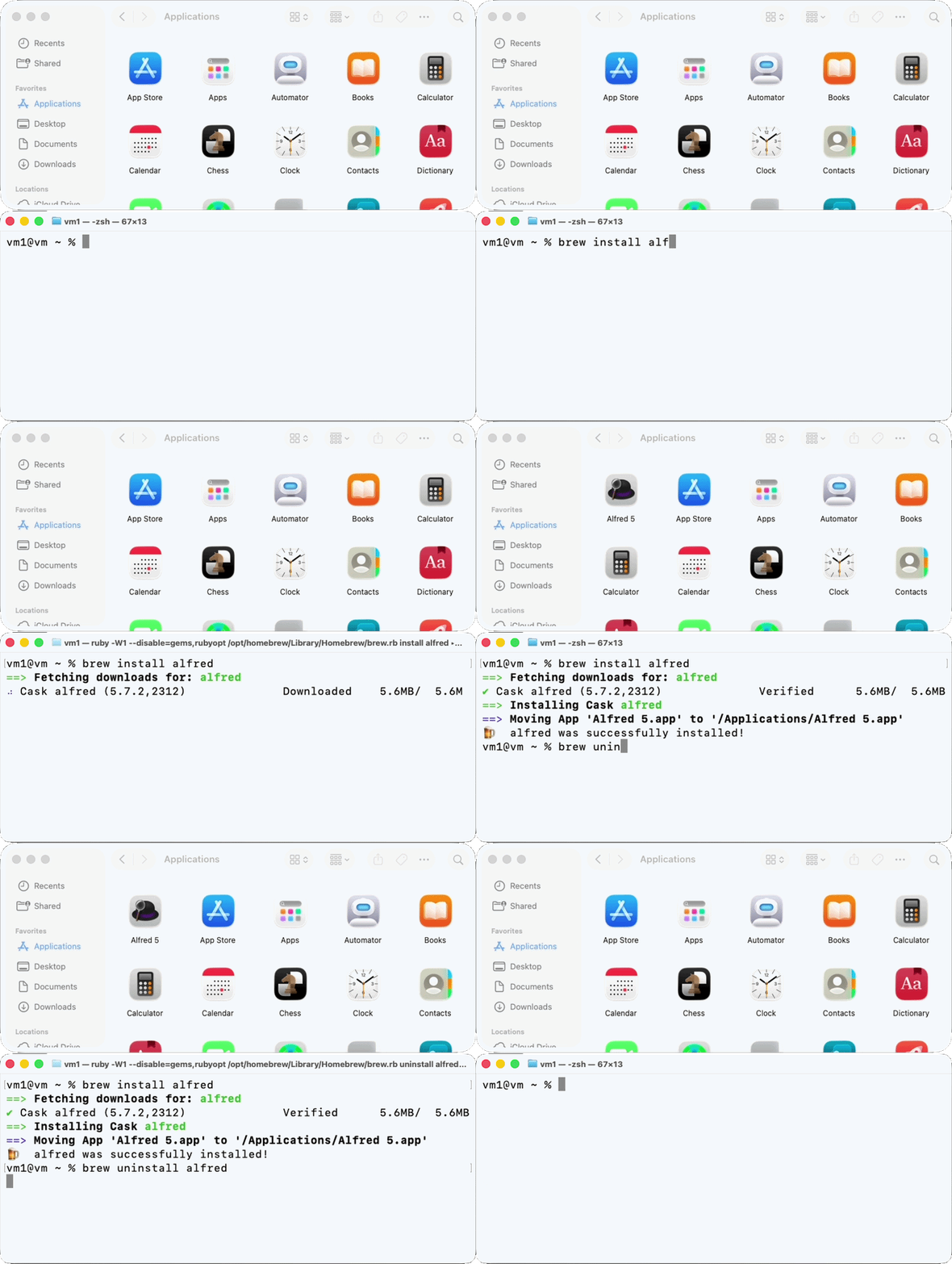
它不是独立的软件,而是插入 Homebrew 使用的,这个仓库存放的是默认的 cask(针对打包软件的安装配方)。所有操作都通过常用的 brew 命令行完成。怎么用它安装第一个软件?先安装 Homebrew,这是你唯一需要的前置步骤。之后一条简短的命令就能装好软件:不用点鼠标,不用拖拖放放,也不用走厂商的安装向导。
先安装 Homebrew,这是你唯一需要的前置步骤。之后一条简短的命令就能装好软件:不用点鼠标,不用拖拖放放,也不用走厂商的安装向导。除了 Homebrew 之外还需要别的吗?不需要。Homebrew 是唯一提到的先决条件,而且 cask 里都是上游厂商打包好的预编译二进制文件,无需自己编译。
不需要。Homebrew 是唯一提到的先决条件,而且 cask 里都是上游厂商打包好的预编译二进制文件,无需自己编译。安装出错了该怎么办?先运行 brew update-reset && brew update 再重试——这会重置你所有的 taps,排除本地环境过时的问题。如果问题仍然存在,先查看 README 里的常见错误指南,再提交 issue,否则可能不经审阅就被关闭。
先运行 brew update-reset && brew update 再重试——这会重置你所有的 taps,排除本地环境过时的问题。如果问题仍然存在,先查看 README 里的常见错误指南,再提交 issue,否则可能不经审阅就被关闭。它只能在 Mac 上用,还是 Linux 也行?macOS 和 Linux 是两个受支持的系统——Homebrew Cask 在两者上都提供其命令行工作流。Windows 则没有提及。
macOS 和 Linux 是两个受支持的系统——Homebrew Cask 在两者上都提供其命令行工作流。Windows 则没有提及。我可以用它安装哪些类型的软件?上游厂商分发的预编译制品:图形界面应用、命令行工具、字体、插件以及其他打包软件——每一种都通过对应的 cask 配方安装。
上游厂商分发的预编译制品:图形界面应用、命令行工具、字体、插件以及其他打包软件——每一种都通过对应的 cask 配方安装。为什么用它,而不是自己手动下载安装包?一条命令搞定全部——不用点击安装向导,也不用拖图标。同样的 brew 工作流还能在之后对这些制品进行管理,不只是安装。
一条命令搞定全部——不用点击安装向导,也不用拖图标。同样的 brew 工作流还能在之后对这些制品进行管理,不只是安装。我想要的软件不在目录里,可以提出申请吗?不可以——请求新增 cask 的 issue 已经关闭。想让自己的 cask 进入主仓库,你需要提交 pull request;功能请求有专门的 issue 模板。
不可以——请求新增 cask 的 issue 已经关闭。想让自己的 cask 进入主仓库,你需要提交 pull request;功能请求有专门的 issue 模板。它是免费的吗?是的。代码采用 BSD 2 Clause (NetBSD) 许可证,工具本身和它的 cask 目录都可以免费使用。
是的。代码采用 BSD 2 Clause (NetBSD) 许可证,工具本身和它的 cask 目录都可以免费使用。