







What is this?
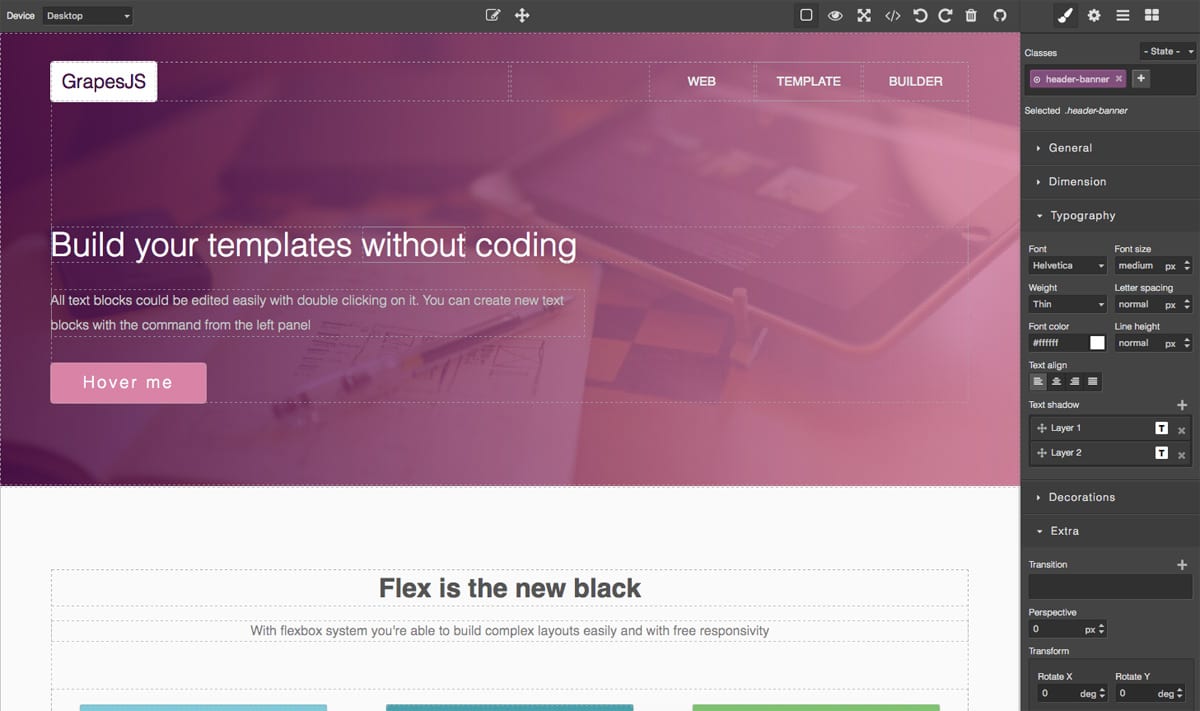
 GrapesJS is a free and open source Web Builder Framework for building HTML templates without coding — templates you can deliver in sites, newsletters or mobile apps.
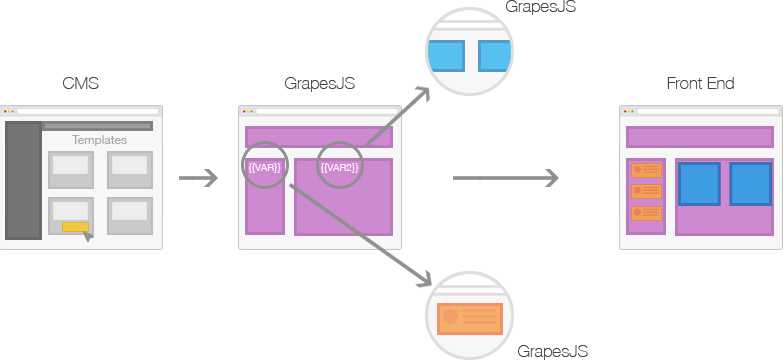
GrapesJS is a free and open source Web Builder Framework for building HTML templates without coding — templates you can deliver in sites, newsletters or mobile apps.Is it a hosted website builder I sign up for, or a piece of code I embed?It is a framework, not a hosted app: you embed the visual editor into your own JavaScript application — most commonly a CMS — to speed up creating dynamic templates.
It is a framework, not a hosted app: you embed the visual editor into your own JavaScript application — most commonly a CMS — to speed up creating dynamic templates.How do I add it to a project?Install it from npm (npm i grapesjs), pull it from a CDN like UNPKG or CDNJS, or clone the git repo; the documentation includes a getting started guide.
Install it from npm (npm i grapesjs), pull it from a CDN like UNPKG or CDNJS, or clone the git repo; the documentation includes a getting started guide.Do I need anything installed to run it?Nothing special: it is a client-side TypeScript library loaded via npm or a CDN. Working on the repository itself requires Node 20+ and pnpm 9+.
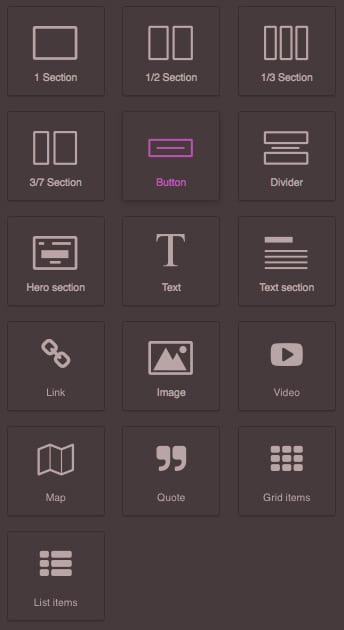
Nothing special: it is a client-side TypeScript library loaded via npm or a CDN. Working on the repository itself requires Node 20+ and pnpm 9+.Can non-developers build templates with it?Yes — end users assemble pages visually by dragging blocks onto the canvas, without coding; you only write code to embed and configure the editor in your app.
Yes — end users assemble pages visually by dragging blocks onto the canvas, without coding; you only write code to embed and configure the editor in your app.Is it really free, and can I use it in commercial projects?Yes — it is free and open source under the BSD 3-clause license.
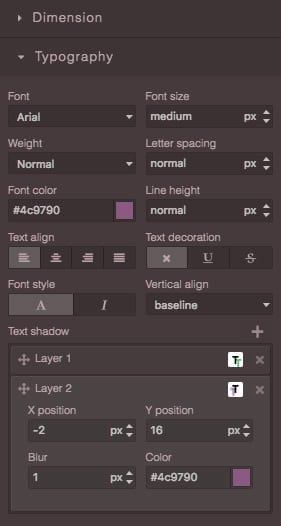
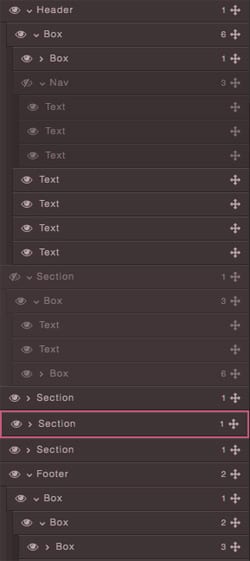
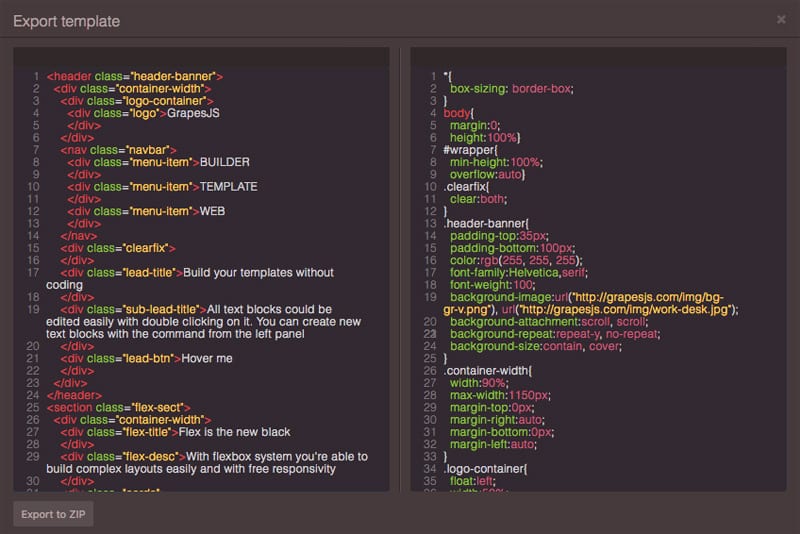
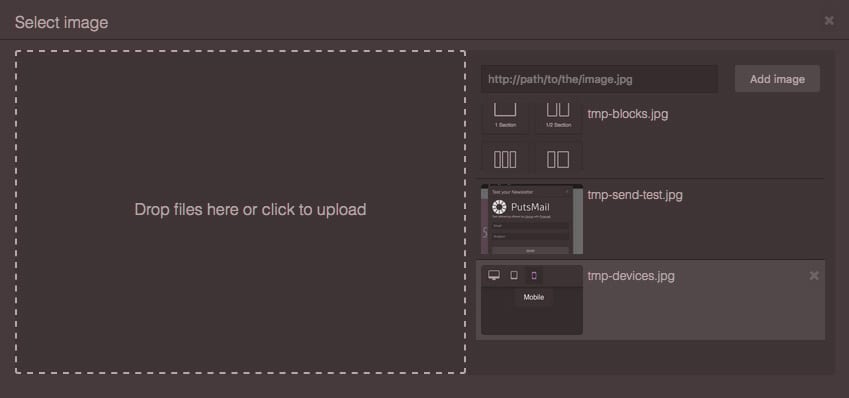
Yes — it is free and open source under the BSD 3-clause license.What does the editor include out of the box?Blocks for drag-and-drop composition, a Style Manager, a Layer Manager, a Code Viewer and an Asset Manager, plus built-in commands and local and remote storage for saving your work.
Blocks for drag-and-drop composition, a Style Manager, a Layer Manager, a Code Viewer and an Asset Manager, plus built-in commands and local and remote storage for saving your work.Do I have to build the editor UI from scratch?No — official presets give ready-made builders (grapesjs-preset-webpage, grapesjs-preset-newsletter and grapesjs-mjml for MJML newsletters), and the @grapesjs/react wrapper lets you build a custom declarative UI for the editor.
No — official presets give ready-made builders (grapesjs-preset-webpage, grapesjs-preset-newsletter and grapesjs-mjml for MJML newsletters), and the @grapesjs/react wrapper lets you build a custom declarative UI for the editor.Can it be extended with plugins?Yes — there are official and community plugins for things like zip export, a CKEditor-based RTE, forms, navbars, countdowns, custom fonts, tabs and touch support, and you can write your own.
Yes — there are official and community plugins for things like zip export, a CKEditor-based RTE, forms, navbars, countdowns, custom fonts, tabs and touch support, and you can write your own.What is the Studio SDK mentioned in the README?It is the GrapesJS team's ready-to-use visual builder that embeds into external applications, offered as an alternative to assembling your own editor on the framework, with team support included.
It is the GrapesJS team's ready-to-use visual builder that embeds into external applications, offered as an alternative to assembling your own editor on the framework, with team support included.Which topics is it in?website-builder, nocode, content-management-system, rich-text-editor, wysiwyg, templates, drag-and-drop, low-code, no-code, web-framework, editor, bsd
website-builder, nocode, content-management-system, rich-text-editor, wysiwyg, templates, drag-and-drop, low-code, no-code, web-framework, editor, bsd