TaskView™
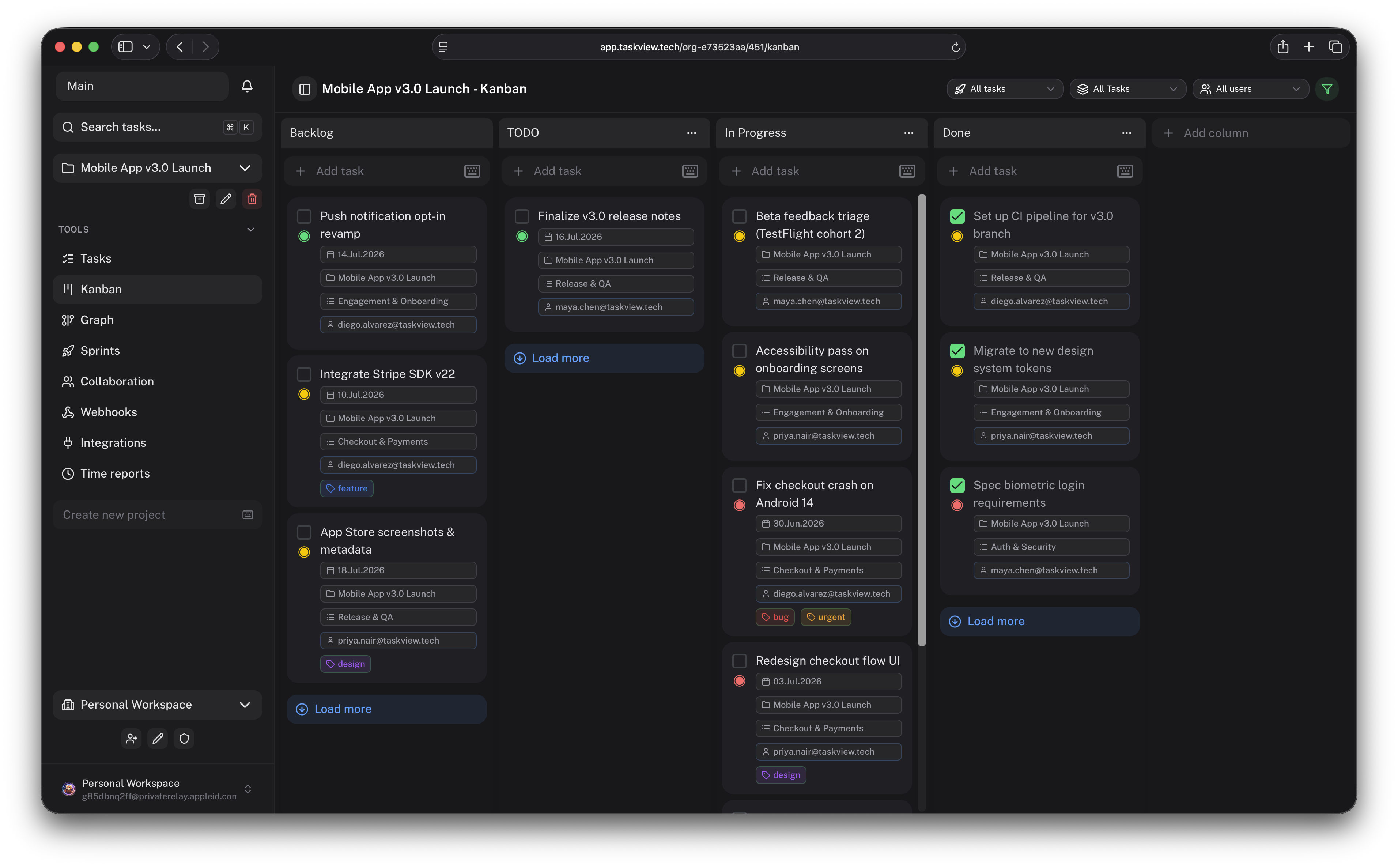
Self-hosted project management for software teams.
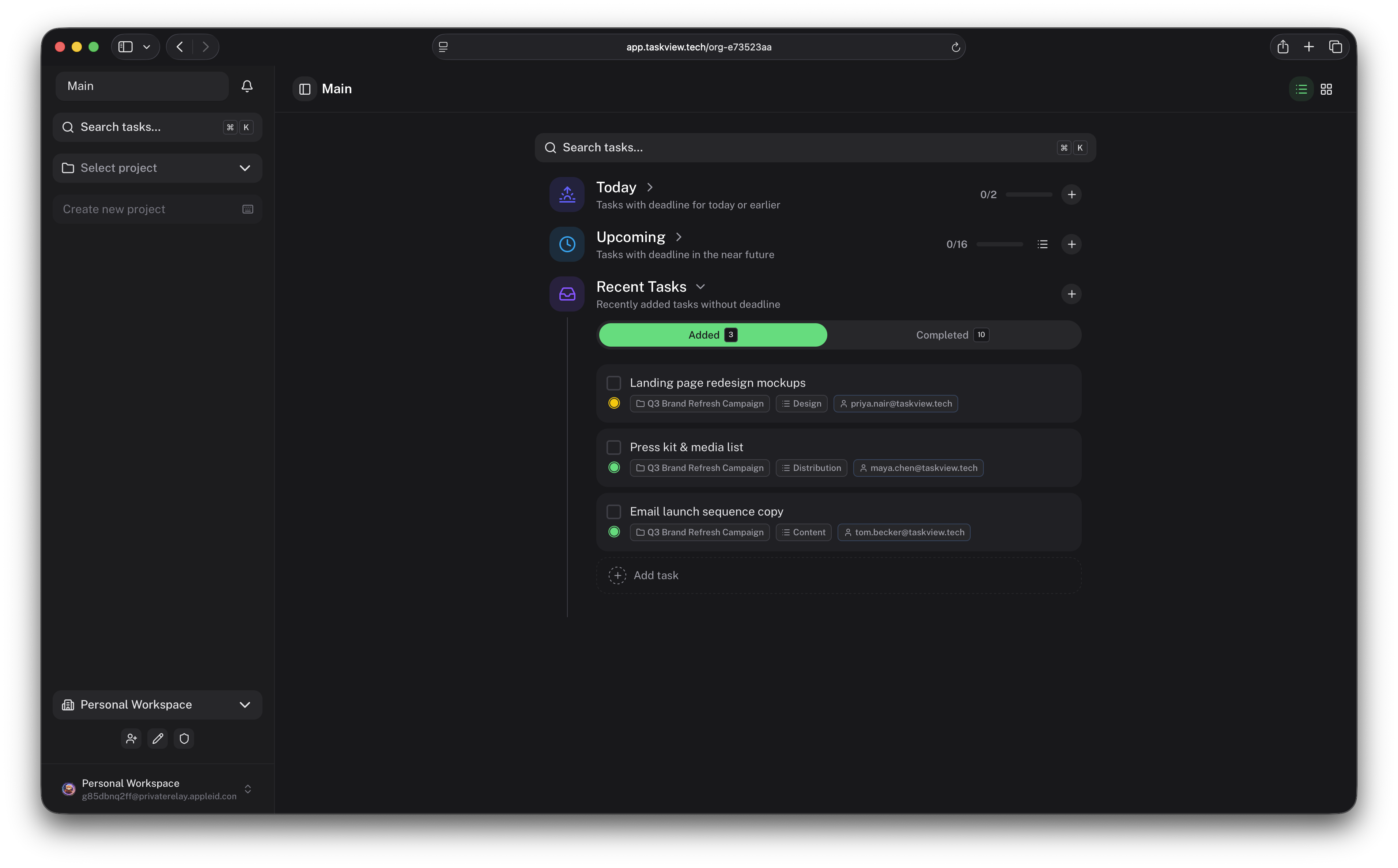
TaskView combines task management, custom workflows, developer integrations,
analytics, and AI-assisted automation in a platform you can run on your own infrastructure.
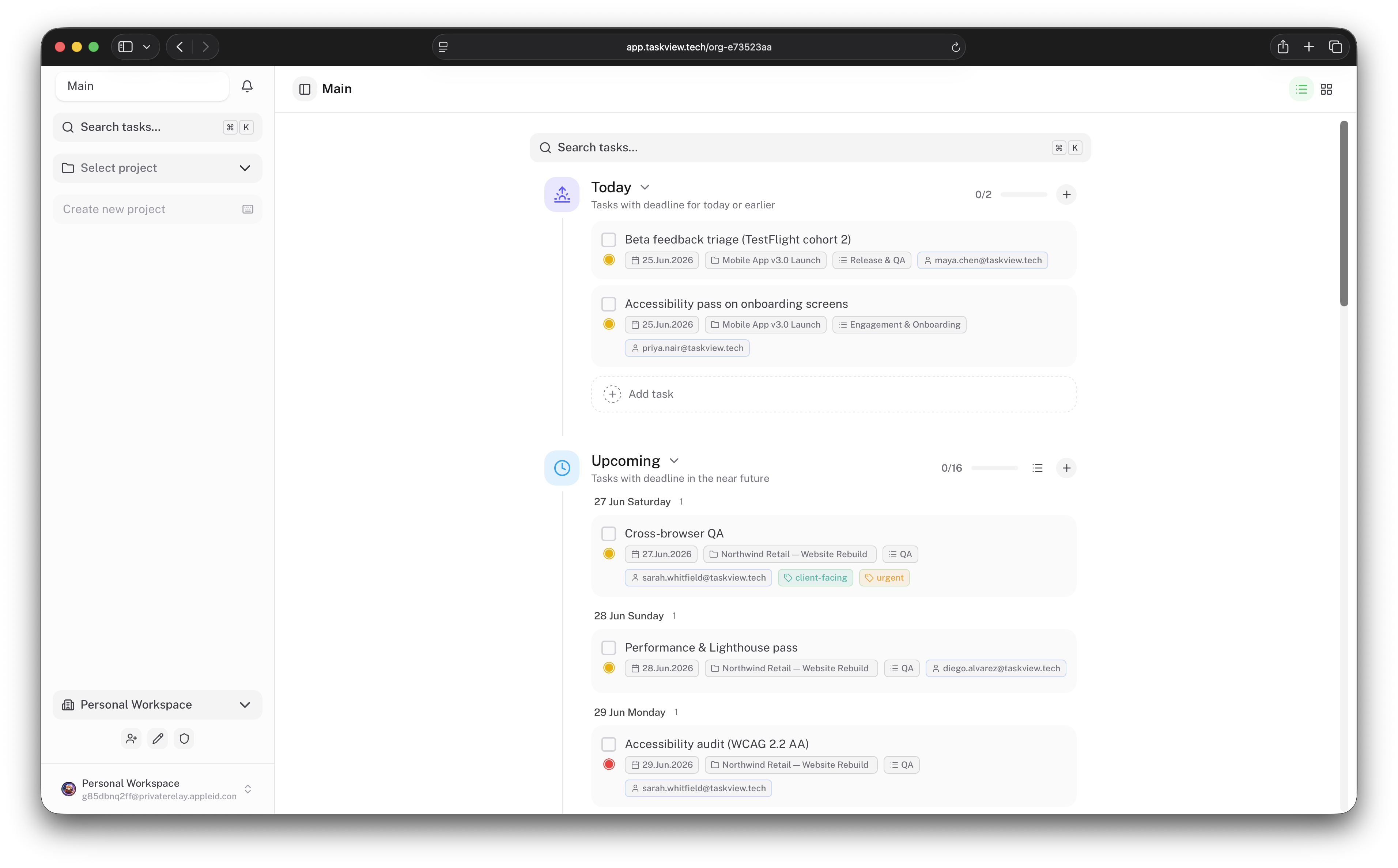
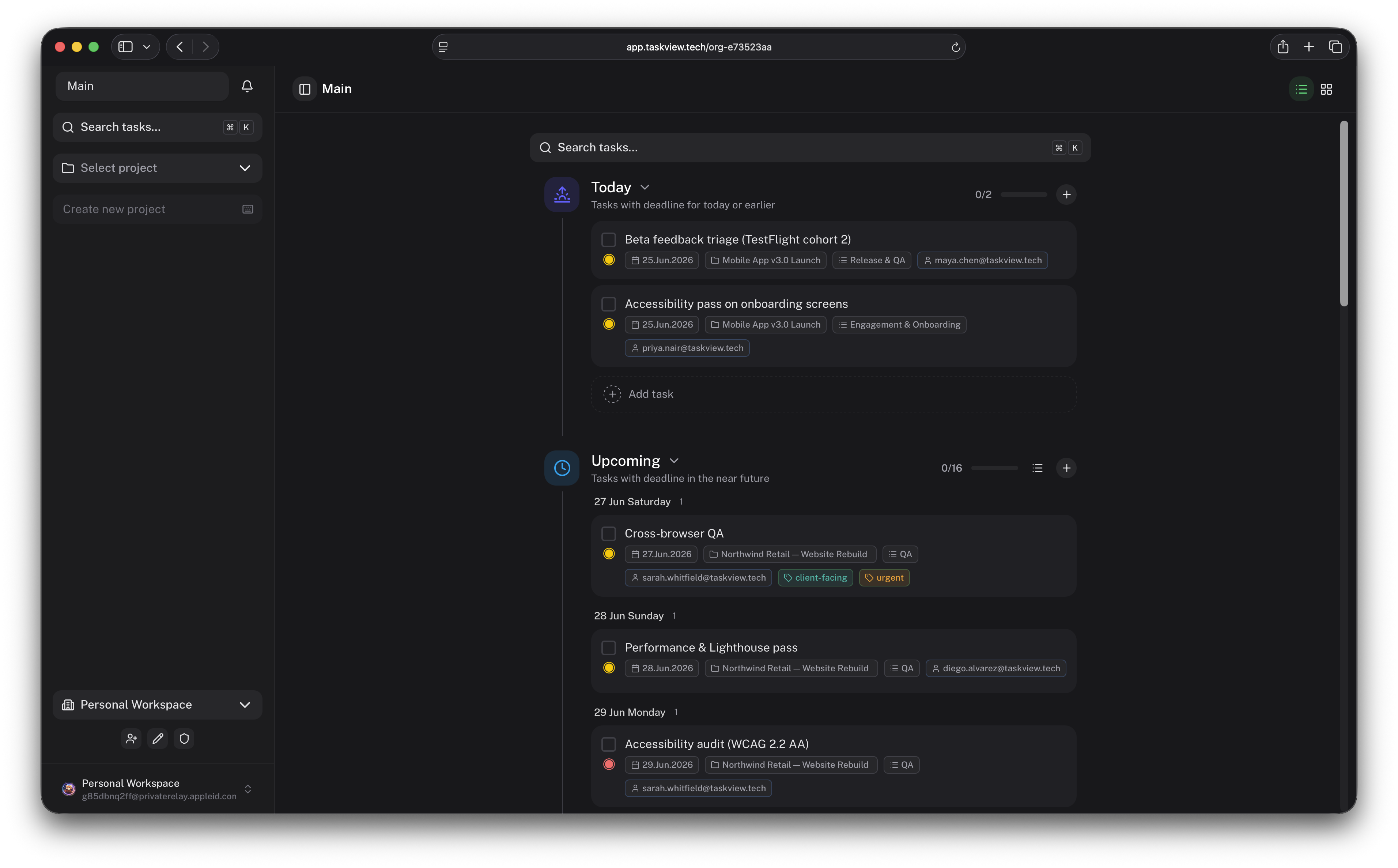
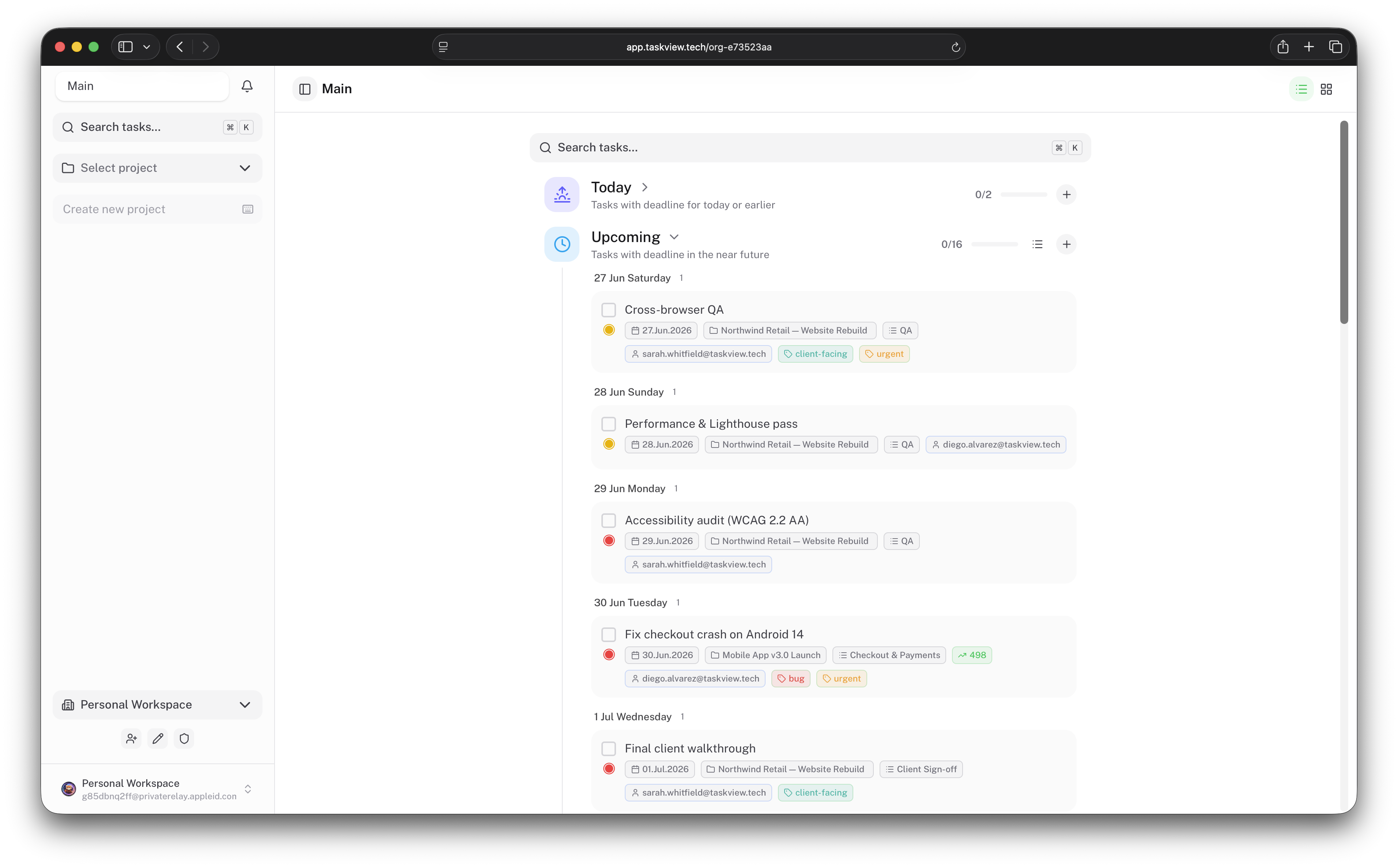
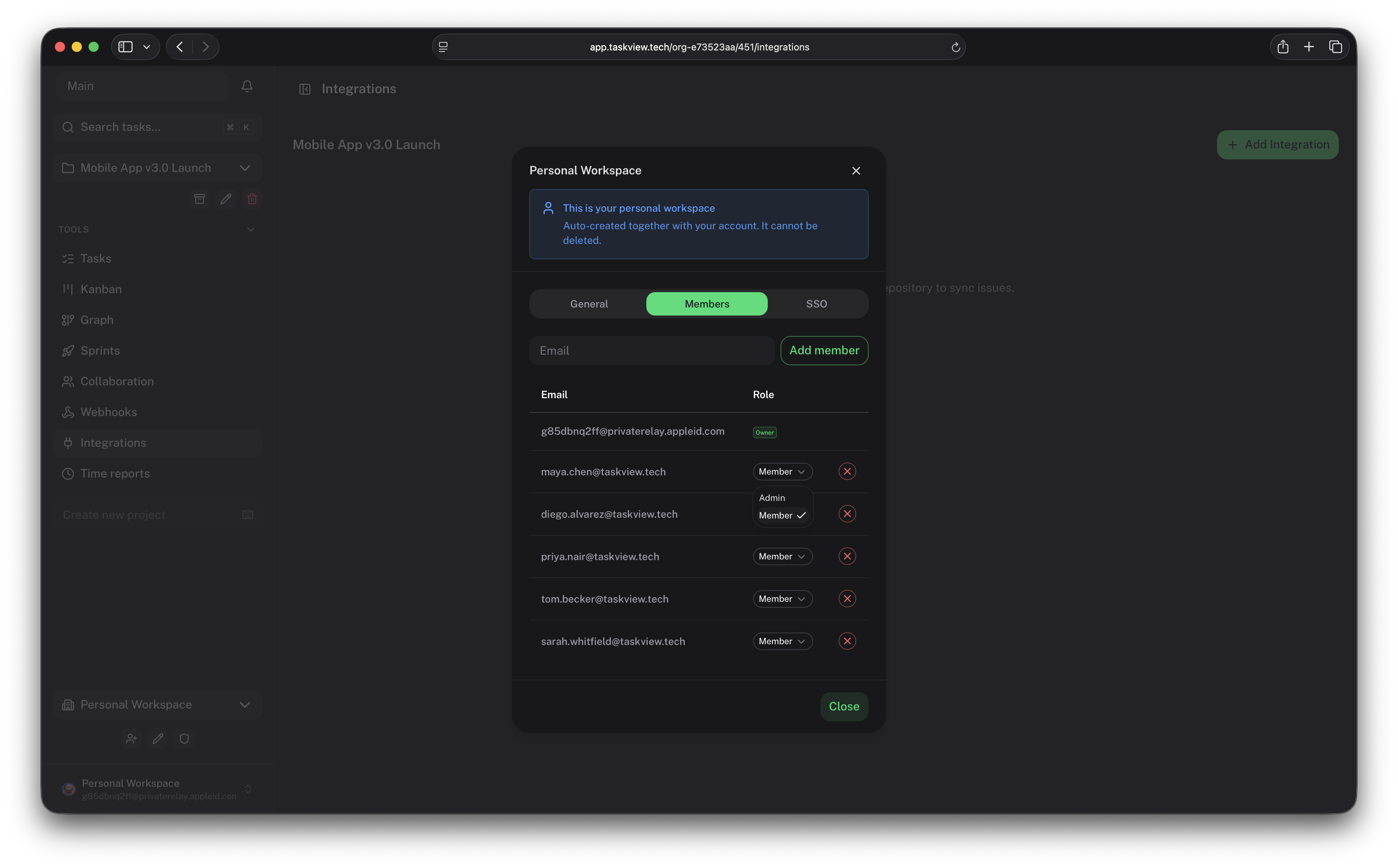
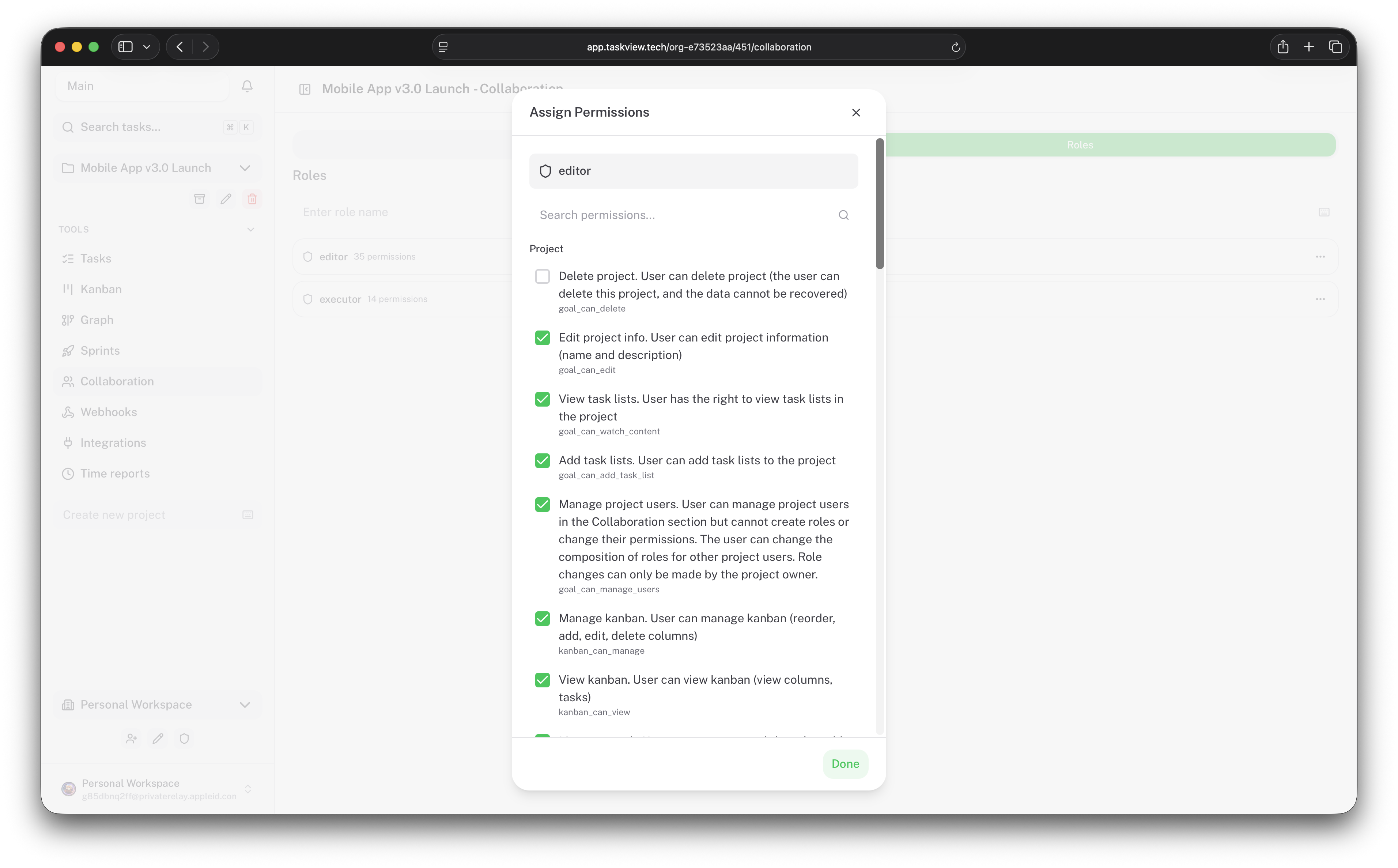
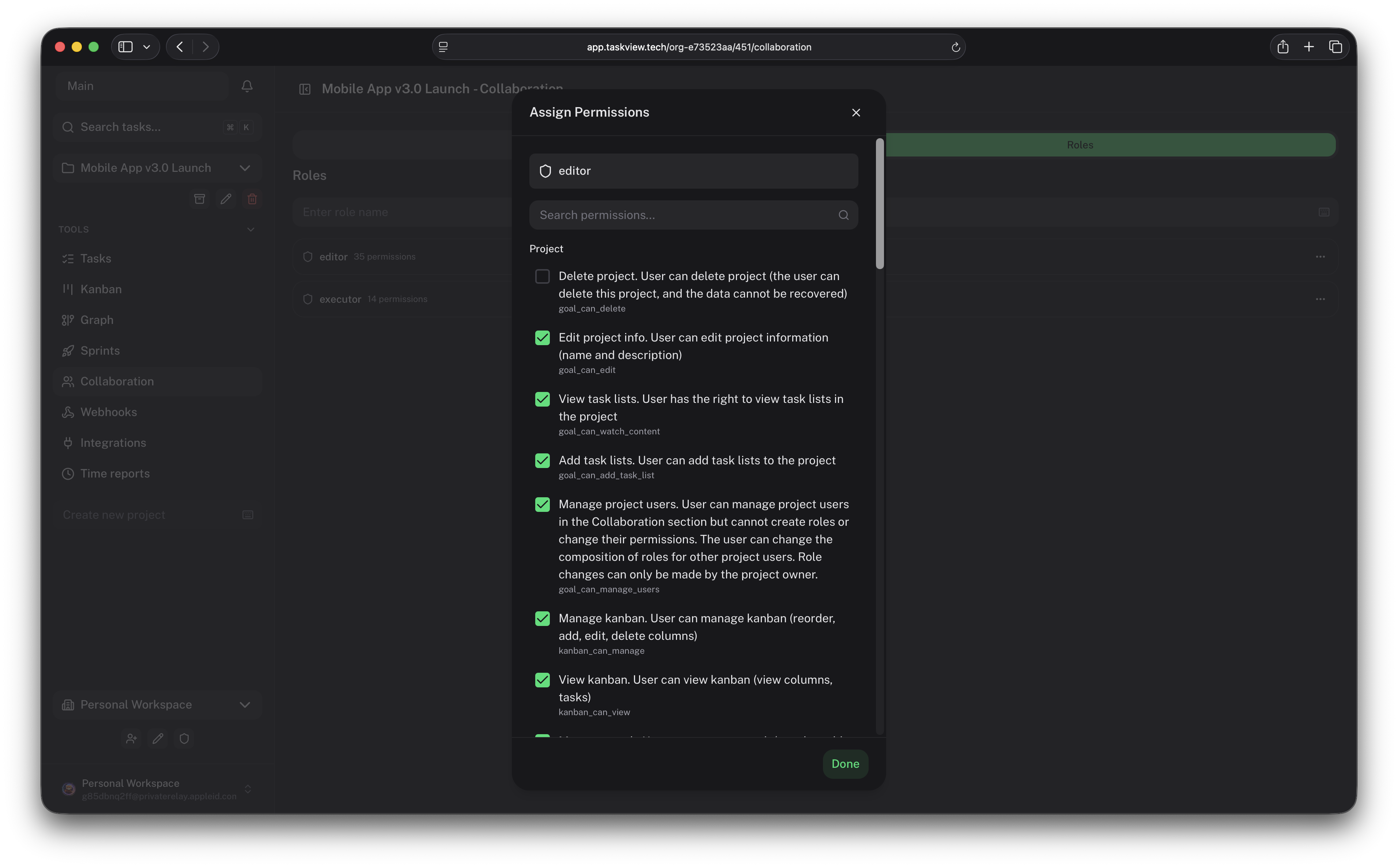
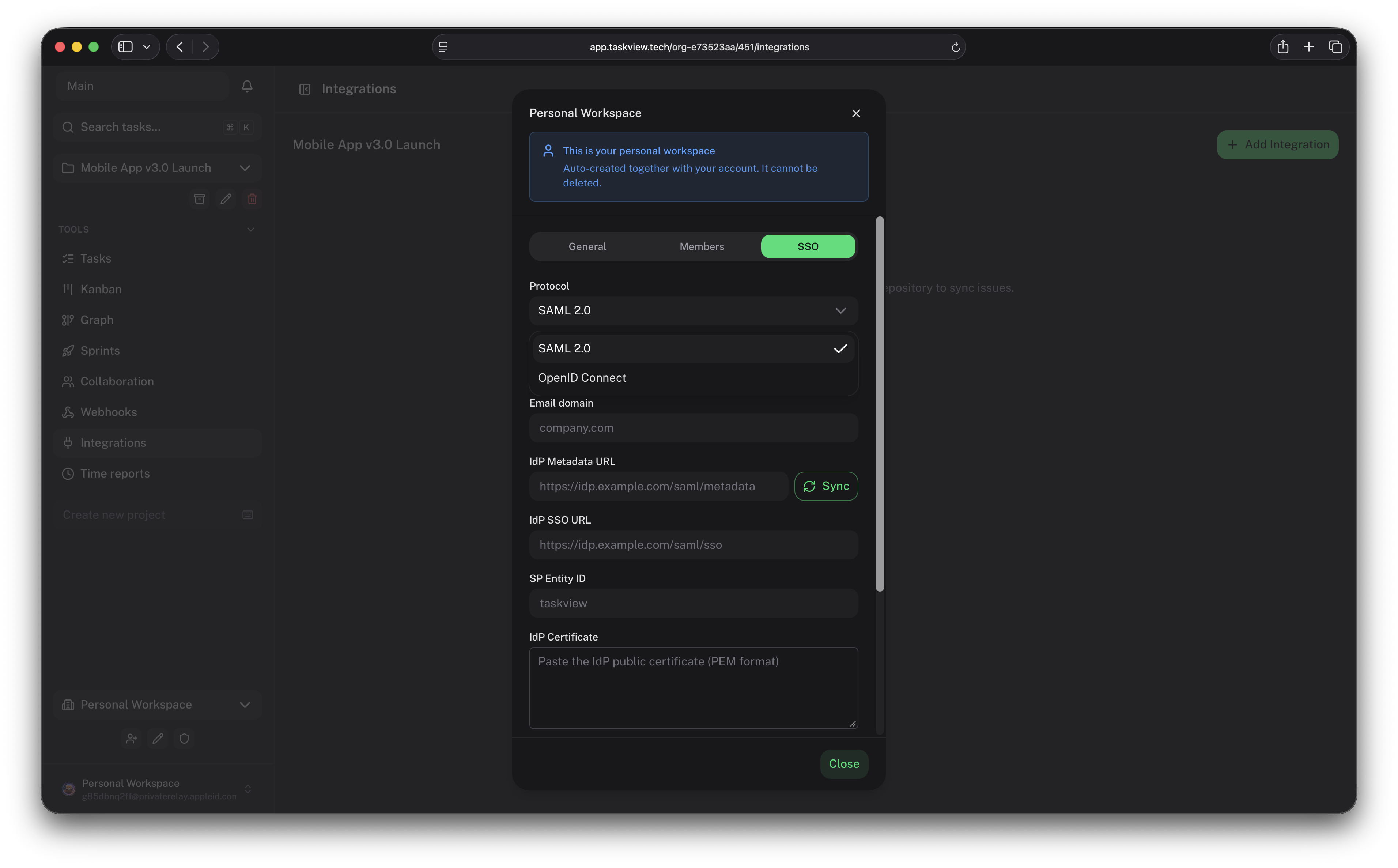
View more screenshots
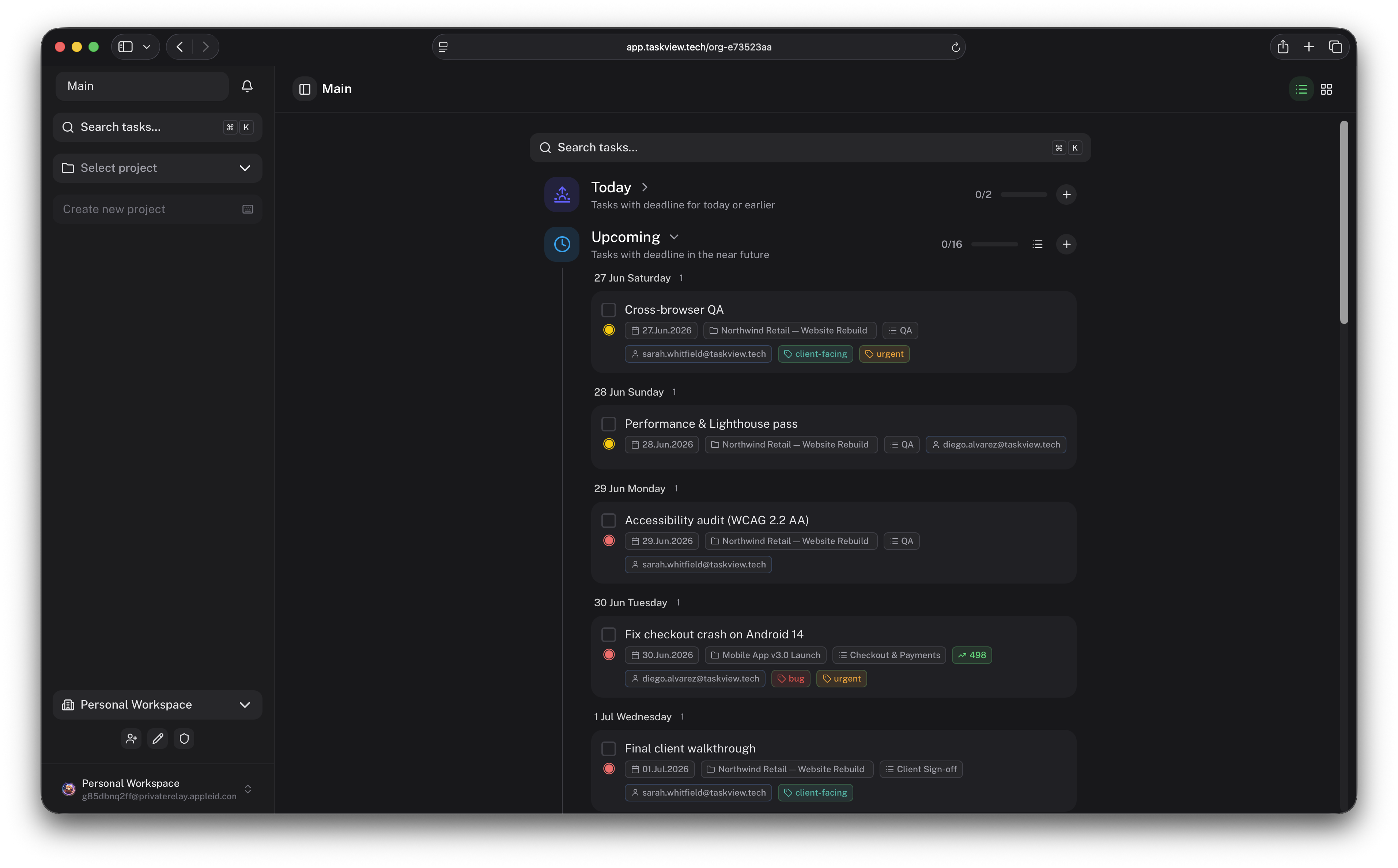
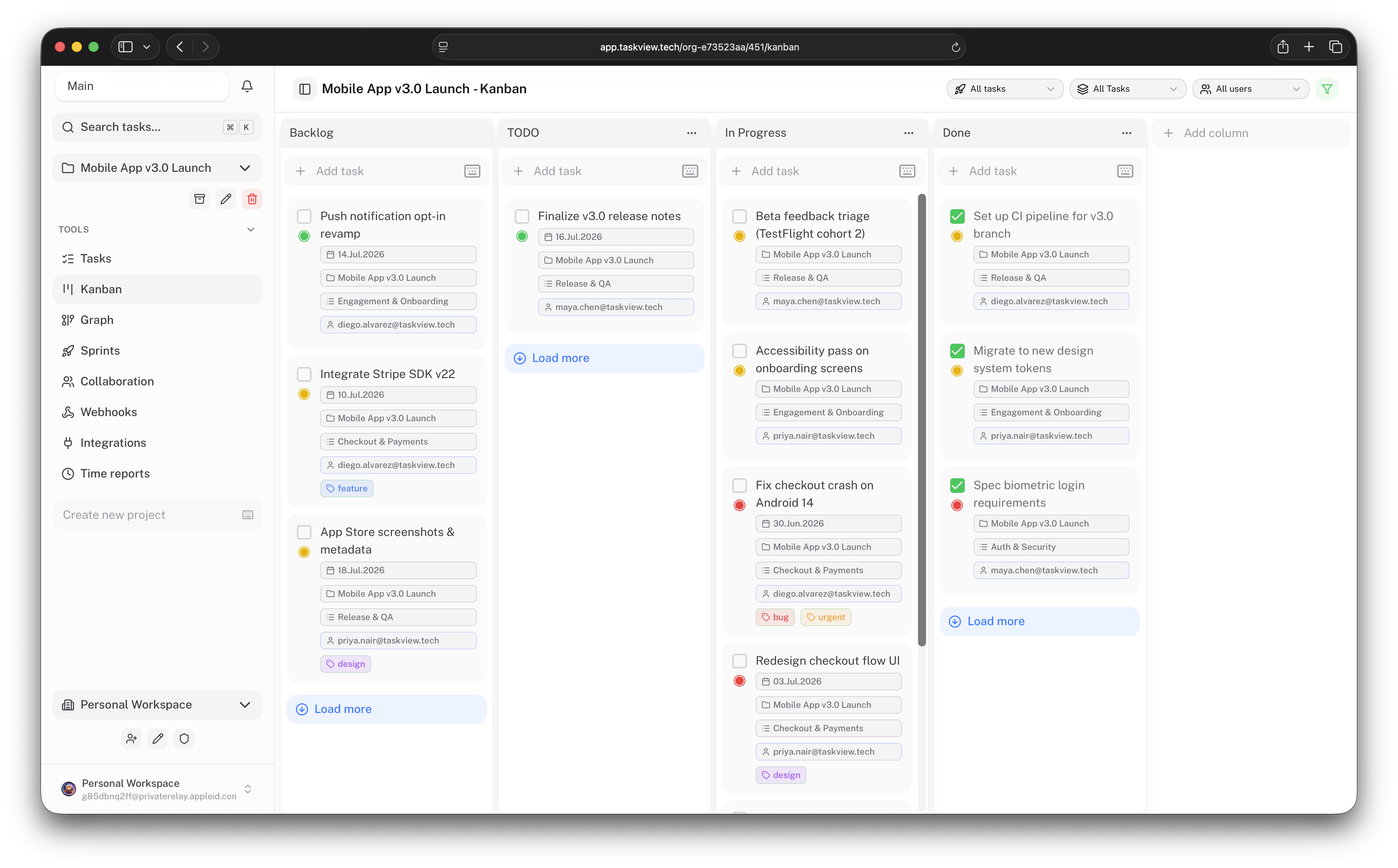
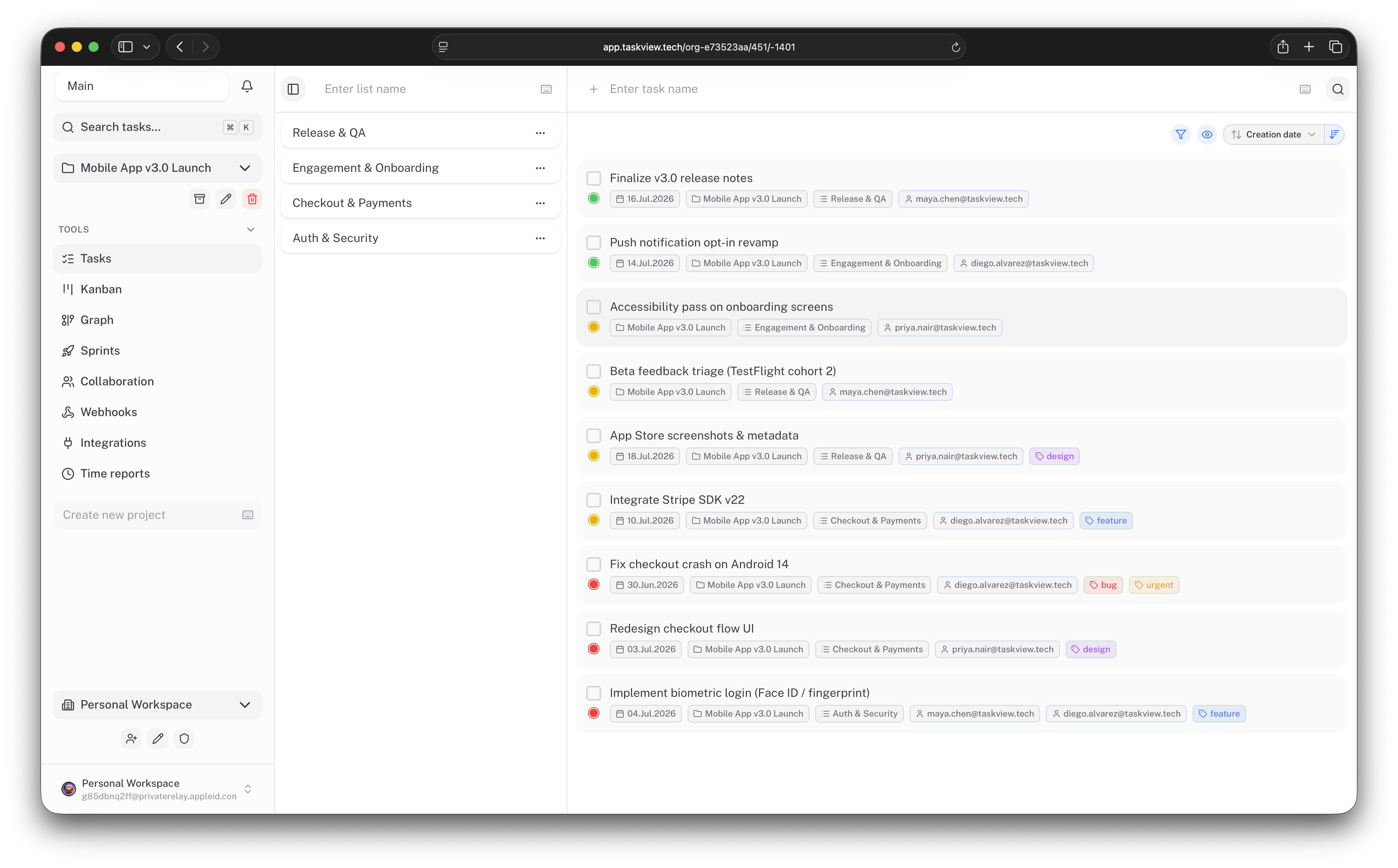
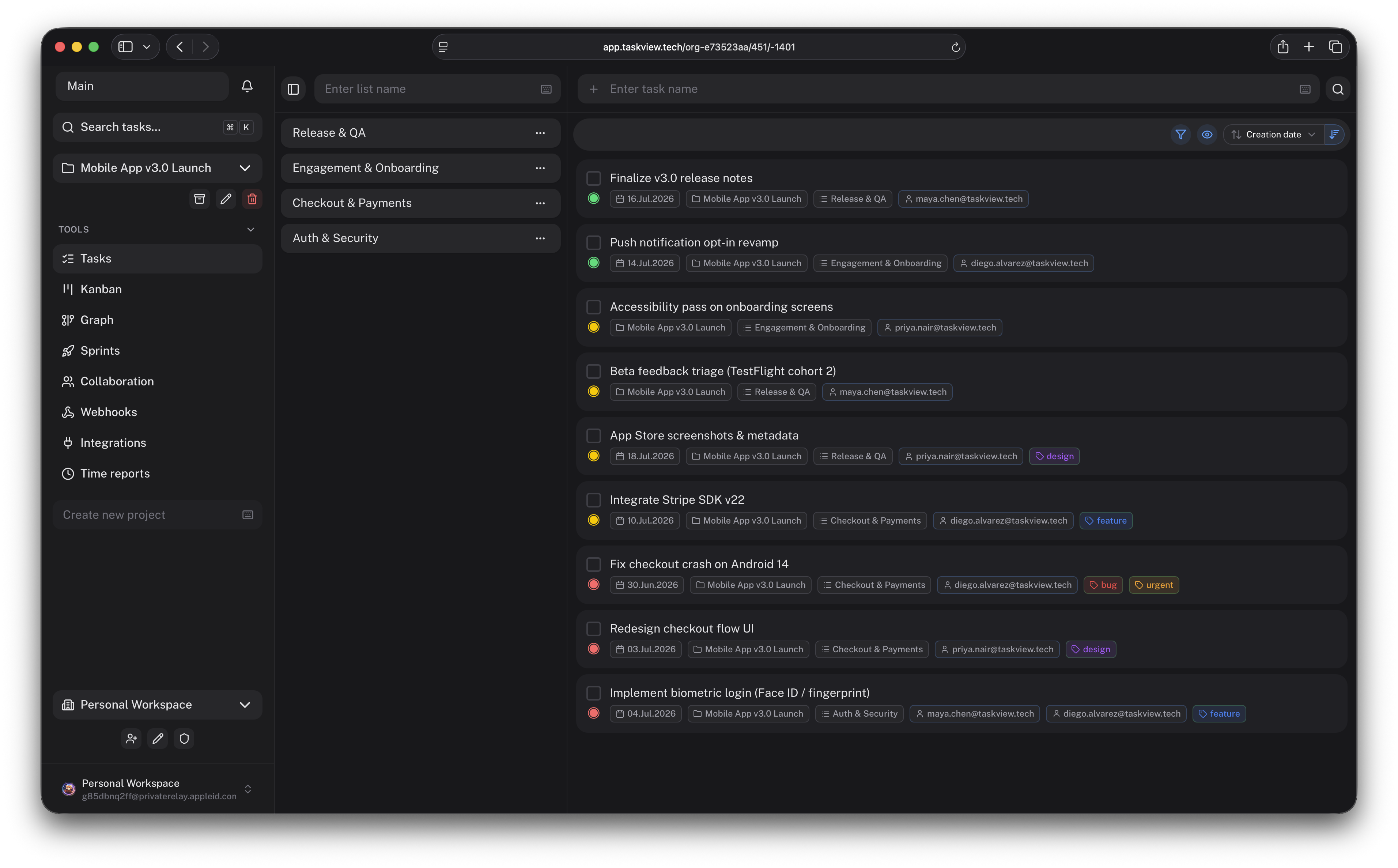
TaskView Cloud
·
Documentation
·
iOS
·
Android
·
Releases




About TaskView
TaskView is a source-available project and task management platform for small and growing software teams.
It is designed for teams that need more structure than a simple task board, but do not want the administration overhead and complexity of large enterprise project management systems.
With TaskView, you can manage projects, build custom workflows, track dependencies and time, connect development tools, and automate project operations through the API, webhooks, and MCP.
Your projects. Your infrastructure. Your data.
Who TaskView is for
TaskView is a good fit for:
- software development teams;
- startups and small product companies;
- agencies managing internal and client projects;
- organizations that require self-hosting and data ownership;
- teams looking for a lightweight alternative to complex enterprise platforms;
- developers using AI agents to manage and automate project work;
- individuals managing technical or personal projects.
Why TaskView
- Own your data - run TaskView on your own infrastructure.
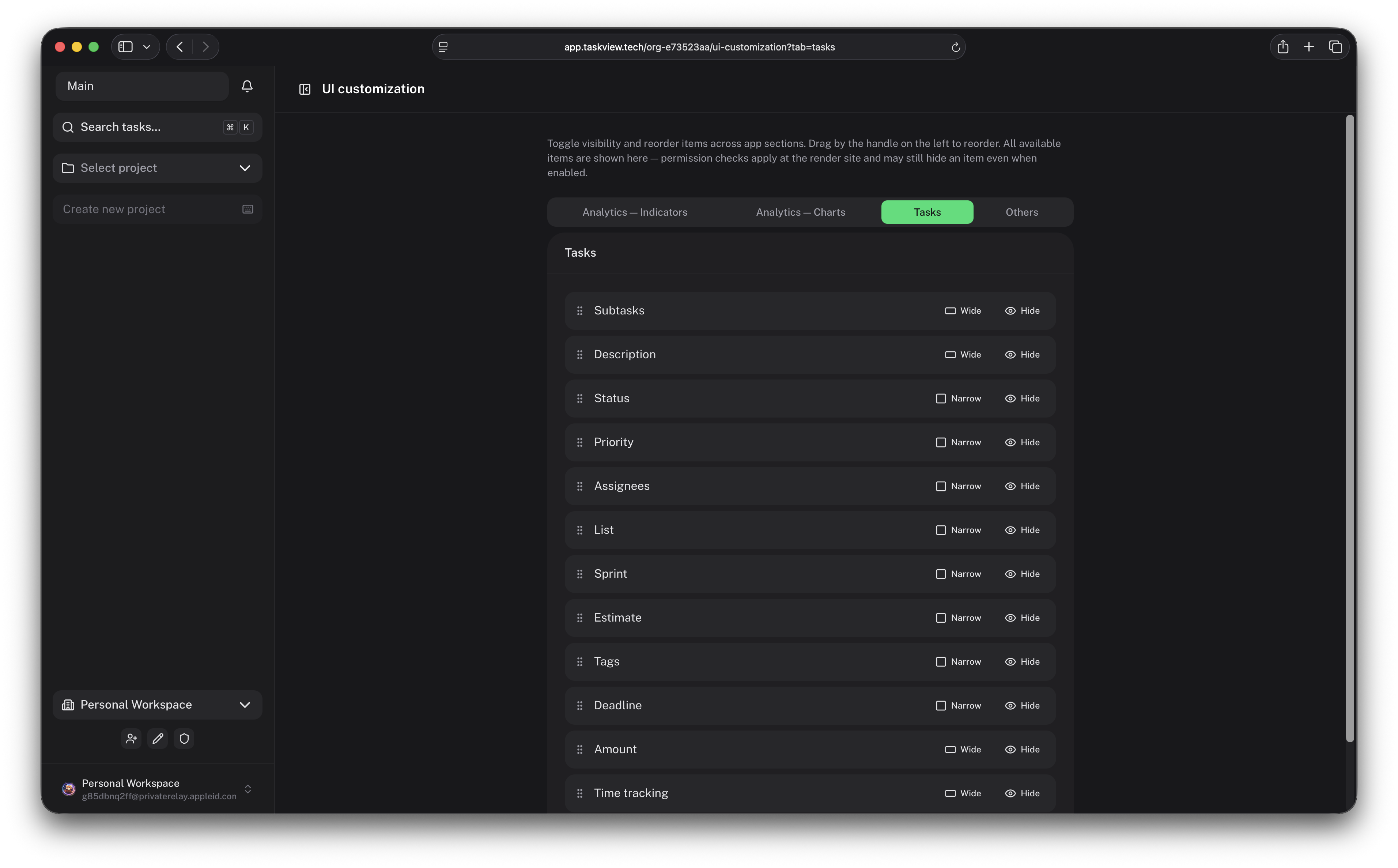
- Flexible workflows - configure projects, statuses, boards, roles, and permissions.
- Built for development teams - connect GitHub, GitLab, API clients, and webhooks.
- AI-ready - allow MCP-compatible assistants to work with tasks and projects.
- Available everywhere - use TaskView from the web, iOS, and Android.
- No advertising or behavioral tracking - your project data remains under your control.
Features
Project and task management
- Projects, lists, tasks, and nested subtasks
- Custom Kanban boards and task statuses
- Priorities, tags, deadlines, and assignees
- Task dependency graph
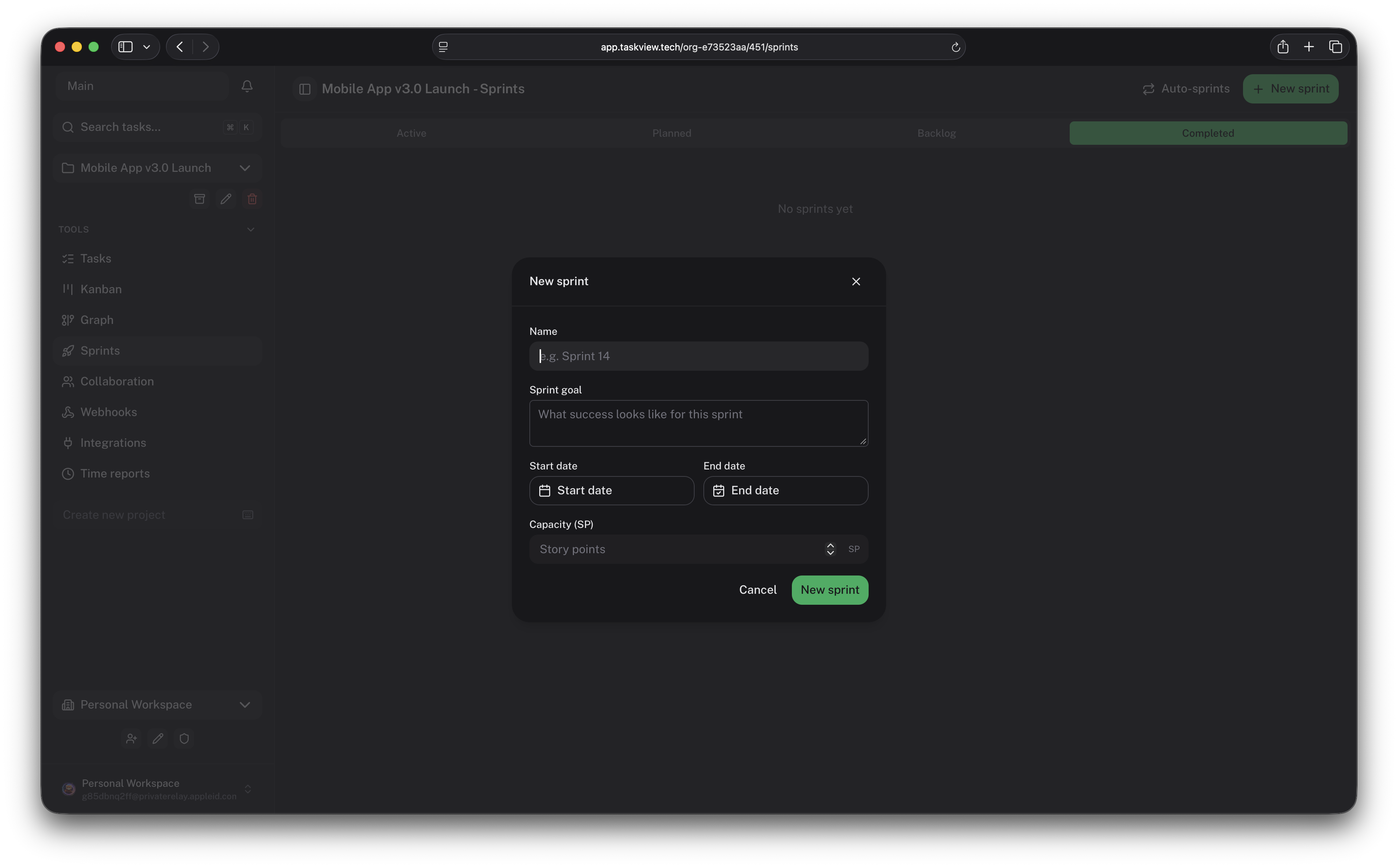
- Sprints and recurring tasks
- Task history and activity tracking
- Markdown content
- Search and filtering
- Reusable project workflows
Team collaboration
- Multiple organizations and projects
- User invites and granular permissions
- Clear responsibility assignment
- Real-time updates
- Notifications
- Organization-level user management
Identity and access management
- SAML 2.0
- OpenID Connect
- SCIM provisioning
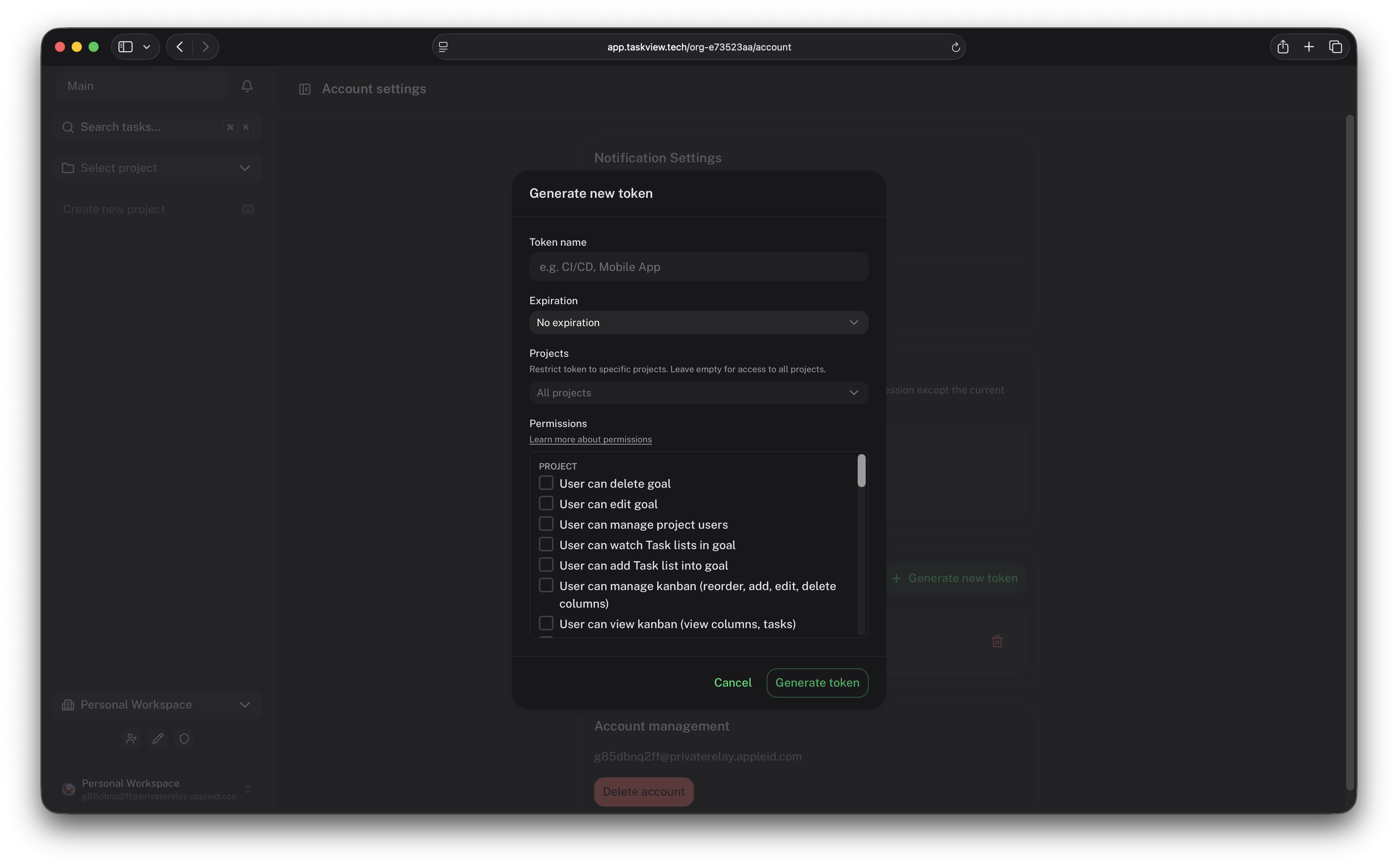
- Scoped API tokens
- Project-level access restrictions
- Fine-grained token permissions
Developer integrations
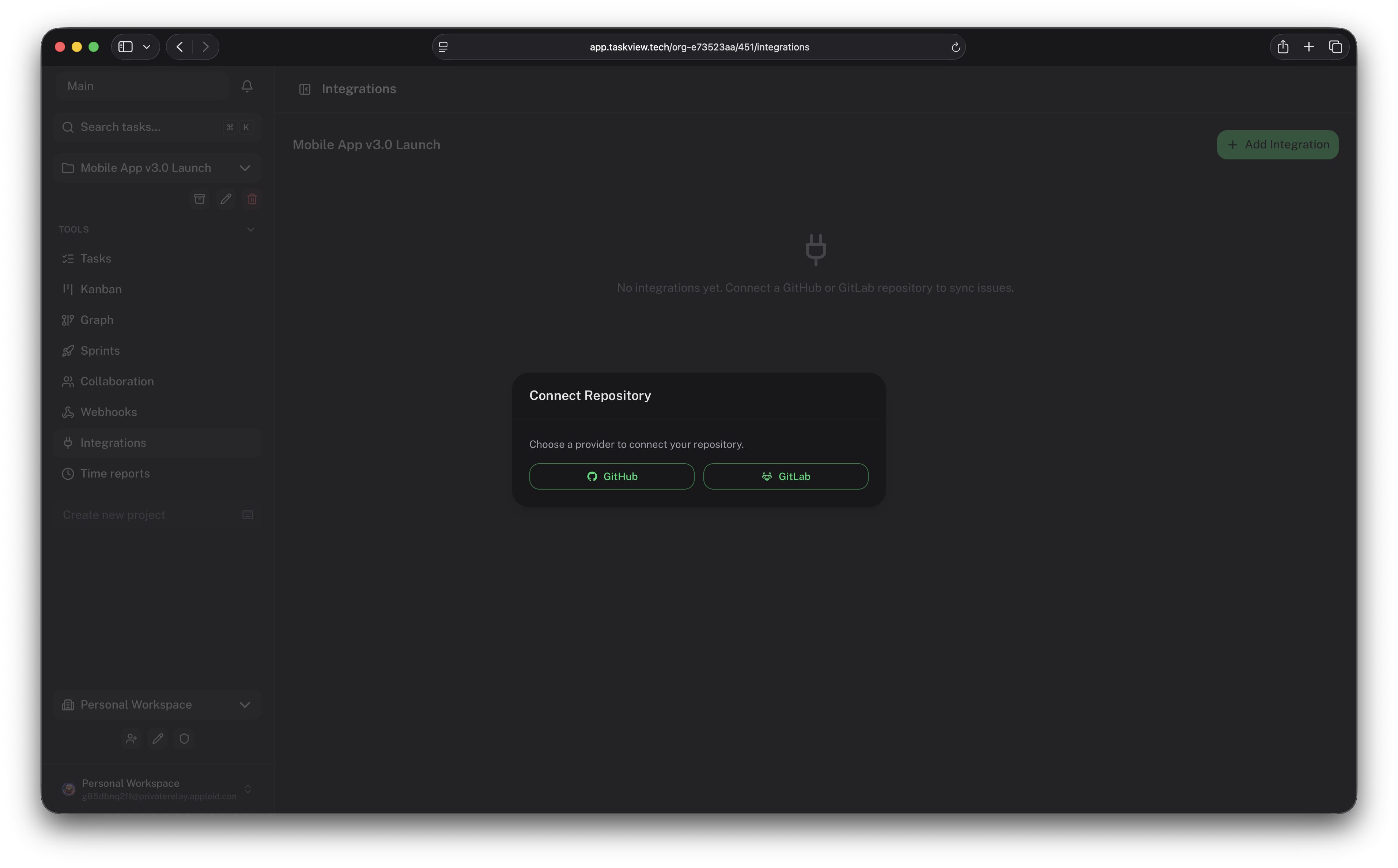
- GitHub integration
- GitLab integration
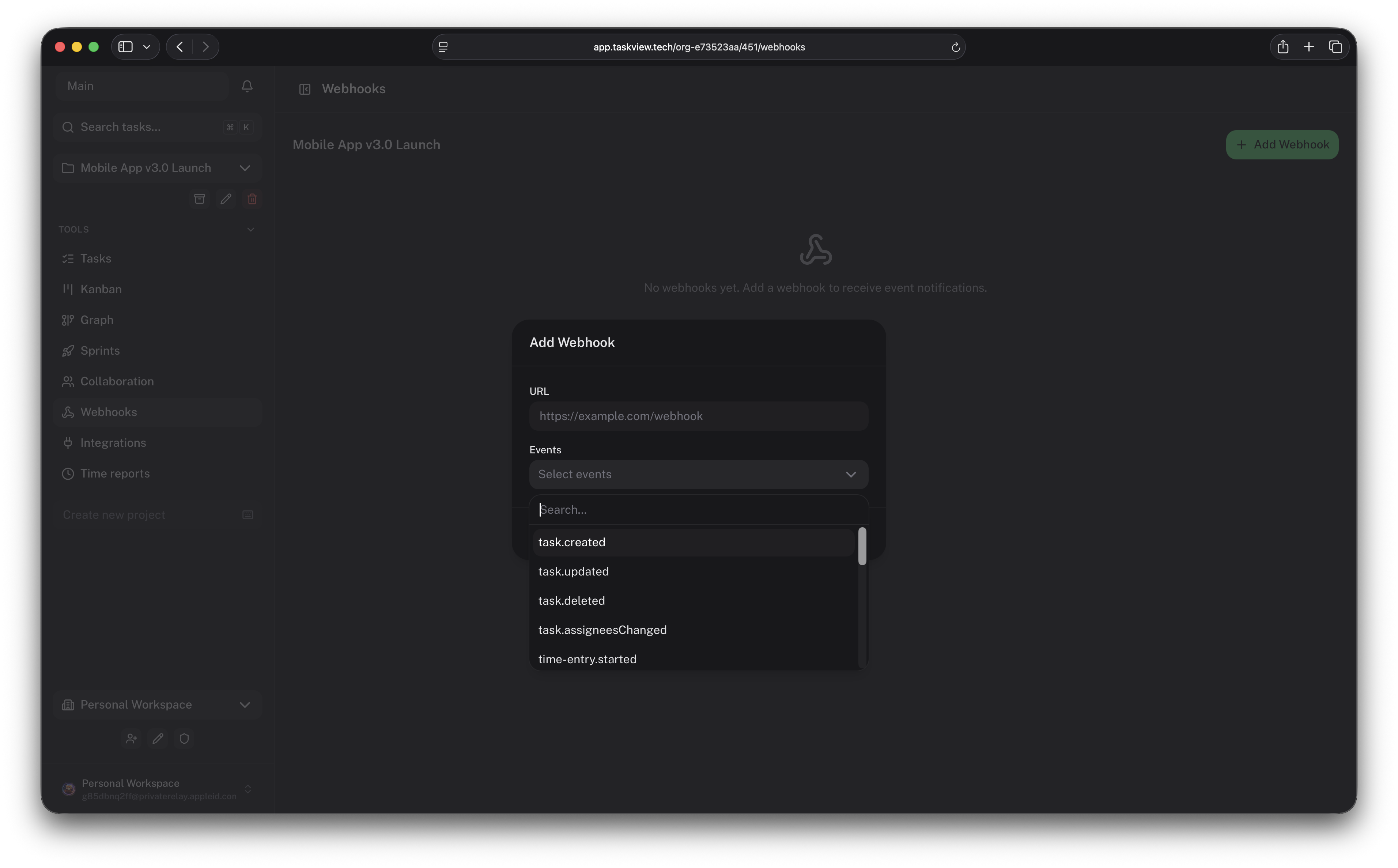
- Signed webhooks
- TypeScript API client
- Public HTTP API
- MCP server for AI assistants
Time tracking and analytics
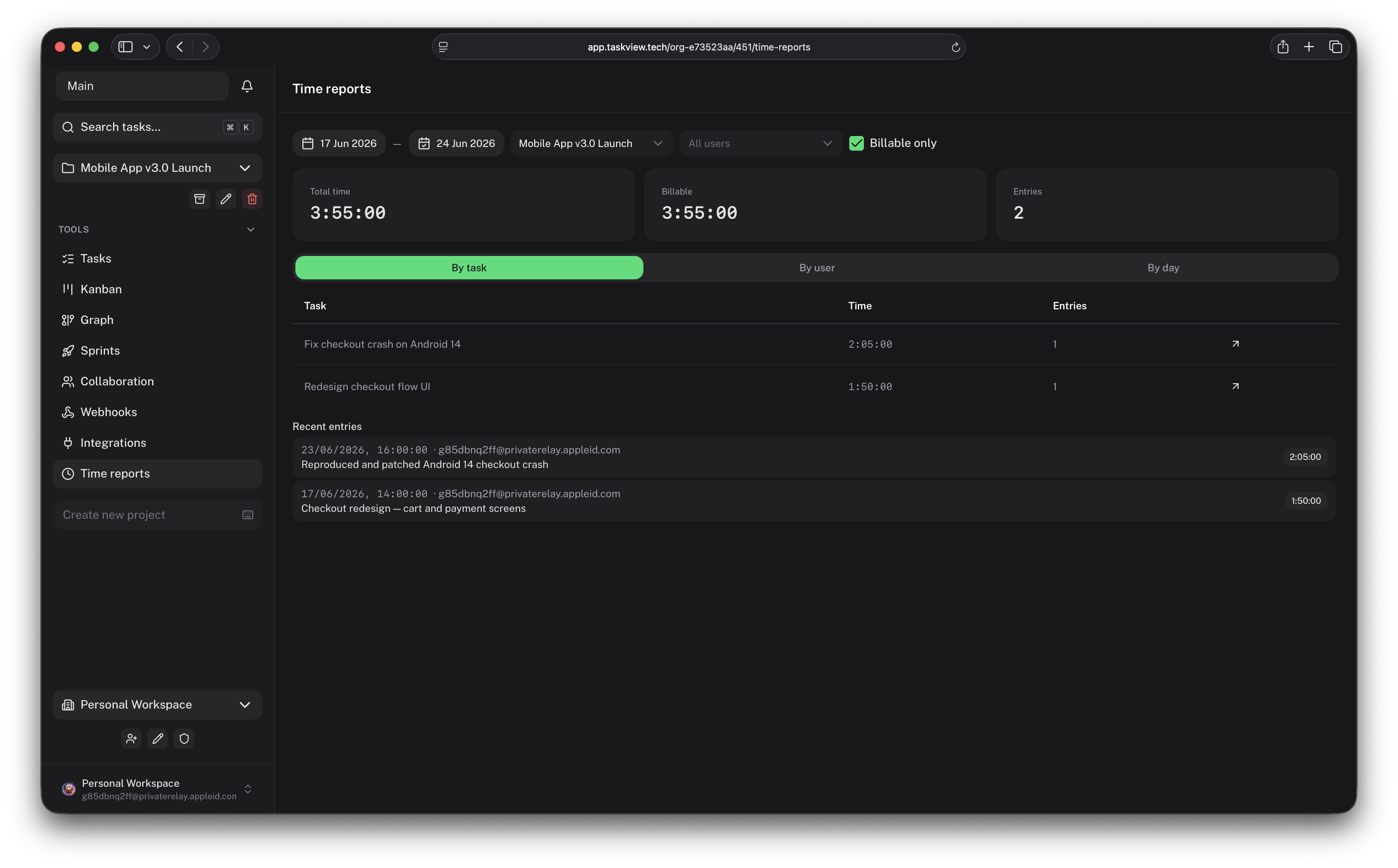
- Built-in time tracking
- Billable and non-billable time
- Project and team workload reports
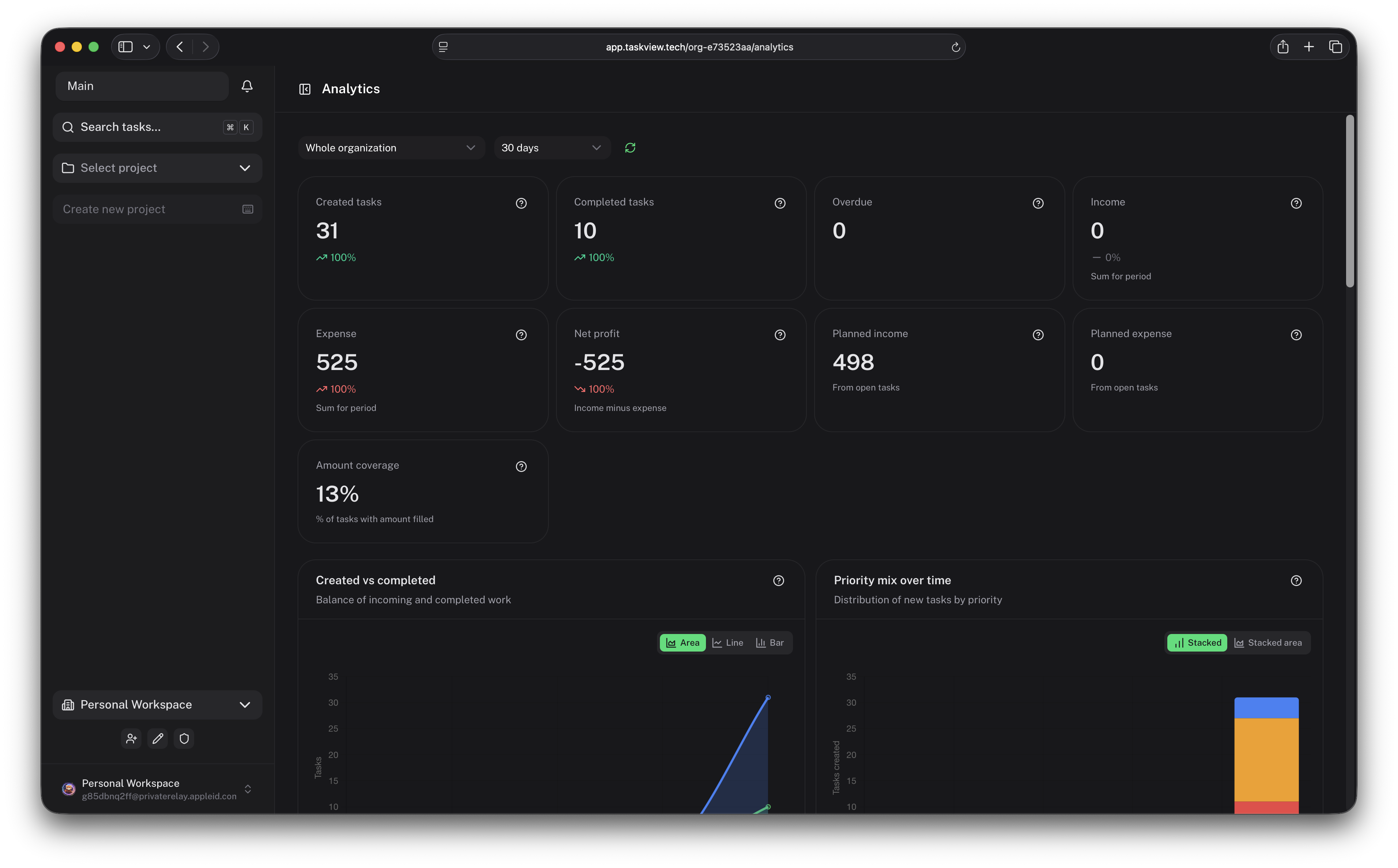
- Productivity analytics
- Income and expense tracking
- Financial reports
Applications
- Web application
- iOS application
- Android application
- Self-hosted server deployment
AI and MCP integration
TaskView includes an MCP server that allows compatible AI tools to interact with your projects.
Depending on the permissions assigned to an API token, an AI assistant can:
- search and inspect projects;
- create and update tasks;
- manage task statuses;
- work with project lists;
- retrieve task context;
- automate repetitive project operations.
MCP access can be restricted by permission and by selected projects.
Connecting an MCP client
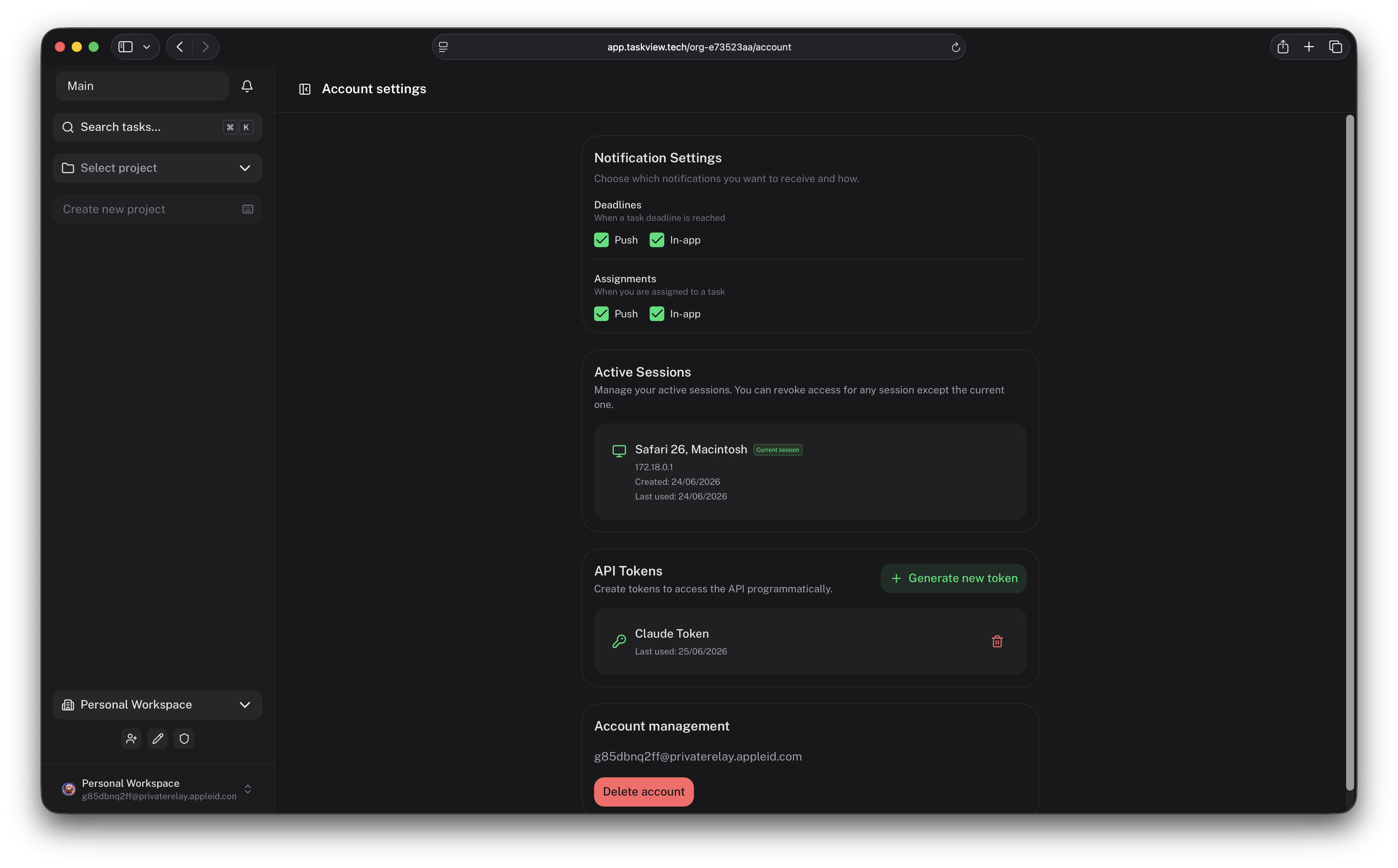
The MCP server is published as taskview-mcp and runs over stdio via npx — no install required. You only need a TaskView API token (tvk_...) — generate one in your account settings (see API tokens). Scope the token to the minimum permissions and projects the assistant should reach.
Claude Code — add to .claude/settings.json (project) or ~/.claude.json (global):
{
  "mcpServers": {
    "taskview": {
      "command": "npx",
      "args": ["-y", "taskview-mcp"],
      "env": {
        "TASKVIEW_URL": "https://api.taskview.tech",
        "TASKVIEW_TOKEN": "tvk_your_token_here"
      }
    }
  }
}
Claude Desktop — add the same mcpServers block to claude_desktop_config.json.
Other MCP clients (Cursor, Windsurf, etc.) — use the same stdio command npx -y taskview-mcp with the TASKVIEW_URL and TASKVIEW_TOKEN environment variables in that client's MCP configuration.
| Variable |
Required |
Description |
TASKVIEW_URL |
yes |
TaskView API server URL (e.g. https://api.taskview.tech, or your self-hosted instance) |
TASKVIEW_TOKEN |
yes |
API token with the tvk_ prefix |
See the TaskView MCP documentation and the taskview-mcp package README for the full tool list and more options.
Quick start
Clone the repository:
git clone https://github.com/Gimanh/taskview-community.git
cd taskview-community
The recommended way to run TaskView is with Docker Compose.
For deployment instructions, environment variables, HTTPS configuration, updates, and backups, see the official documentation:
TaskView self-hosting documentation
Production deployments should use persistent volumes, HTTPS, regular database backups, and securely generated secrets.
Repository structure
TaskView is maintained as a monorepo. Product packages share a single version.
taskview-community/
├── api/
│   └── TaskView backend and HTTP API
├── web/
│   └── Vue web application and Capacitor mobile application
├── taskview-packages/
│   ├── taskview-api/
│   │   └── TypeScript API client
│   └── taskview-db-schemas/
│   │   └── Shared Drizzle ORM schemas
│   └── taskview-mcp/
│       └── MCP server for AI integrations
└── build-dockers.sh
    └── Docker image build script
Main packages
| Package |
Description |
api |
Node.js backend and API server |
web |
Vue web client and Capacitor mobile application |
taskview-packages/taskview-api |
TypeScript client for the TaskView API |
taskview-packages/taskview-db-schemas |
Shared Drizzle ORM database schemas |
taskview-packages/taskview-mcp |
MCP server for AI integrations |
Technology stack
TaskView is primarily built with:
- Vue
- Nuxt UI
- TypeScript
- Node.js
- Express
- PostgreSQL
- Drizzle ORM
- Capacitor
- Docker
Local development
These instructions are intended for contributors and local development, not for production deployment.
Prerequisites
You need the following tools:
- Docker
- PostgreSQL
- Bun
- pnpm
On macOS, PostgreSQL can be installed using Postgres.app.
Install dependencies
From the repository root:
pnpm install
Create an environment file in the api directory:
cp api/.env.example api/.env
Update api/.env with your local database credentials and application configuration.
Start the web application
cd web
pnpm dev
Start the API
In a separate terminal:
cd api
pnpm start
The API uses Bun in the local development environment.
Building Docker images
Docker image versions are taken from the root package.json.
Build the images
From the repository root:
./build-dockers.sh
Verify the images
docker images
The following images should be available:
gimanhead/taskview-ce-api-server
gimanhead/taskview-ce-webapp
gimanhead/taskview-ce-db-migration
Test the images locally
cd api/dev-containers-test
docker compose up
Ensure that image versions match the version defined in the root package.json.
Versioning
TaskView follows Semantic Versioning:
MAJOR - breaking API, database, or compatibility changes;MINOR - backward-compatible features;PATCH - backward-compatible bug fixes.
The version represents the entire TaskView product, not individual packages.
Project status
TaskView is under active development.
New features, database migrations, API changes, and breaking changes may be introduced between releases. Review release notes and back up your database before updating a self-hosted installation.
Roadmap
Planned areas of development include:
- Desktop application
- Plugin and extension system
- Additional third-party integrations
- Expanded automation capabilities
- Continued UI and UX improvements
The roadmap may change based on product priorities and community feedback.
Contributing
Contributions are welcome.
Before contributing:
- Read
CONTRIBUTING.md.
- Check existing issues and pull requests.
- Open an issue before starting a large architectural change.
- Follow the project's code style and architecture.
- Sign the Contributor License Agreement when required.
Contributions are accepted under the project's CLA.
Licensing
TaskView is distributed under the TaskView Source-Available License.
You may:
- self-host TaskView;
- modify the source code;
- use TaskView internally within your organization;
- create integrations and internal extensions.
You may not:
- offer TaskView as a hosted SaaS;
- sell access to TaskView as a service;
- create a competing commercial product based on TaskView;
- use the TaskView name, logo, or branding for derivative products.
See LICENSE for the complete terms.
TaskView is source-available, not OSI-approved open-source software.
For commercial licensing questions, hosted service permissions, or other use cases not covered by the license, contact the project maintainer.
Security
Do not publish security vulnerabilities in public GitHub issues.
Report security issues privately — see SECURITY.md for the reporting channels, response times, scope, and safe-harbor terms.
When running TaskView in production:
- use HTTPS;
- generate unique application secrets;
- restrict database access;
- keep Docker images and dependencies updated;
- configure persistent storage;
- create regular backups;
- restrict API-token permissions to the minimum required scope.
Links
TaskView is developed and maintained by Nikolai Giman.
TaskView™ and the TaskView logo are trademarks of their respective owner.
Copyright © 2026 Nikolai Giman.

 TaskView 是一个自托管的项目与任务管理平台,集任务跟踪、自定义工作流、开发者集成、数据分析和 AI 辅助自动化于一体,为想要一个透明替代 SaaS 任务管理工具的团队而构建。