



1.3K ·GitHub
Что это?
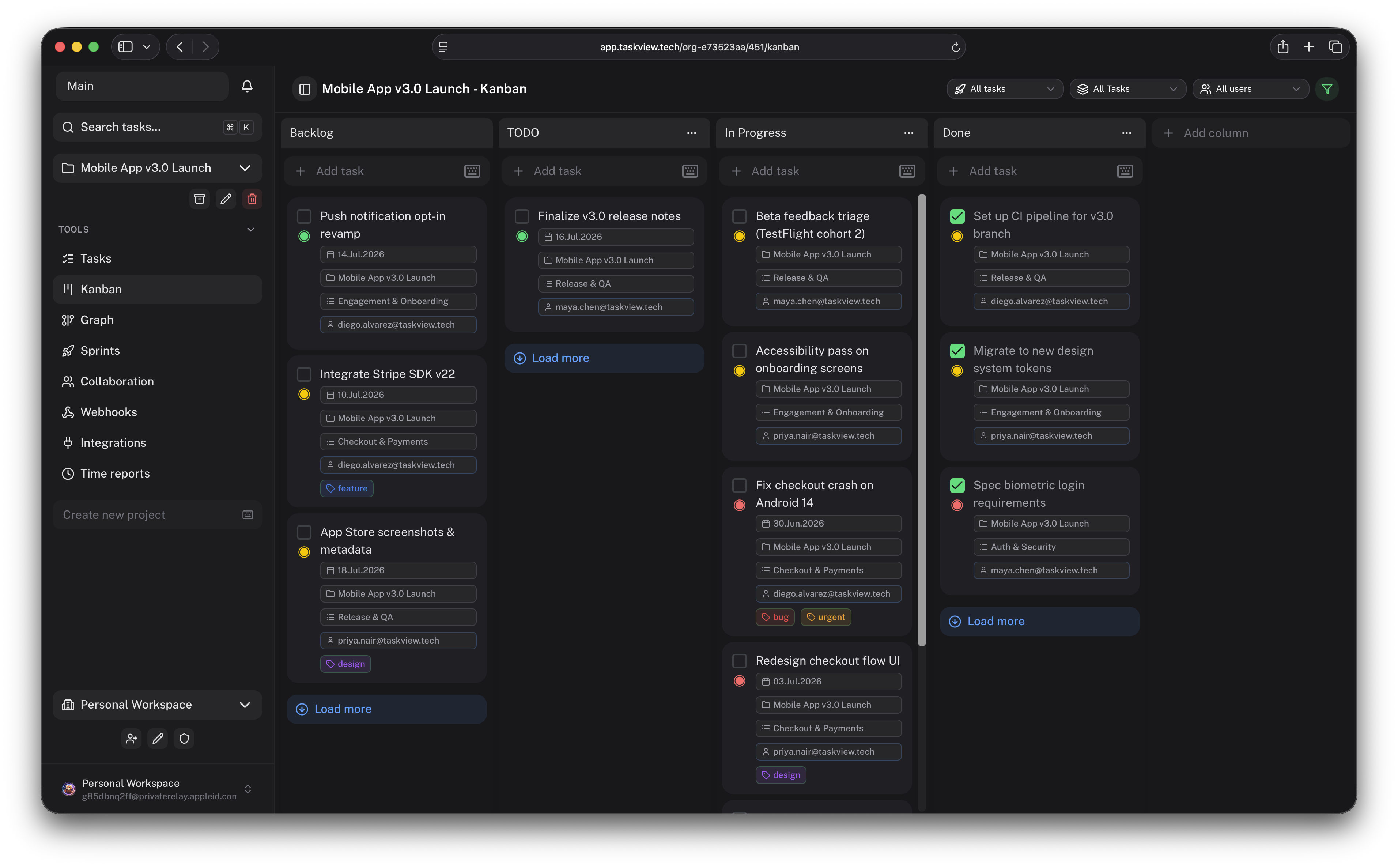
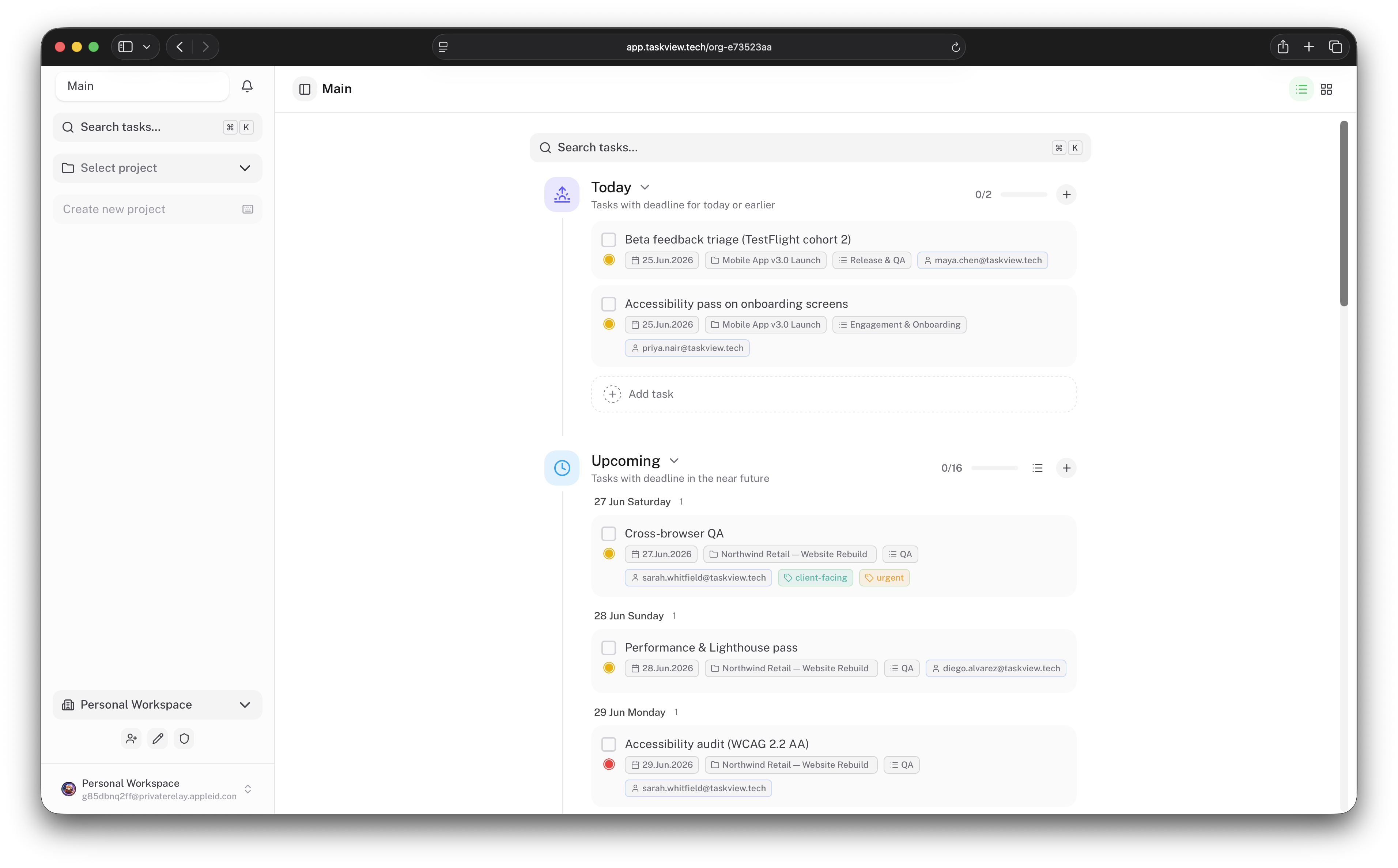
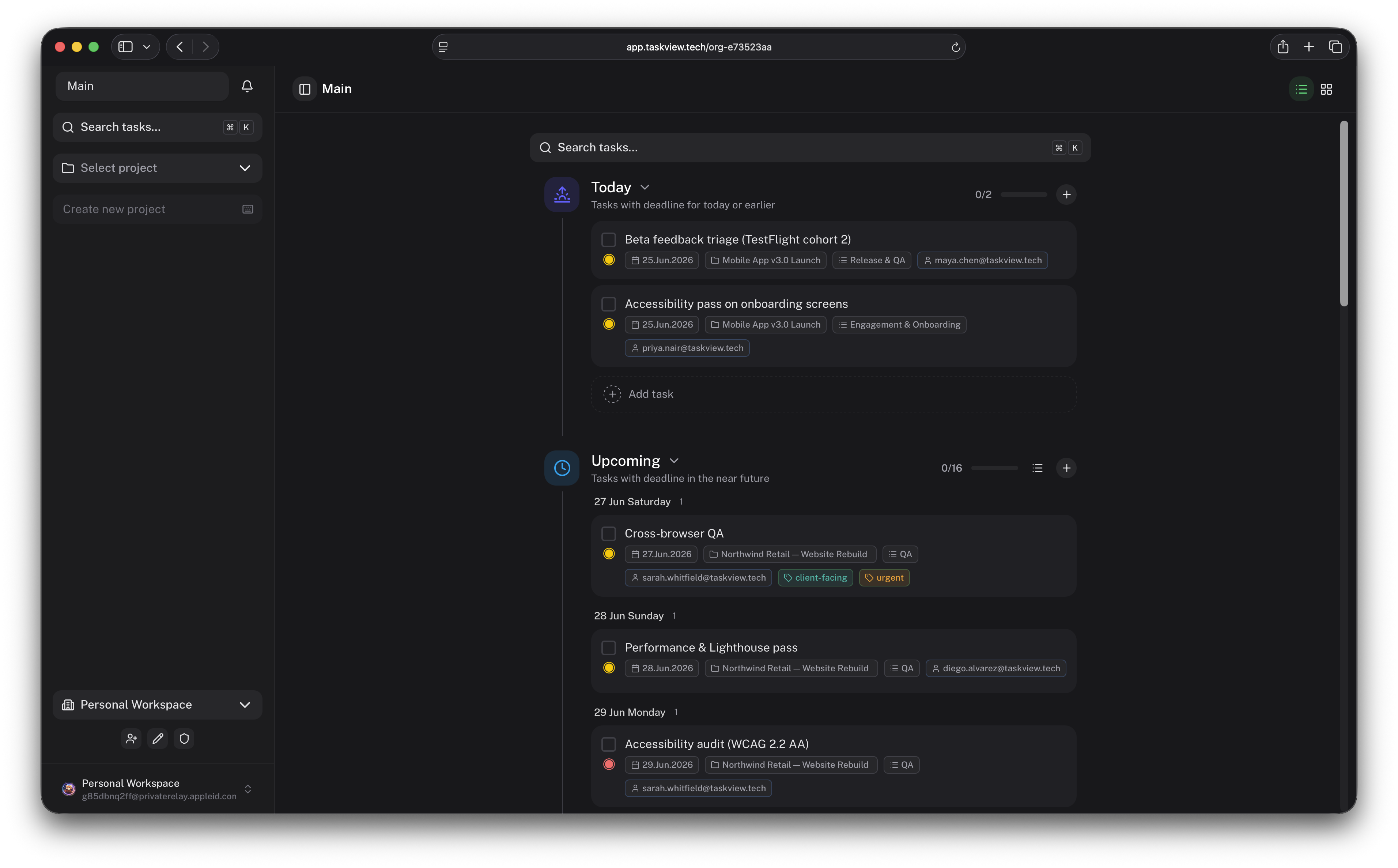
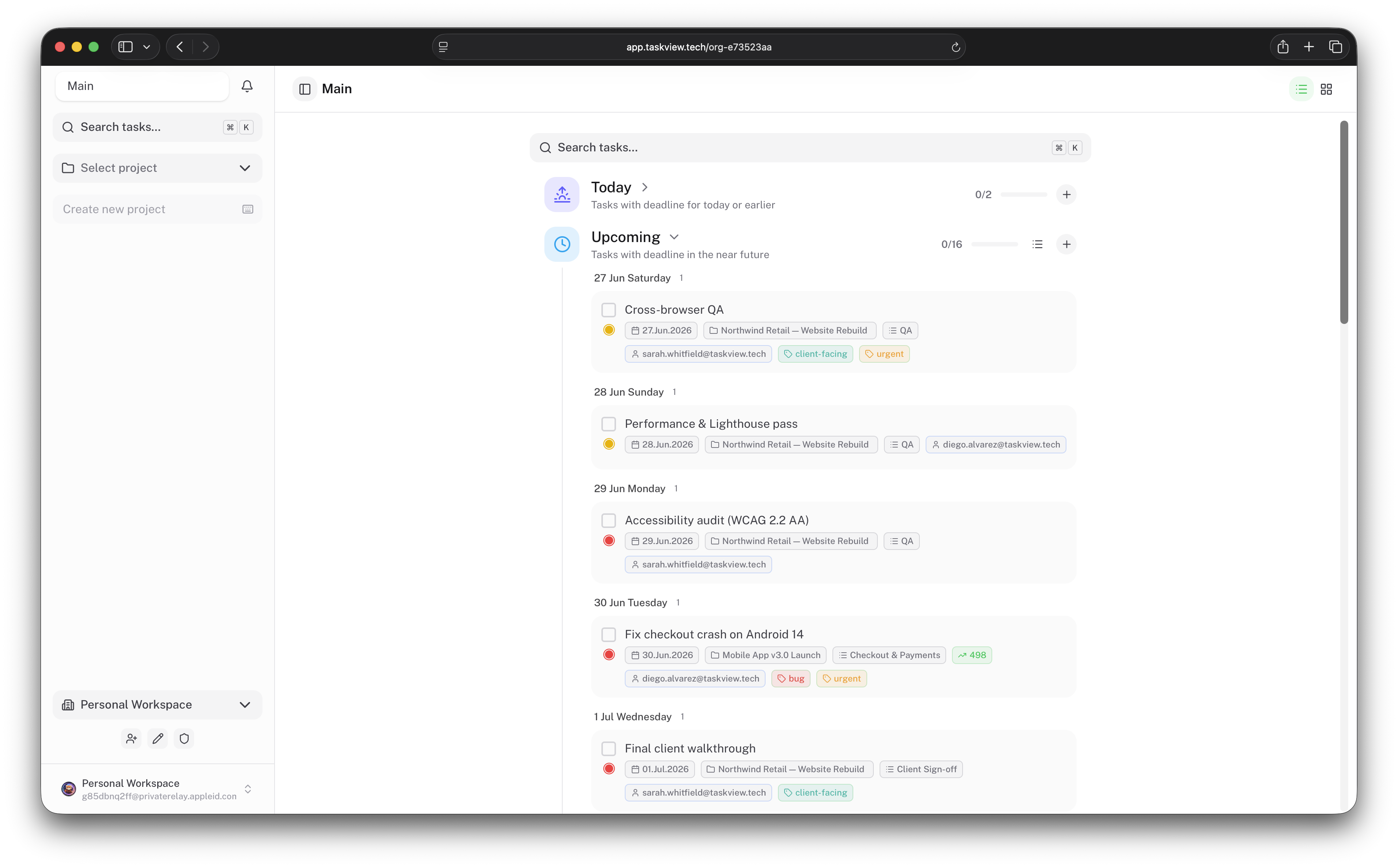
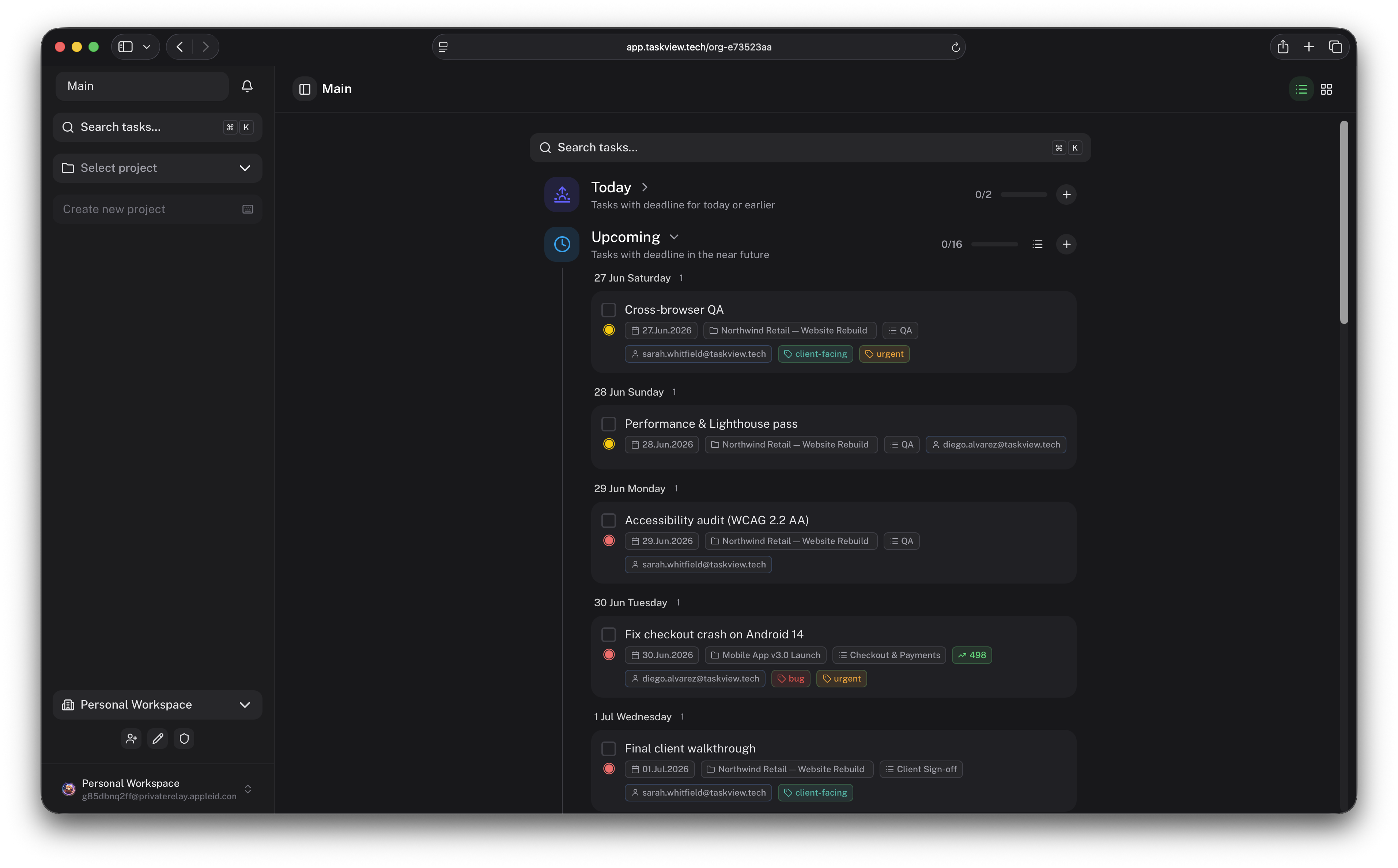
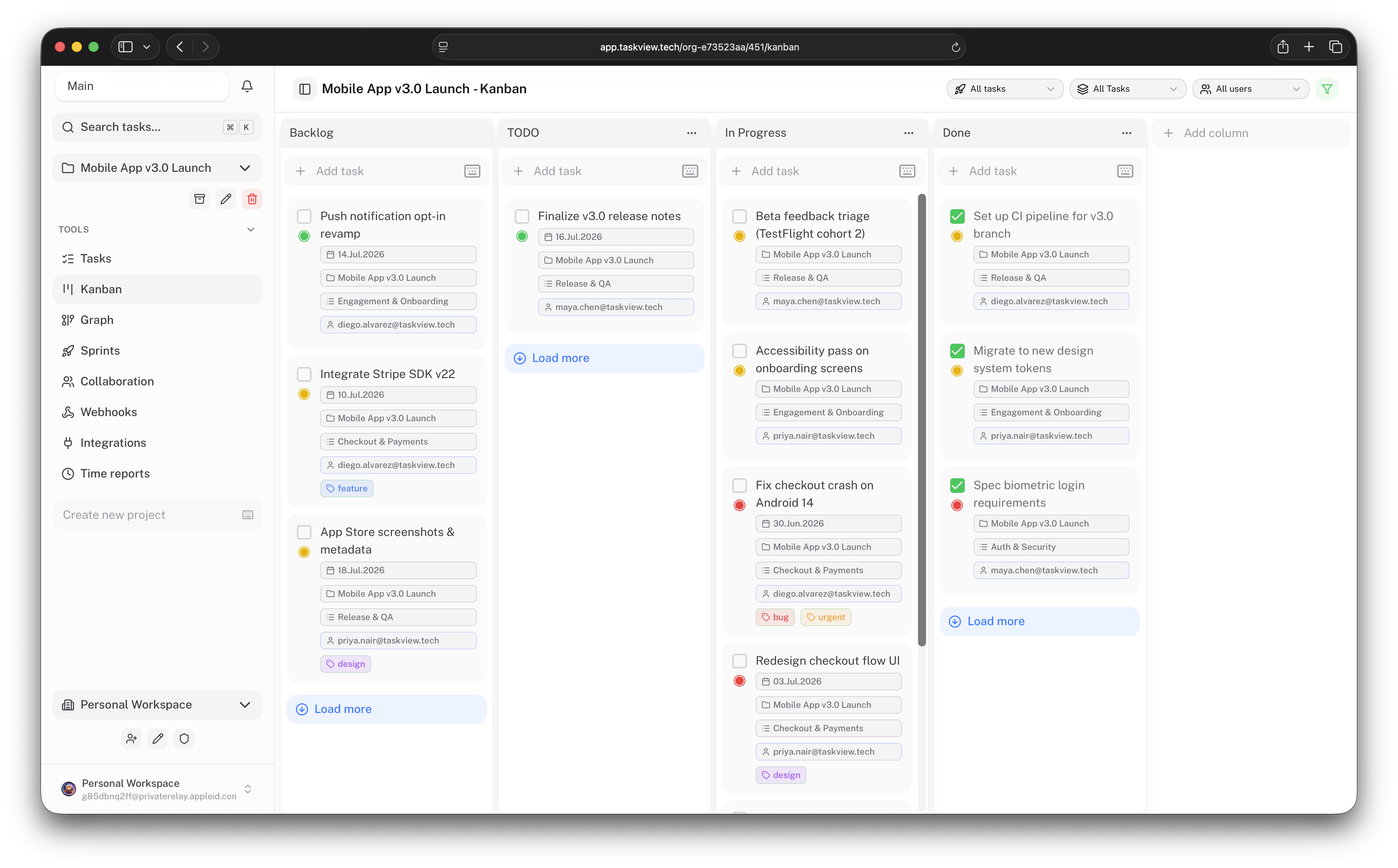
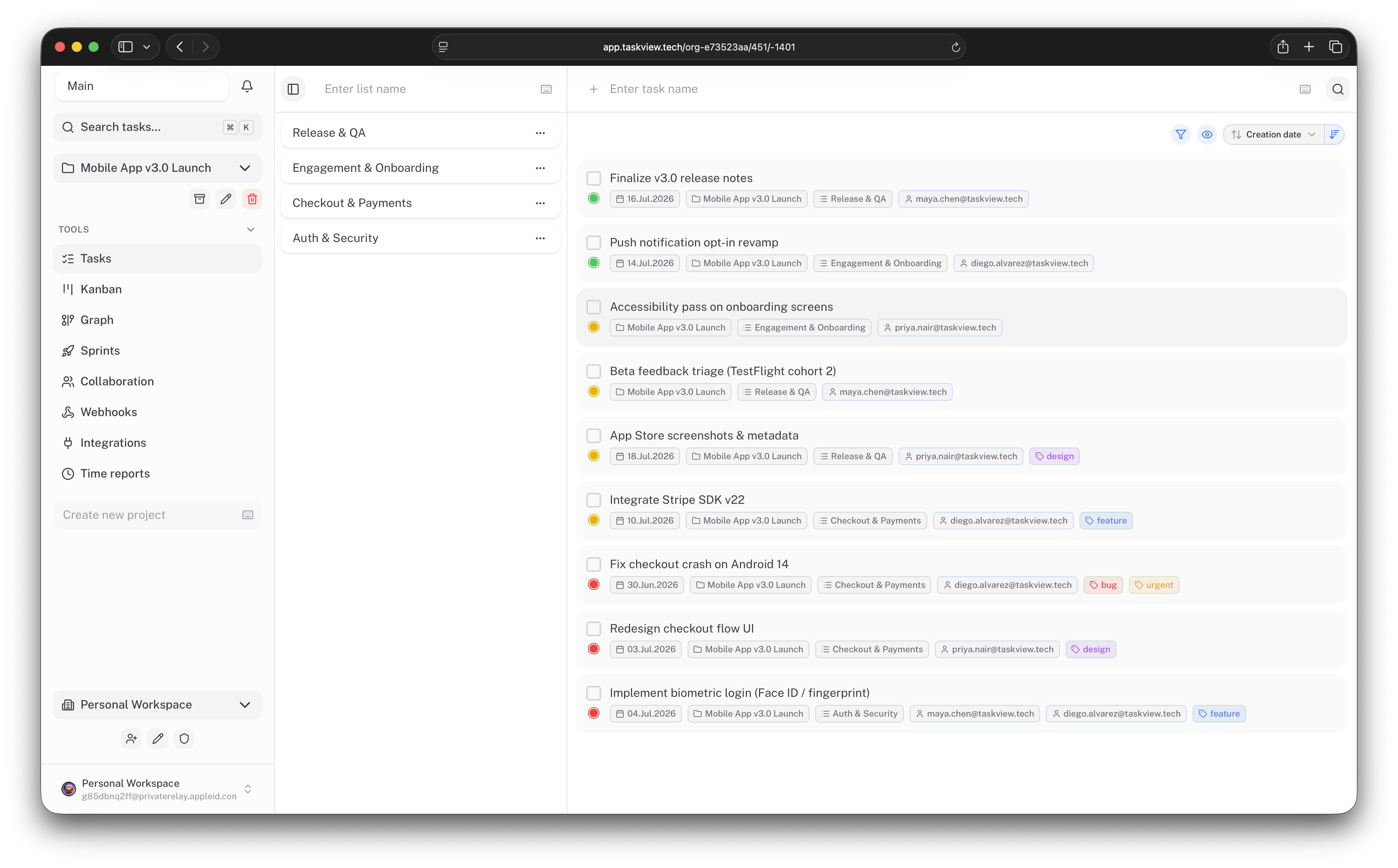
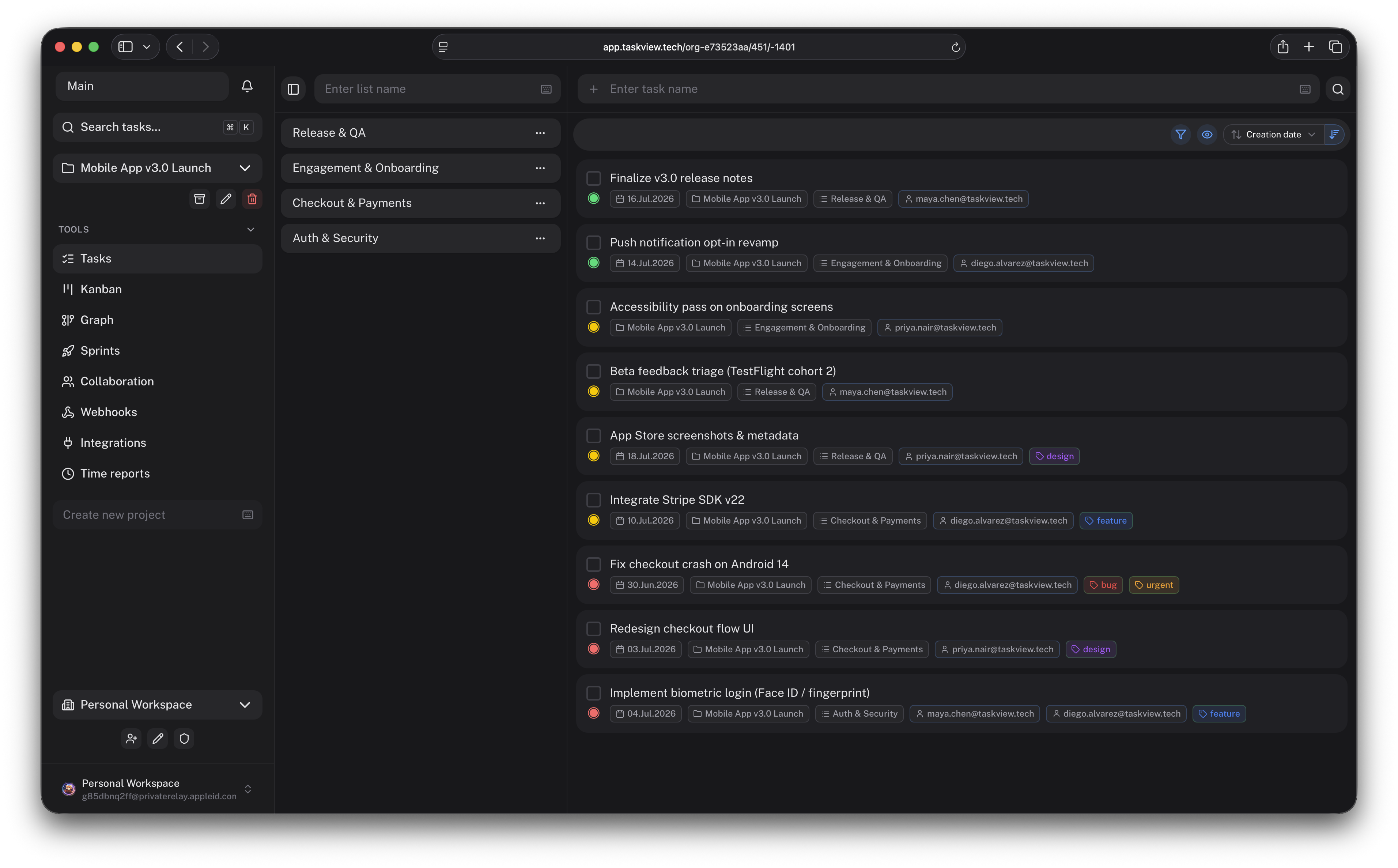
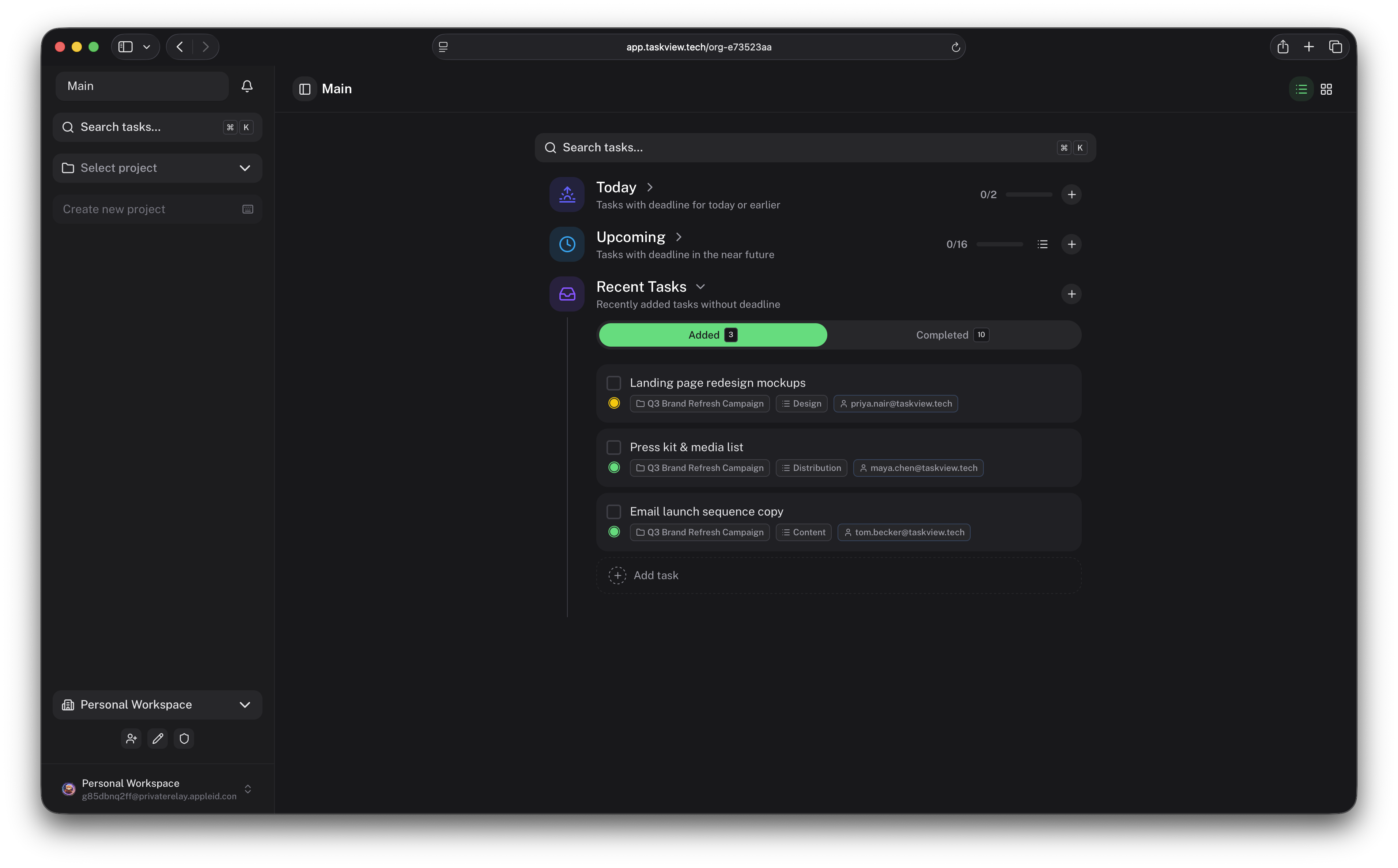
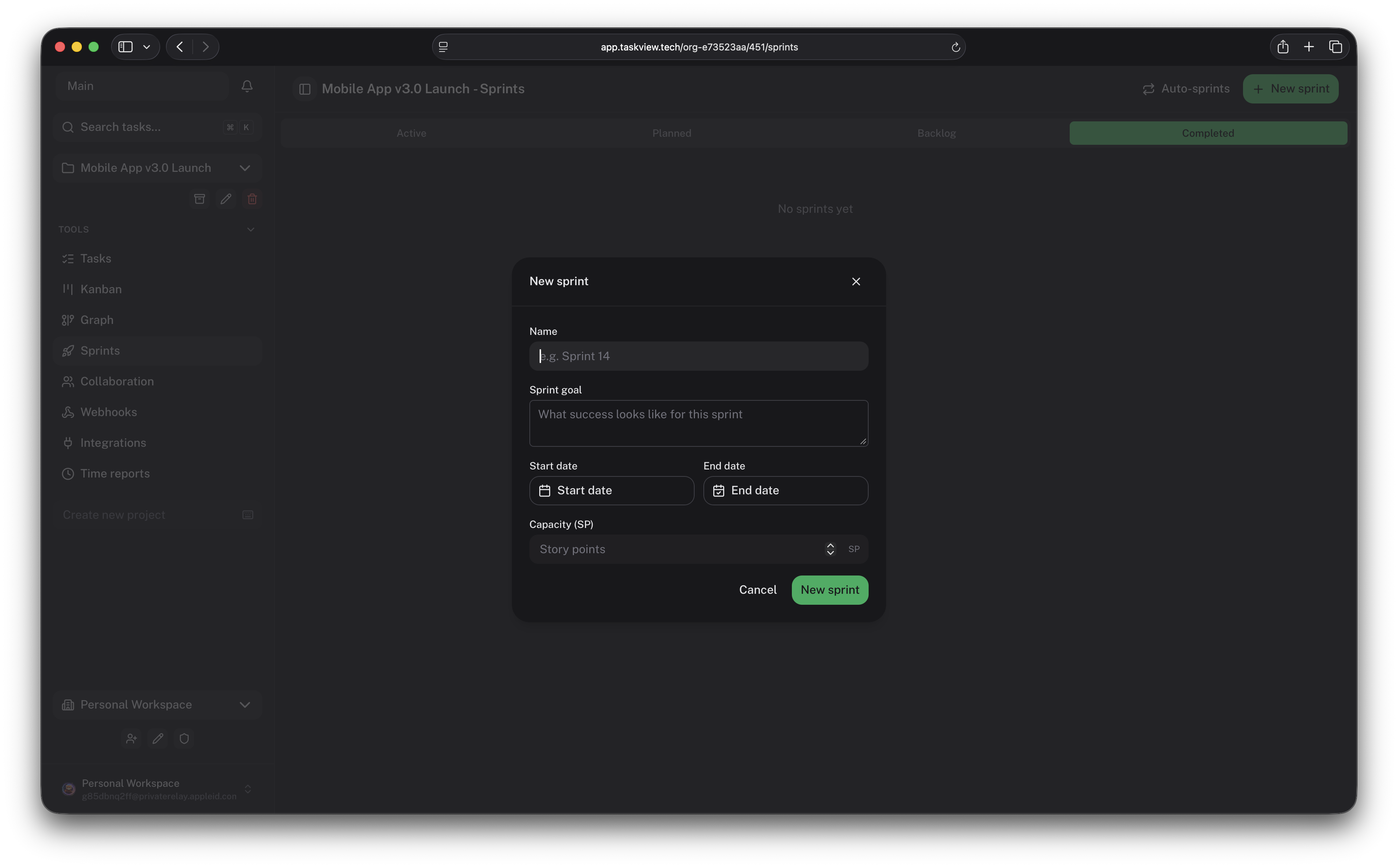
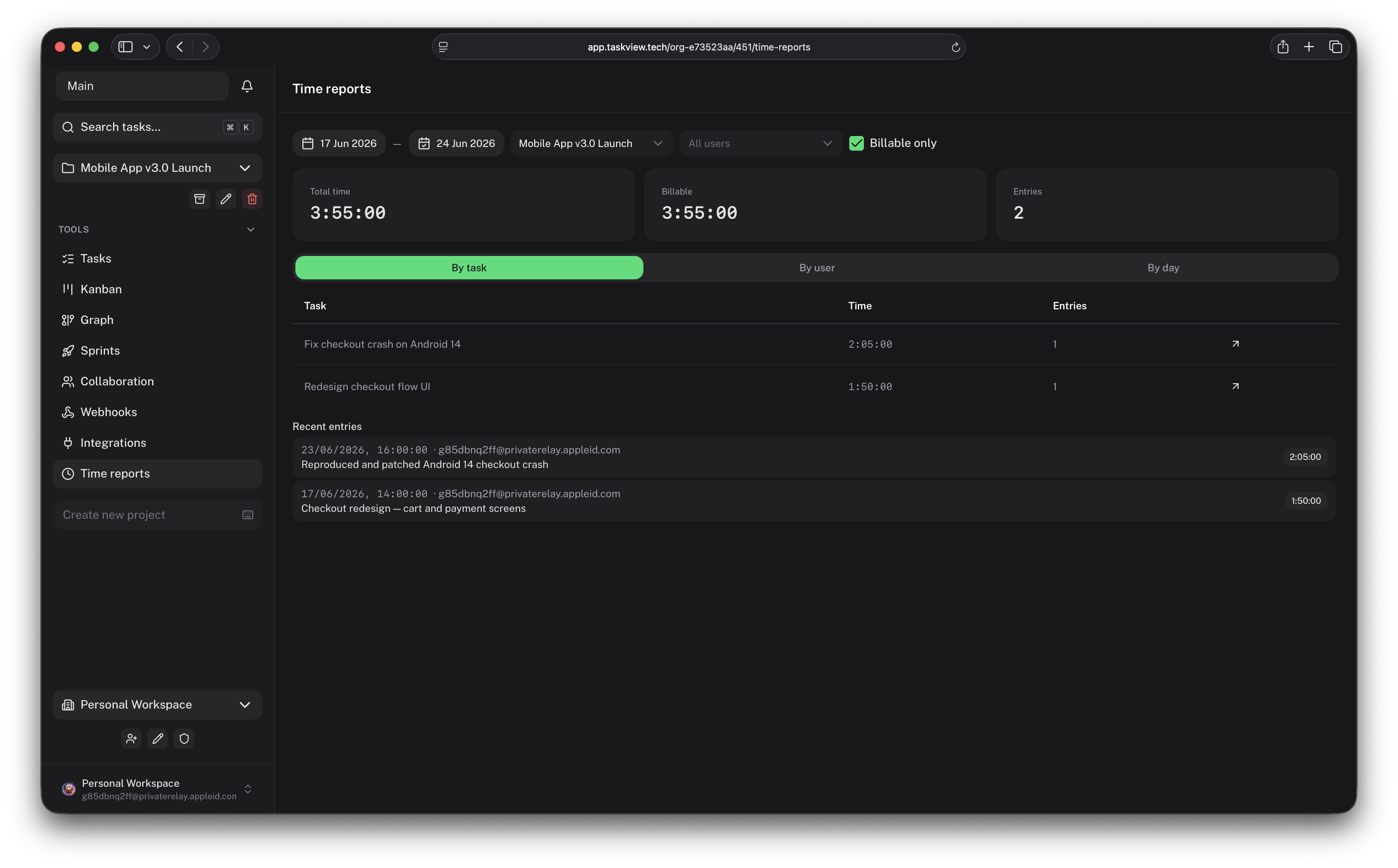
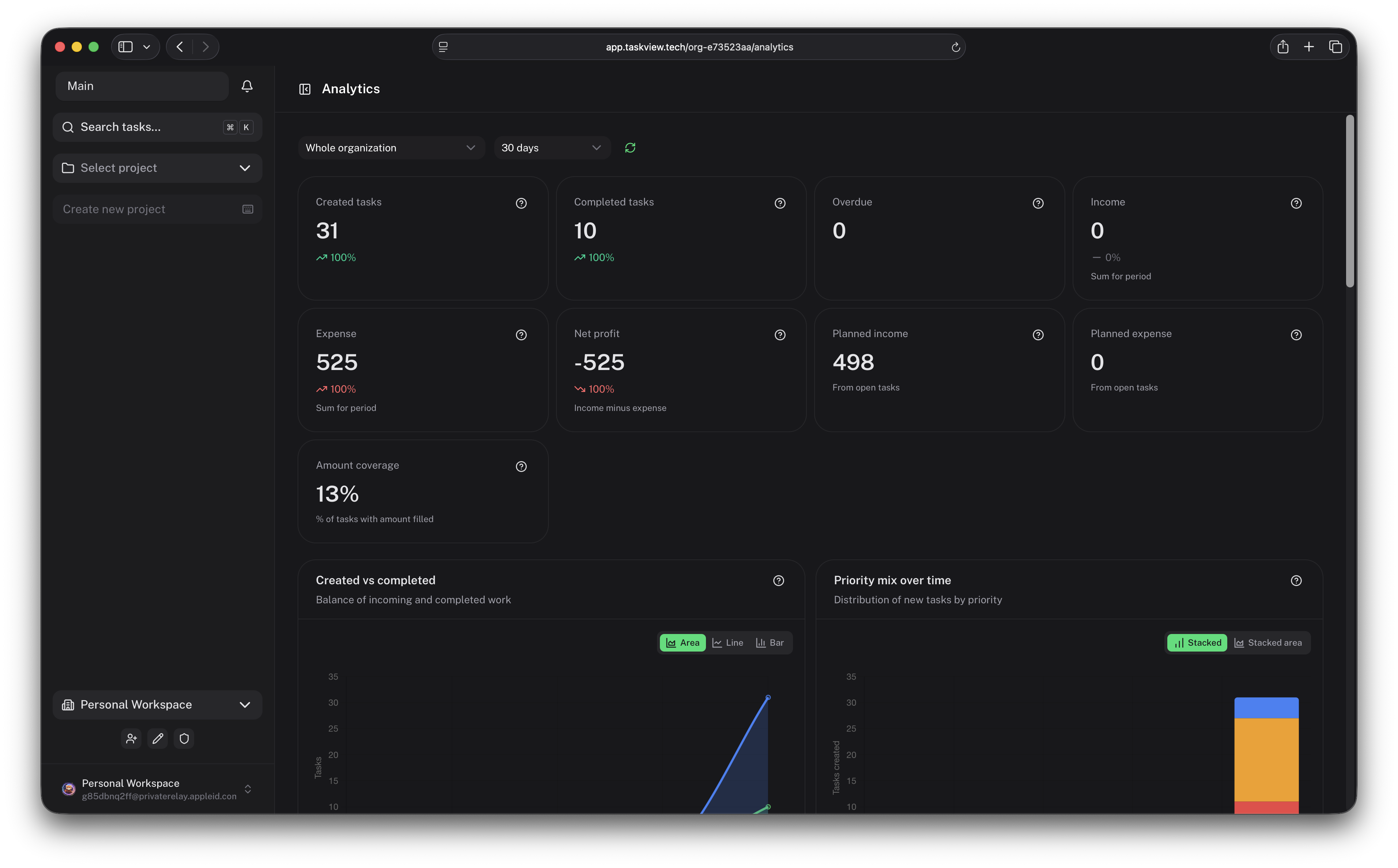
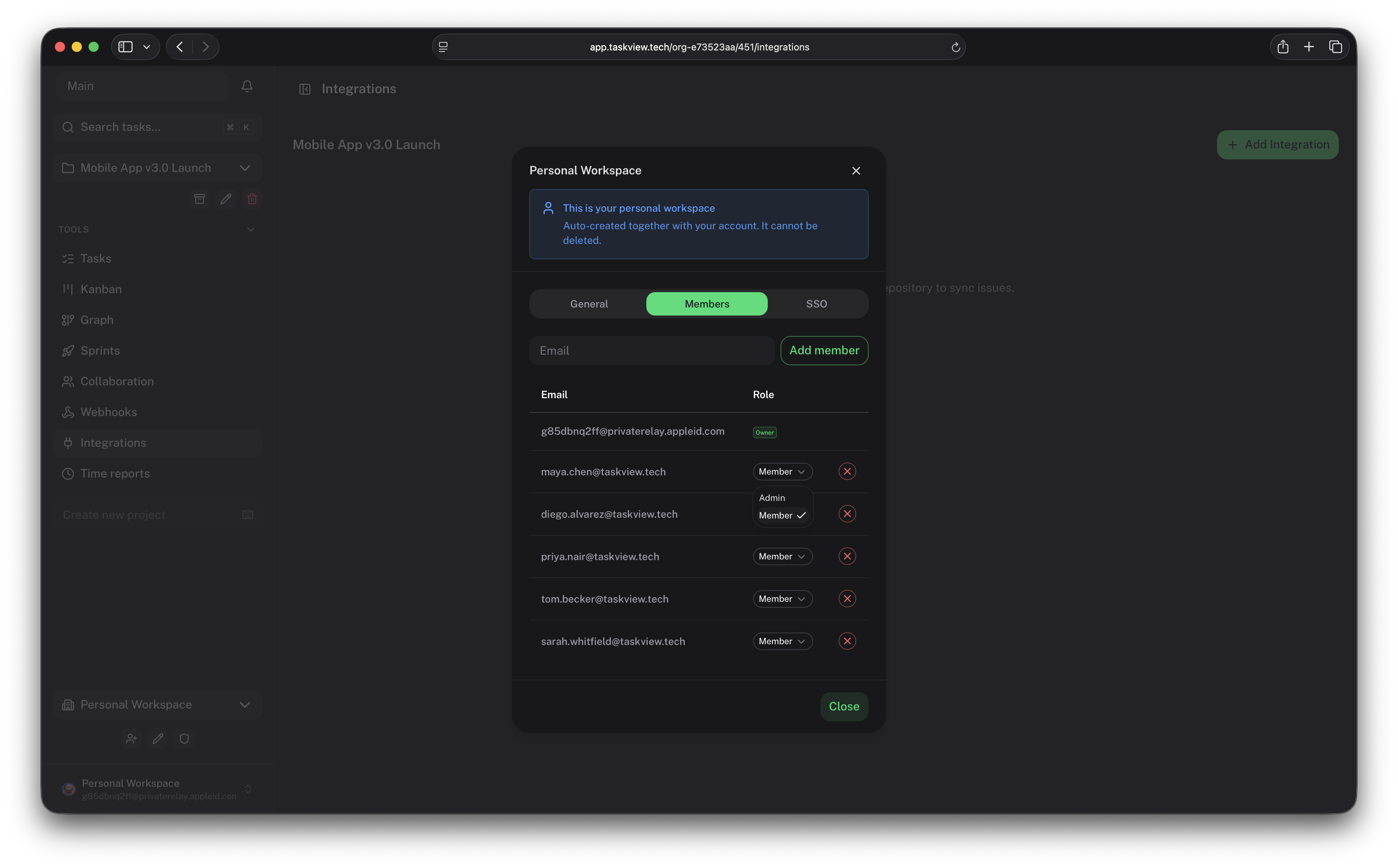
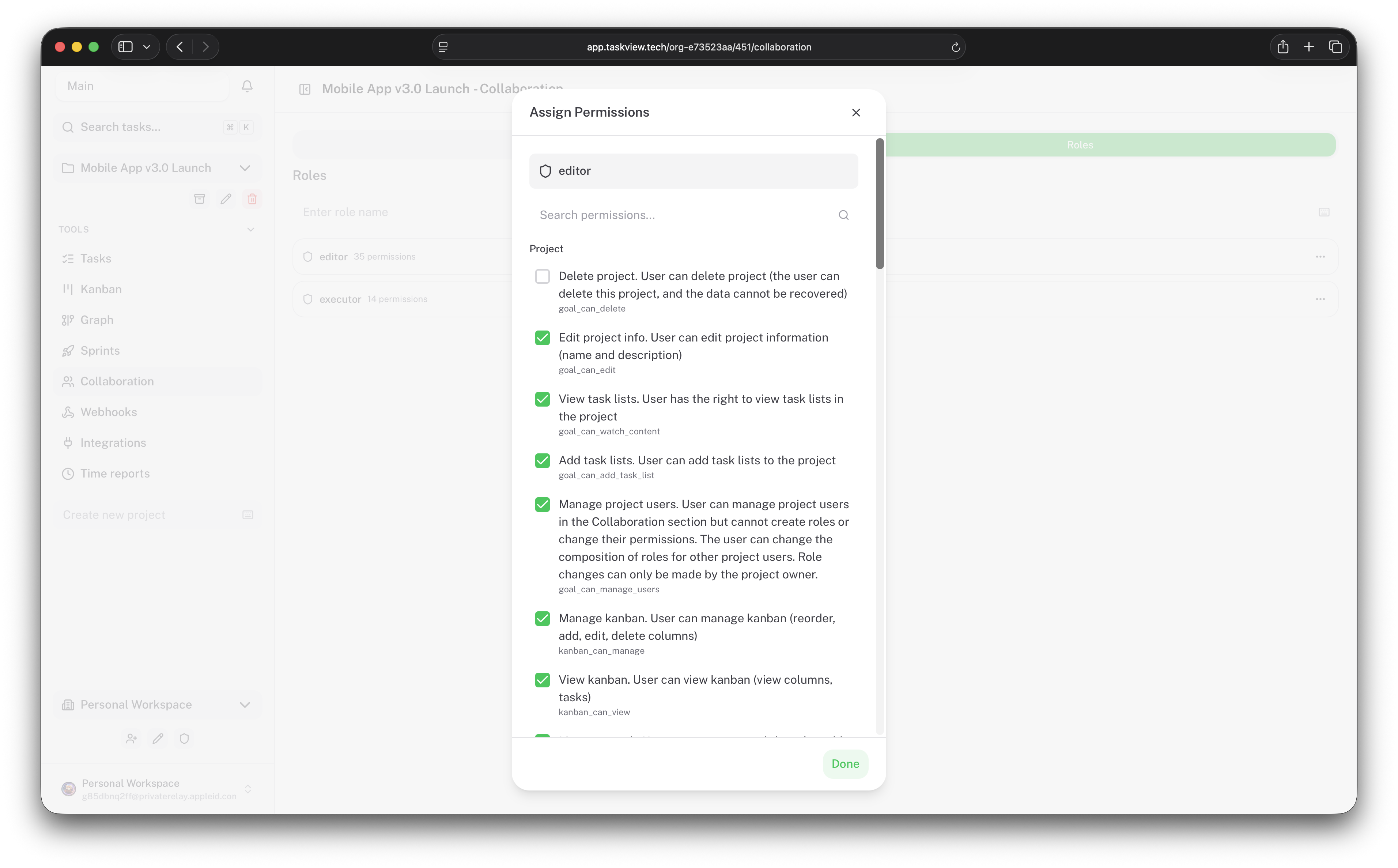
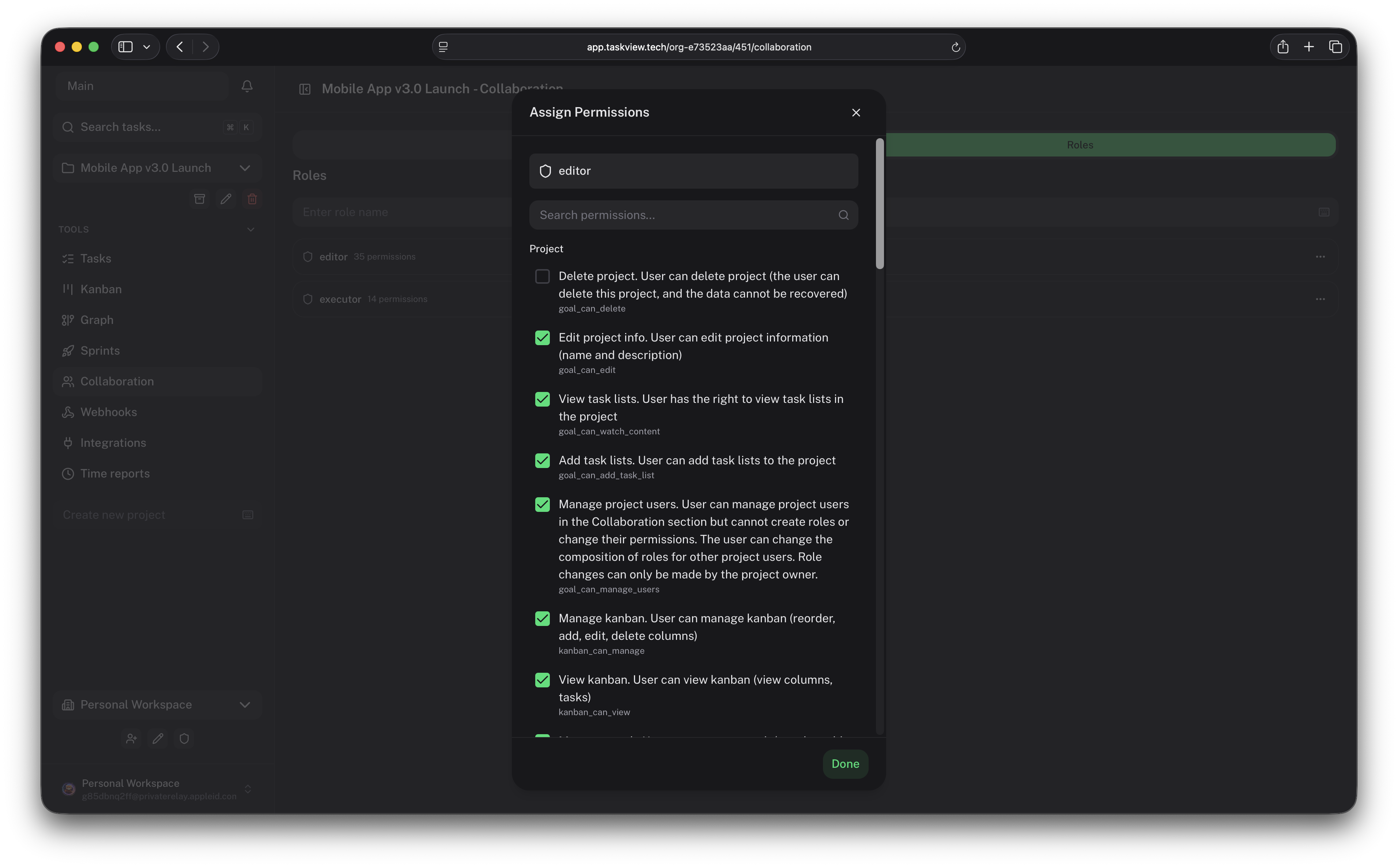
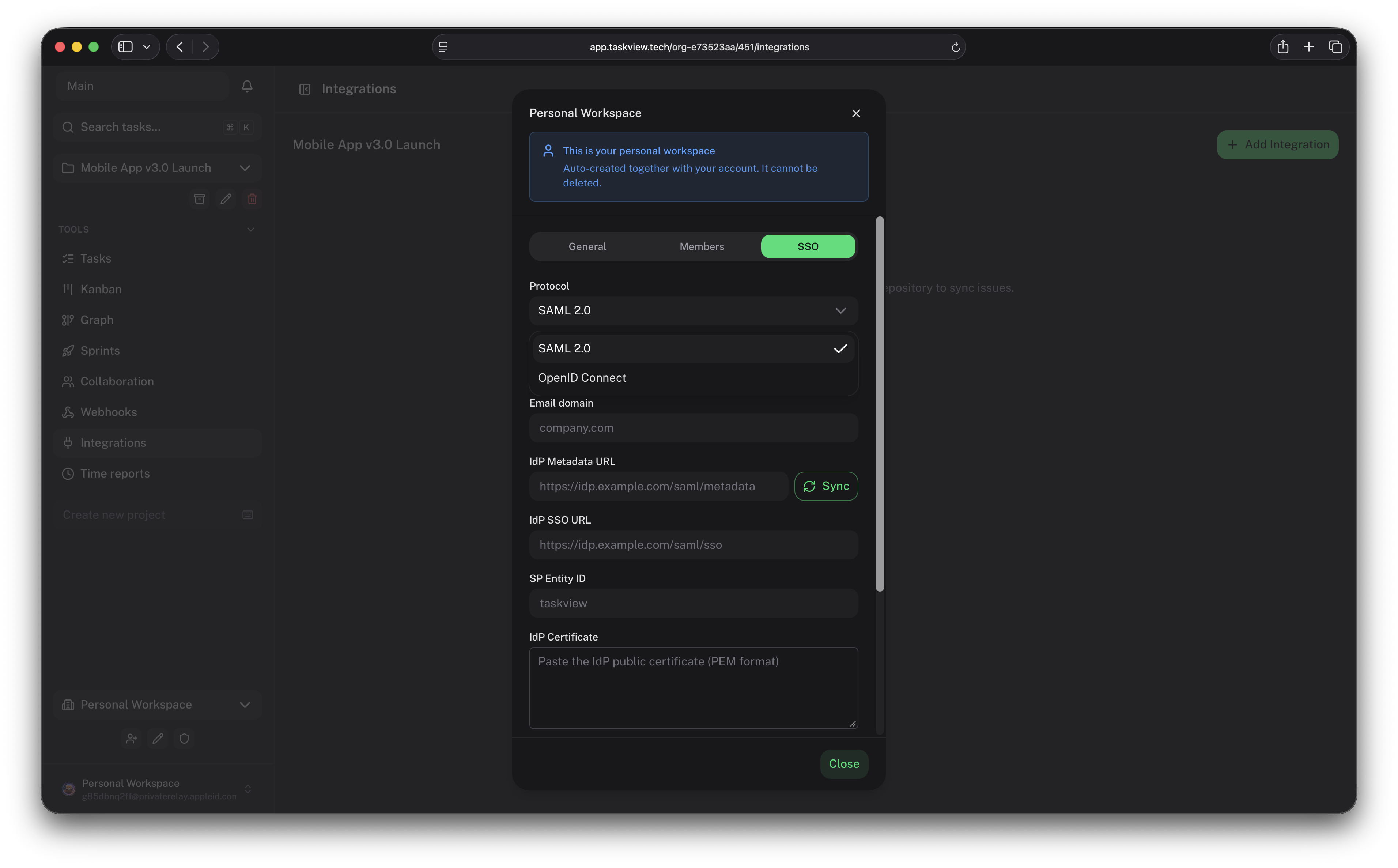
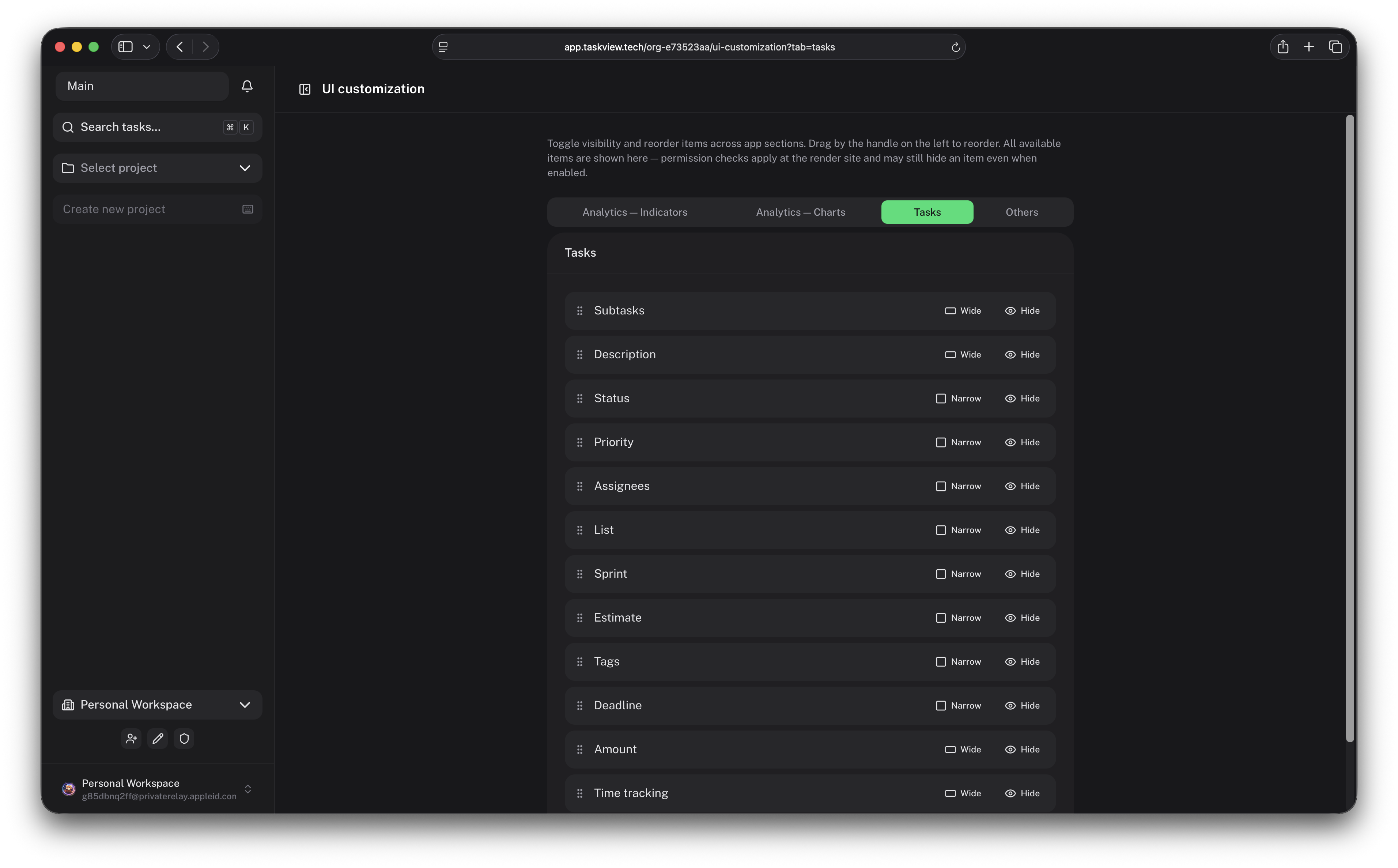
 TaskView — самостоятельно размещаемая платформа управления проектами и задачами, сочетающая трекинг задач, настраиваемые workflows, интеграции для разработчиков, аналитику и автоматизацию с помощью ИИ; она создана для команд, которым нужна прозрачная альтернатива SaaS-менеджерам задач.
TaskView — самостоятельно размещаемая платформа управления проектами и задачами, сочетающая трекинг задач, настраиваемые workflows, интеграции для разработчиков, аналитику и автоматизацию с помощью ИИ; она создана для команд, которым нужна прозрачная альтернатива SaaS-менеджерам задач.Это размещённый SaaS-сервис или что-то, что я запускаю на своих серверах?Это ПО, которое вы размещаете у себя на инфраструктуре (через Docker Compose), а не управляемый SaaS. На сайте упоминается отдельное размещённое предложение «TaskView Cloud», но этот репозиторий — для запуска собственного экземпляра.
Это ПО, которое вы размещаете у себя на инфраструктуре (через Docker Compose), а не управляемый SaaS. На сайте упоминается отдельное размещённое предложение «TaskView Cloud», но этот репозиторий — для запуска собственного экземпляра.Как запустить TaskView?Склонируйте репозиторий и запустите через Docker Compose — это рекомендуемый способ развёртывания; документация по self-hosting описывает переменные окружения, HTTPS, обновления и резервные копии.
Склонируйте репозиторий и запустите через Docker Compose — это рекомендуемый способ развёртывания; документация по self-hosting описывает переменные окружения, HTTPS, обновления и резервные копии.Что должно быть установлено, чтобы развернуть его или разрабатывать локально?Для продакшена достаточно Docker и Docker Compose. Для локальной разработки монорепозитория также нужны PostgreSQL, Bun и pnpm.
Для продакшена достаточно Docker и Docker Compose. Для локальной разработки монорепозитория также нужны PostgreSQL, Bun и pnpm.Могу ли я превратить TaskView в собственный hosted-сервис и продавать его?Нет. Лицензия позволяет размещать у себя, изменять и использовать внутри, но нельзя предлагать его как hosted SaaS, продавать доступ к нему или строить на его основе конкурирующий коммерческий продукт.
Нет. Лицензия позволяет размещать у себя, изменять и использовать внутри, но нельзя предлагать его как hosted SaaS, продавать доступ к нему или строить на его основе конкурирующий коммерческий продукт.Можно ли пользоваться TaskView с телефона или только через веб?Помимо self-hosted сервера TaskView поставляет веб-, iOS- и Android-приложения, собранные из того же монорепозитория (мобильные приложения используют Capacitor).
Помимо self-hosted сервера TaskView поставляет веб-, iOS- и Android-приложения, собранные из того же монорепозитория (мобильные приложения используют Capacitor).Собирает ли TaskView данные о моих проектах или показывает рекламу?Нет. Рекламы и поведенческого отслеживания нет, поскольку всё работает на инфраструктуре, которую контролируете вы.
Нет. Рекламы и поведенческого отслеживания нет, поскольку всё работает на инфраструктуре, которую контролируете вы.Что может ИИ-ассистент через MCP-сервер TaskView?В зависимости от прав API-токена он может искать и просматривать проекты, создавать и обновлять задачи, управлять статусами задач, работать со списками, получать контекст задач и автоматизировать повторяющиеся операции с проектами.
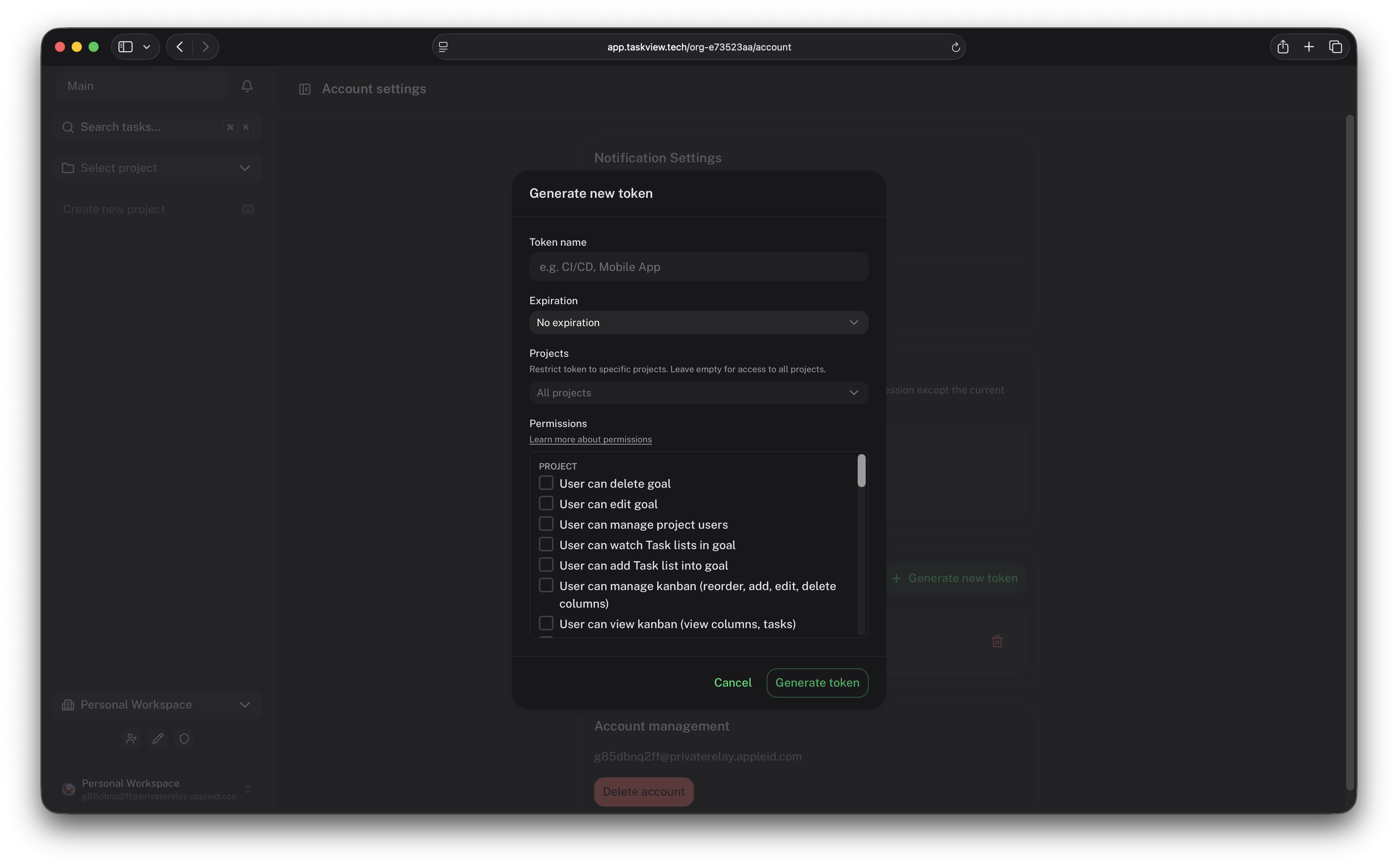
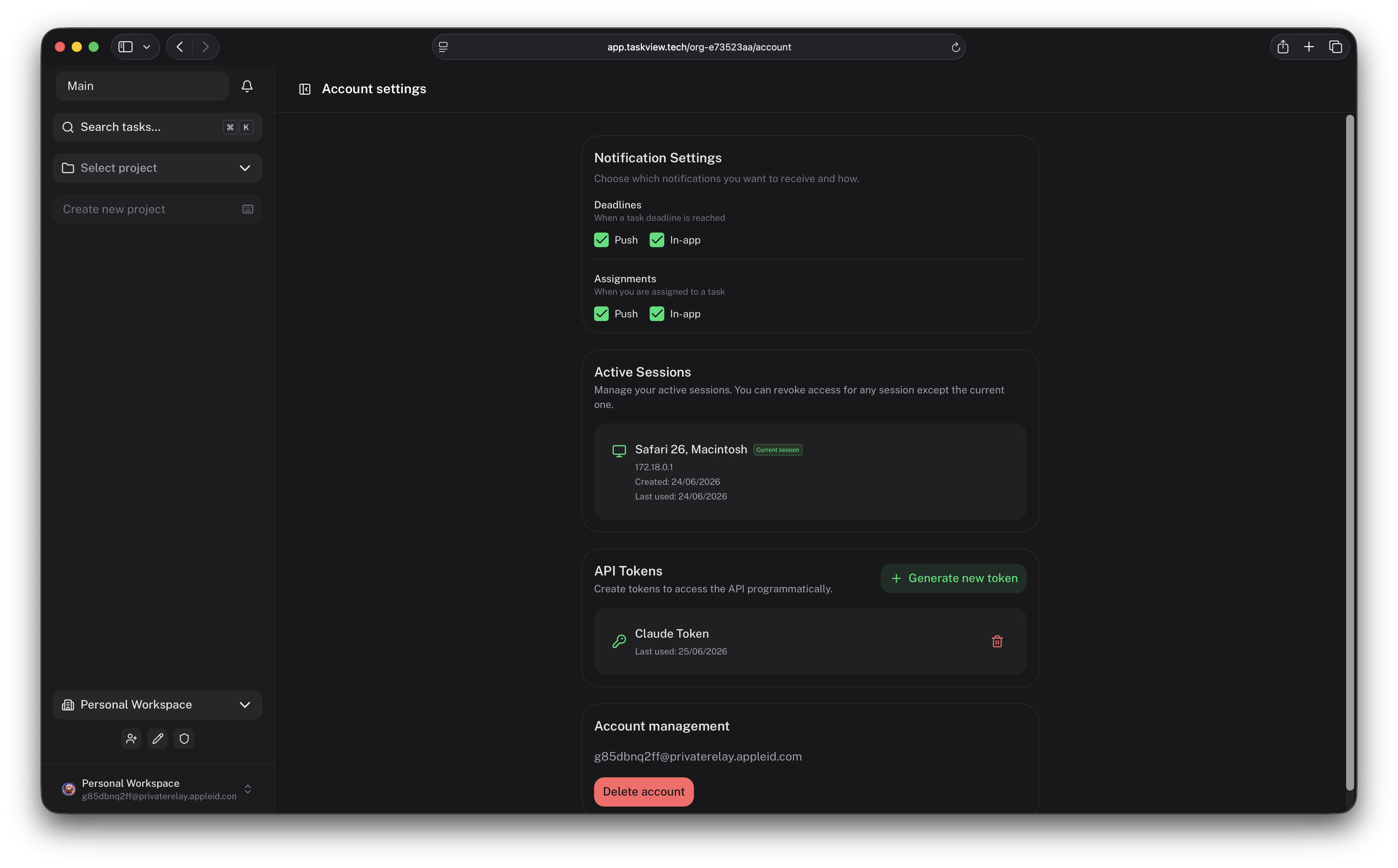
В зависимости от прав API-токена он может искать и просматривать проекты, создавать и обновлять задачи, управлять статусами задач, работать со списками, получать контекст задач и автоматизировать повторяющиеся операции с проектами.Как подключить TaskView к Claude Code или Cursor?Запустите опубликованный пакет «taskview-mcp» через stdio командой «npx -y taskview-mcp» (установка не нужна) и задайте переменные окружения TASKVIEW_URL и TASKVIEW_TOKEN в MCP-конфиге клиента; токен должен иметь префикс «tvk...» из настроек вашего аккаунта.
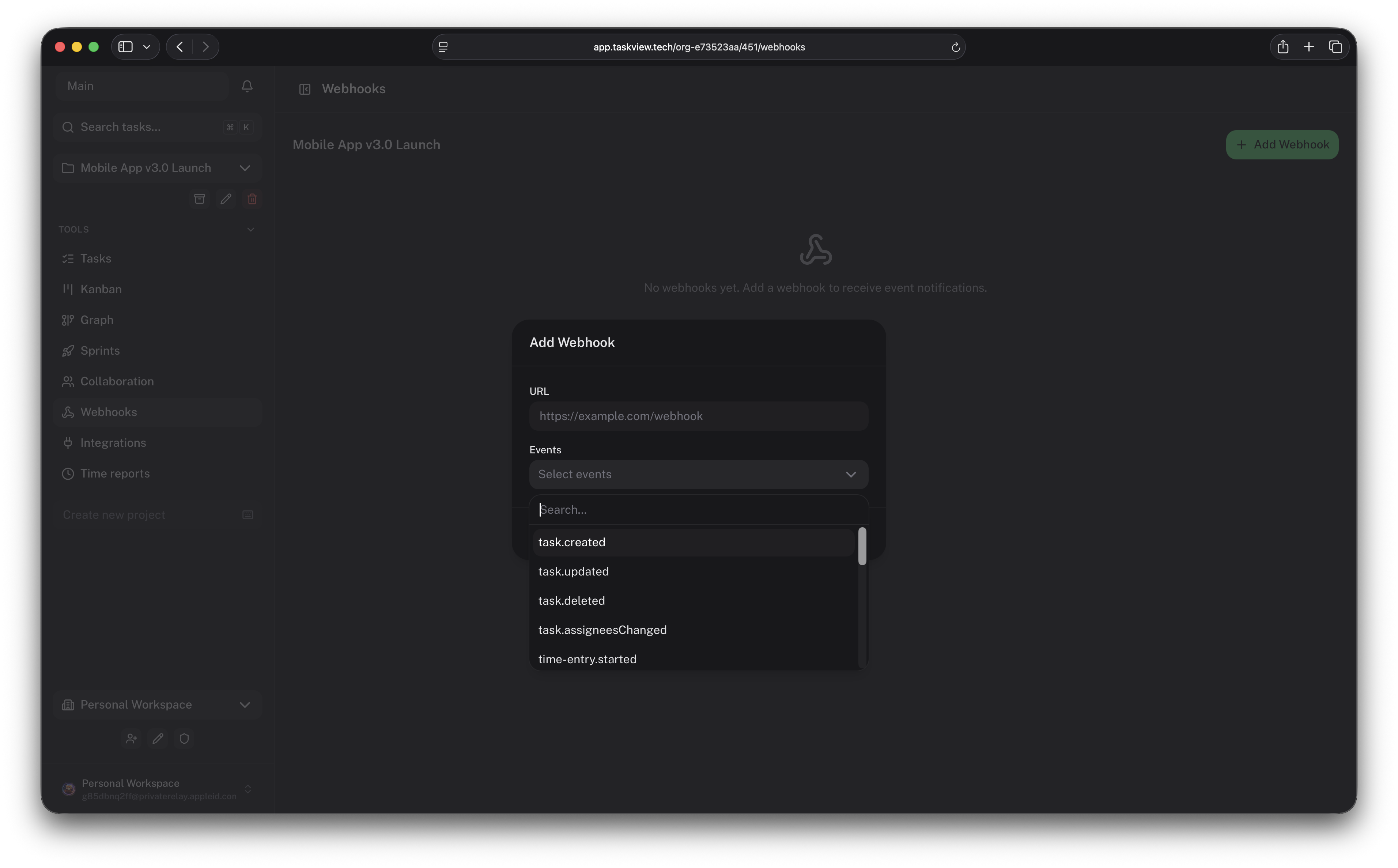
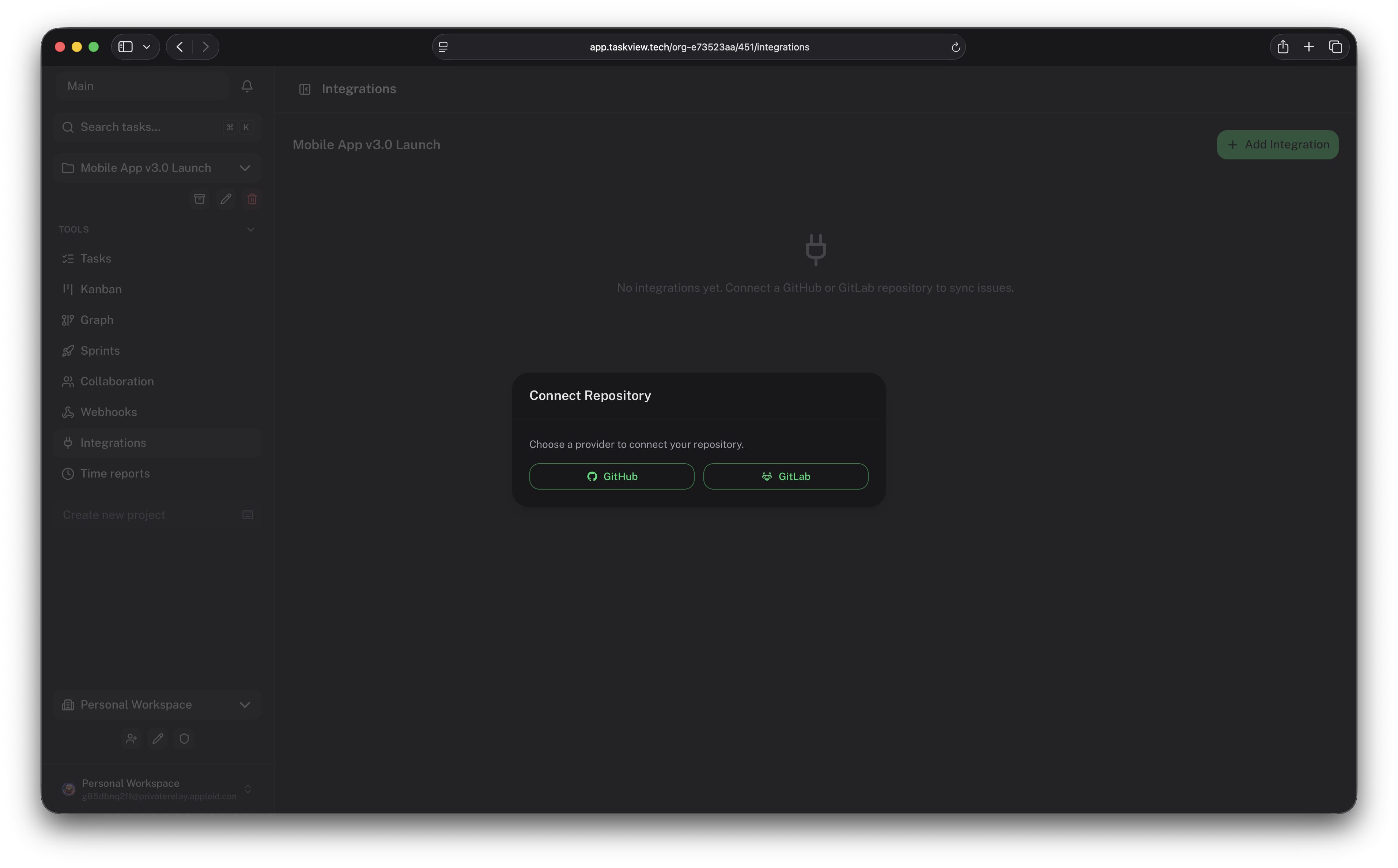
Запустите опубликованный пакет «taskview-mcp» через stdio командой «npx -y taskview-mcp» (установка не нужна) и задайте переменные окружения TASKVIEW_URL и TASKVIEW_TOKEN в MCP-конфиге клиента; токен должен иметь префикс «tvk...» из настроек вашего аккаунта.Интегрируется ли TaskView с GitHub или GitLab?Да: есть встроенные интеграции с GitHub и GitLab, подписанные вебхуки, публичный HTTP API и TypeScript-клиент API для создания собственных интеграций.
Да: есть встроенные интеграции с GitHub и GitLab, подписанные вебхуки, публичный HTTP API и TypeScript-клиент API для создания собственных интеграций.На каком стеке построен TaskView?Фронтенд — Vue/Nuxt с Capacitor для мобильных платформ, бэкенд — Node.js/Express с PostgreSQL и Drizzle ORM; всё упаковано в Docker-образы из монорепозитория.
Фронтенд — Vue/Nuxt с Capacitor для мобильных платформ, бэкенд — Node.js/Express с PostgreSQL и Drizzle ORM; всё упаковано в Docker-образы из монорепозитория.What are similar projects?rankme.fast, casdoor, planka, Termix, zitadel, wekan, epiq, focalboard
rankme.fast, casdoor, planka, Termix, zitadel, wekan, epiq, focalboardWhich topics is it in?kanban-board, scim, time-tracker, nuxtjs, task-manager, task, saml, drizzle-orm, project-management, oidc, task-management, ios-app
kanban-board, scim, time-tracker, nuxtjs, task-manager, task, saml, drizzle-orm, project-management, oidc, task-management, ios-app