



1.3K ·GitHub
What is this?
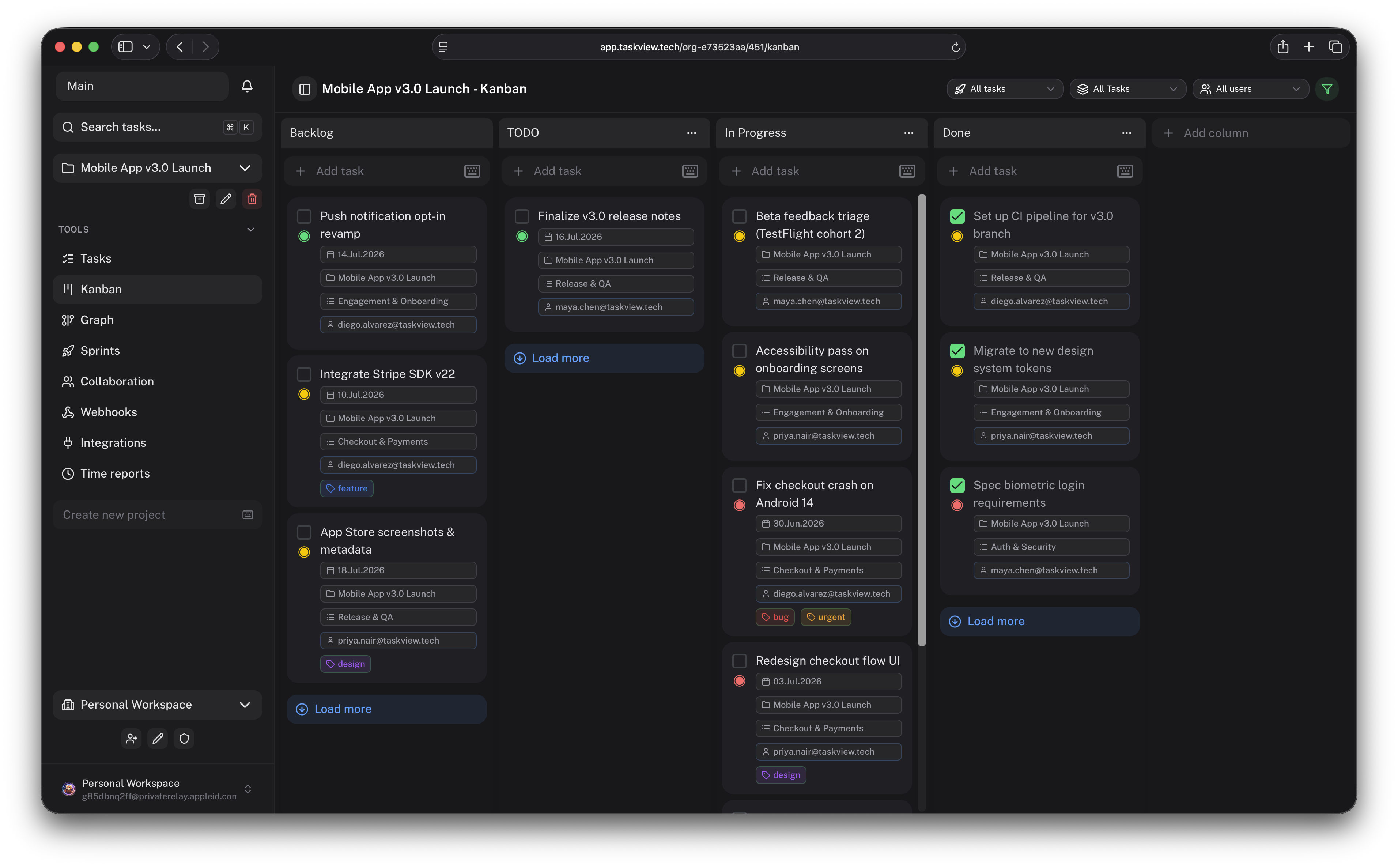
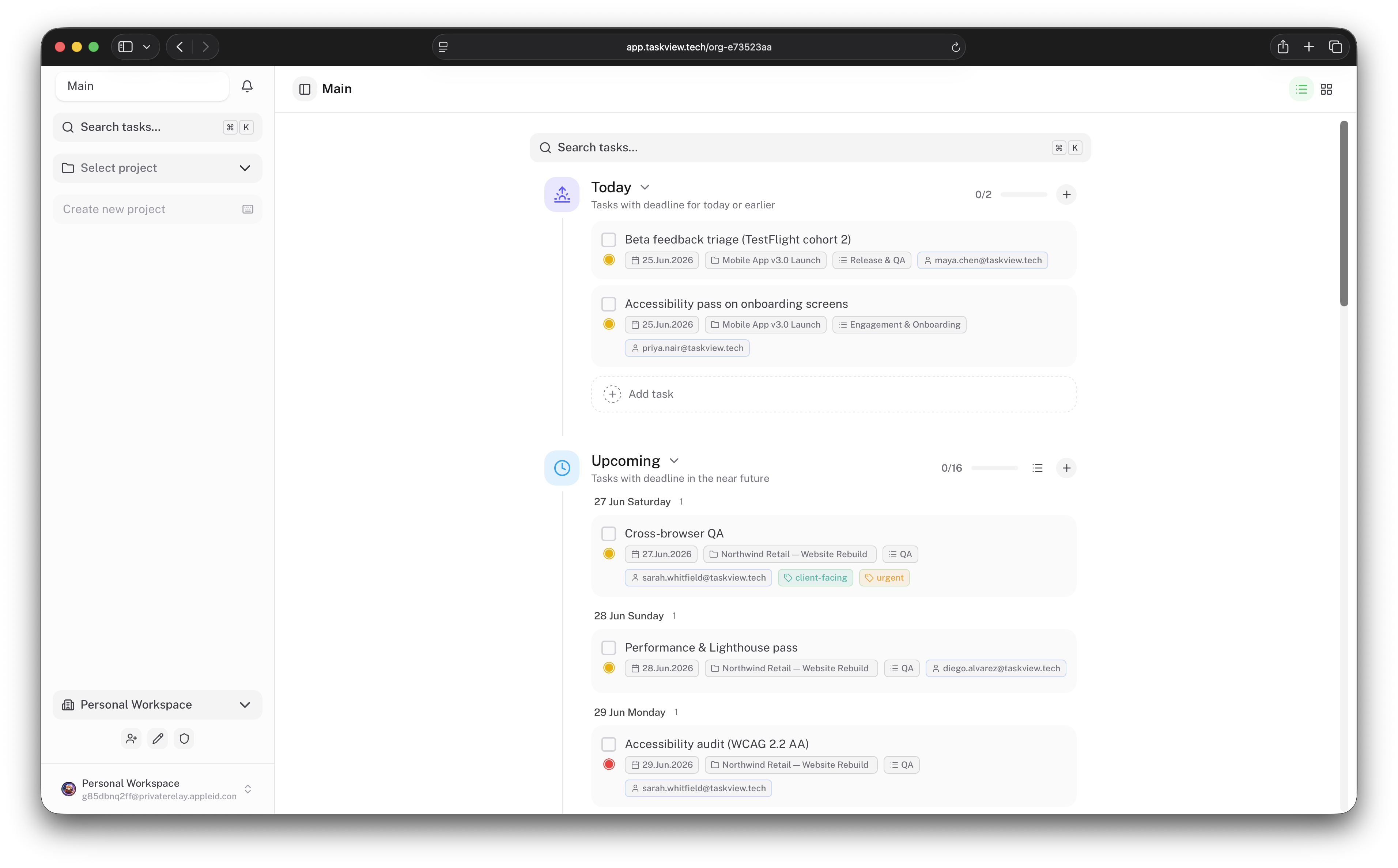
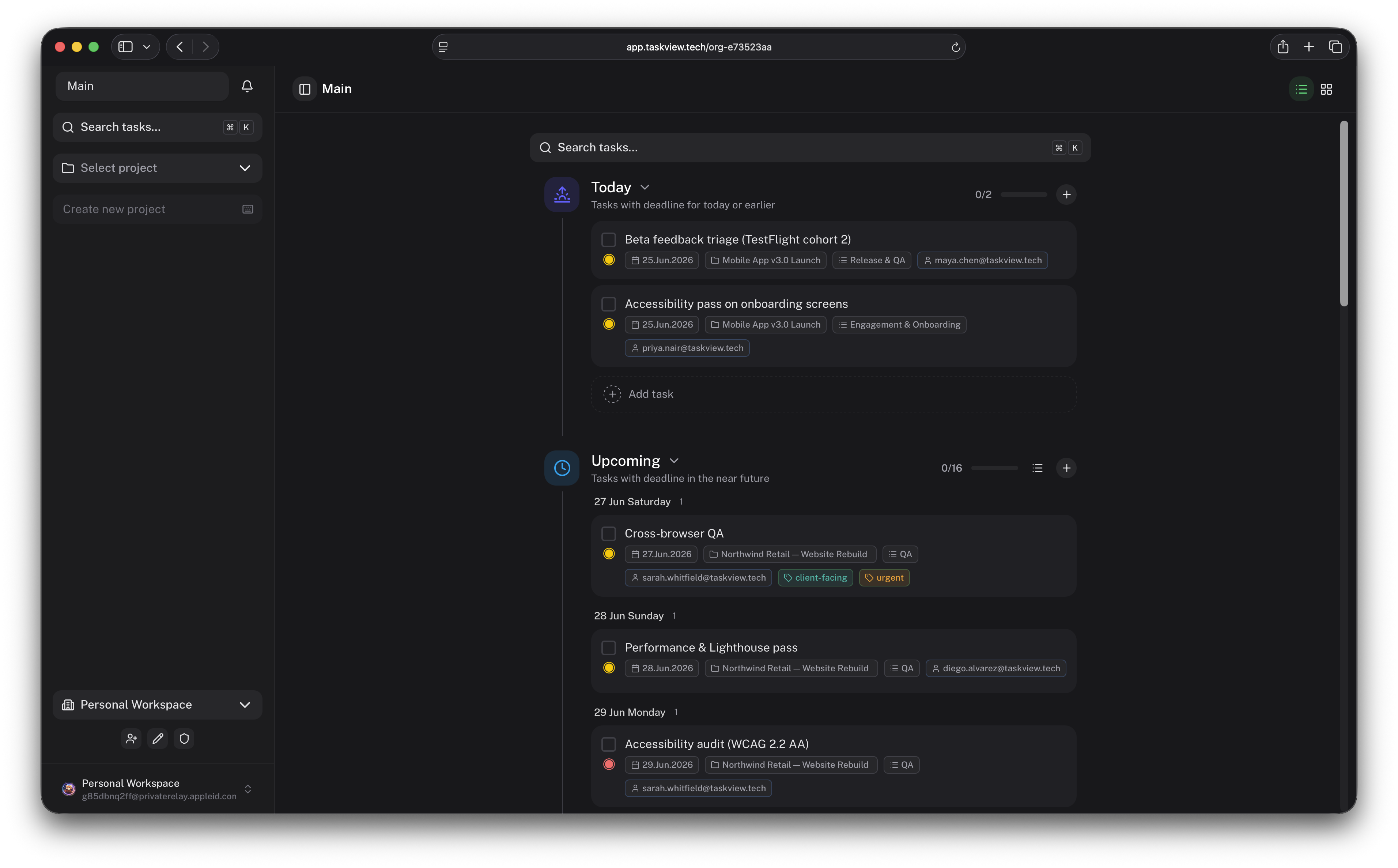
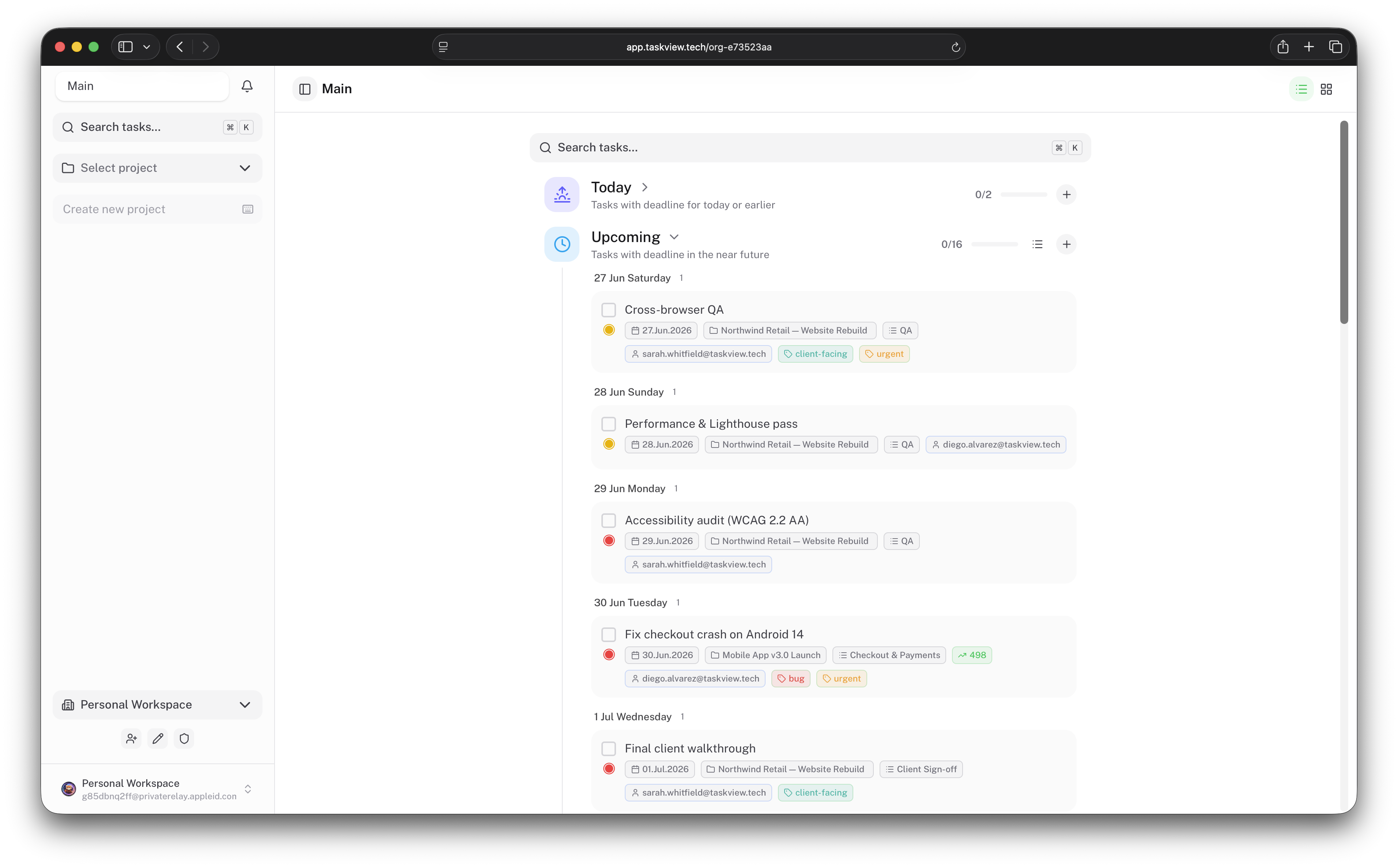
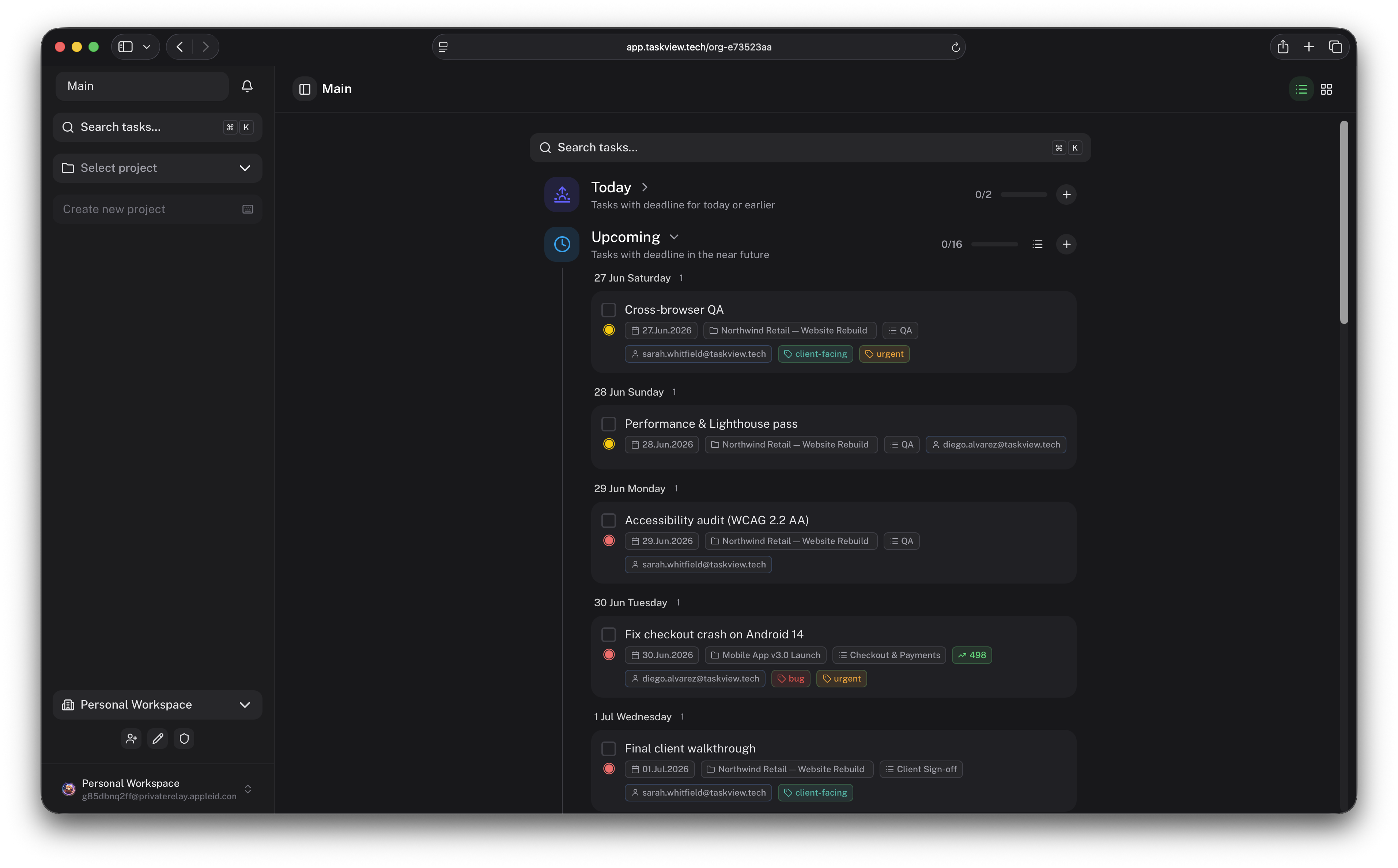
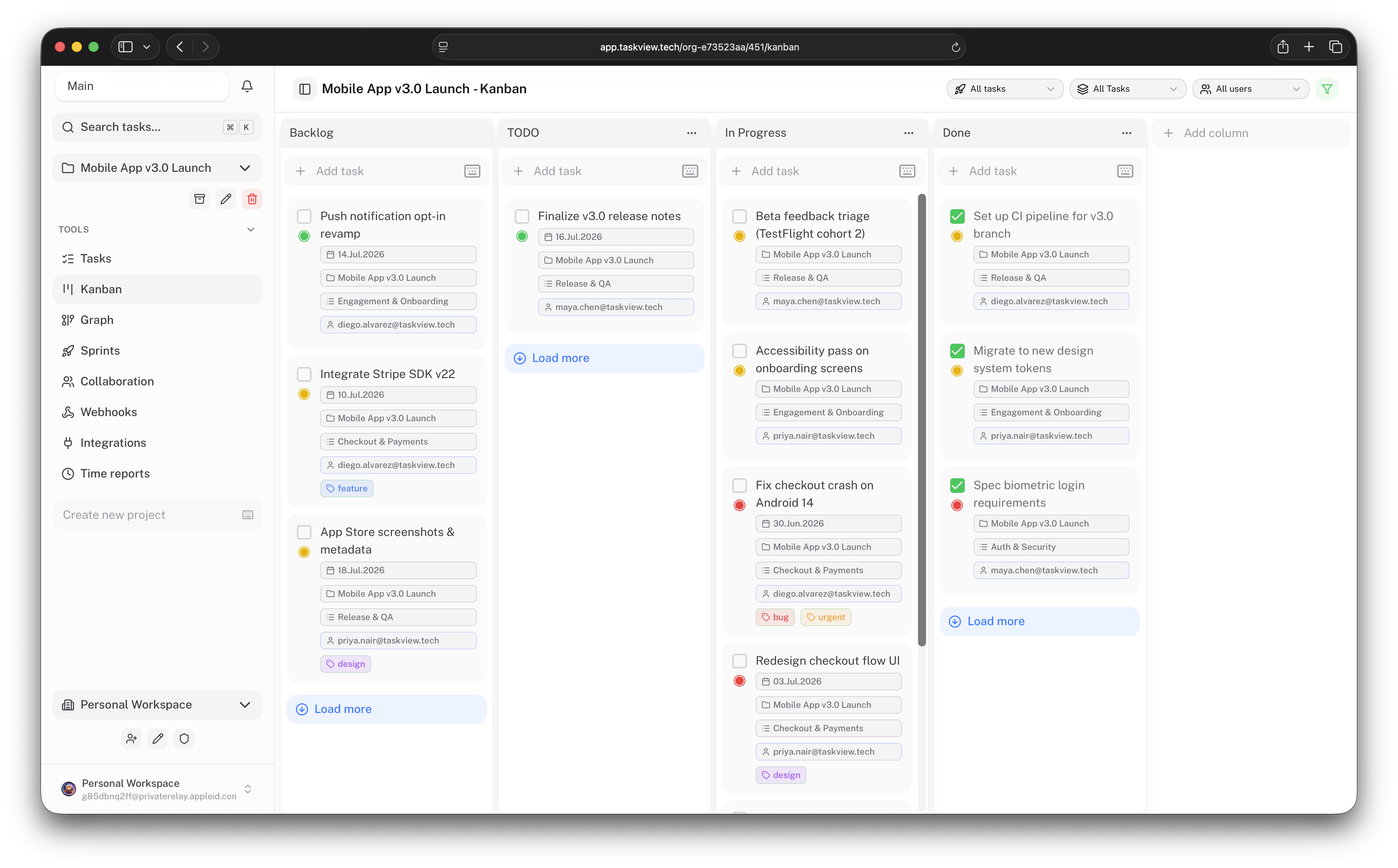
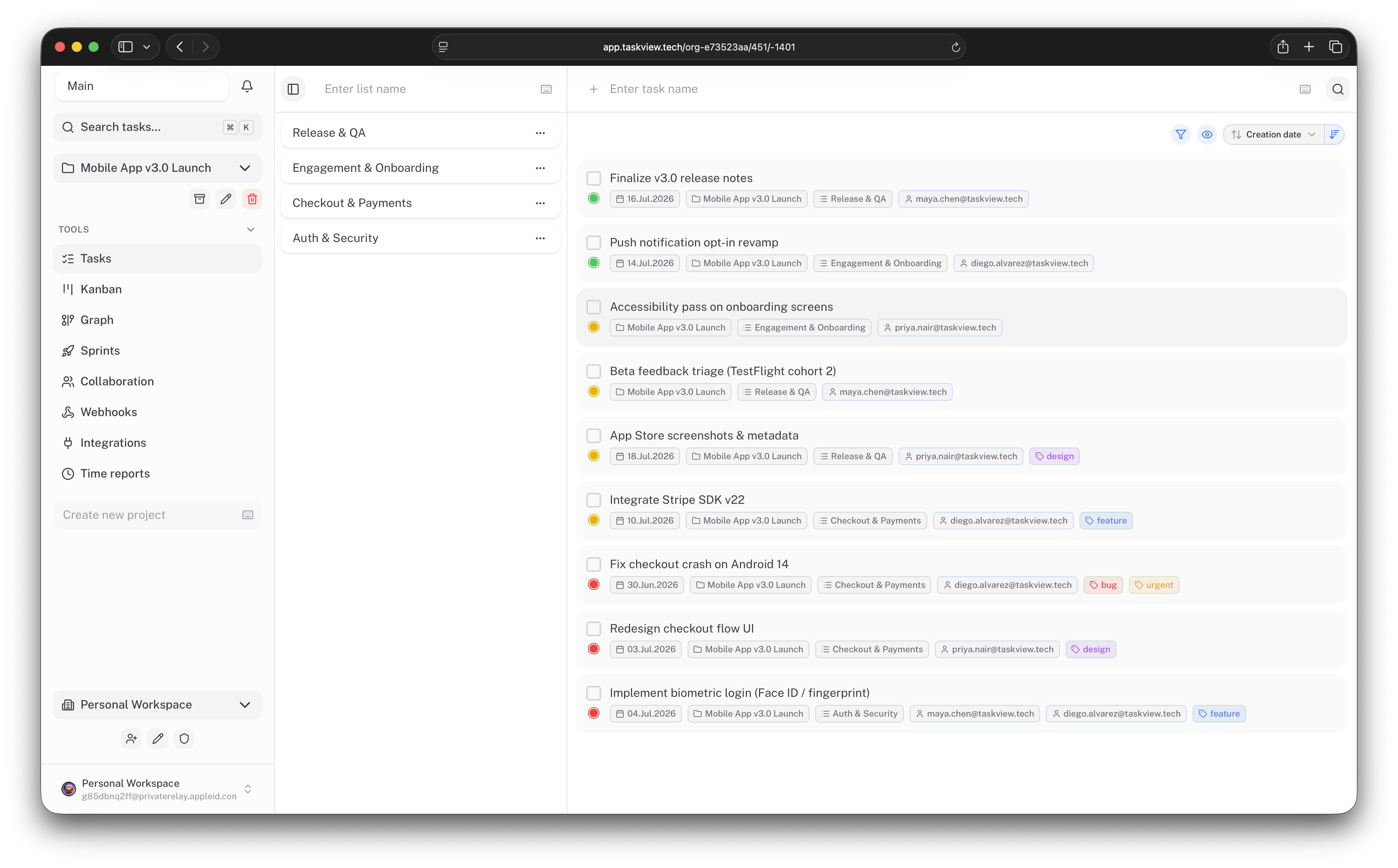
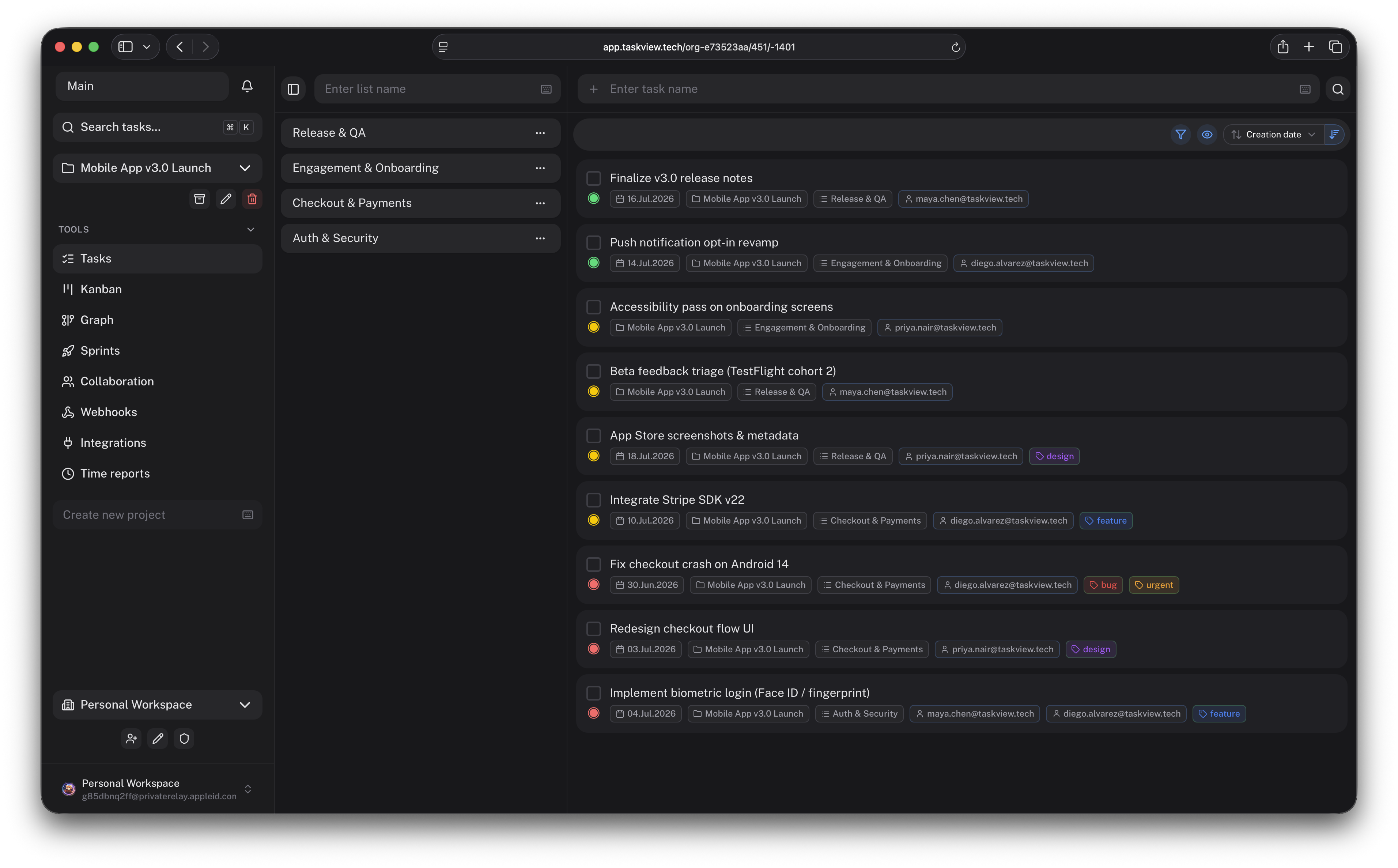
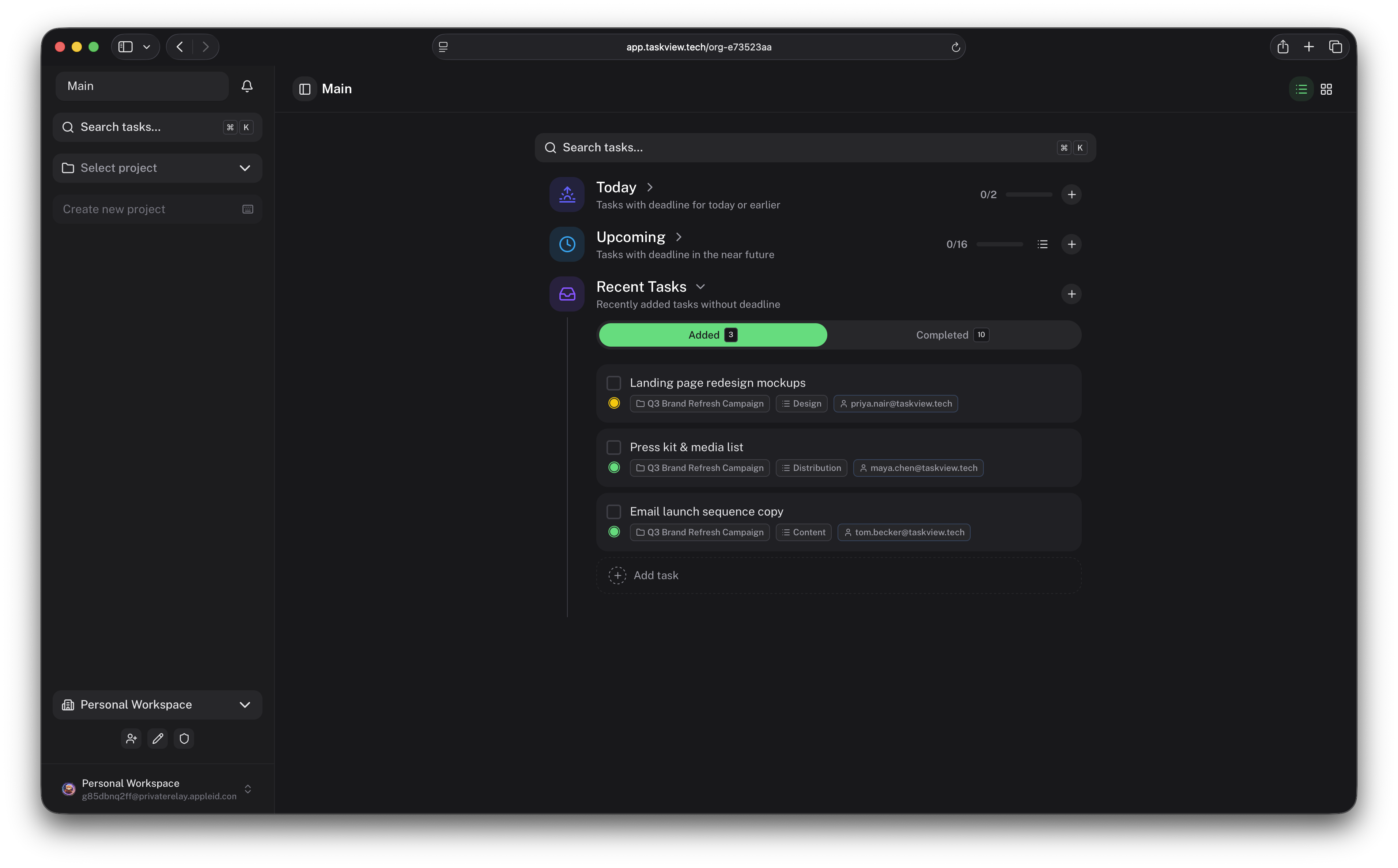
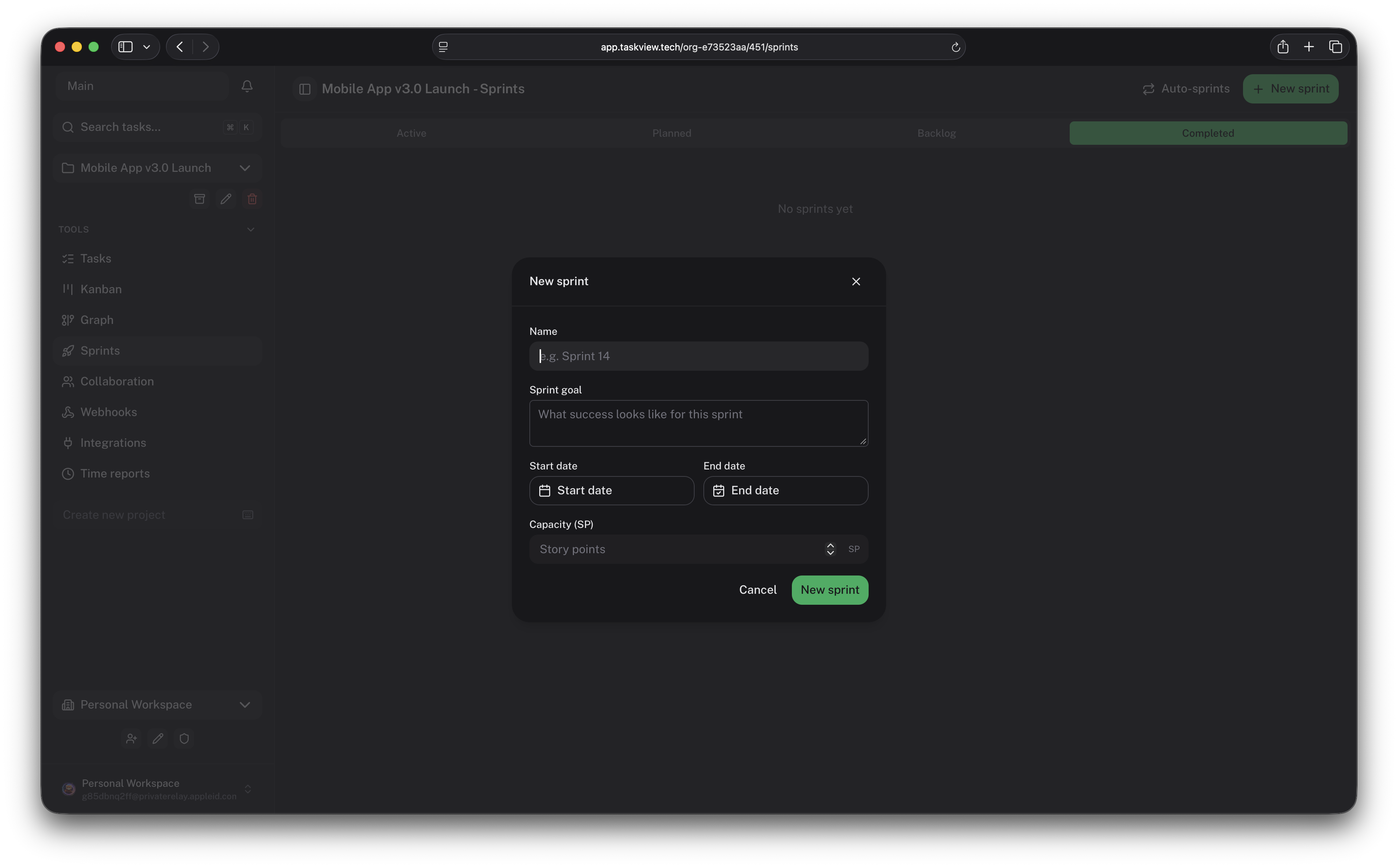
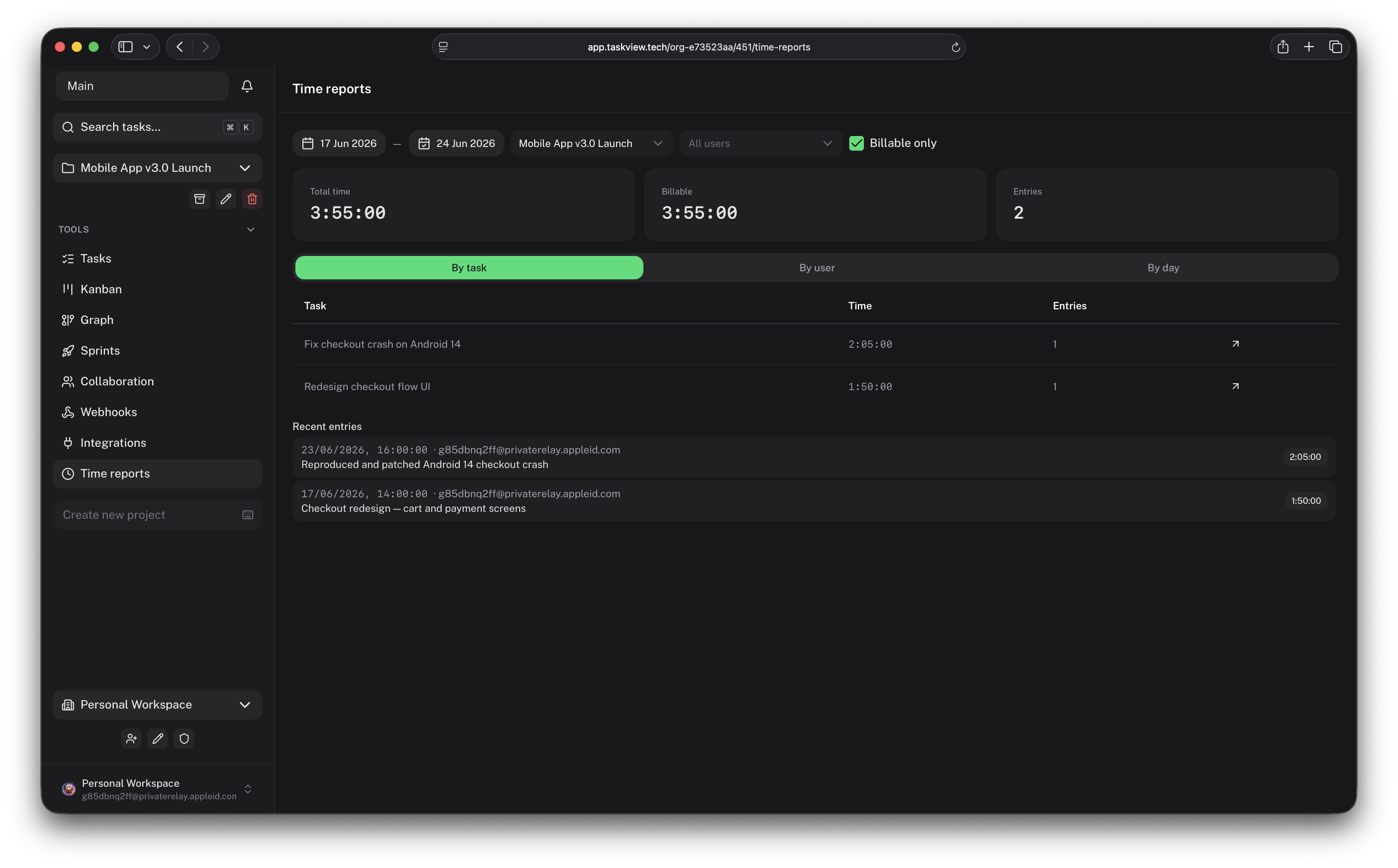
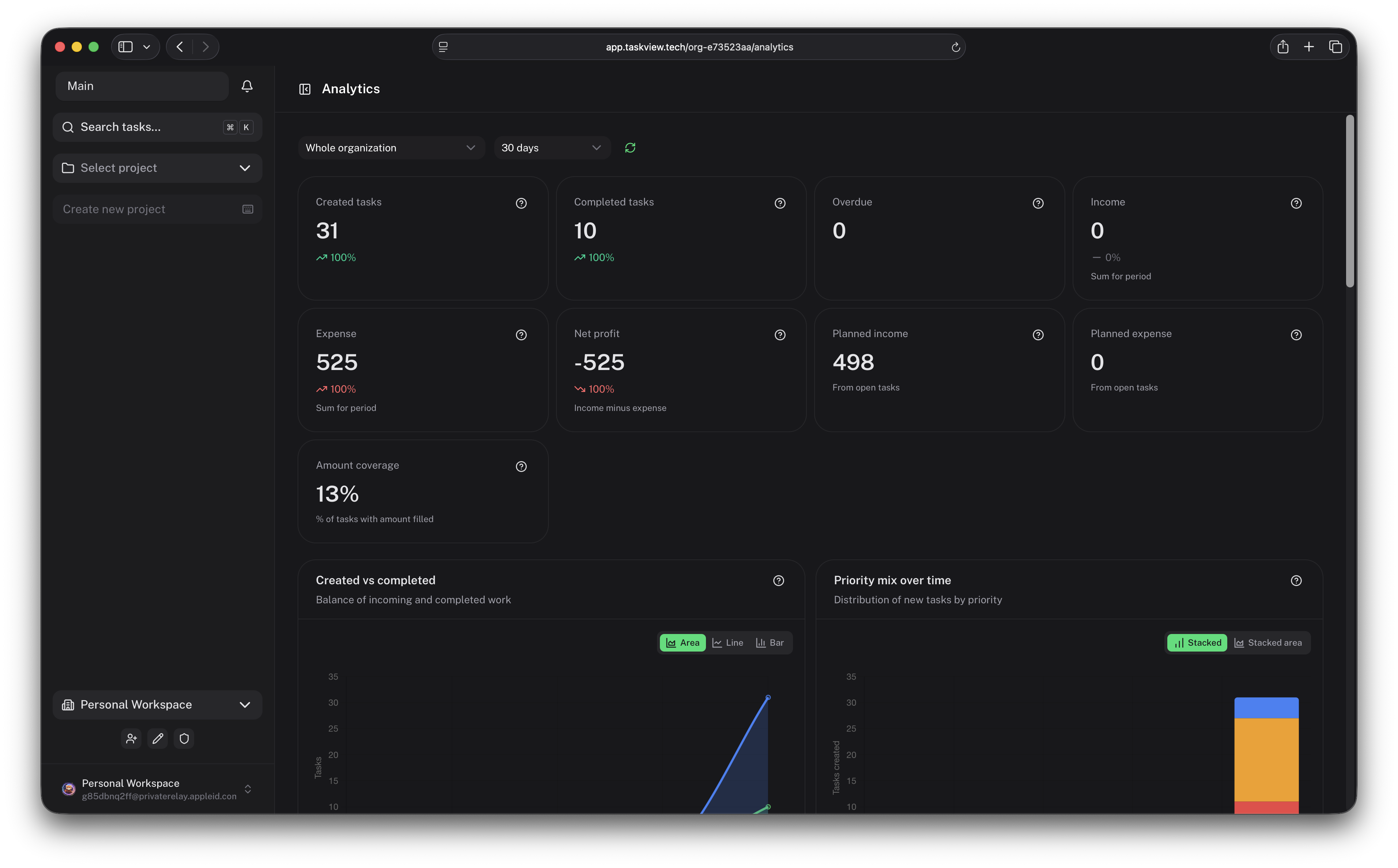
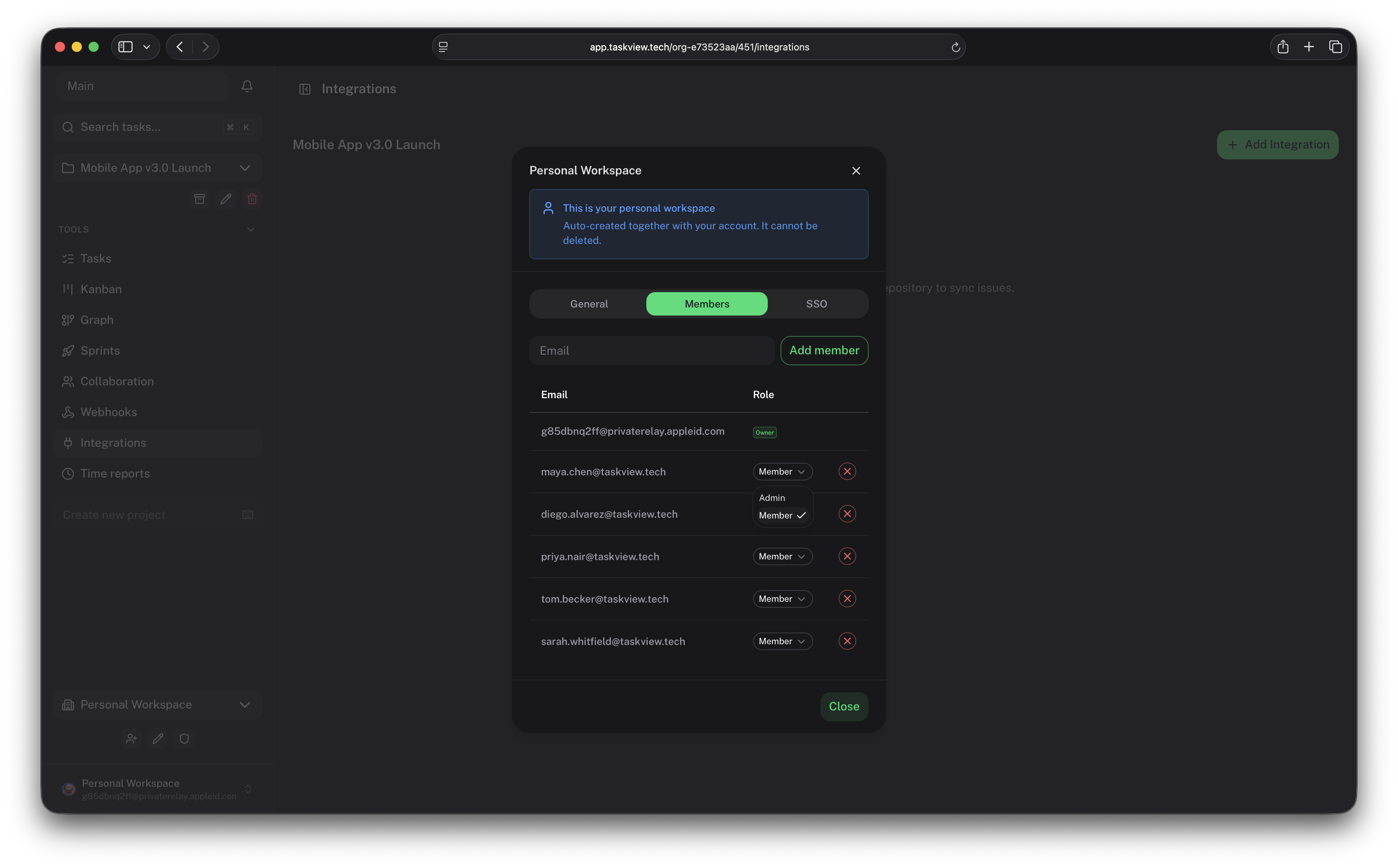
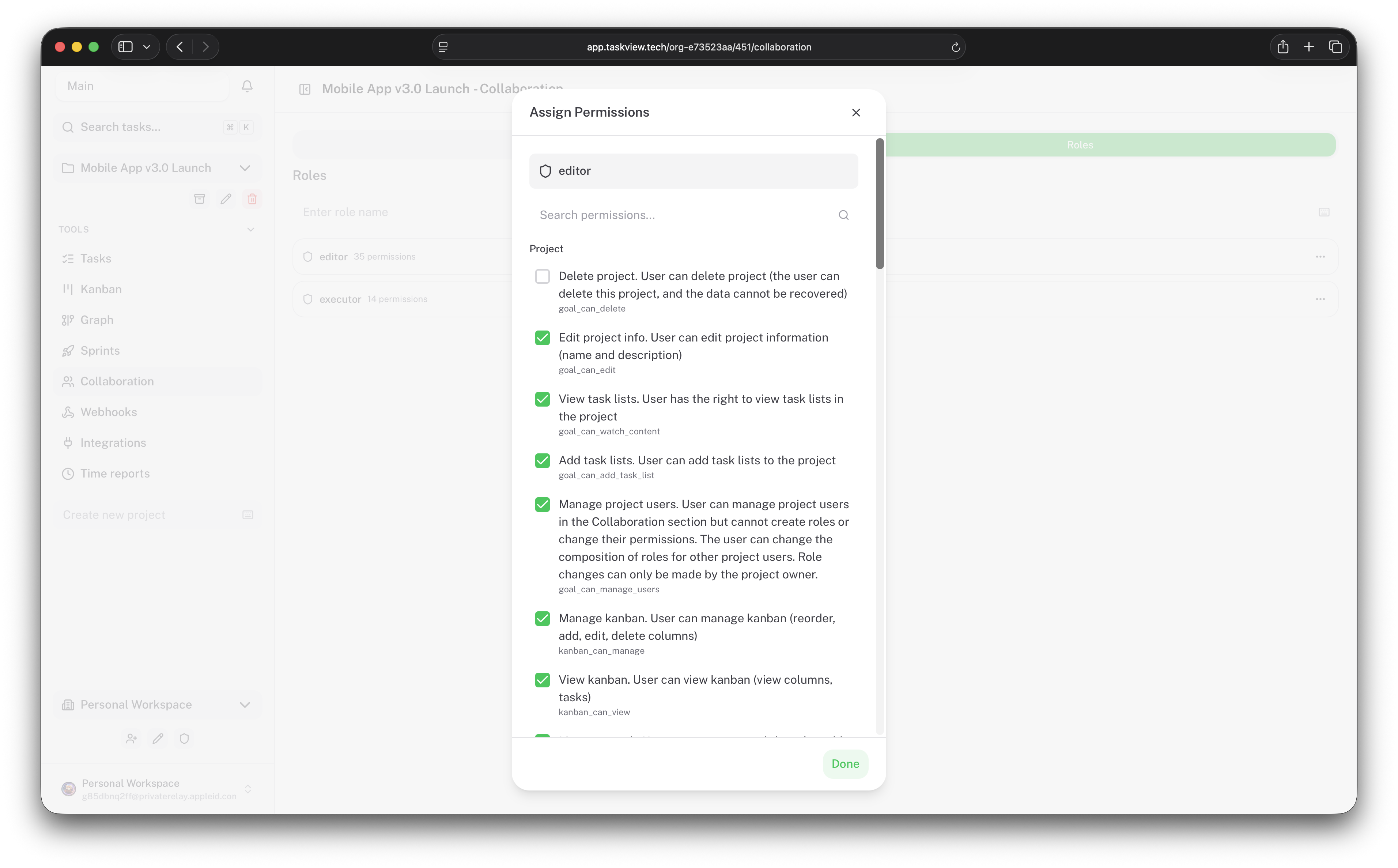
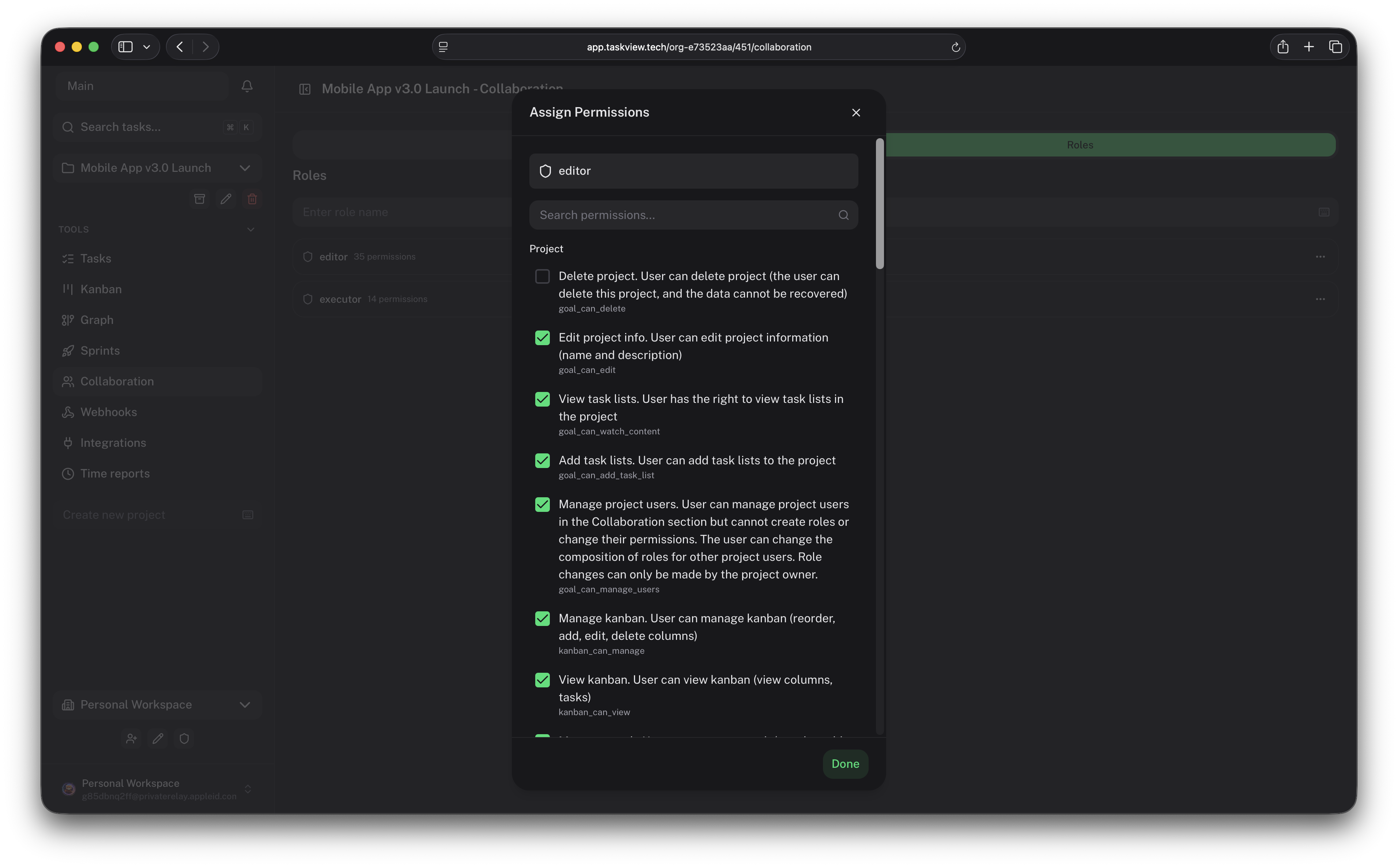
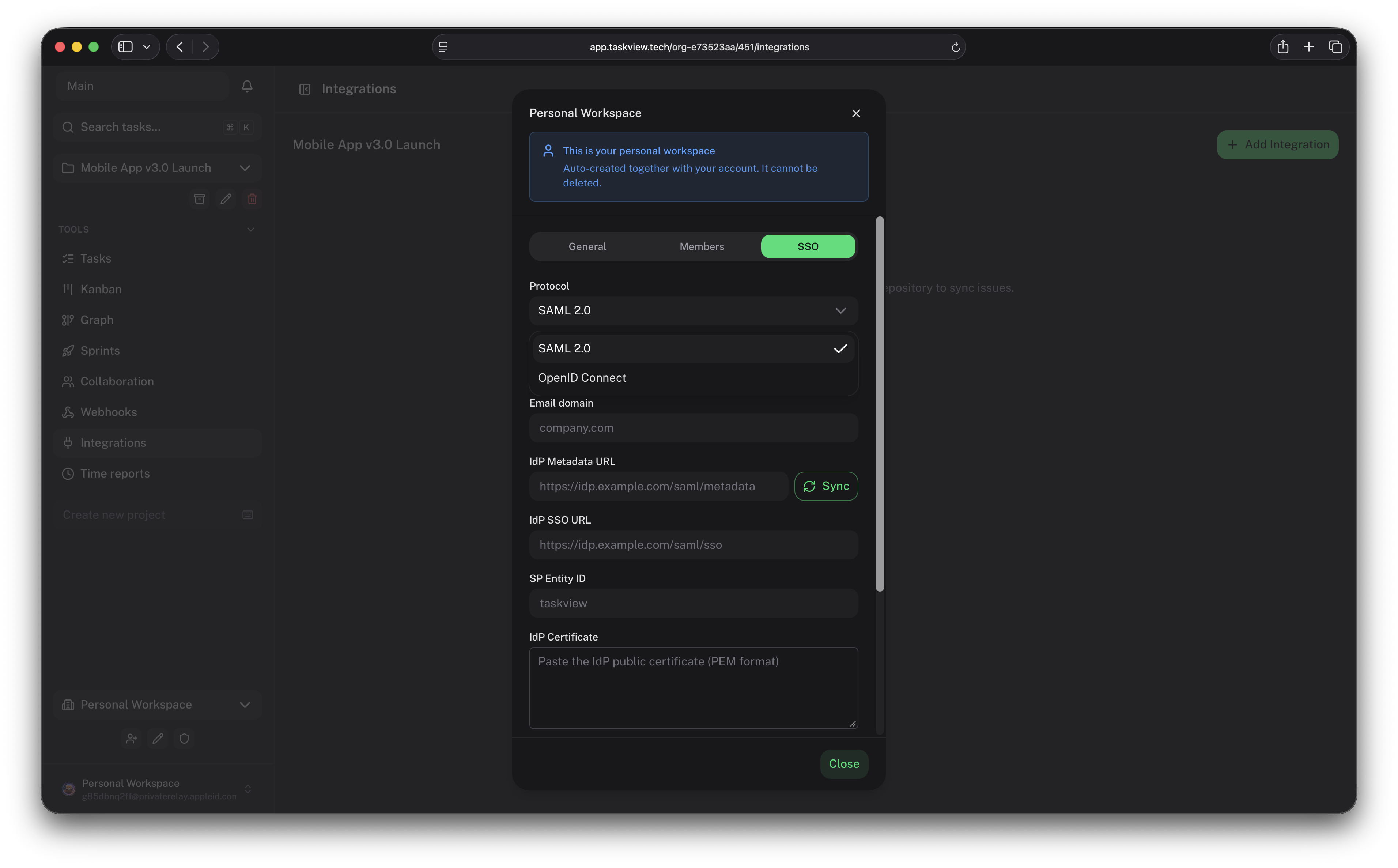
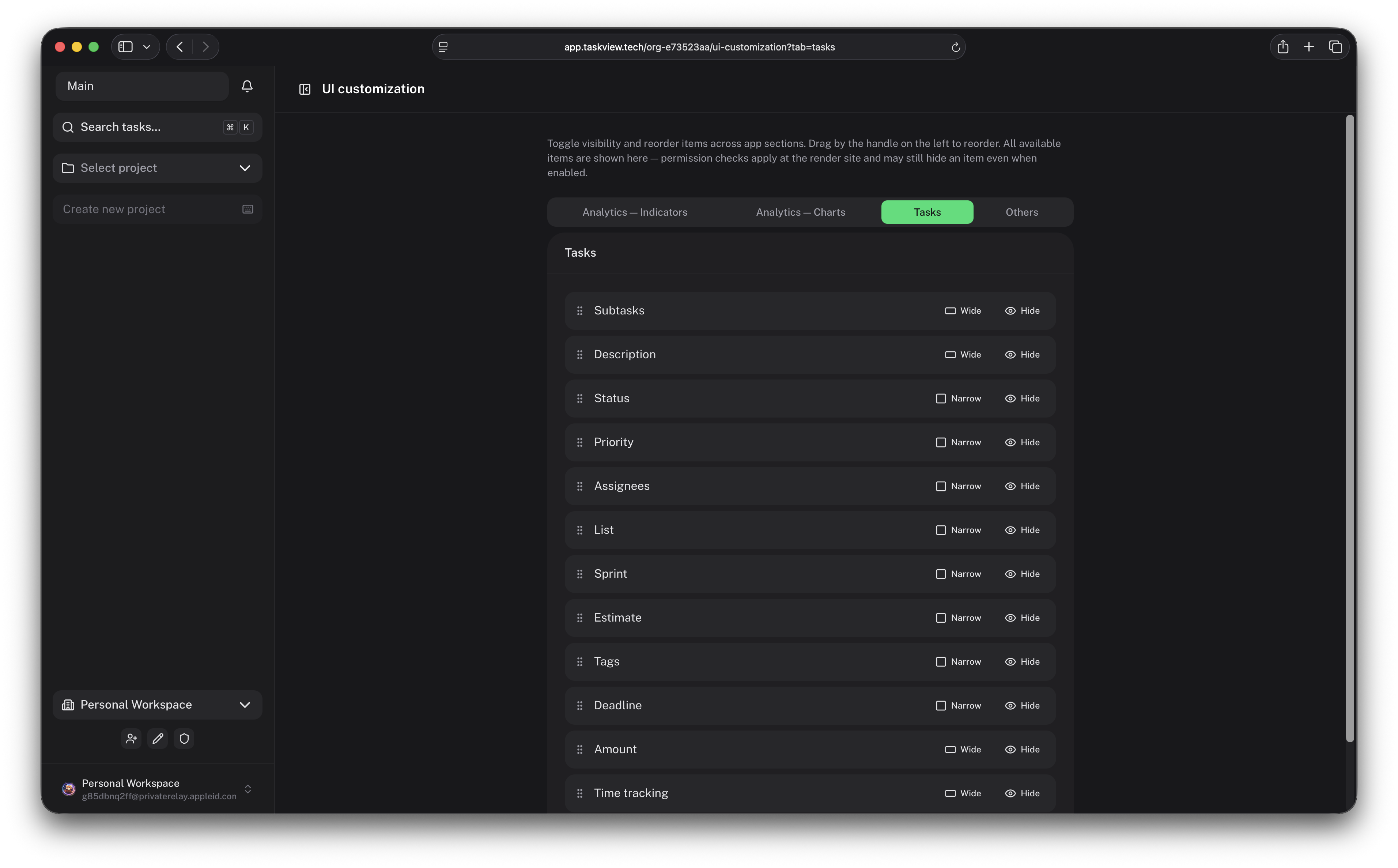
 TaskView is a self-hosted project and task management platform that combines task tracking, custom workflows, developer integrations, analytics, and AI-assisted automation, built for teams that want a transparent alternative to SaaS task managers.
TaskView is a self-hosted project and task management platform that combines task tracking, custom workflows, developer integrations, analytics, and AI-assisted automation, built for teams that want a transparent alternative to SaaS task managers.Is this a hosted SaaS service or something I run on my own servers?It's software you self-host on your own infrastructure (via Docker Compose), not a managed SaaS. A separate 'TaskView Cloud' hosted offering is mentioned on the website, but this repository is for running your own instance.
It's software you self-host on your own infrastructure (via Docker Compose), not a managed SaaS. A separate 'TaskView Cloud' hosted offering is mentioned on the website, but this repository is for running your own instance.How do I get TaskView running?Clone the repository and run it with Docker Compose, which is the recommended deployment method; the self-hosting docs cover environment variables, HTTPS, updates, and backups.
Clone the repository and run it with Docker Compose, which is the recommended deployment method; the self-hosting docs cover environment variables, HTTPS, updates, and backups.What do I need installed to set it up or develop it locally?For production you just need Docker and Docker Compose. For local development of the monorepo you also need PostgreSQL, Bun, and pnpm.
For production you just need Docker and Docker Compose. For local development of the monorepo you also need PostgreSQL, Bun, and pnpm.Can I turn TaskView into my own hosted service and sell it?No. The license lets you self-host, modify, and use it internally, but you can't offer it as a hosted SaaS, sell access to it, or build a competing commercial product from it.
No. The license lets you self-host, modify, and use it internally, but you can't offer it as a hosted SaaS, sell access to it, or build a competing commercial product from it.Can I use TaskView from my phone, or only on the web?TaskView ships web, iOS, and Android applications built from the same monorepo (the mobile apps use Capacitor), in addition to the self-hosted server.
TaskView ships web, iOS, and Android applications built from the same monorepo (the mobile apps use Capacitor), in addition to the self-hosted server.Does TaskView track my project data or show ads?No. There's no advertising or behavioral tracking, since everything runs on infrastructure you control.
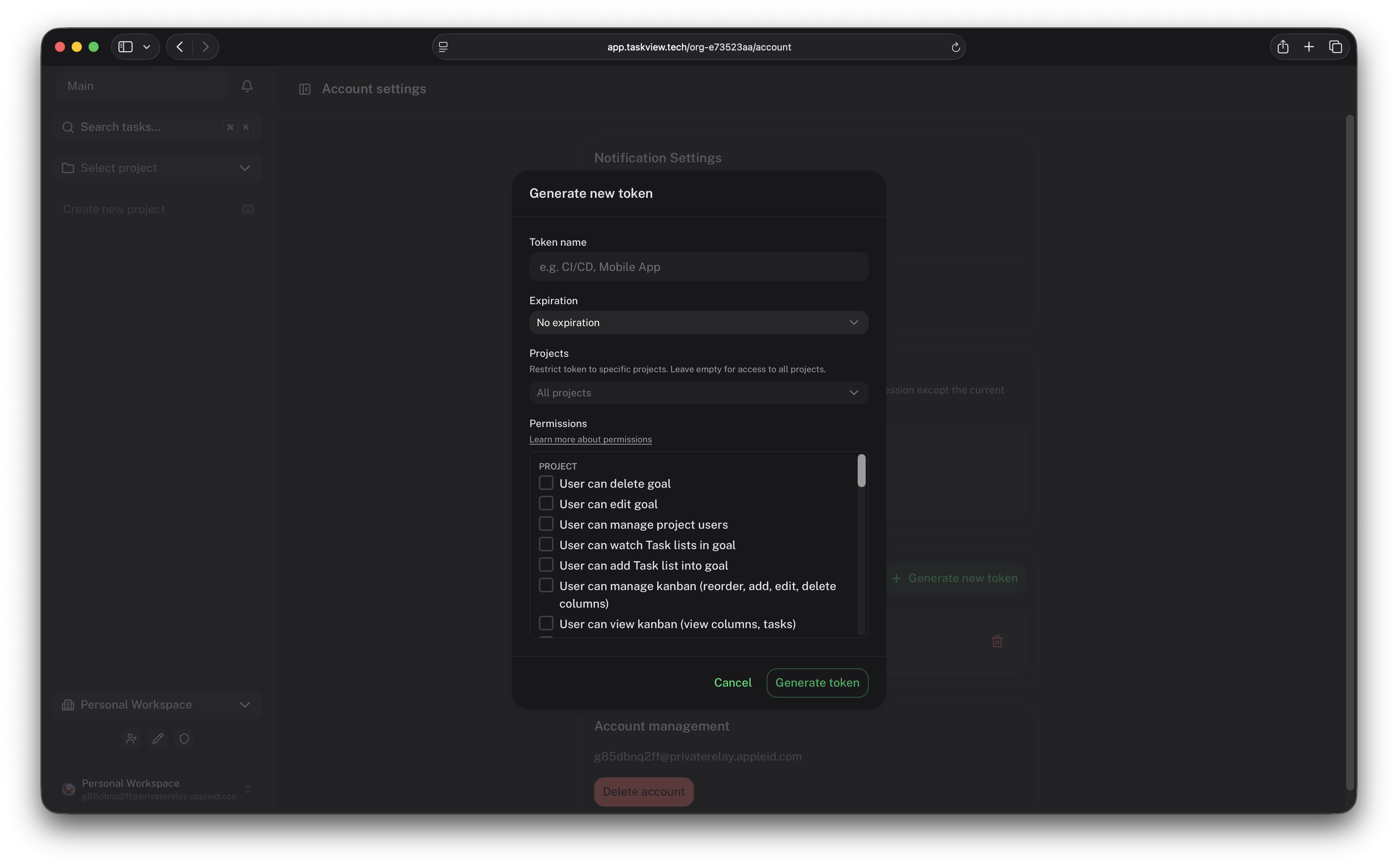
No. There's no advertising or behavioral tracking, since everything runs on infrastructure you control.What can an AI assistant do through TaskView's MCP server?Depending on the API token permissions, it can search and inspect projects, create and update tasks, manage task statuses, work with lists, retrieve task context, and automate repetitive project operations.
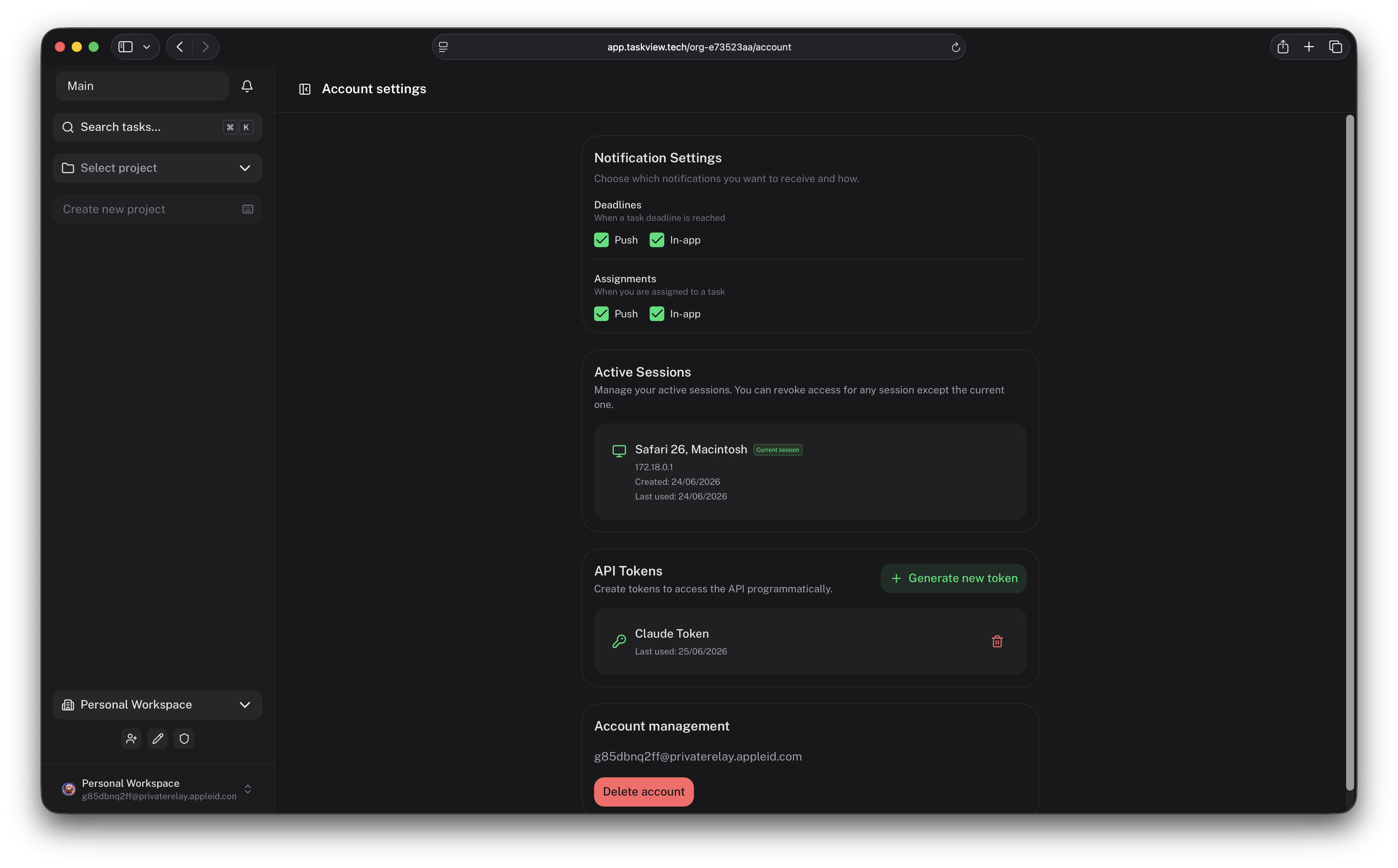
Depending on the API token permissions, it can search and inspect projects, create and update tasks, manage task statuses, work with lists, retrieve task context, and automate repetitive project operations.How do I connect TaskView to Claude Code or Cursor?Run the published 'taskview-mcp' package over stdio with 'npx -y taskview-mcp' (no install needed) and set the TASKVIEW_URL and TASKVIEW_TOKEN environment variables in the client's MCP config; the token needs the 'tvk...' prefix from your account settings.
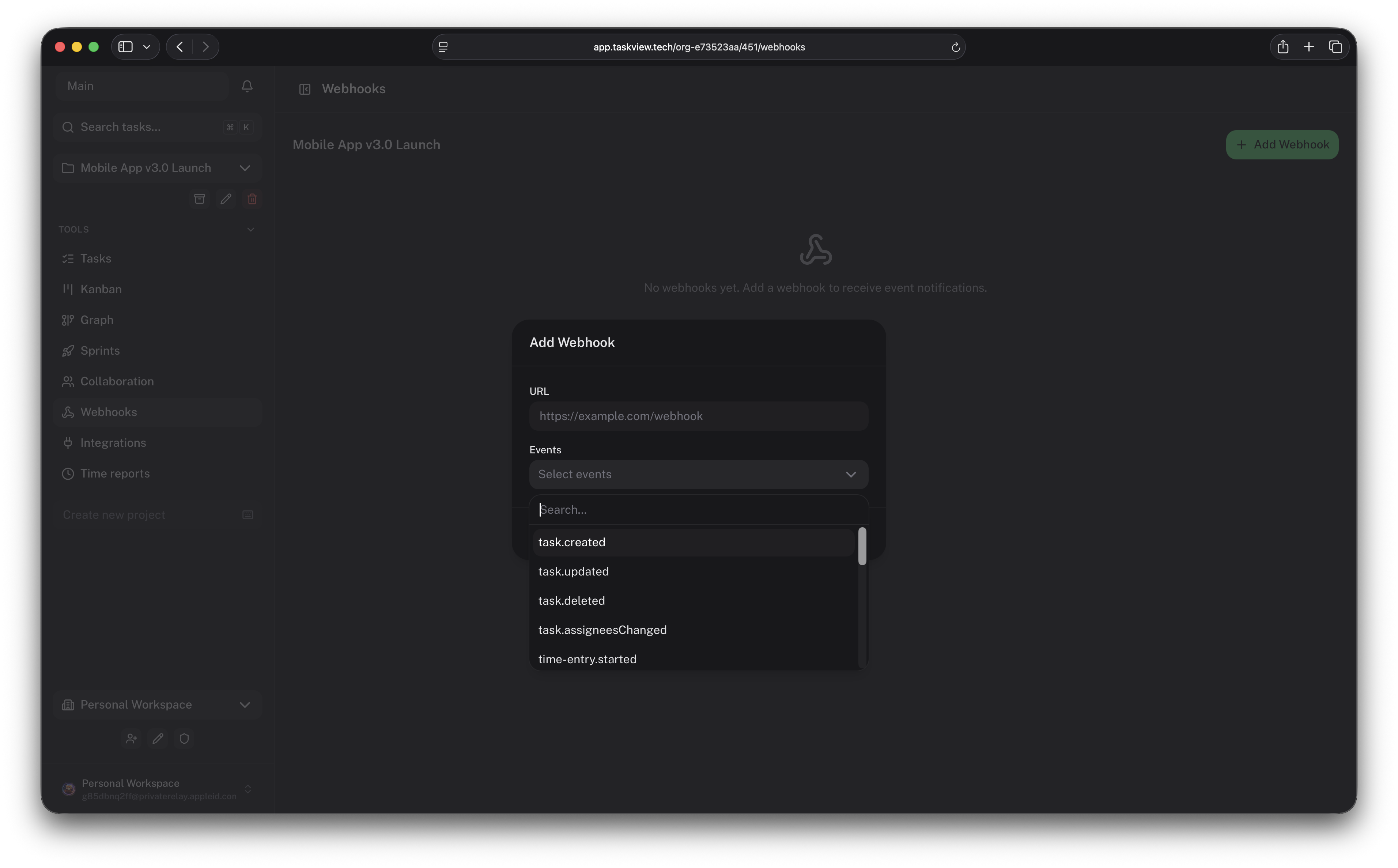
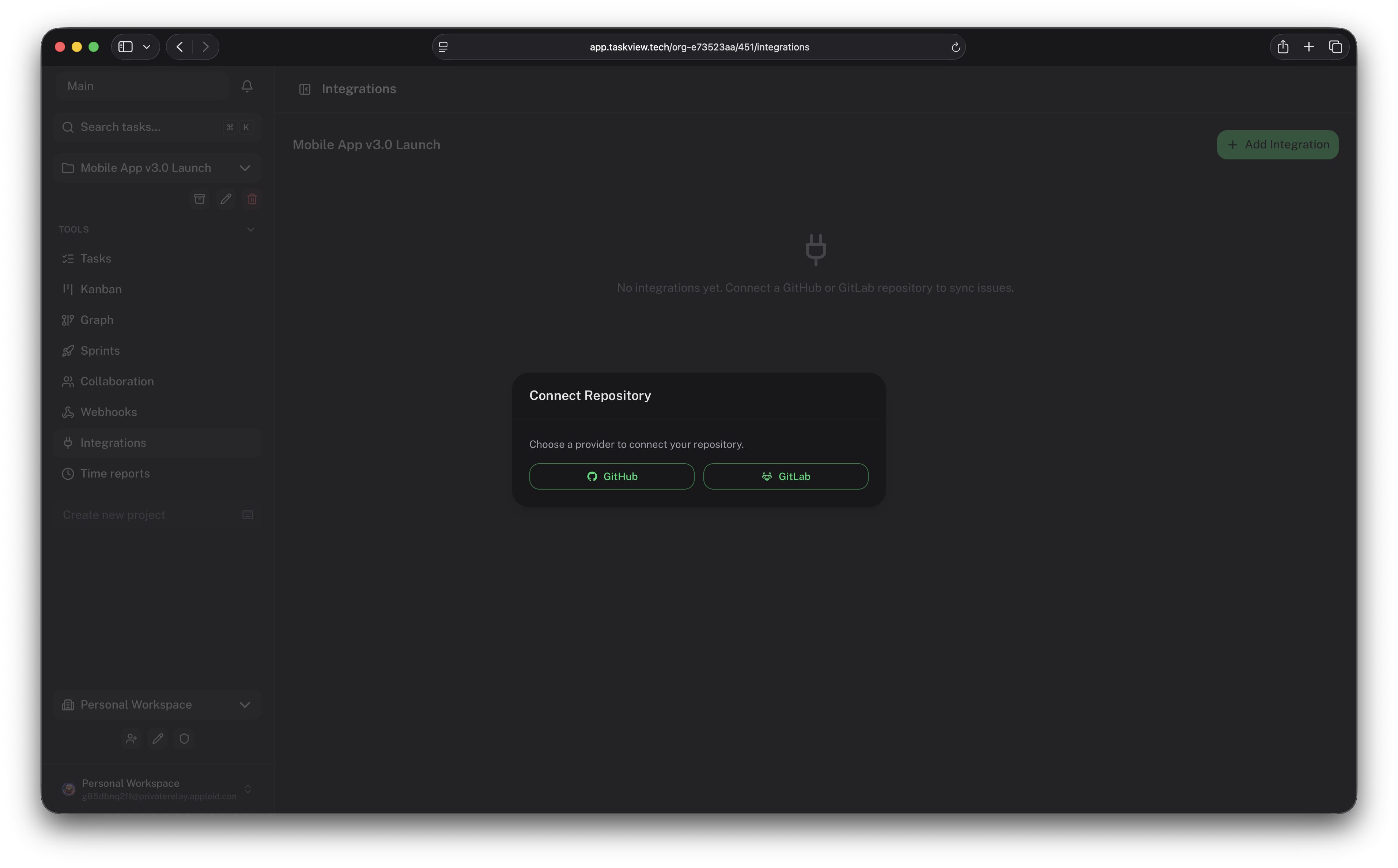
Run the published 'taskview-mcp' package over stdio with 'npx -y taskview-mcp' (no install needed) and set the TASKVIEW_URL and TASKVIEW_TOKEN environment variables in the client's MCP config; the token needs the 'tvk...' prefix from your account settings.Does TaskView integrate with GitHub or GitLab?Yes, it has built-in GitHub and GitLab integrations, signed webhooks, a public HTTP API, and a TypeScript API client for building custom developer integrations.
Yes, it has built-in GitHub and GitLab integrations, signed webhooks, a public HTTP API, and a TypeScript API client for building custom developer integrations.What's the tech stack behind TaskView?The frontend is Vue/Nuxt with Capacitor for mobile, and the backend is Node.js/Express with PostgreSQL and Drizzle ORM, all packaged as Docker images from a monorepo.
The frontend is Vue/Nuxt with Capacitor for mobile, and the backend is Node.js/Express with PostgreSQL and Drizzle ORM, all packaged as Docker images from a monorepo.What are similar projects?rankme.fast, casdoor, planka, Termix, zitadel, wekan, epiq, focalboard
rankme.fast, casdoor, planka, Termix, zitadel, wekan, epiq, focalboardWhich topics is it in?kanban-board, scim, time-tracker, nuxtjs, task-manager, task, saml, drizzle-orm, project-management, oidc, task-management, ios-app
kanban-board, scim, time-tracker, nuxtjs, task-manager, task, saml, drizzle-orm, project-management, oidc, task-management, ios-app