


2.9K ·GitHub
What is this?
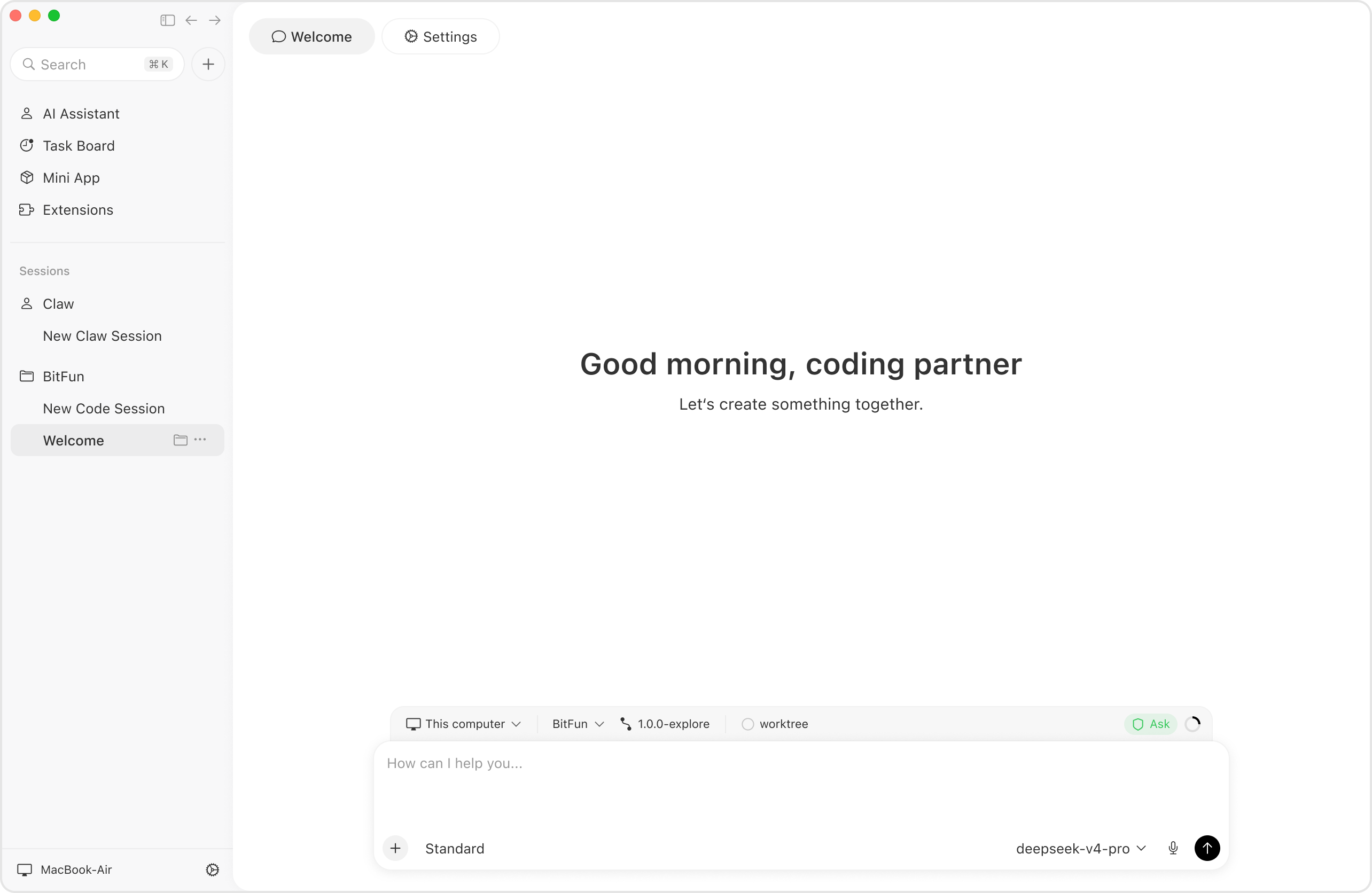
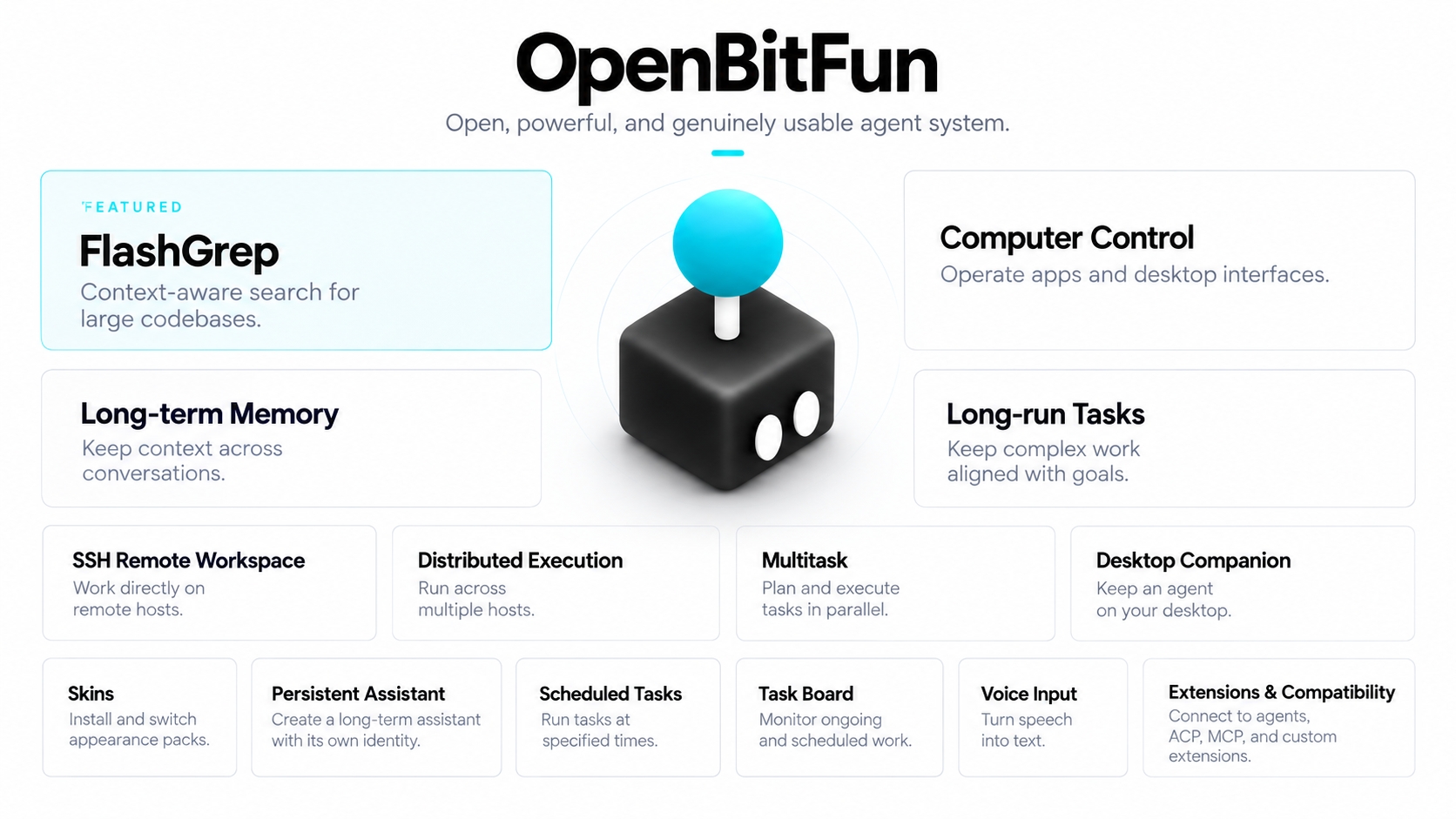
 OpenBitFun is an open-source, highly customizable agent workspace built around a Rust-based agent runtime and a desktop app, meant for general work beyond just software development.
OpenBitFun is an open-source, highly customizable agent workspace built around a Rust-based agent runtime and a desktop app, meant for general work beyond just software development.Is this a full desktop app or just a runtime library?It's a complete workspace: a Rust agent runtime plus a desktop app and CLI that share the same execution capabilities, not a library you import into another project.
It's a complete workspace: a Rust agent runtime plus a desktop app and CLI that share the same execution capabilities, not a library you import into another project.How do I get it running?Download the Windows, macOS, or Linux package from the official download page, install it, configure a model, and open a workspace.
Download the Windows, macOS, or Linux package from the official download page, install it, configure a model, and open a workspace.Does upgrading from the old 0.2.x release just work?No, 1.0.0 is not data-compatible with legacy 0.2.x, so you need the OpenBitFun Data Tools to migrate, and those currently only support stable releases 0.2.17-0.2.19.
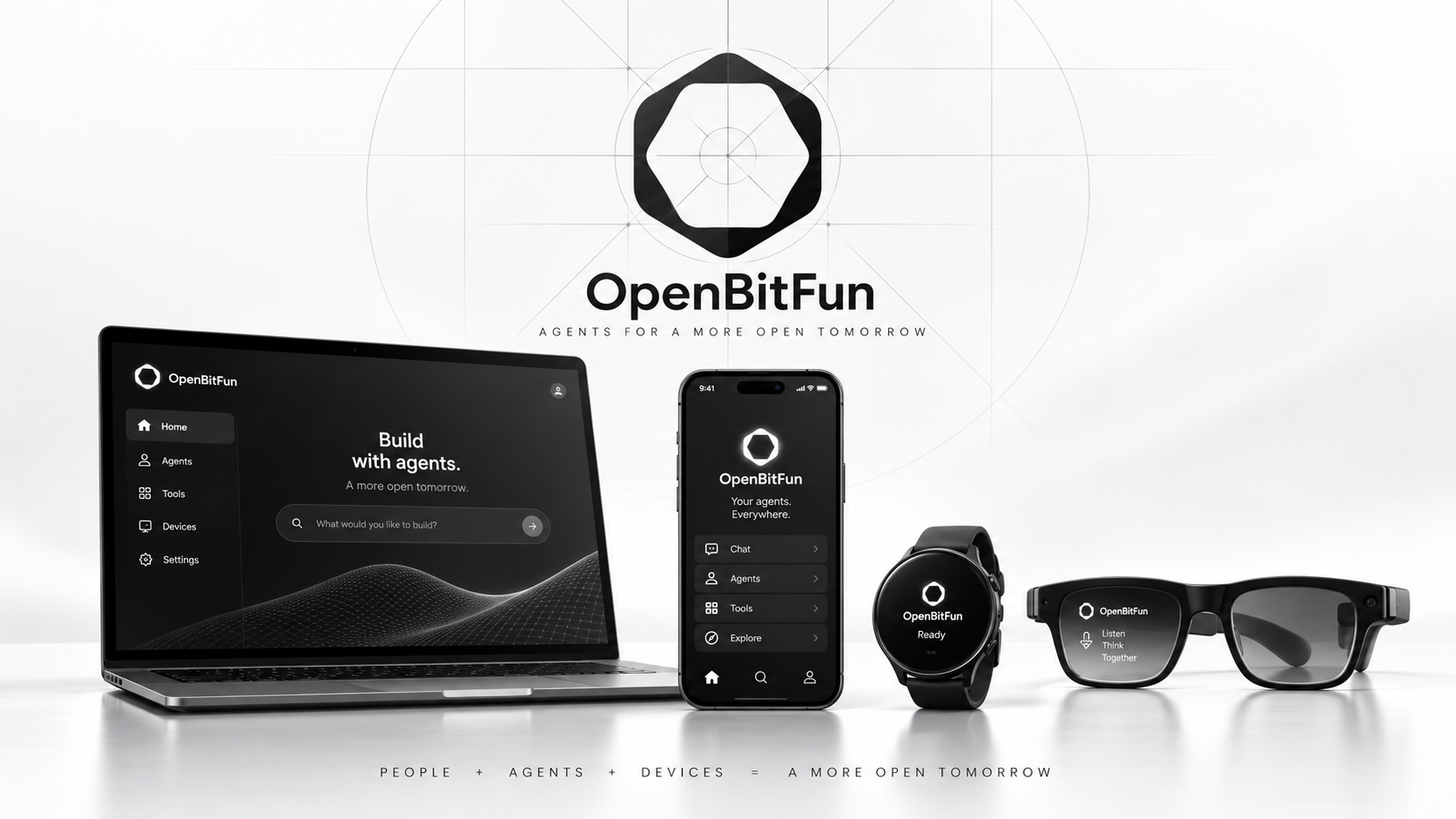
No, 1.0.0 is not data-compatible with legacy 0.2.x, so you need the OpenBitFun Data Tools to migrate, and those currently only support stable releases 0.2.17-0.2.19.Can I keep working on the same task from my phone or a browser?Yes, you can start a task on desktop and continue it from a mobile device or a browser; the work keeps running on whichever device is executing it, with cross-device sync handled by a Relay server you deploy yourself.
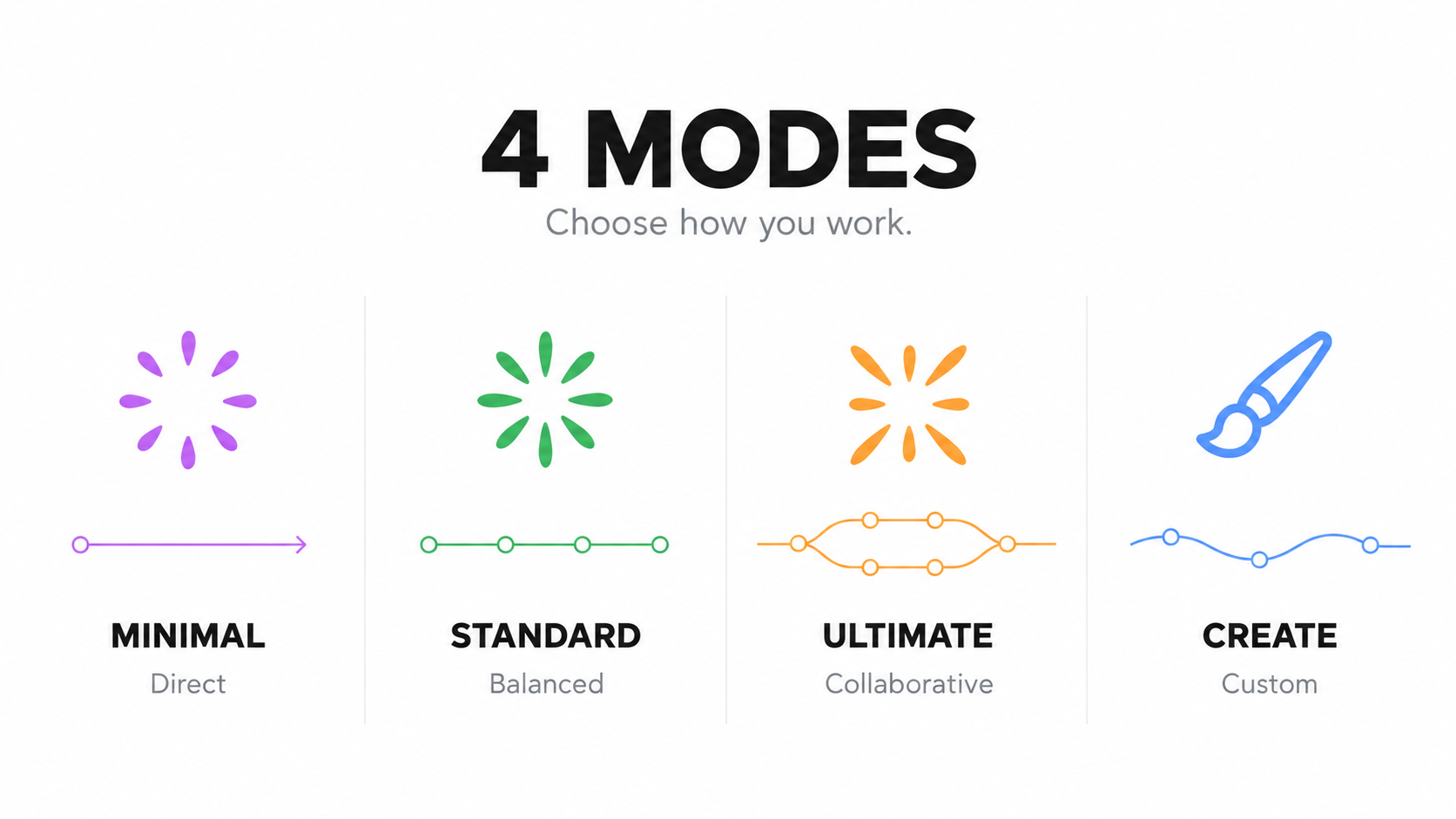
Yes, you can start a task on desktop and continue it from a mobile device or a browser; the work keeps running on whichever device is executing it, with cross-device sync handled by a Relay server you deploy yourself.What do the four Agent Harness modes do?Minimal handles quick direct collaboration, Standard breaks everyday multi-step tasks into plan-work-check cycles, Ultimate splits complex problems across multiple agents, and Creative is for building Mini Apps and customizing the workspace itself.
Minimal handles quick direct collaboration, Standard breaks everyday multi-step tasks into plan-work-check cycles, Ultimate splits complex problems across multiple agents, and Creative is for building Mini Apps and customizing the workspace itself.What is a Mini App?A Mini App pairs a small dedicated interface with an agent conversation, so you describe a need (like a Git insights panel), the agent builds a tool, and you keep refining it through chat; you can reuse your own apps or browse the Mini App Marketplace.
A Mini App pairs a small dedicated interface with an agent conversation, so you describe a need (like a Git insights panel), the agent builds a tool, and you keep refining it through chat; you can reuse your own apps or browse the Mini App Marketplace.How well does it perform on coding benchmarks?In a DeepSWE v1.1 evaluation, OpenBitFun scored a 64.6% pass rate with GLM-5.3-Flash (42.9 min median runtime) and a 56.6% pass rate with DeepSeek-V4-Flash (19.6 min median runtime).
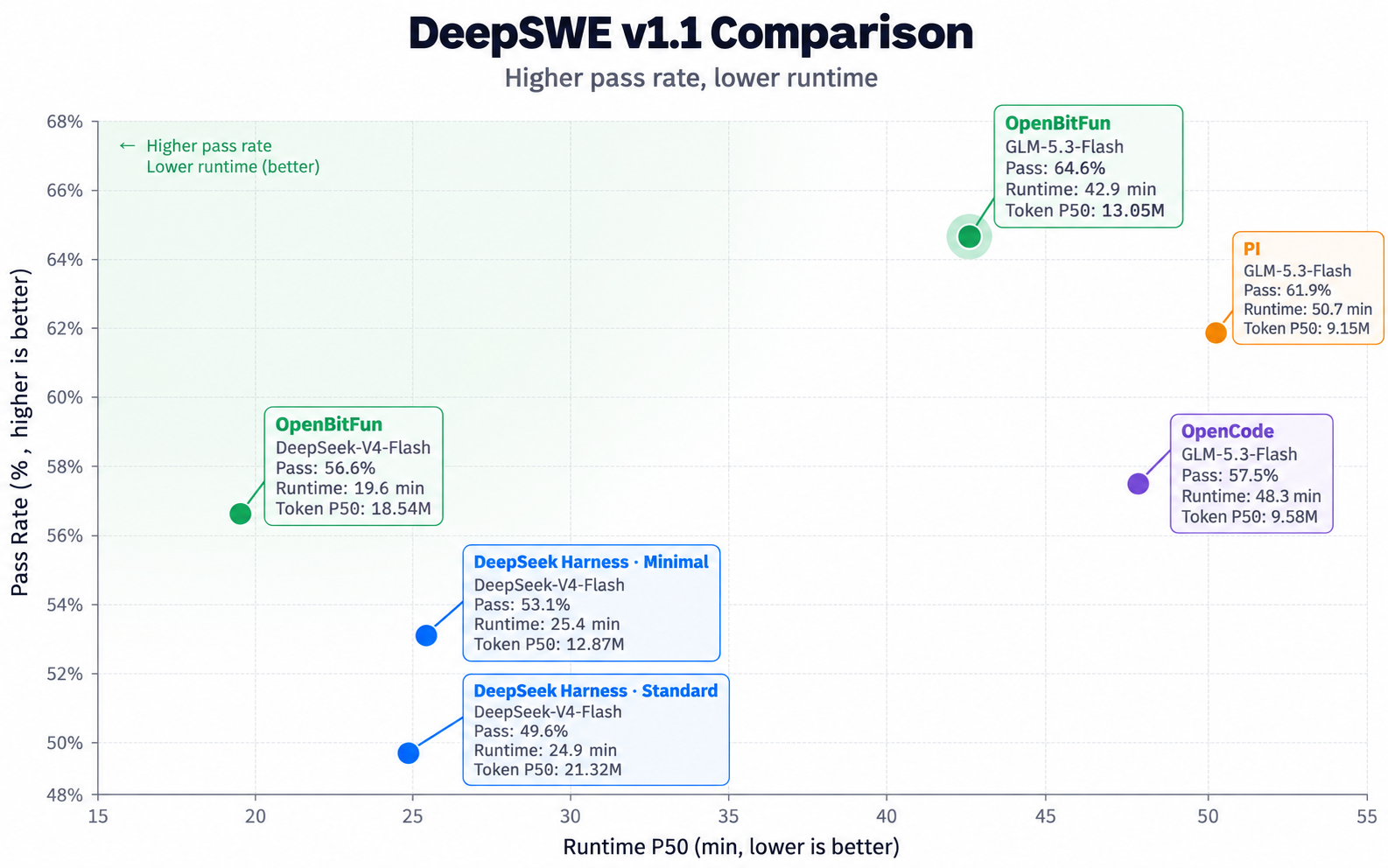
In a DeepSWE v1.1 evaluation, OpenBitFun scored a 64.6% pass rate with GLM-5.3-Flash (42.9 min median runtime) and a 56.6% pass rate with DeepSeek-V4-Flash (19.6 min median runtime).Can I customize or extend OpenBitFun itself?Yes, you can build specialist agents, connect tools via MCP, turn workflows into Skills, use Hooks, install UI skins, or even ask OpenBitFun's own Code Agent to modify its interface and runtime source.
Yes, you can build specialist agents, connect tools via MCP, turn workflows into Skills, use Hooks, install UI skins, or even ask OpenBitFun's own Code Agent to modify its interface and runtime source.What are similar projects?qwen-code, Baize, mindshub, openpencil, deepseek-harness-desktop, dsh_desktop, brigade, golutra
qwen-code, Baize, mindshub, openpencil, deepseek-harness-desktop, dsh_desktop, brigade, golutraWhich topics is it in?ai-sdk, computer-use-agent, glm, vibe-coding, agentic, ai-coding, tauri, openclaw, dsh-plugin, deepseek, multi-agent, benchmark
ai-sdk, computer-use-agent, glm, vibe-coding, agentic, ai-coding, tauri, openclaw, dsh-plugin, deepseek, multi-agent, benchmark