




这是什么?
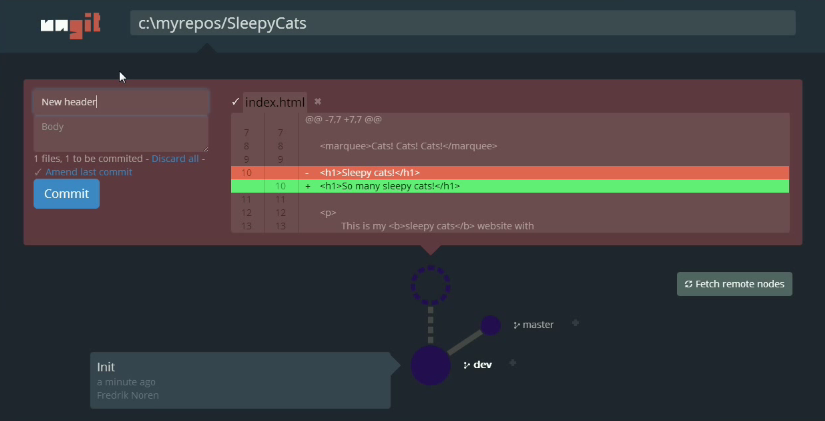
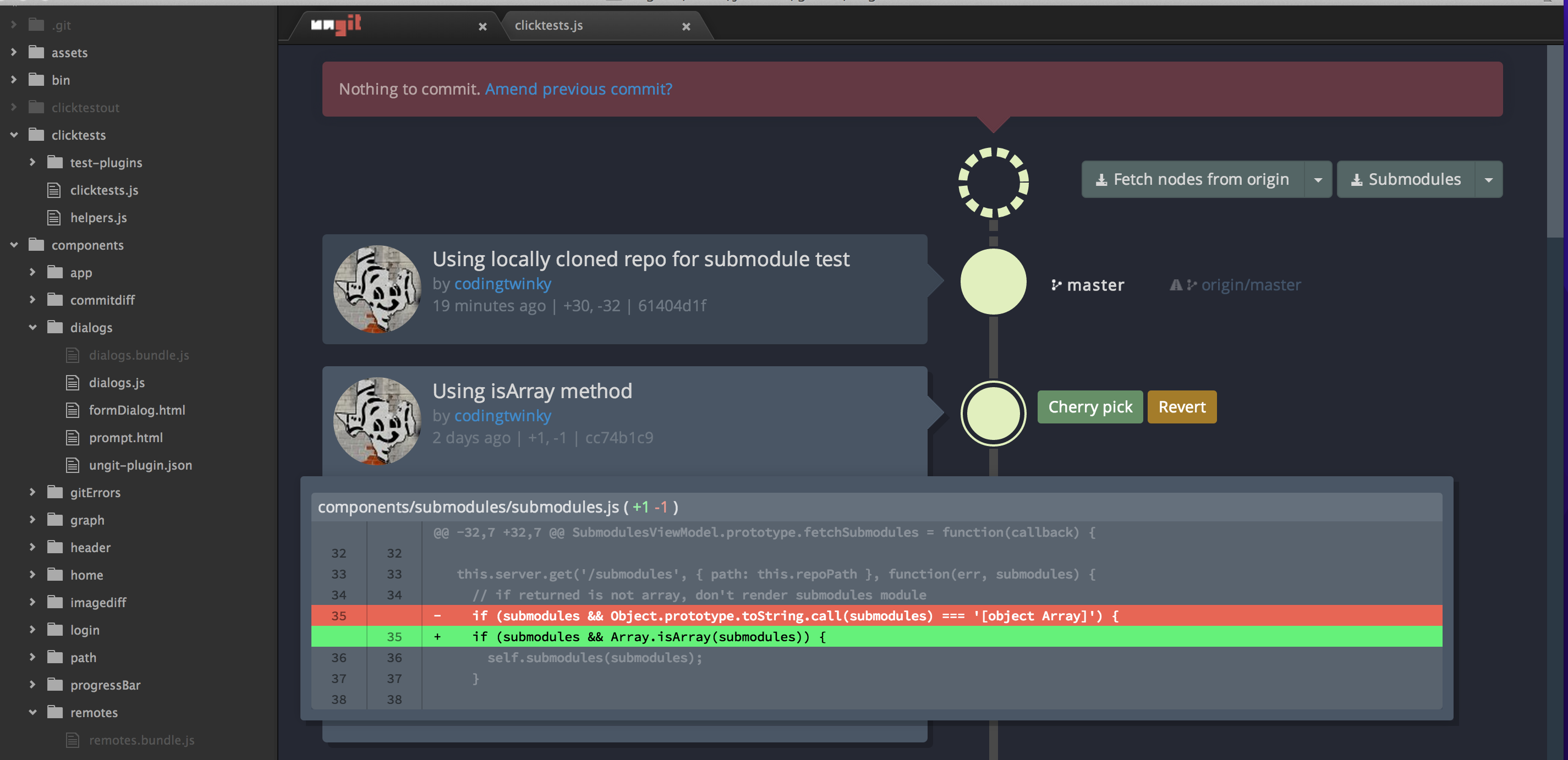
 Ungit 是一个免费的基于网页的 git 图形界面——一个在浏览器里使用的可视化客户端,不用背命令就能操作 git。它的口号是:“最简单的 git 使用方式。任何平台。任何地方。”
Ungit 是一个免费的基于网页的 git 图形界面——一个在浏览器里使用的可视化客户端,不用背命令就能操作 git。它的口号是:“最简单的 git 使用方式。任何平台。任何地方。”那这是个桌面应用,还是跑在浏览器里的?它跑在浏览器里:运行 'ungit' 会启动一个本地服务器,并在浏览器标签页中打开界面。如果你更喜欢独立的桌面应用,也有预构建的 Electron 安装包可用。
它跑在浏览器里:运行 'ungit' 会启动一个本地服务器,并在浏览器标签页中打开界面。如果你更喜欢独立的桌面应用,也有预构建的 Electron 安装包可用。我怎么把它跑起来?先用 'npm install -g ungit' 全局安装(如果你的系统安装全局 npm 包需要 root 权限,就在前面加 'sudo -H'),然后在任意仓库目录里输入 'ungit'——服务器启动,界面会自动在你的浏览器中打开。
先用 'npm install -g ungit' 全局安装(如果你的系统安装全局 npm 包需要 root 权限,就在前面加 'sudo -H'),然后在任意仓库目录里输入 'ungit'——服务器启动,界面会自动在你的浏览器中打开。开始之前我的电脑上需要装什么?需要 node.js(≥ 20.19.0)、npm(≥ 10.8.2,随 node 一起附带)和 git(≥ 2.34.x)。即使是预构建的 Electron 安装包,也仍然需要安装 git。
需要 node.js(≥ 20.19.0)、npm(≥ 10.8.2,随 node 一起附带)和 git(≥ 2.34.x)。即使是预构建的 Electron 安装包,也仍然需要安装 git。它是不是一直都能正常用,还是有什么坑?有几个已知的坑:uBlock 之类的广告拦截器可能会拦截它对 localhost 的 API 请求(需要把 ungit 的端口加入白名单);另外 git 的输出必须是英文,否则解析仓库状态时会出错。
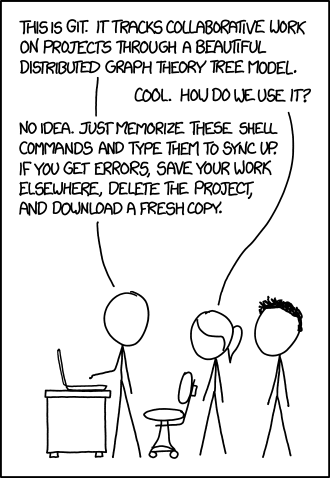
有几个已知的坑:uBlock 之类的广告拦截器可能会拦截它对 localhost 的 API 请求(需要把 ungit 的端口加入白名单);另外 git 的输出必须是英文,否则解析仓库状态时会出错。它是给谁用的——git 新手,还是天天泡在终端里的老手?主要面向觉得 git 学习曲线陡峭的人:README 的定位是在不牺牲 git 任何灵活性的前提下,让它变得更易用。
主要面向觉得 git 学习曲线陡峭的人:README 的定位是在不牺牲 git 任何灵活性的前提下,让它变得更易用。它是不是绑定某个特定的操作系统?不是——凡是 node.js 和 git 支持的平台都能运行,所以 Windows、macOS 和 Linux 都没问题。由于界面是浏览器页面,操作系统主要影响的是安装 node 和 git 这一步。
不是——凡是 node.js 和 git 支持的平台都能运行,所以 Windows、macOS 和 Linux 都没问题。由于界面是浏览器页面,操作系统主要影响的是安装 node 和 git 这一步。我的项目在远程服务器上,还能用它吗?可以,这正是它的招牌功能之一:在云服务器或纯命令行的机器上运行 ungit,然后用你自己的浏览器访问界面。端口等设置可以放在 .ungitrc 文件里,或者用 --port=8080 这样的启动参数指定。
可以,这正是它的招牌功能之一:在云服务器或纯命令行的机器上运行 ungit,然后用你自己的浏览器访问界面。端口等设置可以放在 .ungitrc 文件里,或者用 --port=8080 这样的启动参数指定。它是免费开源的吗?采用 MIT 许可证,免费使用。它曾短暂尝试过 Faircode 模式,但正如 README 所说,ungit 现在重新回到了 MIT 许可证。
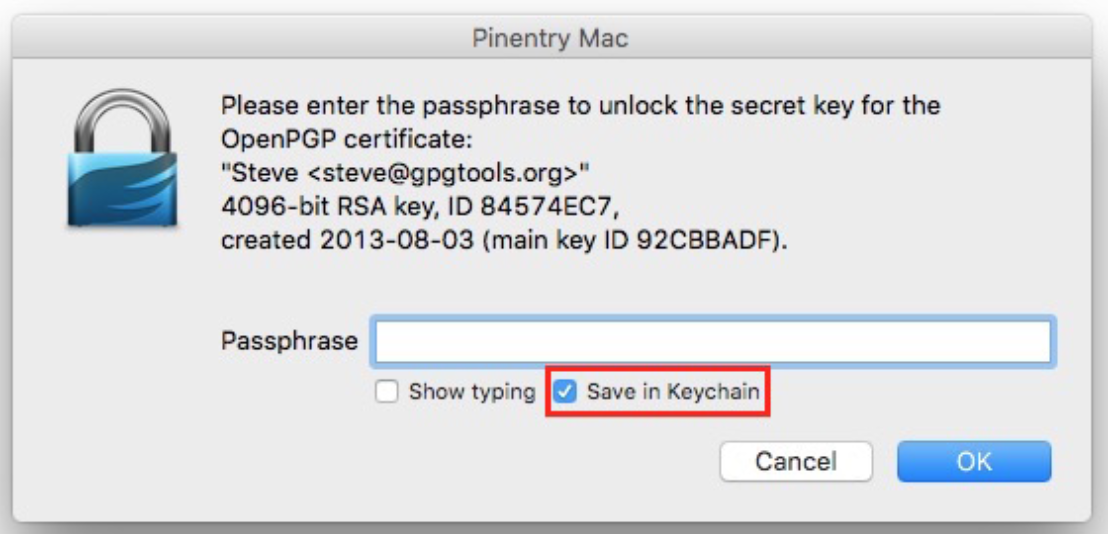
采用 MIT 许可证,免费使用。它曾短暂尝试过 Faircode 模式,但正如 README 所说,ungit 现在重新回到了 MIT 许可证。我可以用 GPG 给提交签名吗?可以通过 git 的 commit.gpgsign 配置项或 .ungitrc 里的 isForceGPGSign 来启用签名提交,但 ungit 本身不支持 GPG 身份验证——你需要配置好免密码的 GPG,比如通过 gpg-agent 配合 pinentry 缓存密码短语。
可以通过 git 的 commit.gpgsign 配置项或 .ungitrc 里的 isForceGPGSign 来启用签名提交,但 ungit 本身不支持 GPG 身份验证——你需要配置好免密码的 GPG,比如通过 gpg-agent 配合 pinentry 缓存密码短语。我能接入自己的合并工具吗,比如 Kaleidoscope 或 p4merge?可以。Ungit 可以配置成使用你自选的外部合并工具——官方以 Kaleidoscope 和 p4merge 为例,具体设置说明见 MERGETOOL.md。
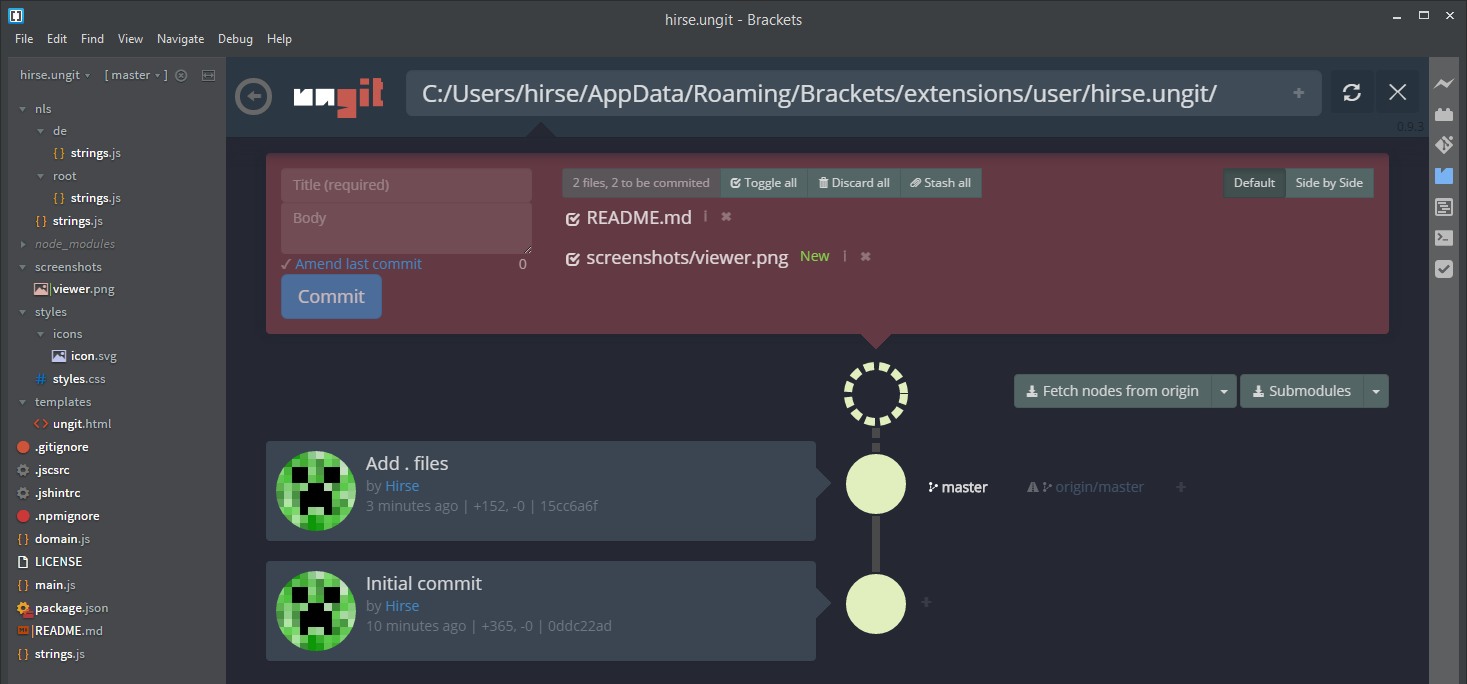
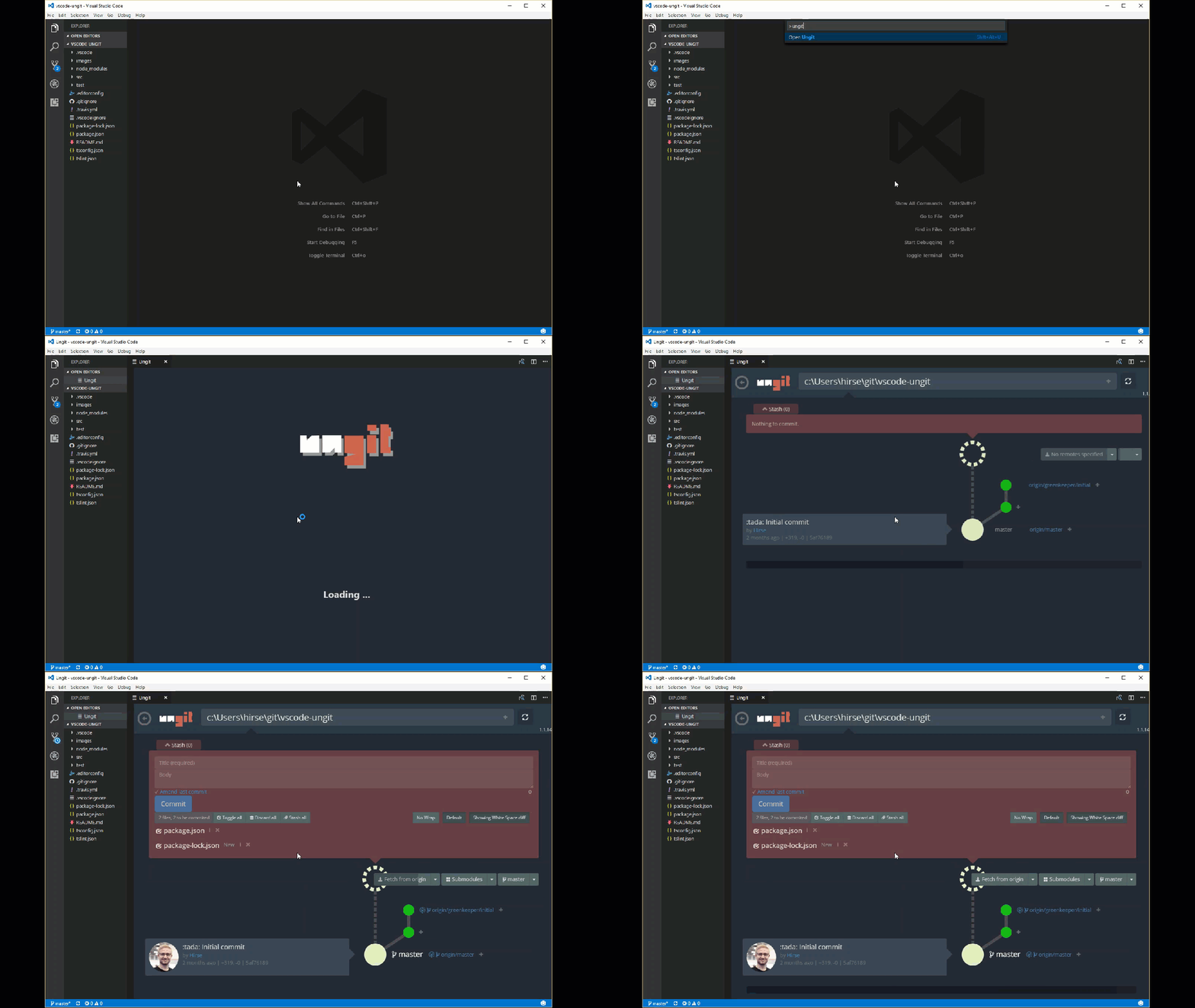
可以。Ungit 可以配置成使用你自选的外部合并工具——官方以 Kaleidoscope 和 p4merge 为例,具体设置说明见 MERGETOOL.md。有和我代码编辑器集成的插件吗?有,都是社区开发的:Visual Studio Code 用 vscode-ungit,Atom 用 atom-ungit,Brackets 用 brackets-ungit。
有,都是社区开发的:Visual Studio Code 用 vscode-ungit,Atom 用 atom-ungit,Brackets 用 brackets-ungit。如果 ungit 开着的时候我在终端里操作 git,界面会发现吗?会——在页面视图下,ungit 会递归监视 git 目录,一旦有 git 操作,或者 .gitignore 之外的文件发生变化,就会自动刷新。
会——在页面视图下,ungit 会递归监视 git 目录,一旦有 git 操作,或者 .gitignore 之外的文件发生变化,就会自动刷新。What are similar projects?git-history, claudecodeui, husky, cz-cli, git-bug, degit, desktop, dsh-free-search
git-history, claudecodeui, husky, cz-cli, git-bug, degit, desktop, dsh-free-search