




What is this?
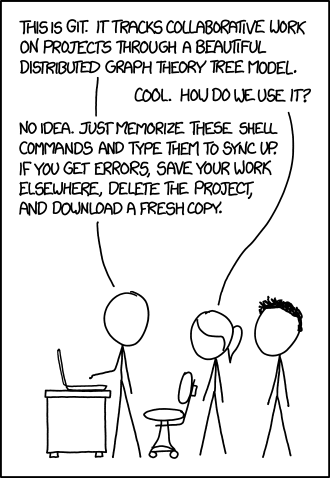
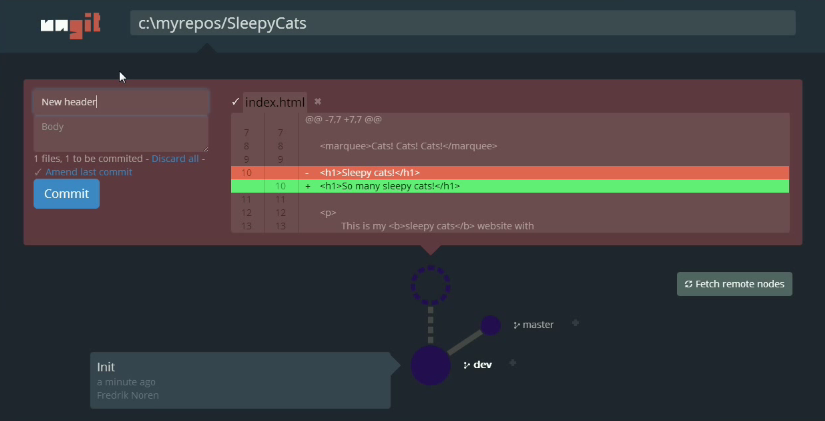
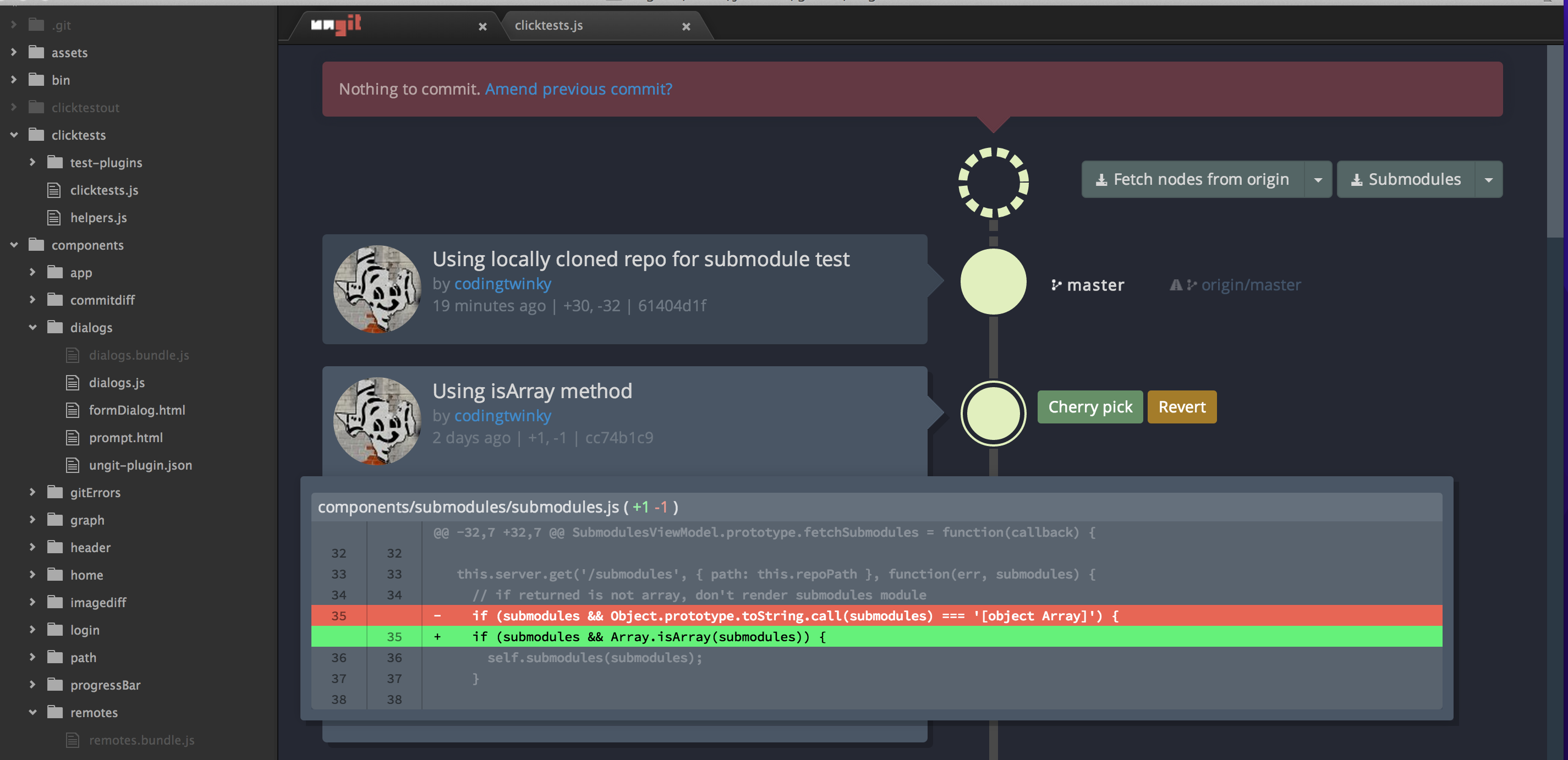
 Ungit is a free, web-based interface for git — a visual client you drive from the browser instead of memorizing commands. Its tagline: 'The easiest way to use git. On any platform. Anywhere.'
Ungit is a free, web-based interface for git — a visual client you drive from the browser instead of memorizing commands. Its tagline: 'The easiest way to use git. On any platform. Anywhere.'So is this a desktop app, or does it live in the browser?It lives in the browser: running 'ungit' starts a local server and opens the UI in a browser tab. There are also prebuilt Electron packages if you prefer a standalone desktop app.
It lives in the browser: running 'ungit' starts a local server and opens the UI in a browser tab. There are also prebuilt Electron packages if you prefer a standalone desktop app.How do I get it running?Install globally with 'npm install -g ungit' (add 'sudo -H' if your system needs root for global npm packages), then type 'ungit' in any repo — the server starts and the UI opens in your browser.
Install globally with 'npm install -g ungit' (add 'sudo -H' if your system needs root for global npm packages), then type 'ungit' in any repo — the server starts and the UI opens in your browser.What needs to be on my machine before I start?node.js (≥ 20.19.0), npm (≥ 10.8.2, bundled with node) and git (≥ 2.34.x). Even the prebuilt Electron packages still need git installed.
node.js (≥ 20.19.0), npm (≥ 10.8.2, bundled with node) and git (≥ 2.34.x). Even the prebuilt Electron packages still need git installed.Does it always just work, or are there gotchas?A few known ones: ad blockers like uBlock may block its localhost API calls (whitelist the ungit port), and git output must be in English or repo-state parsing gets confused.
A few known ones: ad blockers like uBlock may block its localhost API calls (whitelist the ungit port), and git output must be in English or repo-state parsing gets confused.Who is it for — git beginners or people who already live in the terminal?Mostly people who find git's learning curve steep: the README's pitch is adding user-friendliness to git without giving up any of its versatility.
Mostly people who find git's learning curve steep: the README's pitch is adding user-friendliness to git without giving up any of its versatility.Is it tied to a particular operating system?No — it runs on any platform node.js and git support, so Windows, macOS and Linux are all fine. Since the UI is a browser page, the OS mainly matters for installing node and git.
No — it runs on any platform node.js and git support, so Windows, macOS and Linux are all fine. Since the UI is a browser page, the OS mainly matters for installing node and git.My project lives on a remote machine — can I still use it there?Yes, that's a headline feature: run ungit on a cloud or pure shell machine and use the UI from your browser. Port and other settings go in a .ungitrc file or launch flags like --port=8080.
Yes, that's a headline feature: run ungit on a cloud or pure shell machine and use the UI from your browser. Port and other settings go in a .ungitrc file or launch flags like --port=8080.Is it free and open source?MIT licensed and free. It briefly experimented with a Faircode model, but as the README puts it, ungit is now once again MIT.
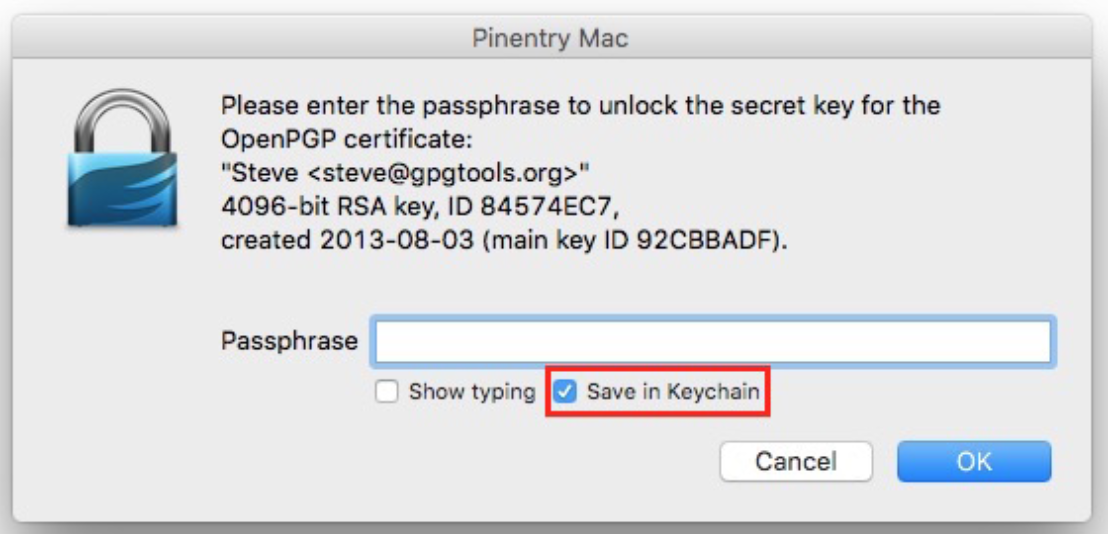
MIT licensed and free. It briefly experimented with a Faircode model, but as the README puts it, ungit is now once again MIT.Can I sign my commits with GPG?Signed commits can be enabled via git's commit.gpgsign config or isForceGPGSign in .ungitrc, but ungit does not support GPG authentication itself — you need password-less GPG set up, e.g. a cached passphrase via gpg-agent with pinentry.
Signed commits can be enabled via git's commit.gpgsign config or isForceGPGSign in .ungitrc, but ungit does not support GPG authentication itself — you need password-less GPG set up, e.g. a cached passphrase via gpg-agent with pinentry.Can I plug in my own merge tool, like Kaleidoscope or p4merge?Yes. Ungit can be configured to use an external merge tool of your choice — Kaleidoscope and p4merge are given as examples, with setup instructions in MERGETOOL.md.
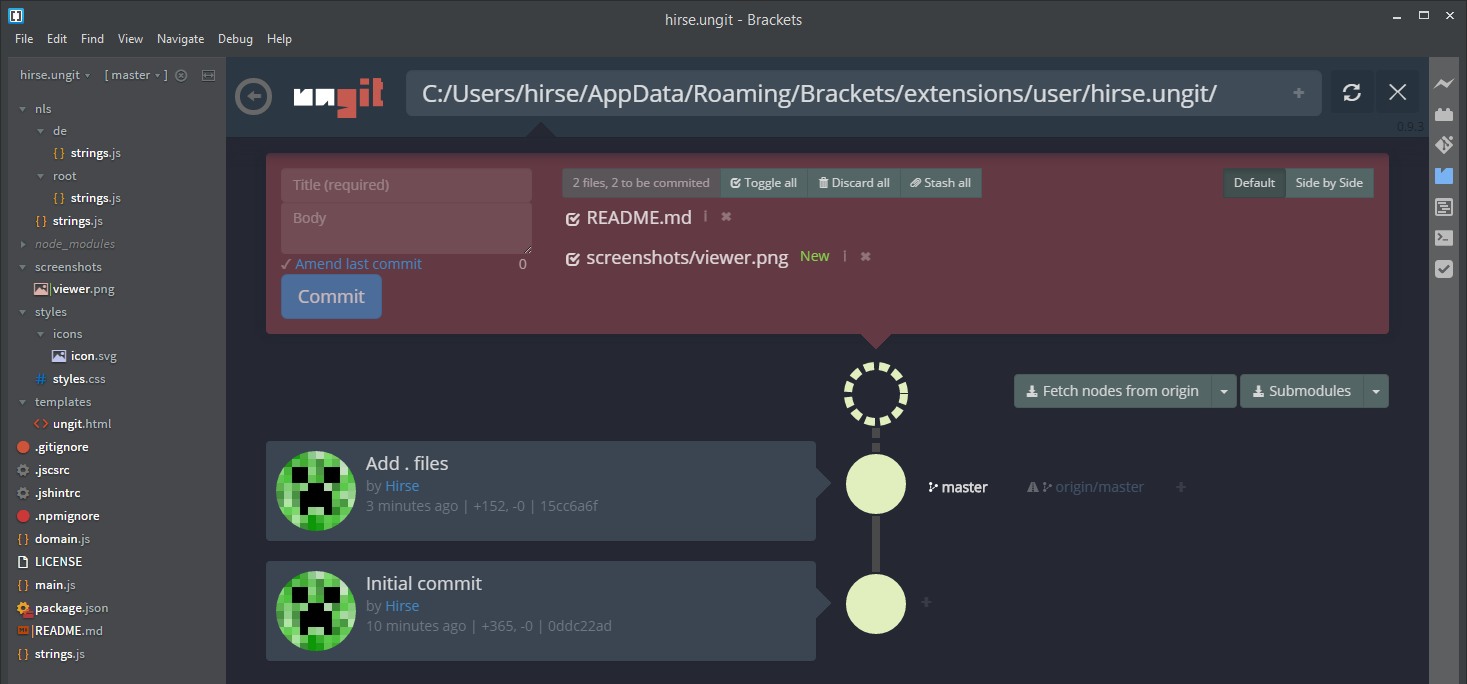
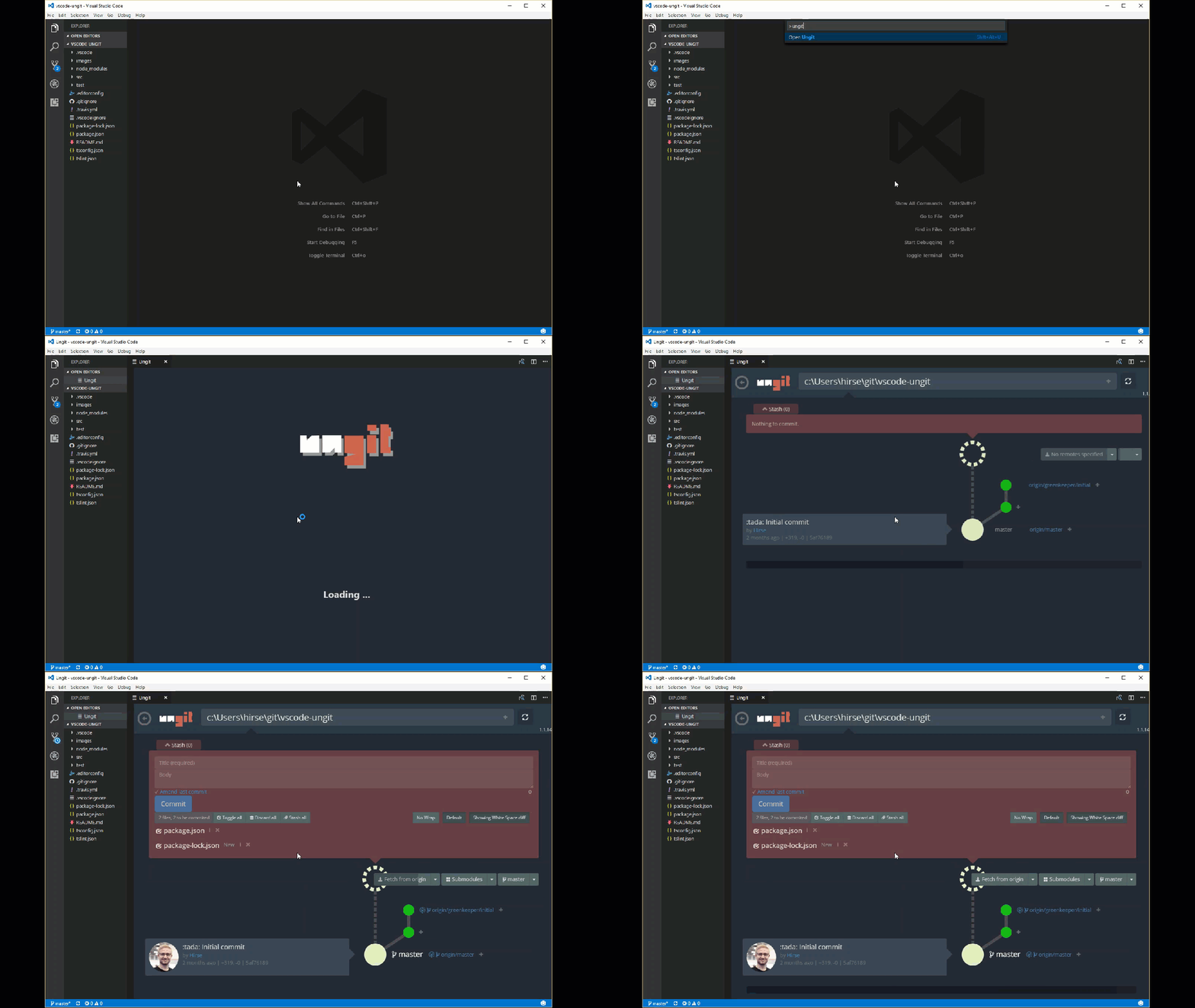
Yes. Ungit can be configured to use an external merge tool of your choice — Kaleidoscope and p4merge are given as examples, with setup instructions in MERGETOOL.md.Are there integrations for my code editor?Yes, community-built ones: vscode-ungit for Visual Studio Code, atom-ungit for Atom and brackets-ungit for Brackets.
Yes, community-built ones: vscode-ungit for Visual Studio Code, atom-ungit for Atom and brackets-ungit for Brackets.If I do git work in the terminal while ungit is open, will the UI notice?Yes — on page view ungit watches the git directory recursively and automatically refreshes on git operations or changes to files not ignored in .gitignore.
Yes — on page view ungit watches the git directory recursively and automatically refreshes on git operations or changes to files not ignored in .gitignore.What are similar projects?git-history, claudecodeui, husky, cz-cli, git-bug, degit, desktop, dsh-free-search
git-history, claudecodeui, husky, cz-cli, git-bug, degit, desktop, dsh-free-search