





What is this?
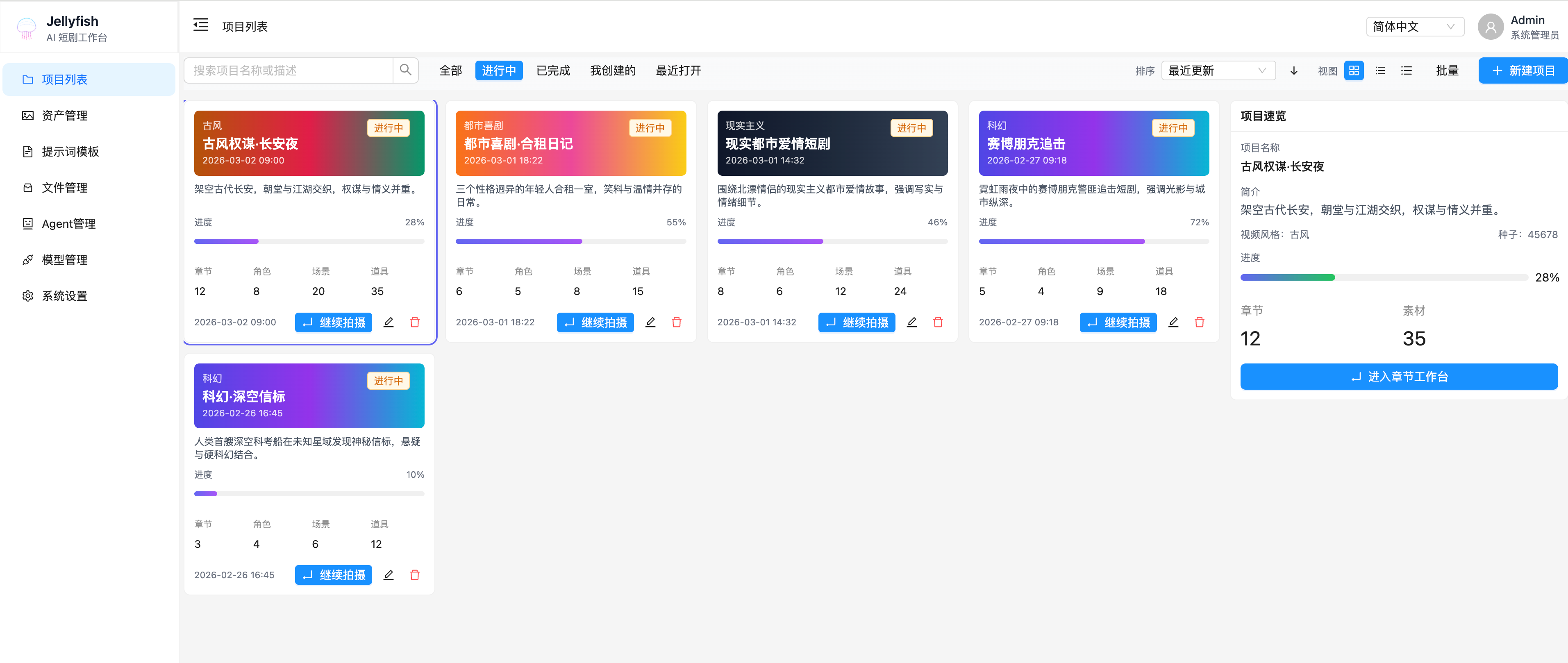
 Jellyfish is an end-to-end production workspace for making AI-generated short dramas, covering everything from script input to storyboarding, asset consistency, shot preparation, video generation, and export.
Jellyfish is an end-to-end production workspace for making AI-generated short dramas, covering everything from script input to storyboarding, asset consistency, shot preparation, video generation, and export.Is this a single AI video generator or a full production pipeline?It's a full production workspace, not a one-shot image/video tool: it tracks projects, chapters, shots, characters, scenes, props, and generation tasks as a connected pipeline.
It's a full production workspace, not a one-shot image/video tool: it tracks projects, chapters, shots, characters, scenes, props, and generation tasks as a connected pipeline.How do I get it running?The repo ships a ready-to-run Docker Compose setup under deploy/compose/ that starts the frontend, backend, MySQL, Redis and RustFS together; you can also run the backend and frontend separately for local development.
The repo ships a ready-to-run Docker Compose setup under deploy/compose/ that starts the frontend, backend, MySQL, Redis and RustFS together; you can also run the backend and frontend separately for local development.What backend services does it depend on?It needs MySQL for data, Redis for caching/task state, and RustFS for file storage, all wired up in the compose setup alongside the frontend and backend containers.
It needs MySQL for data, Redis for caching/task state, and RustFS for file storage, all wired up in the compose setup alongside the frontend and backend containers.Do I have to connect my own AI model providers?Yes — Jellyfish manages providers and models itself but doesn't bundle generation engines; you configure multi-provider/multi-model settings and default models per category to actually run image and video generation.
Yes — Jellyfish manages providers and models itself but doesn't bundle generation engines; you configure multi-provider/multi-model settings and default models per category to actually run image and video generation.Who is this built for?It targets short/micro-drama creators, AI studios producing video at scale, solo vertical-drama creators, education teams making lesson videos, and brands doing story-driven promos.
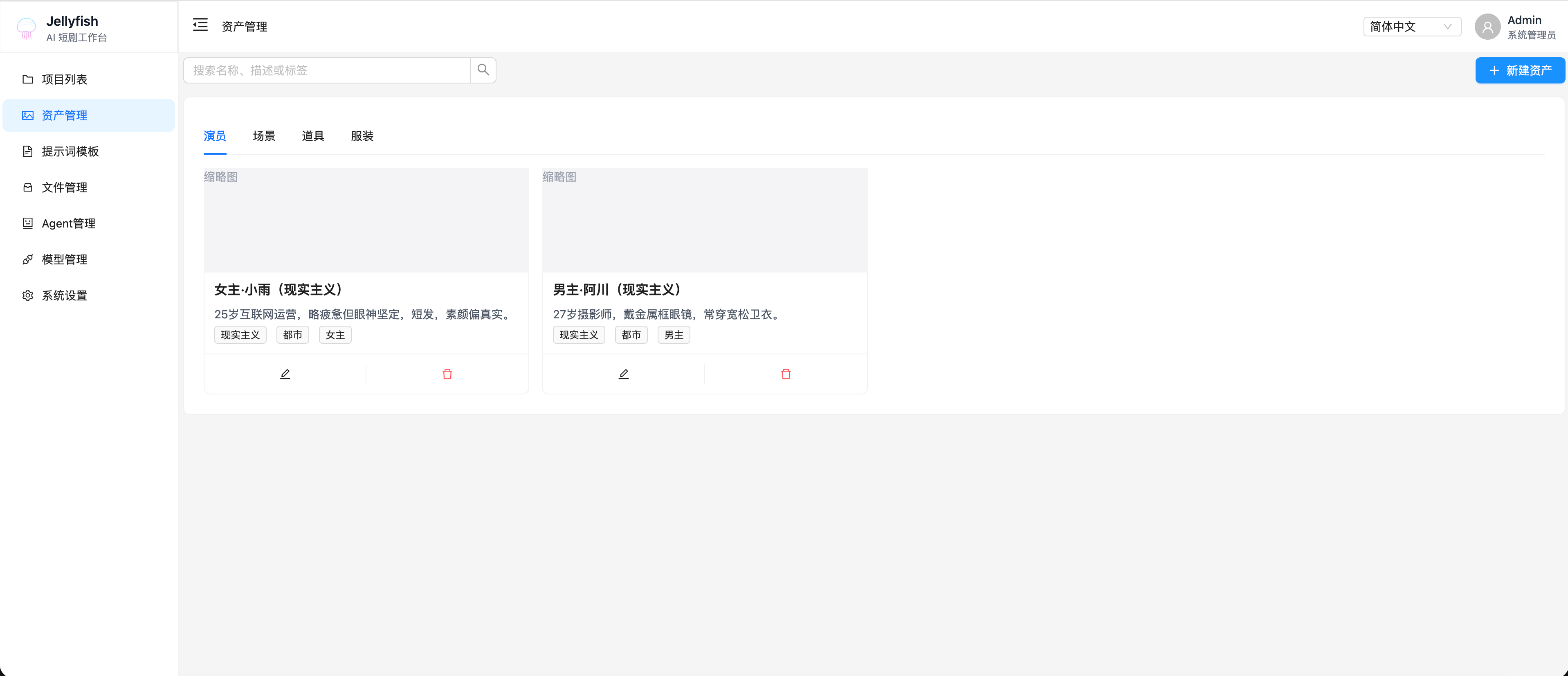
It targets short/micro-drama creators, AI studios producing video at scale, solo vertical-drama creators, education teams making lesson videos, and brands doing story-driven promos.How does Jellyfish keep characters and scenes consistent across shots?It maintains a shared entity model for characters/actors, scenes, props, and costumes that can be linked and reused across shots, reducing visual drift between generated shots.
It maintains a shared entity model for characters/actors, scenes, props, and costumes that can be linked and reused across shots, reducing visual drift between generated shots.What does the shot preparation workflow look like?Scripts are broken into shots, candidate assets and dialogue are extracted, you confirm or ignore candidates and link existing entities, then the shot moves through a readiness state to the generation workspace.
Scripts are broken into shots, candidate assets and dialogue are extracted, you confirm or ignore candidates and link existing entities, then the shot moves through a readiness state to the generation workspace.What is the task center for?It's a unified async job tracker for text, image, and video generation tasks, showing status, progress, elapsed time and results, with cancellation and context-aware navigation back to the related project or shot.
It's a unified async job tracker for text, image, and video generation tasks, showing status, progress, elapsed time and results, with cancellation and context-aware navigation back to the related project or shot.How are frontend and backend kept in sync?Frontend request helpers and TypeScript types are auto-generated from the backend's OpenAPI spec, keeping the API contract consistent between front/src/services/generated/ and the backend.
Frontend request helpers and TypeScript types are auto-generated from the backend's OpenAPI spec, keeping the API contract consistent between front/src/services/generated/ and the backend.What are similar projects?printfilm, huobao-drama, waoowaoo, ArcReel, agent-control, JeecgBoot, DB-GPT, dramaclaw
printfilm, huobao-drama, waoowaoo, ArcReel, agent-control, JeecgBoot, DB-GPT, dramaclawWhich topics is it in?multi-model, short-drama, multi-provider, swagger, task-management, openapi, async, ai-tools, fastapi, content-creation, workflow, mysql
multi-model, short-drama, multi-provider, swagger, task-management, openapi, async, ai-tools, fastapi, content-creation, workflow, mysql