What is this?
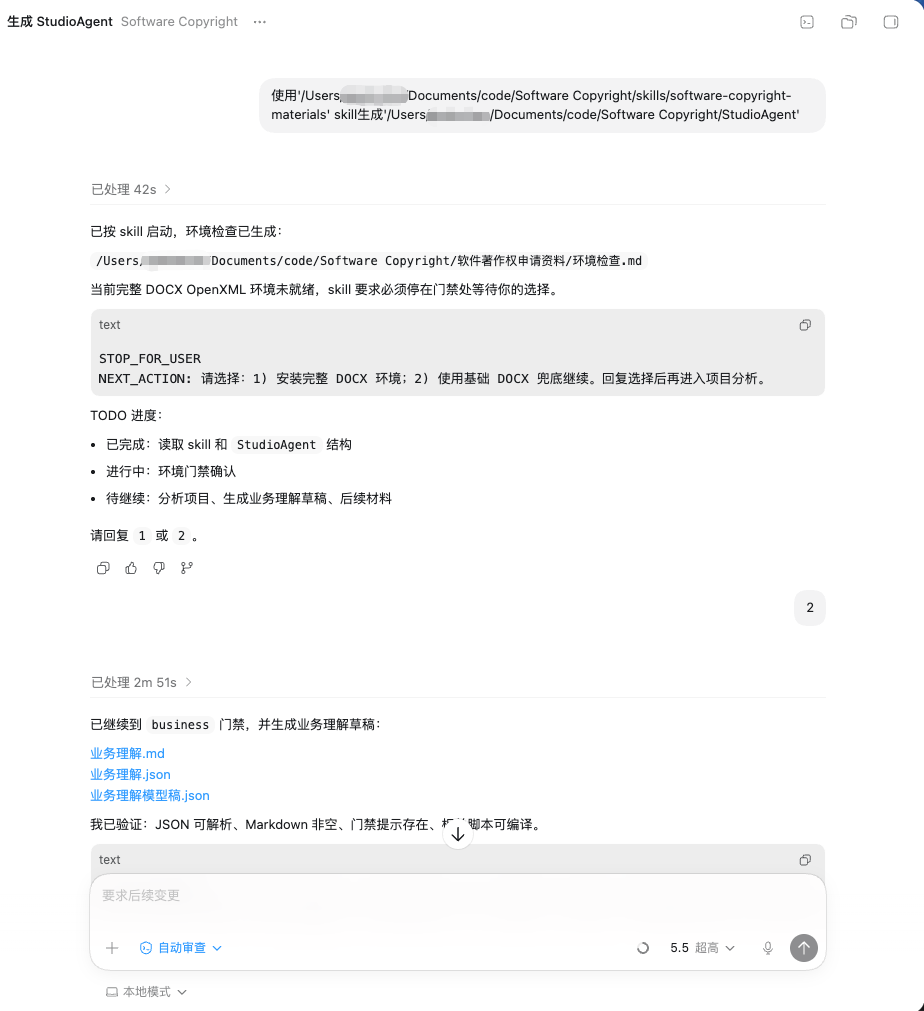
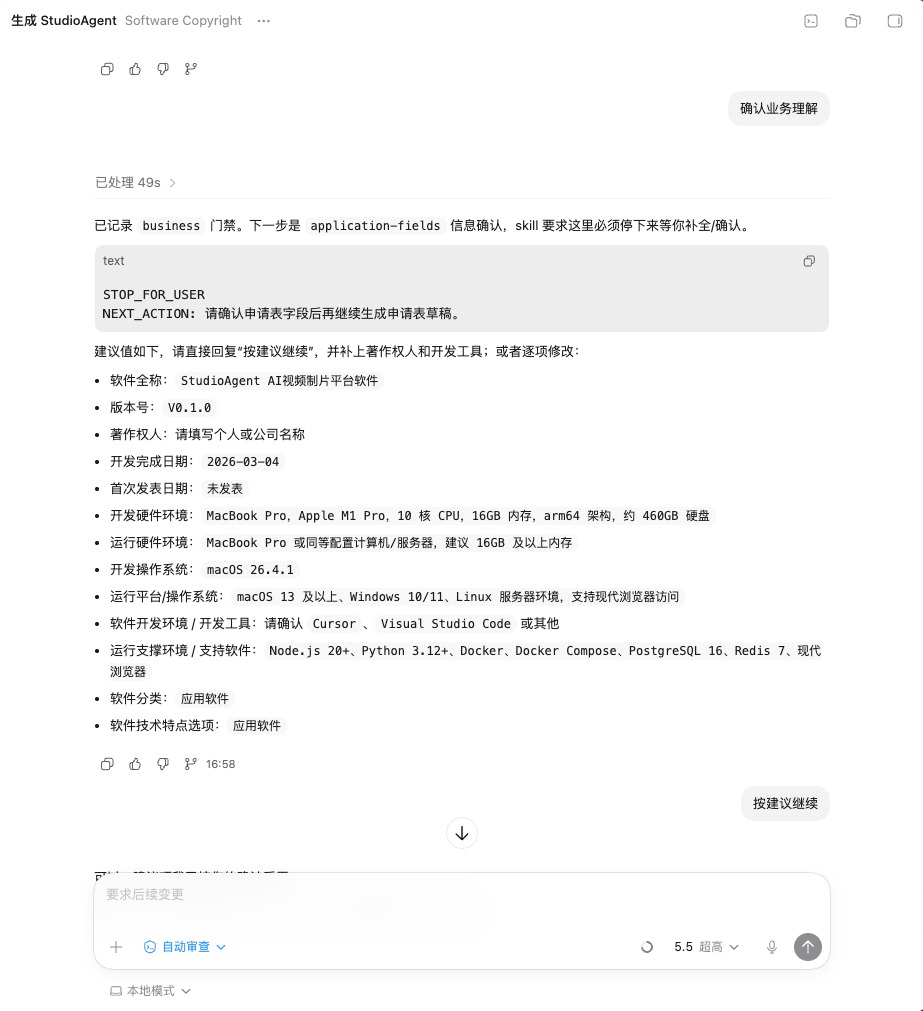
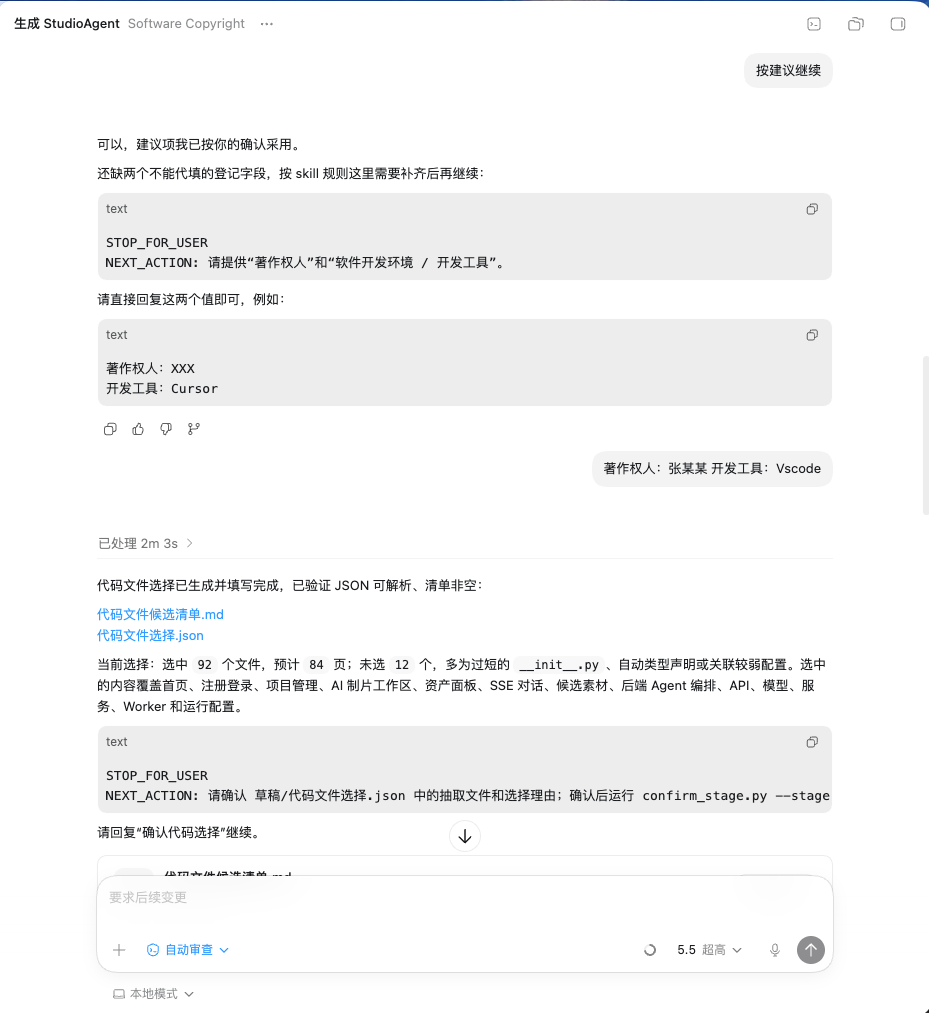
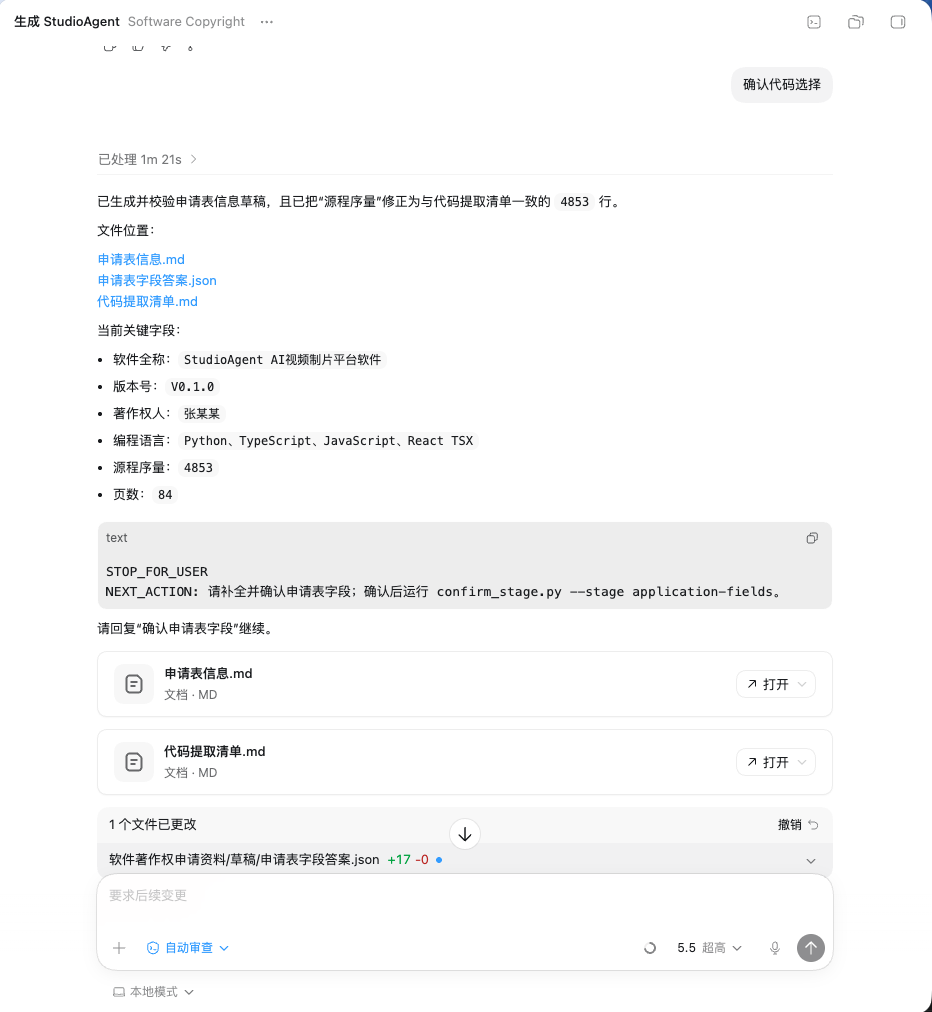
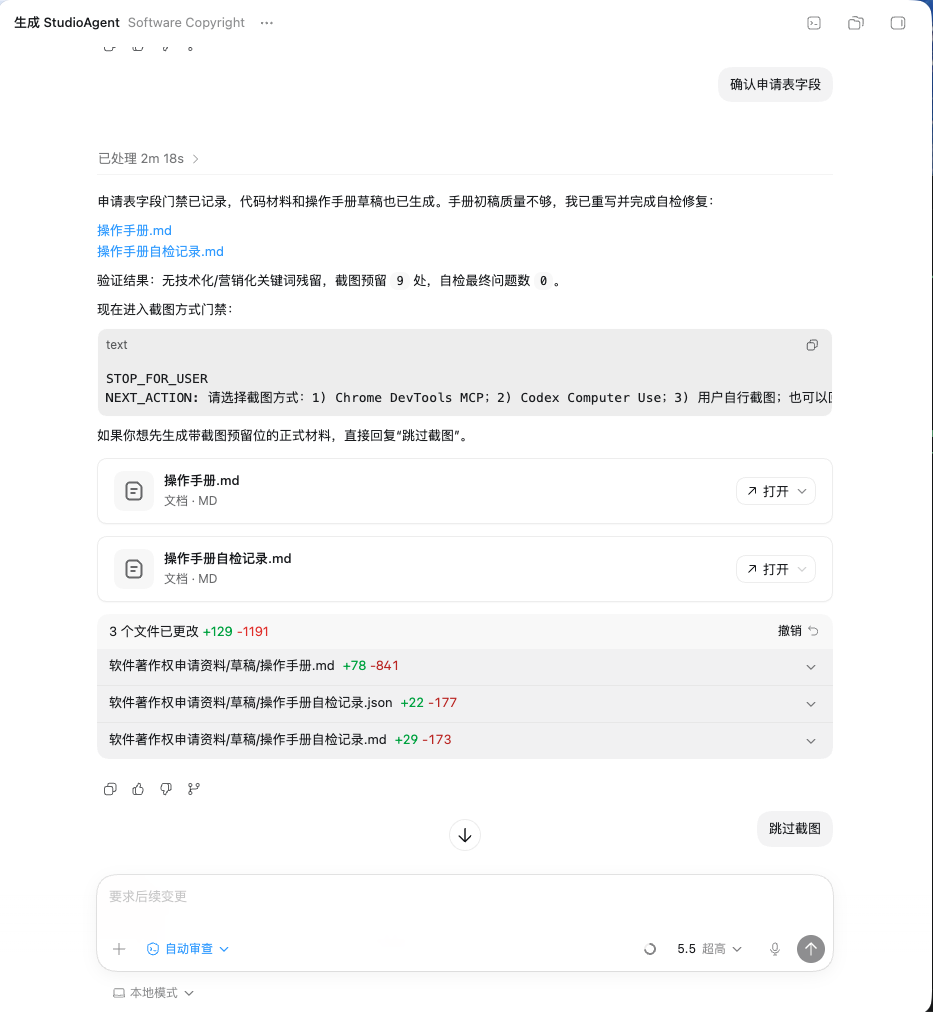
 This is a coding-agent Skill that automatically generates a full set of Chinese software copyright (软件著作权) registration documents — operation manual, source-code excerpts, and application-form info — by analyzing your local project, so you don't need to pay a filing service.
This is a coding-agent Skill that automatically generates a full set of Chinese software copyright (软件著作权) registration documents — operation manual, source-code excerpts, and application-form info — by analyzing your local project, so you don't need to pay a filing service.Is this a standalone app or a skill for coding agents?It's not a standalone app; it's a Skill directory (software-copyright-materials/) meant to be copied into the skill folder of a coding agent that supports local Skills, then invoked from inside that agent.
It's not a standalone app; it's a Skill directory (software-copyright-materials/) meant to be copied into the skill folder of a coding agent that supports local Skills, then invoked from inside that agent.How do I install and use it?Clone or download the repo, copy only the inner software-copyright-materials/ folder into your coding agent's skill directory, reload the agent, open your real project in it, and ask it to generate the software copyright materials.
Clone or download the repo, copy only the inner software-copyright-materials/ folder into your coding agent's skill directory, reload the agent, open your real project in it, and ask it to generate the software copyright materials.What do I need to run it?A coding agent that can load local Skills, plus Python 3.10+ with python-docx; a .NET SDK 8.0+ is optional for full DOCX OpenXML output, and Chrome DevTools MCP is optional and only needed for automated screenshots.
A coding agent that can load local Skills, plus Python 3.10+ with python-docx; a .NET SDK 8.0+ is optional for full DOCX OpenXML output, and Chrome DevTools MCP is optional and only needed for automated screenshots.Does it work without the .NET SDK?Yes, but it falls back to basic DOCX generation instead of full OpenXML output; it always stops and asks you to choose rather than silently installing anything.
Yes, but it falls back to basic DOCX generation instead of full OpenXML output; it always stops and asks you to choose rather than silently installing anything.Does it run on any OS?Yes, it only needs Python and a compatible coding agent, so it works on Windows, macOS, and Linux.
Yes, it only needs Python and a compatible coding agent, so it works on Windows, macOS, and Linux.Why doesn't it use AI to write the code material?Chinese software copyright code evidence must come from the actual software, so the skill strictly extracts real source files and never generates fake code, which matters for developers who need authentic material.
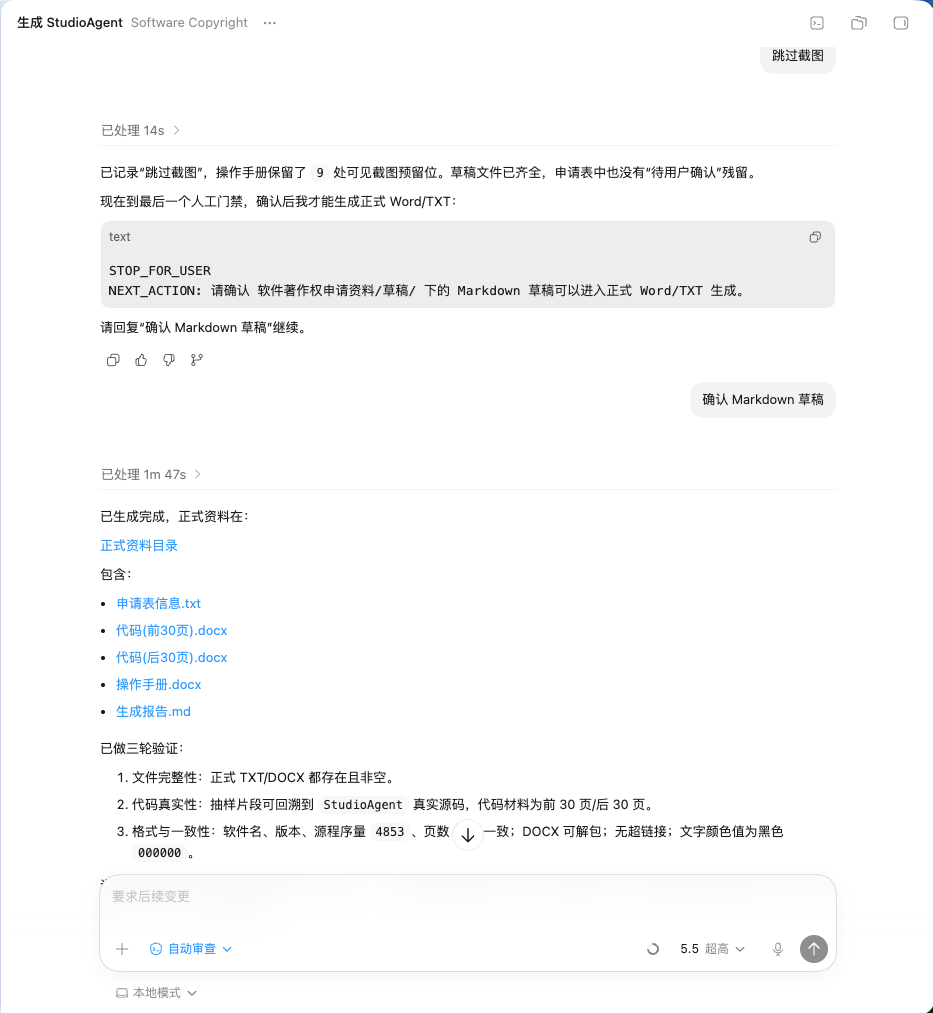
Chinese software copyright code evidence must come from the actual software, so the skill strictly extracts real source files and never generates fake code, which matters for developers who need authentic material.What files does it actually produce?It outputs 操作手册.docx (operation manual), 代码(前30页).docx / 代码(后30页).docx (or full code if under 60 pages), and 申请表信息.txt with the form fields, saved under 软件著作权申请资料/正式资料/.
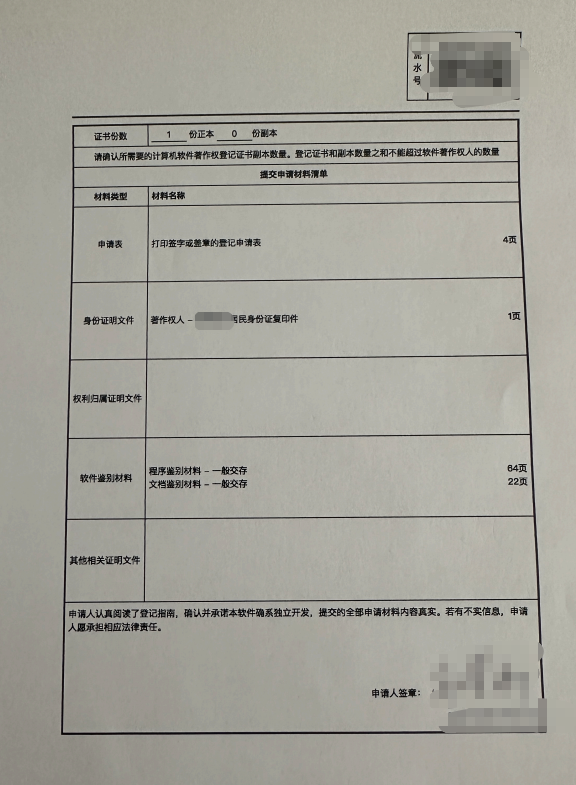
It outputs 操作手册.docx (operation manual), 代码(前30页).docx / 代码(后30页).docx (or full code if under 60 pages), and 申请表信息.txt with the form fields, saved under 软件著作权申请资料/正式资料/.Do I still need to submit anything manually?Yes — the generated docx files are local editable drafts; you must export them to PDF and submit them yourself through China's official copyright registration portal.
Yes — the generated docx files are local editable drafts; you must export them to PDF and submit them yourself through China's official copyright registration portal.Is there a demo I can check before using it on my own project?Yes, the repo includes a 生成demo/软件著作权申请资料/ folder with sample generated drafts and final materials.
Yes, the repo includes a 生成demo/软件著作权申请资料/ folder with sample generated drafts and final materials.What are similar projects?software-certificate-skill, OfficeCLI, dsh-univer-office, SenseNova-Skills, kkFileView, oil-ui, anydoc, PaperSpine
software-certificate-skill, OfficeCLI, dsh-univer-office, SenseNova-Skills, kkFileView, oil-ui, anydoc, PaperSpineWhich topics is it in?documentation-generator, legal-tech, word, docx, agent-skill, document-processing, skills, china, coding-agent, productivity, chinese, automation
documentation-generator, legal-tech, word, docx, agent-skill, document-processing, skills, china, coding-agent, productivity, chinese, automation