

15.1K ·GitHub
What is this?
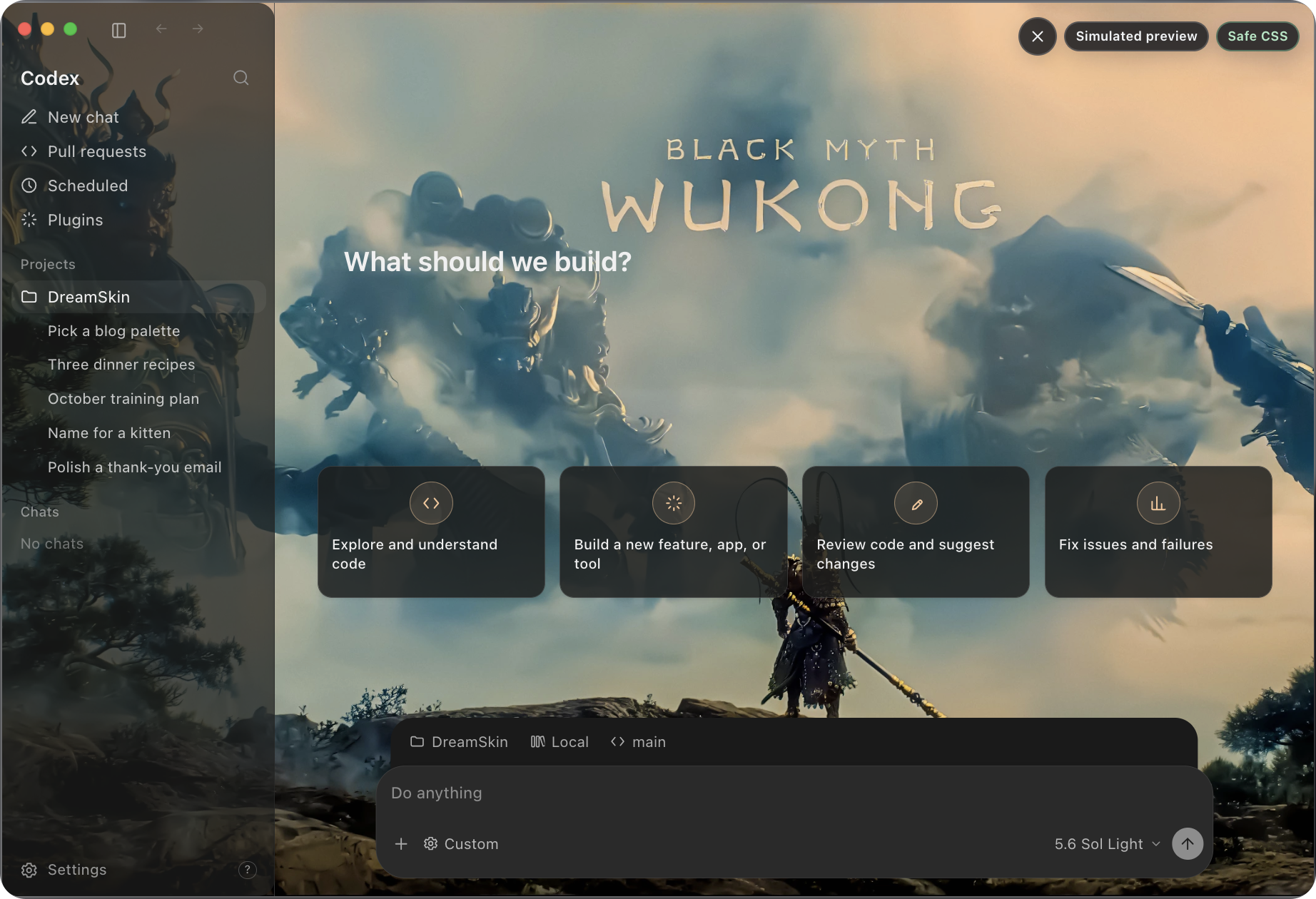
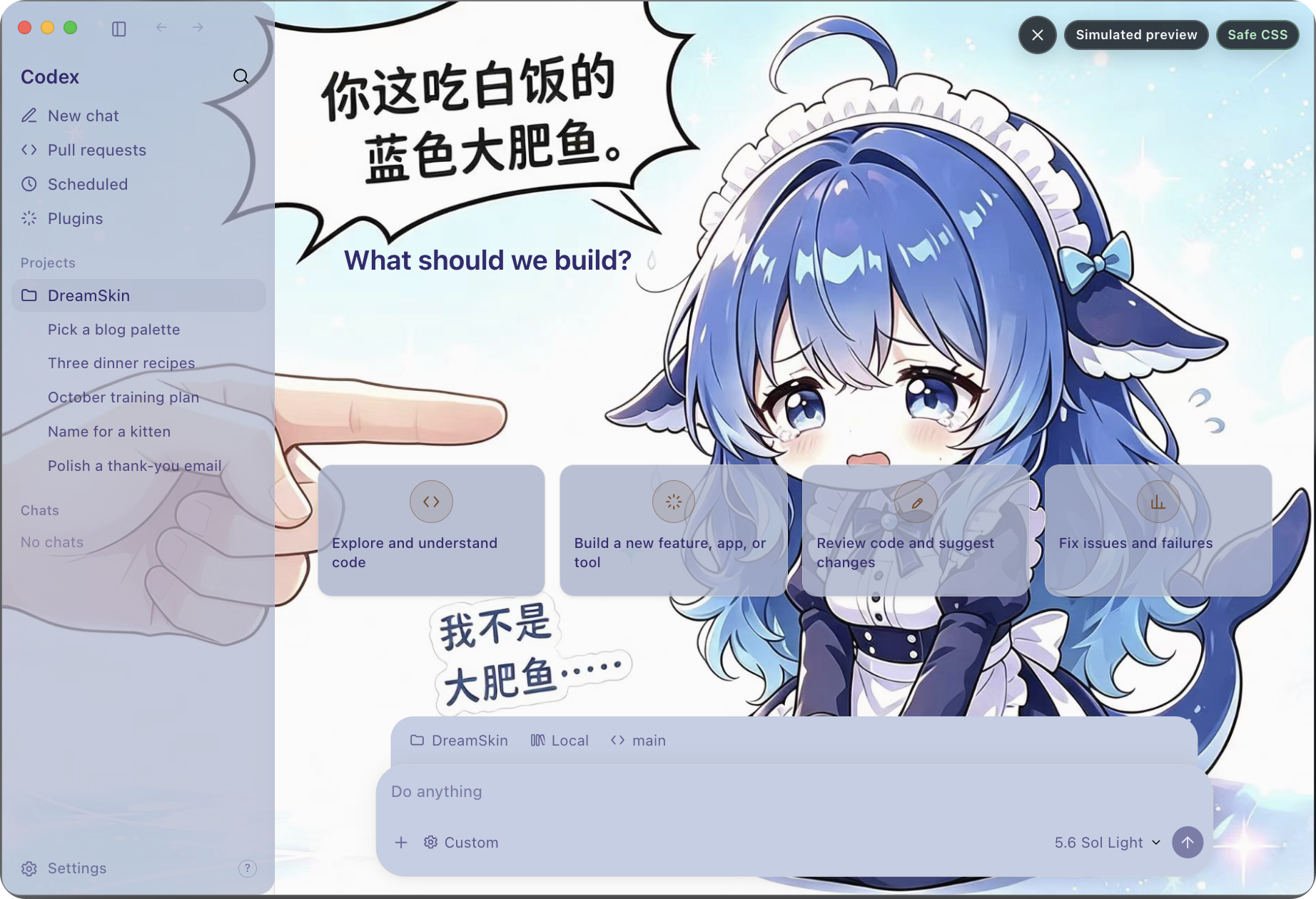
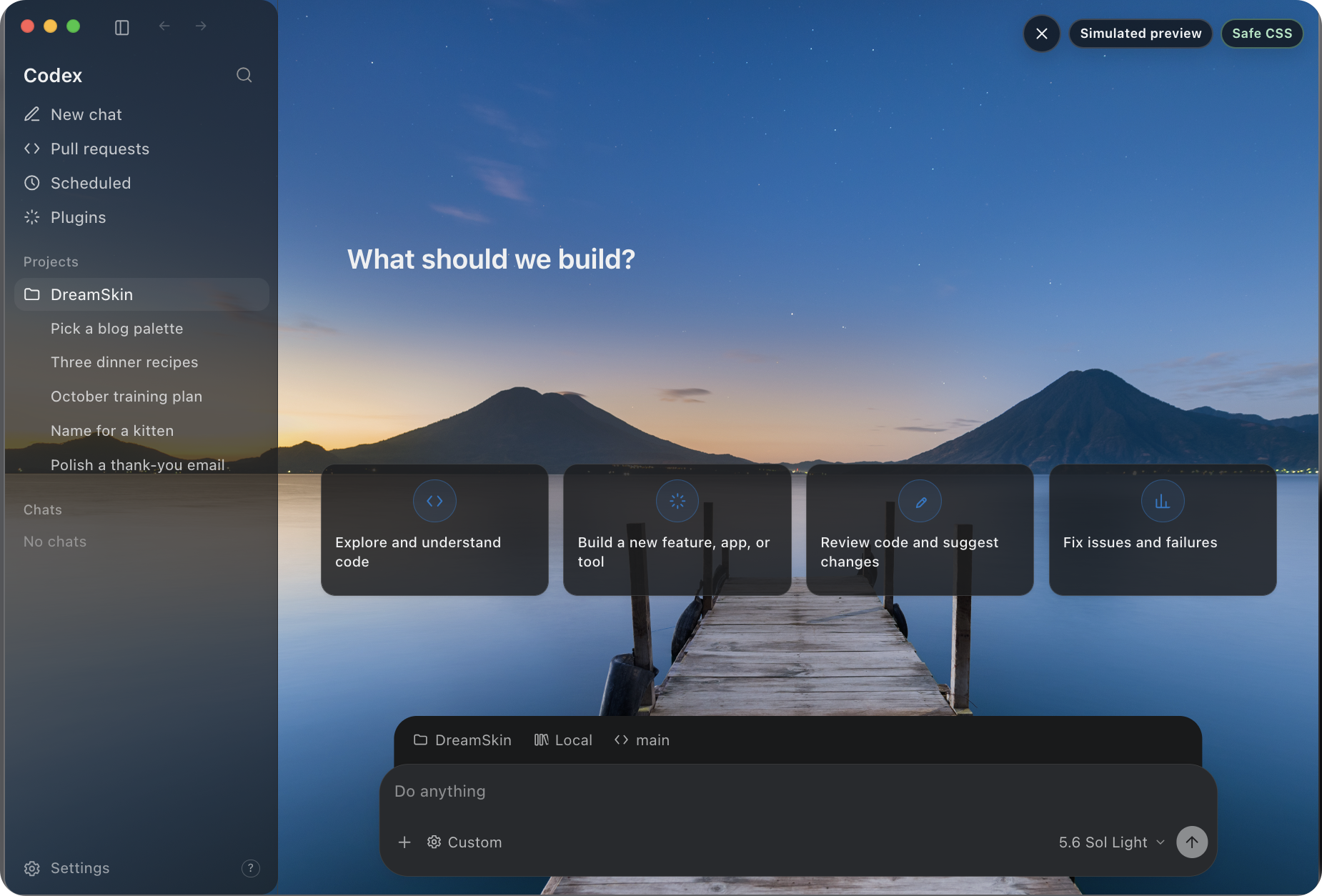
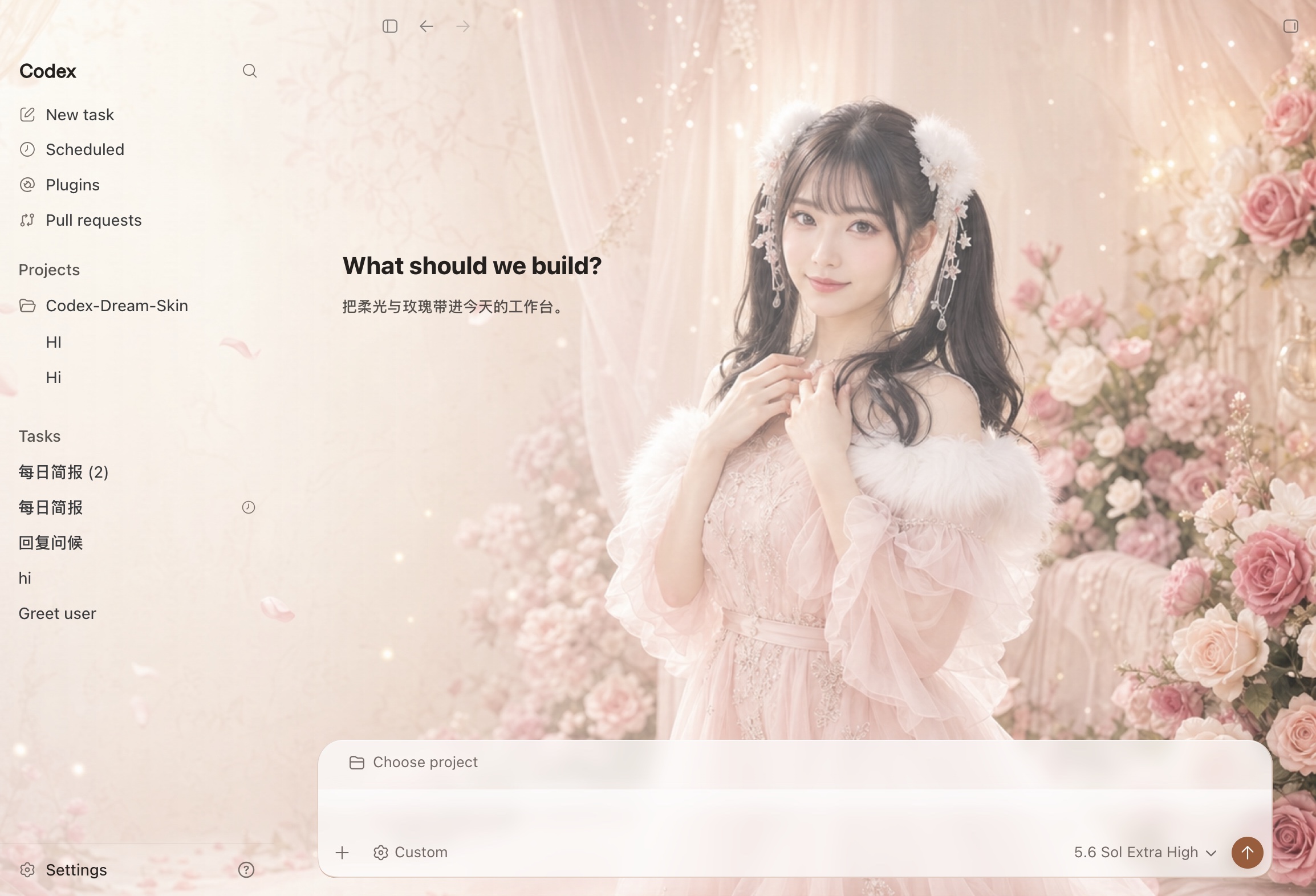
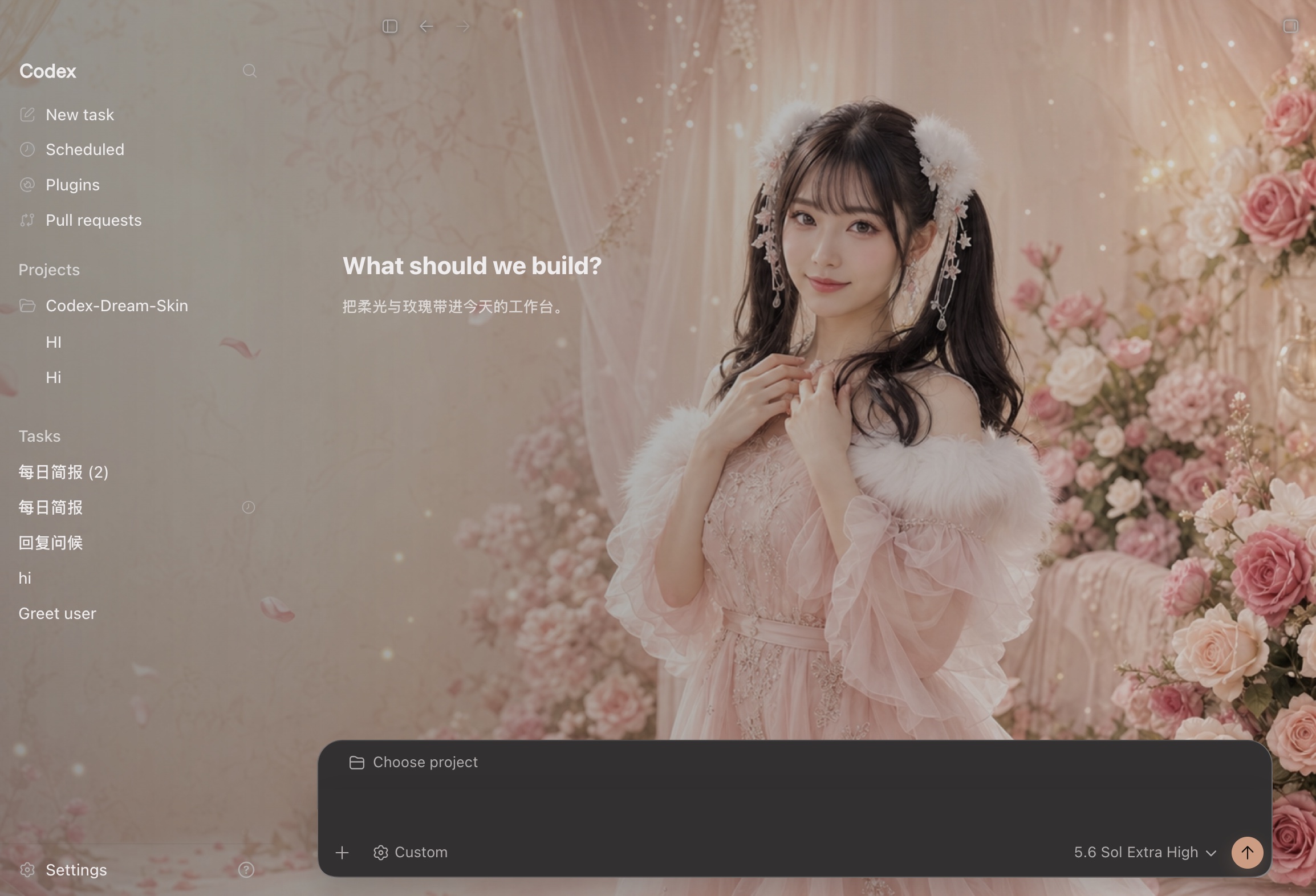
 Codex Dream Skin is an external theming tool that re-skins the Codex (and ChatGPT) desktop client with custom backgrounds and CSS, without modifying the official app package.
Codex Dream Skin is an external theming tool that re-skins the Codex (and ChatGPT) desktop client with custom backgrounds and CSS, without modifying the official app package.Is this a theme pack or does it modify the app itself?It is a standalone companion app that injects CSS/background into the Codex client via local Chrome DevTools Protocol (CDP) at runtime; it never edits the official .app, app.asar, or WindowsApps files.
It is a standalone companion app that injects CSS/background into the Codex client via local Chrome DevTools Protocol (CDP) at runtime; it never edits the official .app, app.asar, or WindowsApps files.How do I install and use it?Quit the official Codex/ChatGPT app once, then download CodexDreamSkin-vX.Y.Z.dmg (macOS) or CodexDreamSkin-Setup-vX.Y.Z.exe (Windows) from GitHub Releases and run the installer; afterwards use the macOS menu bar or Windows tray to pick or import themes.
Quit the official Codex/ChatGPT app once, then download CodexDreamSkin-vX.Y.Z.dmg (macOS) or CodexDreamSkin-Setup-vX.Y.Z.exe (Windows) from GitHub Releases and run the installer; afterwards use the macOS menu bar or Windows tray to pick or import themes.Is the one-click theme install from DreamSkin.cc always available?One-click apply only works on client v1.5.0+ (v1.5.5+ recommended) and only for themes that fully satisfy the theme package contract (background, theme.json, non-empty theme.css, declared safe-css support); otherwise you must import the .zip manually.
One-click apply only works on client v1.5.0+ (v1.5.5+ recommended) and only for themes that fully satisfy the theme package contract (background, theme.json, non-empty theme.css, declared safe-css support); otherwise you must import the .zip manually.Does it support both Apple Silicon and Intel Macs, plus Windows?Yes, it supports Apple Silicon and Intel Macs as well as Windows.
Yes, it supports Apple Silicon and Intel Macs as well as Windows.What does it actually let me customize?You can swap the 16:9 background wallpaper behind the Codex UI, adjust safe CSS styling affecting 12 registered widgets, save and switch multiple local themes, and restore the original official appearance at any time.
You can swap the 16:9 background wallpaper behind the Codex UI, adjust safe CSS styling affecting 12 registered widgets, save and switch multiple local themes, and restore the original official appearance at any time.What is DreamSkin.cc?It is the project's official theme gallery and online Studio where you can browse community-reviewed themes, preview them in a desktop simulator, create your own by adjusting background/colors/Safe CSS, and export or submit theme .zip packages.
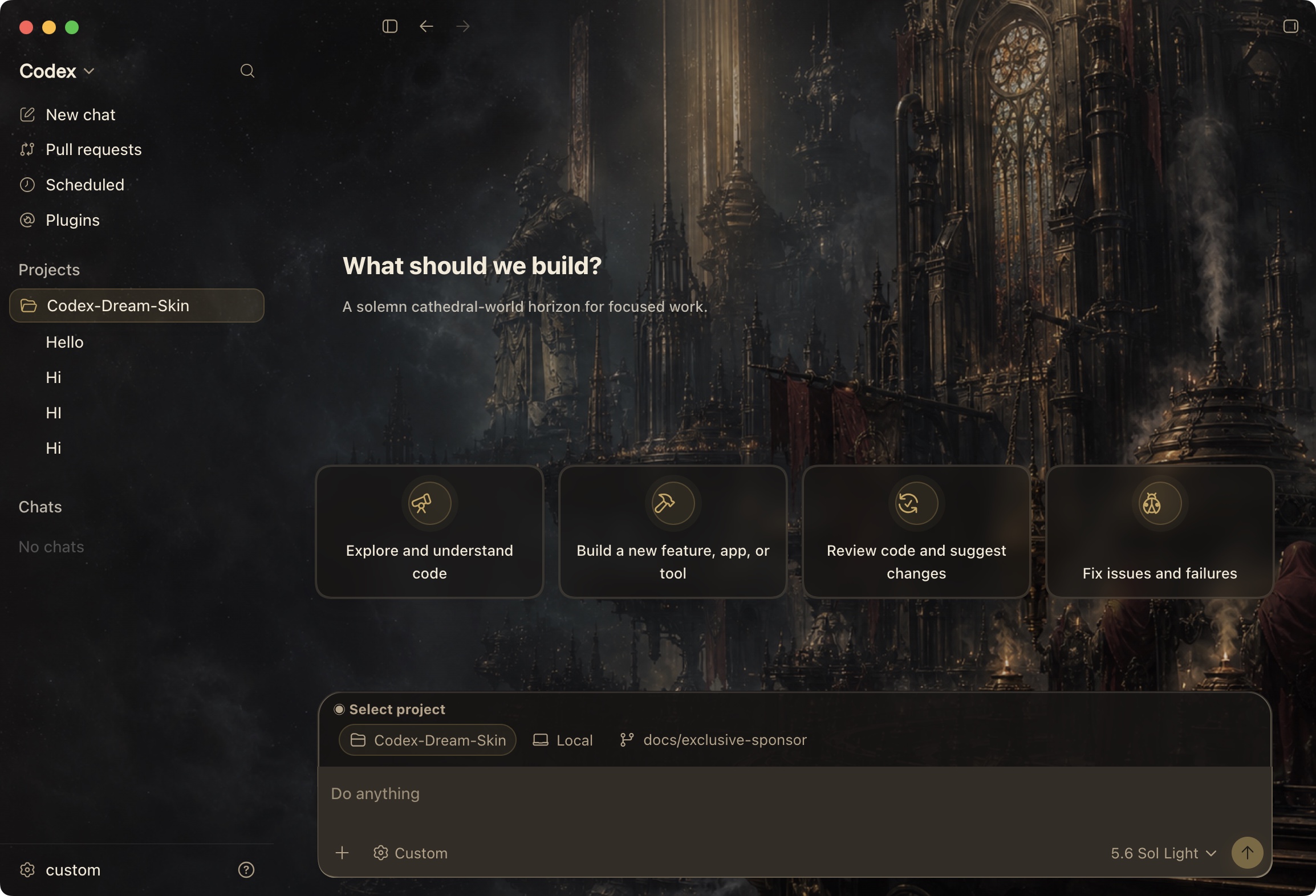
It is the project's official theme gallery and online Studio where you can browse community-reviewed themes, preview them in a desktop simulator, create your own by adjusting background/colors/Safe CSS, and export or submit theme .zip packages.What is the default preset on a fresh macOS install?Gothic Void Crusade, an original gothic sci-fi theme contributed by community designer seansong-ideogram, ships as the default enabled theme on new macOS installs.
Gothic Void Crusade, an original gothic sci-fi theme contributed by community designer seansong-ideogram, ships as the default enabled theme on new macOS installs.Does importing a theme ever auto-replace my current theme?No, a successfully imported theme is only added to your saved themes list and never automatically replaces the currently active theme.
No, a successfully imported theme is only added to your saved themes list and never automatically replaces the currently active theme.What are similar projects?CodexPlusPlus, msime-windows, dsh-pet-indesktop, deepseek-harness-desktop, WorkDaddy, gal-view, ExplorerPatcher, dsh-dafeiyu
CodexPlusPlus, msime-windows, dsh-pet-indesktop, deepseek-harness-desktop, WorkDaddy, gal-view, ExplorerPatcher, dsh-dafeiyuWhich topics is it in?installer, theme, customization, codex, gui, privacy, desktop-app, chinese, javascript, cross-platform, developer-tools, mit
installer, theme, customization, codex, gui, privacy, desktop-app, chinese, javascript, cross-platform, developer-tools, mit