 LiteMonitor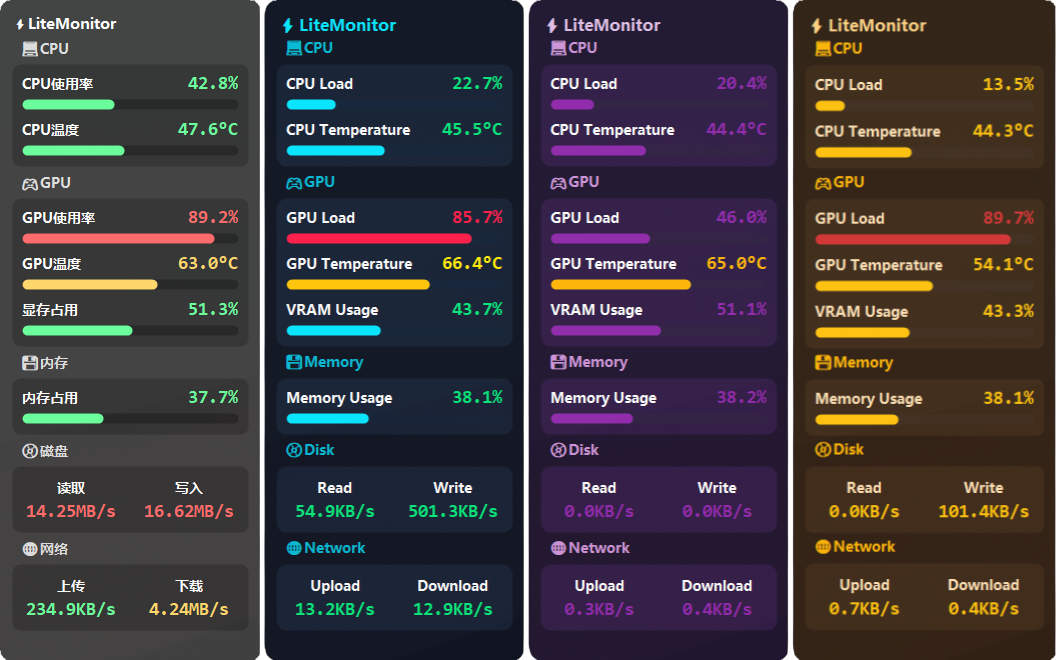
 👉
👉 
6.7K ·GitHub
What is this?
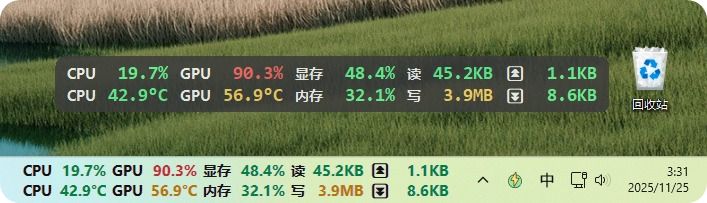
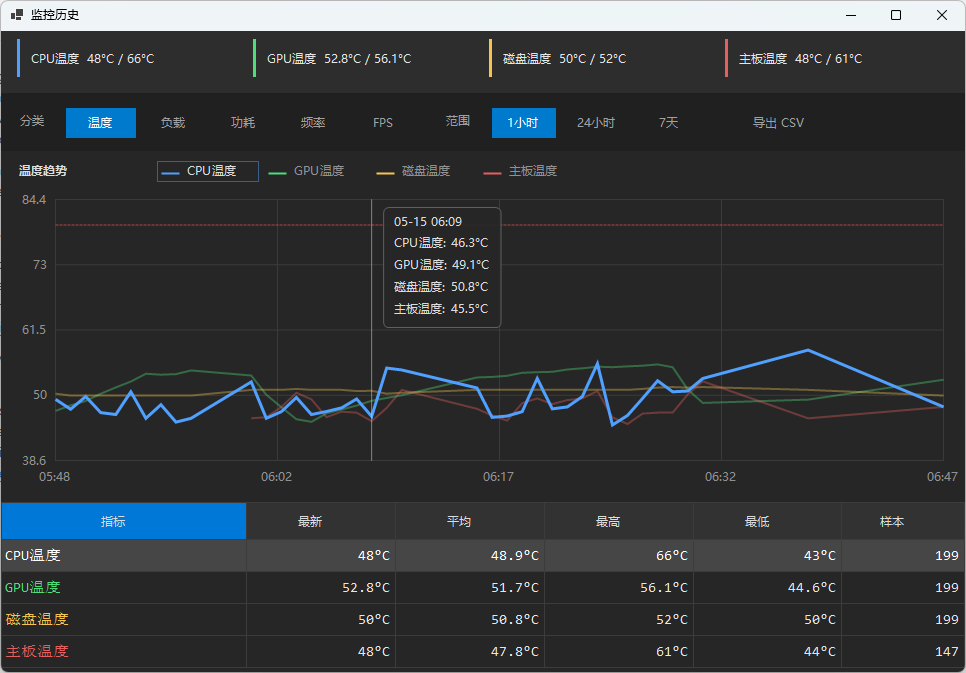
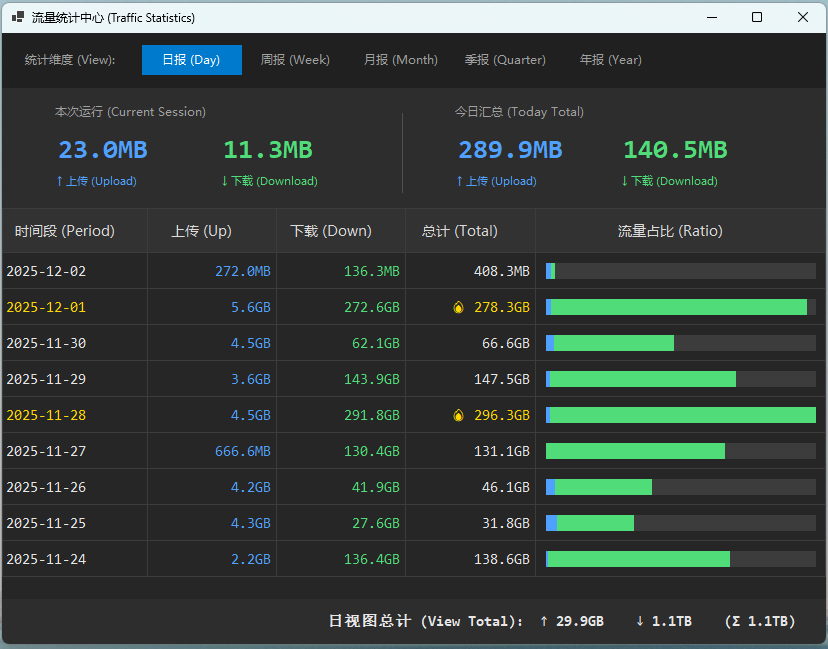
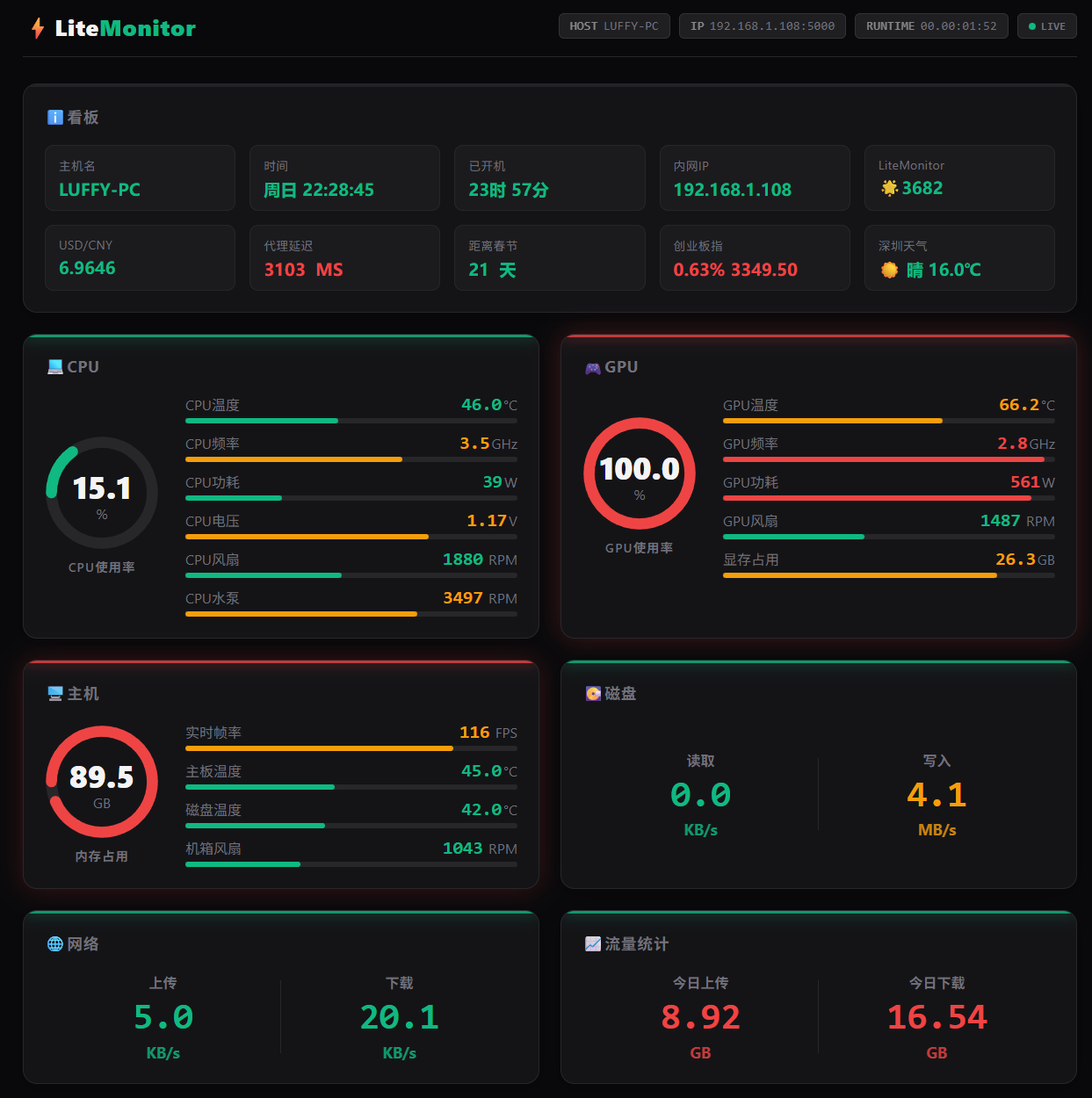
 LiteMonitor is a lightweight, customizable hardware monitoring tool for the Windows desktop and taskbar, showing real-time CPU, GPU, RAM, disk, network, and FPS stats.
LiteMonitor is a lightweight, customizable hardware monitoring tool for the Windows desktop and taskbar, showing real-time CPU, GPU, RAM, disk, network, and FPS stats.Is this a desktop app or a background service?It's a standalone Windows desktop app (an .exe) that can display as a floating panel, docked to screen edges, or embedded in the taskbar, plus it ships a web-based monitoring view.
It's a standalone Windows desktop app (an .exe) that can display as a floating panel, docked to screen edges, or embedded in the taskbar, plus it ships a web-based monitoring view.How do I install and run it?Download the latest release archive from the Releases page, extract it, and run LiteMonitor.exe; it auto-loads the language file matching your system.
Download the latest release archive from the Releases page, extract it, and run LiteMonitor.exe; it auto-loads the language file matching your system.Does it work with any GPU brand?GPU monitoring is compatible with NVIDIA, AMD, and Intel graphics cards.
GPU monitoring is compatible with NVIDIA, AMD, and Intel graphics cards.Does it run on other operating systems besides Windows?No, it's a Windows-only tool, targeting Windows 10/11 specifically for both running and building it.
No, it's a Windows-only tool, targeting Windows 10/11 specifically for both running and building it.What does the memory cleaner feature do?It's a built-in memory optimization function that lets users clean up RAM usage directly from the app, alongside the core hardware monitoring.
It's a built-in memory optimization function that lets users clean up RAM usage directly from the app, alongside the core hardware monitoring.Can I extend it with plugins?Yes, LiteMonitor supports a plugin system for monitoring extras like weather, stock prices, cryptocurrency, proxy latency, and exchange rates, plus custom user plugins without needing to code (per the no-code plugin development guide).
Yes, LiteMonitor supports a plugin system for monitoring extras like weather, stock prices, cryptocurrency, proxy latency, and exchange rates, plus custom user plugins without needing to code (per the no-code plugin development guide).Can I customize the look and layout?Yes: themes are JSON files defining colors, fonts, spacing, and corner radius in the /themes/ folder, plus there's adjustable panel width, UI scaling, transparency, rounded corners, smooth value animations, and both vertical and horizontal (taskbar) layouts.
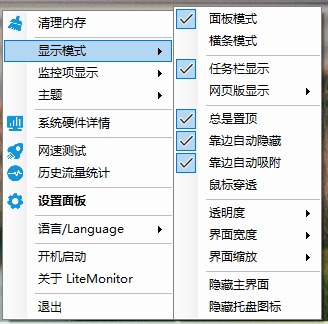
Yes: themes are JSON files defining colors, fonts, spacing, and corner radius in the /themes/ folder, plus there's adjustable panel width, UI scaling, transparency, rounded corners, smooth value animations, and both vertical and horizontal (taskbar) layouts.Does it auto-hide or stay out of the way?It supports edge auto-hide (tucks away near screen edges and pops back out), an option to clamp the window so it can't be dragged off-screen, and a mouse-through mode so clicks pass to apps behind it.
It supports edge auto-hide (tucks away near screen edges and pops back out), an option to clamp the window so it can't be dragged off-screen, and a mouse-through mode so clicks pass to apps behind it.What are similar projects?TrafficMonitor, BibaYanji, Flow.Launcher, RunCat365, Playnite, HaloBattery, EarTrumpet, tubatools
TrafficMonitor, BibaYanji, Flow.Launcher, RunCat365, Playnite, HaloBattery, EarTrumpet, tubatoolsWhich topics is it in?taskbar, system-monitor, web-server, c-sharp, plugins, themes, lightweight, dotnet, plugin-system, c#, hardware, i18n
taskbar, system-monitor, web-server, c-sharp, plugins, themes, lightweight, dotnet, plugin-system, c#, hardware, i18n