











What is this?
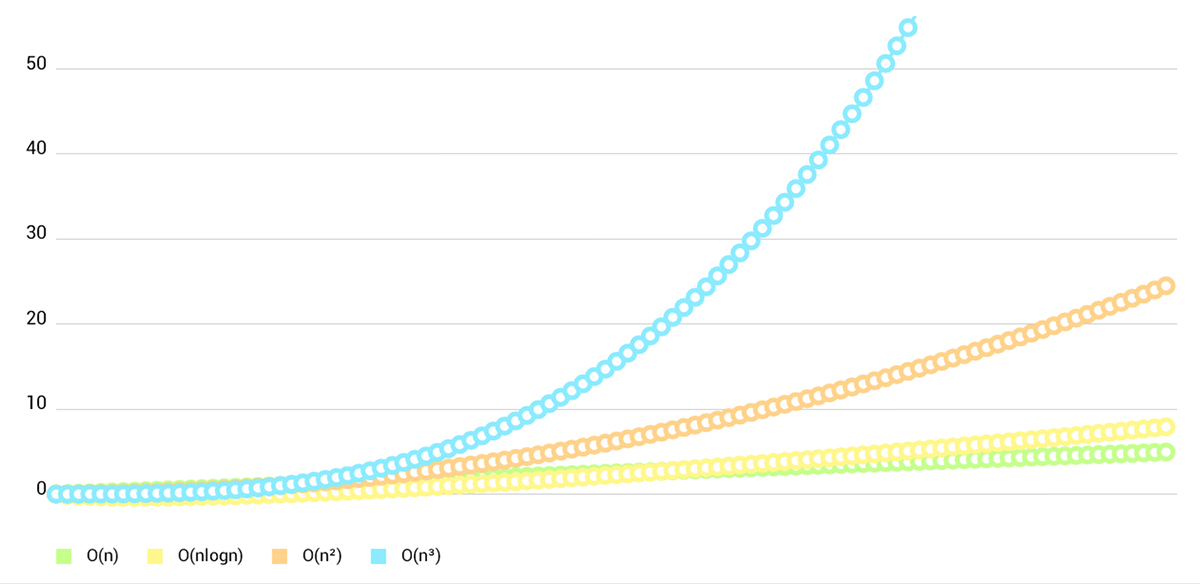
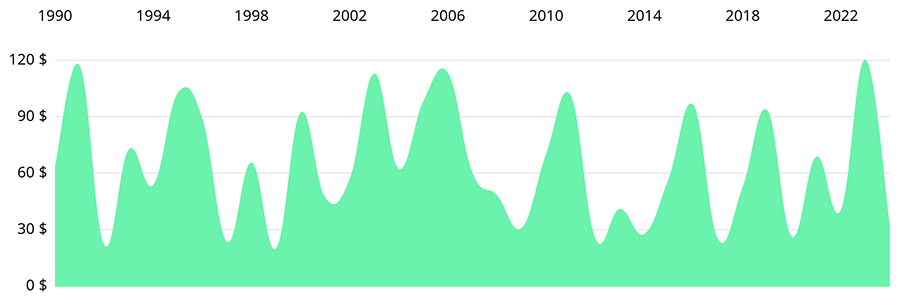
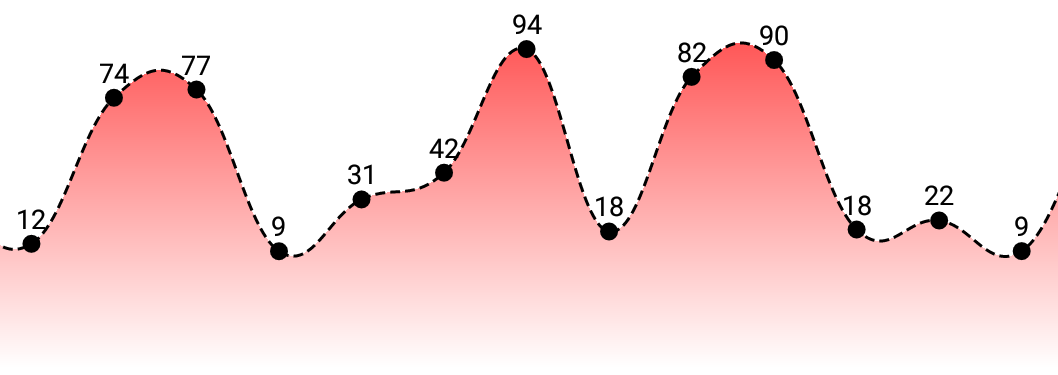
 Charts (now renamed DGCharts) is a charting library for Apple platforms — iOS, tvOS, and macOS — that lets you draw line, bar, pie, scatter, candlestick, bubble, and radar charts in your app. It is the Apple-side counterpart to the popular Android library MPAndroidChart, sharing nearly the same API.
Charts (now renamed DGCharts) is a charting library for Apple platforms — iOS, tvOS, and macOS — that lets you draw line, bar, pie, scatter, candlestick, bubble, and radar charts in your app. It is the Apple-side counterpart to the popular Android library MPAndroidChart, sharing nearly the same API.Is it a framework or a library?It's a Swift framework/library you embed into your own app, not a standalone app — you drag the DGCharts.xcodeproj into your project and link the DGCharts.framework.
It's a Swift framework/library you embed into your own app, not a standalone app — you drag the DGCharts.xcodeproj into your project and link the DGCharts.framework.How do I add it to a project?You can install it via CocoaPods (pod 'DGCharts'), Carthage (prebuilt binaries included), Swift Package Manager, or manually by dragging the Xcode project and embedding the framework plus importing the bridging header for Objective-C projects.
You can install it via CocoaPods (pod 'DGCharts'), Carthage (prebuilt binaries included), Swift Package Manager, or manually by dragging the Xcode project and embedding the framework plus importing the bridging header for Objective-C projects.Do I need a specific Xcode or Swift version?The master branch requires Xcode 14 / Swift 5.7 and targets iOS 12+, tvOS 12+, and macOS 10.13+; for older Swift compilers you should check out a tagged release instead of master.
The master branch requires Xcode 14 / Swift 5.7 and targets iOS 12+, tvOS 12+, and macOS 10.13+; for older Swift compilers you should check out a tagged release instead of master.Is 'ios-charts' on CocoaPods the right pod to install?No — the pod named 'ios-charts' is a different, unrelated project; the correct pod is 'DGCharts' (and 'ChartsRealm' if you want Realm.io binding support).
No — the pod named 'ios-charts' is a different, unrelated project; the correct pod is 'DGCharts' (and 'ChartsRealm' if you want Realm.io binding support).Who is this library for?iOS, tvOS, and macOS developers (Swift or Objective-C) who need charting in their apps, especially teams already using MPAndroidChart on Android who want a near-identical API on Apple platforms.
iOS, tvOS, and macOS developers (Swift or Objective-C) who need charting in their apps, especially teams already using MPAndroidChart on Android who want a near-identical API on Apple platforms.Does it support macOS and tvOS, not just iOS?Yes — it ships with separate demo projects for iOS/tvOS and for macOS, and works across all three Apple platforms.
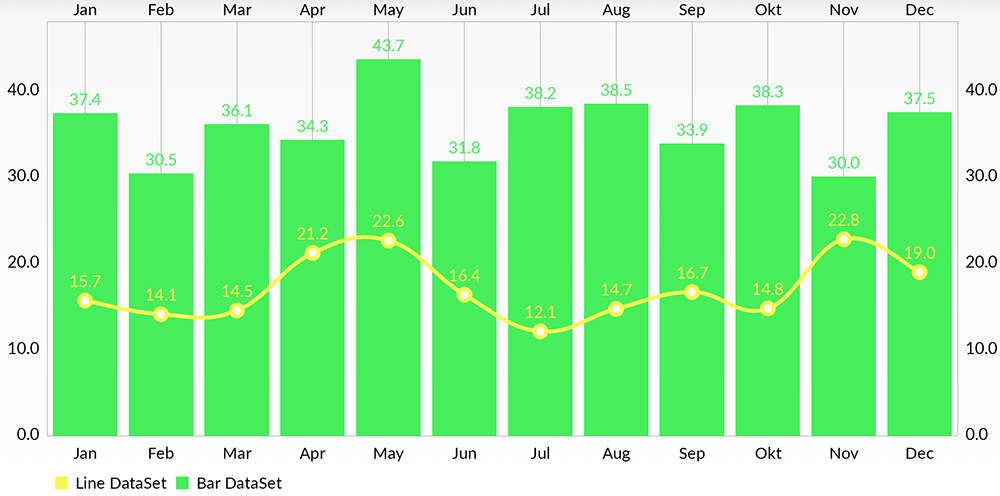
Yes — it ships with separate demo projects for iOS/tvOS and for macOS, and works across all three Apple platforms.What chart types are included out of the box?Eight chart types: line, bar (including grouped and horizontal), pie, scatter, candlestick, bubble, radar, and combined charts that mix bar/line/scatter/candlestick/bubble in one view.
Eight chart types: line, bar (including grouped and horizontal), pie, scatter, candlestick, bubble, radar, and combined charts that mix bar/line/scatter/candlestick/bubble in one view.Can I bind chart data directly to a database?Yes, it supports plotting data directly from the Realm.io mobile database via the separate ChartsRealm dependency.
Yes, it supports plotting data directly from the Realm.io mobile database via the separate ChartsRealm dependency.Why was the library renamed to DGCharts?It was renamed from Charts to DGCharts to avoid naming conflicts with Apple's own Swift Charts framework, introduced as part of the 5.0 release with some breaking changes.
It was renamed from Charts to DGCharts to avoid naming conflicts with Apple's own Swift Charts framework, introduced as part of the 5.0 release with some breaking changes.Is there written documentation for the API?There's no separate iOS-specific documentation since the API is about 95% the same as MPAndroidChart's; you're pointed to the Android library's wiki and the included Objective-C/Swift demo projects instead.
There's no separate iOS-specific documentation since the API is about 95% the same as MPAndroidChart's; you're pointed to the Android library's wiki and the included Objective-C/Swift demo projects instead.What are similar projects?AFNetworking, CocoaAsyncSocket, firebase-ios-sdk, SwiftyJSON, SVProgressHUD, realm-swift, Spring, awesome-ios-ui
AFNetworking, CocoaAsyncSocket, firebase-ios-sdk, SwiftyJSON, SVProgressHUD, realm-swift, Spring, awesome-ios-uiWhich topics is it in?tvos, objective-c, charts, mobile-development, data-visualization, swift, animation, sdk, mobile, ios, gui, apache-2.0
tvos, objective-c, charts, mobile-development, data-visualization, swift, animation, sdk, mobile, ios, gui, apache-2.0