








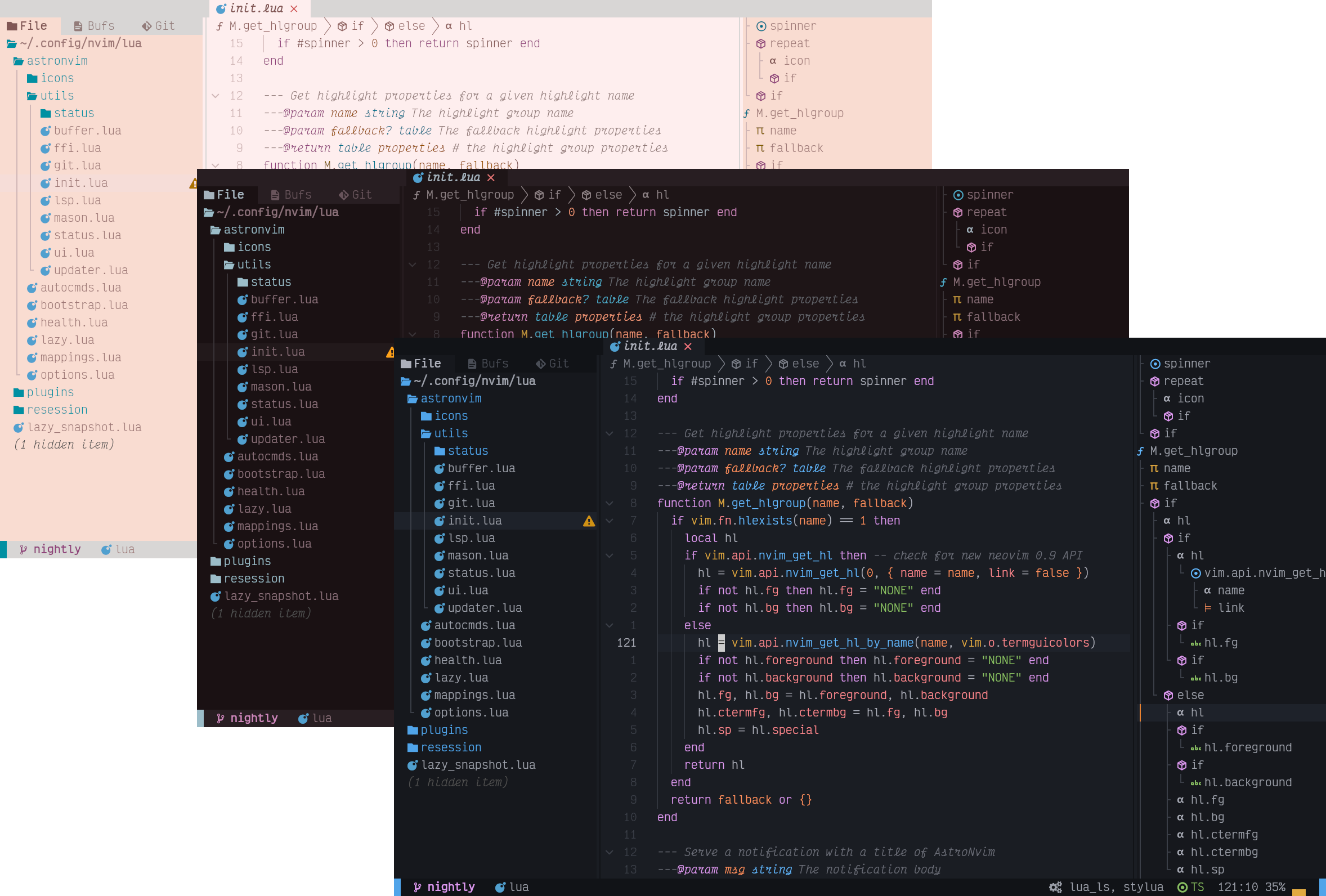

What is this?
 AstroNvim is a pre-built Neovim configuration that is aesthetically pleasing, feature-rich, extensible, and easy to use, bundling a curated set of plugins for an IDE-like editing experience.
AstroNvim is a pre-built Neovim configuration that is aesthetically pleasing, feature-rich, extensible, and easy to use, bundling a curated set of plugins for an IDE-like editing experience.Is this a standalone editor or a config for Neovim?It's a Neovim configuration distributed as a plugin, installed via the lazy.nvim plugin manager on top of an existing Neovim install.
It's a Neovim configuration distributed as a plugin, installed via the lazy.nvim plugin manager on top of an existing Neovim install.How do I get it running?Back up your existing ~/.config/nvim and data folders, then clone the official AstroNvim Template repository into ~/.config/nvim (on Windows, the equivalent PowerShell steps are given); you can also write a minimal init.lua yourself to bootstrap a base AstroNvim install.
Back up your existing ~/.config/nvim and data folders, then clone the official AstroNvim Template repository into ~/.config/nvim (on Windows, the equivalent PowerShell steps are given); you can also write a minimal init.lua yourself to bootstrap a base AstroNvim install.What do I need installed before trying AstroNvim?You need Neovim 0.11+ (not nightly), a C compiler on your PATH, a clipboard tool for system clipboard integration, a true-color terminal, and ideally a Nerd Font for icons; Tree-sitter CLI will auto-install via Mason if missing.
You need Neovim 0.11+ (not nightly), a C compiler on your PATH, a clipboard tool for system clipboard integration, a true-color terminal, and ideally a Nerd Font for icons; Tree-sitter CLI will auto-install via Mason if missing.Any install pitfalls I should know about?macOS's default Terminal.app lacks true-color support needed for the default theme, so you'll need iTerm2, Kitty, WezTerm or similar; Nerd Font icons also require manual setup of your terminal emulator's font.
macOS's default Terminal.app lacks true-color support needed for the default theme, so you'll need iTerm2, Kitty, WezTerm or similar; Nerd Font icons also require manual setup of your terminal emulator's font.How do I install a language server or debugger after setup?Use the built-in commands: :LspInstall followed by the server name (e.g. pyright), :TSInstall for a Treesitter language parser (e.g. python), and :DapInstall for a debugger.
Use the built-in commands: :LspInstall followed by the server name (e.g. pyright), :TSInstall for a Treesitter language parser (e.g. python), and :DapInstall for a debugger.How do I update AstroNvim and its plugins?Run :AstroUpdate (mapped to pa) to update both Neovim plugins and Mason packages, or use :Lazy check/update/sync to manage plugins directly.
Run :AstroUpdate (mapped to pa) to update both Neovim plugins and Mason packages, or use :Lazy check/update/sync to manage plugins directly.What's included out of the box?AstroNvim ships with Neo-tree file explorer, Blink.cmp autocompletion, Gitsigns git integration, a Heirline statusline/winbar/bufferline, Toggleterm terminal, Snacks fuzzy picker, Treesitter syntax highlighting, None-ls formatting/linting, native LSP, and nvim-dap debugging.
AstroNvim ships with Neo-tree file explorer, Blink.cmp autocompletion, Gitsigns git integration, a Heirline statusline/winbar/bufferline, Toggleterm terminal, Snacks fuzzy picker, Treesitter syntax highlighting, None-ls formatting/linting, native LSP, and nvim-dap debugging.What optional tools unlock extra toggle-terminal features?Installing ripgrep, lazygit, bottom, Python, or Node enables extra toggle terminals for live grep, a git UI, a process viewer, a Python REPL, and a Node REPL respectively.
Installing ripgrep, lazygit, bottom, Python, or Node enables extra toggle terminals for live grep, a git UI, a process viewer, a Python REPL, and a Node REPL respectively.What are similar projects?NvChad, LunarVim, LazyVim, telescope.nvim, SpaceVim, neovim, lazy.nvim, coc.nvim
NvChad, LunarVim, LazyVim, telescope.nvim, SpaceVim, neovim, lazy.nvim, coc.nvimWhich topics is it in?neovim-config, neovim-plugin, nvim, lsp, neovim, lua, vim, ide, customization, hacktoberfest, gplv3, productivity
neovim-config, neovim-plugin, nvim, lsp, neovim, lua, vim, ide, customization, hacktoberfest, gplv3, productivity