













What is this?
 FTXUI is a simple cross-platform C++ library for building terminal user interfaces — full-screen text apps with colors, layout, widgets, and keyboard and mouse input.
FTXUI is a simple cross-platform C++ library for building terminal user interfaces — full-screen text apps with colors, layout, widgets, and keyboard and mouse input.Is it a library I link into my own program, or a ready-made app?A library you link into your own C++ program, not a standalone app. It comes as three modules: screen (rendering), dom (layout) and component (interactive widgets and the main loop).
A library you link into your own C++ program, not a standalone app. It comes as three modules: screen (rendering), dom (layout) and component (interactive widgets and the main loop).How do I add it to my project?CMake FetchContent is the preferred way. Alternatives include Bazel, vcpkg, Conan, Meson, distro packages (Debian, Ubuntu, Arch, OpenSUSE), Nix, conda-forge, and a single-header amalgamated build since 7.0.0.
CMake FetchContent is the preferred way. Alternatives include Bazel, vcpkg, Conan, Meson, distro packages (Debian, Ubuntu, Arch, OpenSUSE), Nix, conda-forge, and a single-header amalgamated build since 7.0.0.Do I need to install anything else first, like ncurses?None — FTXUI has no external dependencies. You only need a C++20-capable compiler toolchain.
None — FTXUI has no external dependencies. You only need a C++20-capable compiler toolchain.Does it work on Windows, or is it Linux and macOS only?Linux and macOS are the main targets, but Windows is supported too, and it also compiles to WebAssembly, so demos can run in a browser.
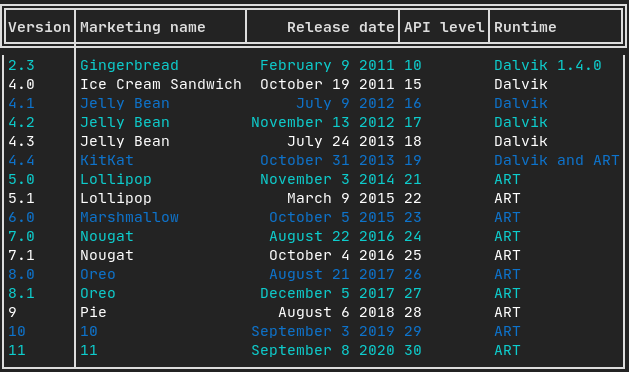
Linux and macOS are the main targets, but Windows is supported too, and it also compiles to WebAssembly, so demos can run in a browser.How do you describe a UI in FTXUI?You compose elements functionally: hbox and vbox arrange them horizontally or vertically, gridbox and flexbox handle grids and wrapping, decorators add bold, colors, borders and hyperlinks, and a pipe operator chains decorators.
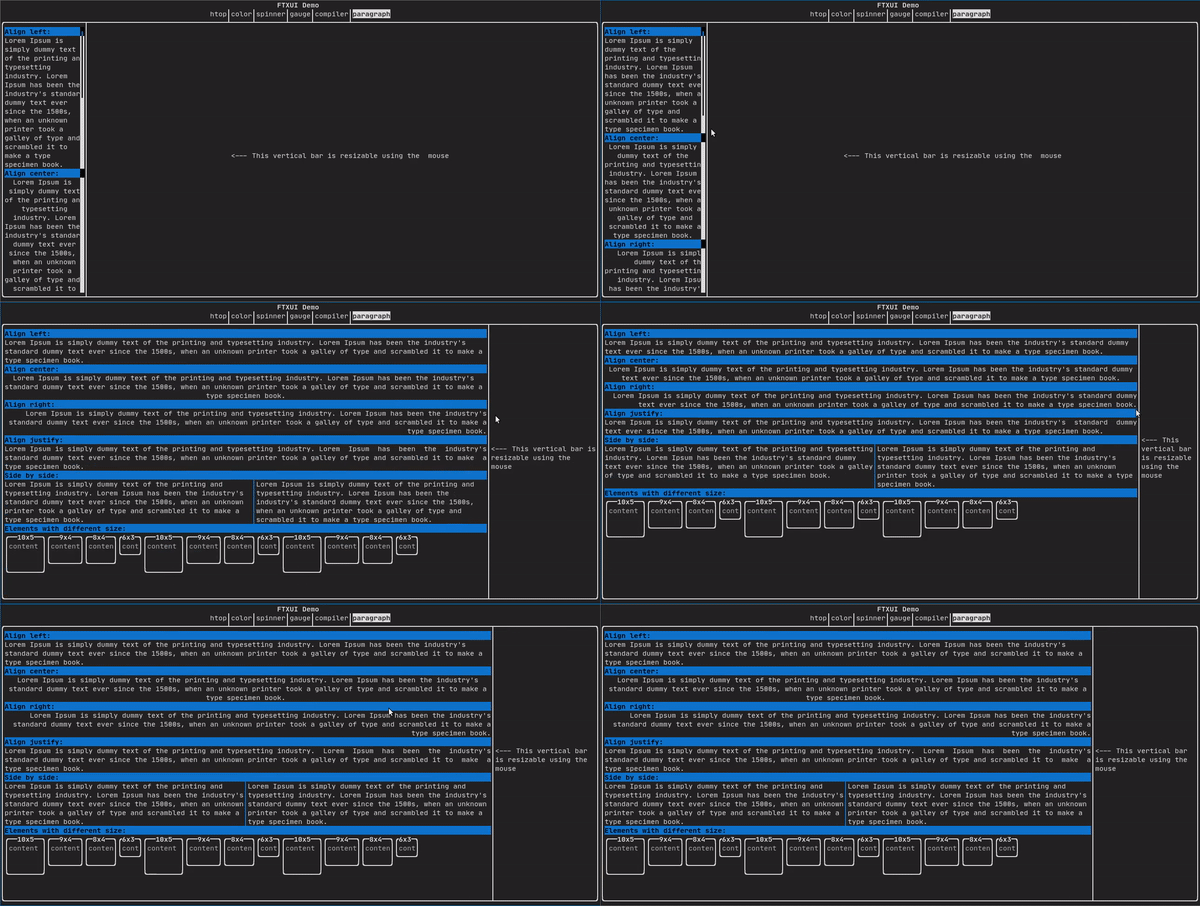
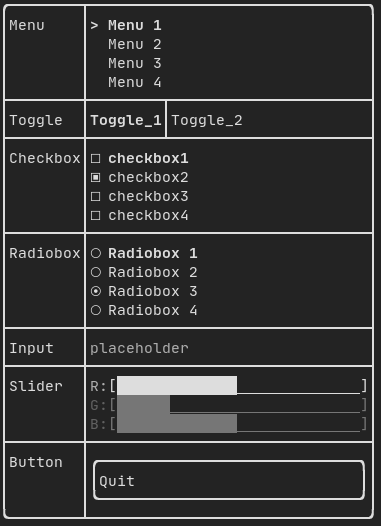
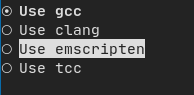
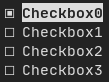
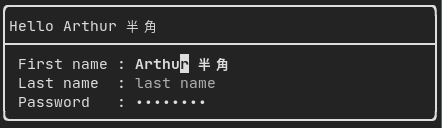
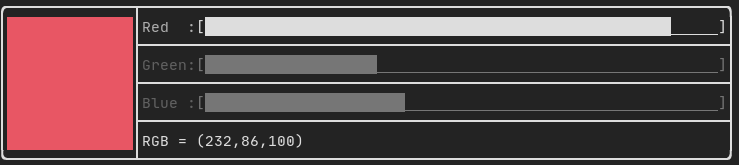
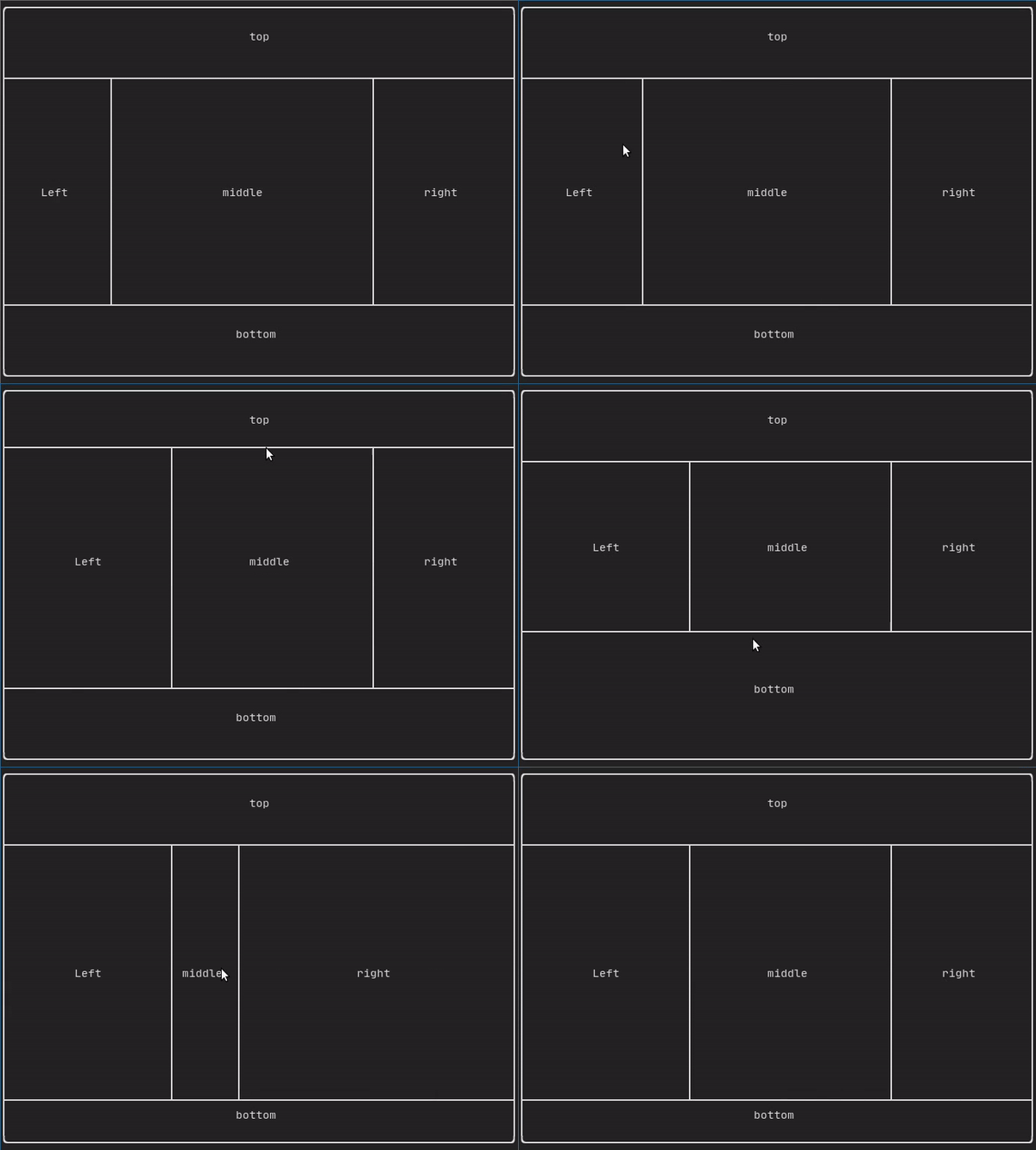
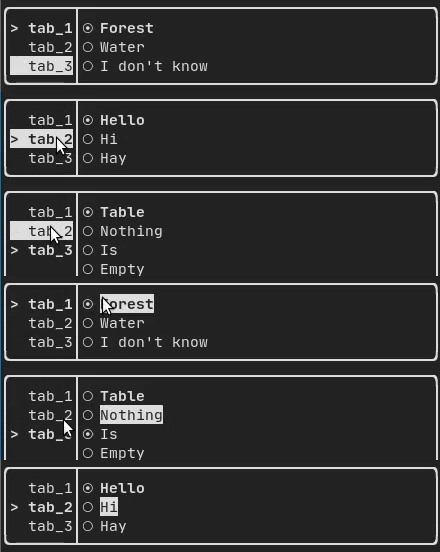
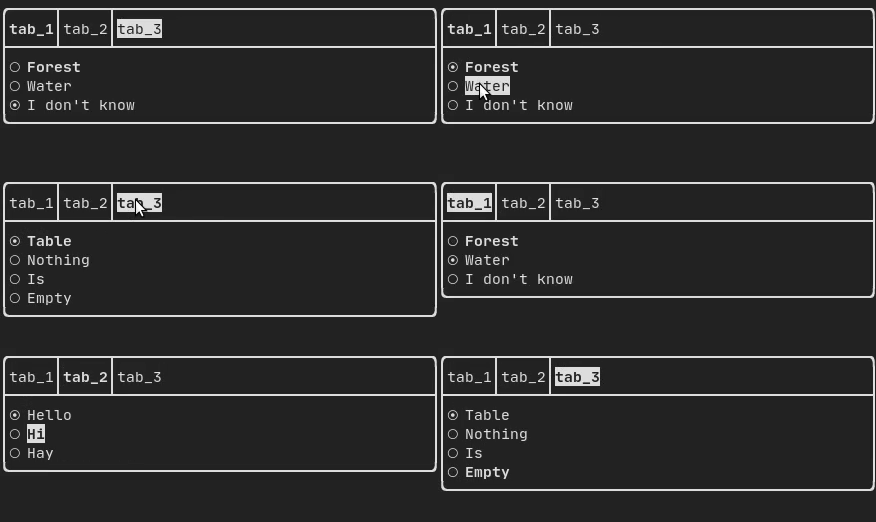
You compose elements functionally: hbox and vbox arrange them horizontally or vertically, gridbox and flexbox handle grids and wrapping, decorators add bold, colors, borders and hyperlinks, and a pipe operator chains decorators.Which widgets are included out of the box?Checkbox, radiobox, text input, toggle, slider, menu, dropdown, resizable split and tabs. Components react to keyboard, mouse and resize events and render as layout elements.
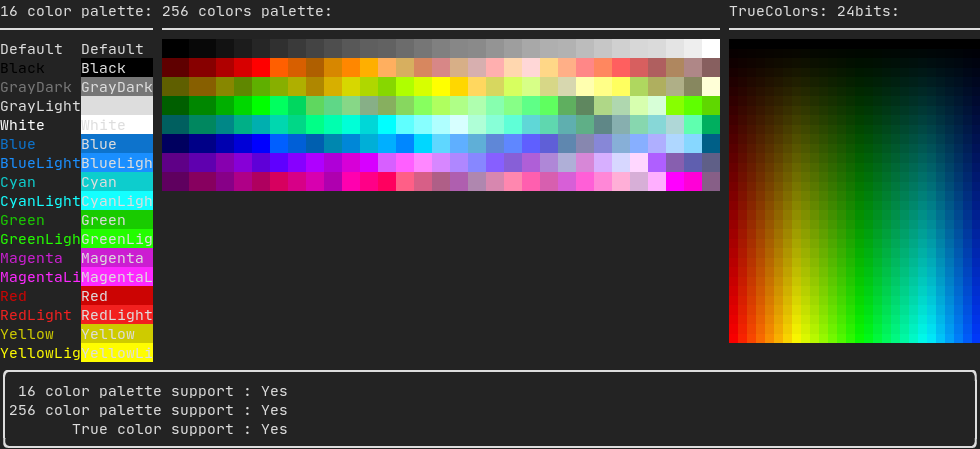
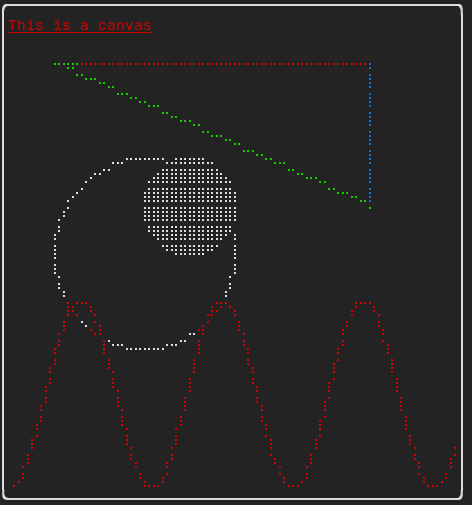
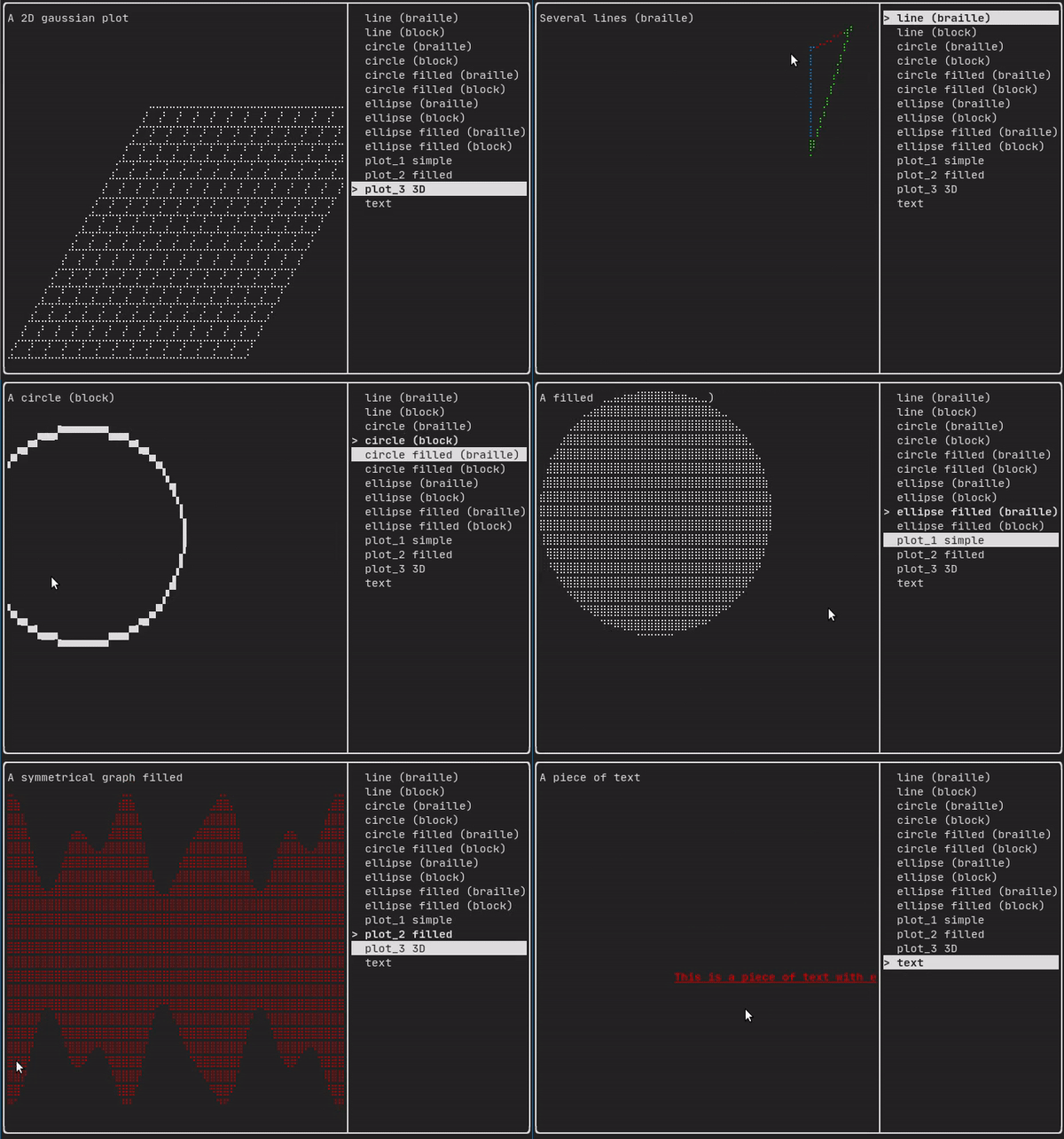
Checkbox, radiobox, text input, toggle, slider, menu, dropdown, resizable split and tabs. Components react to keyboard, mouse and resize events and render as layout elements.Can it draw graphics, not just text?Yes. You can draw on a Canvas using braille, block or simple characters, every color palette is supported, and elements can be animated.
Yes. You can draw on a Canvas using braille, block or simple characters, every color palette is supported, and elements can be animated.What have people built with it?Game-jam titles like TermBreaker and Minesweeper Marathon, tools like json-tui, git-tui and rgb-tui, a resource monitor, a terminal file browser, plus community components such as an image viewer and a markdown editor.
Game-jam titles like TermBreaker and Minesweeper Marathon, tools like json-tui, git-tui and rgb-tui, a resource monitor, a terminal file browser, plus community components such as an image viewer and a markdown editor.What are similar projects?ascii, world.execute-me-ascii, tview, slint, rataflow, tui-rs, textual, ratatui
ascii, world.execute-me-ascii, tview, slint, rataflow, tui-rs, textual, ratatuiWhich topics is it in?ascii, xterm, ascii-art, user-interface, terminal-based, widgets, functional-programming, rendering, component-library, wasm, tui, ui-components
ascii, xterm, ascii-art, user-interface, terminal-based, widgets, functional-programming, rendering, component-library, wasm, tui, ui-components