
421 ·GitHub
What is this?
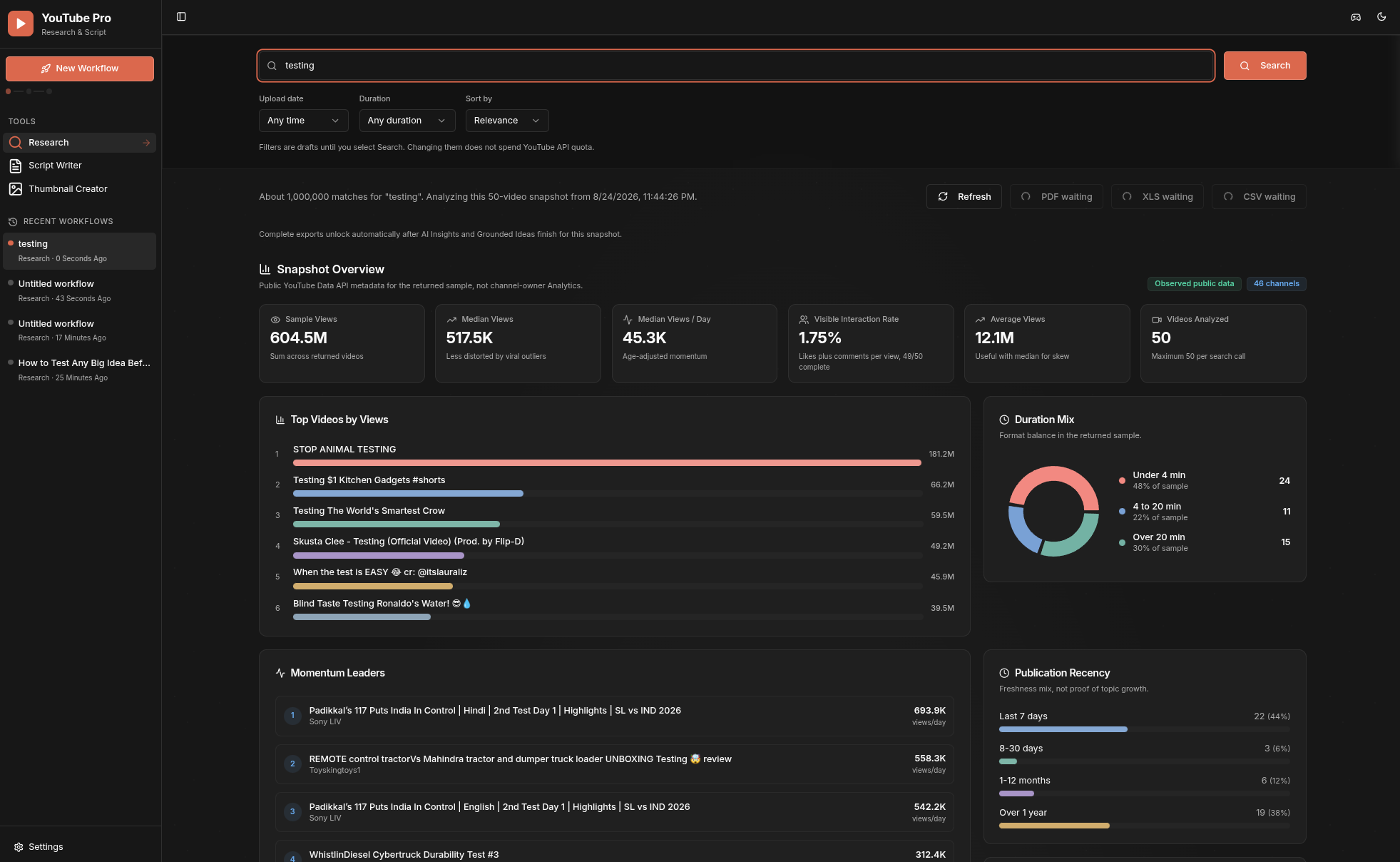
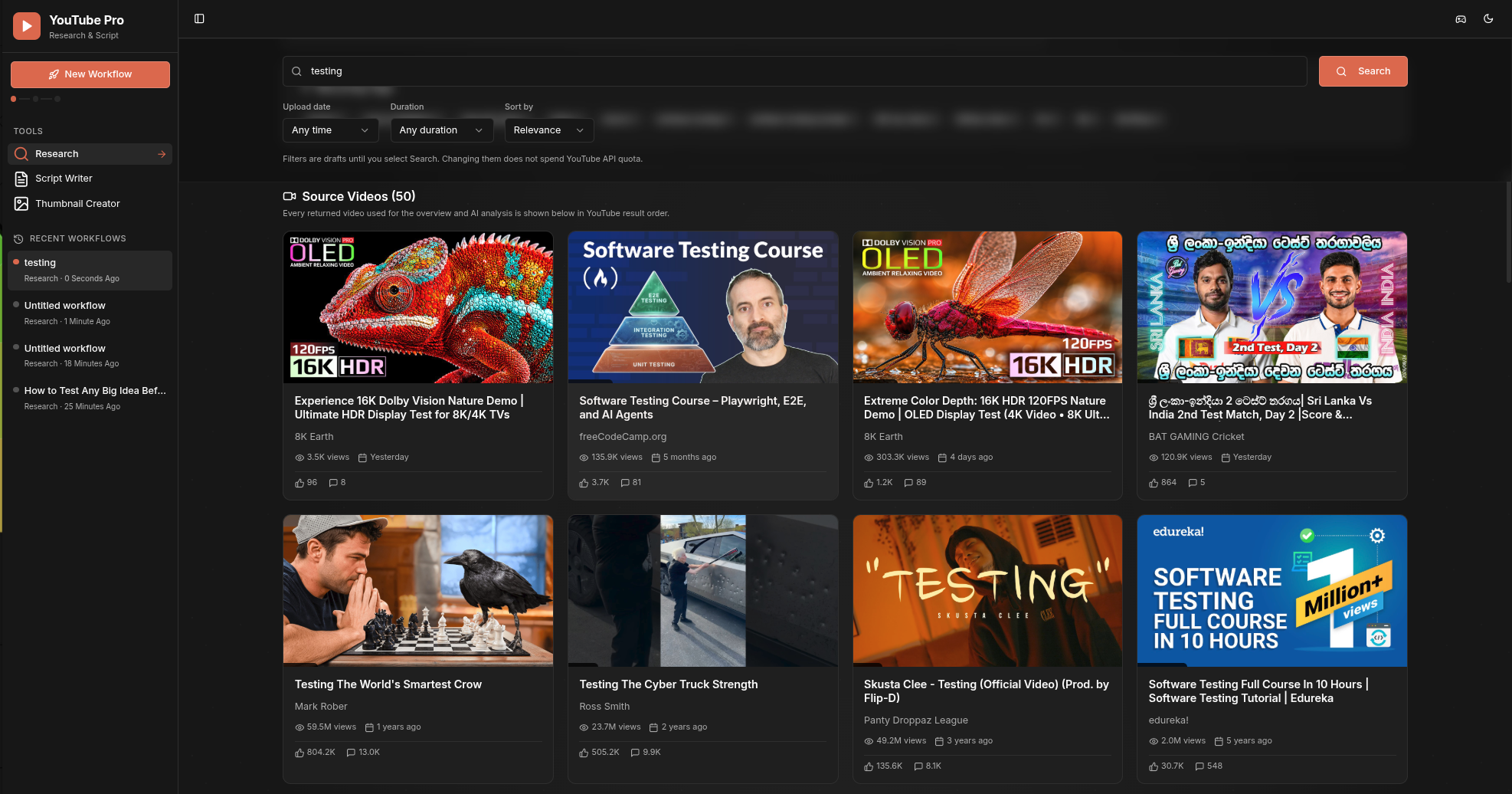
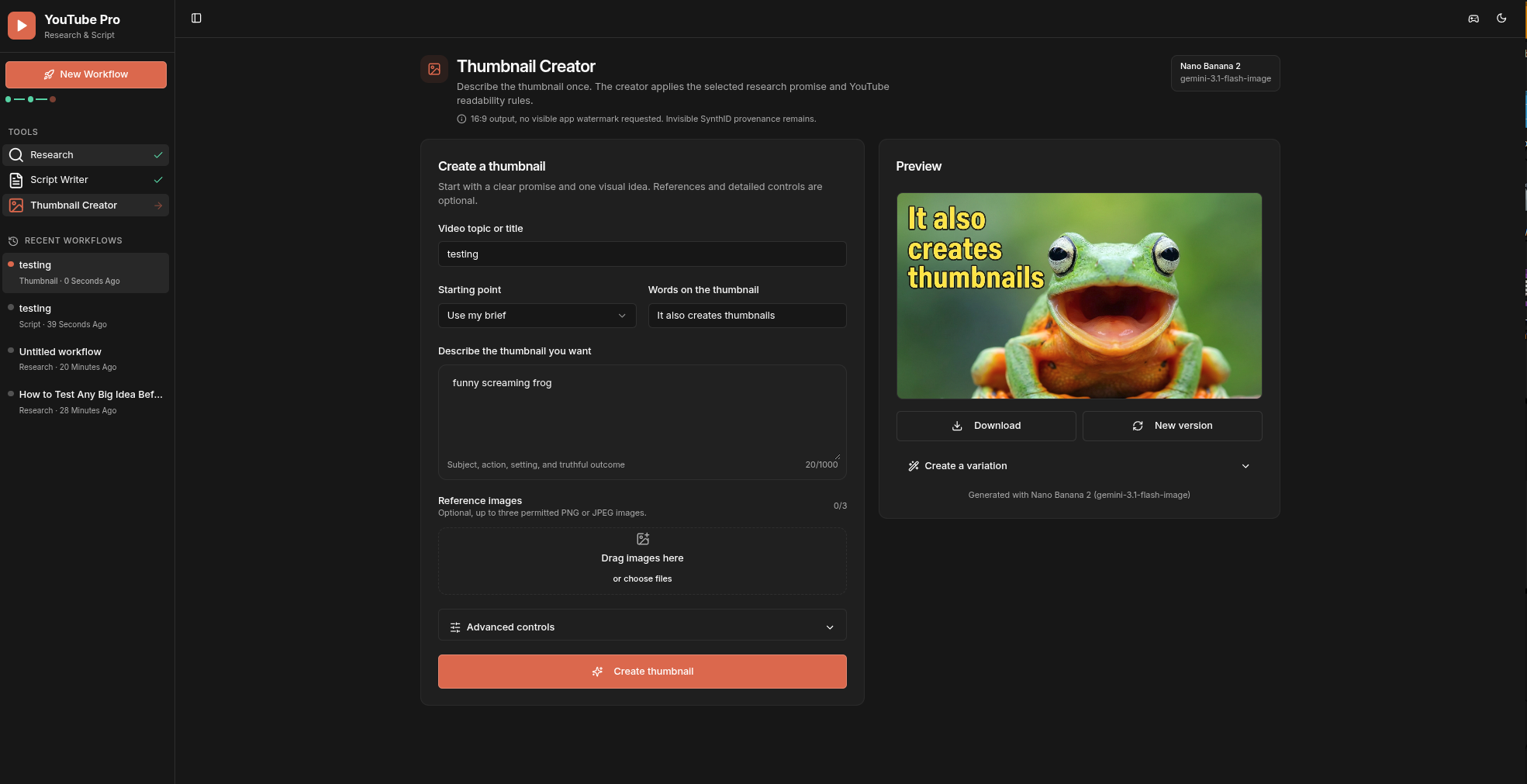
 YouTube Pro is a local-first workspace that combines public YouTube Data API v3 records with Gemini AI analysis to help you research topics, get grounded content ideas, write scripts, and generate thumbnails for a YouTube video.
YouTube Pro is a local-first workspace that combines public YouTube Data API v3 records with Gemini AI analysis to help you research topics, get grounded content ideas, write scripts, and generate thumbnails for a YouTube video.Is this a hosted web app or something I run myself locally?It is a self-hosted Node.js/Express server with a React frontend that you run on your own machine; by default it only binds to localhost and is not offered as a cloud SaaS.
It is a self-hosted Node.js/Express server with a React frontend that you run on your own machine; by default it only binds to localhost and is not offered as a cloud SaaS.How do I get it running?You need Node.js 22.12 or newer, then copy the example configuration file locally and fill in your keys (or leave them blank and add them later in Settings) before starting the server, which listens on 127.0.0.1:5000.
You need Node.js 22.12 or newer, then copy the example configuration file locally and fill in your keys (or leave them blank and add them later in Settings) before starting the server, which listens on 127.0.0.1:5000.Do I need my own YouTube and Gemini API keys?Yes, a YouTube Data API v3 key is required for Research and a Gemini API key is required for Insights, Ideas, Script Writer, and Thumbnail Creator; you can start without keys and enter them later in Settings.
Yes, a YouTube Data API v3 key is required for Research and a Gemini API key is required for Insights, Ideas, Script Writer, and Thumbnail Creator; you can start without keys and enter them later in Settings.Are there any usage limits I should know about?Research searches are capped at 50 videos and 200-character queries, thumbnail references are limited to three images under 5MB each, and billable YouTube/Gemini routes are throttled to 10 requests per client per 60 seconds since this is a single-process local server.
Research searches are capped at 50 videos and 200-character queries, thumbnail references are limited to three images under 5MB each, and billable YouTube/Gemini routes are throttled to 10 requests per client per 60 seconds since this is a single-process local server.Where does my data and API keys actually go?API keys are written server-side into a gitignored .env file with owner-only permissions and are never returned to the browser; recent workflow history lives only in your browser's IndexedDB and request/response bodies are never logged.
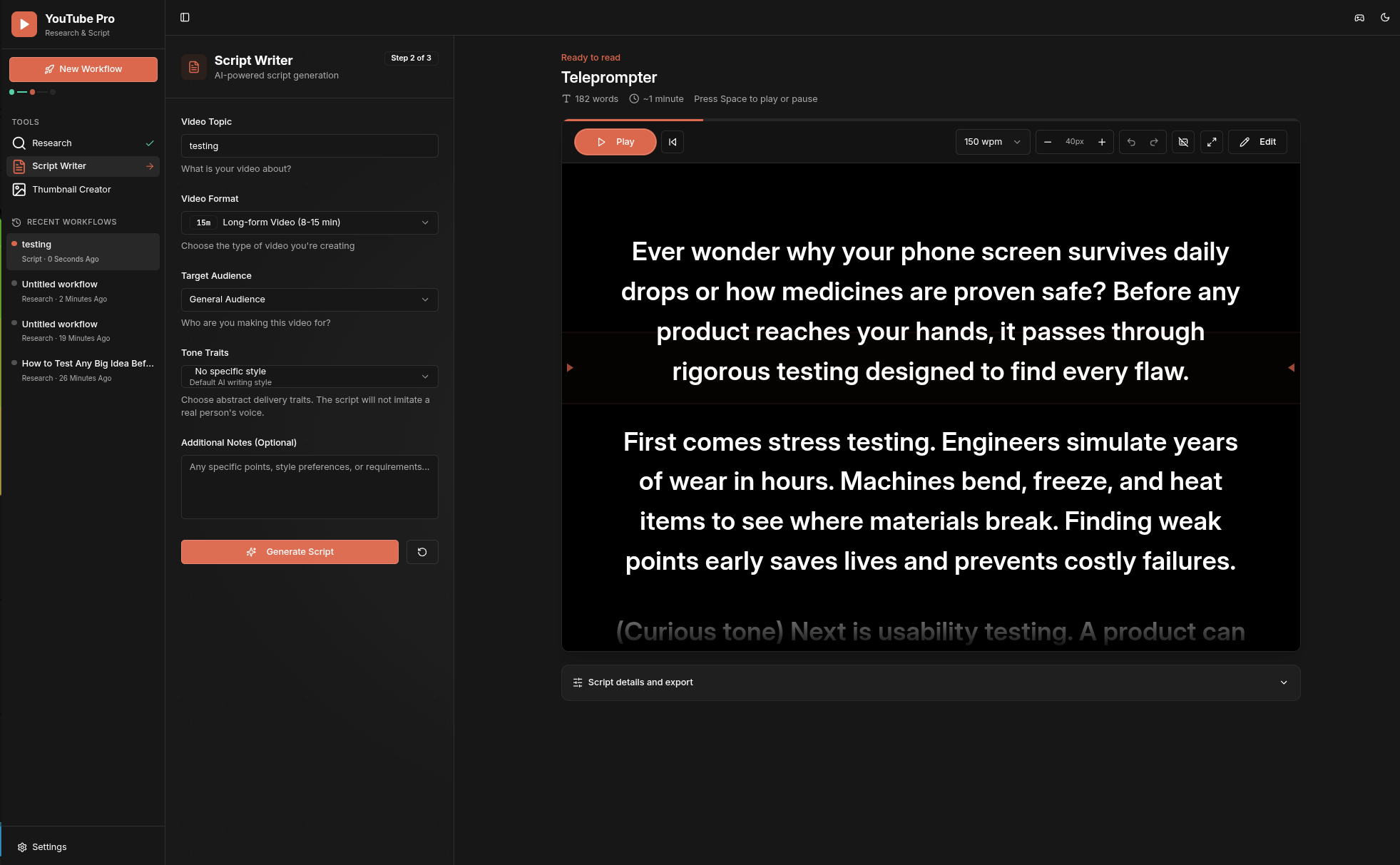
API keys are written server-side into a gitignored .env file with owner-only permissions and are never returned to the browser; recent workflow history lives only in your browser's IndexedDB and request/response bodies are never logged.How does the research-to-thumbnail workflow actually flow?You search up to 50 public videos, Gemini turns that exact snapshot into an Insights brief, Grounded Ideas are generated from valid Insights, one idea becomes an editable Script, and the same selected idea and evidence feed the Thumbnail Creator. Each 'New Workflow' click starts a fresh local project kept in the sidebar's recent history.
You search up to 50 public videos, Gemini turns that exact snapshot into an Insights brief, Grounded Ideas are generated from valid Insights, one idea becomes an editable Script, and the same selected idea and evidence feed the Thumbnail Creator. Each 'New Workflow' click starts a fresh local project kept in the sidebar's recent history.Why self-host instead of using a cloud SaaS version?Keeping everything local-first means API keys and history never leave your machine; the Settings page only accepts direct loopback requests, and the README explicitly warns against exposing the server to the internet without adding your own authentication and rate limiting.
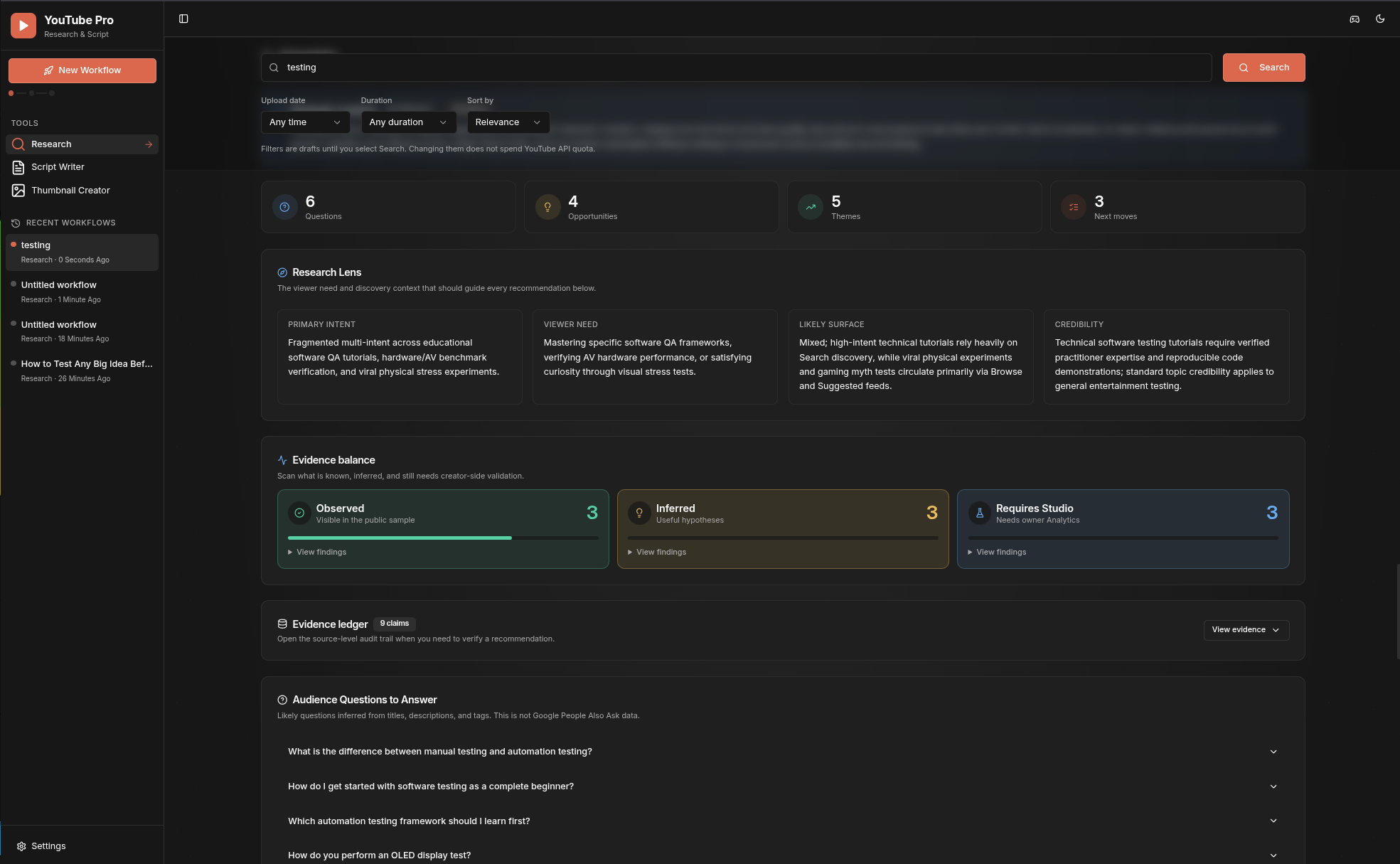
Keeping everything local-first means API keys and history never leave your machine; the Settings page only accepts direct loopback requests, and the README explicitly warns against exposing the server to the internet without adding your own authentication and rate limiting.Does the AI just make things up about my videos?No, Gemini Insights are scoped to the exact active research snapshot, and every claim is labeled as observed evidence, aggregate inference, or something that would require YouTube Studio to confirm, so speculative claims are explicitly separated from facts.
No, Gemini Insights are scoped to the exact active research snapshot, and every claim is labeled as observed evidence, aggregate inference, or something that would require YouTube Studio to confirm, so speculative claims are explicitly separated from facts.Do the generated thumbnails carry any watermark?Gemini image outputs include Google's invisible SynthID provenance marker; the app does not add a visible watermark and does not claim SynthID can be disabled.
Gemini image outputs include Google's invisible SynthID provenance marker; the app does not add a visible watermark and does not claim SynthID can be disabled.What are similar projects?printfilm, ace-step-ui, gpt_image_playground, waoowaoo, moyin-creator, rankme.fast, empire, OpenStock
printfilm, ace-step-ui, gpt_image_playground, waoowaoo, moyin-creator, rankme.fast, empire, OpenStockWhich topics is it in?shadcn-ui, express, youtube, content-creation, tailwindcss, vite, image-generation, gemini, generative-ai, local-first, web-app, research
shadcn-ui, express, youtube, content-creation, tailwindcss, vite, image-generation, gemini, generative-ai, local-first, web-app, research