

Что это такое?
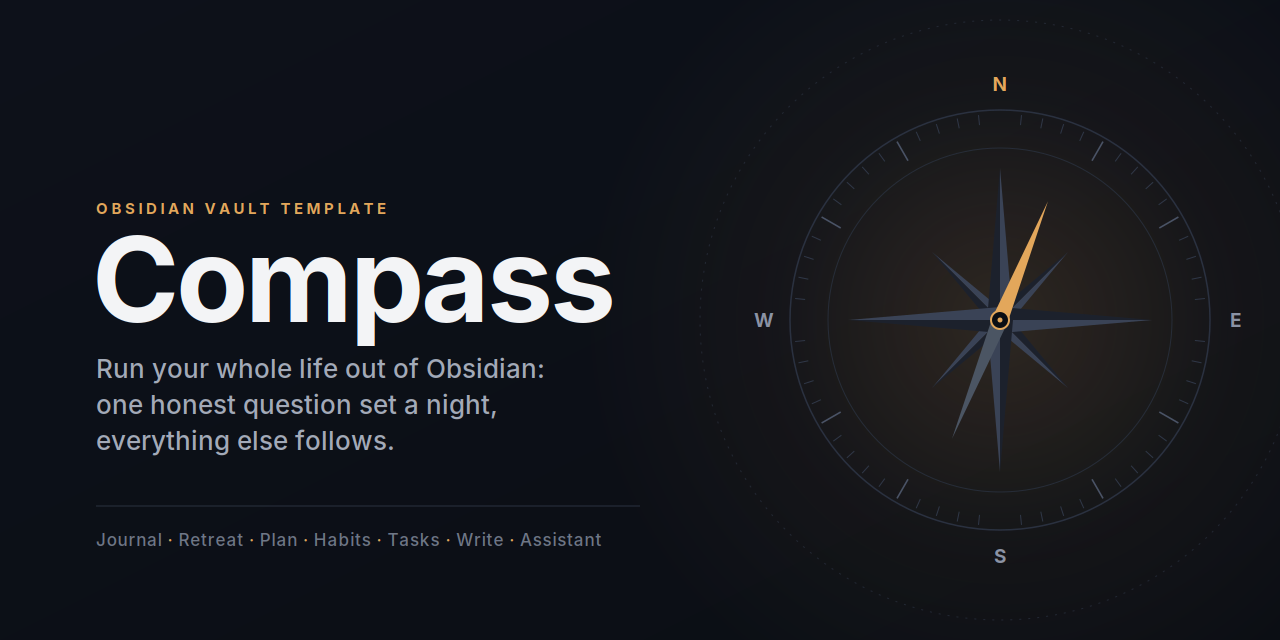
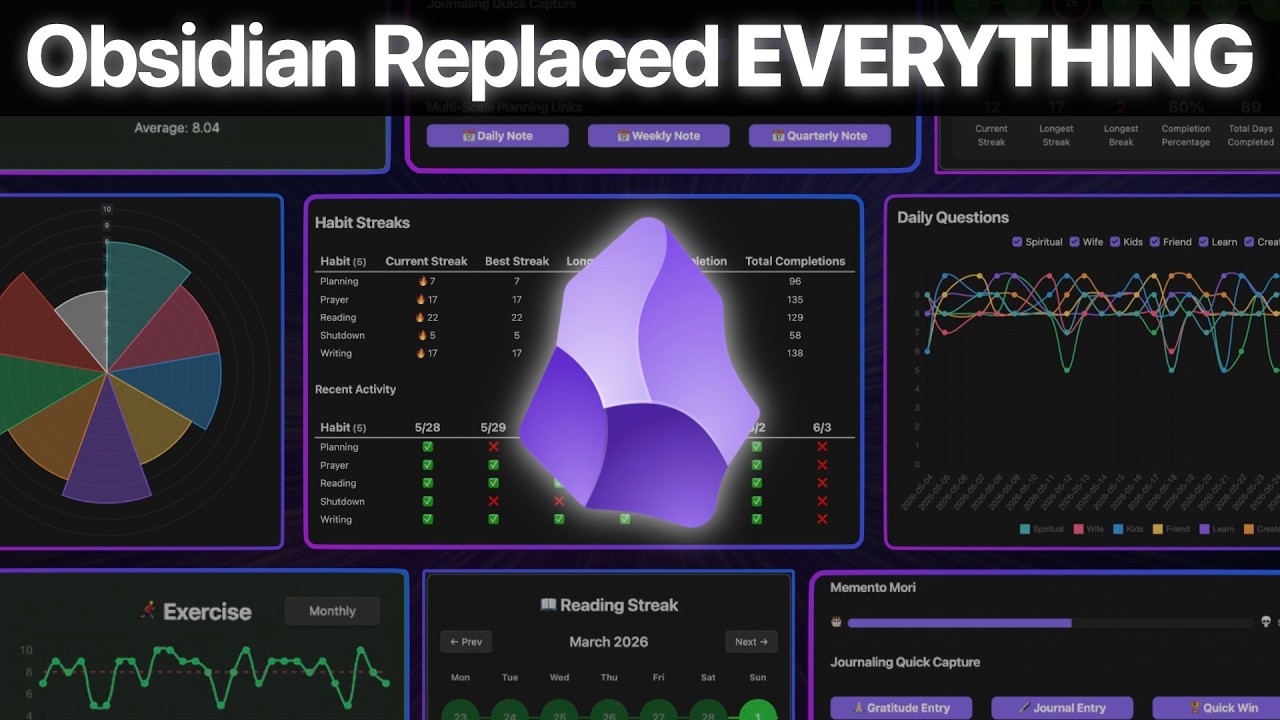
 Compass — это готовый шаблон хранилища Obsidian, который превращает его в Life OS: вечерние вопросы для дневника, квартальные ретриты, планирование, привычки, задачи, чтение, письмо и ИИ-ассистент — всё в обычном Markdown.
Compass — это готовый шаблон хранилища Obsidian, который превращает его в Life OS: вечерние вопросы для дневника, квартальные ретриты, планирование, привычки, задачи, чтение, письмо и ИИ-ассистент — всё в обычном Markdown.То есть это не приложение, которое я устанавливаю, а папка, которую я открываю в Obsidian?Именно так — корень репозитория и есть хранилище. В него входят десять сторонних плагинов сообщества плюс собственный плагин Life OS для навигации, быстрого добавления заметок и живых дашбордов, при этом все ваши данные остаются обычным Markdown со свойствами.
Именно так — корень репозитория и есть хранилище. В него входят десять сторонних плагинов сообщества плюс собственный плагин Life OS для навигации, быстрого добавления заметок и живых дашбордов, при этом все ваши данные остаются обычным Markdown со свойствами.Как его настроить?Скачайте zip из Releases или склонируйте репозиторий, откройте папку в Obsidian через «Open folder as vault», нажмите Turn off в Restricted mode, затем выполните «Reload app without saving». Дальше чек-лист в Setup.md подскажет, что осталось сделать.
Скачайте zip из Releases или склонируйте репозиторий, откройте папку в Obsidian через «Open folder as vault», нажмите Turn off в Restricted mode, затем выполните «Reload app without saving». Дальше чек-лист в Setup.md подскажет, что осталось сделать.Нужно ли что-то ещё, кроме самого Obsidian?Только Obsidian 1.13.1 или новее (в комплект не входит). Все десять плагинов сообщества лежат прямо в папке; для ИИ-функций понадобится свой локальный агент, например Claude Code, Codex или Gemini CLI.
Только Obsidian 1.13.1 или новее (в комплект не входит). Все десять плагинов сообщества лежат прямо в папке; для ИИ-функций понадобится свой локальный агент, например Claude Code, Codex или Gemini CLI.Безопасно ли строить на этом свою жизнь прямо сейчас?Это кандидат в релизы, а не стабильная публичная версия, и обновления «на месте» не предусмотрены: чтобы обновиться, нужно забэкапить всё хранилище и вручную перенести свои данные в свежий релиз.
Это кандидат в релизы, а не стабильная публичная версия, и обновления «на месте» не предусмотрены: чтобы обновиться, нужно забэкапить всё хранилище и вручную перенести свои данные в свежий релиз.А на телефоне оно работает?Пока лишь частично: совместимость основных дашбордов с мобильными устройствами ещё требует проверки на реальных устройствах, а Agent Client и локальный API-мост работают только на десктопе.
Пока лишь частично: совместимость основных дашбордов с мобильными устройствами ещё требует проверки на реальных устройствах, а Agent Client и локальный API-мост работают только на десктопе.ИИ-функциям нужны API-ключи? И уходит ли что-то с моего компьютера?Ключей в шаблоне нет: Local REST API генерирует ключ при первом запуске для конкретной установки, и вы храните его вне хранилища. Агенты подключаются локально через Agent Client Protocol или MCP-мост с 16 инструментами.
Ключей в шаблоне нет: Local REST API генерирует ключ при первом запуске для конкретной установки, и вы храните его вне хранилища. Агенты подключаются локально через Agent Client Protocol или MCP-мост с 16 инструментами.Могу ли я использовать и адаптировать это для своего хранилища?Да — код, шаблоны, дашборды, скрипты и настройки под лицензией MIT, тексты Guide — под CC BY 4.0, а входящие плагины сохраняют свои лицензии (MIT, AGPL-3.0, GPL-3.0, Apache-2.0).
Да — код, шаблоны, дашборды, скрипты и настройки под лицензией MIT, тексты Guide — под CC BY 4.0, а входящие плагины сохраняют свои лицензии (MIT, AGPL-3.0, GPL-3.0, Apache-2.0).Какие семь рабочих процессов в него входят?Дневник с ежедневными вопросами, квартальные личные ретриты, многоуровневое планирование, отслеживание привычек, ежедневное чтение (Библия — разобранный пример), управление задачами и письмо на канбан-досках — у каждого свой гид внутри хранилища.
Дневник с ежедневными вопросами, квартальные личные ретриты, многоуровневое планирование, отслеживание привычек, ежедневное чтение (Библия — разобранный пример), управление задачами и письмо на канбан-досках — у каждого свой гид внутри хранилища.Там много всего — нужно ли осваивать всё сразу?Нет. Правило наслоения гласит: выберите один процесс, скорее всего ежедневный дневник, ведите его 30 дней, затем добавляйте следующий; чек-лист Setup как раз следит за этим порядком.
Нет. Правило наслоения гласит: выберите один процесс, скорее всего ежедневный дневник, ведите его 30 дней, затем добавляйте следующий; чек-лист Setup как раз следит за этим порядком.Могу ли я менять вечерние вопросы и привычки?Да. Meta/Compass Config.md — единый файл настроек для вопросов, привычек, сфер колеса жизни, папок и префиксов, а дашборды находят свойства по префиксу, так что правка этих списков переконфигурирует всё хранилище.
Да. Meta/Compass Config.md — единый файл настроек для вопросов, привычек, сфер колеса жизни, папок и префиксов, а дашборды находят свойства по префиксу, так что правка этих списков переконфигурирует всё хранилище.Как ИИ-ассистент не портит мои заметки?AGENTS.md задаёт правила безопасности (сначала читай, потом пиши; спрашивай перед правкой; никогда не переписывай текст дневника и планирования), каждая правка показывается как diff, требующий одобрения, а авто-разрешение по умолчанию выключено.
AGENTS.md задаёт правила безопасности (сначала читай, потом пиши; спрашивай перед правкой; никогда не переписывай текст дневника и планирования), каждая правка показывается как diff, требующий одобрения, а авто-разрешение по умолчанию выключено.What are similar projects?Life-Compass-Obsidian-CN, second-brain-os, obsidian-mind, claude-obsidian, obsidian-second-brain, My-Brain-Is-Full-Crew, foam, logseq
Life-Compass-Obsidian-CN, second-brain-os, obsidian-mind, claude-obsidian, obsidian-second-brain, My-Brain-Is-Full-Crew, foam, logseqWhich topics is it in?habit-tracker, pkm, second-brain, personal-knowledge-management, kanban, obsidian, task-management, writing, ai-assistant, template, note-taking, local-first
habit-tracker, pkm, second-brain, personal-knowledge-management, kanban, obsidian, task-management, writing, ai-assistant, template, note-taking, local-first