





这是什么?
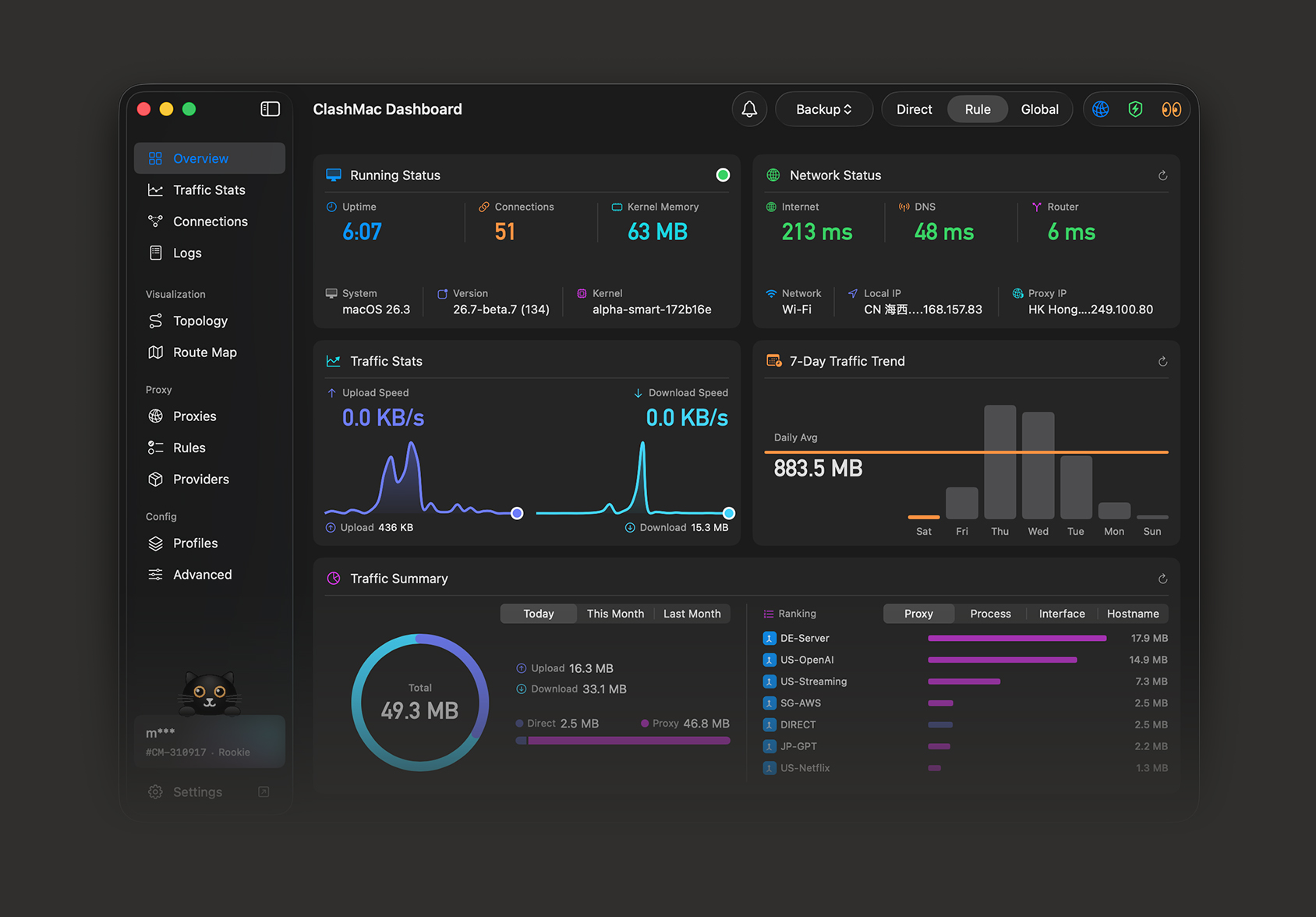
 ClashMac 是一款原生的 macOS 代理客户端,完全用 SwiftUI 围绕 Clash/Mihomo 内核打造,带有实时仪表盘、系统级 TUN 代理,以及内置的防检测指纹浏览器。
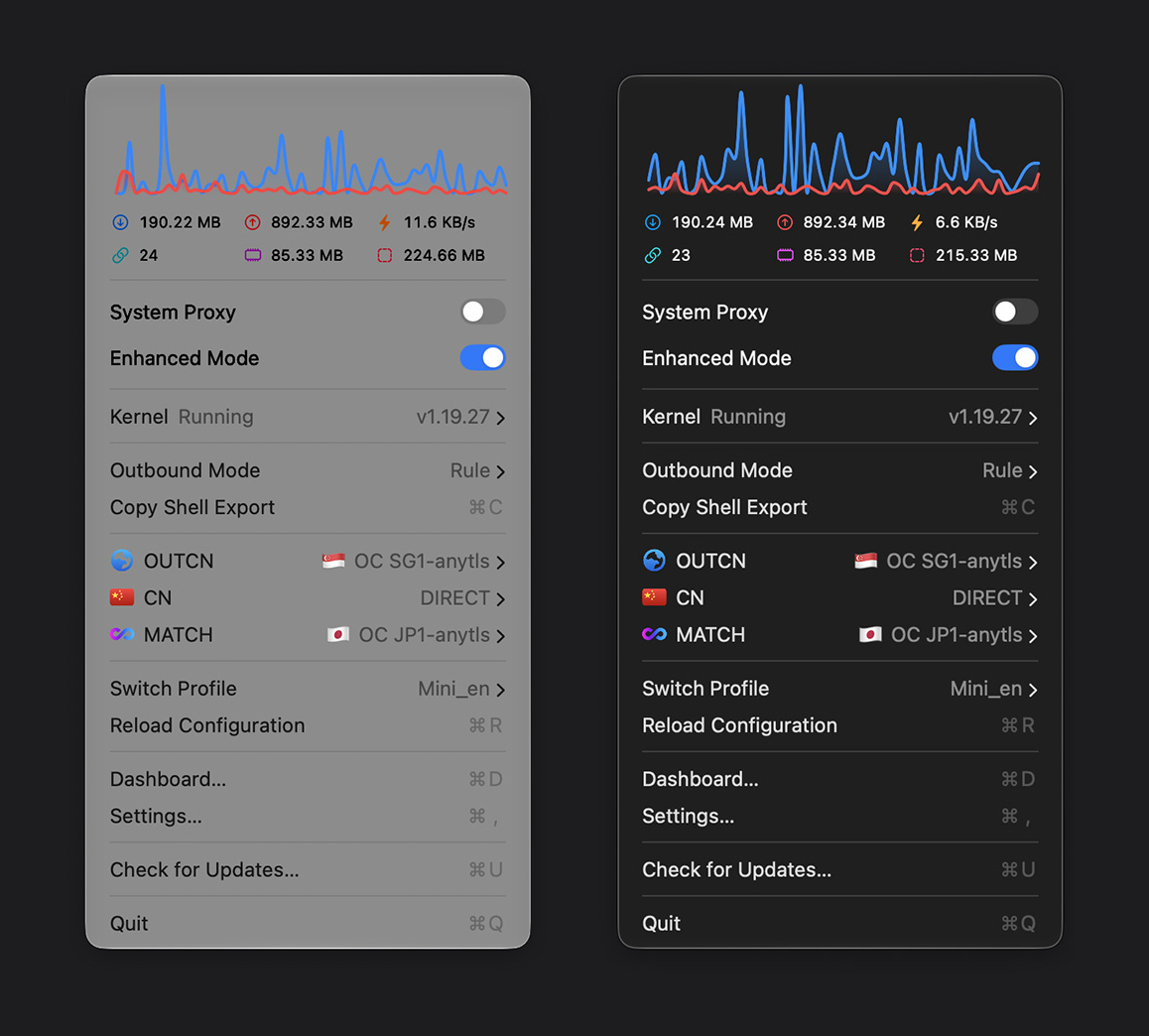
ClashMac 是一款原生的 macOS 代理客户端,完全用 SwiftUI 围绕 Clash/Mihomo 内核打造,带有实时仪表盘、系统级 TUN 代理,以及内置的防检测指纹浏览器。它是一个完整的 Mac 应用,还是只是命令行代理工具?它是完整的原生 Mac 应用,不是命令行工具:它驻留在 macOS 菜单栏,提供实时仪表盘,并通过 TUN 在系统层面接管全部流量,完整支持 UDP/TCP。
它是完整的原生 Mac 应用,不是命令行工具:它驻留在 macOS 菜单栏,提供实时仪表盘,并通过 TUN 在系统层面接管全部流量,完整支持 UDP/TCP。怎么把它装到我的 Mac 上?从 Releases 页面下载 ClashMac.dmg,把 ClashMac.app 拖进 Applications(应用程序)文件夹,首次启动时右键点击应用并选择“打开”,这样它才能注册系统辅助工具,并自动为你的 CPU 下载对应的内核。
从 Releases 页面下载 ClashMac.dmg,把 ClashMac.app 拖进 Applications(应用程序)文件夹,首次启动时右键点击应用并选择“打开”,这样它才能注册系统辅助工具,并自动为你的 CPU 下载对应的内核。我的 Mac 能用吗——支持哪些系统版本和芯片?需要 macOS 15.0(Sequoia)或更高版本。Apple Silicon 和 Intel 芯片都支持——匹配的内核引擎会在首次启动时自动下载。
需要 macOS 15.0(Sequoia)或更高版本。Apple Silicon 和 Intel 芯片都支持——匹配的内核引擎会在首次启动时自动下载。首次启动有什么坑要注意?千万不要直接在 .dmg 窗口里启动——macOS 会阻止保存设置和安装网络辅助工具。Gatekeeper 可能还会拦截这个应用;请在“隐私与安全性”里使用“仍要打开”,或者清除隔离标记。
千万不要直接在 .dmg 窗口里启动——macOS 会阻止保存设置和安装网络辅助工具。Gatekeeper 可能还会拦截这个应用;请在“隐私与安全性”里使用“仍要打开”,或者清除隔离标记。我的流量数据会不会被传到 Mac 之外?所有东西都留在你的 Mac 上:设置、流量详情和历史记录都只存在本地,不收集数据、不追踪、不留日志。系统辅助工具经过加固,只允许运行来自应用包内的核心文件。
所有东西都留在你的 Mac 上:设置、流量详情和历史记录都只存在本地,不收集数据、不追踪、不留日志。系统辅助工具经过加固,只允许运行来自应用包内的核心文件。它放在 GitHub 上,是开源的吗?不是——虽然放在 GitHub 上,ClashMac 是专有的闭源软件。仓库只提供二进制安装包,第三方组件的致谢单独列出。
不是——虽然放在 GitHub 上,ClashMac 是专有的闭源软件。仓库只提供二进制安装包,第三方组件的致谢单独列出。内置的指纹浏览器是干什么的?它会把浏览器的时区、语言、地区和 User-Agent 自动对齐到当前使用的代理节点,防止被追踪和跨地区信息泄露。各个配置文件的 cookie、缓存和代理出口相互隔离,Chrome 扩展只需安装一次即可对所有配置文件生效。
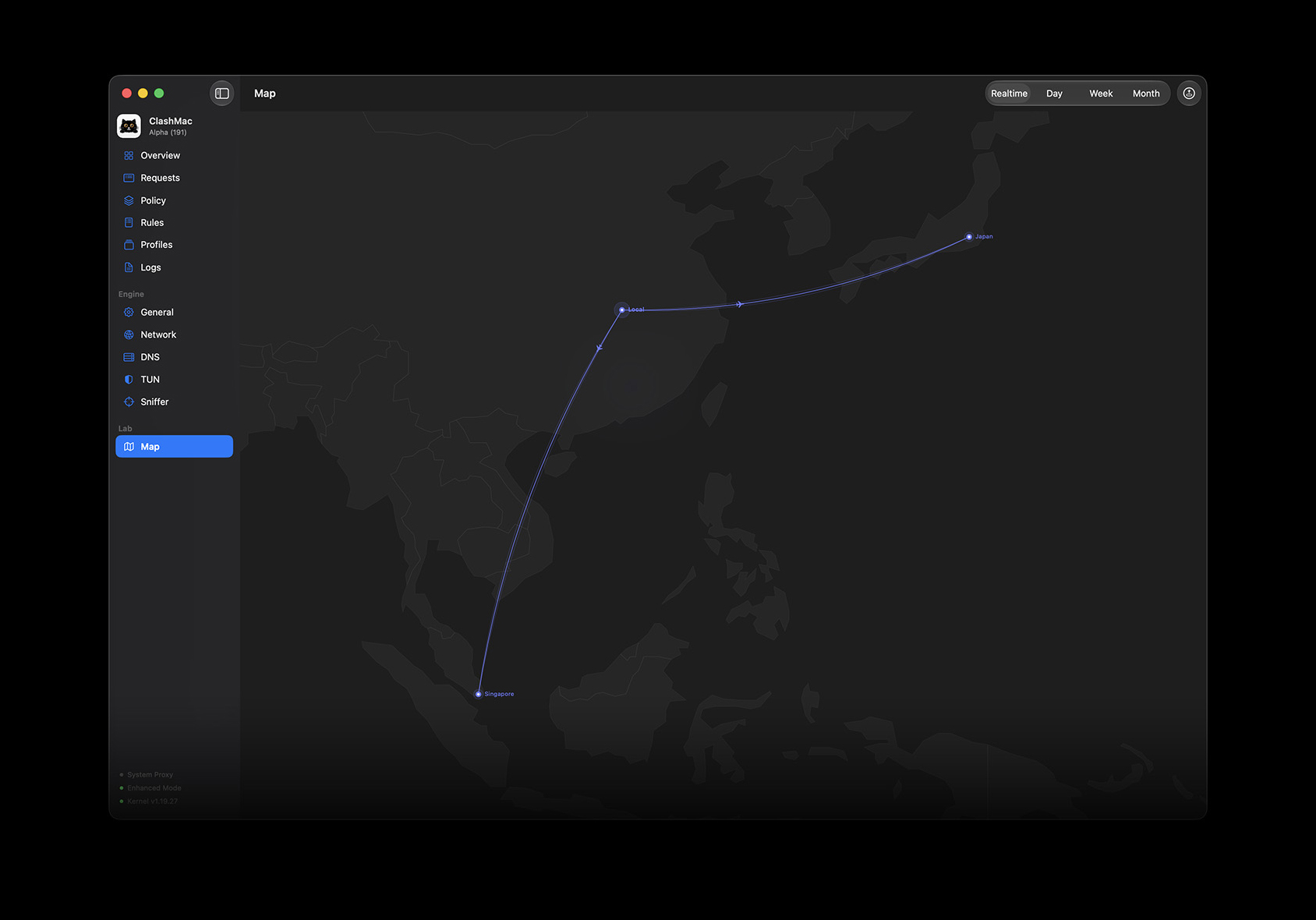
它会把浏览器的时区、语言、地区和 User-Agent 自动对齐到当前使用的代理节点,防止被追踪和跨地区信息泄露。各个配置文件的 cookie、缓存和代理出口相互隔离,Chrome 扩展只需安装一次即可对所有配置文件生效。仪表盘上能看到哪些内容?可以看到 60 秒窗口内的上传和下载速度曲线、最活跃域名和命中规则的排行榜、实时显示哪些应用在占用流量的网格,以及界面和网络引擎的内存占用。还有一张可视化航线图,把活跃连接画成环绕全球的航班,出发点会从 190 多个城市中随机选取。
可以看到 60 秒窗口内的上传和下载速度曲线、最活跃域名和命中规则的排行榜、实时显示哪些应用在占用流量的网格,以及界面和网络引擎的内存占用。还有一张可视化航线图,把活跃连接画成环绕全球的航班,出发点会从 190 多个城市中随机选取。它能解决 YouTube 卡顿缓冲的问题吗?可以——它的 Video Boost 功能会禁用 QUIC 协议,防止运营商限速,消除 YouTube 和 Netflix 上的缓冲卡顿。
可以——它的 Video Boost 功能会禁用 QUIC 协议,防止运营商限速,消除 YouTube 和 Netflix 上的缓冲卡顿。代理和 DNS 都得手动配置吗?不用——开箱即用,DNS、TUN 和路由数据库参数都是自动配置好的。你只需授权一次网络辅助工具,之后就不会再要求输入管理员密码。
不用——开箱即用,DNS、TUN 和路由数据库参数都是自动配置好的。你只需授权一次网络辅助工具,之后就不会再要求输入管理员密码。What are similar projects?clash-verge-rev, V2rayU, clashctl, panda-vpn-pro, BPB-Worker-Panel, FlClash, botasaurus, clash-nyanpasu
clash-verge-rev, V2rayU, clashctl, panda-vpn-pro, BPB-Worker-Panel, FlClash, botasaurus, clash-nyanpasuWhich topics is it in?antidetect-browser, clash-meta, fingerprint, network-monitoring, anti-detection, mihomo, clash, network, menu-bar, swiftui, censorship-circumvention, macos-app
antidetect-browser, clash-meta, fingerprint, network-monitoring, anti-detection, mihomo, clash, network, menu-bar, swiftui, censorship-circumvention, macos-app