





What is this?
 ClashMac is a native macOS proxy client built entirely in SwiftUI around the Clash/Mihomo engine, with a real-time dashboard, system-wide TUN proxying, and a built-in anti-detect fingerprint browser.
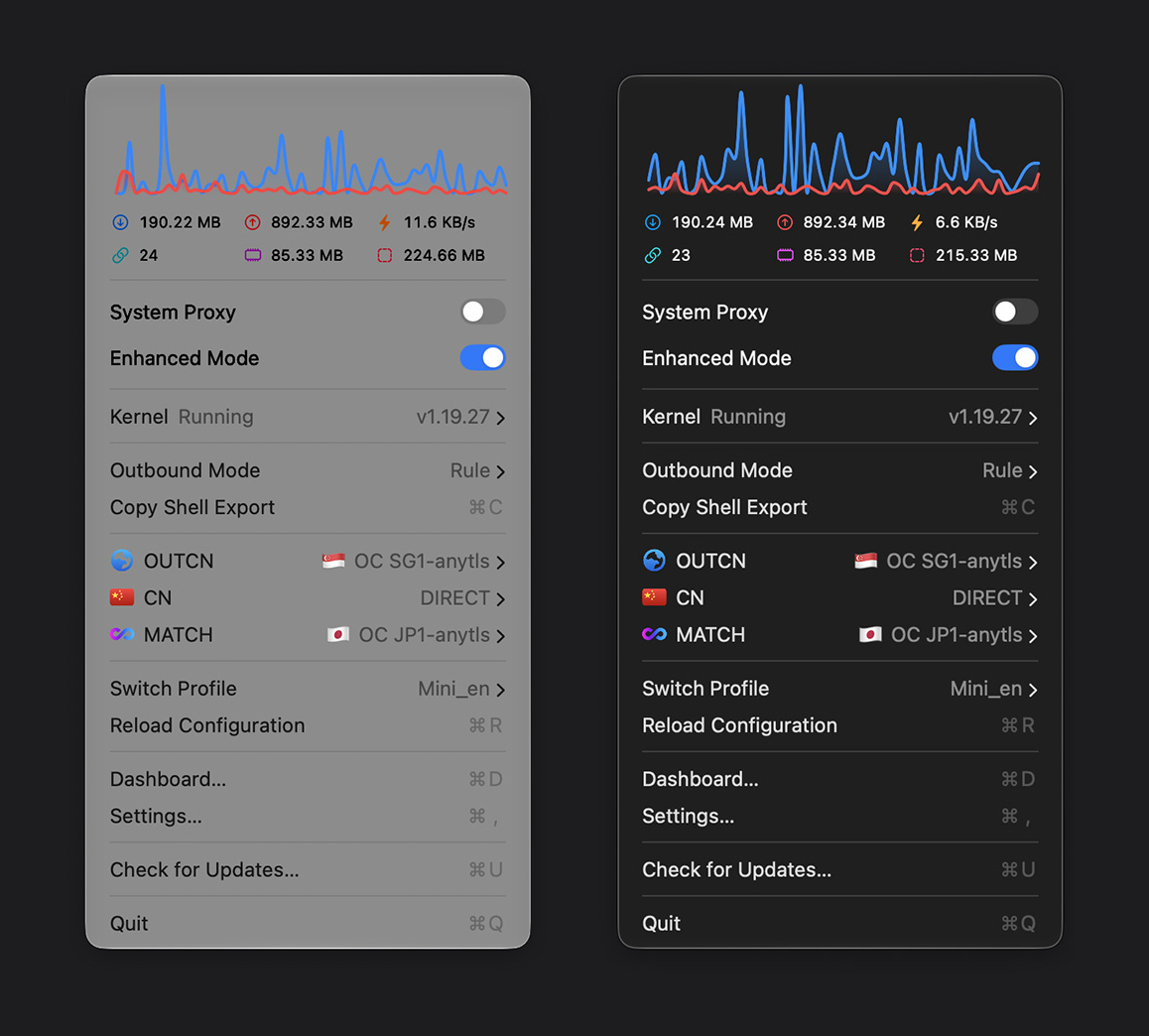
ClashMac is a native macOS proxy client built entirely in SwiftUI around the Clash/Mihomo engine, with a real-time dashboard, system-wide TUN proxying, and a built-in anti-detect fingerprint browser.Is it a full Mac app or just a command-line proxy tool?It is a full native Mac app rather than a CLI: it lives in the macOS menu bar, shows a real-time dashboard, and captures all traffic system-wide via TUN with complete UDP/TCP support.
It is a full native Mac app rather than a CLI: it lives in the macOS menu bar, shows a real-time dashboard, and captures all traffic system-wide via TUN with complete UDP/TCP support.How do I install it on my Mac?Download ClashMac.dmg from the Releases page, drag ClashMac.app into Applications, then right-click the app and choose Open on first launch so it can register its system helper and auto-download the kernel for your CPU.
Download ClashMac.dmg from the Releases page, drag ClashMac.app into Applications, then right-click the app and choose Open on first launch so it can register its system helper and auto-download the kernel for your CPU.Will it run on my Mac — which version and chips are supported?macOS 15.0 (Sequoia) or later is required. Both Apple Silicon and Intel are supported — the matching kernel engine downloads automatically on first launch.
macOS 15.0 (Sequoia) or later is required. Both Apple Silicon and Intel are supported — the matching kernel engine downloads automatically on first launch.Any pitfalls on first launch?Never launch it straight from the .dmg window — macOS will block saving settings and installing the network helper. Gatekeeper may also flag the app; use Open Anyway in Privacy & Security or clear the quarantine flag.
Never launch it straight from the .dmg window — macOS will block saving settings and installing the network helper. Gatekeeper may also flag the app; use Open Anyway in Privacy & Security or clear the quarantine flag.Does any of my traffic data leave my Mac?Everything stays on your Mac: settings, traffic details, and history are stored locally with no data collection, tracking, or logs. The system helper is hardened to run core files only from the app bundle.
Everything stays on your Mac: settings, traffic details, and history are stored locally with no data collection, tracking, or logs. The system helper is hardened to run core files only from the app bundle.Is it open source since it sits on GitHub?No — despite being on GitHub, ClashMac is proprietary, closed-source software. The repository ships binary releases only, with third-party credits listed separately.
No — despite being on GitHub, ClashMac is proprietary, closed-source software. The repository ships binary releases only, with third-party credits listed separately.What does the built-in fingerprint browser do?It aligns your browser's timezone, language, locale, and User-Agent with the active proxy node to prevent tracking and cross-region leaks. Profiles are isolated with separate cookies, cache, and proxy endpoints, and Chrome extensions install once for all profiles.
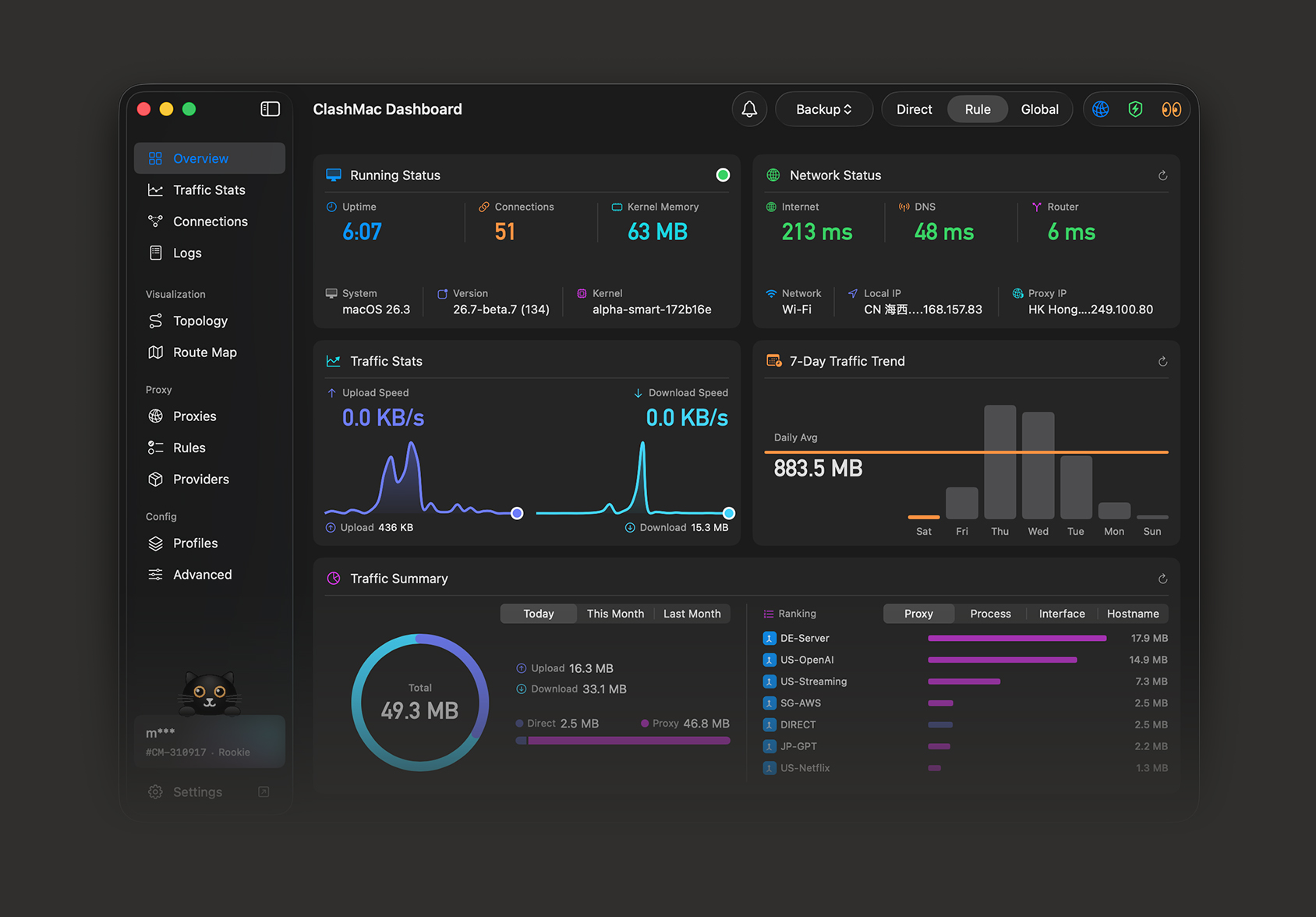
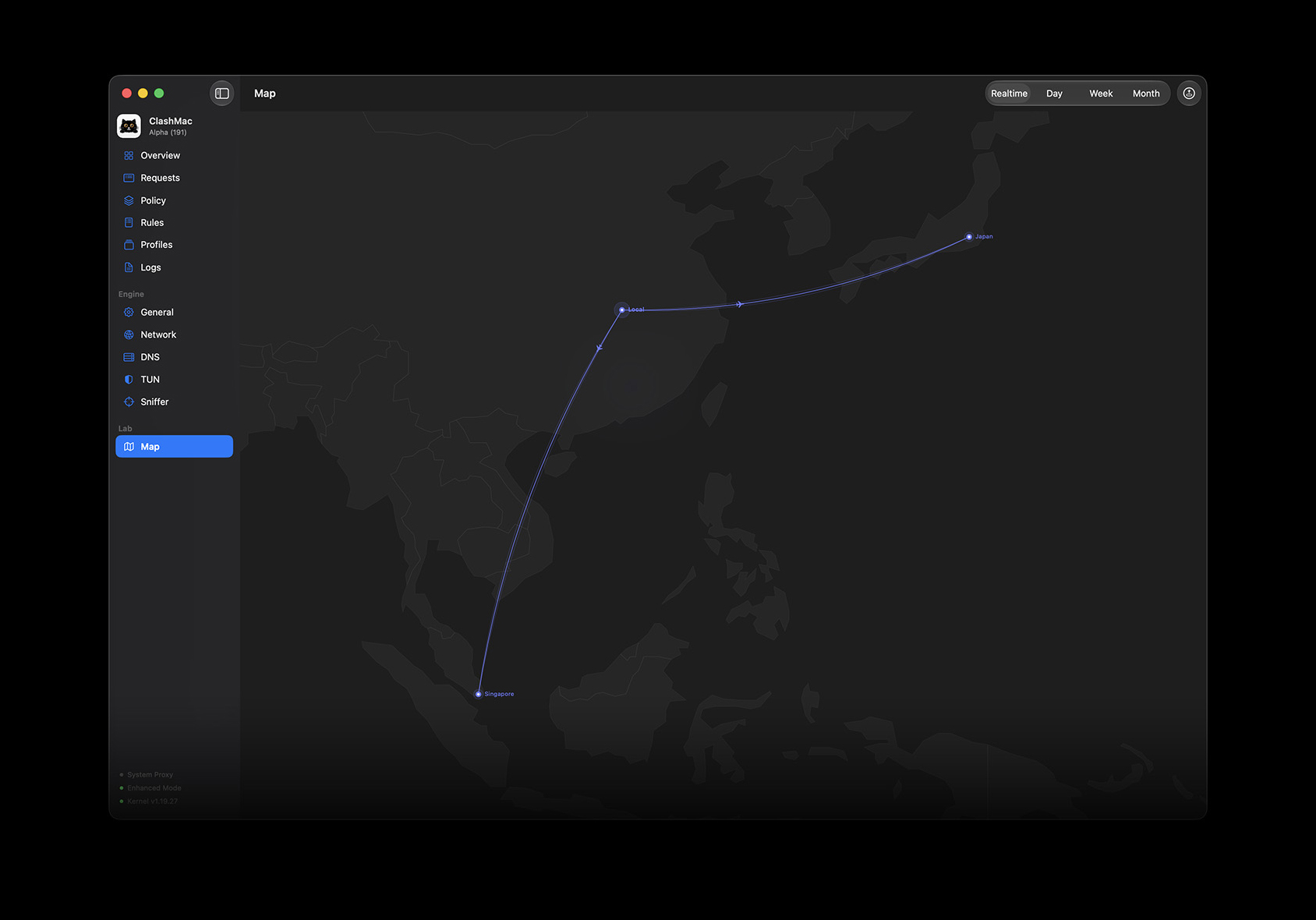
It aligns your browser's timezone, language, locale, and User-Agent with the active proxy node to prevent tracking and cross-region leaks. Profiles are isolated with separate cookies, cache, and proxy endpoints, and Chrome extensions install once for all profiles.What can I monitor on the dashboard?Upload and download speed curves over a 60-second window, leaderboards of your most active domains and matched rules, a live grid showing which apps consume bandwidth, and memory usage of the UI and network engine. A visual route map draws active connections as flights across the globe, with your departure point randomized across 190+ cities.
Upload and download speed curves over a 60-second window, leaderboards of your most active domains and matched rules, a live grid showing which apps consume bandwidth, and memory usage of the UI and network engine. A visual route map draws active connections as flights across the globe, with your departure point randomized across 190+ cities.Can it do anything about YouTube buffering?Yes — its Video Boost disables QUIC protocols to prevent ISP throttling and eliminate buffering on YouTube and Netflix.
Yes — its Video Boost disables QUIC protocols to prevent ISP throttling and eliminate buffering on YouTube and Netflix.Do I have to configure proxies and DNS manually?No — it is ready out of the box with automated DNS, TUN, and routing database parameters. You authorize the network helper tool once and are never prompted for admin passwords again.
No — it is ready out of the box with automated DNS, TUN, and routing database parameters. You authorize the network helper tool once and are never prompted for admin passwords again.What are similar projects?clash-verge-rev, V2rayU, clashctl, panda-vpn-pro, BPB-Worker-Panel, FlClash, botasaurus, clash-nyanpasu
clash-verge-rev, V2rayU, clashctl, panda-vpn-pro, BPB-Worker-Panel, FlClash, botasaurus, clash-nyanpasuWhich topics is it in?antidetect-browser, clash-meta, fingerprint, network-monitoring, anti-detection, mihomo, clash, network, menu-bar, swiftui, censorship-circumvention, macos-app
antidetect-browser, clash-meta, fingerprint, network-monitoring, anti-detection, mihomo, clash, network, menu-bar, swiftui, censorship-circumvention, macos-app