






What is this?
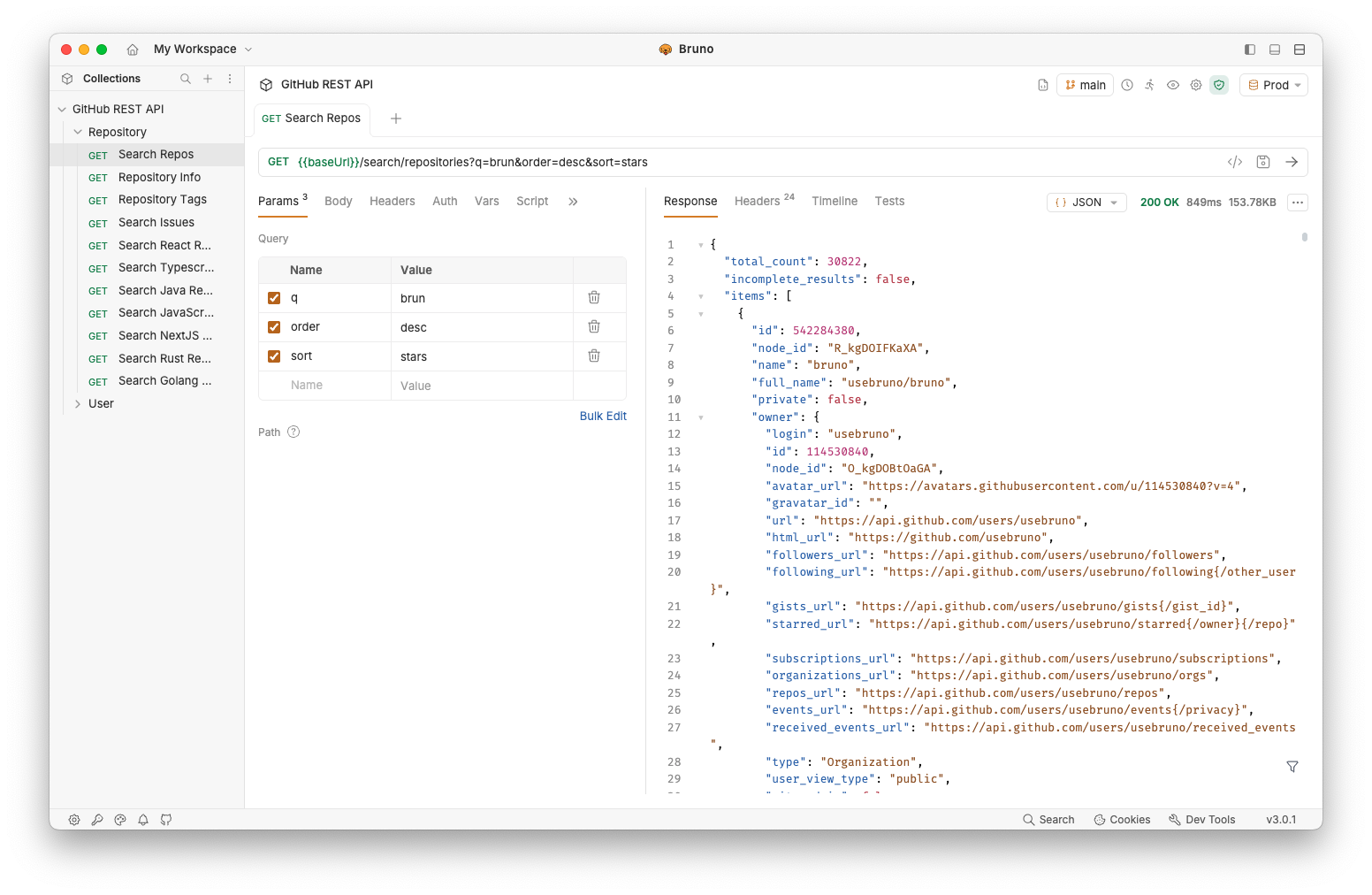
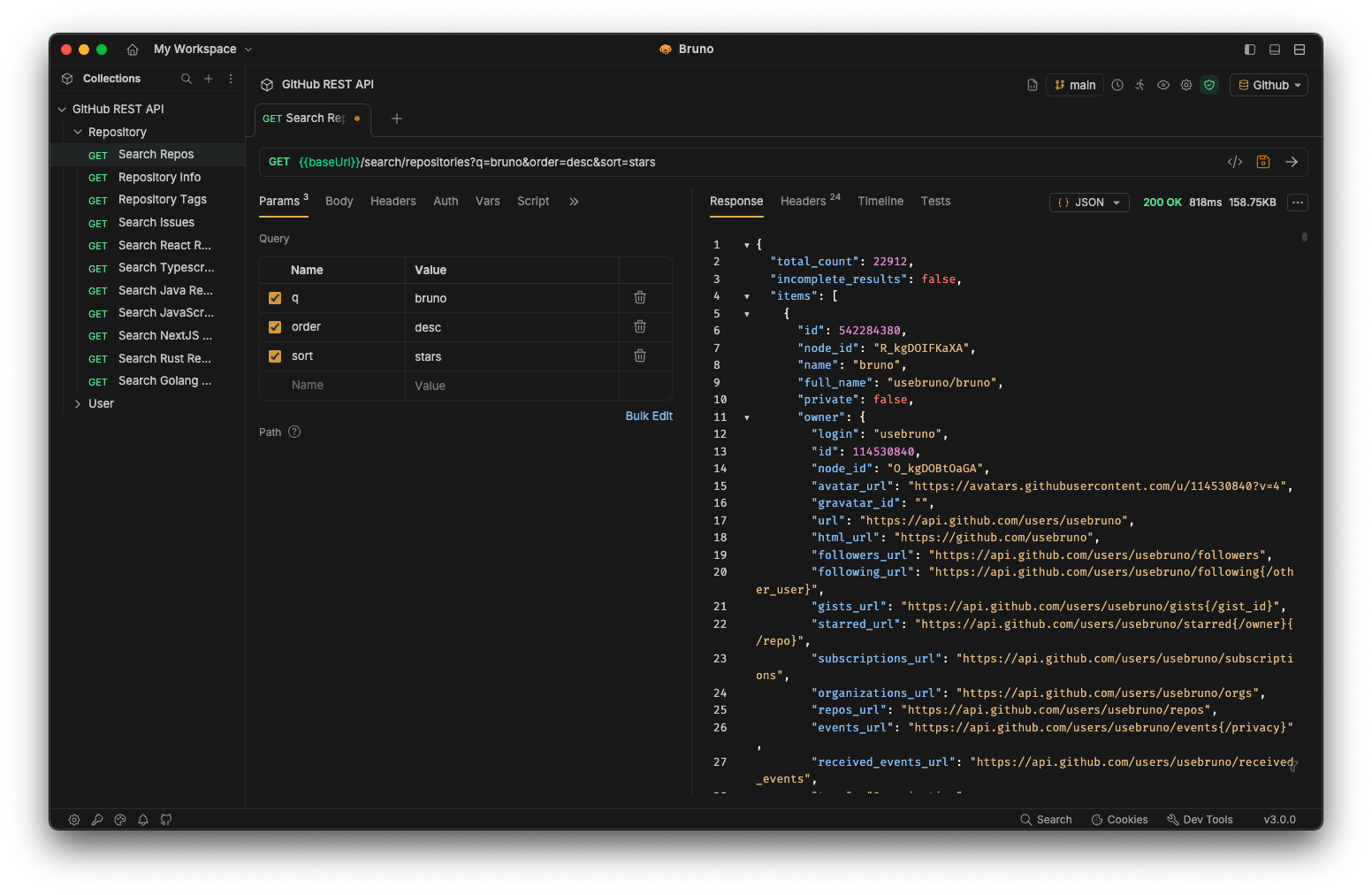
 Bruno is an open-source API client for exploring and testing REST, GraphQL, and other APIs, built as a lightweight alternative to Postman and Insomnia.
Bruno is an open-source API client for exploring and testing REST, GraphQL, and other APIs, built as a lightweight alternative to Postman and Insomnia.Is it a desktop app or does it live in my browser?Bruno is a desktop application (Mac, Windows, Linux) with a companion CLI for running collections from the command line, plus official Docker images for CI/CD.
Bruno is a desktop application (Mac, Windows, Linux) with a companion CLI for running collections from the command line, plus official Docker images for CI/CD.How do I get it running?Download the binary from the Bruno website or install via Homebrew, Chocolatey, Scoop, Snap, Flatpak or Apt; the CLI can be installed separately via npm.
Download the binary from the Bruno website or install via Homebrew, Chocolatey, Scoop, Snap, Flatpak or Apt; the CLI can be installed separately via npm.Do I need Node.js installed to run the CLI?No, Node.js or npm on the host aren't required if you use the official Docker images for the CLI; otherwise install the CLI via npm.
No, Node.js or npm on the host aren't required if you use the official Docker images for the CLI; otherwise install the CLI via npm.Can I sync my collections to the cloud?No, Bruno is offline-only by design and there are no plans to ever add cloud sync.
No, Bruno is offline-only by design and there are no plans to ever add cloud sync.Where does my API collection data go?Collections are stored as plain text files directly on your local filesystem, so your data stays on your device rather than on Bruno's servers.
Collections are stored as plain text files directly on your local filesystem, so your data stays on your device rather than on Bruno's servers.Is there a catch with the free version?Bruno's core is MIT-licensed open source, and the company also sells paid commercial versions with extra features for teams that want to support sustainability.
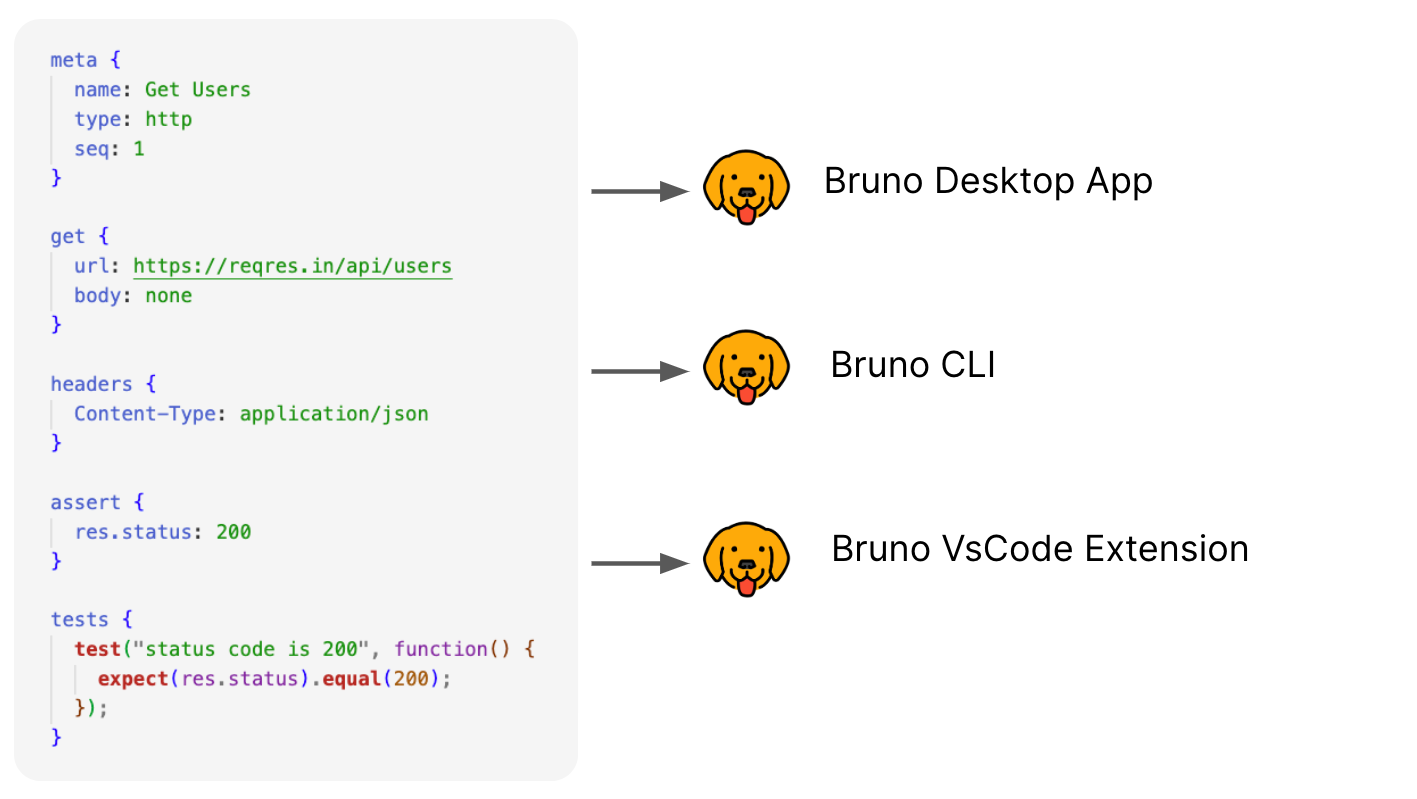
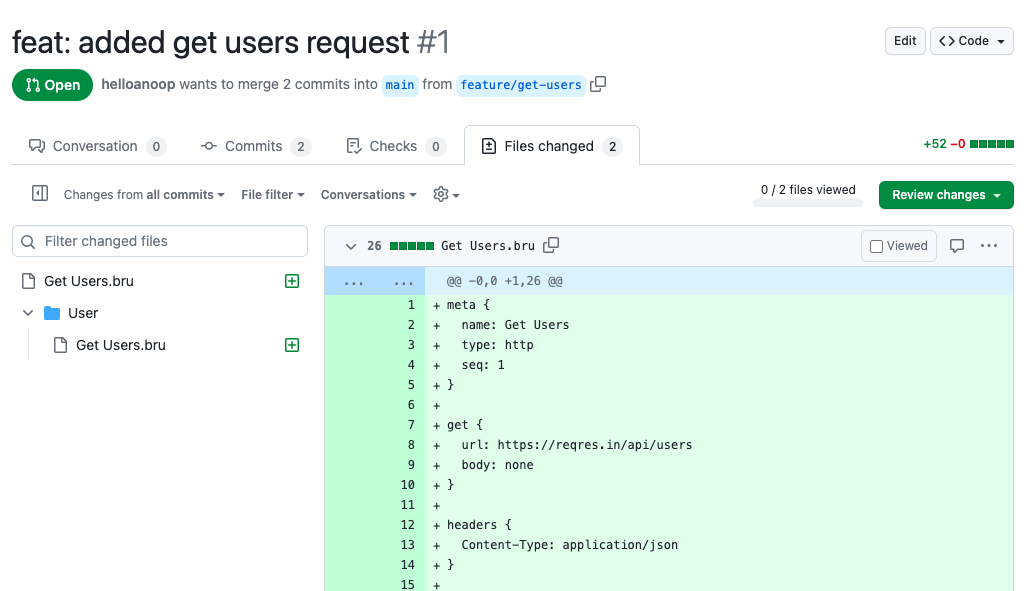
Bruno's core is MIT-licensed open source, and the company also sells paid commercial versions with extra features for teams that want to support sustainability.How do collections get saved and version-controlled?Bruno stores each collection as plain text files using its own markup language called Bru, so you can commit them to Git or any VCS like normal source code.
Bruno stores each collection as plain text files using its own markup language called Bru, so you can commit them to Git or any VCS like normal source code.Can I run my API tests in CI/CD?Yes, the Bruno CLI is designed for automated testing and CI/CD pipelines, and official Docker images (alpine/debian, amd64/arm64) make it easy to run collections in GitHub Actions, GitLab CI, or Jenkins without a local Node install.
Yes, the Bruno CLI is designed for automated testing and CI/CD pipelines, and official Docker images (alpine/debian, amd64/arm64) make it easy to run collections in GitHub Actions, GitLab CI, or Jenkins without a local Node install.Why not just use Postman?Bruno was built as an open-source, offline-first alternative to Postman, avoiding cloud sync and keeping all collection data as local files you fully control.
Bruno was built as an open-source, offline-first alternative to Postman, avoiding cloud sync and keeping all collection data as local files you fully control.What are similar projects?insomnia, hoppscotch, hurl, scalar, keploy, openapi-generator, posting, cli
insomnia, hoppscotch, hurl, scalar, keploy, openapi-generator, posting, cliWhich topics is it in?openapi3, api-testing, testing-tools, api-client, opensource, http-client, openapi, git, offline, testing, rest-api, privacy
openapi3, api-testing, testing-tools, api-client, opensource, http-client, openapi, git, offline, testing, rest-api, privacy