



What is this?
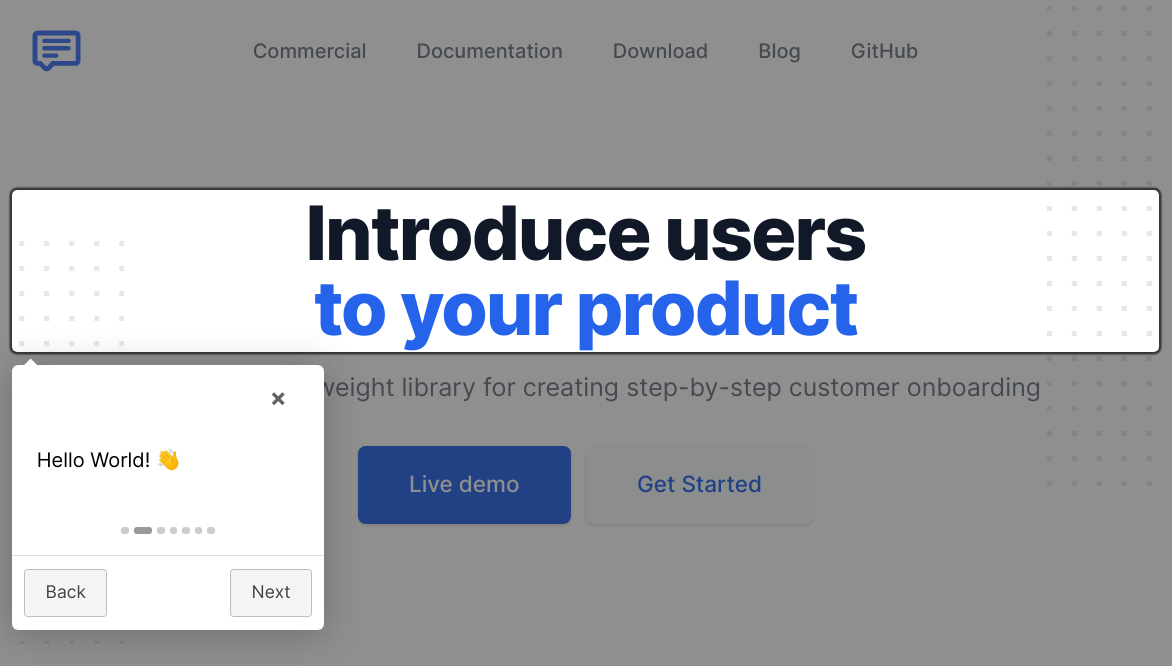
 Intro.js is a lightweight user-onboarding and product-walkthrough library for the web — it adds guided, step-by-step tours that introduce a site or app to its users.
Intro.js is a lightweight user-onboarding and product-walkthrough library for the web — it adds guided, step-by-step tours that introduce a site or app to its users.Is this a hosted service or something I embed in my own pages?Something you embed: it's a client-side JavaScript library (written in TypeScript) that ships as one intro.js file plus introjs.css — no service or account involved.
Something you embed: it's a client-side JavaScript library (written in TypeScript) that ships as one intro.js file plus introjs.css — no service or account involved.How do I add a tour to my site?Get it via npm or yarn, or from a CDN (jsDelivr/cdnjs); include intro.js and introjs.css, mark elements with data-intro and data-step attributes, then call introJs().start().
Get it via npm or yarn, or from a CDN (jsDelivr/cdnjs); include intro.js and introjs.css, mark elements with data-intro and data-step attributes, then call introJs().start().Do I need anything special to run it?No — it runs in the browser with zero runtime dependencies: just the intro.js script and its stylesheet. Node and npm are only needed to build from source.
No — it runs in the browser with zero runtime dependencies: just the intro.js script and its stylesheet. Node and npm are only needed to build from source.Can I use it in a commercial project for free?It's dual-licensed: GNU AGPLv3 for open-source use, but commercial applications, themes or plugins require a paid commercial license purchased at introjs.com.
It's dual-licensed: GNU AGPLv3 for open-source use, but commercial applications, themes or plugins require a paid commercial license purchased at introjs.com.Can I limit a tour to just one section of a page?Yes — pass a selector to introJs(): introJs('.introduction-farm').start() runs the introduction only for elements with that class.
Yes — pass a selector to introJs(): introJs('.introduction-farm').start() runs the introduction only for elements with that class.Does it offer anything lighter than a full tour?Yes, hints: add a data-hint attribute to elements to show hint callouts on them, separate from the ordered data-intro/data-step tour steps.
Yes, hints: add a data-hint attribute to elements to show hint callouts on them, separate from the ordered data-intro/data-step tour steps.What about right-to-left languages?Supported — include introjs-rtl.min.css instead of the default stylesheet to get right-to-left language support.
Supported — include introjs-rtl.min.css instead of the default stylesheet to get right-to-left language support.Are there ready-made wrappers for frontend frameworks?The README says Intro.js has many wrappers for different purposes and points to its documentation for details, without naming specific frameworks there.
The README says Intro.js has many wrappers for different purposes and points to its documentation for details, without naming specific frameworks there.What are similar projects?shepherd, highlight.js, tippyjs, fingerprintjs, scrollreveal, floating-ui, hammer.js, jquery
shepherd, highlight.js, tippyjs, fingerprintjs, scrollreveal, floating-ui, hammer.js, jquery