





What is this?
 Plandex is an open source AI coding agent that runs in the terminal. It plans and executes large coding tasks spanning many steps and dozens of files, built for real-world projects.
Plandex is an open source AI coding agent that runs in the terminal. It plans and executes large coding tasks spanning many steps and dozens of files, built for real-world projects.How do I get it running?Install the CLI with a one-line, zero-dependency command, then just run plandex in any project directory to start the REPL. A Dockerized local mode lets you self-host the server.
Install the CLI with a one-line, zero-dependency command, then just run plandex in any project directory to start the REPL. A Dockerized local mode lets you self-host the server.Do I need my own API keys or accounts to use it?Yes — Plandex uses your own provider accounts and API keys, like an OpenRouter.ai key. A Claude Pro or Max subscription can also power Anthropic models; it offers to connect it on first run.
Yes — Plandex uses your own provider accounts and API keys, like an OpenRouter.ai key. A Claude Pro or Max subscription can also power Anthropic models; it offers to connect it on first run.How big a project can it actually handle?It handles up to 2M tokens of context directly (about 100k per file) and indexes directories of 20M+ tokens with tree-sitter project maps, with syntax validation for 30+ languages.
It handles up to 2M tokens of context directly (about 100k per file) and indexes directories of 20M+ tokens with tree-sitter project maps, with syntax validation for 30+ languages.Does it work on Windows?Only through WSL — Plandex works correctly in the WSL shell but not in the Windows CMD prompt or PowerShell. macOS and Linux get a native one-line install.
Only through WSL — Plandex works correctly in the WSL shell but not in the Windows CMD prompt or PowerShell. macOS and Linux get a native one-line install.Can I host it myself instead of using a cloud service?Yes — run Plandex locally with Docker or host it on your own server with your own keys. Plandex Cloud is winding down as of 10/3/2025 and no longer accepts new users.
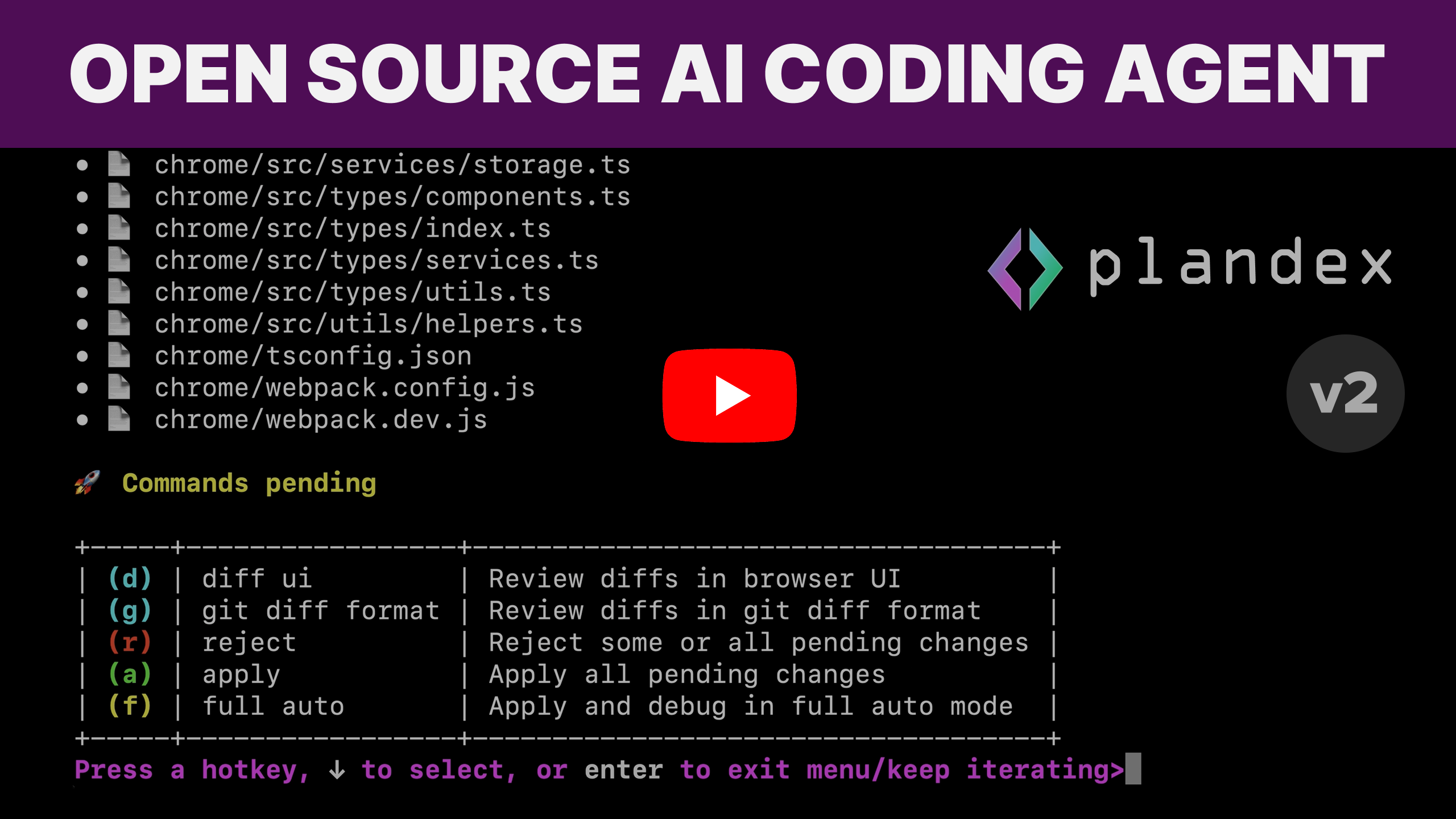
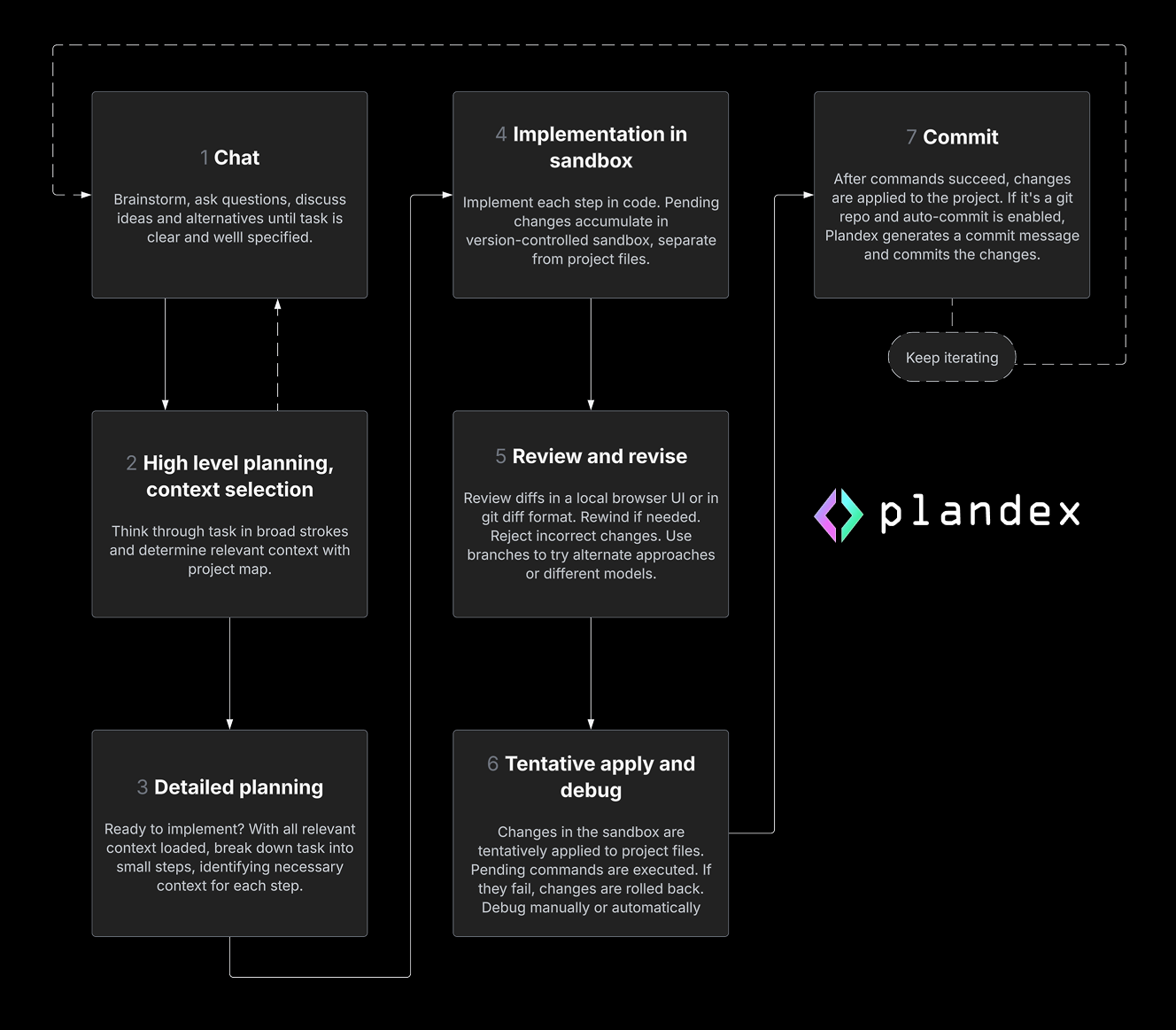
Yes — run Plandex locally with Docker or host it on your own server with your own keys. Plandex Cloud is winding down as of 10/3/2025 and no longer accepts new users.Can it run on its own, or do I approve every change?Both: autonomy is configurable from full auto to fine-grained control. AI edits stay in a cumulative diff review sandbox, separate from your project files until you apply them, and command execution is controlled so you can roll back.
Both: autonomy is configurable from full auto to fine-grained control. AI edits stay in a cumulative diff review sandbox, separate from your project files until you apply them, and command execution is controlled so you can roll back.Which AI models can I use with it?It can combine models from Anthropic, OpenAI, Google, and open source providers. Curated model packs offer different tradeoffs of capability, cost, and speed, plus provider-specific and open source packs.
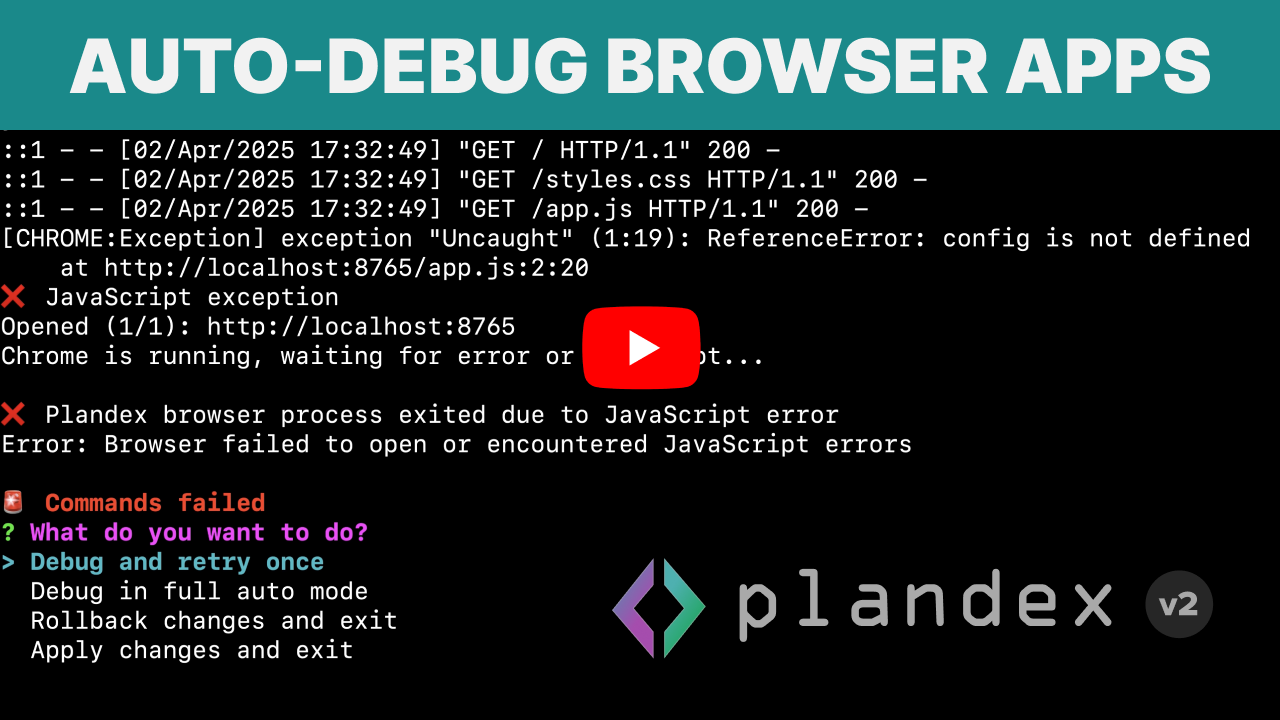
It can combine models from Anthropic, OpenAI, Google, and open source providers. Curated model packs offer different tradeoffs of capability, cost, and speed, plus provider-specific and open source packs.What happens when a command it runs fails?Plandex automatically debugs failed terminal commands like builds, linters, tests, deployments, and scripts. If Chrome is installed, it can also automatically debug browser applications.
Plandex automatically debugs failed terminal commands like builds, linters, tests, deployments, and scripts. If Chrome is installed, it can also automatically debug browser applications.Does it integrate with git?Yes. It generates commit messages and can optionally commit automatically. Your project does not have to be in a git repo, but Plandex integrates well if it is.
Yes. It generates commit messages and can optionally commit automatically. Your project does not have to be in a git repo, but Plandex integrates well if it is.Which topics is it in?multi-provider, terminal-based, terminal-ui, wsl, coding-assistant, gpt-4, agentic-coding, code-generation, context-engineering, ai-coding, ai-tools, autonomous-agents
multi-provider, terminal-based, terminal-ui, wsl, coding-assistant, gpt-4, agentic-coding, code-generation, context-engineering, ai-coding, ai-tools, autonomous-agents