


What is this?
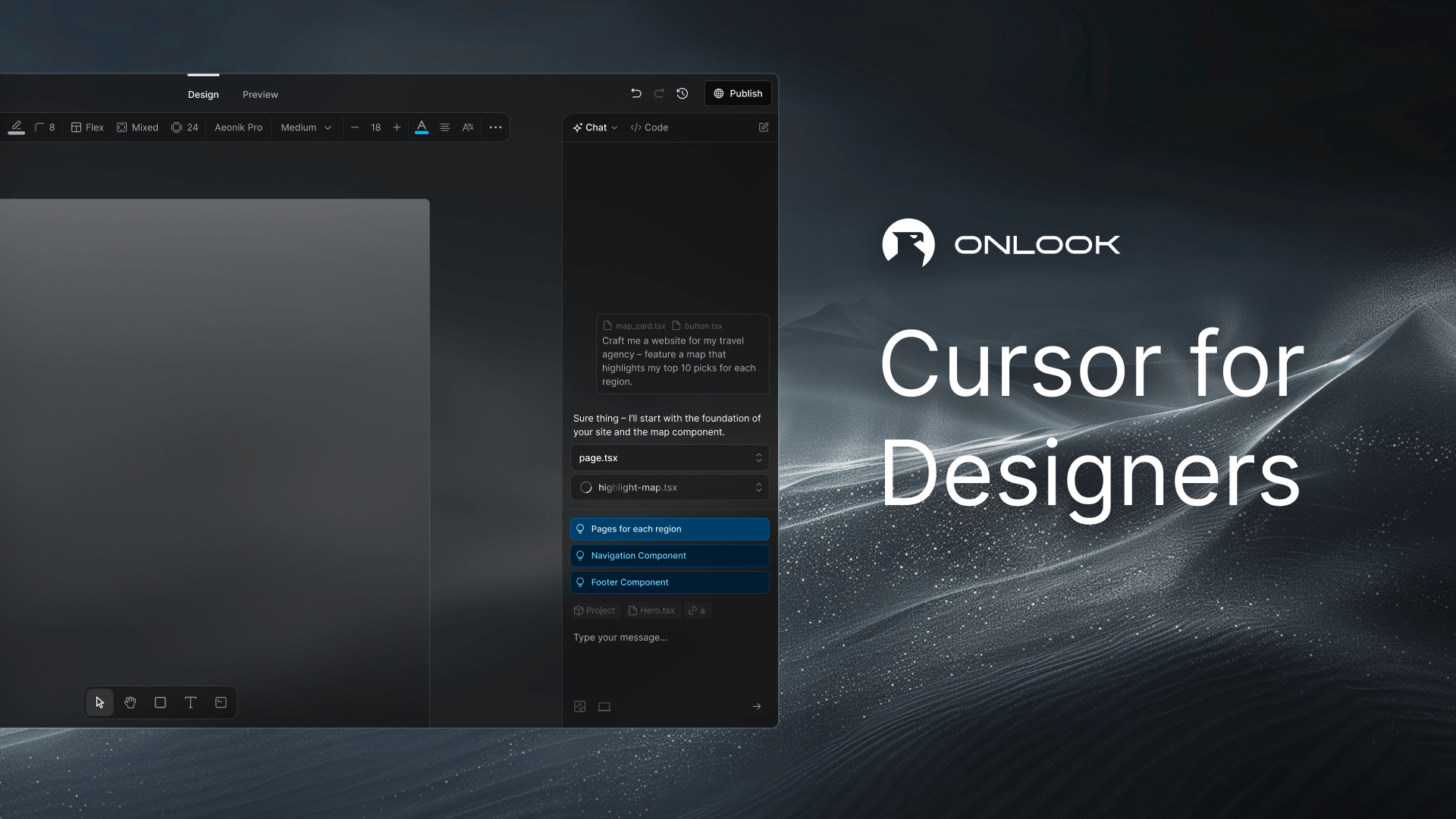
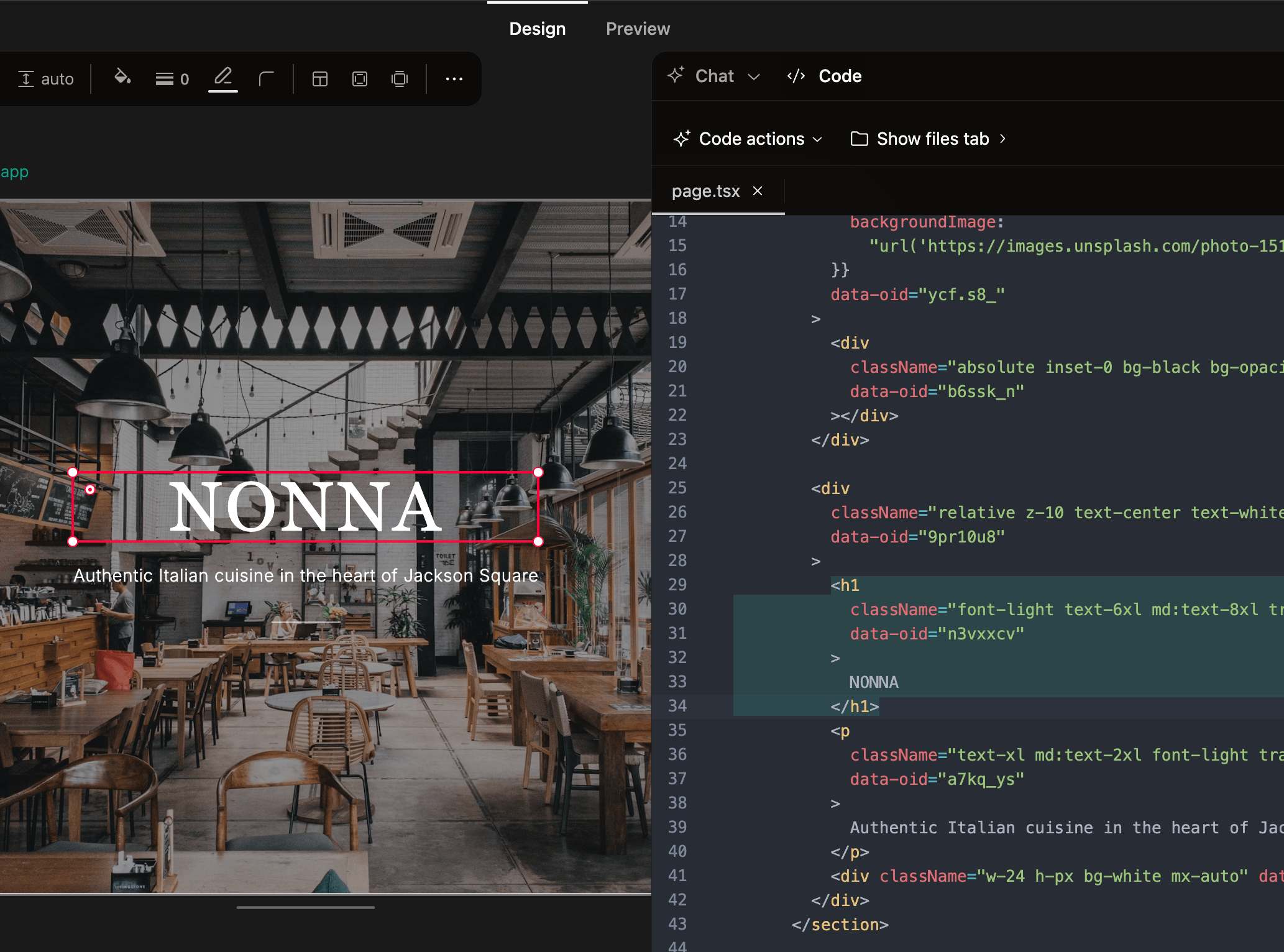
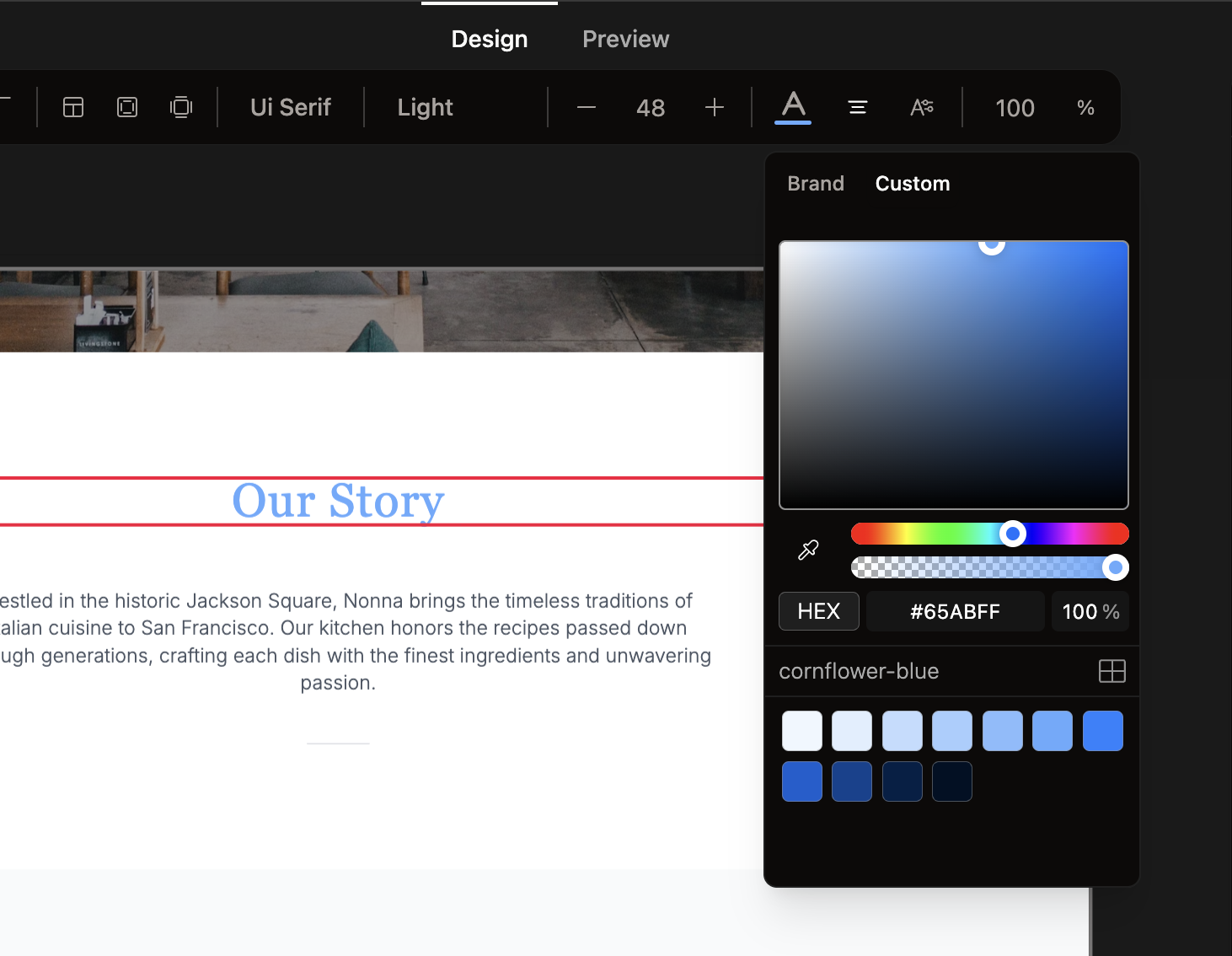
 Onlook is an open-source, AI-first visual editor for designing on top of your Next.js + Tailwind codebase. You edit elements directly in the browser DOM like a design tool, and the changes map back to real code in real time.
Onlook is an open-source, AI-first visual editor for designing on top of your Next.js + Tailwind codebase. You edit elements directly in the browser DOM like a design tool, and the changes map back to real code in real time.Is this more like Figma or more like a code editor?It's both: a Figma-like visual UI (layers, elements, drag-and-drop) sitting on top of a real code editor and live preview, positioned as an open-source alternative to Bolt.new, Lovable, V0, Replit Agent, Figma Make, and Webflow.
It's both: a Figma-like visual UI (layers, elements, drag-and-drop) sitting on top of a real code editor and live preview, positioned as an open-source alternative to Bolt.new, Lovable, V0, Replit Agent, Figma Make, and Webflow.How do I start building something with Onlook?Use the hosted app, or run it locally and import an existing Next.js project (or start from scratch, text, an image, or a prebuilt template). Full setup instructions live at docs.onlook.com.
Use the hosted app, or run it locally and import an existing Next.js project (or start from scratch, text, an image, or a prebuilt template). Full setup instructions live at docs.onlook.com.Does Onlook work with any frontend stack?Right now it's built specifically for Next.js and TailwindCSS projects; support for other frameworks and non-Tailwind styling isn't available yet.
Right now it's built specifically for Next.js and TailwindCSS projects; support for other frameworks and non-Tailwind styling isn't available yet.What's still missing or in progress?Team collaboration (comments, live co-editing beyond real-time cursors), a drag-and-drop components panel, MCP setup in projects, and support for non-Next.js/non-Tailwind projects are all listed as not yet done.
Team collaboration (comments, live co-editing beyond real-time cursors), a drag-and-drop components panel, MCP setup in projects, and support for non-Next.js/non-Tailwind projects are all listed as not yet done.Can I self-host it instead of using the hosted app?Yes, the open-source editor can be run locally (it ships with a Dockerfile and docker-compose setup); the hosted product is a separate offering currently in early access via waitlist.
Yes, the open-source editor can be run locally (it ships with a Dockerfile and docker-compose setup); the hosted product is a separate offering currently in early access via waitlist.Is the license permissive?It's licensed under Apache 2.0, a permissive open-source license with no unusual restrictions.
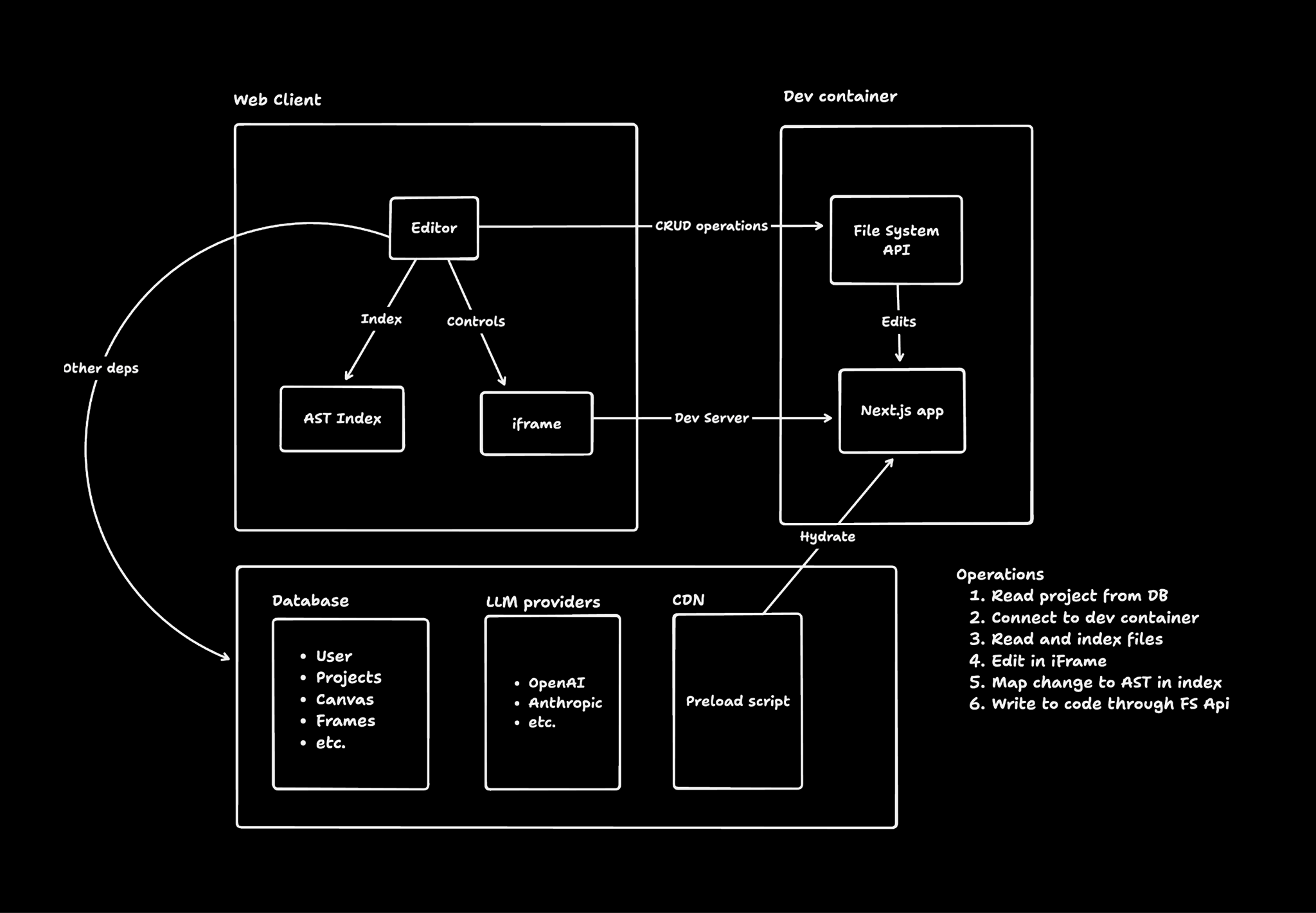
It's licensed under Apache 2.0, a permissive open-source license with no unusual restrictions.How does editing an element on the canvas actually change my source code?Onlook loads your project into a web container, instruments the running code to map each DOM element back to its source location, and when you edit the element visually it updates it first in the live iFrame, then writes the change back into the actual code file.
Onlook loads your project into a web container, instruments the running code to map each DOM element back to its source location, and when you edit the element visually it updates it first in the live iFrame, then writes the change back into the actual code file.What's in the tech stack behind Onlook?Next.js and TailwindCSS on the frontend, tRPC for the server interface, Supabase and Drizzle for auth/database, AI SDK with OpenRouter for LLM access plus Morph and Relace for fast-apply edits, and Bun with Docker for the runtime and sandboxing.
Next.js and TailwindCSS on the frontend, tRPC for the server interface, Supabase and Drizzle for auth/database, AI SDK with OpenRouter for LLM access plus Morph and Relace for fast-apply edits, and Bun with Docker for the runtime and sandboxing.Can I deploy the app I build in Onlook?Yes, you can deploy your project in seconds, generate shareable links, and attach a custom domain directly from the editor.
Yes, you can deploy your project in seconds, generate shareable links, and attach a custom domain directly from the editor.Can the AI chat make code changes on its own?Yes, the AI chat has direct code access and tooling to understand and edit your project's code, and you can queue up multiple chat messages at once.
Yes, the AI chat has direct code access and tooling to understand and edit your project's code, and you can queue up multiple chat messages at once.What are similar projects?Core-Framework, vibe-vibe, openpencil, ux-ui-agent-skills, tweakcn, design-extract, open-pencil-cloud, heroui
Core-Framework, vibe-vibe, openpencil, ux-ui-agent-skills, tweakcn, design-extract, open-pencil-cloud, herouiWhich topics is it in?vibecoding, design-to-code, design-tool, supabase, figma, drizzle-orm, vibe-coding, openrouter, ide, design-system, bun, tailwindcss
vibecoding, design-to-code, design-tool, supabase, figma, drizzle-orm, vibe-coding, openrouter, ide, design-system, bun, tailwindcss