








 Chrome
 Internet Explorer
 Edge
Edge Safari
 Firefox
What is this?
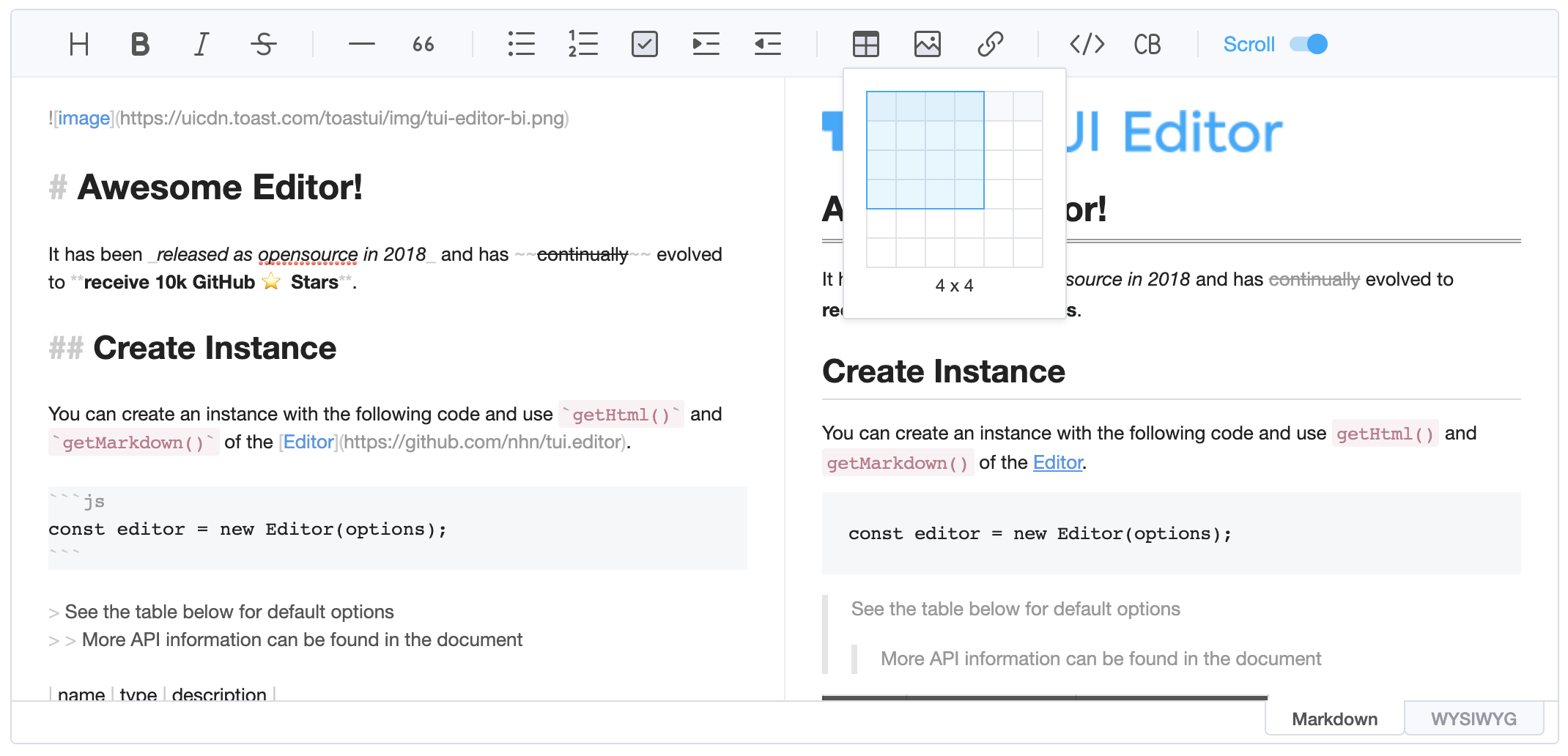
 TOAST UI Editor is an open-source Markdown editor for the web that offers both a Markdown mode and a WYSIWYG mode, extensible with plugins for charts, UML and code highlighting.
TOAST UI Editor is an open-source Markdown editor for the web that offers both a Markdown mode and a WYSIWYG mode, extensible with plugins for charts, UML and code highlighting.Is it a framework, a library, or a finished app?A front-end component library rather than an app: the core is the plain JavaScript @toast-ui/editor package, with official wrappers for React and Vue.
A front-end component library rather than an app: the core is the plain JavaScript @toast-ui/editor package, with official wrappers for React and Vue.How do I add it to a project?Install @toast-ui/editor from npm, or take the @toast-ui/react-editor and @toast-ui/vue-editor wrappers; the five official plugins install via npm the same way.
Install @toast-ui/editor from npm, or take the @toast-ui/react-editor and @toast-ui/vue-editor wrappers; the five official plugins install via npm the same way.Is the project still actively developed?No — the GitHub repository is archived and read-only, so new features and fixes are not coming; the published npm packages keep working as they are.
No — the GitHub repository is archived and read-only, so new features and fixes are not coming; the published npm packages keep working as they are.Which browsers does it run in?Chrome, Edge, Safari and Firefox are supported, plus Internet Explorer 11 and up.
Chrome, Edge, Safari and Firefox are supported, plus Internet Explorer 11 and up.Can I use it in commercial projects?Yes — it is MIT licensed, free for commercial use; the copyright holder is NHN Cloud.
Yes — it is MIT licensed, free for commercial use; the copyright holder is NHN Cloud.Can I use it just to display Markdown without editing?Yes — a Viewer mode renders markdown data only, with no editing area.
Yes — a Viewer mode renders markdown data only, with no editing area.Can I paste content from other apps like Excel or PowerPoint?Yes — you can paste anything from the browser, screenshots, Excel, PowerPoint, etc., and keep editing it in the editor.
Yes — you can paste anything from the browser, screenshots, Excel, PowerPoint, etc., and keep editing it in the editor.Does the interface come in other languages?It ships 20 UI translations, including Korean, Japanese, Chinese, German, Russian and French, and the i18n setup can be extended with your own.
It ships 20 UI translations, including Korean, Japanese, Chinese, German, Russian and French, and the i18n setup can be extended with your own.Can I write my own plugin?Yes — beyond the five official ones, Custom Block lets you define nodes Markdown does not support by writing your own parsing logic, and there is an example of creating a user plugin.
Yes — beyond the five official ones, Custom Block lets you define nodes Markdown does not support by writing your own parsing logic, and there is an example of creating a user plugin.What are similar projects?editor.md, vditor, tinymce, milkdown, ckeditor5, marktext, lexical, masonry
editor.md, vditor, tinymce, milkdown, ckeditor5, marktext, lexical, masonryWhich topics is it in?jquery-plugin, uml, gfm, commonmark, chart, rich-text-editor, wysiwyg, jquery, syntax-highlighting, dark-mode, editor, i18n
jquery-plugin, uml, gfm, commonmark, chart, rich-text-editor, wysiwyg, jquery, syntax-highlighting, dark-mode, editor, i18n