



26.9K ·GitHub
What is this?
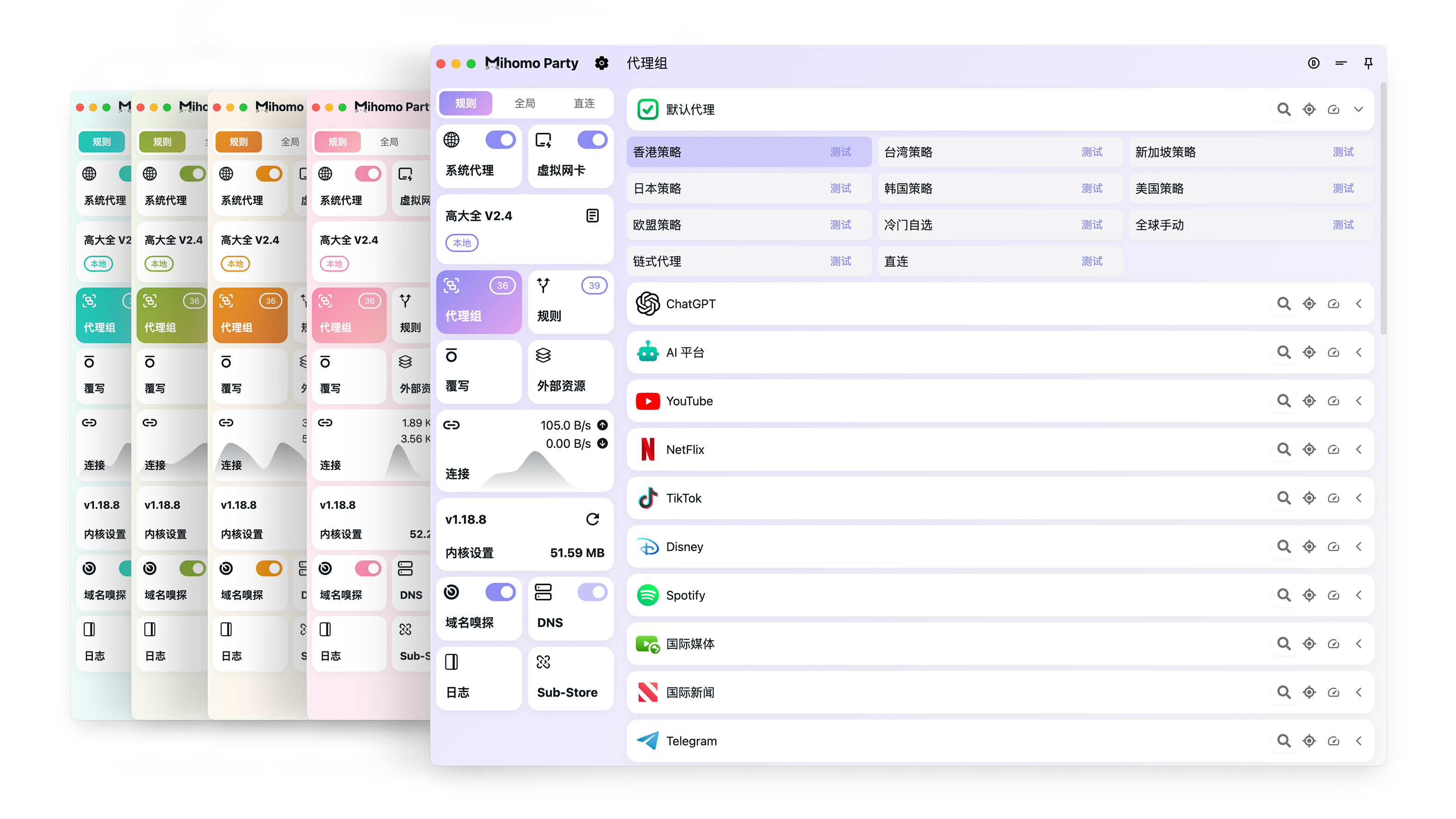
 Clash Party is a free, open-source desktop GUI for the Mihomo (Clash Meta) proxy core, built with Electron. It lets you manage proxy configs, subscriptions and node switching visually instead of hand-editing YAML.
Clash Party is a free, open-source desktop GUI for the Mihomo (Clash Meta) proxy core, built with Electron. It lets you manage proxy configs, subscriptions and node switching visually instead of hand-editing YAML.Is the proxy engine included, or do I have to install Mihomo separately?The engine ships inside the app — it bundles both the Mihomo (Clash Meta) core and a built-in 'Smart' kernel, so there is nothing extra to install.
The engine ships inside the app — it bundles both the Mihomo (Clash Meta) core and a built-in 'Smart' kernel, so there is nothing extra to install.How do I get it running?Download the installer for your OS from the GitHub Releases page; the README points to the official docs for the full installation and usage guide.
Download the installer for your OS from the GitHub Releases page; the README points to the official docs for the full installation and usage guide.What's the catch — do I need my own proxy servers?Yes — Clash Party is a client only and ships no servers, so you add your own nodes via a subscription; the README even promotes a partnered airport with a discount code. Docs are mainly in Chinese.
Yes — Clash Party is a client only and ships no servers, so you add your own nodes via a subscription; the README even promotes a partnered airport with a discount code. Docs are mainly in Chinese.Will it run on Windows, macOS and Linux?Yes — it's an Electron desktop app with builds for all three systems.
Yes — it's an Electron desktop app with builds for all three systems.How do I manage my subscriptions?Through Sub-Store, which is deeply integrated into the app — you add and manage subscriptions right from the UI.
Through Sub-Store, which is deeply integrated into the app — you add and manage subscriptions right from the UI.What is the Smart Core feature?A one-click Smart Core rule override: an AI model automatically selects the optimal node for you. The Smart kernel itself comes built in.
A one-click Smart Core rule override: an AI model automatically selects the optimal node for you. The Smart kernel itself comes built in.Can I tweak configs beyond the built-in settings?Yes — the UI covers most common Mihomo settings, and a powerful override feature lets you modify the config file arbitrarily.
Yes — the UI covers most common Mihomo settings, and a powerful override feature lets you modify the config file arbitrarily.Does TUN mode need extra setup?No — TUN works out of the box, with no service mode required.
No — TUN works out of the box, with no service mode required.What are similar projects?clash-nyanpasu, clashctl, Cloudflare-Tools, BPB-Worker-Panel, panda-vpn-pro, usque-custom-pro, clash-verge-rev, Clash-for-Windows_Chinese
clash-nyanpasu, clashctl, Cloudflare-Tools, BPB-Worker-Panel, panda-vpn-pro, usque-custom-pro, clash-verge-rev, Clash-for-Windows_ChineseWhich topics is it in?clash-meta, mihomo, clash, gfw, themes, yaml, censorship-circumvention, vpn, github-actions, electron, customization, proxy
clash-meta, mihomo, clash, gfw, themes, yaml, censorship-circumvention, vpn, github-actions, electron, customization, proxy