Pokémon DS games on the Nintendo Switch (Black 2, White 2, Black, White, SoulSilver, HeartGold): one screen, widescreen. Bring your own ROM.
pokemon-ds-widescreen (mamesj/pokemon-ds-widescreen)
Searching Database…
The project's README from github.com/mamesj/pokemon-ds-widescreen. As one markdown file: README.md.
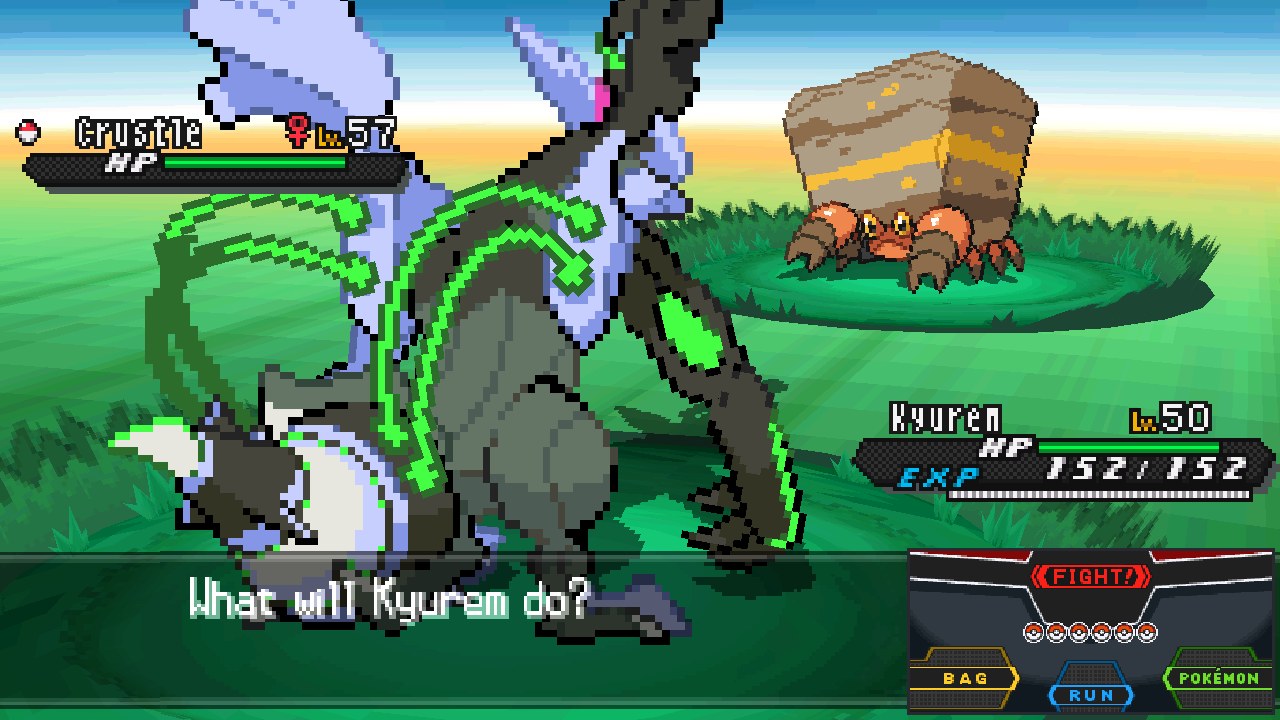
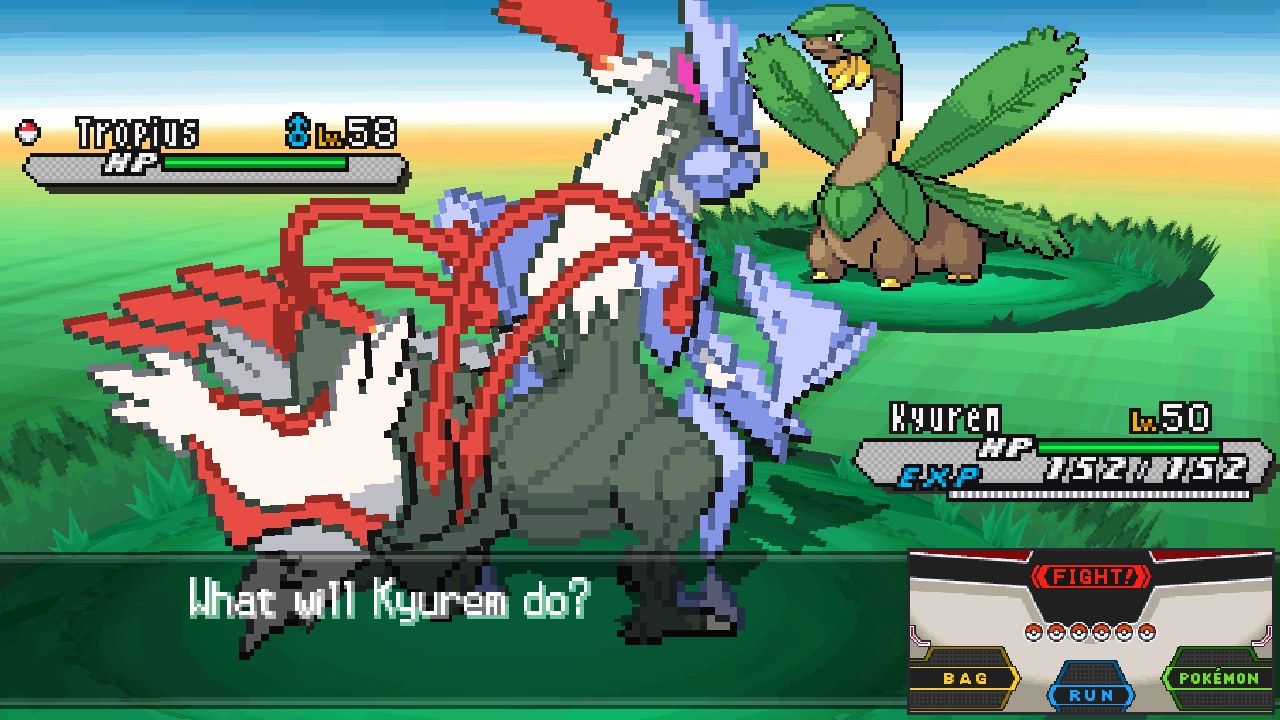
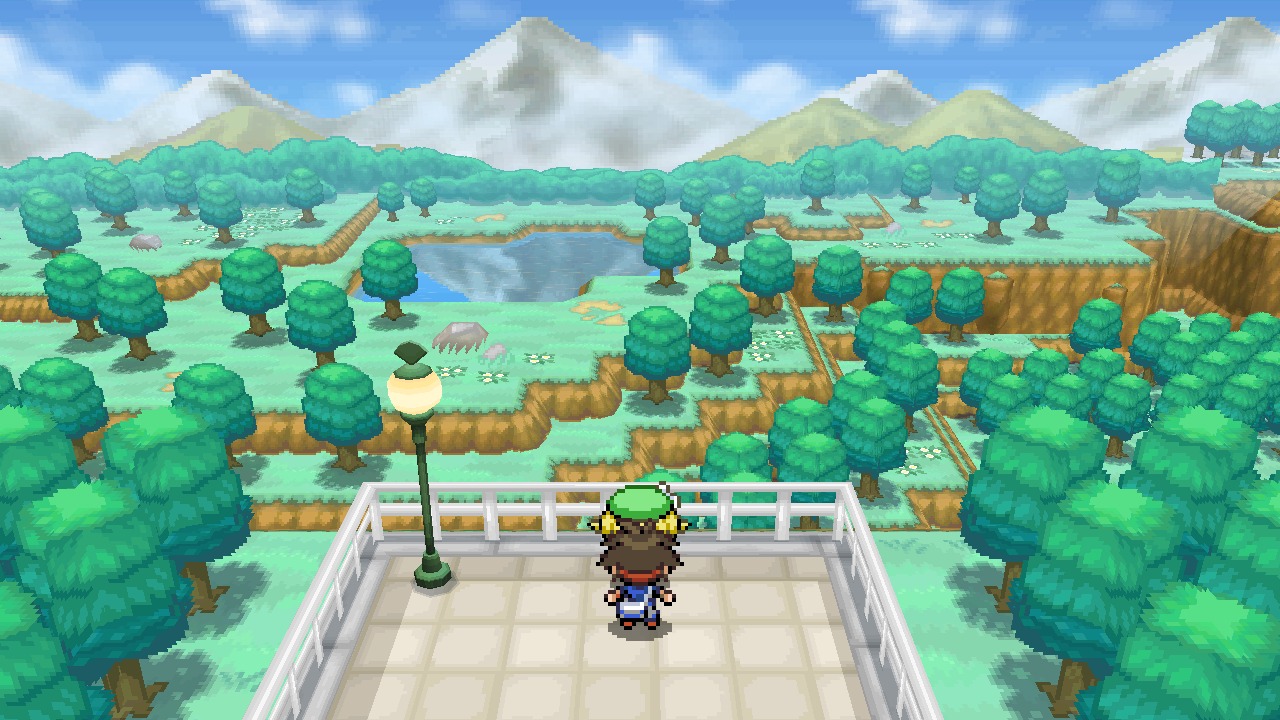
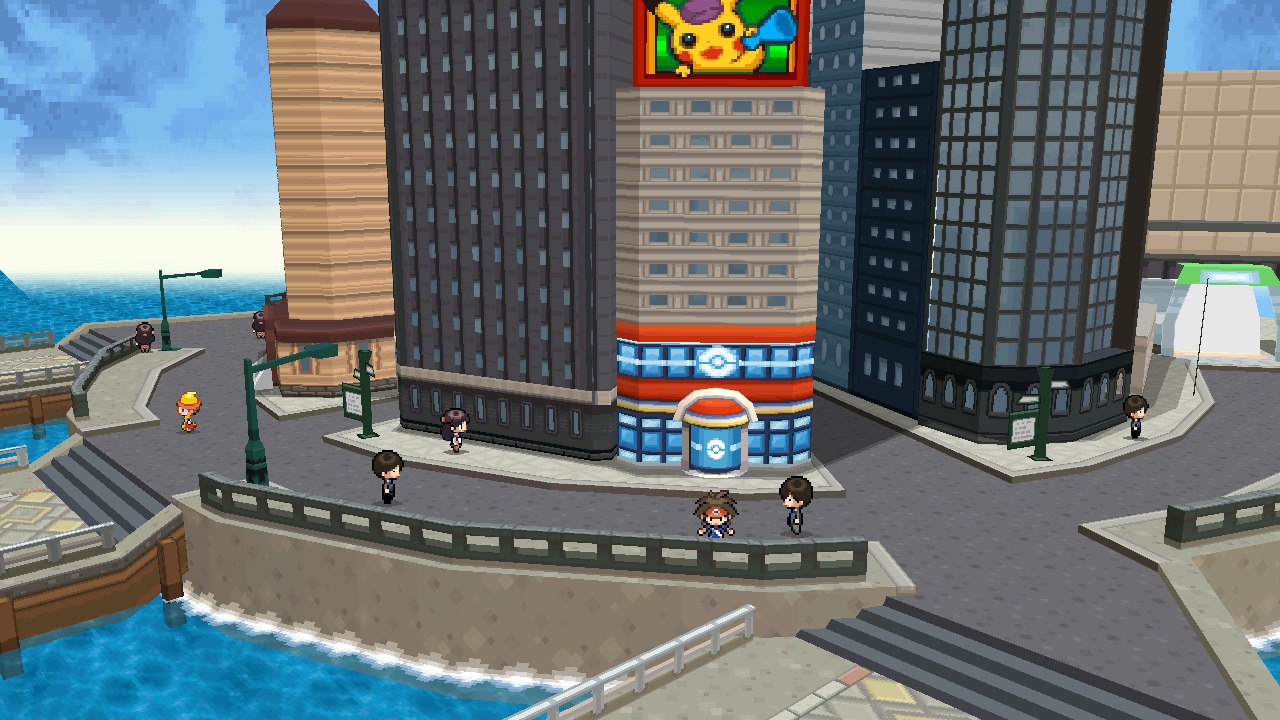
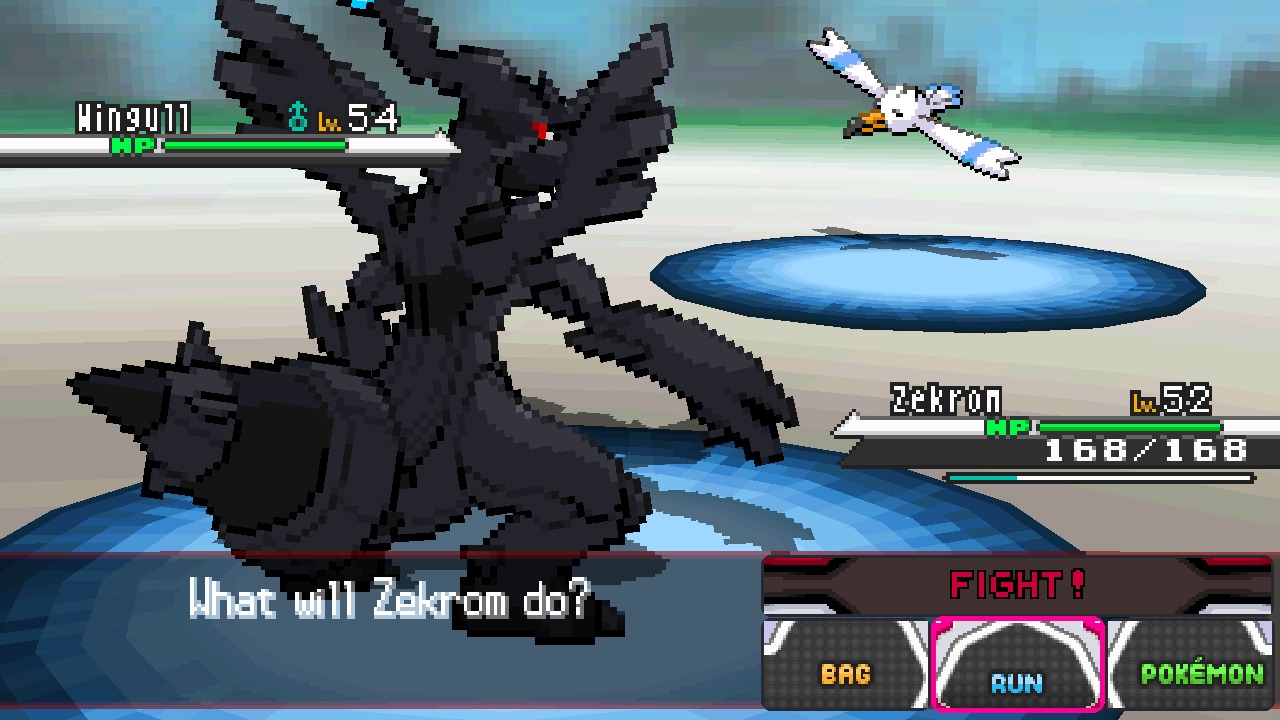
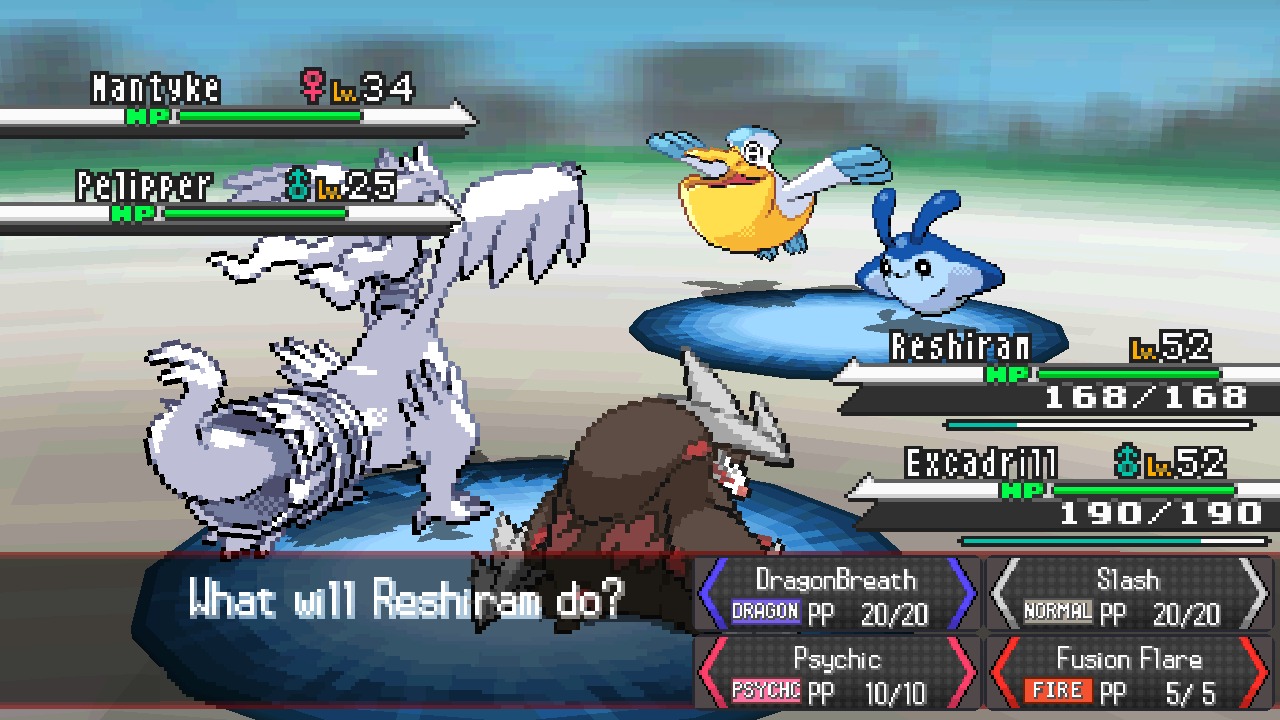
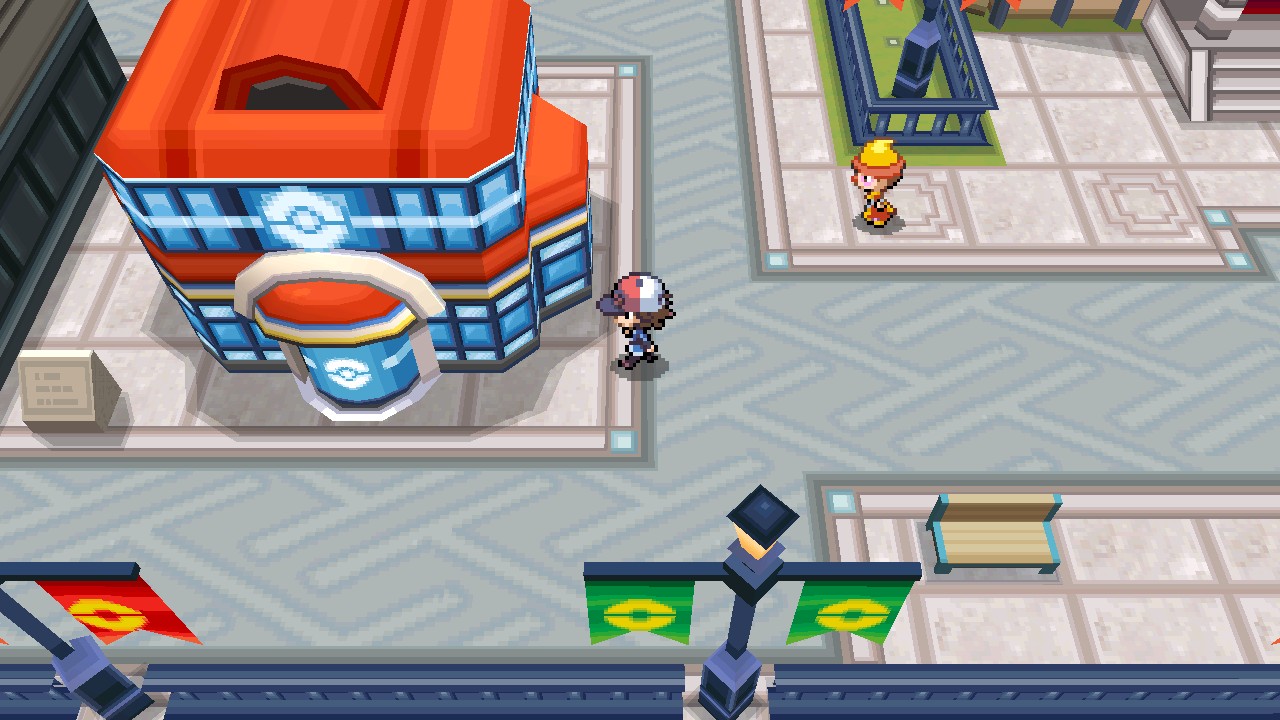
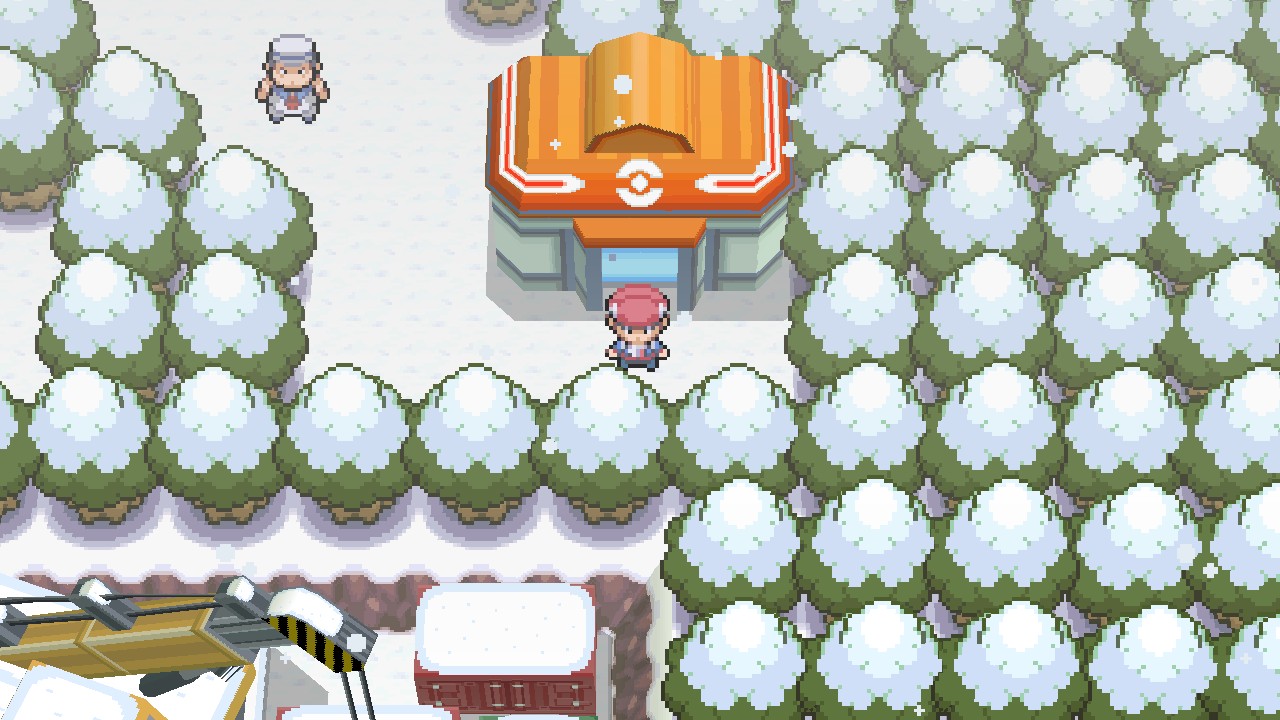
Your favourite DS Pokémon games on a PC (Windows and Linux), a Mac, a Steam Deck or other handheld PC, an Android phone, an iPhone or iPad, or a modded Nintendo Switch: one screen, widescreen, 60 fps, up to 4K on a PC and 720p on the Switch. No more squinting at two tiny stacked DS screens.
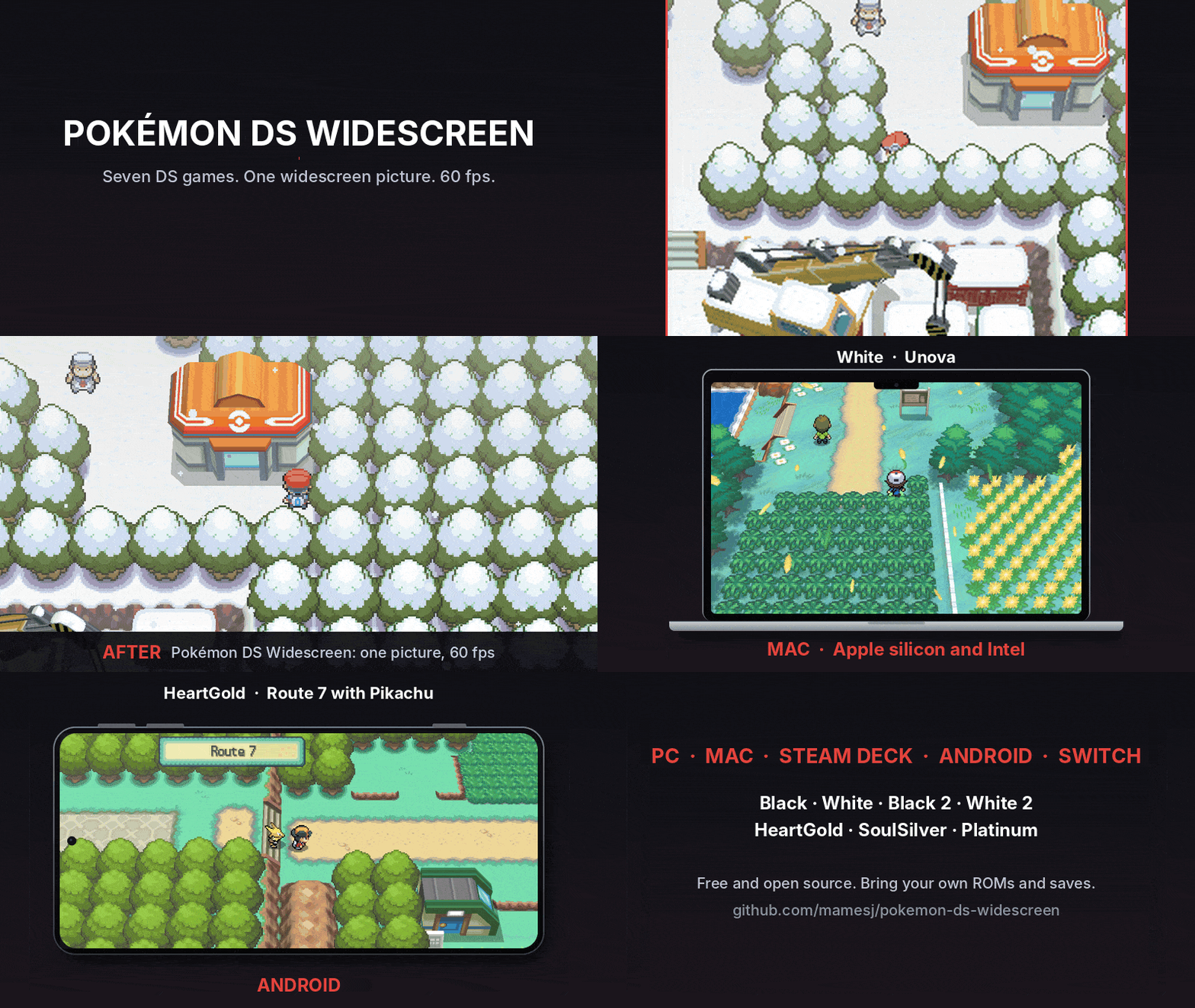
| Where you play | Download | Install |
|---|---|---|
| Windows PC, and Windows handhelds (ROG Ally, Legion Go, MSI Claw) | pokemon-ds-wide-pc-windows-x86_64.zip | PC |
| Mac with Apple silicon (M1 and newer) | pokemon-ds-wide-pc-macos-arm64.zip | Mac |
| Mac with an Intel processor | pokemon-ds-wide-pc-macos-x86_64.zip | Mac |
| Linux and the Steam Deck | pokemon-ds-wide-pc-linux-x86_64.tar.gz, or as an AppImage (Gear Lever) | PC |
| Android phone (64-bit, Android 7 or newer) | pokemon-ds-wide-android.apk | Android |
| iPhone and iPad (iOS 14 or newer, sideloaded) | pokemon-ds-wide-ios.ipa | iPhone |
| Nintendo Switch (homebrew) | pokemon-ds-wide-all-switch.zip | Switch |
All seven games in every download: Pokémon Black 2, White 2, Black, White, SoulSilver, HeartGold and Platinum. Pokémon Omega Ruby is in the works, as its own project. What's new in each: Releases.
One program per platform: start it and pick the game from the list. The downloads are free of the games themselves: you bring your own ROMs, and the program reads what it needs from them when the game starts.
Carry on from your own save: from another emulator, a flash cart or your real cartridge. Copy it in under the game's name, in this folder:
| Where you play | Folder |
|---|---|
| PC (Windows, Linux, Steam Deck) | the saves folder beside the program |
| Linux AppImage | ~/.local/share/pokemon-ds-wide/saves |
| Mac | ~/Library/Application Support/Pokemon DS Widescreen/saves |
| Android | the saves folder inside the folder you chose for your ROMs |
| iPhone and iPad | Files app: On My iPhone (or iPad) > Pokemon DS Widescreen > saves |
| Nintendo Switch | /switch/pokemon-ds-wide/ on the SD card |
| Game | Save name |
|---|---|
| Black 2 / White 2 | black2.sav / white2.sav |
| Black / White | black.sav / white.sav |
| SoulSilver / HeartGold | soulsilver.sav / heartgold.sav |
| Platinum | platinum.sav |
.sav, as melonDS, DeSmuME (Export Backup
Memory), flash carts (TWiLight Menu++, R4 and the like) and cartridge dump
tools (Checkpoint, JKSM, GodMode9) make it. A DraStic or DeSmuME .dsv, or an
Action Replay save (.duc), first goes through
tools/bw2/convert_save.py.The same on every platform: on the game list's settings page (H, or Y / △ on a controller, or SETTINGS at the top), or in the pause menu while you play (Esc, or START / Options / +). Each option is explained on the settings page.
| Group | Settings |
|---|---|
| DISPLAY | SCREEN LAYOUT (MERGED: the one widescreen picture), LARGE SCREEN, BORDERLESS FULLSCREEN, SMOOTH SCALING, BATTLE BUTTONS, FPS COUNTER |
| GRAPHICS | 60 FPS, WIDESCREEN WORLD, WIDE MAP LOADING, 3D RESOLUTION (WORLD DETAIL on the Switch), LOWER RES WHEN BUSY, WORLD ON GPU, FAST FORWARD LOW RES |
| CONTROLS | KEYS AND BUTTONS (give any DS button, the pause menu, fast forward or swapping the screens another key or controller button), START BUTTON, BUTTONS, STICK TOUCH CURSOR |
| SHORTCUTS | DESKTOP SHORTCUTS (PC), HOME MENU ICONS (Switch): a shortcut for each game |
The pause menu also has RESUME, SAVE STATE, LOAD STATE, FAST FORWARD, CHEATS (below), RESET GAME and QUIT (back to the game list). Not every platform has every setting: a phone and the Switch are always full screen, for one.
Action Replay codes, turned on and off as you play: CHEATS in the pause menu. They go
in a cheats folder (make it if it isn't there):
| Where you play | Folder |
|---|---|
| PC (Windows, Linux, Steam Deck) | cheats beside the program (next to saves) |
| Linux AppImage | ~/.local/share/pokemon-ds-wide/cheats |
| Mac | ~/Library/Application Support/Pokemon DS Widescreen/cheats |
| Android | cheats inside the folder you chose for your ROMs |
| iPhone and iPad | Files app: On My iPhone (or iPad) > Pokemon DS Widescreen > cheats |
| Nintendo Switch | /switch/pokemon-ds-wide/cheats/ on the SD card |
A cheat database: usrcheat.dat holds codes for every game; CHEATS lists this
game's, in their folders, with the database's note on the chosen one under the menu.
The one most people use is DeadSkullzJr's: download it from
his GBAtemp thread
and put usrcheat.dat in the cheats folder.
Codes of your own: a text file named after the game's code: IREO.txt (Black 2),
IRDO.txt (White 2), IRBO.txt (Black), IRAO.txt (White), IPKE.txt (HeartGold),
IPGE.txt (SoulSilver), CPUE.txt (Platinum). The cheat's name on a line, its code
under it; as many cheats as you like, one after another:
60 FPS battles
92247612 00002801
A2000E28 00000000
12000E28 00000000
D2000000 00000000
melonDS's own cheat files (IPKE.mch and so on) work too.
The codes must be for your version of the game (US or Europe). A cheat changes the game's memory while it runs: save first, and turn it off if the game misbehaves.
A program for your PC or your Switch (as homebrew) that runs the game on the melonDS emulator core (built in: there is nothing else to install), plus a layer that knows what the game is doing (which screen, which menu, which battle) and rearranges it into one proper widescreen picture. It is not a native port (those are the dream, see What's next); it's the DS game, presented the way it should look on a modern screen.
| melonDS | this | |
|---|---|---|
| Screens | two 256×192 DS screens, stacked or side by side | one 16:9 picture, the touch screen's buttons tucked beside the action |
| 3D world | 4:3 at DS resolution | 16:9, skies and scenery carried to the edges: up to 4K on a PC (your graphics card), 720p on the Switch (its graphics chip) |
| Frame rate | the game's own 30 fps 3D | 60 fps, with in-between frames |
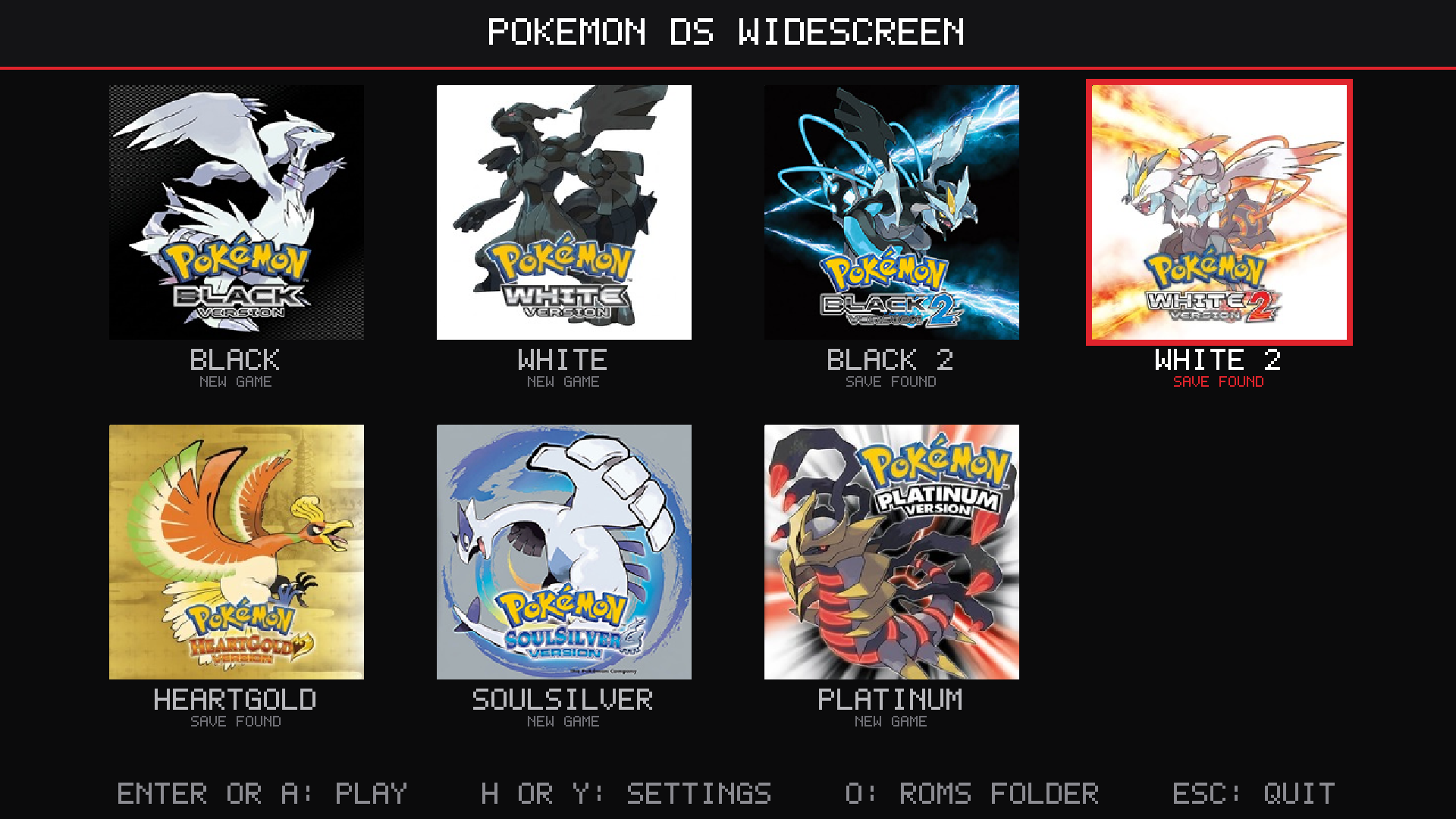
pokemon-ds-wide-pc-windows-x86_64.zip
(Windows) or pokemon-ds-wide-pc-linux-x86_64.tar.gz (Linux).
On Linux there is also an AppImage, the program as one file: add it to Gear Lever (or
another AppImage manager) and it updates itself. Its ROMs, saves and settings go in
~/.local/share/pokemon-ds-wide (O in the game list opens its roms folder).roms folder (any names).Pokemon DS Launcher.exe (Linux: pokemon-ds-wide) and pick a game.
Windows may warn about an unknown publisher the first time: choose
"More info", then "Run anyway".It starts in borderless fullscreen at 1080p with 60 fps; F11 switches to a
window. In the game list, arrow keys or a controller choose, Enter or A
plays, H (or a controller's Y) opens the settings and O opens the
roms folder. While playing, Esc (or a controller's Start or Guide button)
opens the pause menu; QUIT there goes back to the list.
Controls: any controller (Xbox, PlayStation, Switch Pro and others) plays
as a DS; hold its right trigger to fast forward. On the keyboard: arrow keys,
X/Z for A/B, S/A for X/Y, Q/W for L/R, Enter for START, Backspace for SELECT,
the mouse for the touch screen and Left Shift to fast forward. The README.txt
inside has the full list. CONTROLS > KEYS AND BUTTONS in the pause menu (or on the game list's
settings page) changes any of them, on the keyboard and on a controller (the game list follows the ones you change).
Saves go in the saves folder, one per game (black2.sav, soulsilver.sav,
platinum.sav, ...). To carry on from another emulator, put its .sav there
under that name. Pictures: the list shows each game's box art; for your own,
put a JPEG or PNG in an icons folder beside the program, named after the game's
code (IREO.jpg for Black 2, see the README.txt).
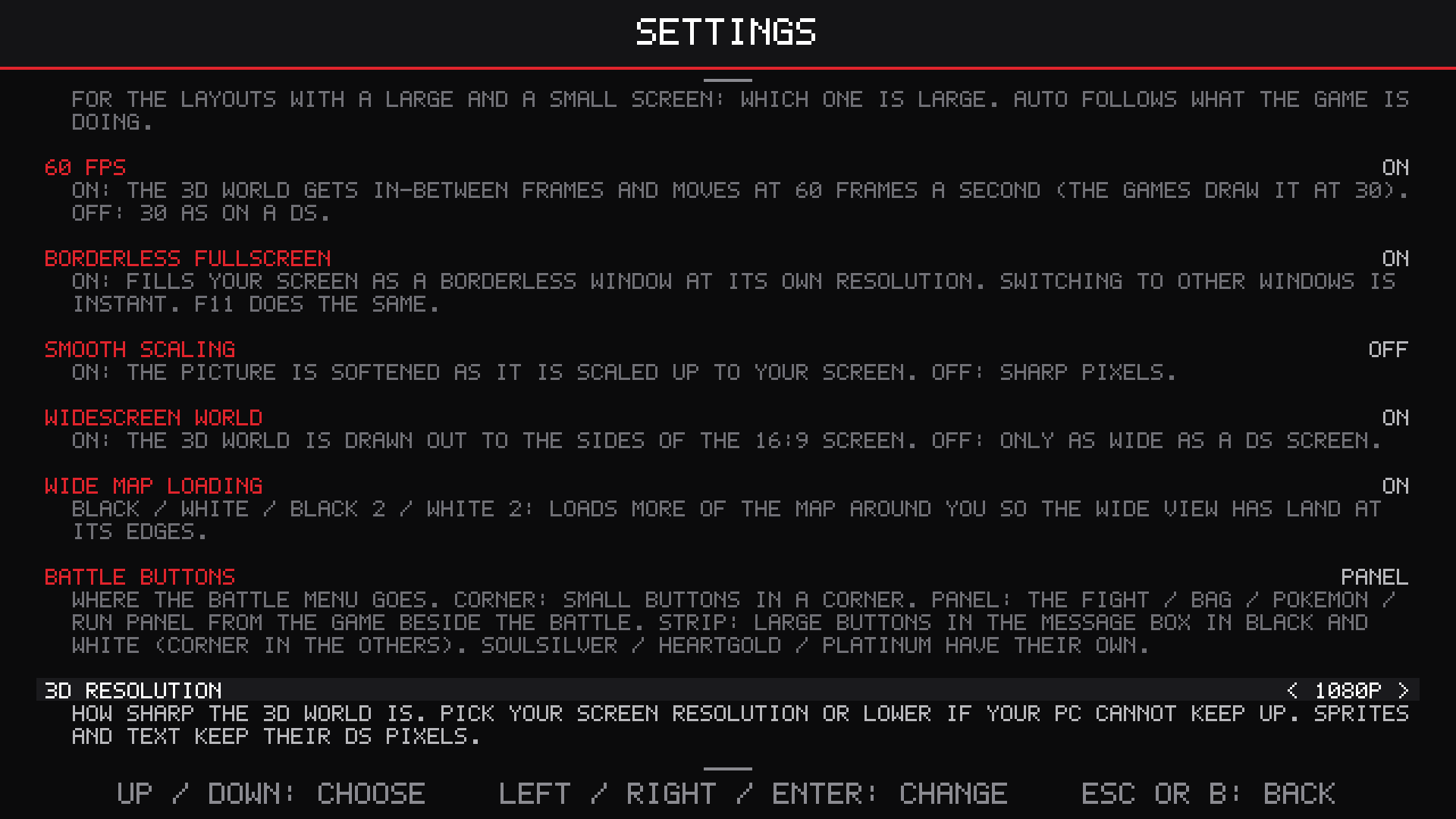
Settings (all of them: Settings). The ones that matter most on a PC:
| Setting | Starts at | What it does |
|---|---|---|
| 3D RESOLUTION | 1080P | how sharp the 3D world is: 720P, 1080P, 1440P (2K) or 2160P (4K) |
| LOWER RES WHEN BUSY | OFF | ON: a lower resolution for a moment instead of slowing down |
| FAST FORWARD LOW RES | OFF | ON: 360P while fast forwarding, for more FPS on a slower PC |
| WORLD ON GPU | ON | the world drawn by your graphics card; turn it off if it looks wrong |
| BORDERLESS FULLSCREEN | ON | fills your screen; F11 does the same |
| SCREEN LAYOUT | MERGED | the one widescreen picture, or the two DS screens laid out as on other emulators |
Desktop shortcuts: DESKTOP SHORTCUTS on the settings page puts a shortcut for each game on your desktop (on Linux also in your apps menu, and so in the Steam Deck's "Add a Non-Steam Game" list), with its box art; each starts its game straight away.
What it needs: Windows 10 or 11 (64-bit), or 64-bit Linux from late 2023 on (Ubuntu 24.04, Fedora 39, SteamOS 3.5 or newer); nothing else to install. For WORLD ON GPU, a graphics card with OpenGL 4.3, which nearly any from 2012 on has with up-to-date drivers; without it, the processor draws the world (that wants a much faster processor).
Steam Deck: in Desktop Mode, unpack the Linux download and put your ROMs in
its roms folder; in Steam, Games > Add a Non-Steam Game to My Library,
browse to pokemon-ds-wide (file type: All Files); then start it from your
library in Gaming Mode with a gamepad controller layout. Set 3D RESOLUTION to
720P for the Deck's 1280x800 screen.
Mac (macOS 11 or newer):
pokemon-ds-wide-pc-macos-arm64.zip; if it says Processor:
Intel, take pokemon-ds-wide-pc-macos-x86_64.zip.xattr -dr com.apple.quarantine "/Applications/Pokemon DS Widescreen.app",
then open it as any app.roms folder
(~/Library/Application Support/Pokemon DS Widescreen/roms): put your ROMs in it and they
appear in the list. Your own saves go in the saves folder next to it.The keys and a controller work as on a PC; Ctrl+Cmd+F (or F11) switches between fullscreen and a window. A Mac's OpenGL stops short of what WORLD ON GPU needs, so the processor draws the widescreen world, at 720P to start: a MacBook Air M1 holds 60 FPS at 1080P.
How fast a PC? Not measured on a range of PCs yet, so these are estimates. The Switch runs all seven games at 60 fps, and one core of any PC from the last eight years or so is several times as fast as one of the Switch's. What grows with your screen is the 3D resolution, drawn by the graphics card:
Tell us how yours runs, with its game.log.
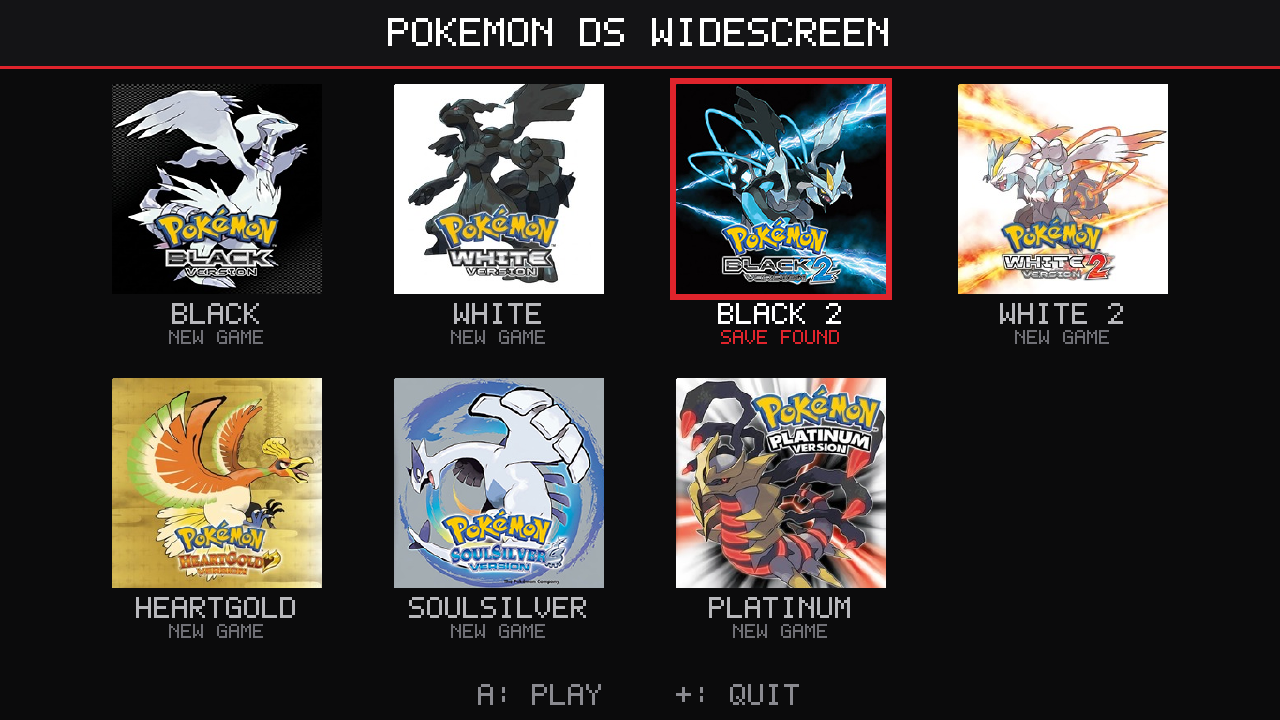
All seven games in one program (pokemon-ds-wide-all-switch.zip):
/switch/pokemon-ds-wide/
with an empty roms folder inside./switch/pokemon-ds-wide/roms/ (any names).In the list the D-pad or a stick moves between games, A plays, Y opens the settings (the pause menu's options, each explained) and + goes back to the Homebrew Menu. It opens on the game you played last. While playing, + opens the pause menu (START BUTTON in the settings can make + the DS's START again, with + and − together for the menu); QUIT there saves and comes back to the list (also when started from its HOME Menu icon). With only one game found there is no list: it starts straight away. Touch screen: tap it in handheld mode; docked, the right stick moves a cursor and ZL touches. Pressing the right stick in shows the other screen.
Coming from the older one-game downloads? Their folders keep working: the
list also shows the games in them (/switch/pokemon-black2-wide/ and so on) and
plays each with the save already there. Those downloads are no longer updated,
so the all-in-one is the one to use.
Saves: each game keeps its save under its own name (black2.sav,
white2.sav, black.sav, white.sav, soulsilver.sav, heartgold.sav,
platinum.sav): in /switch/pokemon-ds-wide/ for a ROM in its roms folder,
or in an older one-game download's folder for a ROM there. To carry on from an
emulator or a flash cart, copy your save in under that name.
Pictures: each game shows its box art. For your own, put a square JPEG
or PNG in /switch/pokemon-ds-wide/icons/ named after the game's code: IRBO
Black, IRAO White, IREO Black 2, IRDO White 2, IPKE HeartGold, IPGE
SoulSilver, CPUE Platinum (e.g. icons/IREO.jpg).
Recommended: start each game from the HOME Menu. In the all-in-one's
settings (Y in the list), HOME MENU ICONS puts an icon for each game in
the list on the Switch's HOME Menu, with its box art, which starts that game
straight away with no holding R. It is made on your console (no PC or keys
file). Like any forwarder, the icons need sigpatches to start. Keep
/switch/pokemon-ds-wide/ where it is, as the icons start the program in it;
choose HOME MENU ICONS again after adding games. Each game then has its own
entry, so sys-clk (below) can have its own settings for it. To remove one:
Options on its icon, Data Management, Delete Software.
sys-clk (recommended for full speed), handheld. With a forwarder, start the game, open sys-clk's overlay and set these for that game's own profile: they then apply whenever you play it, and only then. Without one, set them for the game you start the Homebrew Menu from, or as the global profile.
| CPU | 1785 MHz (1581 is enough for most places) |
| GPU | 460 MHz (the highest of the console's own handheld speeds; no need to go higher) |
| Memory | 1600 MHz |
Without sys-clk the games run at the console's normal speeds and drop frames in busy places.
Settings (all of them: Settings). Recommended on the Switch:
| Setting | Recommended | What it does |
|---|---|---|
| 60 FPS | ON | in-between frames: the games draw their 3D at 30 fps |
| BATTLE BUTTONS | PANEL | Black 2, White 2, Black and White: the game's own FIGHT, BAG, RUN and POKÉMON panel beside the battle (Black and White also have STRIP: large buttons in the message box) |
| WORLD DETAIL | 720 | lines the wide world is drawn with (540 if you want headroom) |
| LOWER DETAIL WHEN BUSY | OFF | ON: fewer lines for a moment instead of slowing down |
The world is always drawn by the Switch's graphics chip, and each frame is shown at an even time, a frame after it is made (smoother in busy towns and battles). The games run on melonDS's FAST JIT. If a start ever fails with it, the next one falls back by itself (hold L while starting for the interpreter).
pokemon-ds-wide-android.apk on
your phone and open it. Android asks to allow installing apps from your
browser or Files app the first time: allow it, then install.ROMs in
its internal storage.Controls: on-screen buttons (D-pad, A, B, X, Y, L, R, START, SELECT and MENU at the top) while you play by touch; tap the picture itself to touch the DS's touch screen. A controller (Bluetooth or USB: Xbox, PlayStation, Backbone, Razer Kishi and others) plays as a DS and hides the on-screen buttons; its Start opens the pause menu and its right trigger fast forwards. CONTROLS > KEYS AND BUTTONS in the pause menu changes which button does what.
Saves go in a saves folder inside your ROMs folder (made for you). The
settings and game.log are in Android/data/io.github.mamesj.pokemonds/files.
What it needs: Android 7.0 or newer on a 64-bit phone. The 3D world is drawn by the processor at 720P to start (3D RESOLUTION in the settings: Y in the list, or SETTINGS at the top right). Tested on a Pixel 9 Pro XL, where it runs at full speed; please tell us how yours runs (see Reporting a bug).
Apple only lets apps from its App Store install on their own, so this one is sideloaded: a sideloading tool signs it with your own Apple ID (a free one works) and puts it on your iPhone. From a Windows PC or a Mac:
pokemon-ds-wide-ios.ipa, plug in your iPhone
(tap Trust on it), and give the IPA to the tool with your Apple ID.With a free Apple ID, iOS stops opening sideloaded apps after 7 days: sideload it again (your saves stay). AltStore and SideStore can do that for you.
Controls: as on Android: on-screen buttons while you play by touch (MENU at the top for the pause menu), or a controller (Xbox, PlayStation, Backbone and others), which hides them.
Saves, settings, cheats and game.log are all in that Pokemon DS Widescreen folder in the
Files app.
What to expect: iOS lets no app make code as it runs, so the faster way the other versions run the DS (melonDS's JIT) is left out, and a recent iPhone (an iPhone 13 or newer) is the most likely to keep up. The 3D world is drawn by the processor at 720P to start (3D RESOLUTION in the settings; 540P or LOWER RES WHEN BUSY if yours slows down). QUIT in the pause menu may close the app rather than go back to the list (open it again to pick a game). Please tell us how it runs on yours, with your model (see Reporting a bug).
 |
 |
 |
 |
black2.sav and white2.sav (tools/bw2/convert_save.py turns
.dsv and Action Replay saves into the raw 512 KB save).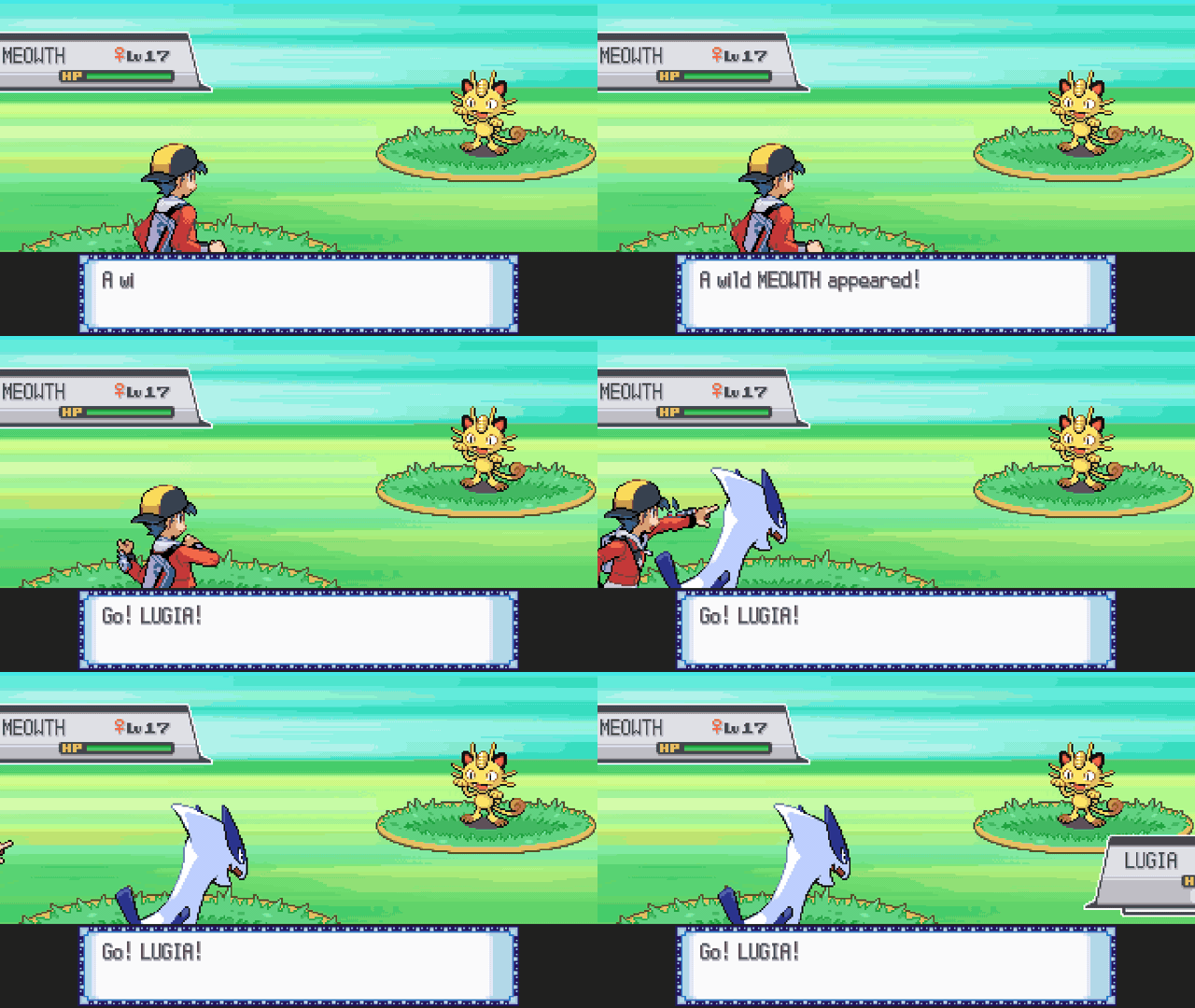
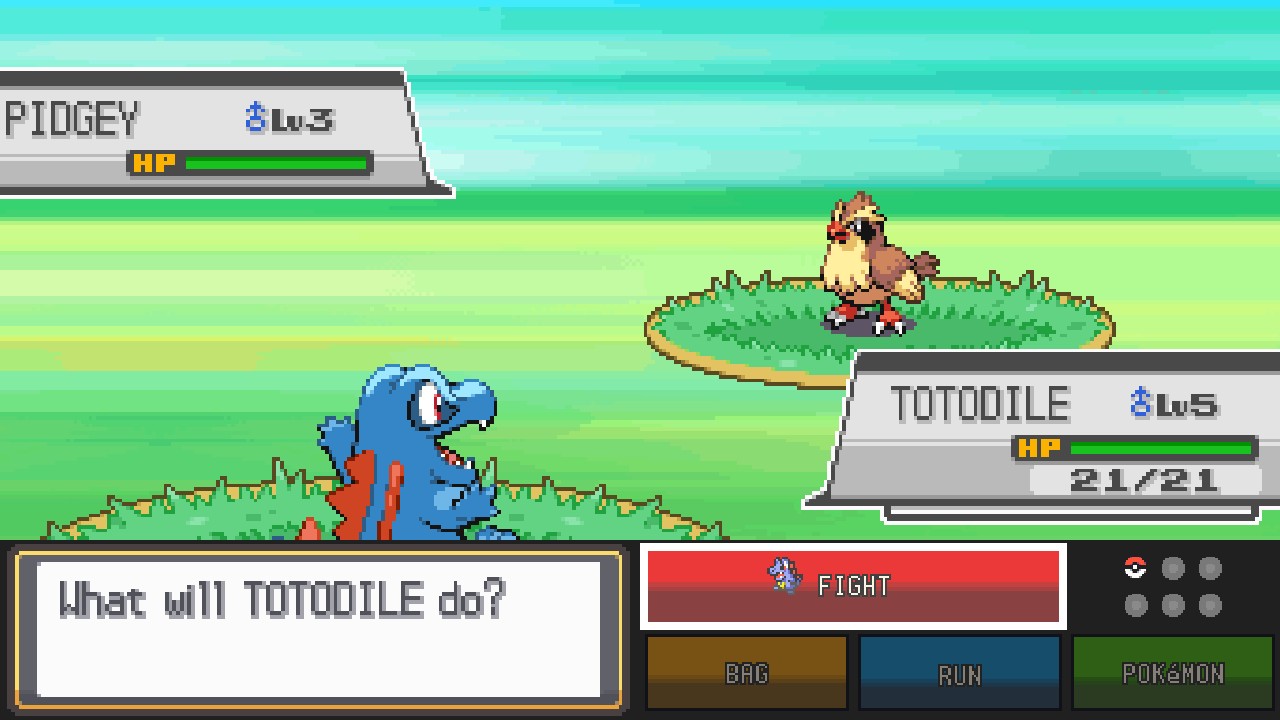 |
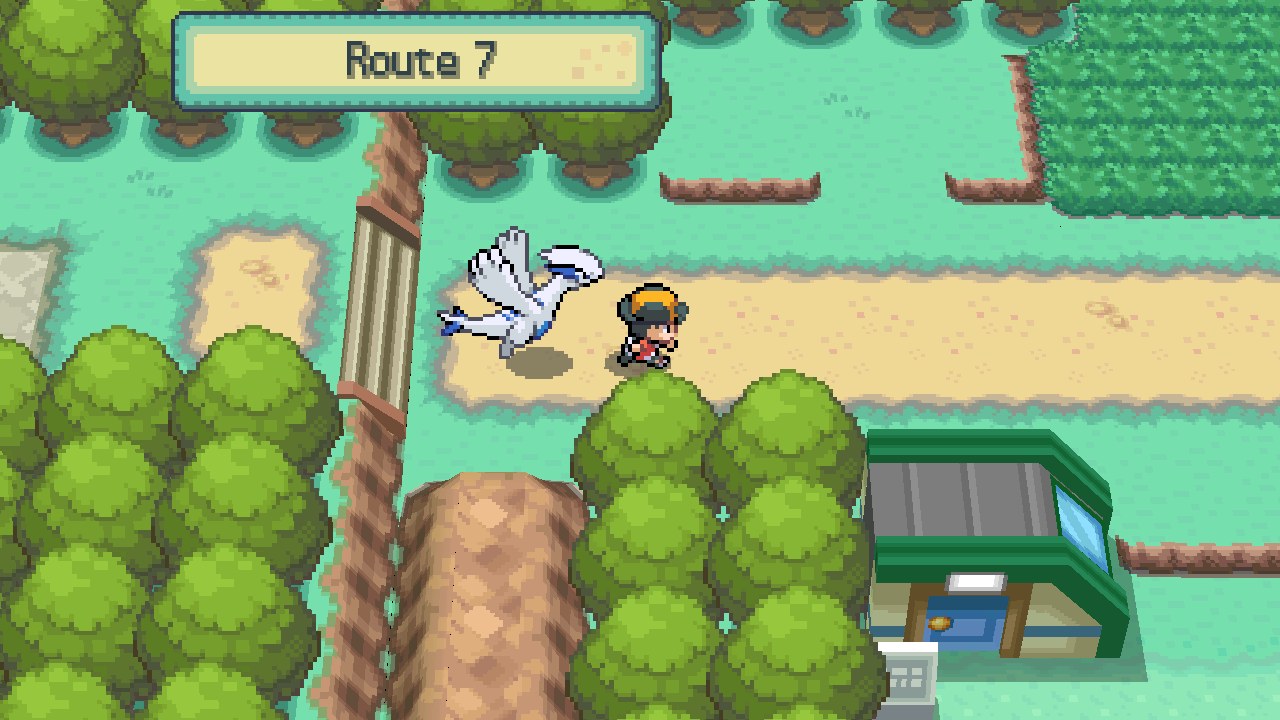 |
soulsilver.sav and heartgold.sav (the same format, so either
game reads the other's).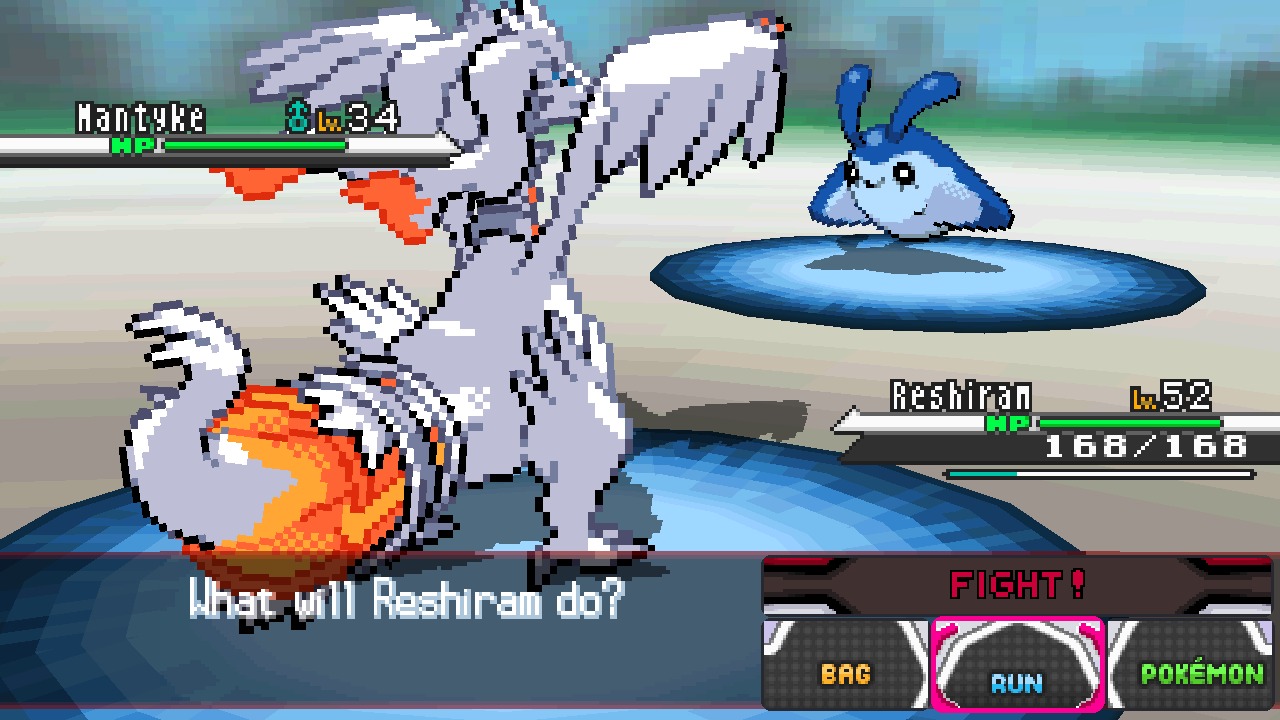 |
 |
 |
 |
black.sav and white.sav (the same format, so either game reads
the other's; tools/bw2/convert_save.py turns .dsv and Action Replay saves
into the raw 512 KB save).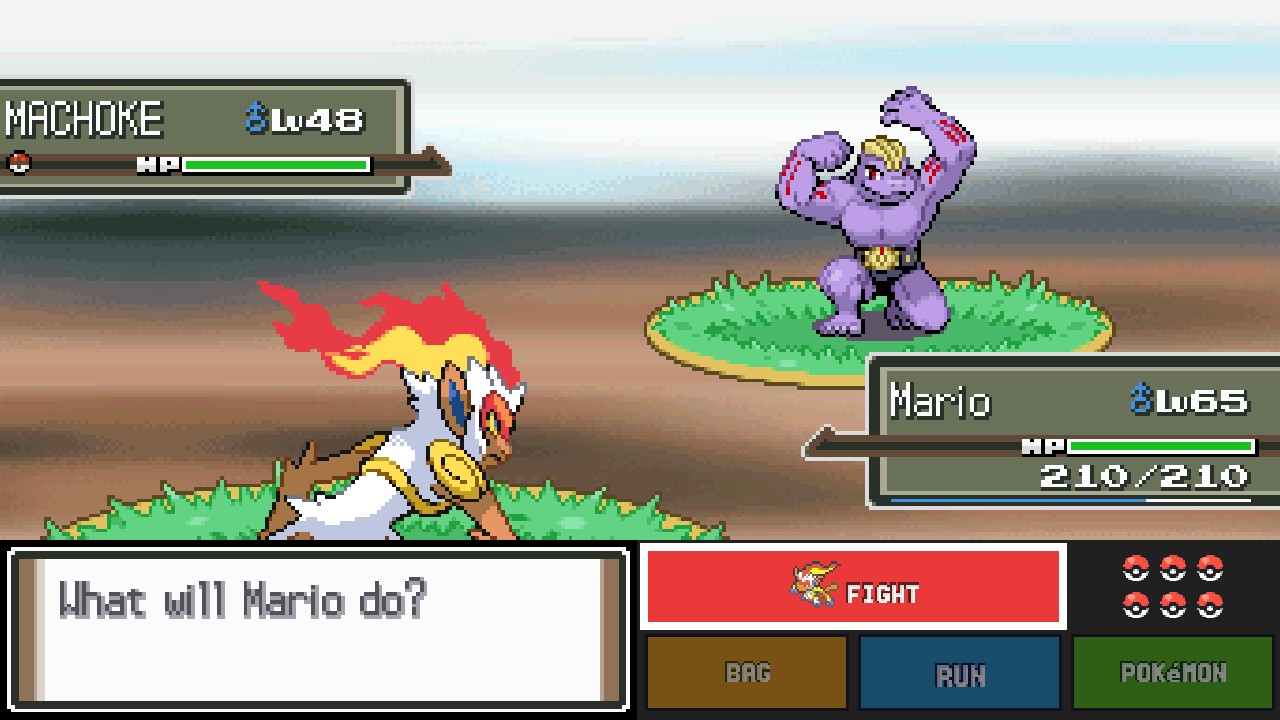 |
 |
CPUE), trimmed or not.platinum.sav.The widescreen world is drawn by a graphics chip: your graphics card with OpenGL on a PC, the Switch's own with deko3D. On the Switch, Black 2 runs at (or a whisker under) 60 fps at 720p in towns and battles, measured on a Switch OLED in handheld mode; a PC has room to spare, and draws the same picture up to 4K. The full list of changes is in CHANGELOG.md.
Open a bug report
(you need to be signed in to GitHub). The form asks for the game, your ROM's
version and the game.log file, which says what the program did:
game.log is in the folder you unpacked the download
to. On the Switch it is in the game's folder on the SD card:
/switch/pokemon-ds-wide/ for the all-in-one, otherwise the game's own
folder (e.g. /switch/pokemon-black2-wide/). On an iPhone or iPad it is in the
Files app: On My iPhone > Pokemon DS Widescreen (share it from there). It is
written again each time the game starts, so copy it straight after the problem.game.log box.A screenshot or short video helps too. Please never attach your ROM. A white or black screen when a game starts usually means the ROM isn't one the program plays: an English copy of Black, White, Black 2 or White 2 (US or Europe), or the English US copy of SoulSilver, HeartGold or Platinum, unchanged (no patches, translations, randomizers or trimming).
Tips are welcome but never expected: buy me a coffee or PayPal.
A fork of ClickingMaster/ssrecomp
(Pokémon SoulSilver recompiled for single-screen devices), which gave this its
single-screen and widescreen view; its README
covers that project. Function names come from the
pokebw2 and
aletheia decompilations (only their
symbol files), Platinum's from a build of
pret/pokeplatinum; SoulSilver's and HeartGold's
addresses come from ssrecomp's own SoulSilver layout. The DS is emulated by melonDS.
The Switch's HOME MENU ICONS are made the way sphaira
makes its forwarders, with its homebrew loader (tools/switch/forwarder, GPL-3.0, based on
nx-hbloader).
GPL-3.0-or-later (see LICENSE), as required by melonDS. Not affiliated with
or endorsed by Nintendo, Game Freak, The Pokémon Company or the melonDS
project; Pokémon is a trademark of its owners. The box art in the PC game list belongs to
Nintendo, Creatures, GAME FREAK and The Pokémon Company and is shown only to tell the games
apart; it is not part of this repository's code. If you hold the rights and want it removed,
open an issue and it will be taken out.
Built with the help of Claude, Anthropic's AI.
Pokémon DS games on the Nintendo Switch (Black 2, White 2, Black, White, SoulSilver, HeartGold): one screen, widescreen. Bring your own ROM.