


 Pi
Pi oh-my-pi


What is this?
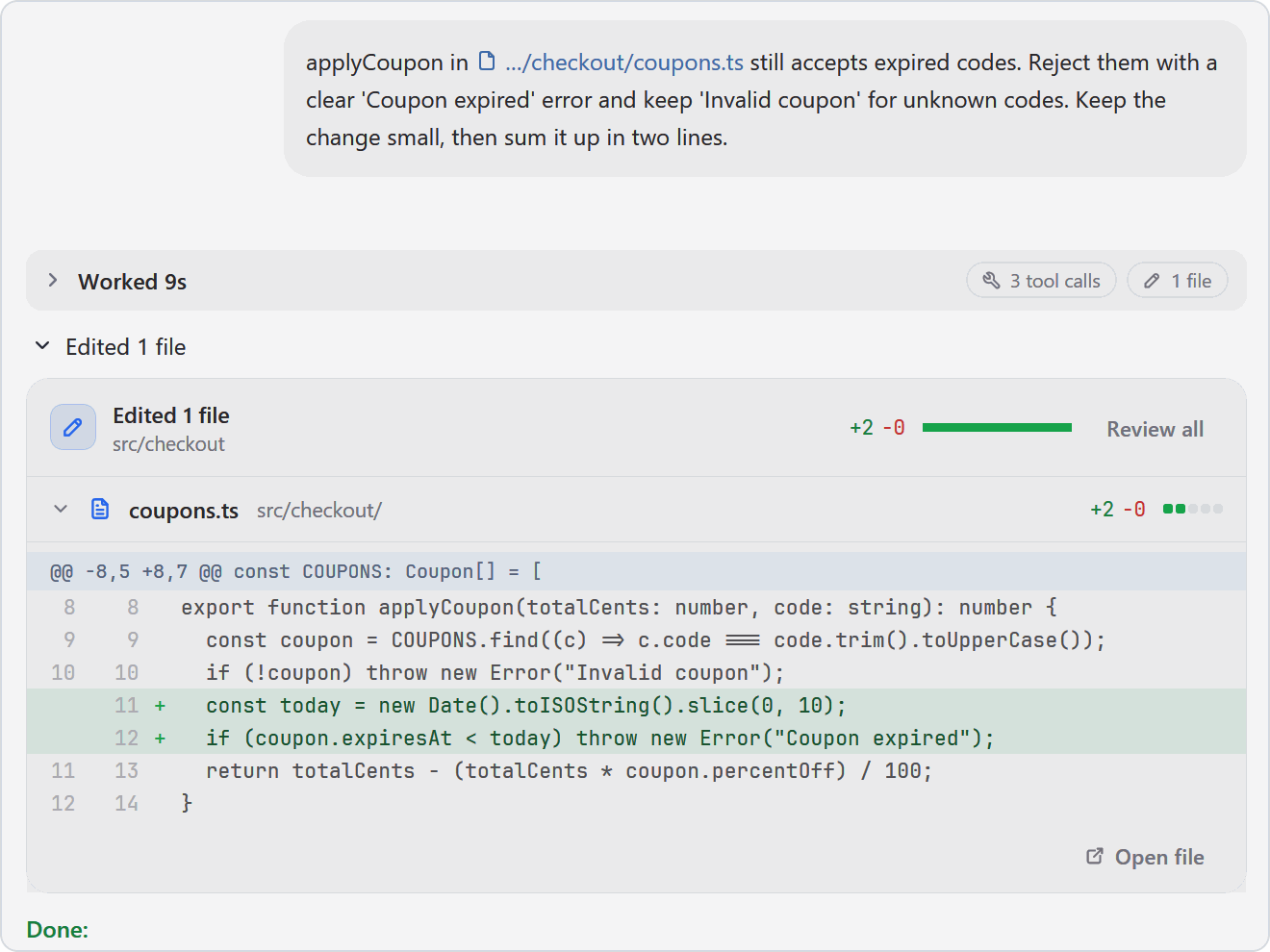
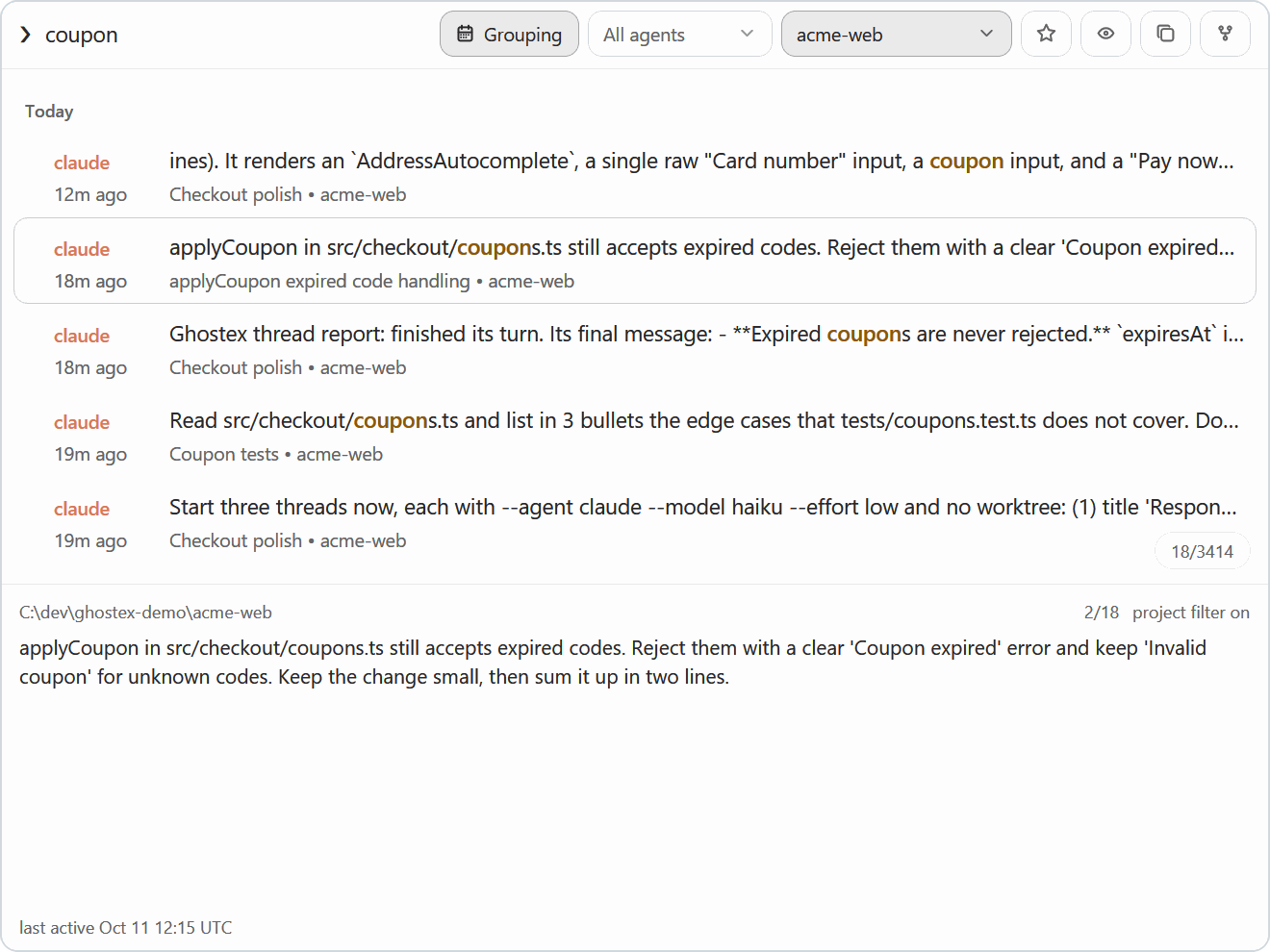
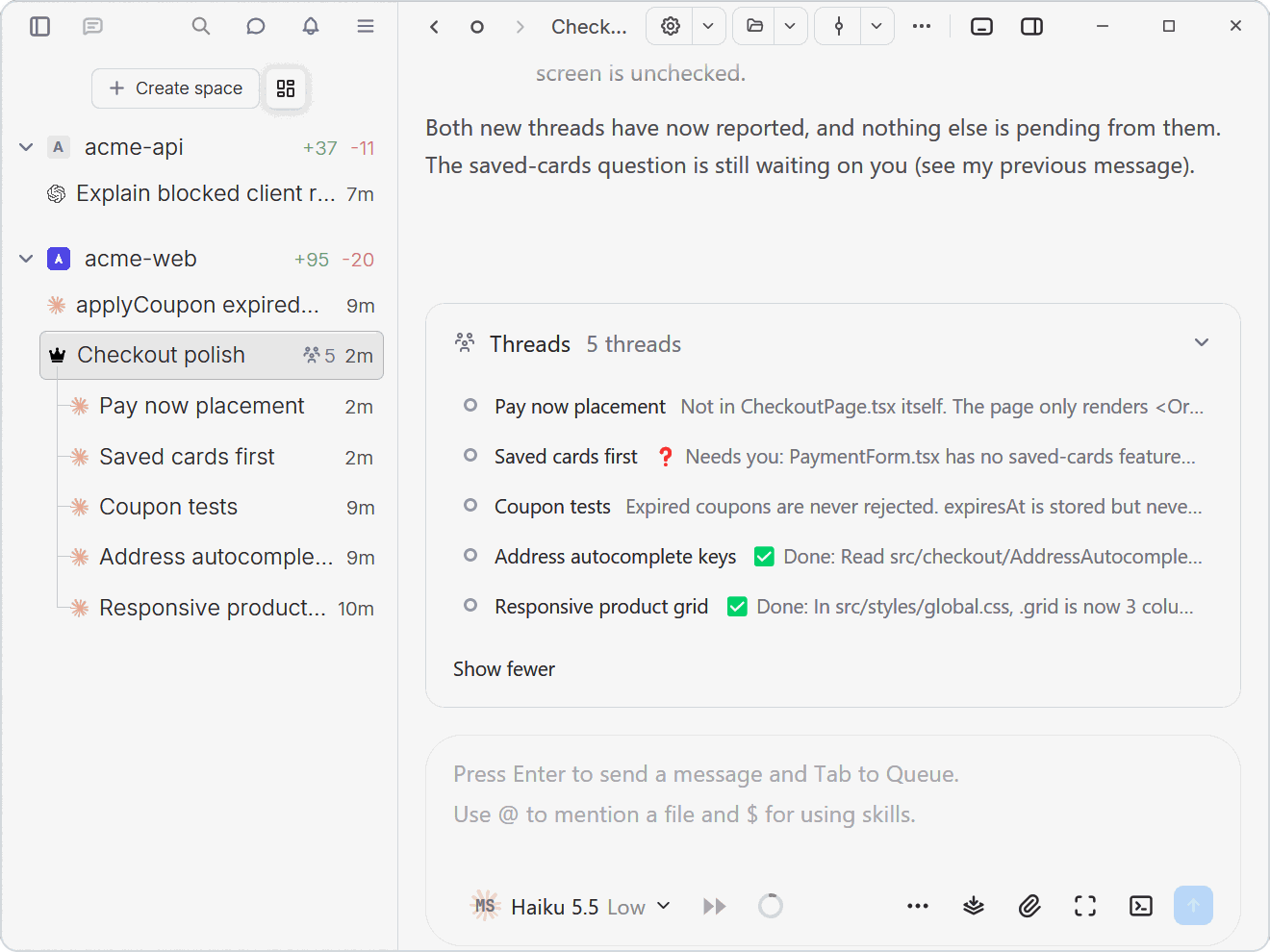
 Ghostex is a native desktop workspace for running many coding agents (Claude Code, Codex, Gemini, Cursor, etc.) at once, with a chat view, a mobile companion app, and sessions that survive restarts.
Ghostex is a native desktop workspace for running many coding agents (Claude Code, Codex, Gemini, Cursor, etc.) at once, with a chat view, a mobile companion app, and sessions that survive restarts.Is this a terminal emulator or a full agent workspace?It is a full native app built with Rust and GPUI that combines a chat GUI, a raw CLI view, embedded Chromium browser panes, and a built-in VS Code-based IDE, all sharing one workspace across desktop and mobile.
It is a full native app built with Rust and GPUI that combines a chat GUI, a raw CLI view, embedded Chromium browser panes, and a built-in VS Code-based IDE, all sharing one workspace across desktop and mobile.Which coding agents does it work with?It works with any coding agent you already use, including Claude Code, Codex, OpenCode, Pi, oh-my-pi, Gemini CLI, Grok, Cursor, and Copilot CLI.
It works with any coding agent you already use, including Claude Code, Codex, OpenCode, Pi, oh-my-pi, Gemini CLI, Grok, Cursor, and Copilot CLI.Is the iOS app available in the App Store?No, the iOS build is only distributed via TestFlight right now, and you have to join through Discord's iOS channel to get access.
No, the iOS build is only distributed via TestFlight right now, and you have to join through Discord's iOS channel to get access.How does the phone app connect to my agents?The mobile app pairs with a single QR-code scan via 'Easy Connect', or through your existing Tailscale tailnet, letting you read transcripts, reply, and preview localhost pages remotely.
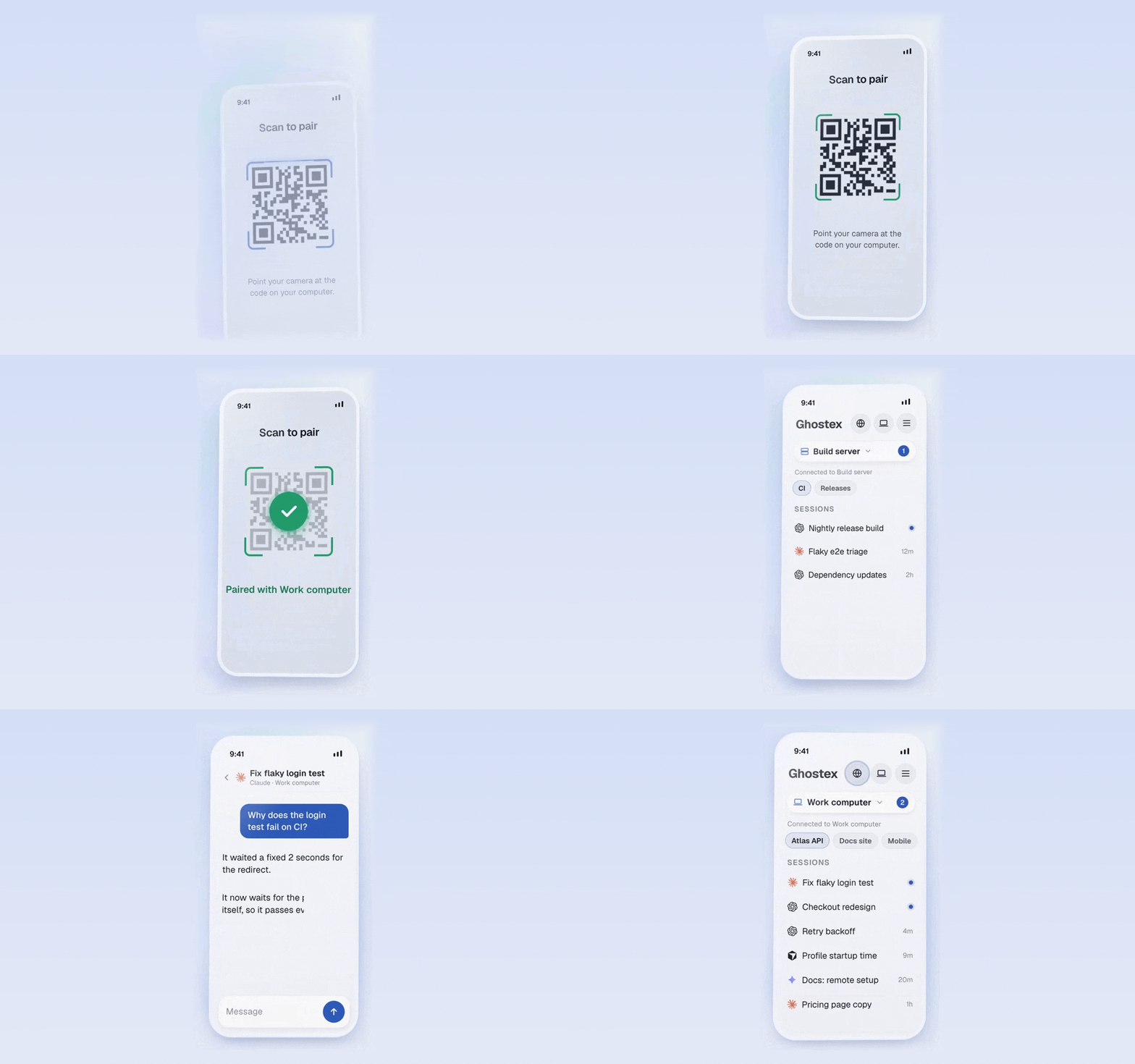
The mobile app pairs with a single QR-code scan via 'Easy Connect', or through your existing Tailscale tailnet, letting you read transcripts, reply, and preview localhost pages remotely.What does 'agents that run agents' mean?Through the ghostex command, one agent can open sessions, send prompts, and read replies from other agents, so for example Claude Code can spin up and steer Codex sub-agents or hand work to an orchestrator.
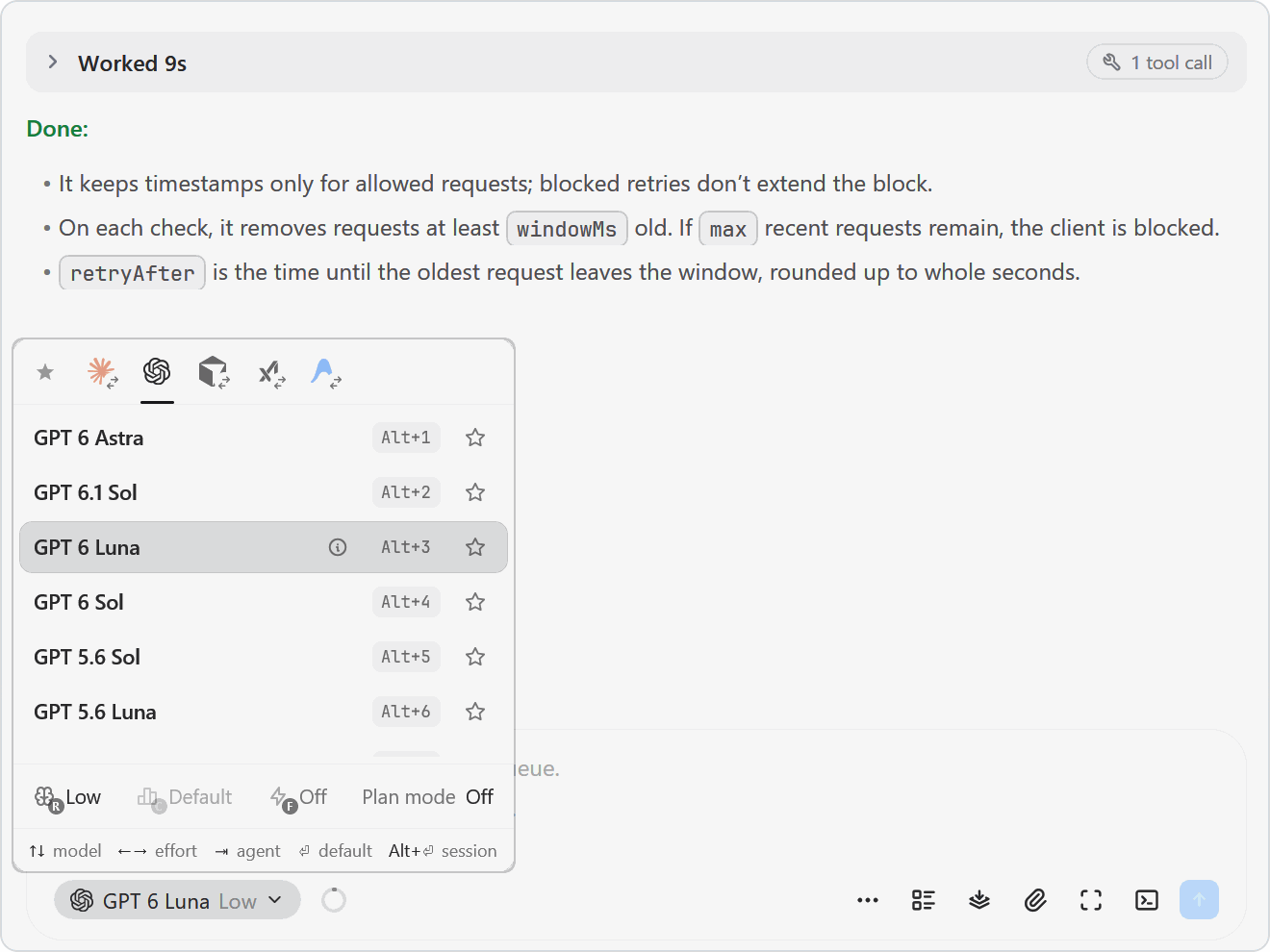
Through the ghostex command, one agent can open sessions, send prompts, and read replies from other agents, so for example Claude Code can spin up and steer Codex sub-agents or hand work to an orchestrator.Can I keep typing while an agent is working?Yes, pressing Tab queues your next prompt above the input; it waits until the agent is free, and you can drag to reorder or interrupt with an already-queued message.
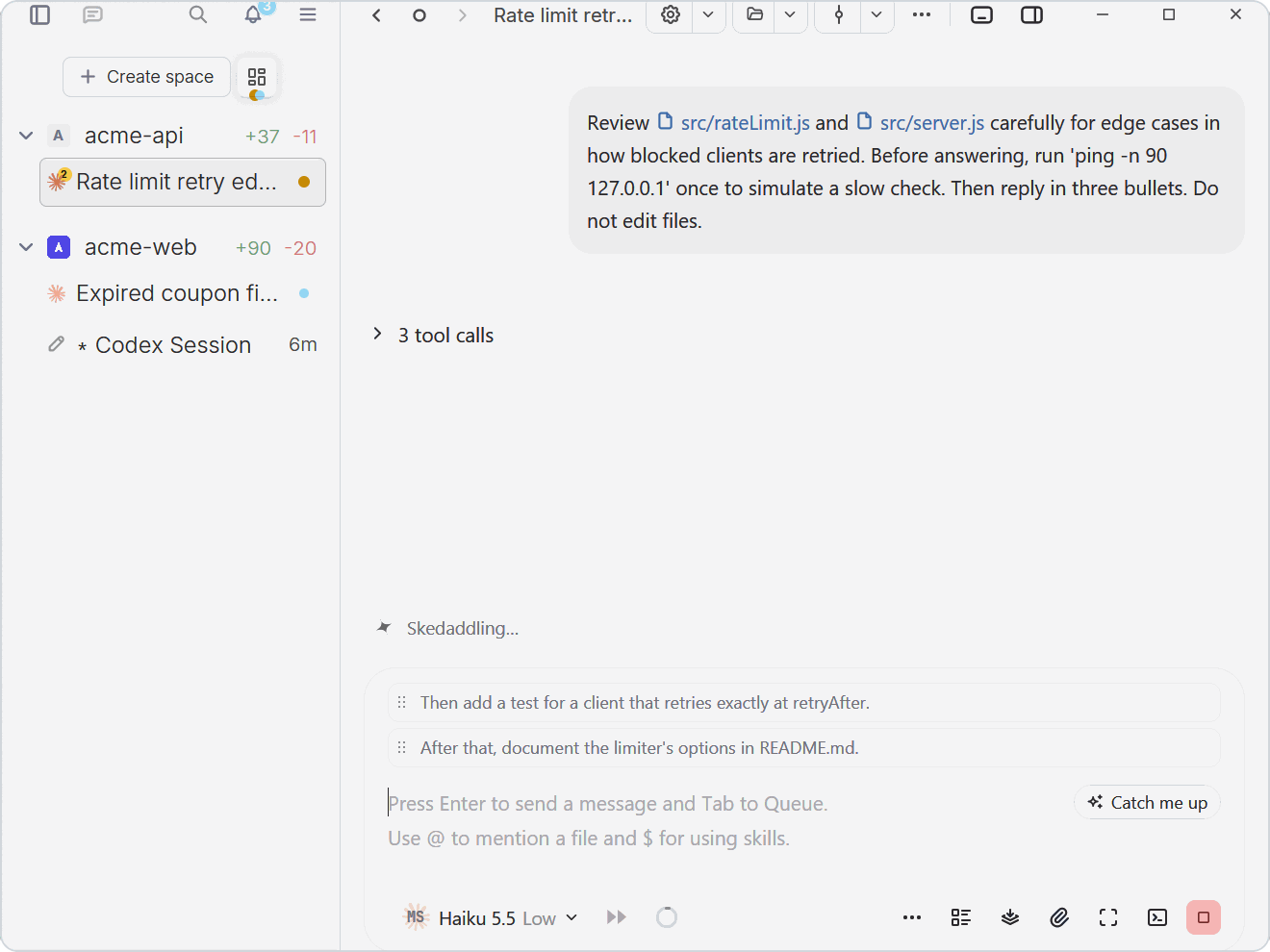
Yes, pressing Tab queues your next prompt above the input; it waits until the agent is free, and you can drag to reorder or interrupt with an already-queued message.How do I leave feedback on a plan or diagram?Open a Markdown plan, HTML prototype, or Excalidraw diagram next to the agent, select any part, and leave a note or mark it 'Looks good', 'Clarify', or 'Needs tests'; one click sends all notes as numbered feedback to the agent's prompt.
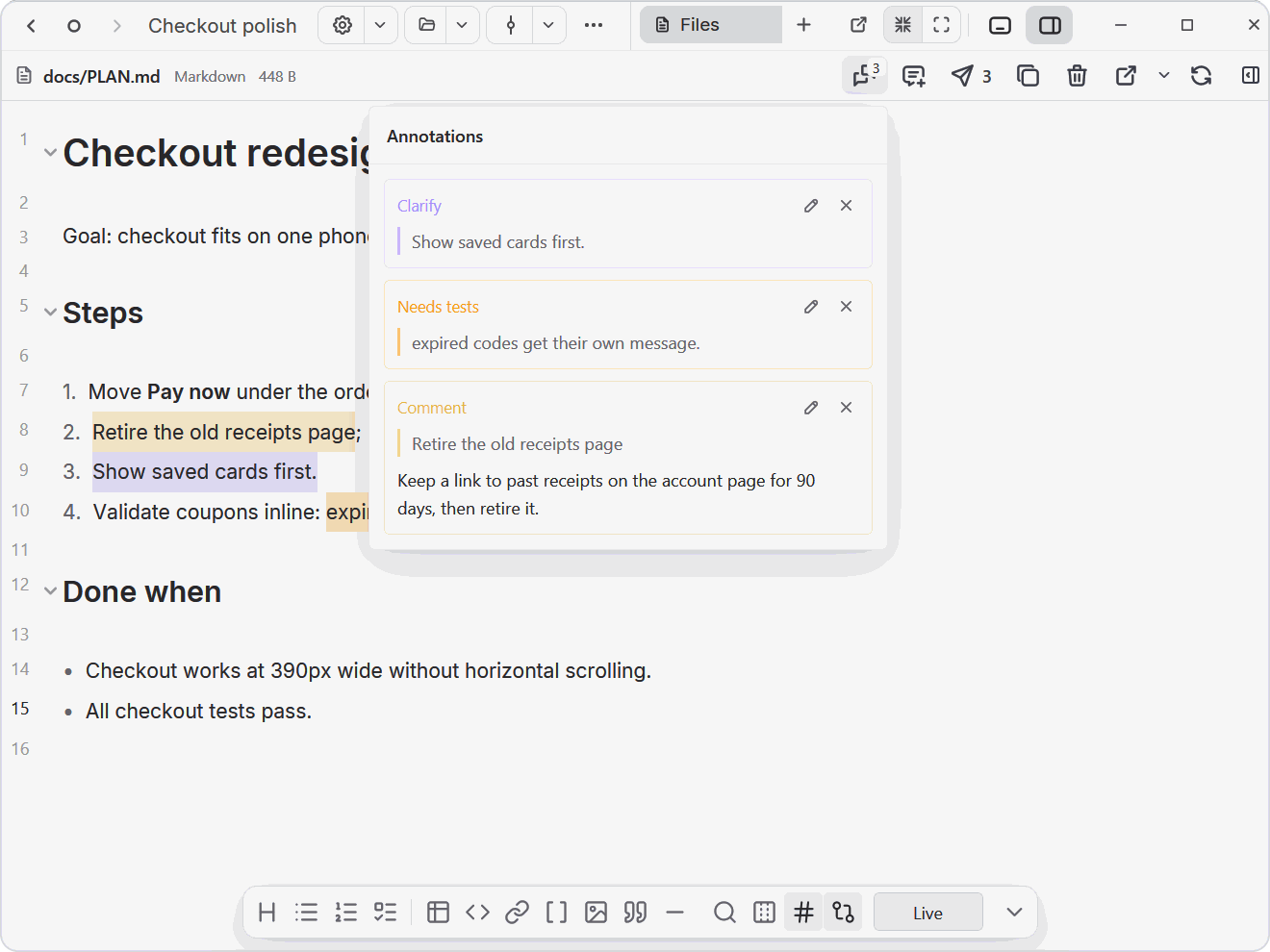
Open a Markdown plan, HTML prototype, or Excalidraw diagram next to the agent, select any part, and leave a note or mark it 'Looks good', 'Clarify', or 'Needs tests'; one click sends all notes as numbered feedback to the agent's prompt.What extra tools load on demand?Optional plugins like a browser, Kanban board, IDE, and Docs load only when you use them, and you can write your own plugins too.
Optional plugins like a browser, Kanban board, IDE, and Docs load only when you use them, and you can write your own plugins too.Which topics is it in?ghostty, chromium, vscode, opencode, orchestration, agent-orchestration, mobile-app, cursor, gemini, multi-agent, coding-agent, desktop
ghostty, chromium, vscode, opencode, orchestration, agent-orchestration, mobile-app, cursor, gemini, multi-agent, coding-agent, desktop