
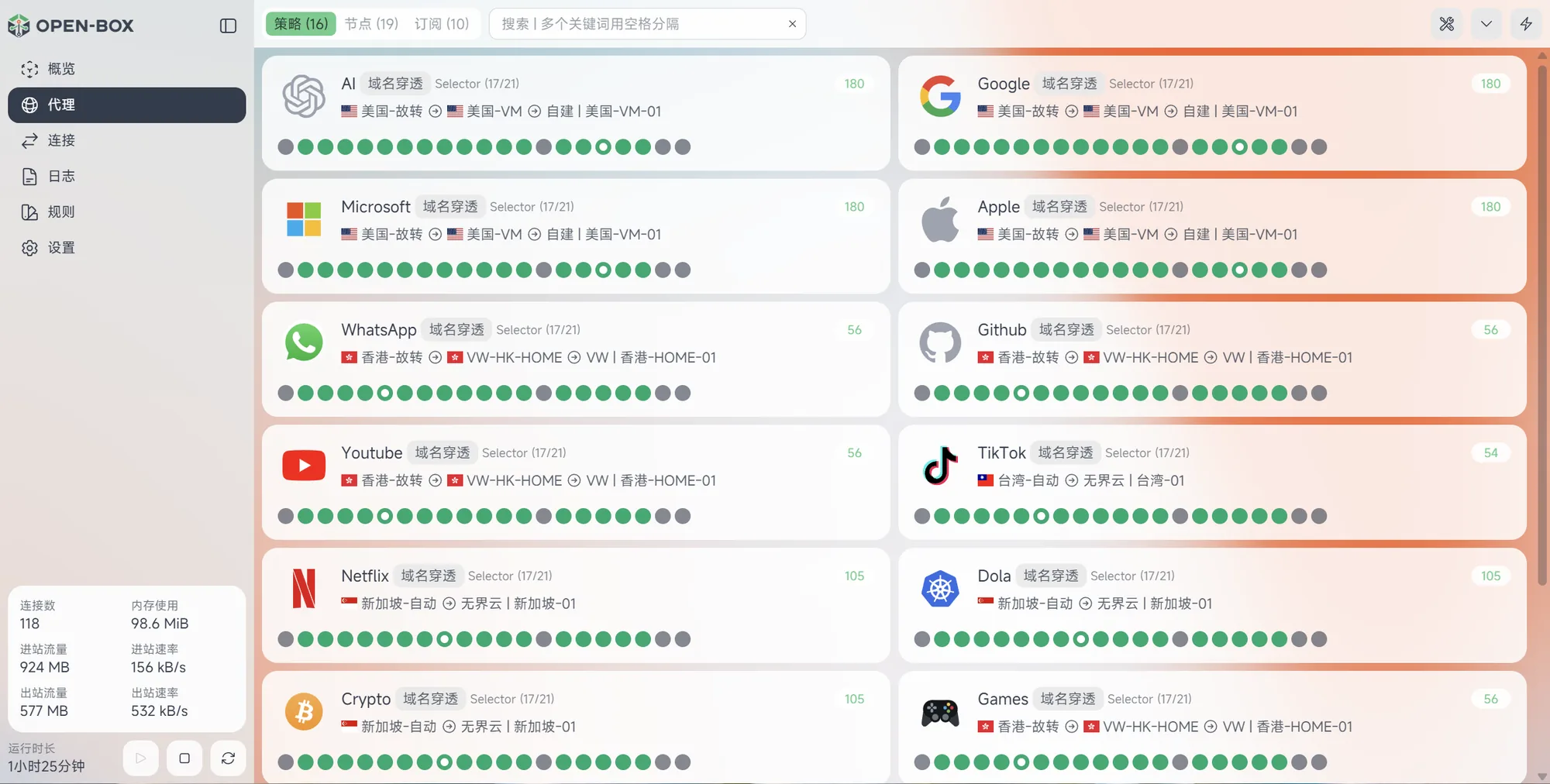
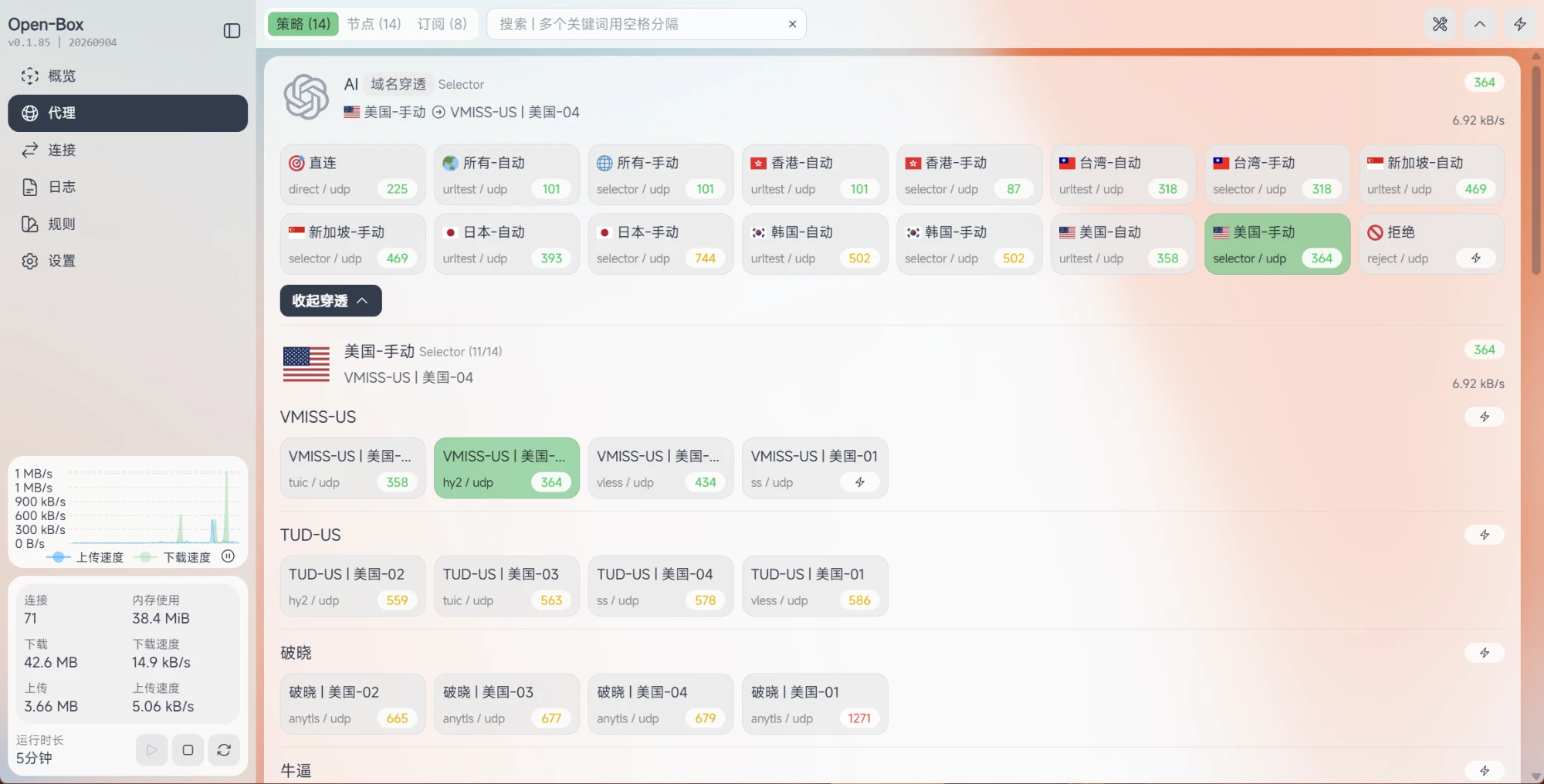
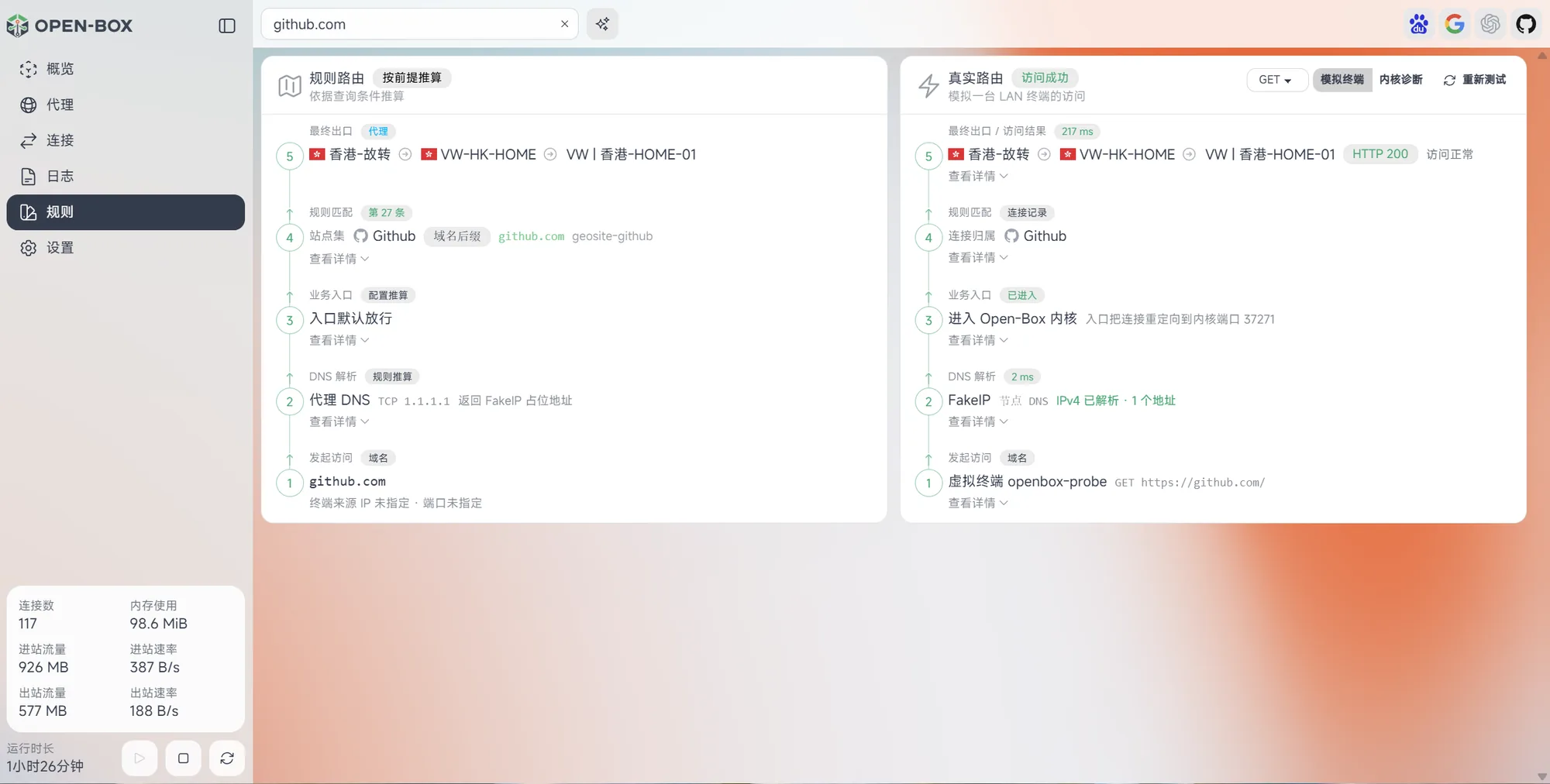
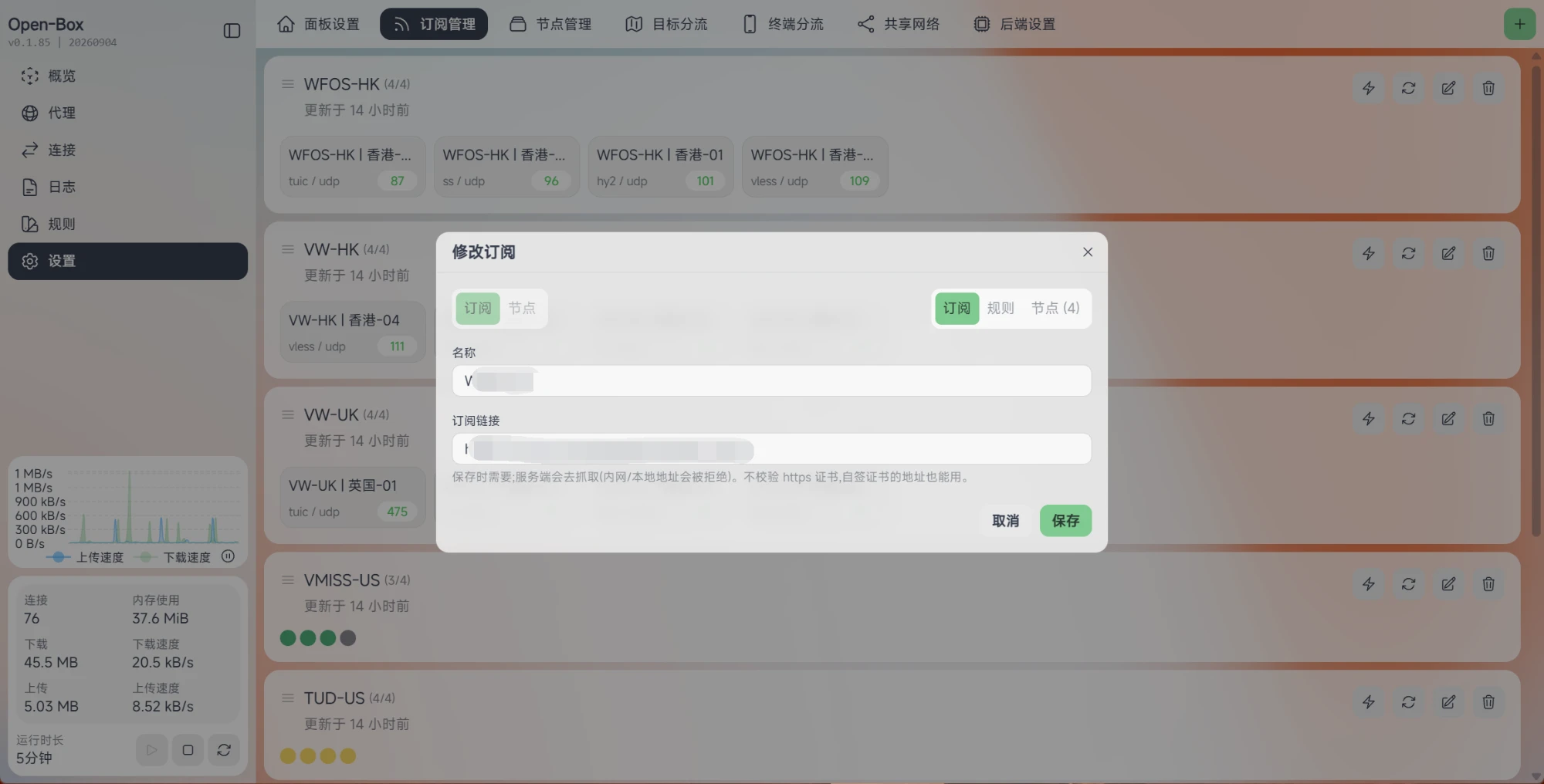
What is this?
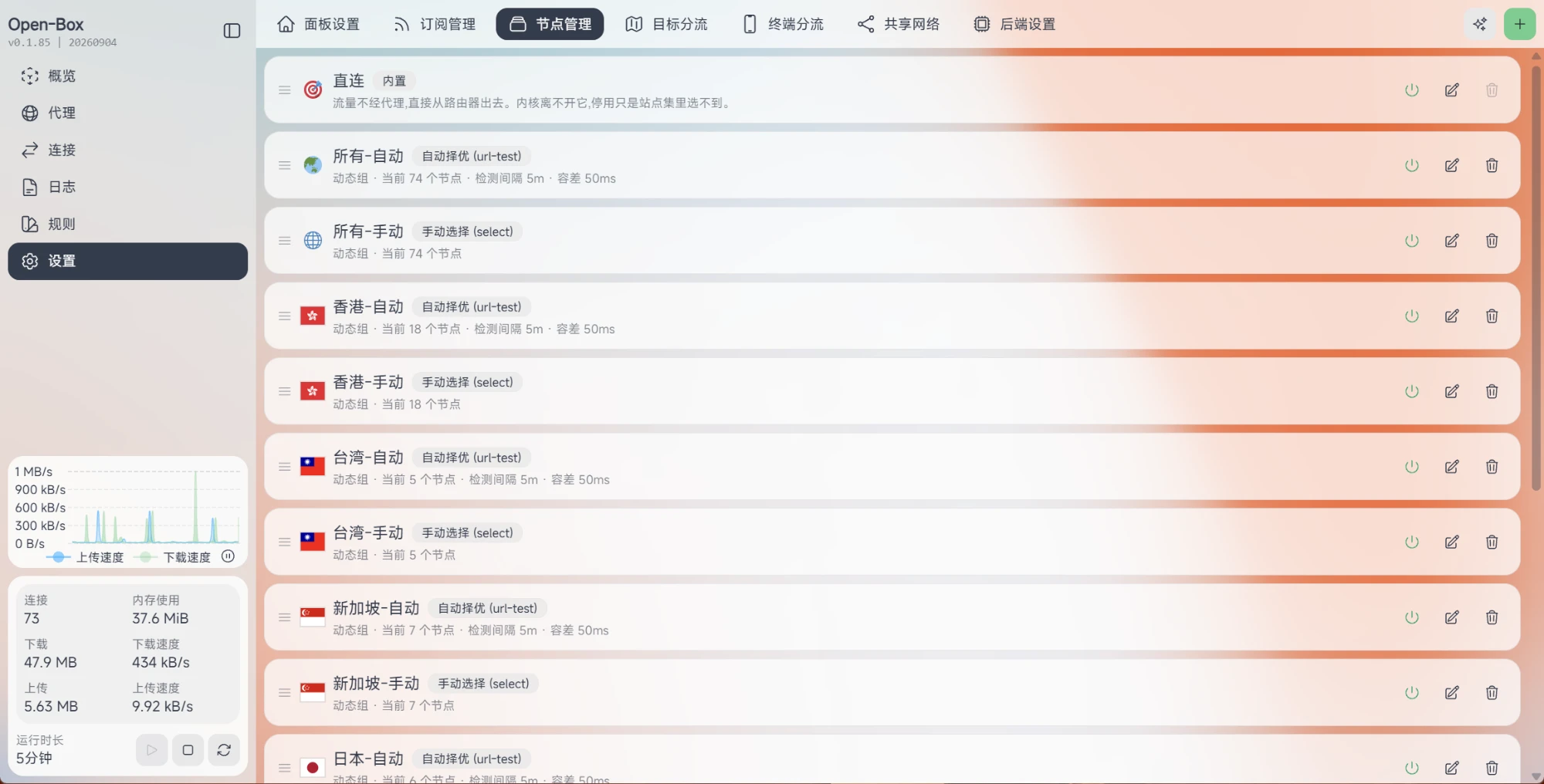
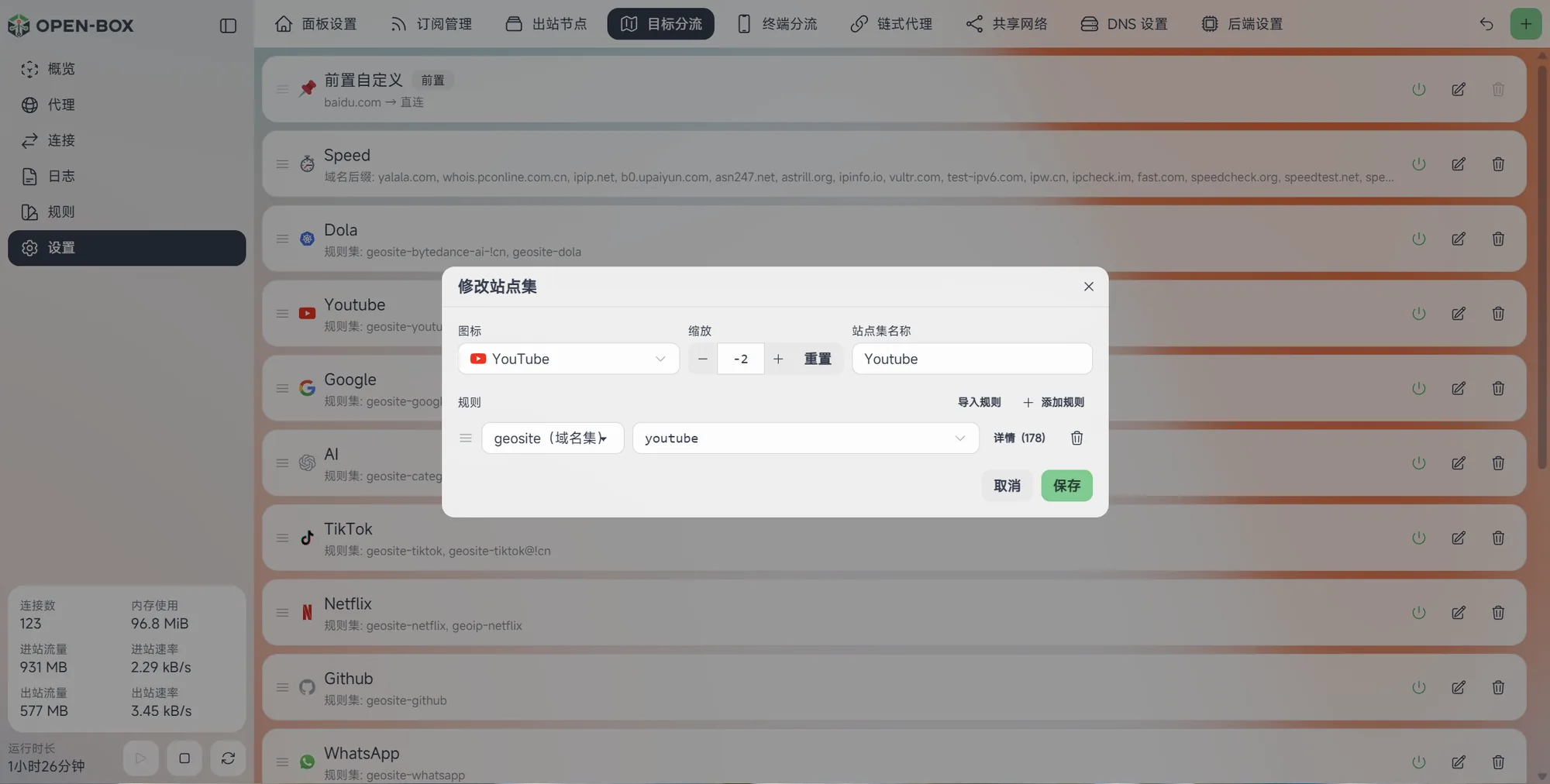
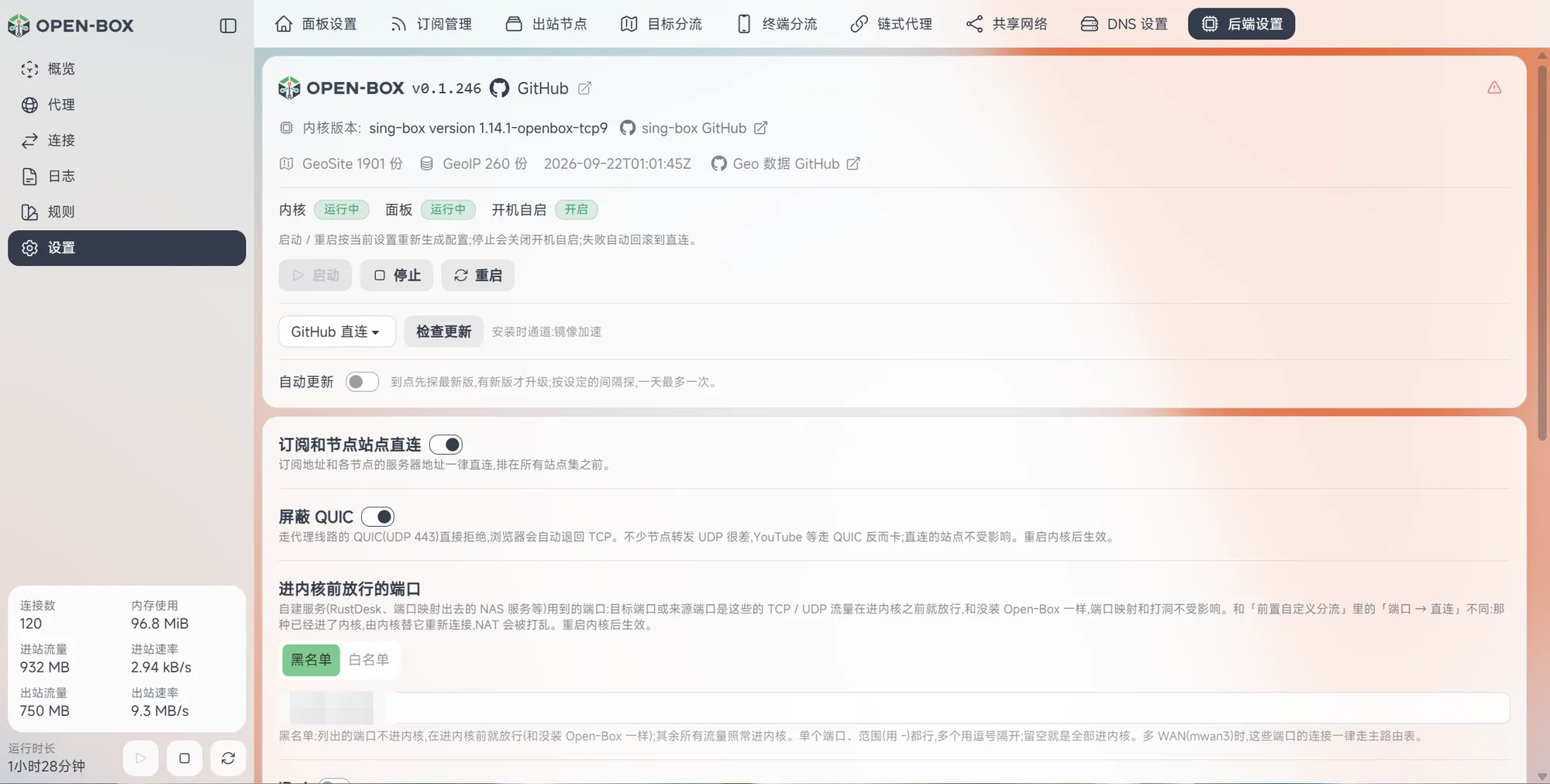
 Open-Box is an all-in-one transparent proxy solution for OpenWrt routers: it installs the sing-box core plus a web management panel with a single command, so you can set up proxy routing from a browser without hand-editing any config files.
Open-Box is an all-in-one transparent proxy solution for OpenWrt routers: it installs the sing-box core plus a web management panel with a single command, so you can set up proxy routing from a browser without hand-editing any config files.Is this a router firmware, or something I add on top of OpenWrt?It's not a firmware image — it's an installer script and panel you add to an existing OpenWrt install. It copies the sing-box binary and panel into /opt/open-box/ and manages existing OpenWrt firewall/DNS settings rather than replacing the OS.
It's not a firmware image — it's an installer script and panel you add to an existing OpenWrt install. It copies the sing-box binary and panel into /opt/open-box/ and manages existing OpenWrt firewall/DNS settings rather than replacing the OS.How do I install it on my router?SSH into the router as root and run the install script (there's a mirror-accelerated variant if GitHub is slow). It pre-checks architecture, storage, memory and OS, then downloads and SHA256-verifies the release before starting the panel; open the printed address (typically port 2026) in a browser and set an admin password on first visit.
SSH into the router as root and run the install script (there's a mirror-accelerated variant if GitHub is slow). It pre-checks architecture, storage, memory and OS, then downloads and SHA256-verifies the release before starting the panel; open the printed address (typically port 2026) in a browser and set an admin password on first visit.What hardware and OS does it need?The router must actually be running OpenWrt (checked via /etc/openwrt_release), have an x86_64 or arm64/aarch64 CPU (mips/mipsel is unsupported), and at least 512MB of free storage and 512MB of RAM.
The router must actually be running OpenWrt (checked via /etc/openwrt_release), have an x86_64 or arm64/aarch64 CPU (mips/mipsel is unsupported), and at least 512MB of free storage and 512MB of RAM.Does it verify the TLS certificates of my proxy nodes?No, certificate checking for proxy nodes is skipped by default, since self-signed or mismatched certificates are common among proxy providers and strict validation would just break working nodes. The node's own password/UUID authentication is unaffected.
No, certificate checking for proxy nodes is skipped by default, since self-signed or mismatched certificates are common among proxy providers and strict validation would just break working nodes. The node's own password/UUID authentication is unaffected.What if I misconfigure a rule and lock myself out of the panel?The router's native LuCI interface gets an extra Open-Box entry that works even if the panel is unreachable: it can stop/start the core and panel separately, and has an 'emergency stop and restore direct connection' button that undoes routing/firewall/DNS changes.
The router's native LuCI interface gets an extra Open-Box entry that works even if the panel is unreachable: it can stop/start the core and panel separately, and has an 'emergency stop and restore direct connection' button that undoes routing/firewall/DNS changes.Which proxy protocols and subscription formats are supported?Subscriptions can be Clash YAML or base64 share links, and protocols cover shadowsocks, vmess, vless (including REALITY), trojan, hysteria2, tuic, anytls and wireguard.
Subscriptions can be Clash YAML or base64 share links, and protocols cover shadowsocks, vmess, vless (including REALITY), trojan, hysteria2, tuic, anytls and wireguard.How does the DNS handling work?Open-Box offers three DNS modes: taking over dnsmasq forwarding (default), hijacking via firewall rules, or disabling DNS handling entirely, so domestic domains resolve locally for nearby CDNs while proxied domains resolve through the proxy side.
Open-Box offers three DNS modes: taking over dnsmasq forwarding (default), hijacking via firewall rules, or disabling DNS handling entirely, so domestic domains resolve locally for nearby CDNs while proxied domains resolve through the proxy side.What happens to my settings when I upgrade or uninstall?Upgrades keep the data/ folder (subscriptions, rules, panel password) and only swap the program binaries, then regenerate config and restart the core if it was running. Uninstalling without --purge asks whether to keep data/, defaulting to keep it when run non-interactively.
Upgrades keep the data/ folder (subscriptions, rules, panel password) and only swap the program binaries, then regenerate config and restart the core if it was running. Uninstalling without --purge asks whether to keep data/, defaulting to keep it when run non-interactively.Can other devices on my network use this as their proxy too?Yes, the 'shared network' feature opens the sing-box inbound to other devices on the LAN so they can use the router itself as their proxy.
Yes, the 'shared network' feature opens the sing-box inbound to other devices on the LAN so they can use the router itself as their proxy.What are similar projects?3X-UI_KIT, CFNext, panda-vpn-pro, nyx, edgetunnel, back4app-vless, V2rayU, Xray-core
3X-UI_KIT, CFNext, panda-vpn-pro, nyx, edgetunnel, back4app-vless, V2rayU, Xray-core