
10.1K ·GitHub
What is this?
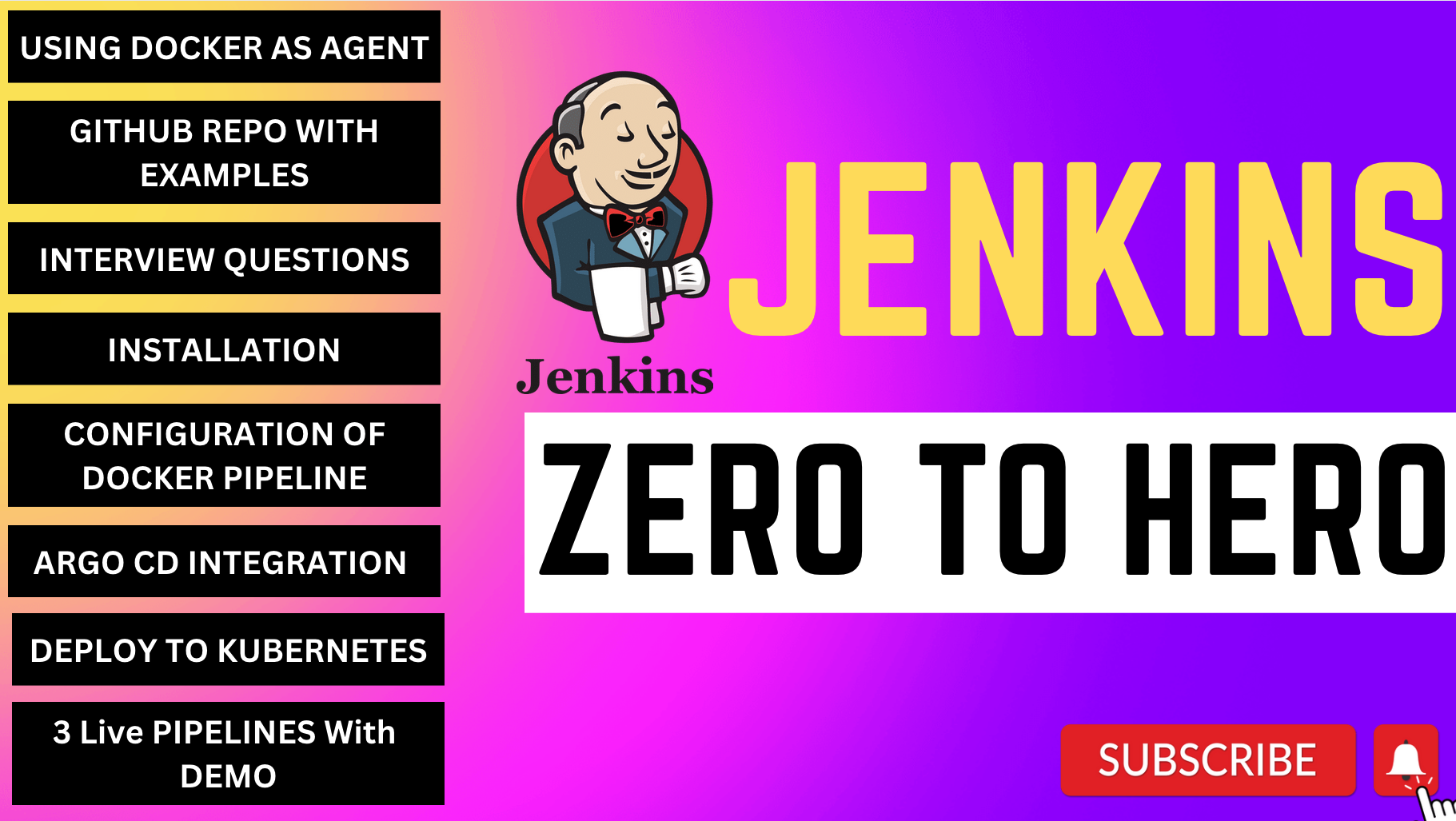
 A learning repo that walks through Jenkins from zero to hero: installing Jenkins, configuring Docker as a build agent, setting up CI/CD, and deploying apps to Kubernetes using Argo CD in a GitOps workflow.
A learning repo that walks through Jenkins from zero to hero: installing Jenkins, configuring Docker as a build agent, setting up CI/CD, and deploying apps to Kubernetes using Argo CD in a GitOps workflow.Is this a tool or a tutorial series?It is a hands-on tutorial/guide with step-by-step instructions and accompanying YouTube videos, not an installable tool itself.
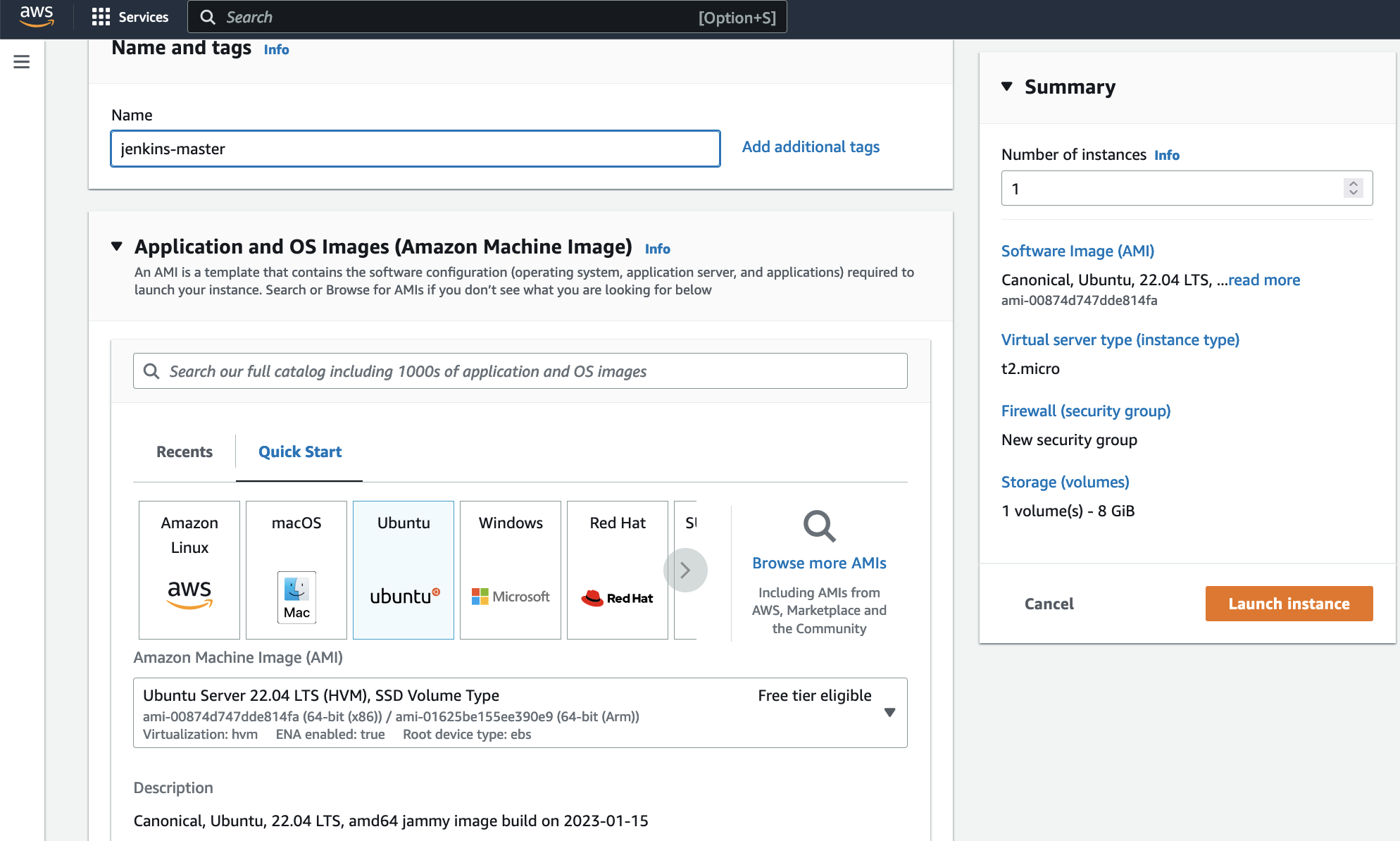
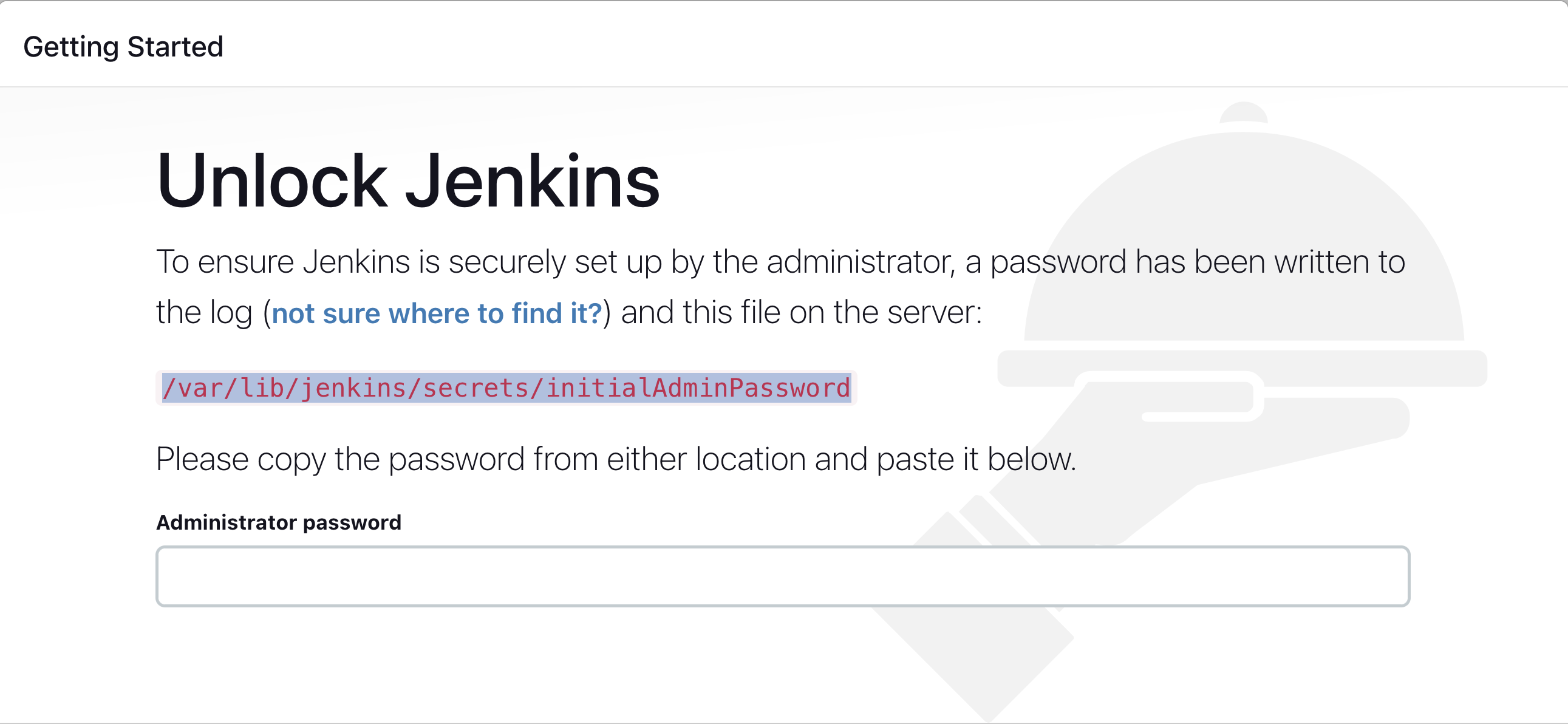
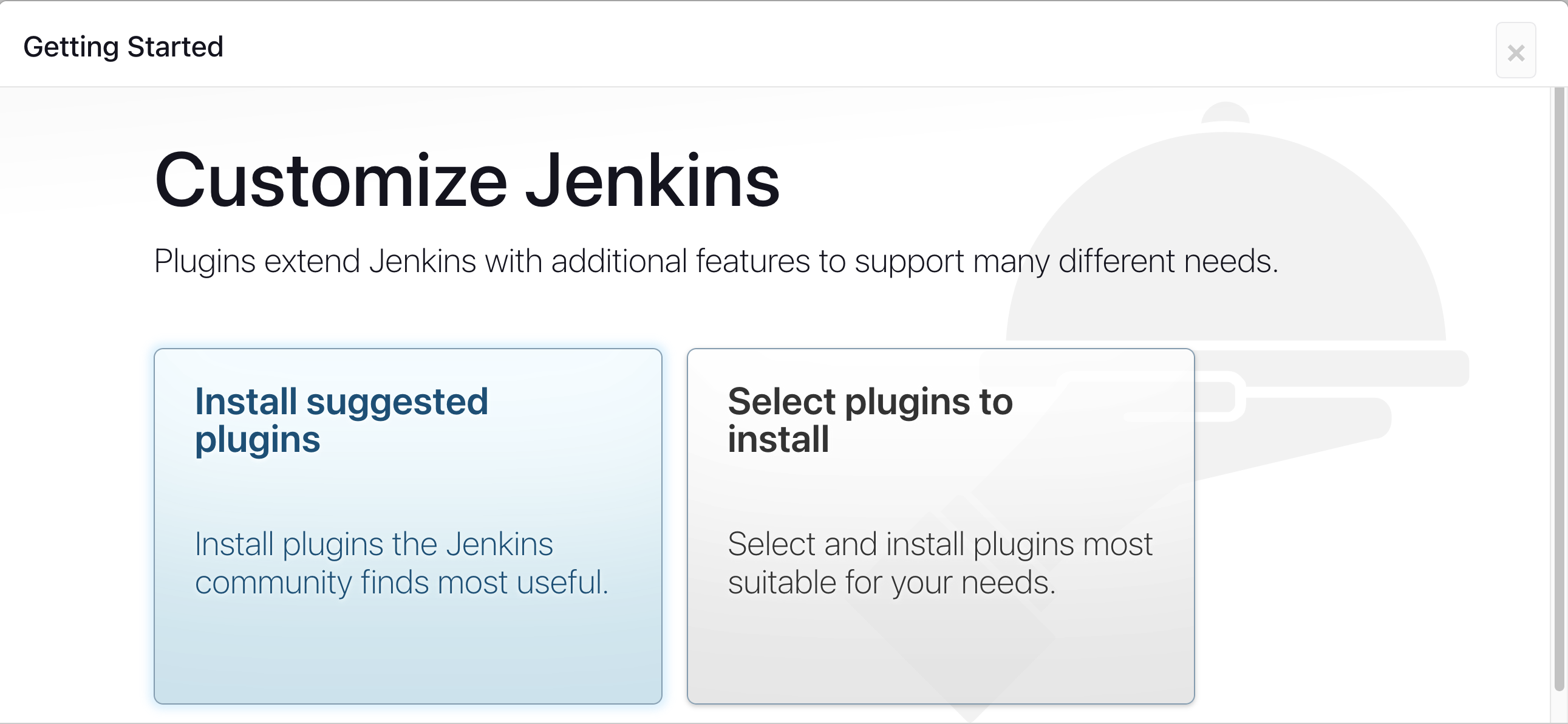
It is a hands-on tutorial/guide with step-by-step instructions and accompanying YouTube videos, not an installable tool itself.How do I get Jenkins running following this guide?You launch an AWS EC2 instance, open the Security Group to allow inbound traffic (e.g. TCP 8080), then install Jenkins on it and configure it through the web UI.
You launch an AWS EC2 instance, open the Security Group to allow inbound traffic (e.g. TCP 8080), then install Jenkins on it and configure it through the web UI.What do I need before starting, an AWS account?You need an AWS account to launch an EC2 instance, and Docker installed on that instance to act as a Jenkins build agent.
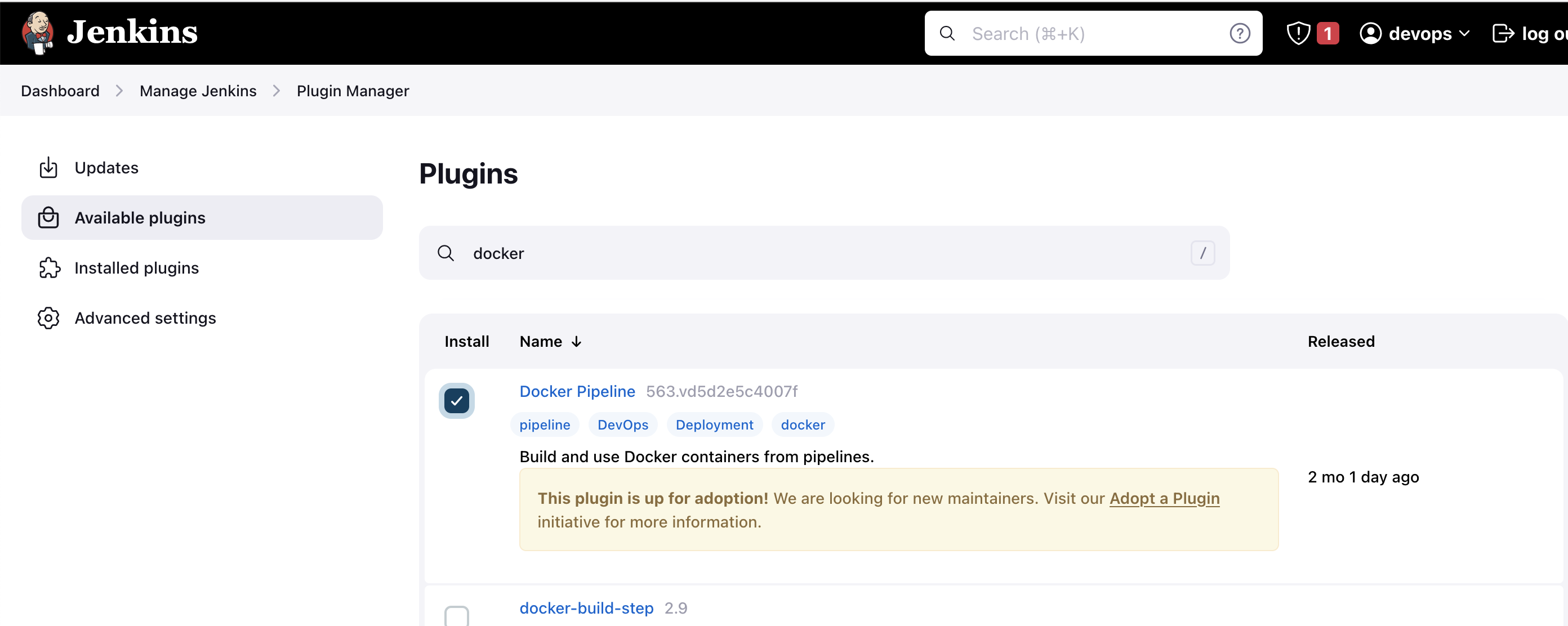
You need an AWS account to launch an EC2 instance, and Docker installed on that instance to act as a Jenkins build agent.Do I need to restart Jenkins after installing plugins?Yes, after installing the Docker Pipeline plugin you must restart Jenkins and also grant both the jenkins and ubuntu users permission to the docker daemon for the agent setup to work.
Yes, after installing the Docker Pipeline plugin you must restart Jenkins and also grant both the jenkins and ubuntu users permission to the docker daemon for the agent setup to work.Who is this guide for?Beginners and intermediate DevOps learners who want to learn Jenkins CI/CD, Docker agents, Kubernetes deployments, and GitOps with Argo CD step by step.
Beginners and intermediate DevOps learners who want to learn Jenkins CI/CD, Docker agents, Kubernetes deployments, and GitOps with Argo CD step by step.Does the guide cover Kubernetes deployment too, not just Jenkins?Yes, the end goal includes deploying applications to Kubernetes using Argo CD in a GitOps workflow, going beyond just Jenkins setup.
Yes, the end goal includes deploying applications to Kubernetes using Argo CD in a GitOps workflow, going beyond just Jenkins setup.Is there video content alongside the written steps?Yes, the repo links to a YouTube video covering installing Jenkins, configuring Docker as agent, and setting up CI/CD.
Yes, the repo links to a YouTube video covering installing Jenkins, configuring Docker as agent, and setting up CI/CD.Where is Jenkins meant to run in this tutorial?The guide specifically walks through setting it up on an AWS EC2 instance, configuring security groups and Docker on that same machine.
The guide specifically walks through setting it up on an AWS EC2 instance, configuring security groups and Docker on that same machine.What are similar projects?aws-devops-zero-to-hero, argo-cd, jenkins, semaphore, openframe-cli, mlops-zoomcamp, encore, kubespray
aws-devops-zero-to-hero, argo-cd, jenkins, semaphore, openframe-cli, mlops-zoomcamp, encore, kubesprayWhich topics is it in?jenkins, gitops, cicd, pipeline, infrastructure-as-code, ci-cd, aws, deployment, beginner-friendly, kubernetes, cloud, devops
jenkins, gitops, cicd, pipeline, infrastructure-as-code, ci-cd, aws, deployment, beginner-friendly, kubernetes, cloud, devops