







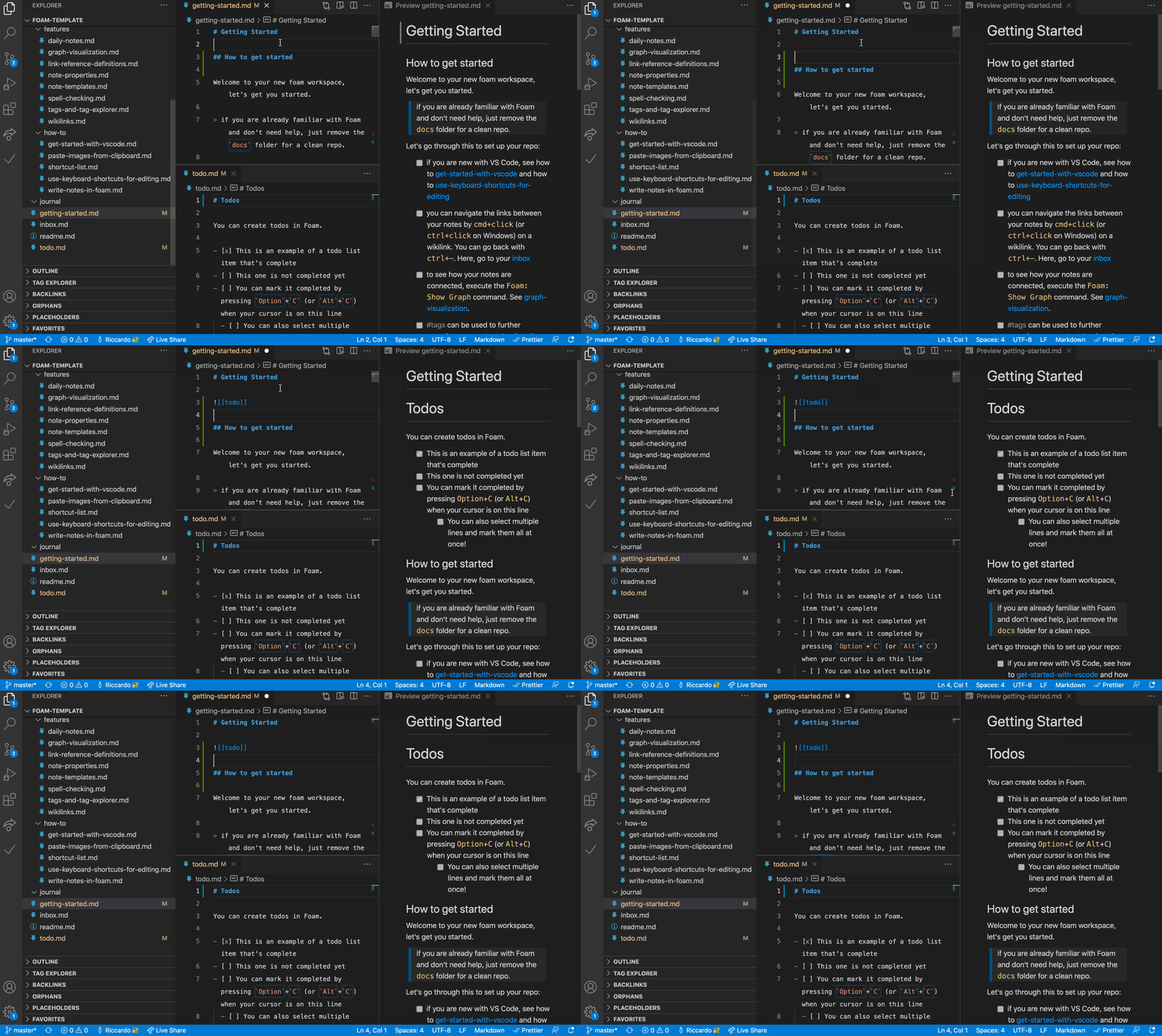


What is this?
 Foam is a personal knowledge management and note-taking system built on top of Visual Studio Code and GitHub, letting you link markdown notes together, visualize them as a graph, and optionally publish them to the web.
Foam is a personal knowledge management and note-taking system built on top of Visual Studio Code and GitHub, letting you link markdown notes together, visualize them as a graph, and optionally publish them to the web.Is this a standalone app or does it live inside VS Code?It is a VS Code extension plus a set of workspace conventions — there's no separate app, you work entirely inside VS Code using plain markdown files and wikilinks.
It is a VS Code extension plus a set of workspace conventions — there's no separate app, you work entirely inside VS Code using plain markdown files and wikilinks.How do I get started with Foam?Create a GitHub repo from the 'foam-template', clone it, and open it in VS Code; when prompted, install the recommended extensions (which includes Foam itself).
Create a GitHub repo from the 'foam-template', clone it, and open it in VS Code; when prompted, install the recommended extensions (which includes Foam itself).Do I need anything besides VS Code?You need VS Code and a GitHub account if you use the official foam-template to bootstrap your workspace; otherwise any folder of markdown files can become a Foam workspace.
You need VS Code and a GitHub account if you use the official foam-template to bootstrap your workspace; otherwise any folder of markdown files can become a Foam workspace.Is Foam stable enough to rely on?The README itself warns it's alpha-grade software still a work in progress, so features can occasionally break, though the maintainers say it won't lock you in or touch your files destructively.
The README itself warns it's alpha-grade software still a work in progress, so features can occasionally break, though the maintainers say it won't lock you in or touch your files destructively.Does it work on any OS?Since Foam is just a VS Code extension, it runs wherever VS Code runs — Windows, macOS, and Linux.
Since Foam is just a VS Code extension, it runs wherever VS Code runs — Windows, macOS, and Linux.Who owns the notes I write in Foam?Your notes are plain local markdown files that you fully own, and you choose whether to keep the repo private or share/publish it.
Your notes are plain local markdown files that you fully own, and you choose whether to keep the repo private or share/publish it.Can I switch from Obsidian to Foam?Yes — the README notes that an existing Obsidian vault is usually already a valid Foam workspace, so you can open it directly in VS Code.
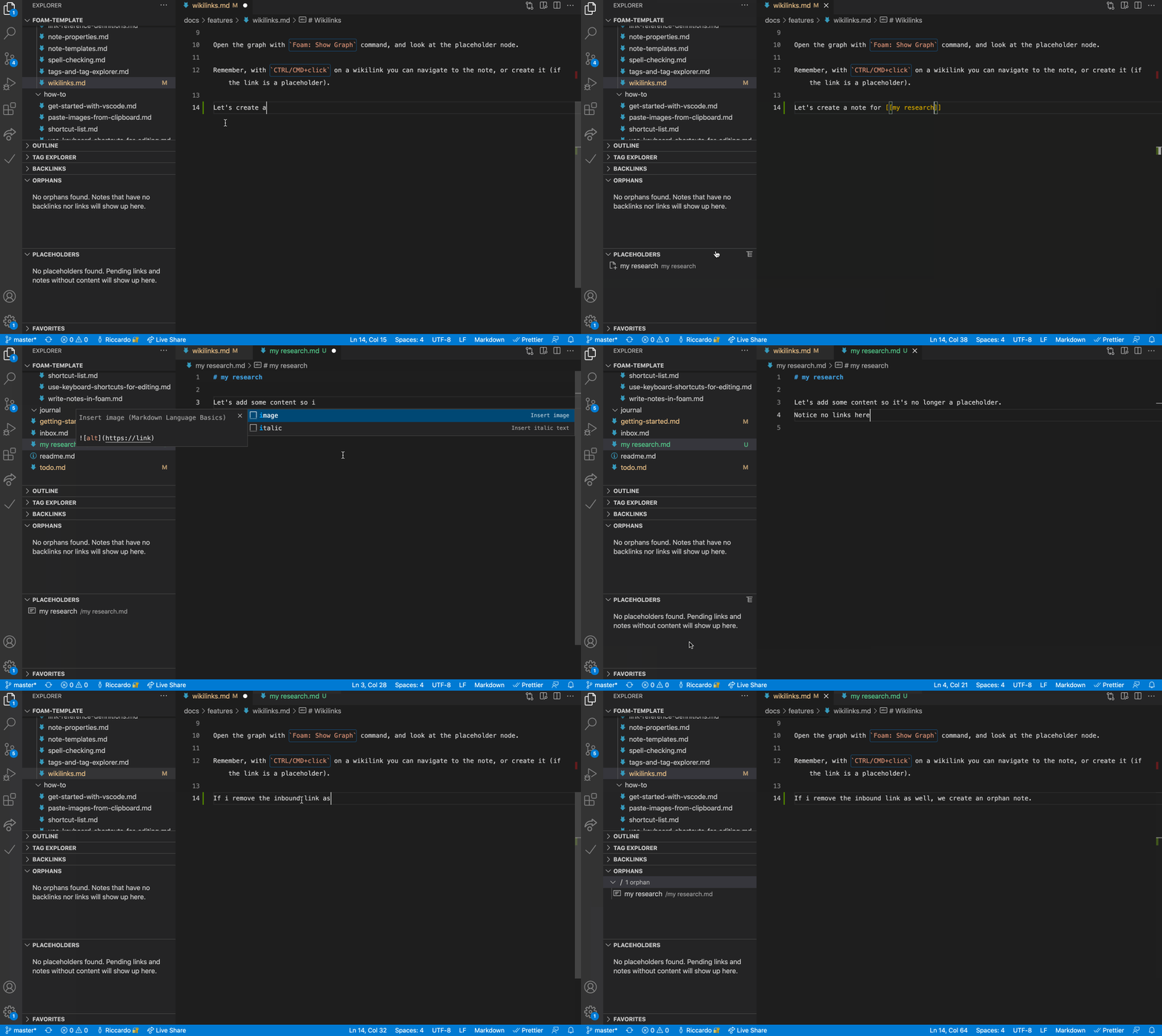
Yes — the README notes that an existing Obsidian vault is usually already a valid Foam workspace, so you can open it directly in VS Code.How do notes link to each other?Notes use standard wiki-link syntax like [[note]] or [[note#Section]], with support for aliases ([[note|alias]]) and embedding content from other notes.
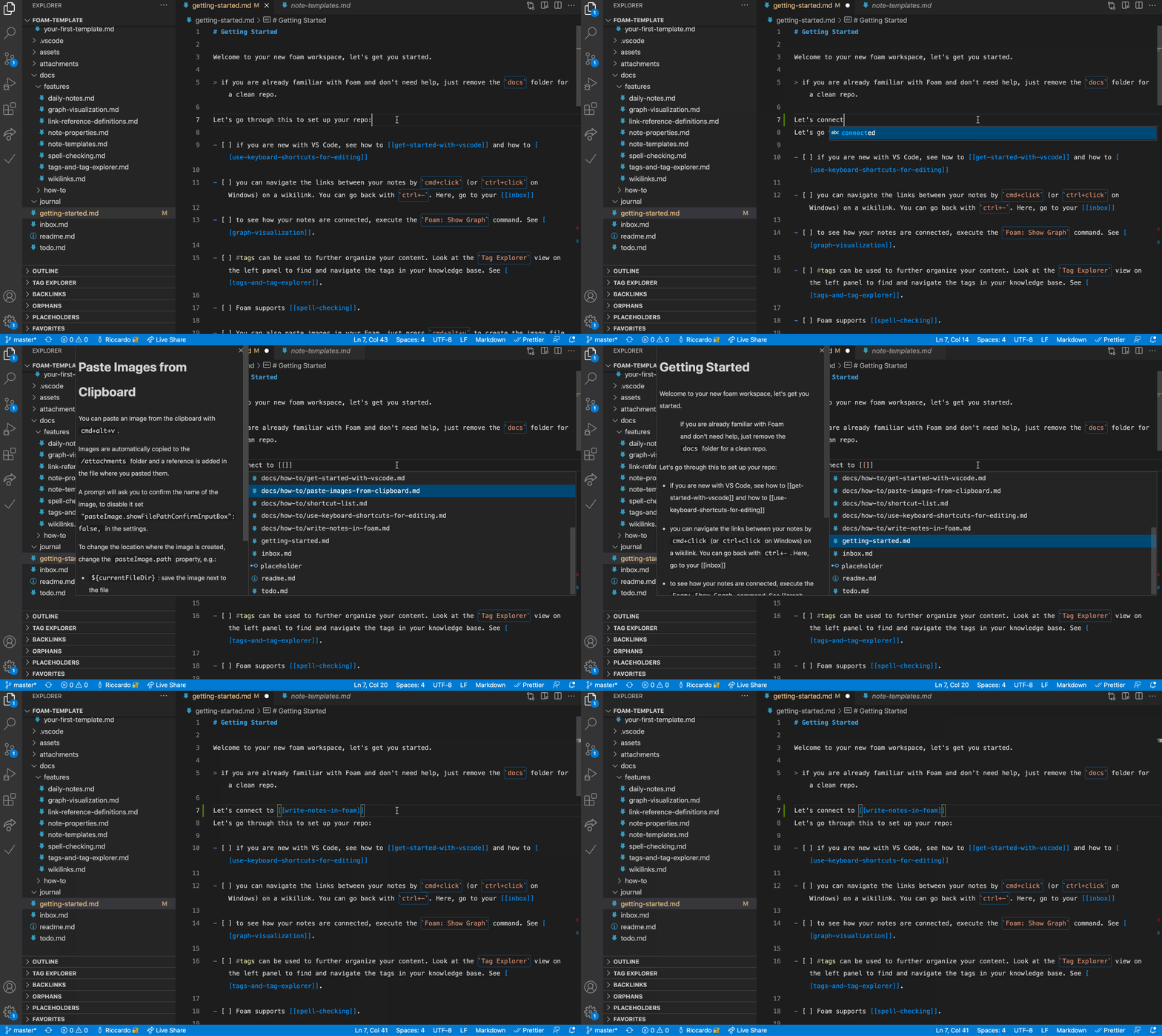
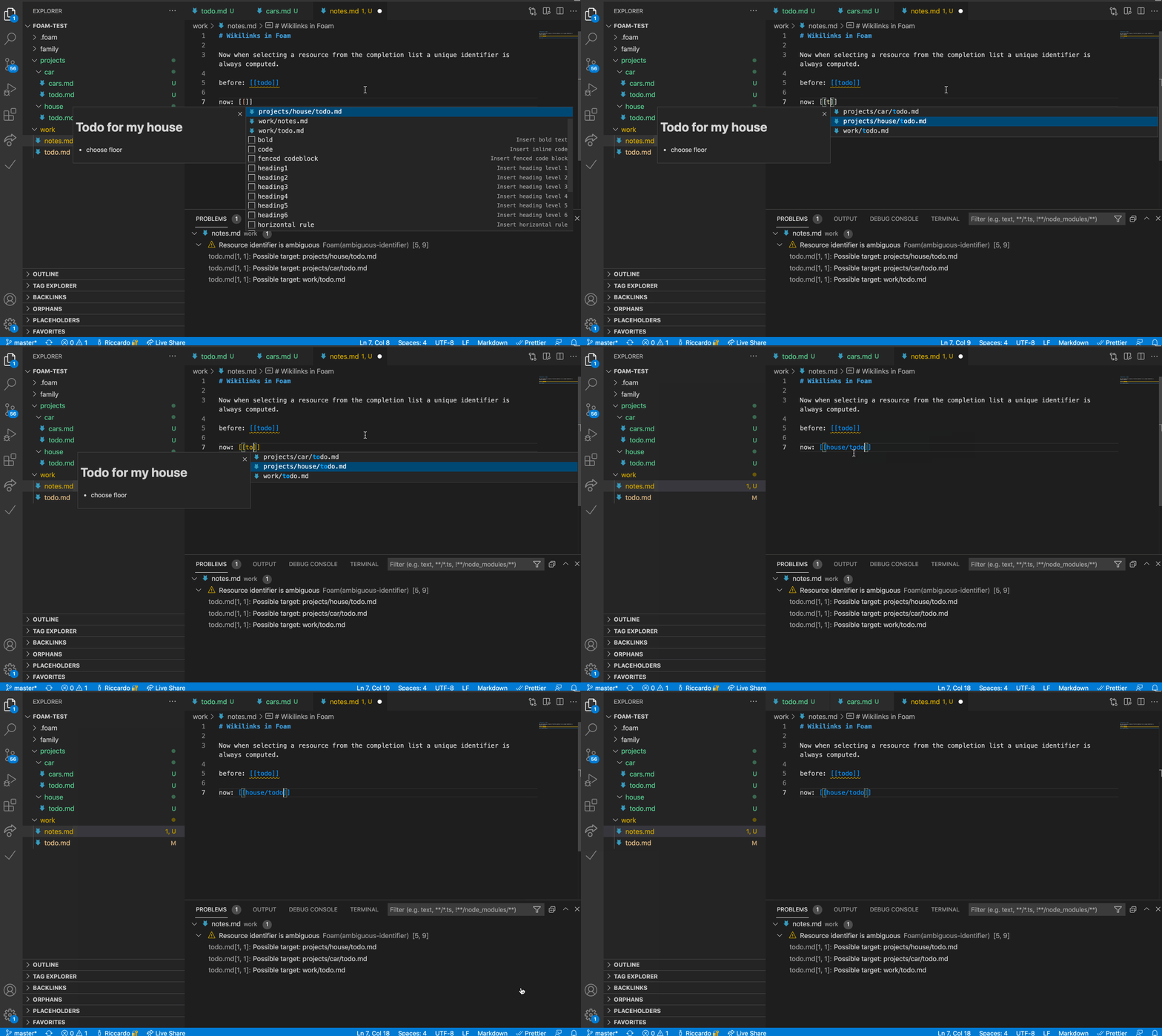
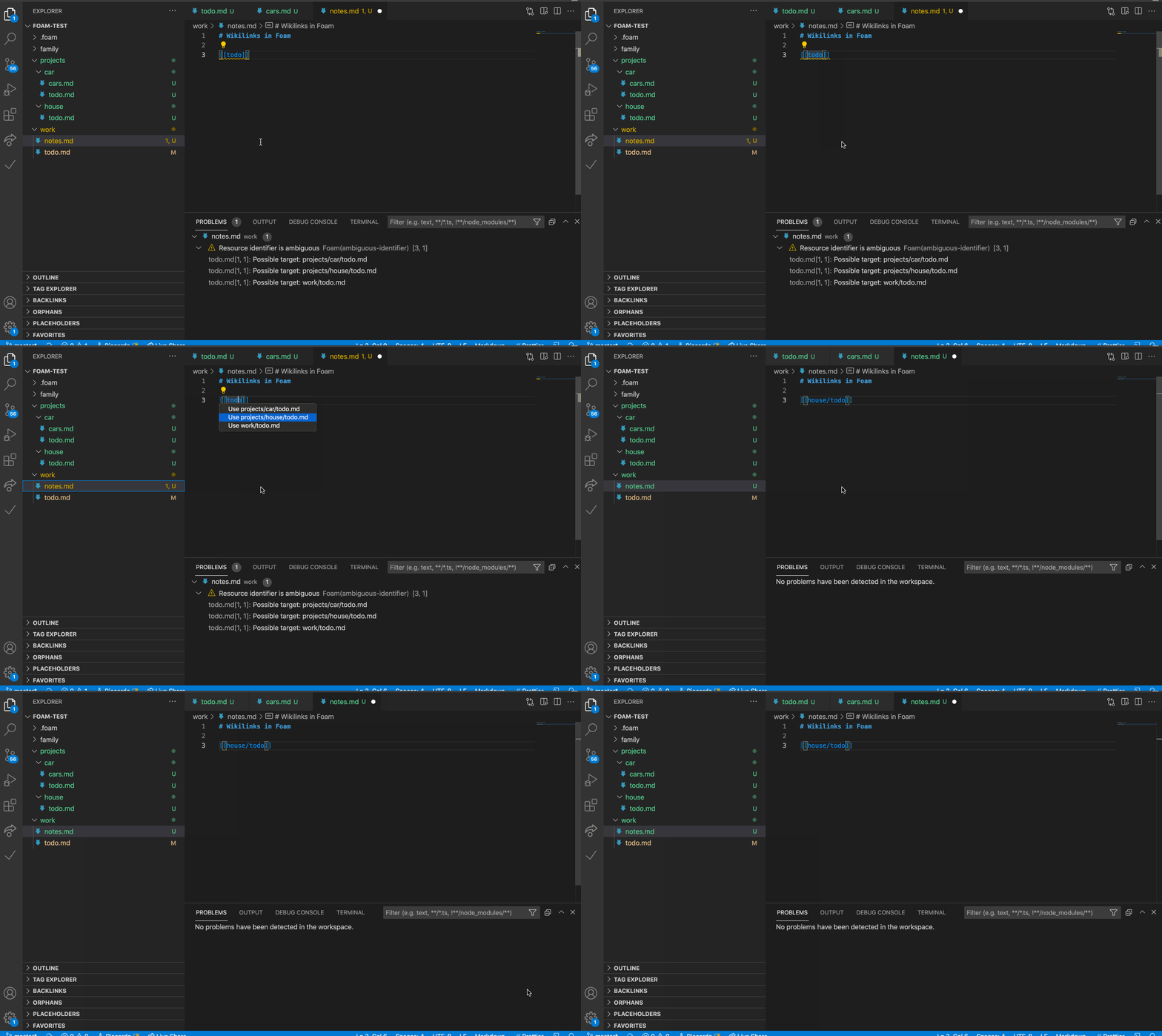
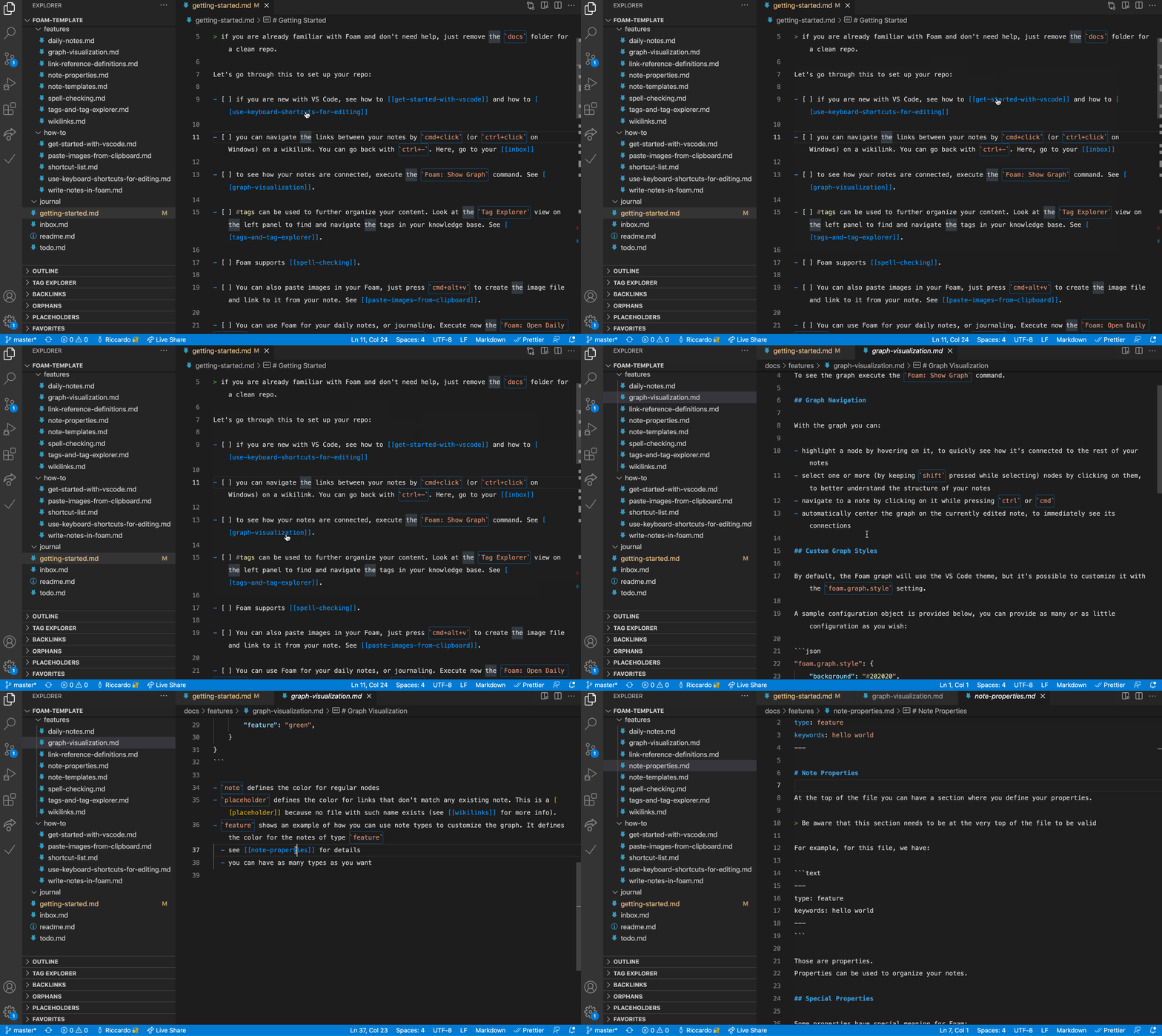
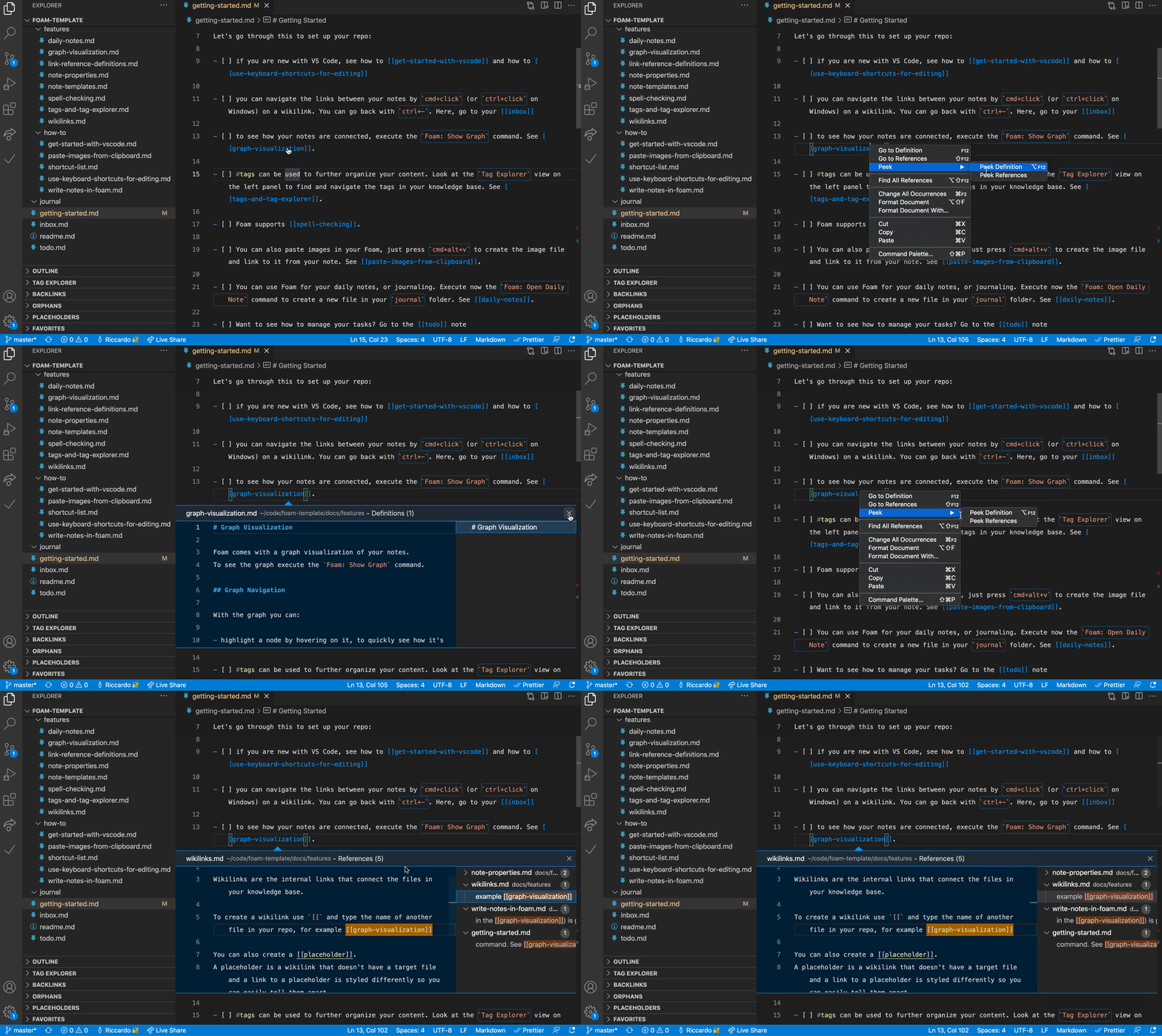
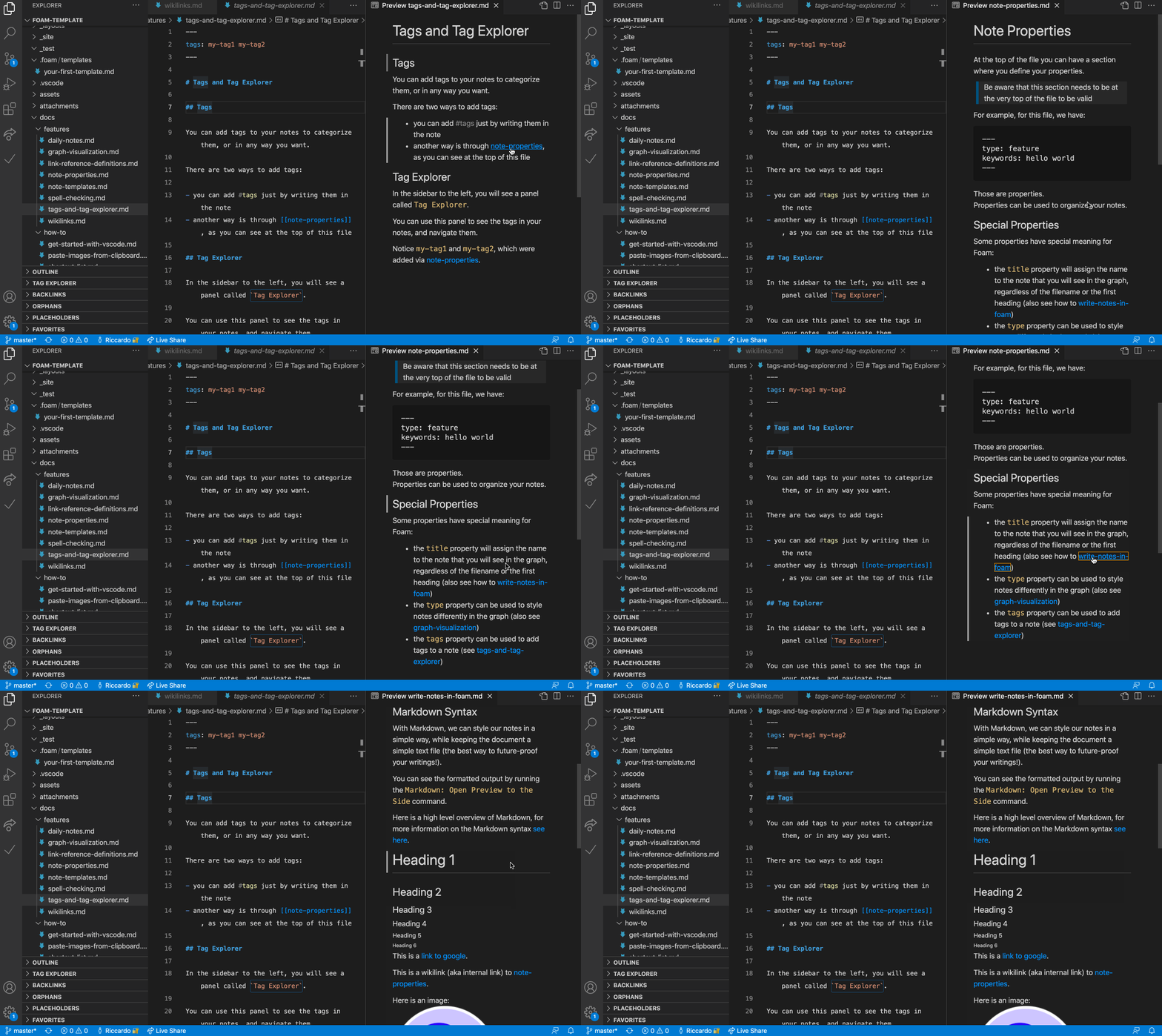
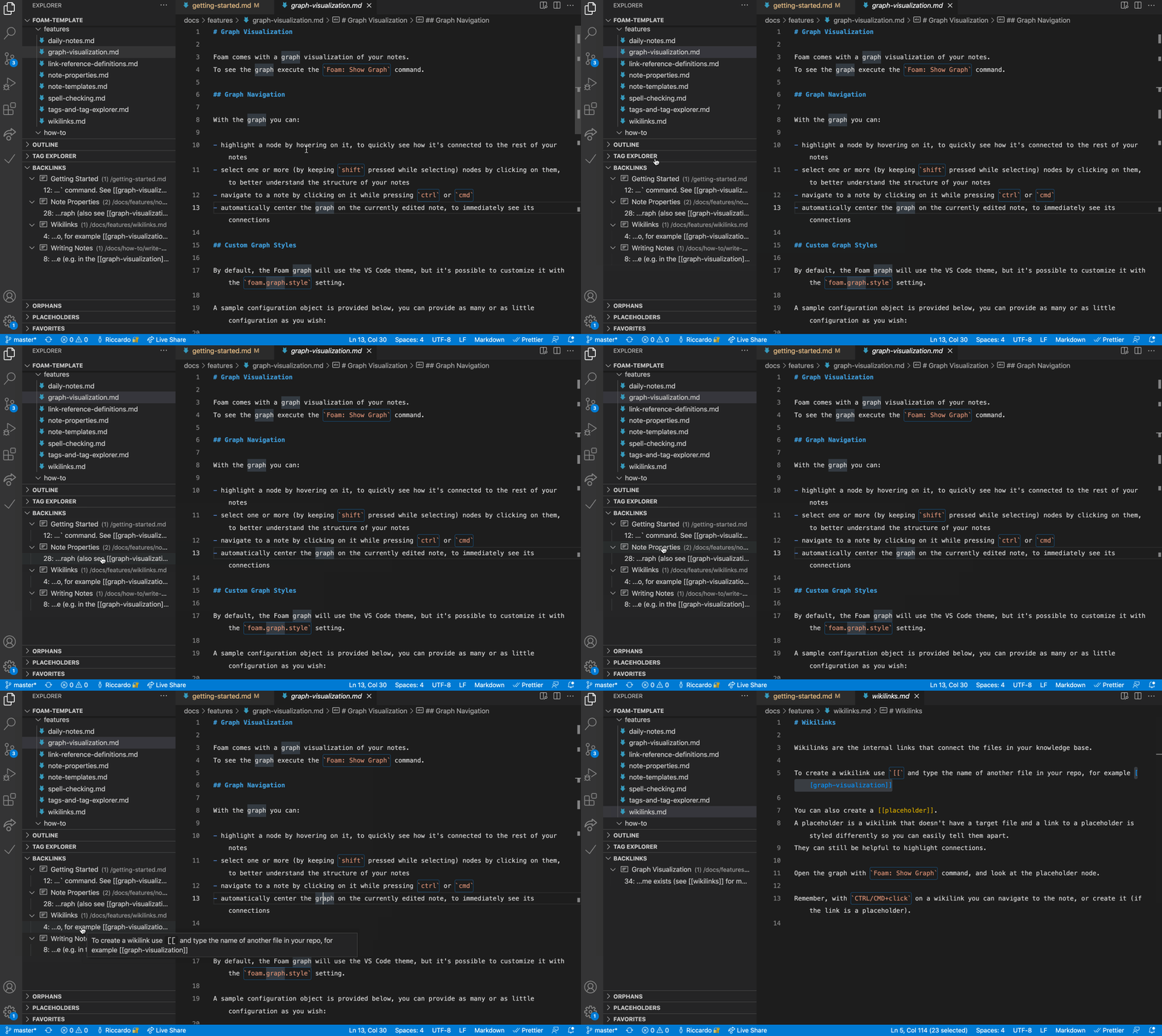
Notes use standard wiki-link syntax like [[note]] or [[note#Section]], with support for aliases ([[note|alias]]) and embedding content from other notes.What's in the Graph Visualization and Backlinks panel?The 'Foam: Show Graph' command renders your whole workspace as a connected graph, while the Backlinks panel shows every note referencing the one you're currently editing, with context and a preview.
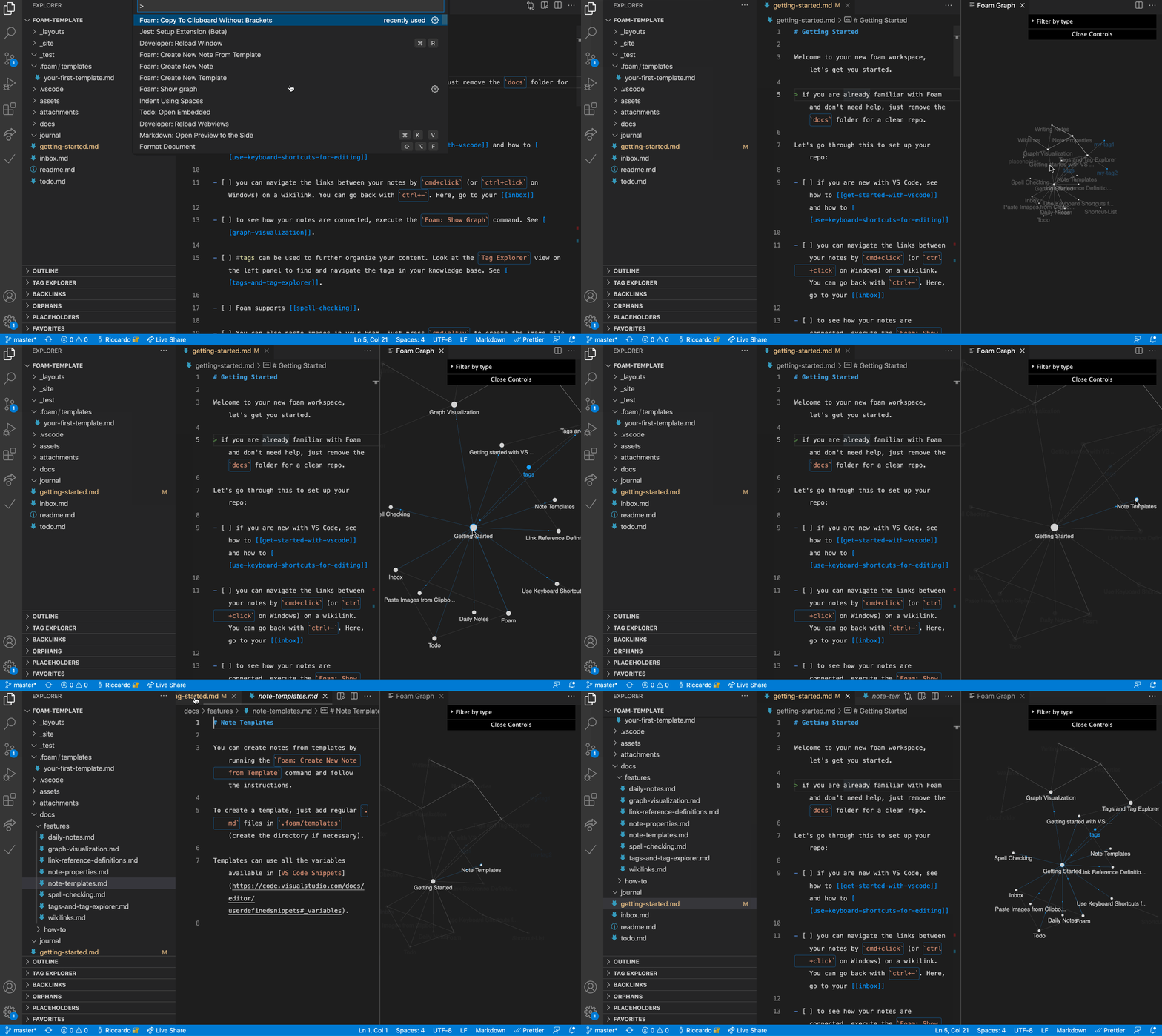
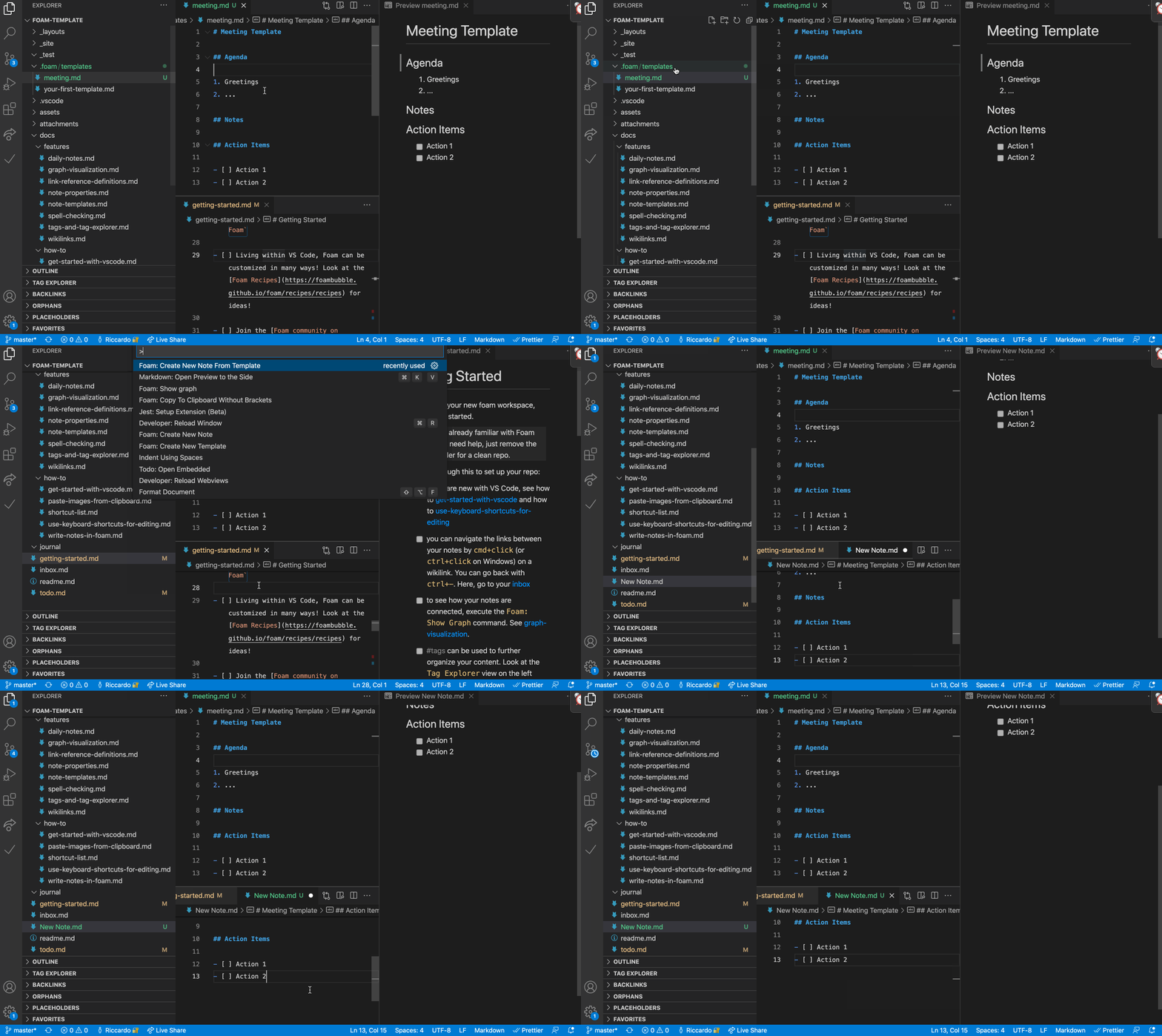
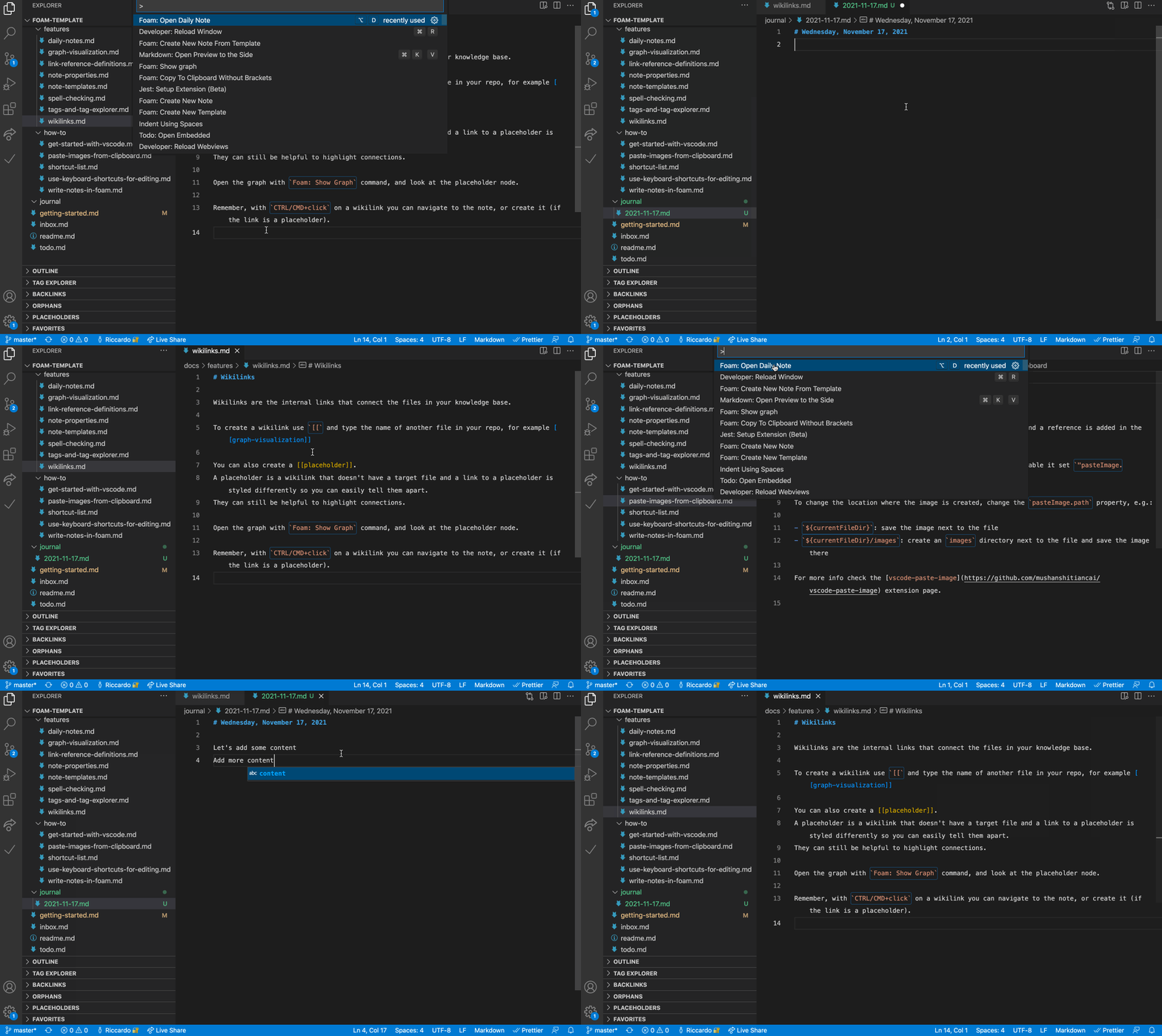
The 'Foam: Show Graph' command renders your whole workspace as a connected graph, while the Backlinks panel shows every note referencing the one you're currently editing, with context and a preview.Does Foam support daily journaling and templates?Yes, it has a daily-note feature for journaling and supports custom templates so you don't repeat boilerplate structure across notes.
Yes, it has a daily-note feature for journaling and supports custom templates so you don't repeat boilerplate structure across notes.What are similar projects?second-brain-os, Life-Compass-Obsidian-CN, open-knowledge, claude-obsidian, obsidian-mind, compass, obsidian-second-brain, PrivacyNotes.app
second-brain-os, Life-Compass-Obsidian-CN, open-knowledge, claude-obsidian, obsidian-mind, compass, obsidian-second-brain, PrivacyNotes.appWhich topics is it in?personal-knowledge-base, note-taking-app, notes-app, pkm, second-brain, markdown-editor, github-pages, obsidian, vscode-extension, knowledge-management, vscode, template
personal-knowledge-base, note-taking-app, notes-app, pkm, second-brain, markdown-editor, github-pages, obsidian, vscode-extension, knowledge-management, vscode, template